
MagicSlides.app AI PPT Maker
AI presentation generator that creates editable PowerPoint slides from text, PDFs, YouTube videos, and URLs in 136+ languages with Google Slides integration.
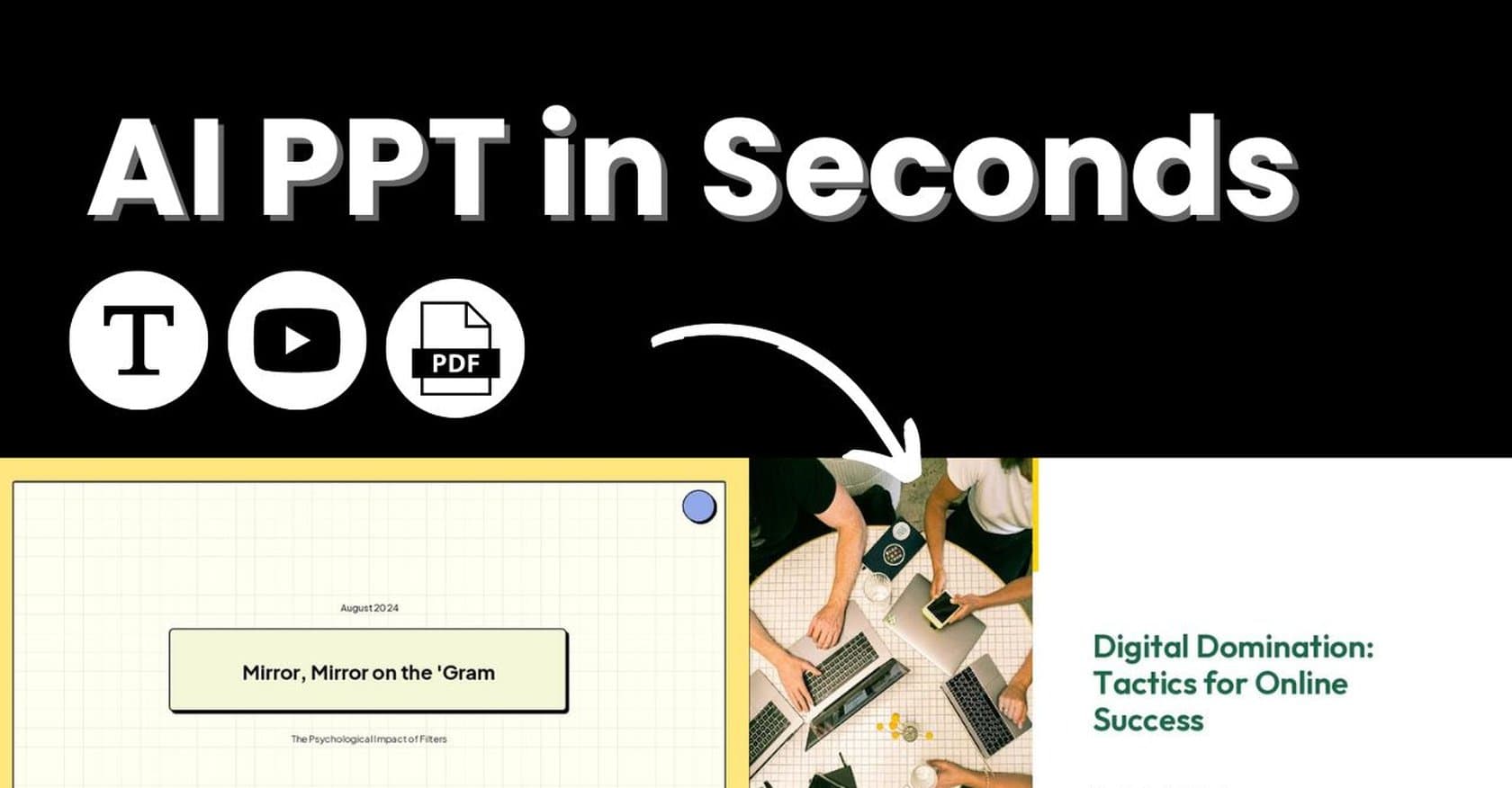
MagicSlides.app is an AI-powered presentation generator that transforms various input sources into polished, editable PowerPoint slides in seconds. Designed for professionals, educators, and teams who need rapid presentation creation, the tool accepts text prompts, PDFs, YouTube videos, URLs, and documents, then produces professional-grade slides with layouts, AI-generated visuals, and data sourced from Wikipedia or Google. With support for over 136 languages and the ability to handle inputs up to 100,000 characters on premium plans, MagicSlides addresses a critical pain point: the hours typically required to build presentations from scratch. The platform integrates with Google Slides, Figma, ChatGPT, Telegram, and Zapier, enabling seamless workflows for users already embedded in productivity ecosystems. Its AI Chat Assistant, dubbed AskPPT, allows users to rewrite content, adjust tone, and polish clarity directly within the generated slides. Whether you're a business professional crafting a pitch deck, an educator preparing lecture materials, or a student tackling assignments, MagicSlides promises to compress what used to take hours into a matter of seconds. Here's what you need to know before signing up.
Key Features
- Multi-Input Presentation Generation: Convert text prompts, PDFs, YouTube videos (up to 16 minutes), URLs, and documents directly into editable PowerPoint slides in a single operation.
- Multilingual Support (136+ Languages): Generate presentations in a vast array of languages, making it particularly valuable for global teams, international educators, and multilingual content creators.
- AI Chat Assistant (AskPPT): An integrated AI helper that rewrites content, adjusts tone, improves clarity, and helps polish slide text without leaving the platform.
- Visual Enhancement Options: Includes AI-generated images, Google Search images, and automatic data fetching from Wikipedia or Google to enrich slide content.
- Export Flexibility: Paid plans export watermark-free to PDF, PPTX, and Google Slides, with custom PowerPoint template support.
- Integration Ecosystem: Native connections to Google Slides, Figma, ChatGPT, Telegram, and Zapier enable automation and seamless handoffs to other tools.
- Image Cloning to Slides: Clone images directly into editable PPT slides, with limits varying by subscription tier.
- Custom Templates: Users can apply custom PowerPoint templates to maintain brand consistency across presentations.
Pricing & Plans
MagicSlides operates on a freemium model with four tiers. The Free plan offers 3 presentations per month with a 30-slide maximum and watermark on exports, suitable only for casual testing. The Essential plan at $80 per year ($6.7/month) provides 10 presentations monthly and unlocks higher character limits. The Pro plan at $149 per year ($12.4/month) increases the allocation to 50 presentations monthly and enables video-to-PPT conversion up to 16 minutes. The Premium plan at $279 per year ($23.3/month) delivers unlimited standard presentations plus 50 premium presentations with the highest character limits (100,000 characters) and maximum image cloning capabilities. The yearly pricing represents significant discounts compared to monthly billing. Compared to alternatives like Plus AI (which offers unlimited generations) and Beautiful.ai (which uses a different pricing structure), MagicSlides provides competitive value, though power users requiring unlimited generation may find the Premium tier cost additive over time.
Pros & Cons
What works well:
- Rapid slide generation from diverse sources (text, PDF, video, URLs) dramatically reduces creation time
- Exceptional multilingual support with 136+ languages enables truly global usage
- Seamless Google Slides integration facilitates real-time collaboration workflows
- Generous free tier allows meaningful evaluation before committing financially
- AskPPT AI Assistant provides convenient in-platform content refinement
- Affordable yearly pricing with substantial discounts makes professional features accessible
- High character limits on Premium (100k chars) accommodate detailed, data-rich presentations
Where it falls short:
- Free tier imposes watermarks and strict limits (3 presentations, 30 slides max) that hinder serious testing
- Character and input limits on lower tiers restrict complex or lengthy deck creation
- Generated slides occasionally require manual alignment and formatting tweaks
- Essential and Pro tiers lack unlimited generation, unlike some competitor offerings
- Premium features such as high-volume image cloning are locked behind the top-tier subscription
Who It's For
MagicSlides serves a broad audience across professional, educational, and personal contexts. Business professionals and marketers will benefit most from rapid pitch deck creation and the ability to quickly visualize data from URLs or documents. Educators and students can leverage the multilingual support and quick turnaround for lecture slides, course materials, and academic presentations. Teams requiring quick turnaround on internal presentations or client deliverables will appreciate the Google Slides integration for collaboration. The tool is particularly well-suited for users who work across multiple languages or need to rapidly prototype presentation concepts. However, users requiring unlimited generation without careful plan management may find the tiered limits constraining, and those seeking fully automated, publication-ready output without any manual adjustments should temper expectations.
The Bottom Line
MagicSlides delivers genuine time savings for presentation creation across multiple input types, with solid multilingual capabilities and useful AI assistants that streamline content refinement. The free tier provides enough runway to evaluate core functionality, while the Pro and Premium plans offer meaningful capacity for regular users at reasonable yearly rates. Compared to alternatives like Plus AI (better for unlimited Google Slides generation) or Gamma App (stronger for AI-native design), MagicSlides excels in input flexibility and language coverage. Professionals, educators, and teams who need quick drafts and collaborative workflows will find strong value here, particularly those already embedded in the Google ecosystem. Power users should carefully calculate their monthly presentation needs against tier limits to ensure the Premium plan's cost is justified.