Cutout.ProFreemium
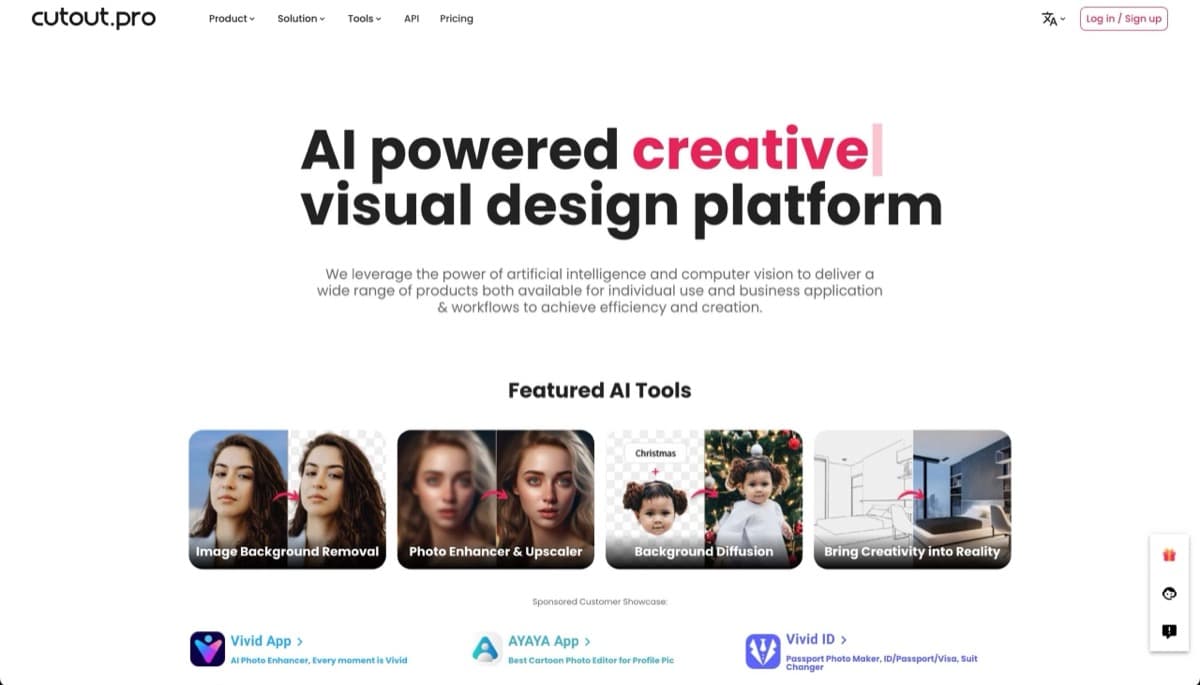
AI-powered visual design platform excelling in automatic background removal with additional photo enhancement, object removal, and creative generation tools for content creators and e-commerce.
background-removalphoto-enhancement
Browser-based AI photo editing tool with automatic enhancements, background removal, object cleanup, and upscaling to 8K. Free tier available.
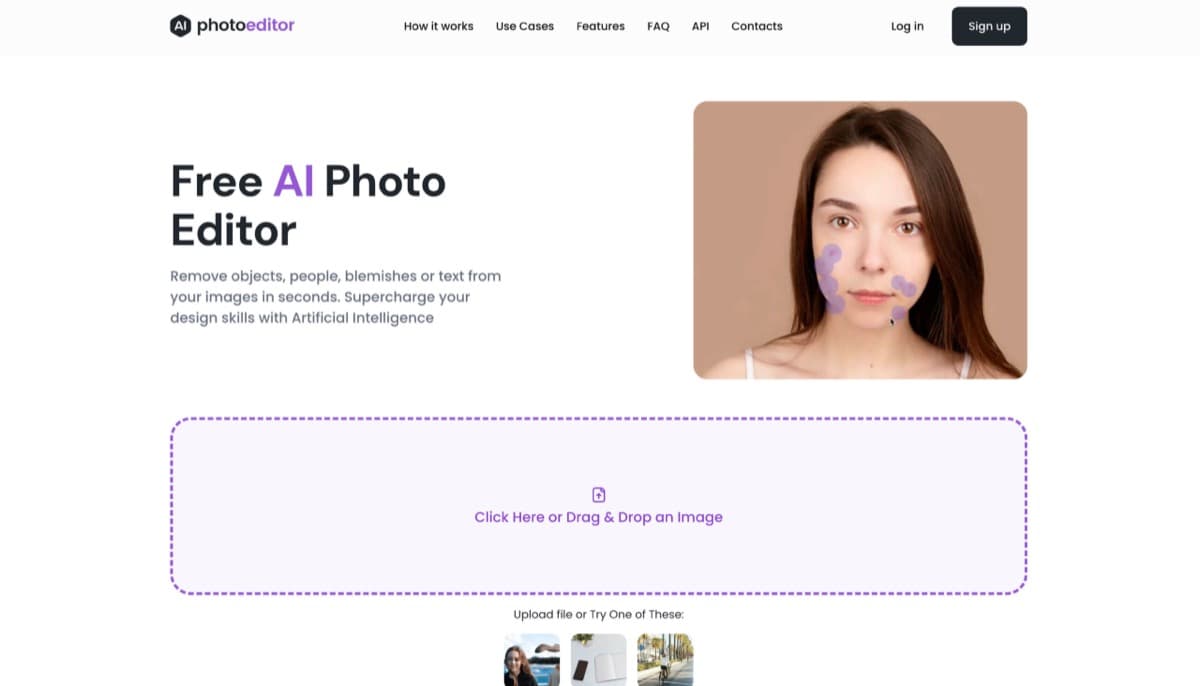
PhotoEditor AI is a browser-based AI photo editing platform that transforms and enhances images without requiring design skills or software downloads. Running entirely in web browsers on both desktop and mobile devices, this tool leverages advanced AI models to automate complex editing tasks through an intuitive interface. Users can upload images in multiple formats including JPG, PNG, HEIC, and WEBP (up to 15MB) and apply various AI-powered enhancements automatically. The platform targets photographers, content creators, social media managers, marketers, and e-commerce professionals who need professional-quality results quickly without investing time in learning complex software like Photoshop. What sets PhotoEditor AI apart is its emphasis on accessibility—complex edits that previously required technical expertise can now be completed in just a few clicks. The tool operates on a freemium model, offering a functional free tier while reserving advanced capabilities for paid subscribers. Here's what you need to know before signing up.
PhotoEditor AI operates on a freemium model with a surprisingly capable free tier. Free users gain access to the Photo Enhancer, Detailer, Object Remover, and Background Remover tools—enough for many common editing tasks without spending any money. The Pro subscription unlocks the more advanced capabilities including AI Upscale (4K and 8K resolution), AI Inpaint, AI Expand, and the Image Generator, along with higher quality downloads. While specific pricing isn't prominently displayed on the website, Pro plans typically start in the range of similar AI editing tools (around $9-15/month for comparable features). The lack of transparent pricing on the main site is a minor friction point for potential subscribers. Compared to alternatives like Adobe Firefly or Picsart, the free tier offers competitive functionality, though heavy users will likely need the Pro plan for unlimited access to upscaling and generation features.
What works well:
Where it falls short:
PhotoEditor AI is best suited for content creators, social media managers, and small business owners who need quick, professional-looking edits without investing in expensive software or learning complex tools. It's particularly valuable for e-commerce sellers who need to remove backgrounds from product photos or upscale images for listings. Social media users will appreciate the speed and simplicity for creating polished posts. Beginners and non-technical users will find the intuitive interface welcoming, while more advanced users may occasionally feel limited by the automated approach. Photographers looking for quick batch processing or fine-grained control might prefer more professional alternatives. The tool strikes a strong balance between capability and accessibility for anyone who needs quality results fast.
PhotoEditor AI delivers solid value as a browser-based AI editing tool, offering impressive capabilities without requiring software installation or steep learning curves. The free tier is genuinely useful for basic tasks, while Pro subscribers get access to powerful upscaling and generation features that compete with more expensive alternatives. The main weaknesses are the opaque pricing and limited information about privacy policies, which potential users should clarify before uploading sensitive images. For casual users, content creators, and small businesses seeking quick professional edits, PhotoEditor AI is worth trying—the free tier alone provides meaningful value, and the Pro upgrade offers meaningful capabilities for those who need them.
AI-powered visual design platform excelling in automatic background removal with additional photo enhancement, object removal, and creative generation tools for content creators and e-commerce.
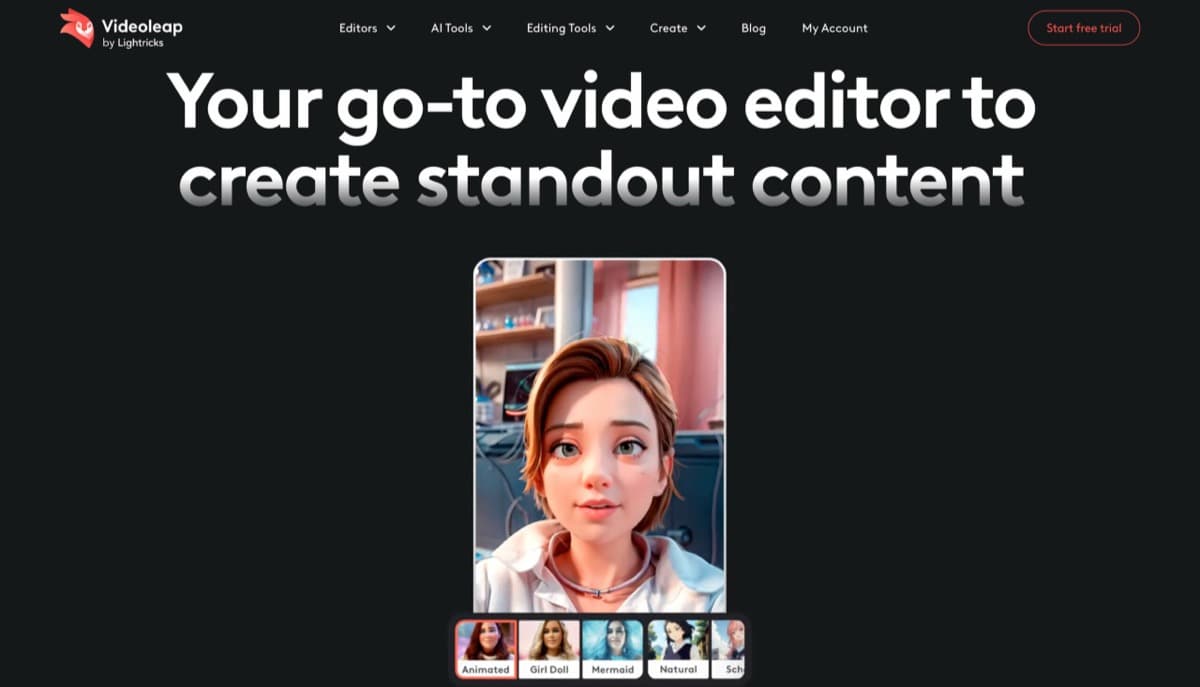
Mobile AI video editor by Lightricks with powerful AI tools (object removal, infinite zoom, background replacement) and templates for social media creators.
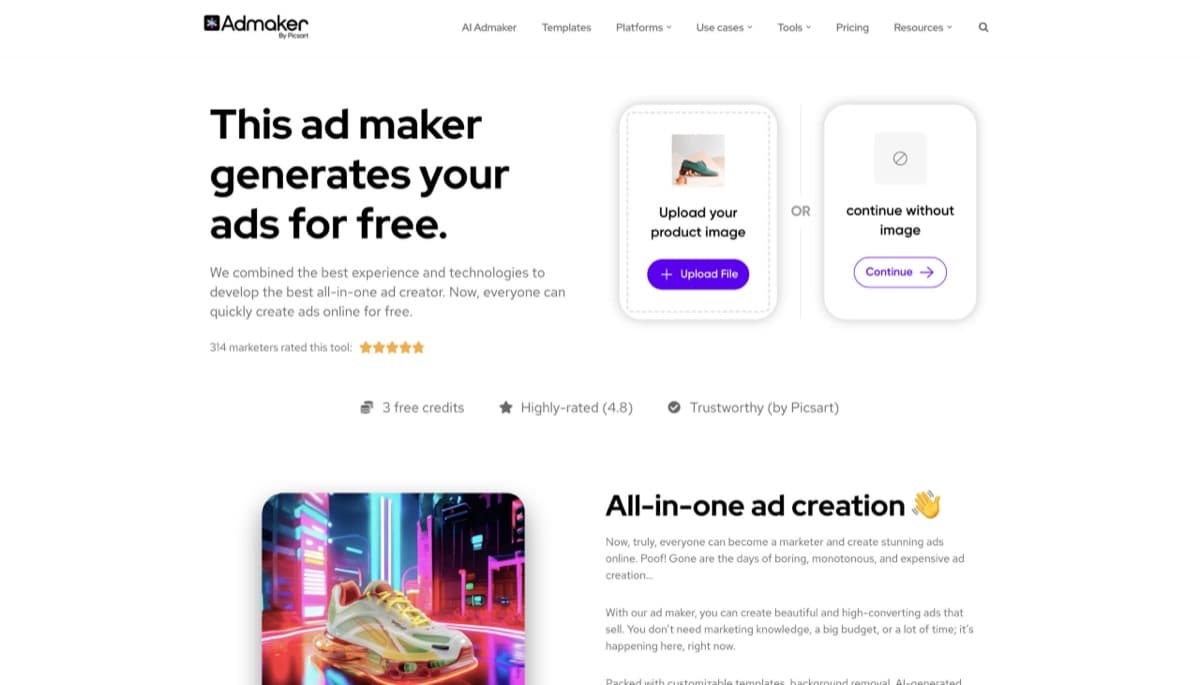
AI-powered ad creation platform enabling businesses to generate professional social media ads in ~1 minute with text-to-image generation, background removal, and multi-platform export.
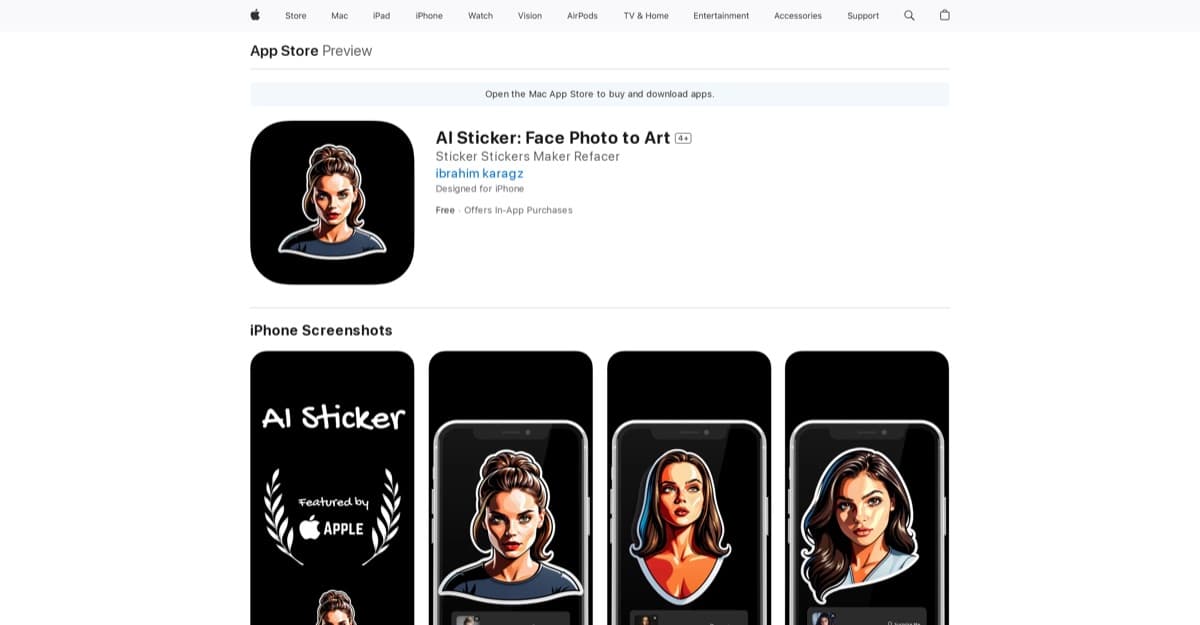
AI-powered tool that converts face photos into transparent PNG stickers in seconds, ideal for WhatsApp, Instagram, and messaging apps.
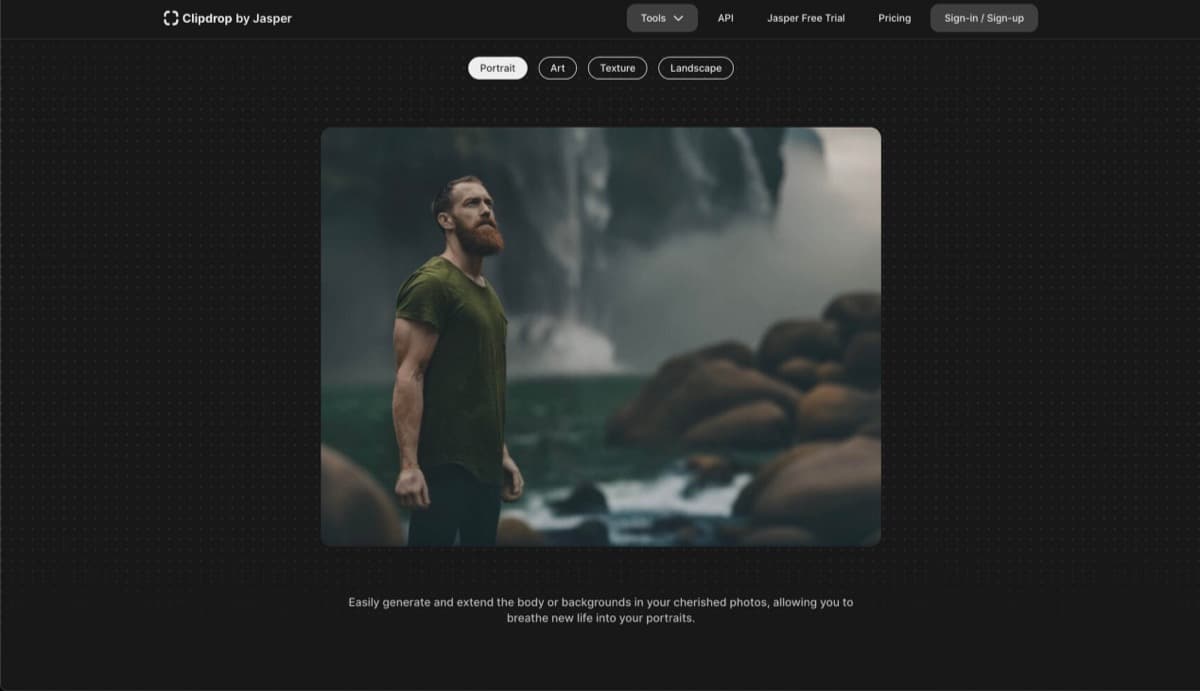
AI-powered image editing suite combining Stable Diffusion XL generation with professional tools like background removal, upscaling, and cleanup in an accessible browser-based platform.
A browser-based AI image platform for creative teams, featuring real-time collaboration, unlimited generations on paid plans, and commercial licensing.
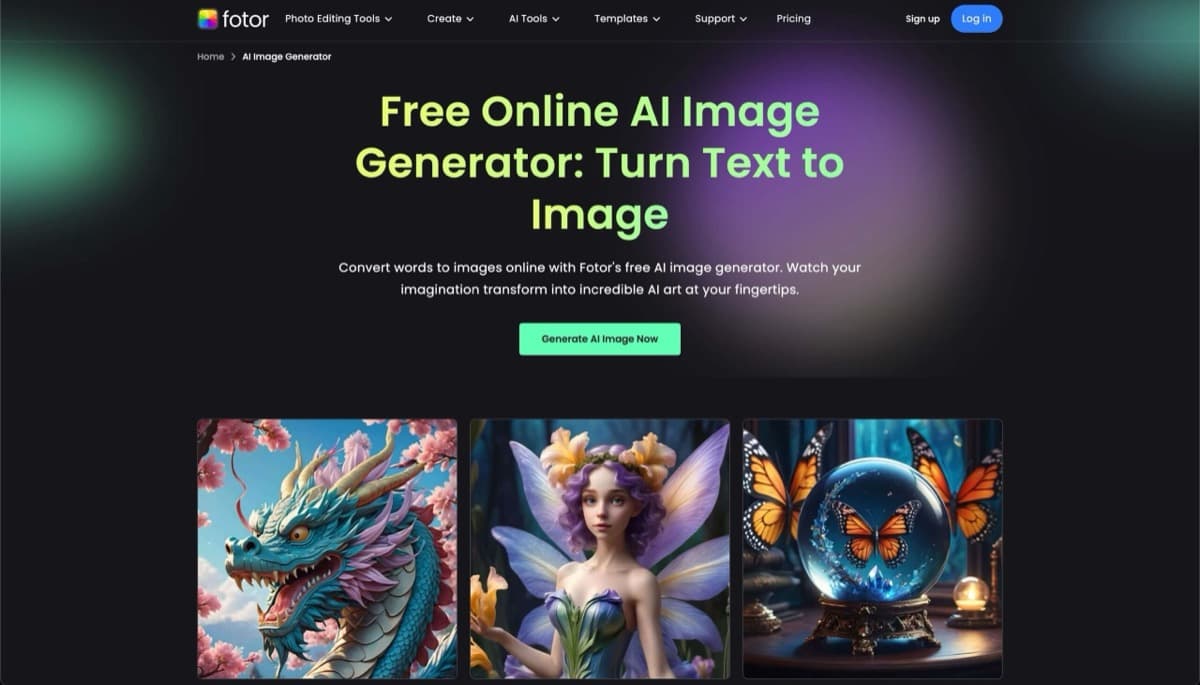
AI-powered text-to-image tool integrated with Fotor's design suite, offering affordable generation with editing capabilities for creators and marketers.
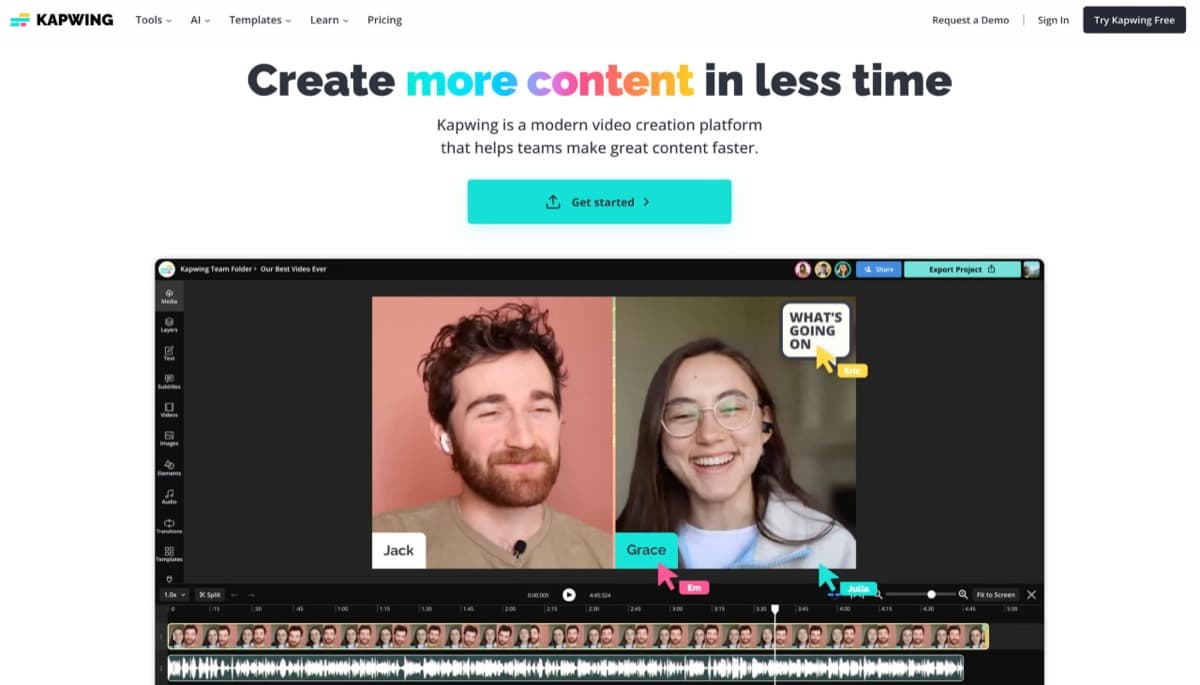
Browser-based AI video editing platform that transforms text and images into professional videos in under 60 seconds, featuring AI assistance, automatic subtitles, and team collaboration.