BasedLabsFreemium
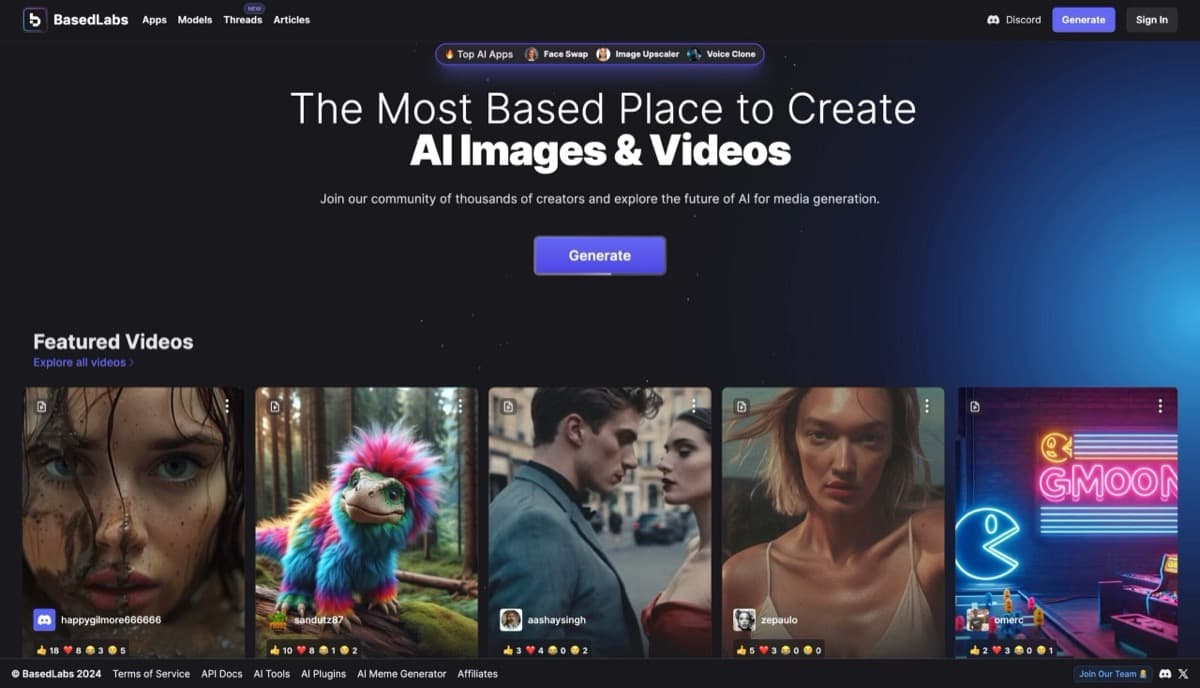
Web-based AI platform for generating images, videos, and audio using Stable Diffusion models with face swapping, voice cloning, and social media tools.
face-swapimage-upscaling
Affordable AI image generator with 20+ Stable Diffusion models, fast GPU rendering, and NSFW support starting at just $0.0015 per image.
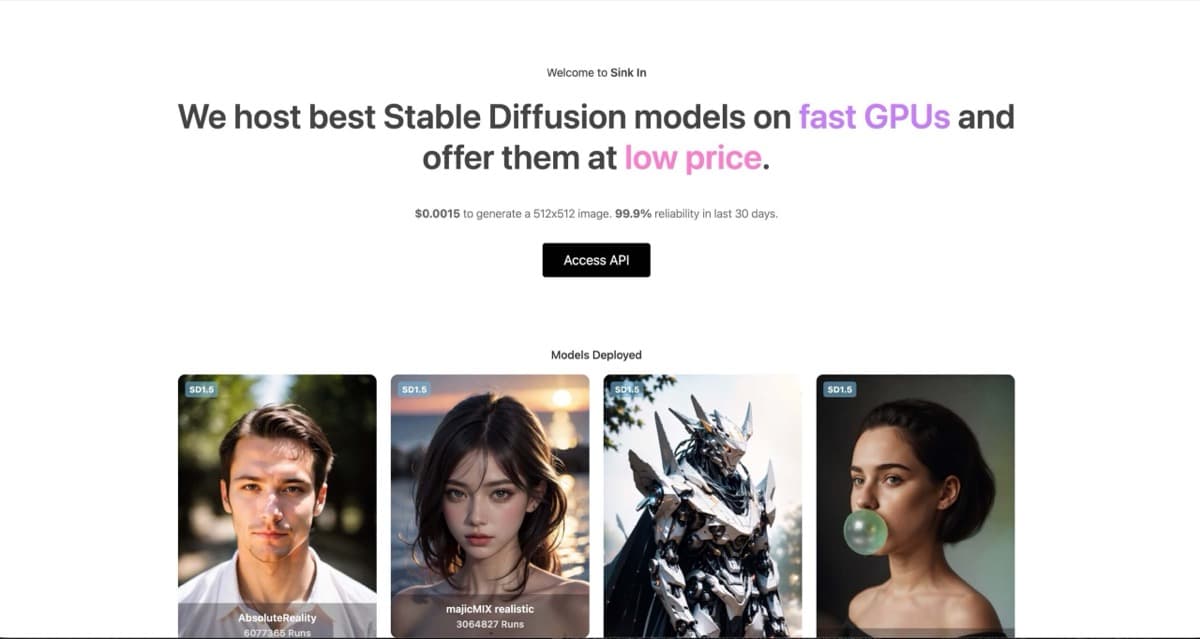
Looking for an AI image generator that won't bankrupt you but still delivers jaw-dropping results? Sinkin.ai might just be the secret weapon you've been hunting for. This platform hooks you up with over 20 Stable Diffusion models running on lightning-fast GPUs, all at a price that'll make you do a double-take — we're talking as low as $0.0015 per 512x512 image. That's practically free for professional-grade outputs.
Whether you're into hyper-realistic portraits, anime beauties, 3D renders, or edgier adult content, Sinkin's got models optimized for nearly every aesthetic. DreamShaper, AbsoluteReality, majicMIX realistic, epiCRealism — these aren't just buzzwords, they're powerhouses in the AI art world. And with features like Hi-Res Fix upscaling pushing images beyond 896x896 pixels, your creations can go from screen-ready to print-quality without breaking a sweat.
The interface keeps things simple: Google or email login, pick your model, tweak your parameters, and boom — your image's ready in 30-90 seconds with a claimed 99.9% reliability. No subscriptions, no monthly fees, just pay-as-you-go credits. Developers even get API access for building apps on top of it. I've tested it thoroughly — here's the unfiltered truth.
Sinkin keeps it refreshingly simple: a credit-based pay-per-use system with no subscriptions or monthly commitments. New users get starter credits to kick the tires and see what the platform can do. Once those are gone, you purchase credits at $0.0015 per standard 512x512 image — and yes, that decimal isn't a typo. Higher resolutions and quality settings consume more credits, which is fair since they demand more GPU horsepower. There's no unlimited plan, so heavy users will need to keep an eye on their credit balance. For casual creators or those just experimenting, this model is ideal — you only pay for what you use. For professional workflows needing constant generation, the lack of a subscription might feel limiting, but the per-image cost remains competitive even at scale.
Pros:
Cons:
For those exploring adult AI content, Sinkin doesn't pull punches. The platform supports explicitly NSFW models including Babes 2.0 and Juggernaut XL v10 NSFW variant, giving creators access to the tools needed for mature-themed artwork without jumping through hoops or hunting for gray-market alternatives. This positions Sinkin as a viable option for adult content creators, fantasy artists, and anyone whose creative vision doesn't fit neatly into mainstream AI platforms' content policies.
Regarding privacy, Sinkin operates on standard cloud infrastructure with user accounts tied to email or Google logins. As with any cloud-based AI service, generated images may be stored server-side for processing purposes. For sensitive projects, reviewing their full privacy policy is recommended, but the platform doesn't appear to aggressively monetize or publicize user creations.
Sinkin.ai serves a broad creative audience. Digital artists and illustrators will appreciate the model variety and quick iteration times for concept work. Content creators needing social media visuals or marketing assets can generate what they need without hiring designers. Game developers can rapidly prototype character designs and environments. And for those in the adult entertainment space — modelers, artists, content producers — the NSFW model support makes Sinkin a legitimate tool rather than a workaround.
Because there's no subscription barrier, it's also accessible to hobbyists and curious newcomers who want to explore AI image generation without financial commitment. Developers building AI-powered applications will find the API valuable for integrating generation capabilities directly into their products.
Sinkin.ai delivers where it counts: quality outputs at virtually unbeatable prices. The model variety is impressive, the interface is clean, and the lack of subscription pressure is a breath of fresh air in a world of monthly fees. Yes, the credit system requires management, and the batch limits can frustrate power users, but for most creators, these are minor quibbles. If you want professional-grade AI art without the premium price tag — and especially if you need adult content capabilities — this is absolutely worth your time. Head to sinkin.ai, grab those starter credits, and see what you can create.
Web-based AI platform for generating images, videos, and audio using Stable Diffusion models with face swapping, voice cloning, and social media tools.
AI-powered visual design platform excelling in automatic background removal with additional photo enhancement, object removal, and creative generation tools for content creators and e-commerce.
Midjourney is a leading AI image generator known for creating stunning, artistic visuals from text prompts. Best for professional artists and designers seeking high-quality creative imagery.
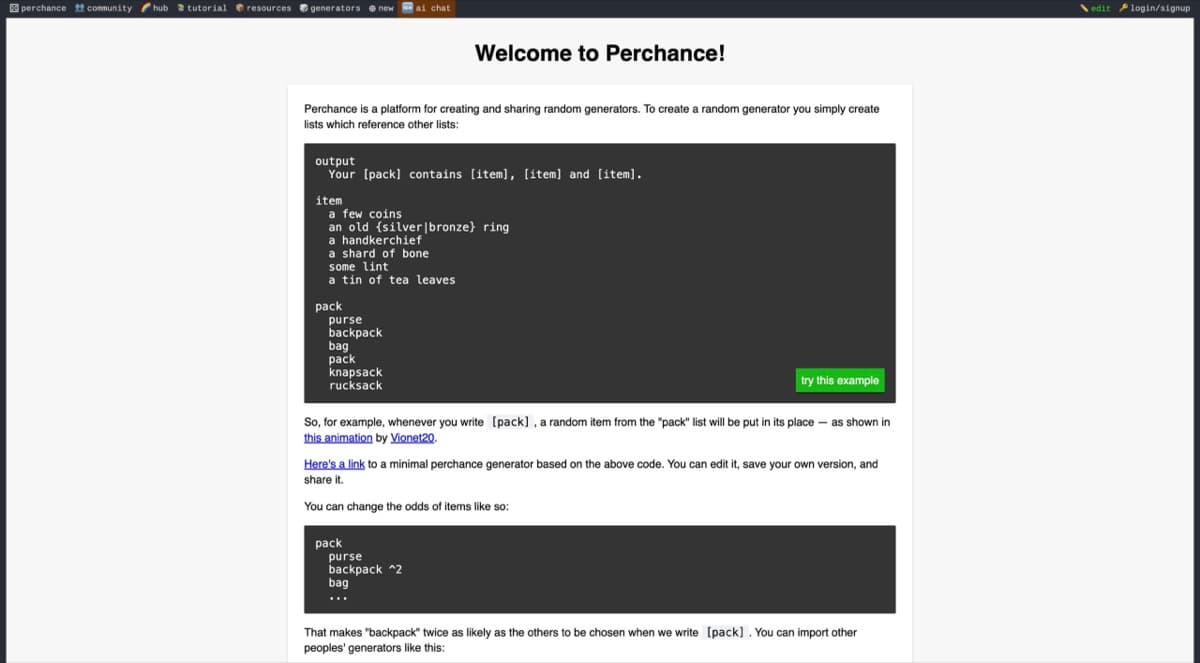
Free browser-based platform for building customizable AI generators for text, images, characters, stories, and interactive RPG content without sign-up or limits.