GlingFreemium
AI-powered video editing tool that automates silence removal, filler word deletion, and transcript-based editing for talking-head content creators.
youtube-editingvideo-editing
Browser-based video editing platform with AI tools for social media creators, offering free 1080p export and Pro plans from $7.99/month.
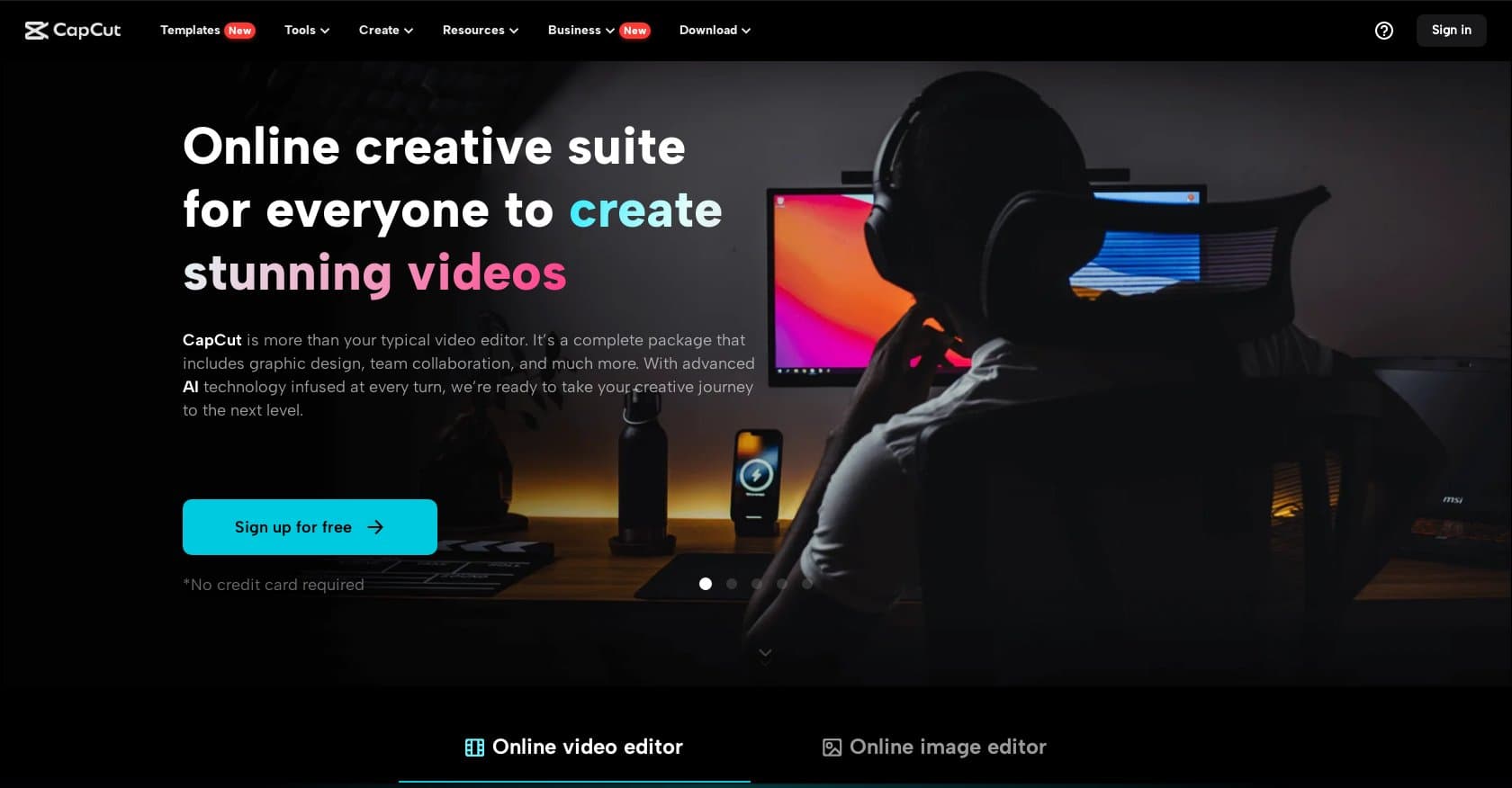
CapCut Online Creative Suite is a browser-based video editing platform developed by ByteDance that enables creators to produce professional-quality videos without installing software. Targeting social media content creators, marketers, and small businesses, it combines an intuitive interface with AI-powered tools including auto-captions, background removal, motion tracking, and noise reduction. The platform supports full editing workflows—trimming, cropping, speed adjustments, chroma key, transitions, and color grading—alongside extensive libraries of templates, music, fonts, and effects. Users can export in up to 4K resolution with HDR support on Pro plans, while the free tier provides 1080p export with watermarks. The service operates on a freemium model, with Pro subscriptions starting at $7.99/month and team plans at $24.99 per user monthly. Here's what you need to know before signing up.
CapCut operates a freemium model with three tier options. The Free tier provides basic editing capabilities with 1080p export, though outputs include watermarks and premium assets remain locked. Pro plans range from $7.99-$9.99 per month or $74.99-$89.99 annually, unlocking unlimited high-quality exports, 100GB cloud storage, priority rendering, watermark removal, and commercial licensing. Team plans cost approximately $24.99 per user monthly, supporting collaborative workflows for small teams up to 4 members. A 3-day Pro trial allows users to test premium features before committing. Pricing varies by region and platform, which has caused some confusion among users. Compared to competitors like Adobe Express ($9.99/mo) and Premiere Rush ($9.99/mo), CapCut's Pro tier offers competitive value, though VEED.io and Canva Video Editor provide similar freemium models worth considering.
What works well:
Where it falls short:
CapCut Online Creative Suite is ideally suited for beginners and social media creators producing TikToks, Reels, and YouTube Shorts who need professional-looking results without steep learning curves. Small businesses and SMBs seeking quick branded content will appreciate the template libraries and AI automation. The platform excels for casual to semi-pro editors who prioritize convenience and mobile-to-web workflows. However, professional video editors requiring 4K performance without browser limitations, or teams larger than four members needing robust collaboration, may find the platform restrictive. Those requiring advanced color grading or professional-grade color science might prefer desktop alternatives like DaVinci Resolve.
CapCut Online Creative Suite delivers impressive value as a free option for social media creators, though the watermark and 1080p limitations on the free tier eventually push serious users toward Pro. At $7.99-$9.99 monthly, it undercuts competitors while offering competitive AI features and asset libraries. The platform shines for its target audience—beginners and social creators needing fast, accessible video editing without learning complex software. However, browser performance constraints and limited team features mean professional editors or larger teams may need to look elsewhere. For those prioritizing ease of use and AI-enhanced editing over raw power, CapCut remains a top contender in the browser-based video editing space.
AI-powered video editing tool that automates silence removal, filler word deletion, and transcript-based editing for talking-head content creators.
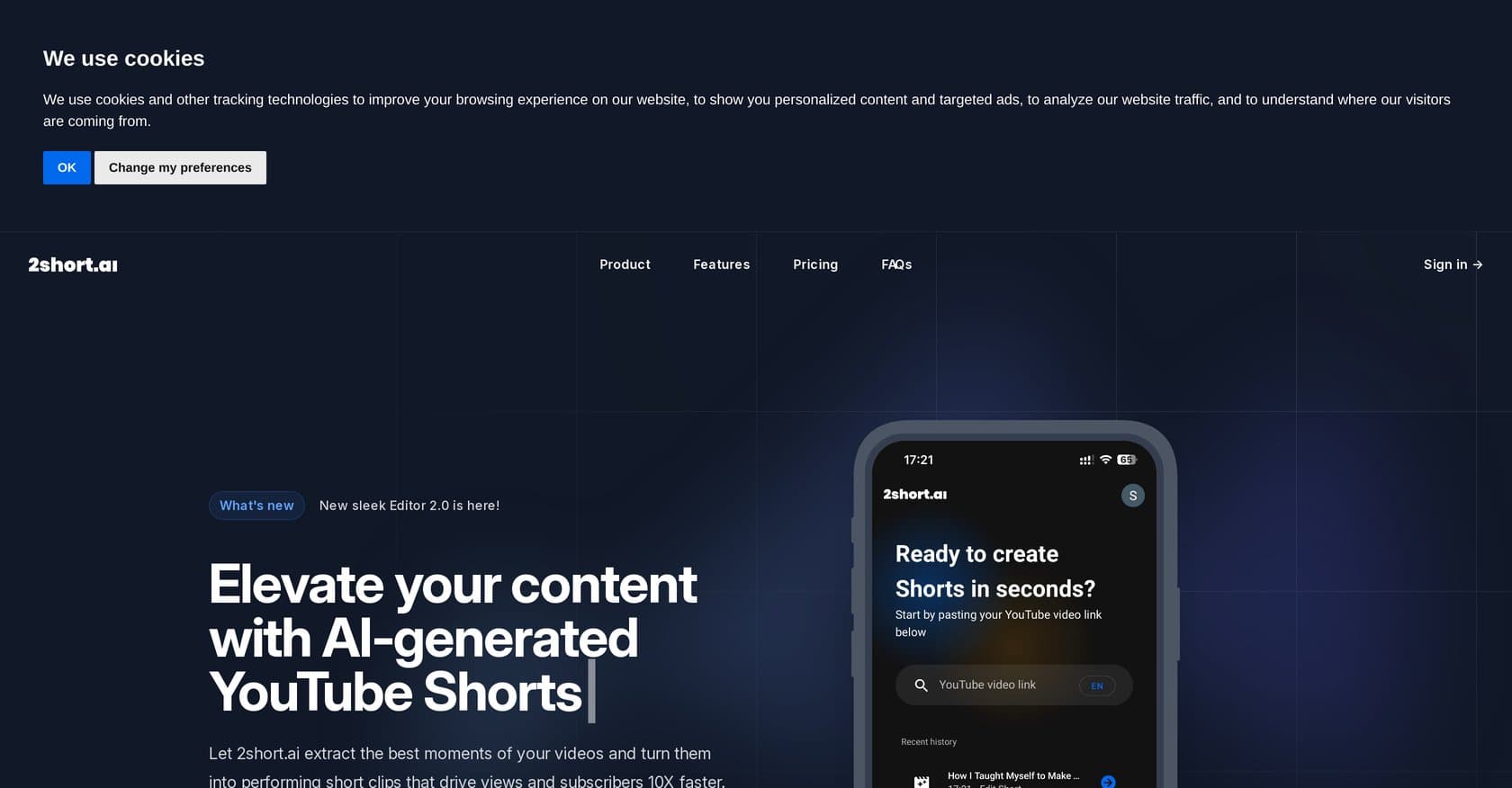
AI-powered platform that automatically converts long-form YouTube videos into short clips for Shorts, Reels, and TikTok with speaker framing, captions, and 1080p exports.
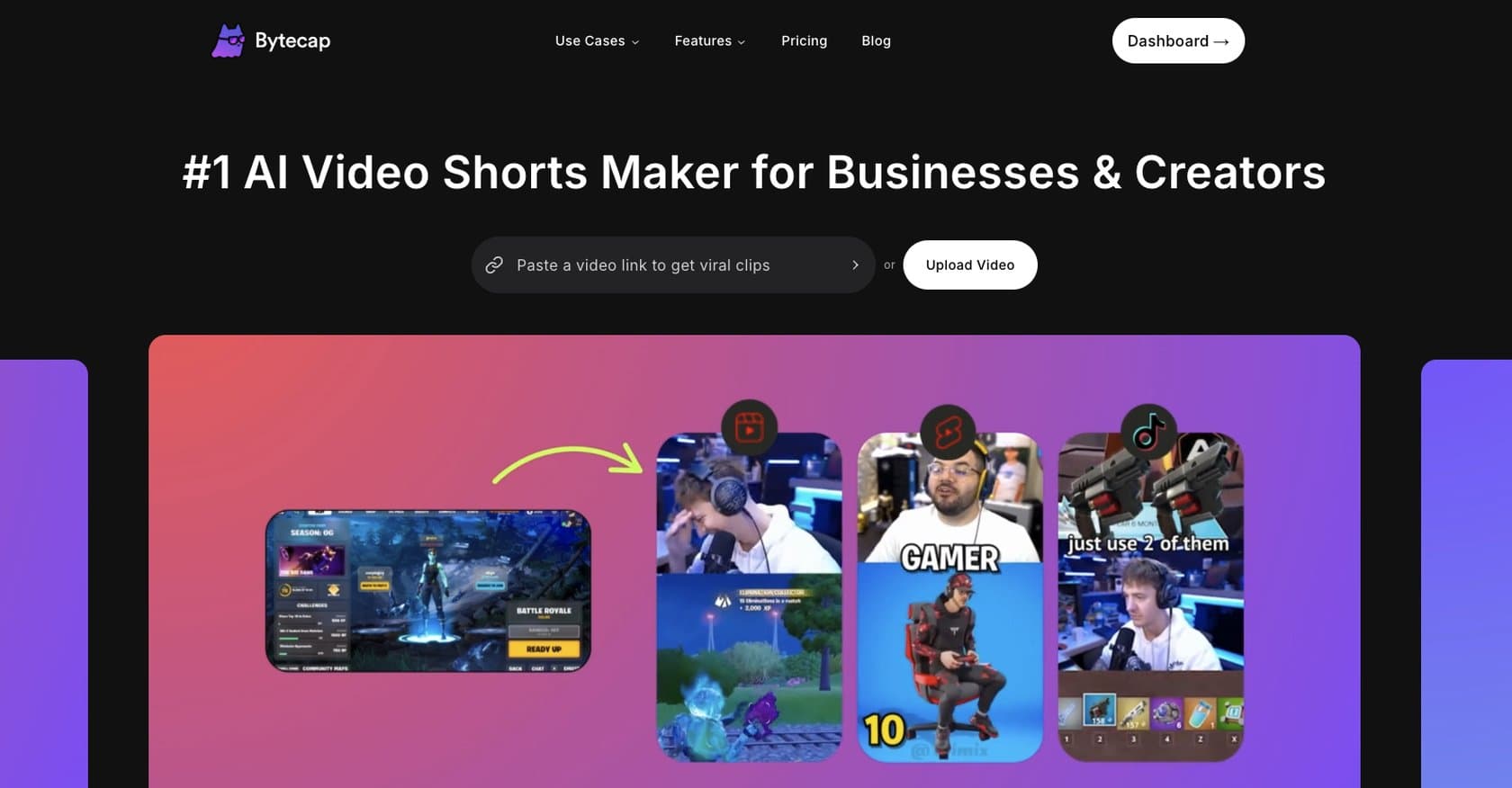
AI-powered video editing platform for short-form content with automated captions, clip extraction, and multi-platform optimization. Ideal for creators without editing experience.
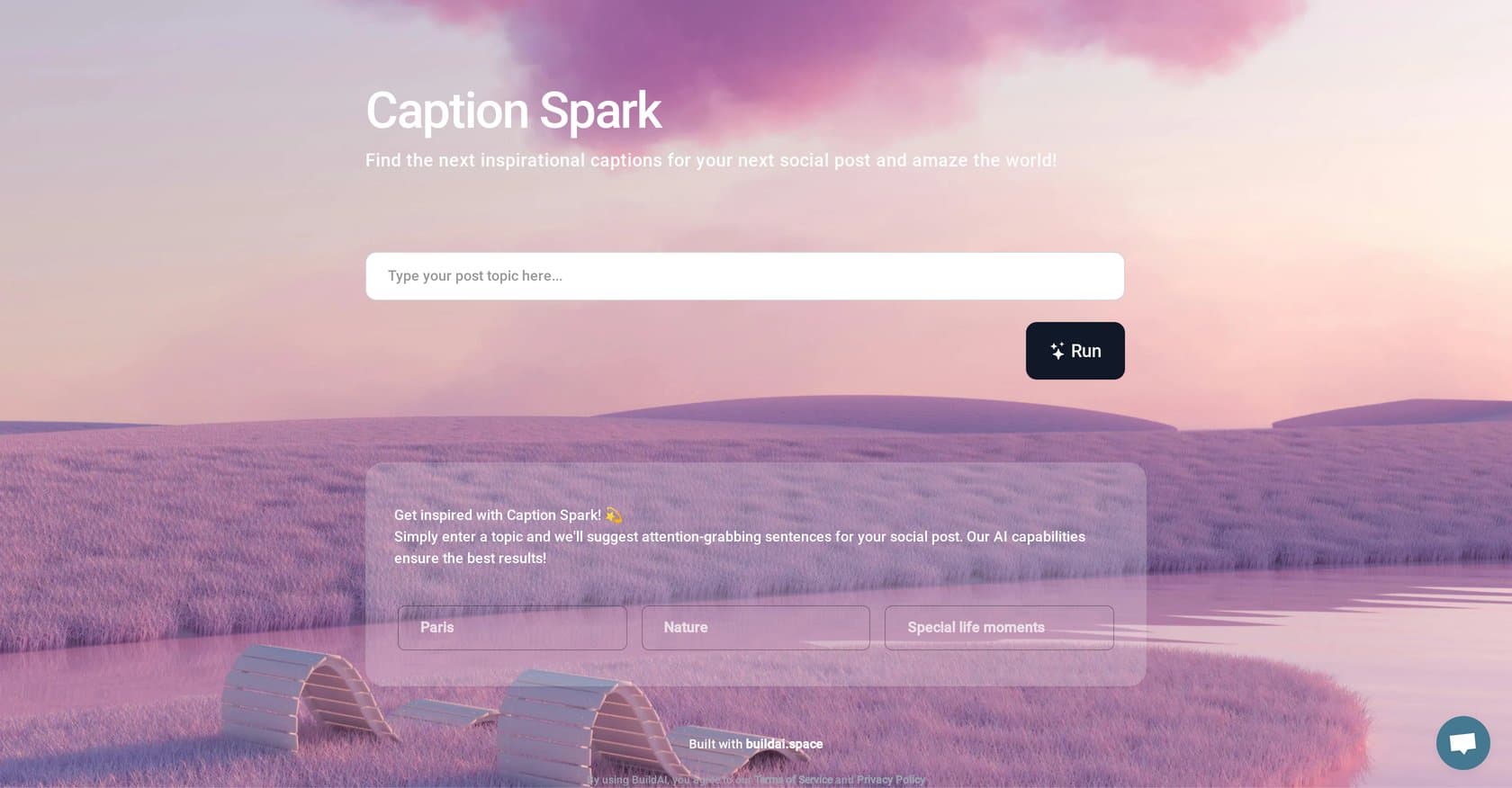
Caption Spark is an AI-powered tool from BuildAI.space that generates engaging, platform-optimized captions for Instagram, Facebook, and Twitter. Ideal for influencers, marketers, and small business owners seeking quick, quality caption suggestions without the time investment of manual writing.
AI writing tool that humanizes machine-generated text to bypass detection, created by a book coach for authors, students, and creative writers seeking undetectable prose.
AI-powered tool that automatically generates captions for images and videos using image recognition and NLP, ideal for social media, e-commerce, and content marketers.
A powerful 26-in-1 AI browser extension that integrates ChatGPT, Claude, Gemini, and other models directly into websites like Gmail, LinkedIn, and YouTube for seamless productivity.
AI-powered video creation platform that transforms text, URLs, and audio into professional videos in minutes, ideal for marketers and content creators.
AI video generation platform creating 3-10 second videos from text, images, or clips with viral effects for social media content.
RunwayML is an AI creative platform offering text-to-video generation, advanced editing tools, and multi-modal AI capabilities for filmmakers, creators, and marketers.