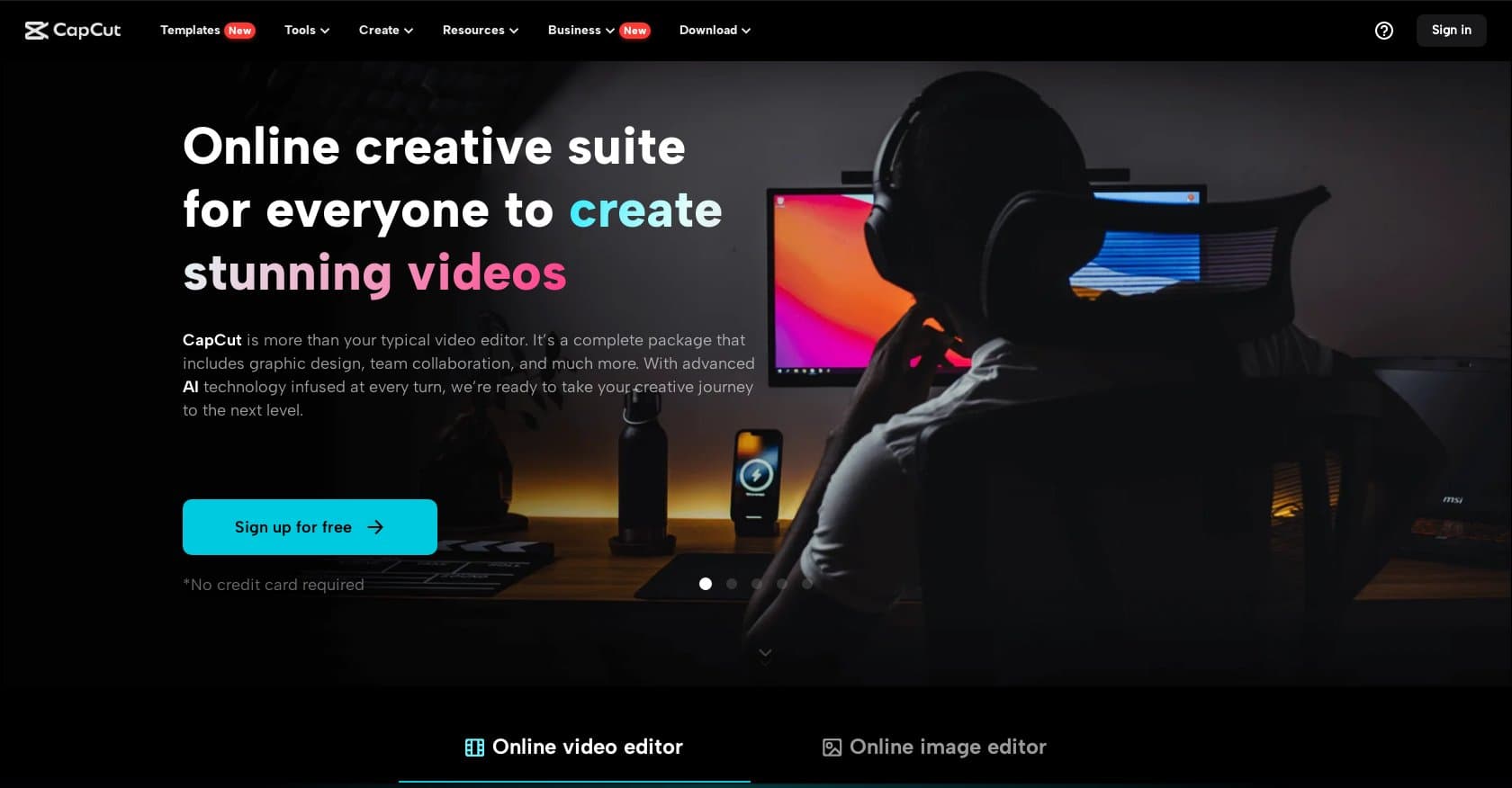
CapCut Online Creative SuiteFreemium
Browser-based video editing platform with AI tools for social media creators, offering free 1080p export and Pro plans from $7.99/month.
video-editingshort-video
AI-powered video editing tool that automates silence removal, filler word deletion, and transcript-based editing for talking-head content creators.
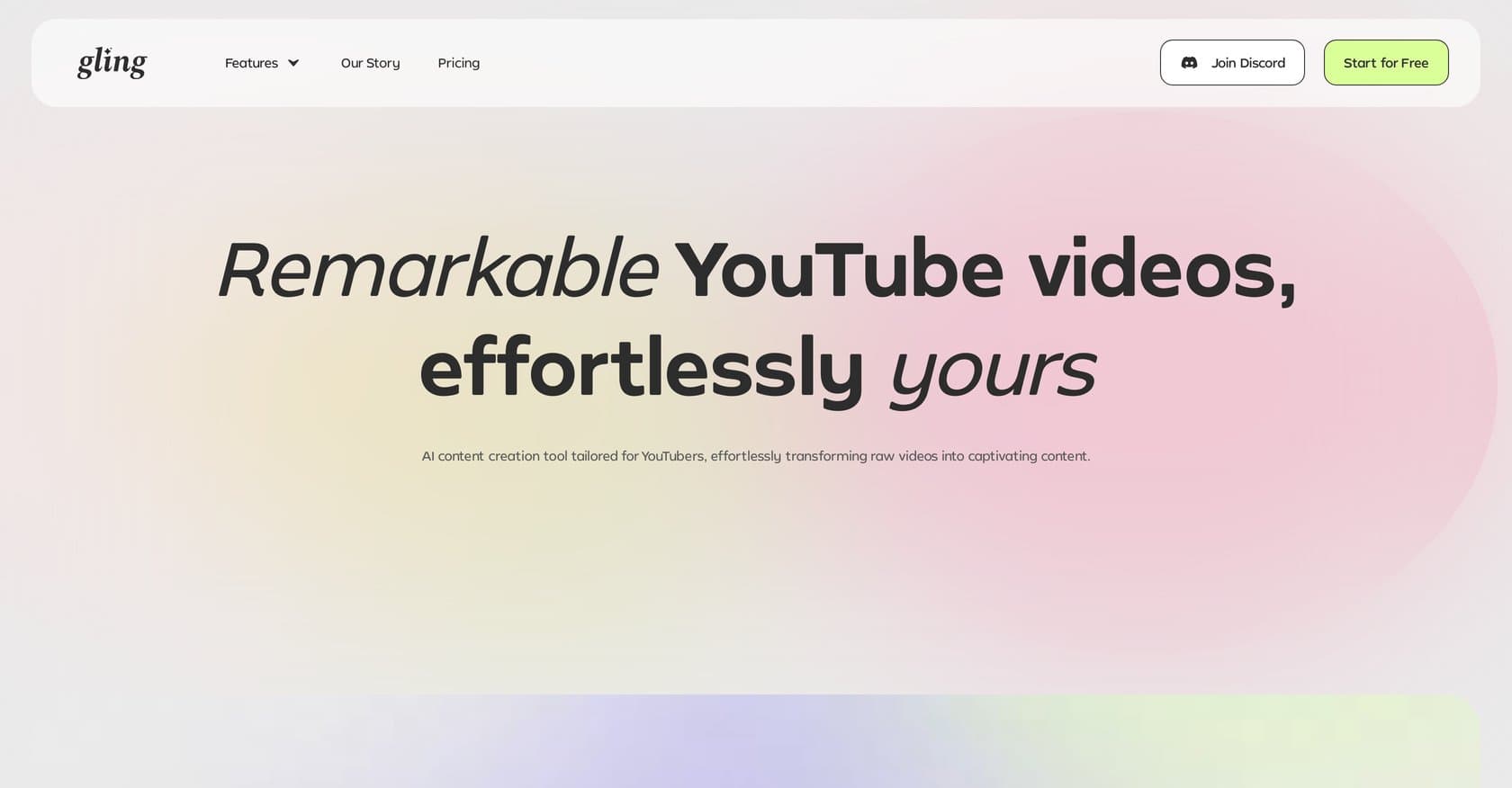
Gling is an AI-powered video editing platform designed to dramatically speed up the post-production workflow for creators producing talking-head videos, podcasts, YouTube content, and social media clips. By leveraging artificial intelligence, Gling automates the most tedious aspects of video editing—including removing silences, filler words like "um" and "uh," bad takes, and awkward pauses—allowing users to edit by modifying text transcripts rather than manipulating a traditional timeline. The platform handles subject centering through auto-framing and smart zooms, enhances audio with noise reduction, and generates captions, subtitles, titles, and chapters automatically. Multi-camera syncing and clip detection for shorts and reels further streamline the workflow. Gling runs entirely in the browser with cloud processing, exporting to MP4 or project files compatible with Premiere Pro, Final Cut Pro, and DaVinci Resolve. Targeted at beginners to intermediate creators who prioritize speed and efficiency over granular creative control, the tool claims to reduce editing time by up to 75% for dialogue-driven content. Here's what you need to know before signing up.
Gling operates on a freemium model with a free tier available for users to test core functionality. Paid Pro plans unlock additional features and higher processing limits, though exact pricing should be verified on the official website. The free tier provides sufficient capability for casual creators to experience the platform, while professional content creators will likely need a paid subscription for unlimited exports and advanced features. Compared to competitors like Descript and Runway ML, Gling's pricing positions it competitively within the AI video editing market.
What works well:
Where it falls short:
Gling is tailored for YouTubers, podcasters, marketers, and content creators who produce primarily dialogue-driven videos and need to publish frequently without spending hours in post-production. It's particularly valuable for beginners and intermediate creators who lack advanced editing skills but want professional-looking results quickly. The tool excels for those making tutorial videos, vlogs, interview content, and social media clips. However, professional video editors working on complex narrative projects or cinematic content will find Gling too limited for their needs and should stick with traditional NLEs.
Gling delivers genuine time savings for its target audience by automating the most repetitive editing tasks through an innovative text-based workflow. For content creators churning out regular talking-head videos, the platform's ability to cut editing time by up to 75% makes it a worthwhile addition to the toolkit. While it won't replace professional video editors for high-end productions, it serves as an excellent starting point for creators who value efficiency and accessibility. The freemium model allows users to test the waters before committing, making it a low-risk choice for solo creators and small teams looking to streamline their YouTube and social media production pipelines.
Browser-based video editing platform with AI tools for social media creators, offering free 1080p export and Pro plans from $7.99/month.
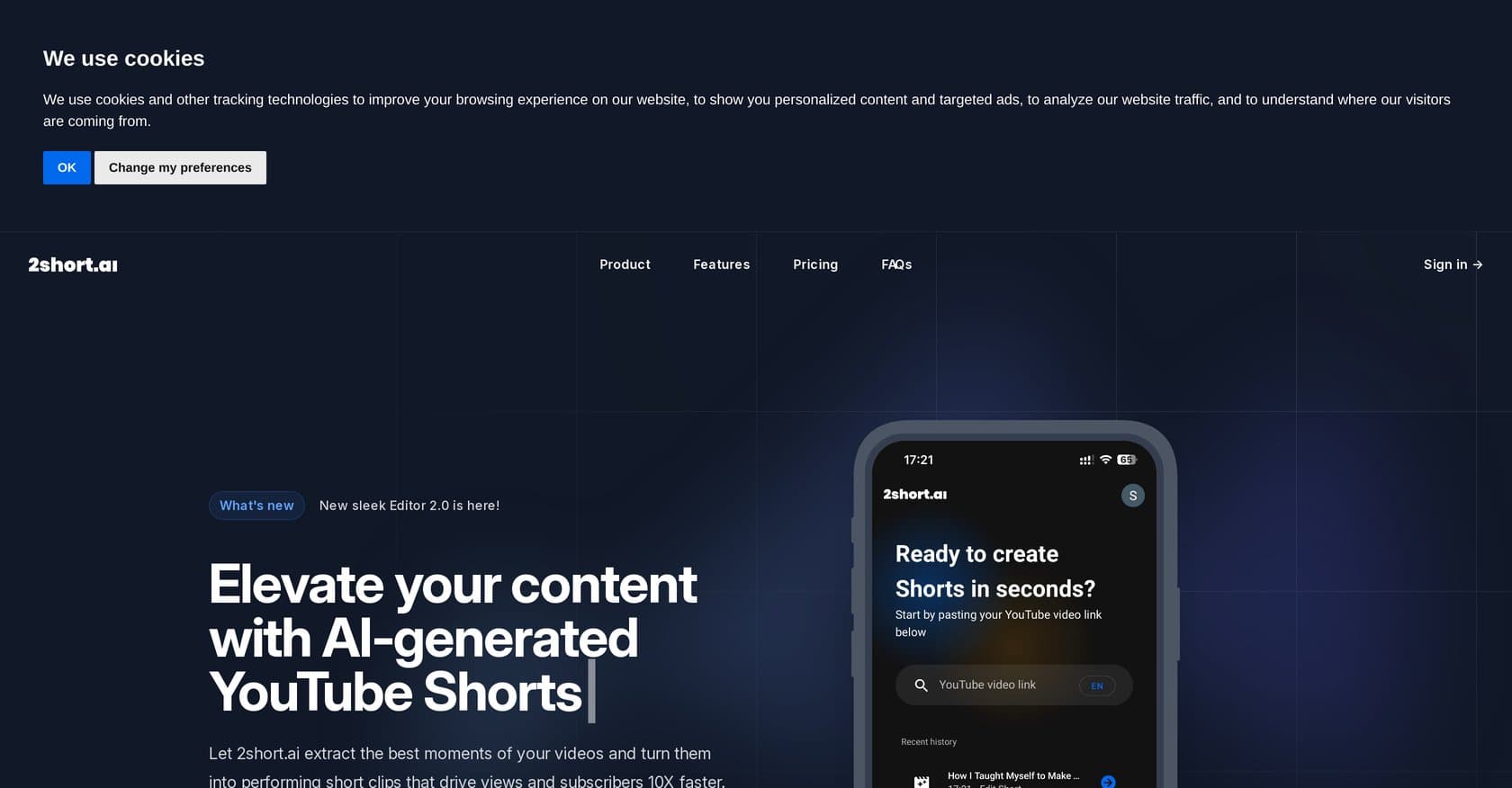
AI-powered platform that automatically converts long-form YouTube videos into short clips for Shorts, Reels, and TikTok with speaker framing, captions, and 1080p exports.
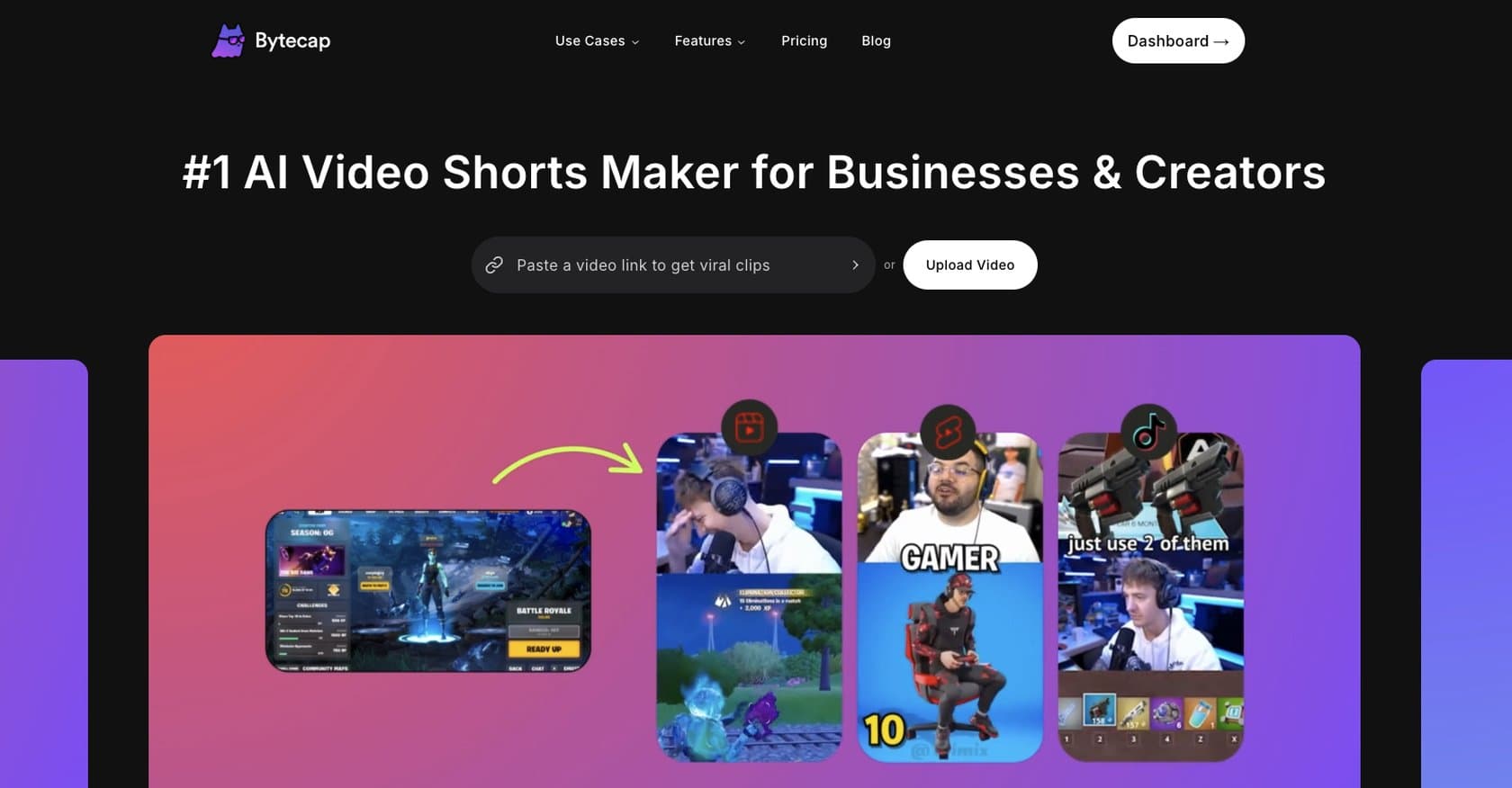
AI-powered video editing platform for short-form content with automated captions, clip extraction, and multi-platform optimization. Ideal for creators without editing experience.
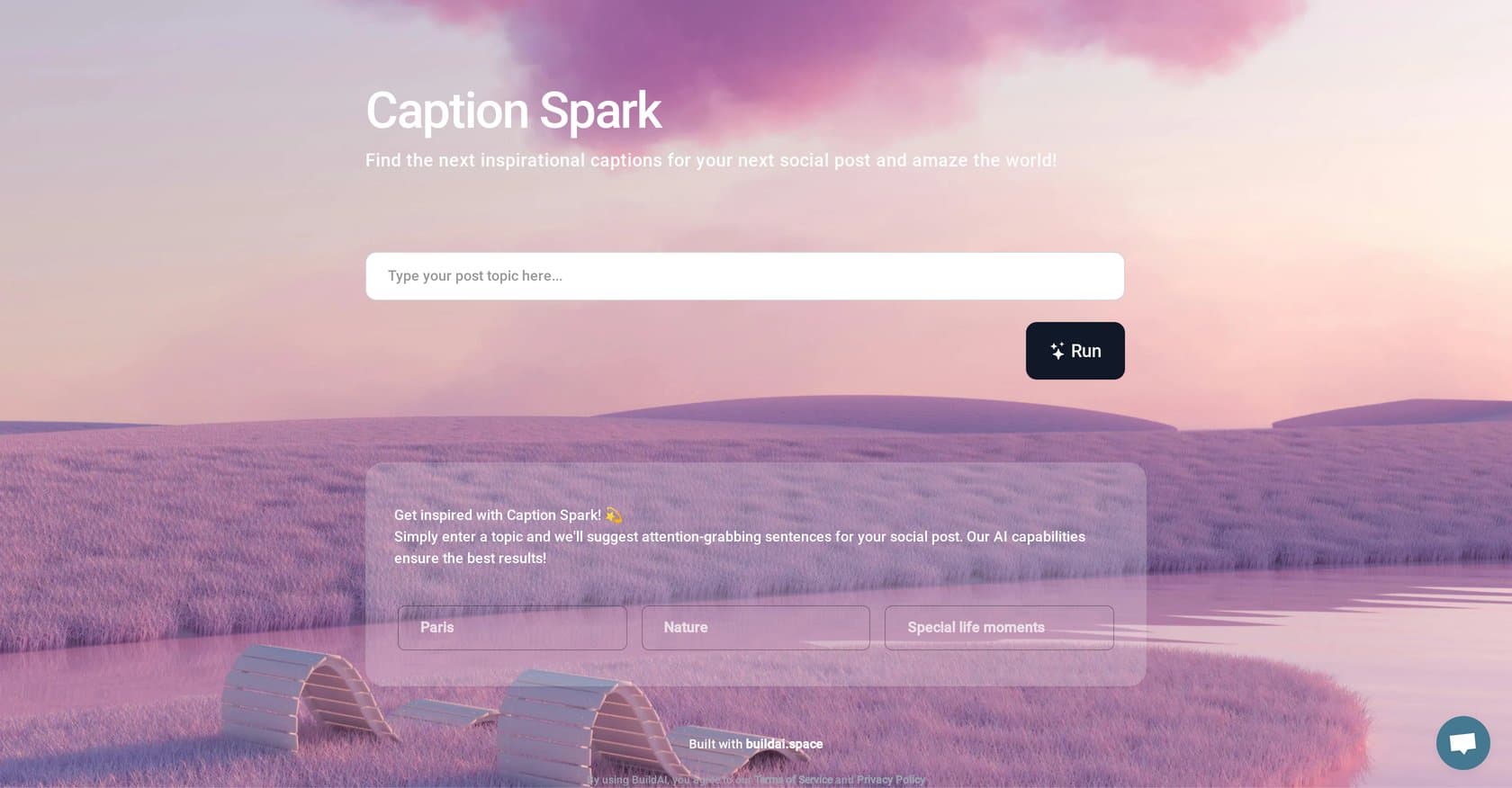
Caption Spark is an AI-powered tool from BuildAI.space that generates engaging, platform-optimized captions for Instagram, Facebook, and Twitter. Ideal for influencers, marketers, and small business owners seeking quick, quality caption suggestions without the time investment of manual writing.
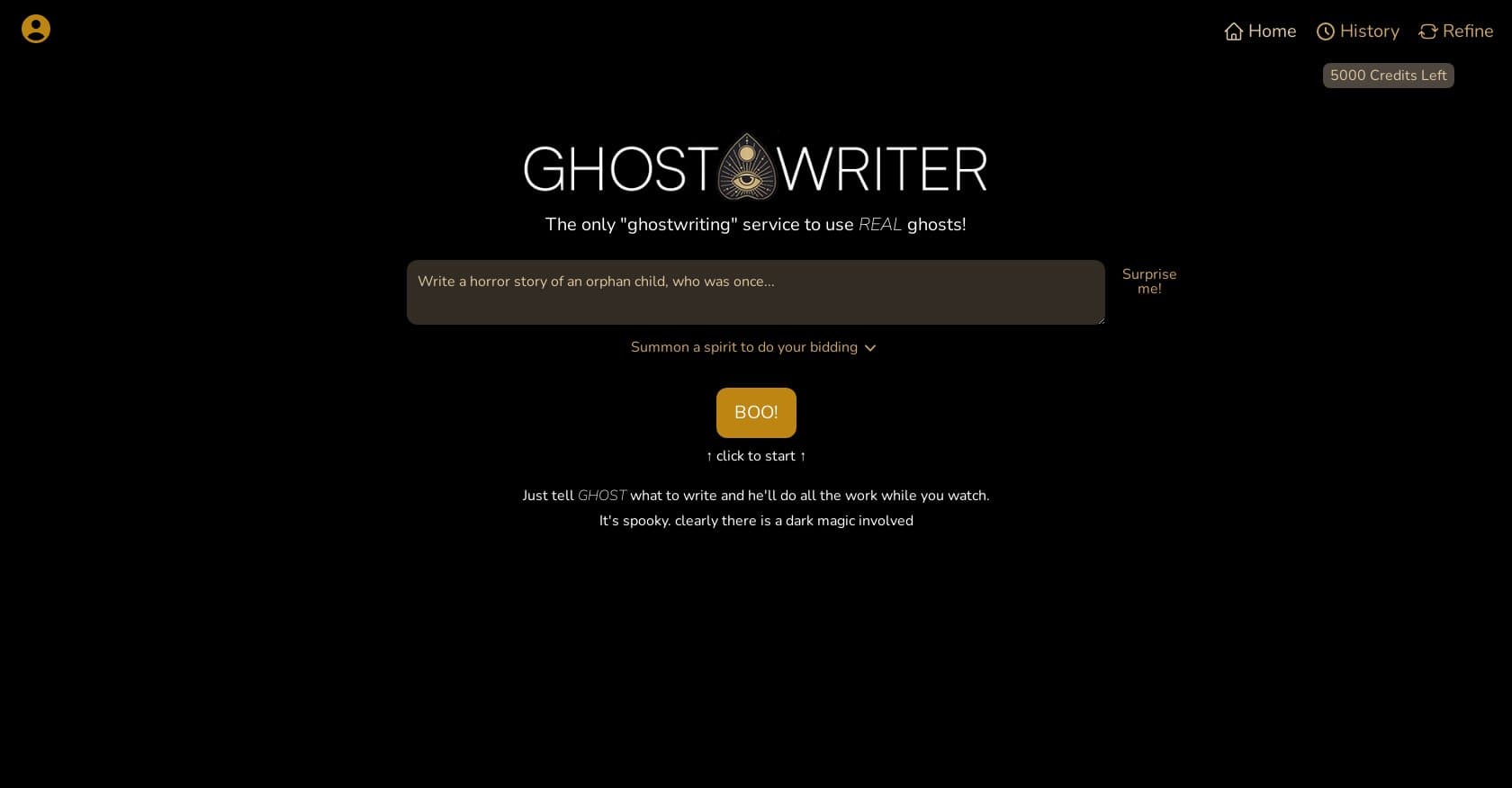
AI writing tool that humanizes machine-generated text to bypass detection, created by a book coach for authors, students, and creative writers seeking undetectable prose.
AI-powered tool that automatically generates captions for images and videos using image recognition and NLP, ideal for social media, e-commerce, and content marketers.
A powerful 26-in-1 AI browser extension that integrates ChatGPT, Claude, Gemini, and other models directly into websites like Gmail, LinkedIn, and YouTube for seamless productivity.
AI-powered video creation platform that transforms text, URLs, and audio into professional videos in minutes, ideal for marketers and content creators.
AI video generation platform creating 3-10 second videos from text, images, or clips with viral effects for social media content.
RunwayML is an AI creative platform offering text-to-video generation, advanced editing tools, and multi-modal AI capabilities for filmmakers, creators, and marketers.