
Pixu AIFreemium
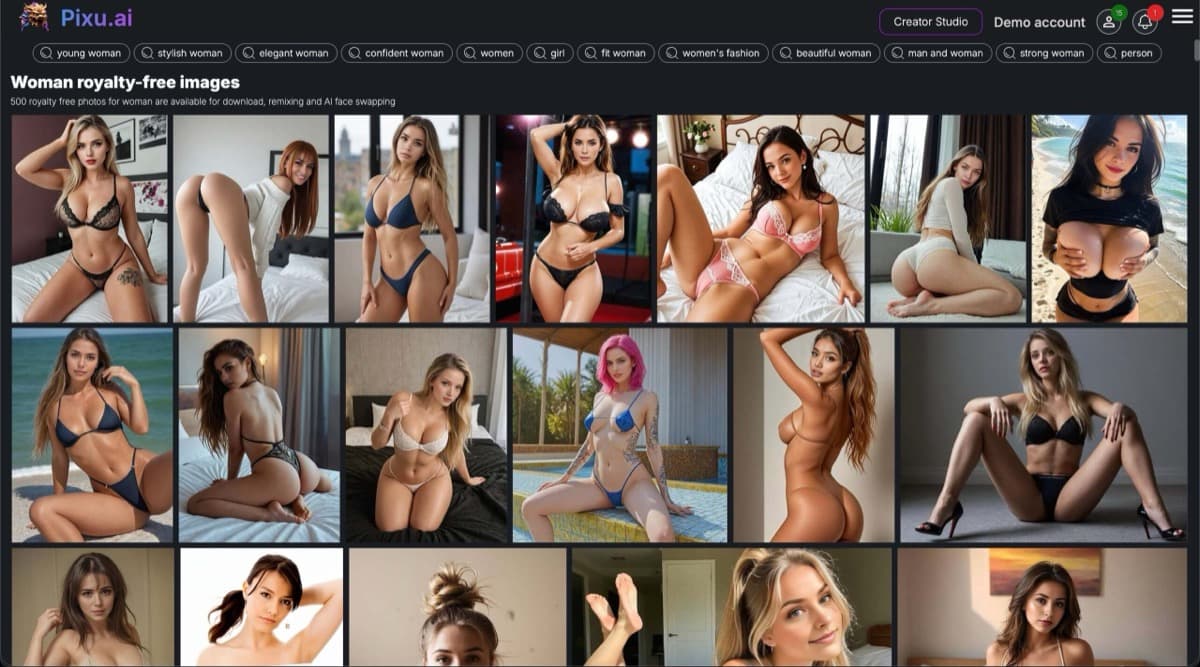
Pixu AI delivers hyper-realistic face generation with 99.3% likeness accuracy, face swapping, and art style conversions—perfect for profile pics, NSFW content, and creative projects.
face-swappingportrait-restoration
Web-based AI photo enhancement tool that restores, sharpens, colorizes, and animates images with one-click simplicity, trained on 2M+ photos.
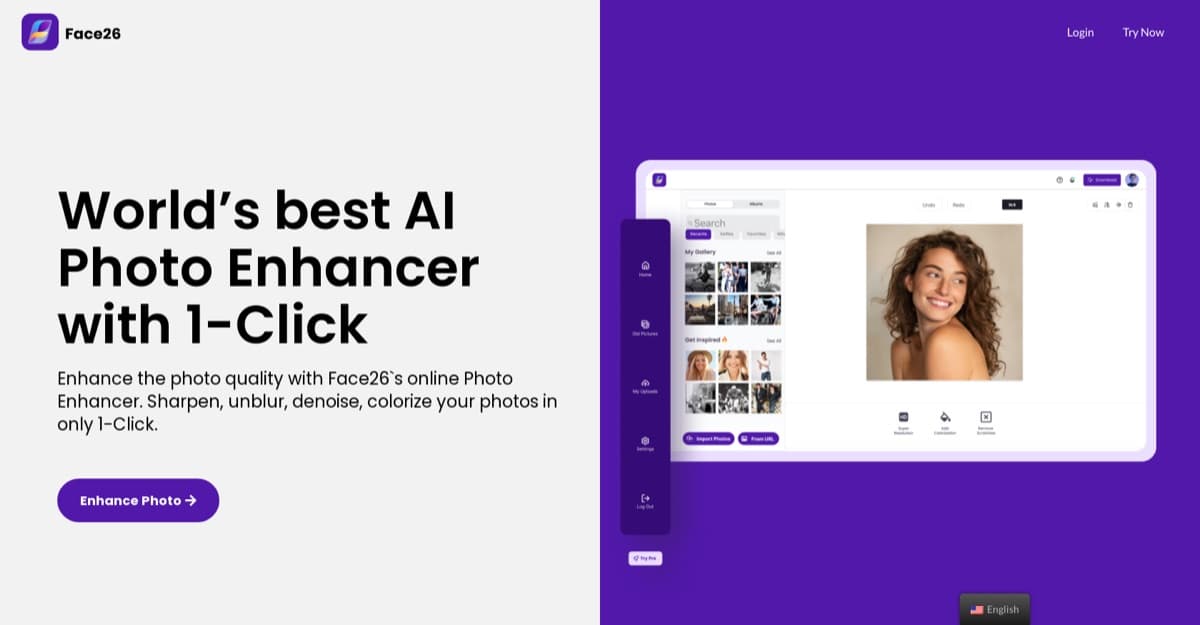
Face26 is a web-based AI photo enhancement platform designed to restore, transform, and improve images with a single click. Built on machine learning models trained over more than 2 million high-resolution photographs, it addresses common image quality problems—blurriness, low resolution, noise, and aging or damaged prints—through an intuitive browser interface. The platform appeals to casual users restoring family memories, social media creators seeking polished visuals, photographers needing rapid edits, and e-commerce sellers requiring professional product imagery without traditional editing expertise. Face26 differentiates itself by combining multiple restoration capabilities—unblurring, upscaling, colorization, denoising, and face animation—into a unified service, eliminating the need for multiple specialized tools. The service operates entirely through web browsers across devices, encrypts uploads for privacy, and allows users to delete content or accounts. Here's what you need to know before signing up.
Face26 operates on a freemium model with a free tier available for users to test basic functionality. Paid plans start at approximately $9/month, though the exact pricing structure and feature解锁 require creating an account on the website. The free tier allows users to experience the platform's capabilities but imposes usage limits typical of freemium services. Premium tiers unlock additional processing capacity, higher resolution exports, and access to advanced features. While the pricing is competitive within the AI photo enhancement market—positioned similarly to tools like Remini and VanceAI—the lack of full transparency before signup means prospective users must register to see exact tier breakdowns and compare value against alternatives.
What works well:
Where it falls short:
Face26 serves a broad spectrum of users seeking quick, automated photo improvements without the learning curve of professional editing software. Casual users reviving personal memories from old or low-quality photos will find the restoration and colorization tools valuable. Social media enthusiasts and content creators needing polished visuals for posts can use the enhancement and background removal features. Professional photographers looking for rapid batch processing or quick client previews benefit from the speed and one-click workflow. E-commerce sellers without design skills can generate professional product photos for listings. However, users requiring offline capabilities, advanced manual control, or desktop software integration may prefer alternatives like Topaz Photo AI.
Face26 delivers a solid, accessible solution for automated photo enhancement that bridges the gap between professional restoration and casual editing. Its combination of unblurring, upscaling, colorization, and animation tools in a browser-based platform makes it particularly valuable for users who want quality results without software installation or steep learning curves. The freemium model allows testing before committing, though power users will likely need paid tiers. Compared to competitors like Remini and VanceAI, Face26 holds its own with a comparable feature set at competitive pricing. Users prioritizing convenience over granular control—and those needing quick turnaround on restoration projects—will find Face26 well worth exploring.
Pixu AI delivers hyper-realistic face generation with 99.3% likeness accuracy, face swapping, and art style conversions—perfect for profile pics, NSFW content, and creative projects.