DeepSwapperFree
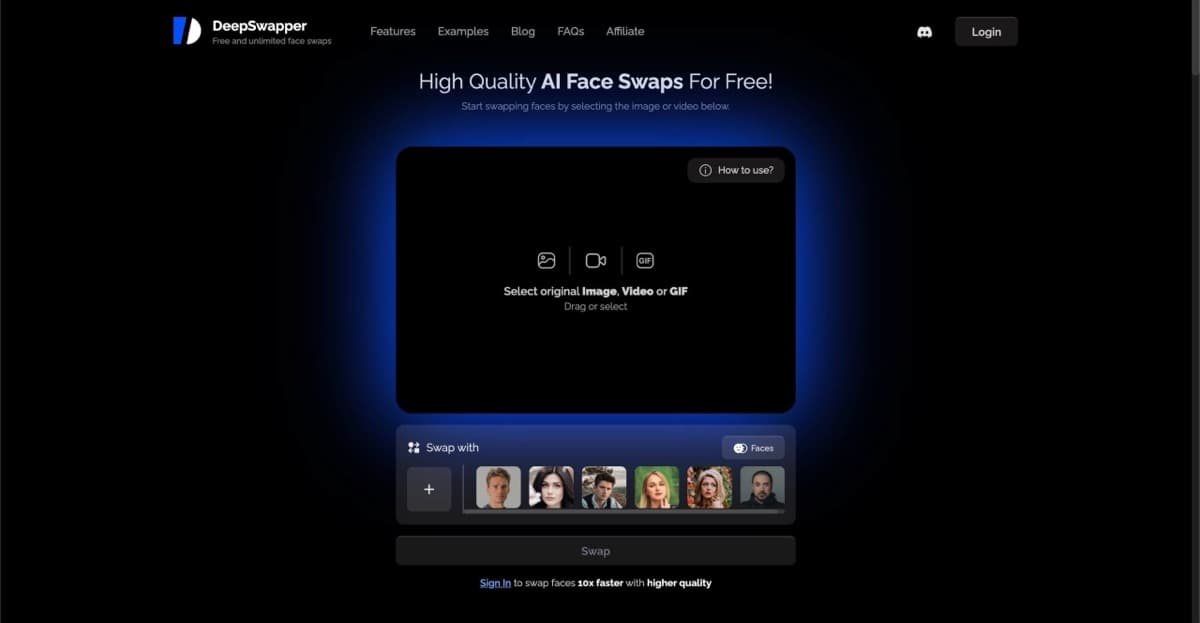
Free unlimited AI face swapping with multi-face support, 90% similarity, and fast GPU processing — no sign-up required.
face-swappingmulti-face-swap
Pixu AI delivers hyper-realistic face generation with 99.3% likeness accuracy, face swapping, and art style conversions—perfect for profile pics, NSFW content, and creative projects.
Let me paint you a picture: you've got a handful of photos—maybe from last year's vacation, that blurry group shot from your friend's wedding, or just a handful of selfies you've been meaning to do something more with. Now imagine turning those static images into jaw-dropping, hyper-realistic portraits, swapping your face into movie scenes, or transforming yourself into an anime character, a manga hero, or a pixel art avatar. That's Pixu AI in a nutshell—a powerful, face-centric AI image generator that's been making waves in the creative community for its jaw-dropping 99.3% face likeness accuracy. Whether you're a social media maven looking to level up your profile pics, a content creator hunting for eye-catching visuals, or someone who just wants to see themselves as a comic book character, this tool delivers. I've tested it thoroughly — here's the unfiltered truth.
Pixu AI operates on a freemium model, so you can dip your toes in before committing. The free tier gives you limited credits to experiment with basic features—great for testing the waters and seeing if the tool clicks with you. Paid plans start at just $3.99 per unit (credit-based), which unlocks higher generation volumes, advanced modes, and priority processing. The credits system means you pay for what you use, though heavy users might find costs adding up quickly. For casual creators or those just wanting to spice up a few photos, the entry price is very reasonable. Serious content creators or businesses may want to budget accordingly, but the flexibility of credit-based pricing keeps it accessible.
Pros:
Cons:
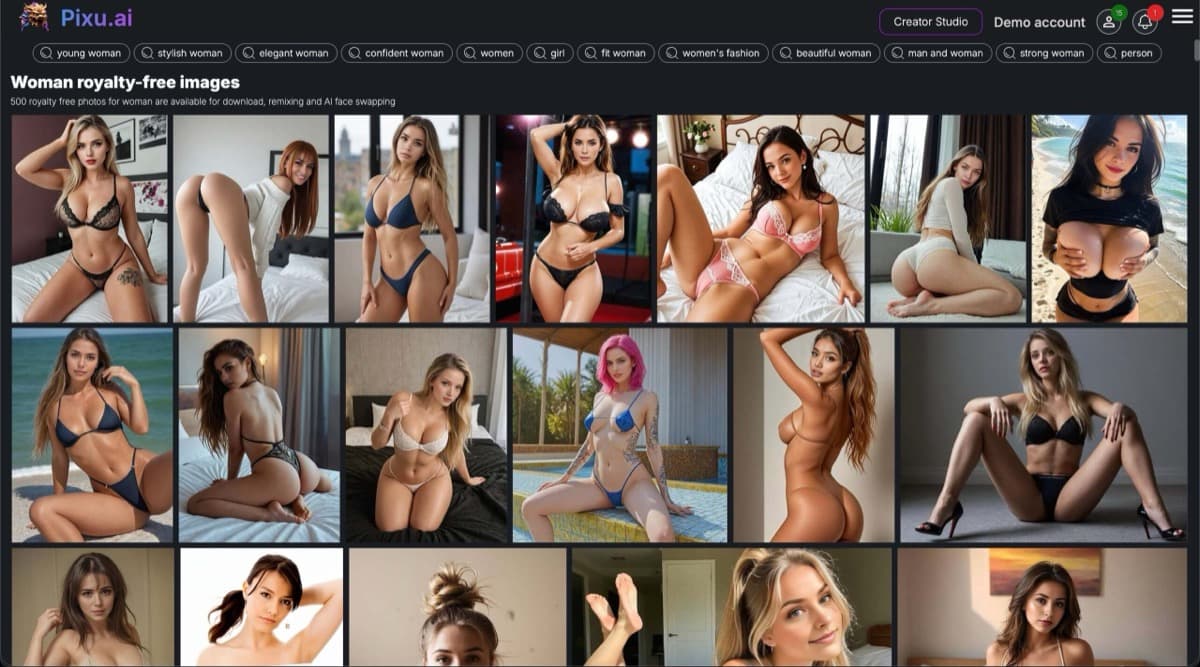
Here's where things get interesting for the adult crowd: Pixu AI does support NSFW content generation through prompts, with suggestive imagery like lingerie, bikini shots, and seductive poses featured on their site. The platform doesn't censor based on keywords alone, giving creators significant creative freedom for adult-oriented projects. Privacy-wise, the tool processes user-uploaded photos and generates images based on those inputs. As with any platform handling personal photos, it's worth reviewing their current privacy policy to understand data retention and usage. For those exploring AI-generated adult content, Pixu offers a capable option within the NSFW AI generator space.
Pixu AI is a versatile tool that appeals to a wide range of creators and everyday users. Social media enthusiasts will love upgrading their profiles with professional-quality headshots and eye-catching visual content. Dating profile users can create more engaging, attractive photos that stand out. Content creators and influencers get a powerful tool for generating consistent virtual models and character imagery. Business professionals can quickly produce polished profile photos without expensive photoshoots. And for those in the NSFW AI space—roleplay fans, companion seekers, and adult content creators—Pixu's uncensored capabilities and face-focused precision make it a compelling choice. Basically, if you want to transform your photos into something hotter, more creative, or more professional, this tool delivers.
Pixu AI earns its place as a standout face-centric AI image generator with its impressive 99.3% likeness accuracy, versatile art style conversions, and user-friendly creator studio. While it's not a one-stop-shop for all AI art needs (focusing squarely on faces limits some possibilities), what it does, it does exceptionally well. The freemium model keeps it accessible, and the NSFW capabilities give adults plenty of room to explore. If you're ready to transform your photos into stunning, personalized visuals that actually look like you—minus the professional photographer price tag—Pixu AI is absolutely worth a try.
Free unlimited AI face swapping with multi-face support, 90% similarity, and fast GPU processing — no sign-up required.
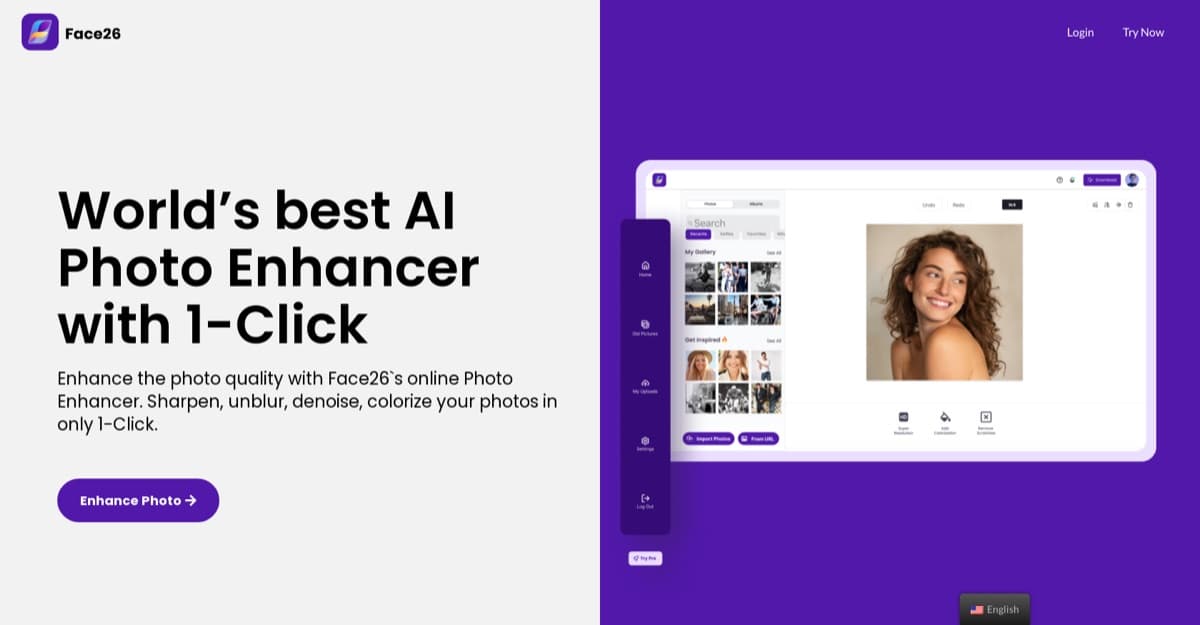
Web-based AI photo enhancement tool that restores, sharpens, colorizes, and animates images with one-click simplicity, trained on 2M+ photos.
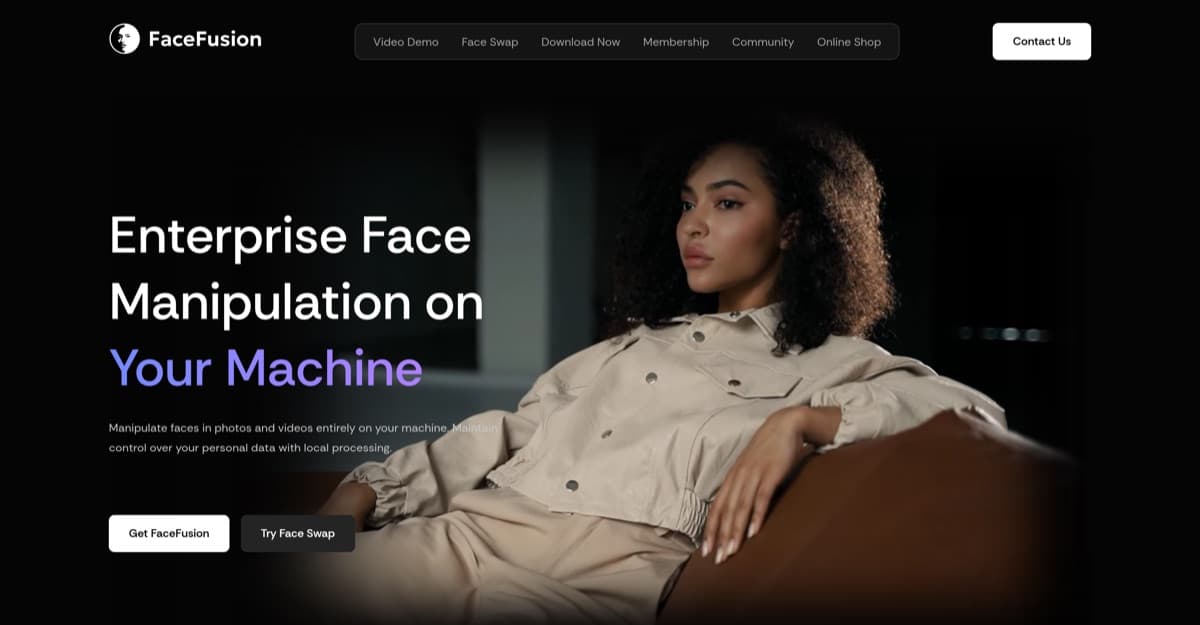
Industry-leading open-source face swap tool with 90% similarity results, multi-face support, and lip-sync capabilities—all free.
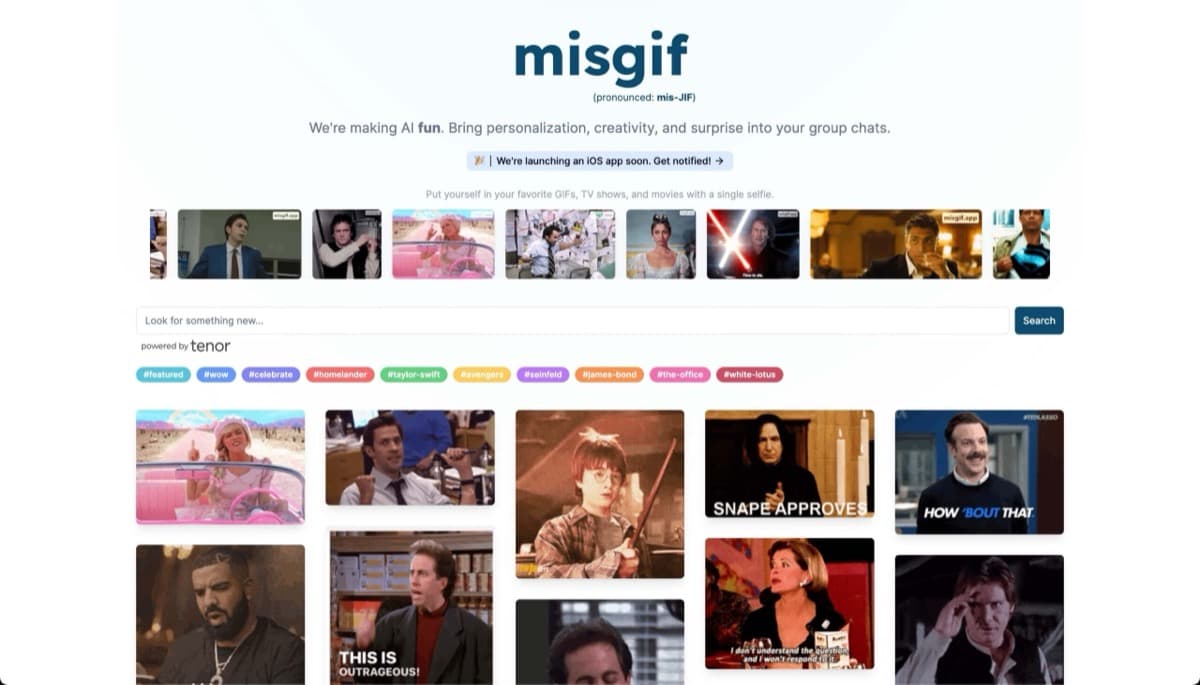
Misgif is a free AI tool that lets users insert their face into GIFs and video clips using a single selfie, perfect for personalized chat reactions and social media content.
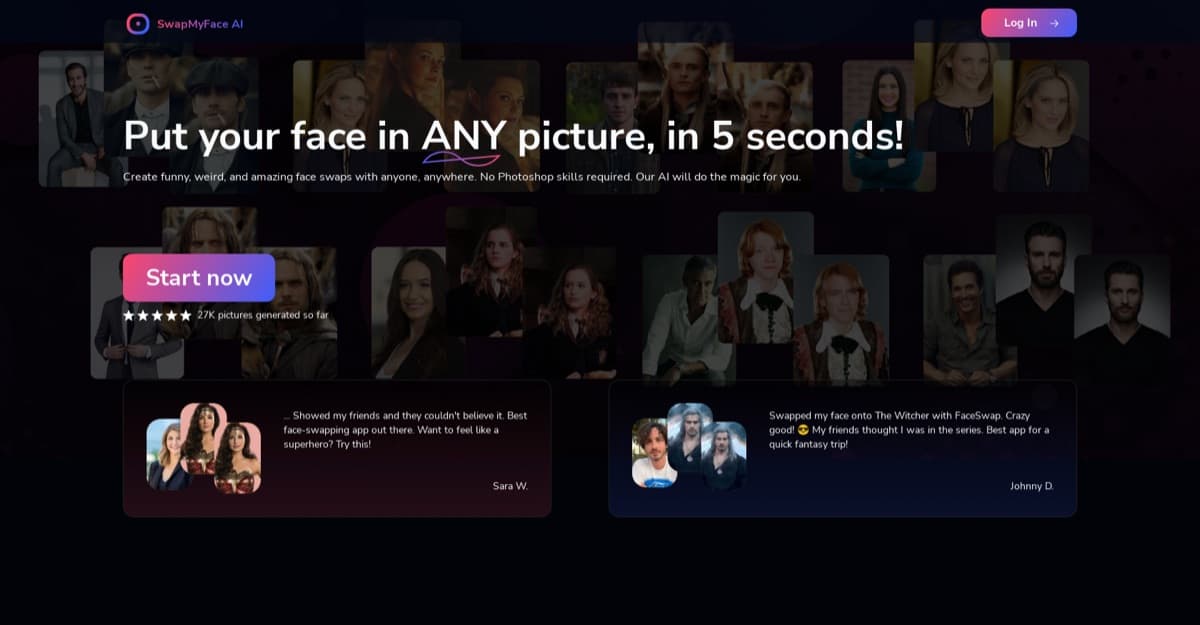
Browser-based AI face swapper for photos, videos, and GIFs with realistic results in seconds — no downloads required.
Next-level face swapping from Reface — create viral-worthy photos and videos in seconds, no experience required.