
Studio DesignFreemium
AI-powered no-code tool that transforms text prompts into responsive websites with intelligent design suggestions and an extensive template library.
ai-designwebsite
AI-powered tool that converts keywords, blog posts, or PDFs into branded infographics in minutes. Ideal for SEO agencies and content creators without design skills.
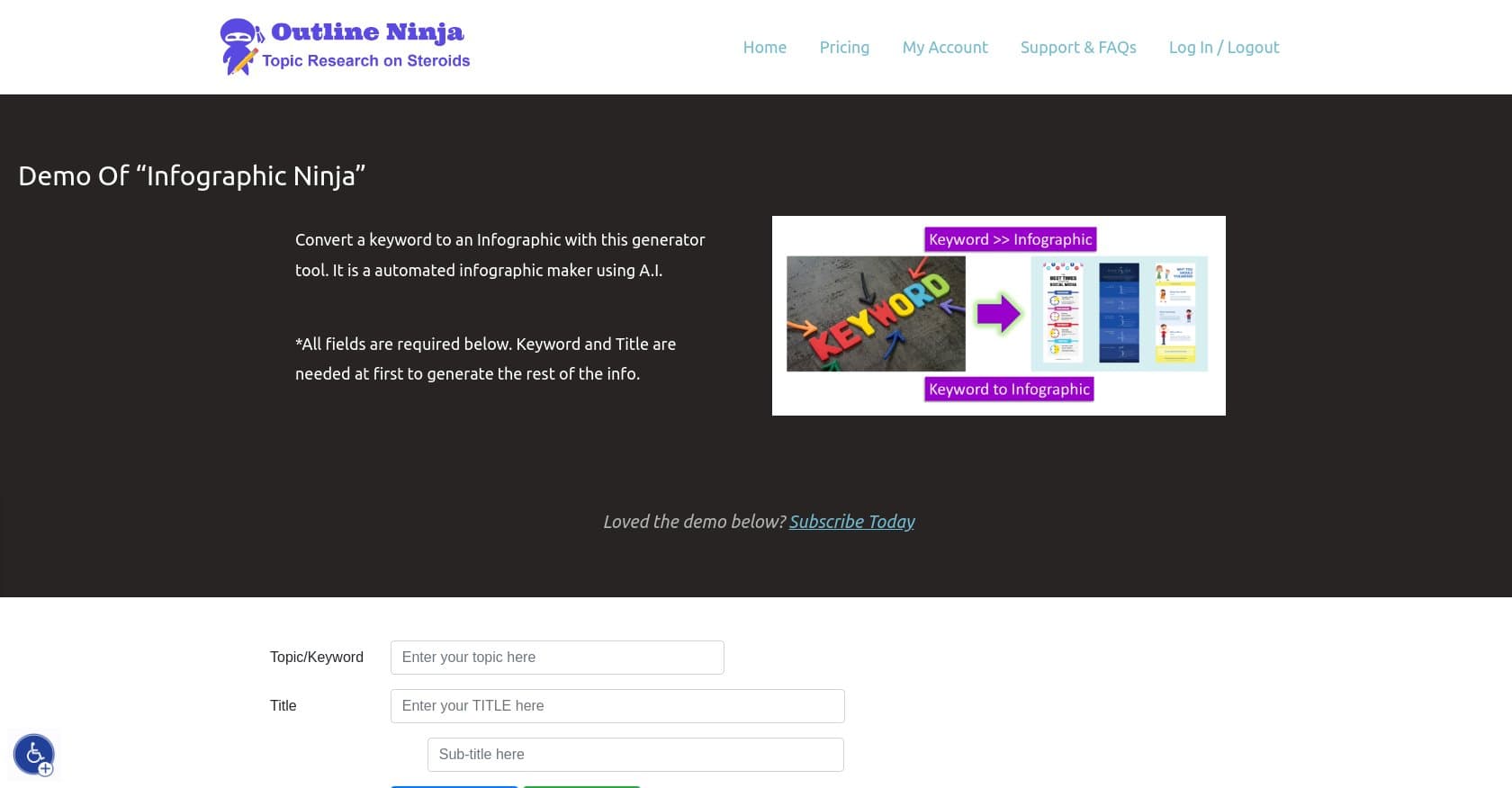
Infographic Ninja is an AI-powered automated infographic generator developed by Outline Ninja that transforms keywords, blog posts, or PDFs into visually appealing, branded infographics with minimal effort. The tool targets educators, bloggers, content creators, and especially SEO agencies looking to streamline visual content production without design expertise. Users input a keyword and title, let the AI generate text, upload their logo, select from multiple templates, customize colors and fonts for branding, and download the finished infographic in minutes. The platform handles automatic icon selection, question-and-answer generation from keywords, and even exports FAQ Schema.org data for SEO enhancement. What sets this tool apart is its focus on rapid production — turning a keyword into a shareable infographic without touching design software. The Pro plan unlocks unlimited credits, removes watermarks, and includes bonus SEO tools like an E-E-A-T Checker and HowTo Schema Generator. Here's what you need to know before signing up.
Infographic Ninja operates on a freemium model with a free demo available for testing the platform's capabilities before committing. The Pro plan unlocks unlimited credits (subject to fair use policies), removes watermarks from exported infographics, provides email support, and grants access to the bonus SEO tool suite. Payments are processed securely through Stripe. While exact pricing isn't publicly listed in this research, the site displays pricing information directly. The free tier is sufficient for evaluation, but serious users — particularly SEO agencies producing content at scale — will need the Pro plan to avoid watermarks and access unlimited generation. Compared to competitors like Canva Magic Studio and Venngage, the inclusion of bonus SEO tools adds meaningful value for marketing professionals.
What works well:
Where it falls short:
Infographic Ninja is best suited for SEO agencies and digital marketers who need to produce visual content at scale for client campaigns. Bloggers and content creators looking to diversify their content formats without investing in design skills will find significant value here. Educators creating visual learning materials can leverage the tool's Q&A generation features. However, users requiring API access for automated workflows will need to look elsewhere, and teams requiring multi-language support should consider alternatives. The tool works best for those comfortable with English-language interfaces and willing to upgrade to Pro for professional-grade, watermark-free outputs.
Infographic Ninja delivers a practical solution for rapid infographic creation powered by AI, making visual content accessible to non-designers. The combination of generation speed, branding options, and SEO integration addresses real needs for content marketers. The lack of user reviews and English-only support are notable limitations to consider. SEO agencies and bloggers seeking to scale visual content production will find the Pro plan worthwhile, especially given the bonus SEO tools included. Casual users or those needing API access should evaluate alternatives like Piktochart AI or Canva Magic Studio.
AI-powered no-code tool that transforms text prompts into responsive websites with intelligent design suggestions and an extensive template library.