B12.ioFreemium
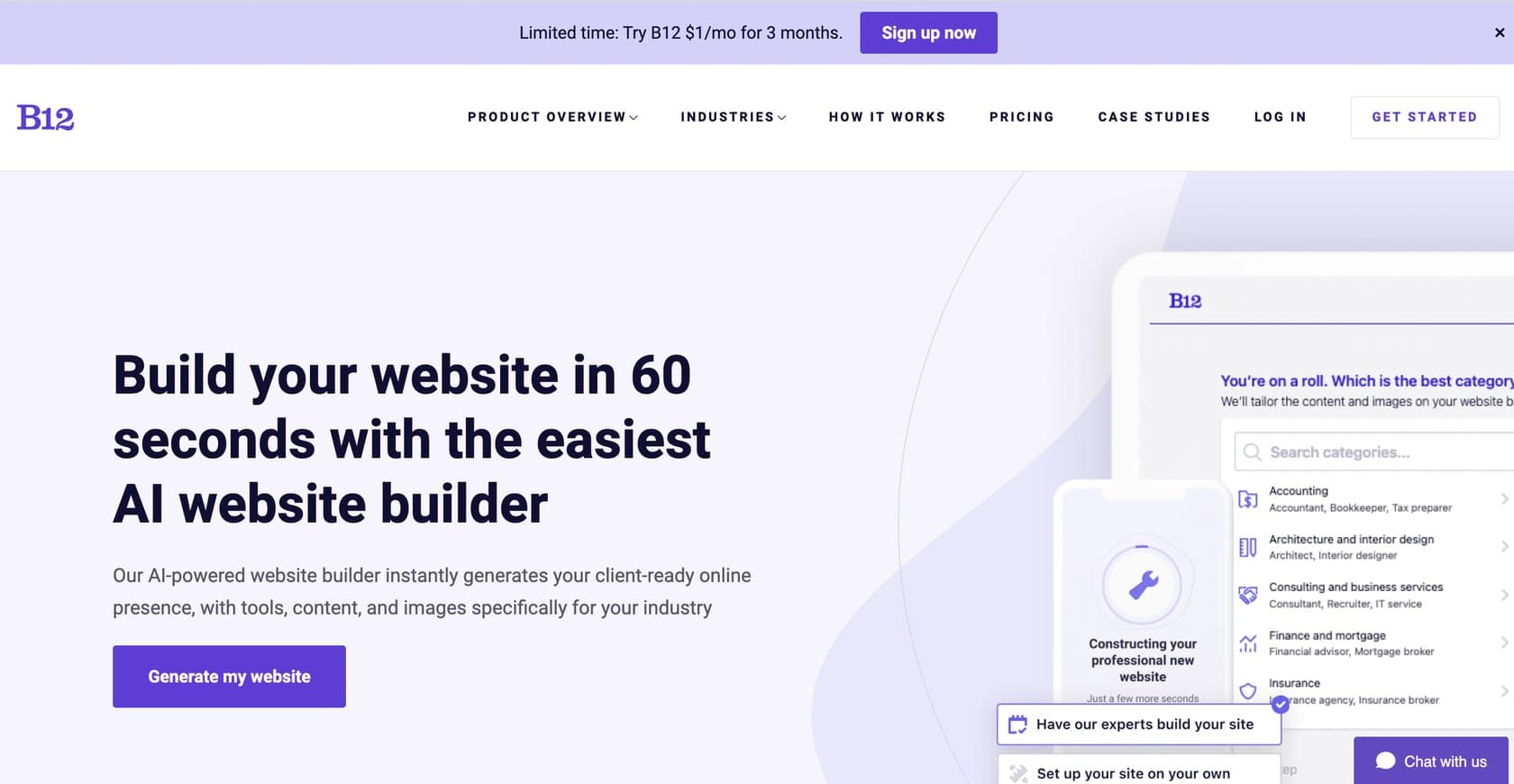
B12.io is an AI website builder that generates professional, industry-specific sites in 60 seconds with built-in business tools like scheduling, payments, and SEO.
ai-website-builderwebsite
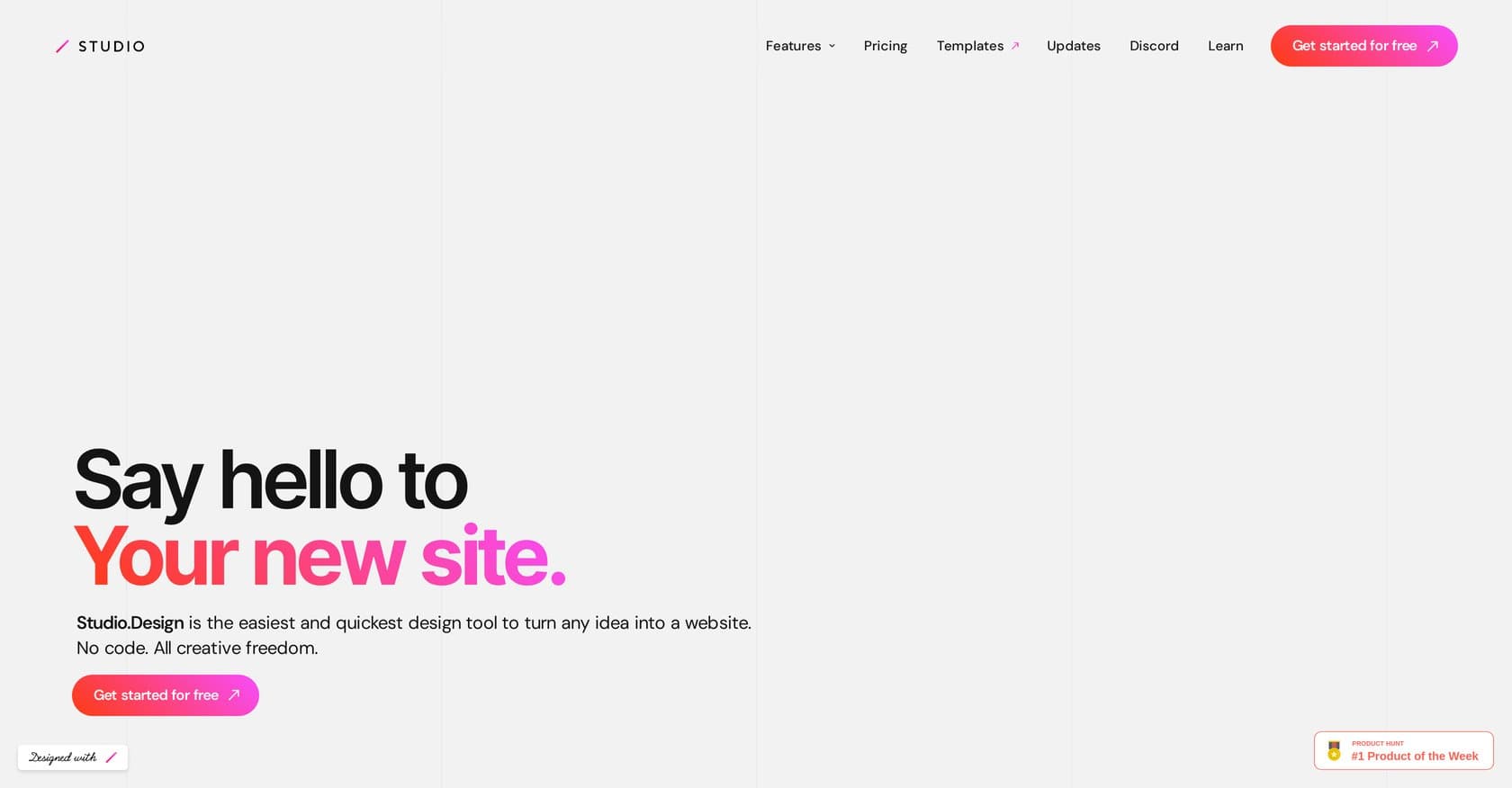
Studio Design positions itself as an AI-powered no-code design platform that transforms how users create websites from concept to completion. By输入ting simple text prompts, users can generate fully functional, modern web designs without writing a single line of code. The platform leverages artificial intelligence to analyze specifications, identify potential design issues in real-time, and offer intelligent suggestions that streamline the entire workflow. This makes it particularly valuable for designers, freelancers, agencies, and non-technical users who need to rapidly prototype websites without deep coding expertise. The tool bridges the gap between创意 conception and polished execution, offering an extensive library of pre-made elements and templates that serve as starting points for customization. With users spending an average of 349 seconds per visit and browsing 5.62 pages per session, the platform demonstrates strong engagement metrics that suggest meaningful value delivery. Here's what you need to know before signing up.
Studio Design operates on a freemium model, offering a free tier that allows users to explore basic functionality and test the platform's capabilities without financial commitment. For users requiring advanced features, enhanced templates, and unlimited projects, premium plans begin at $9.99 per month. The Pro tier unlocks the full template library, removes watermarks, and provides priority processing for AI generations. While the pricing is competitive within the no-code design tool market—positioned similarly to alternatives like Uizard and Canva's premium offerings—specific enterprise pricing details are not prominently displayed, which may require direct inquiry for larger team deployments. The free tier provides sufficient value for casual users and those evaluating the tool for occasional projects, though professional designers and agencies will likely need to upgrade to access the complete feature set.
What works well:
Where it falls short:
Studio Design serves a broad spectrum of users seeking rapid website creation without technical barriers. Freelance designers and small agencies benefit from quickly turning client concepts into visual prototypes that communicate ideas effectively. Non-technical entrepreneurs building landing pages, portfolios, or small business sites can generate professional results without hiring developers. Marketing teams needing fast campaign pages will appreciate the speed from prompt to publish. While power users may eventually need more granular control for complex projects, the platform excels as a sketching and prototyping tool that bridges imagination and implementation. Beginners with no design background can achieve respectable results, though some familiarity with basic design principles helps maximize the AI's suggestions.
Studio Design represents a compelling option in the no-code AI design space, offering genuine time savings for anyone needing to convert ideas into visual website drafts quickly. The combination of text-to-design generation, intelligent issue detection, and an accessible interface makes it particularly valuable for rapid prototyping and concept validation. While the limited enterprise information and regional popularity questions merit consideration, the platform delivers on its core promise of making web design more approachable. Users who need quick turnarounds, lack coding skills, or want to iterate rapidly on design concepts will find the most value here. For those evaluating alternatives, Uizard and Figma offer different strengths, but Studio Design earns a spot on the shortlist for teams prioritizing speed and simplicity in their design workflow.
B12.io is an AI website builder that generates professional, industry-specific sites in 60 seconds with built-in business tools like scheduling, payments, and SEO.
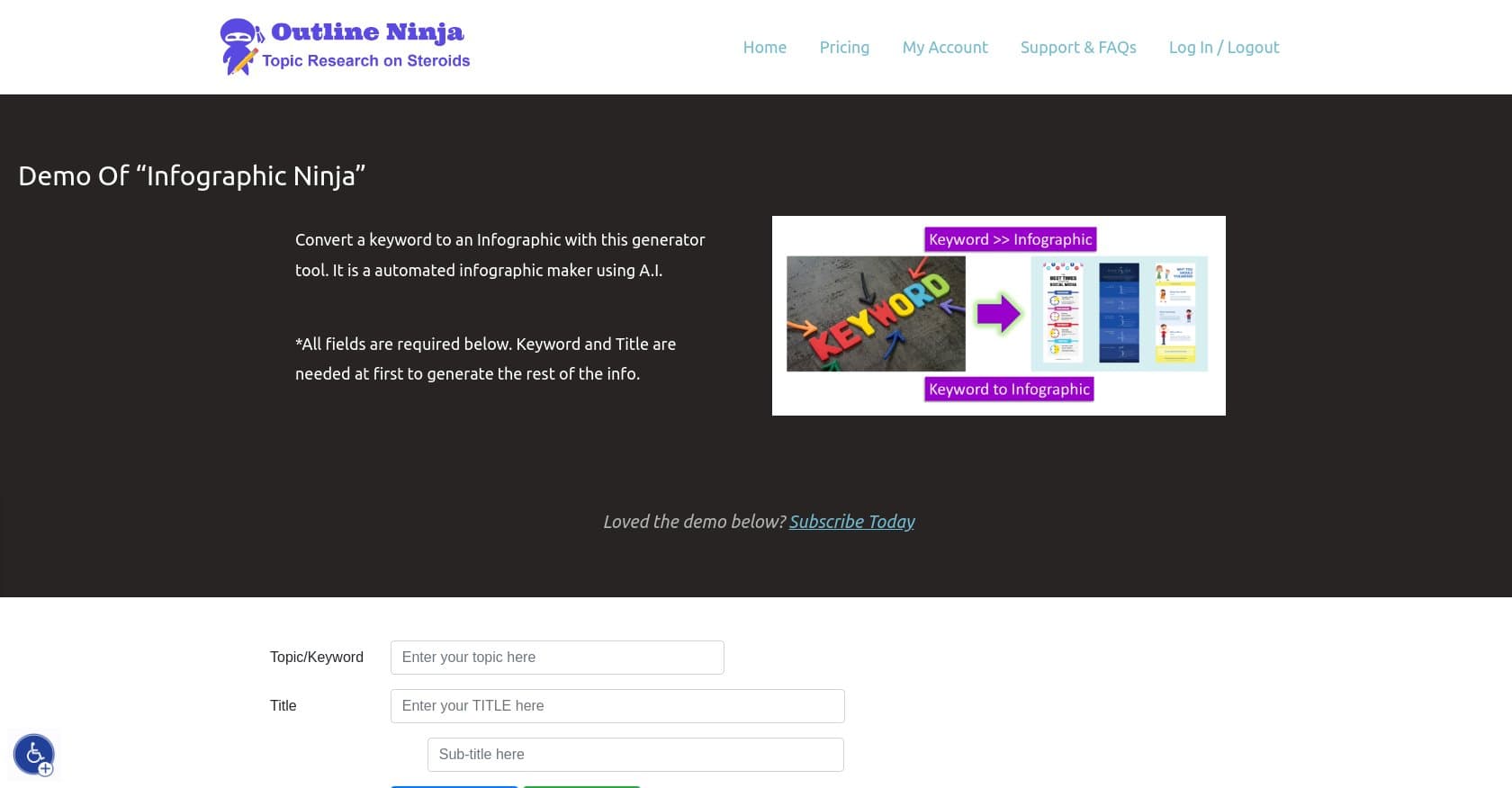
AI-powered tool that converts keywords, blog posts, or PDFs into branded infographics in minutes. Ideal for SEO agencies and content creators without design skills.
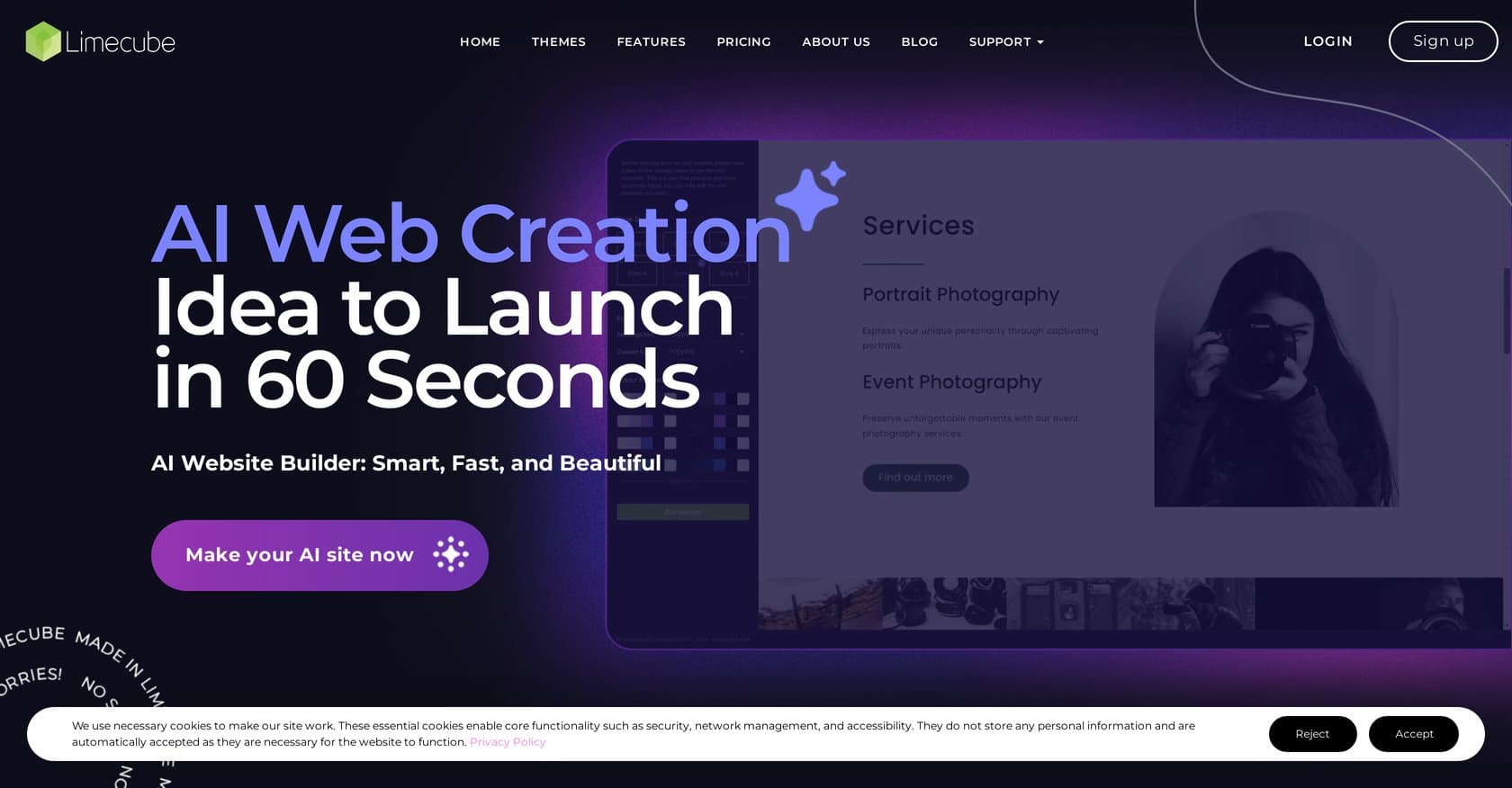
AI-powered drag-and-drop website builder that auto-generates designs for small businesses, with hosting included in all plans starting free.
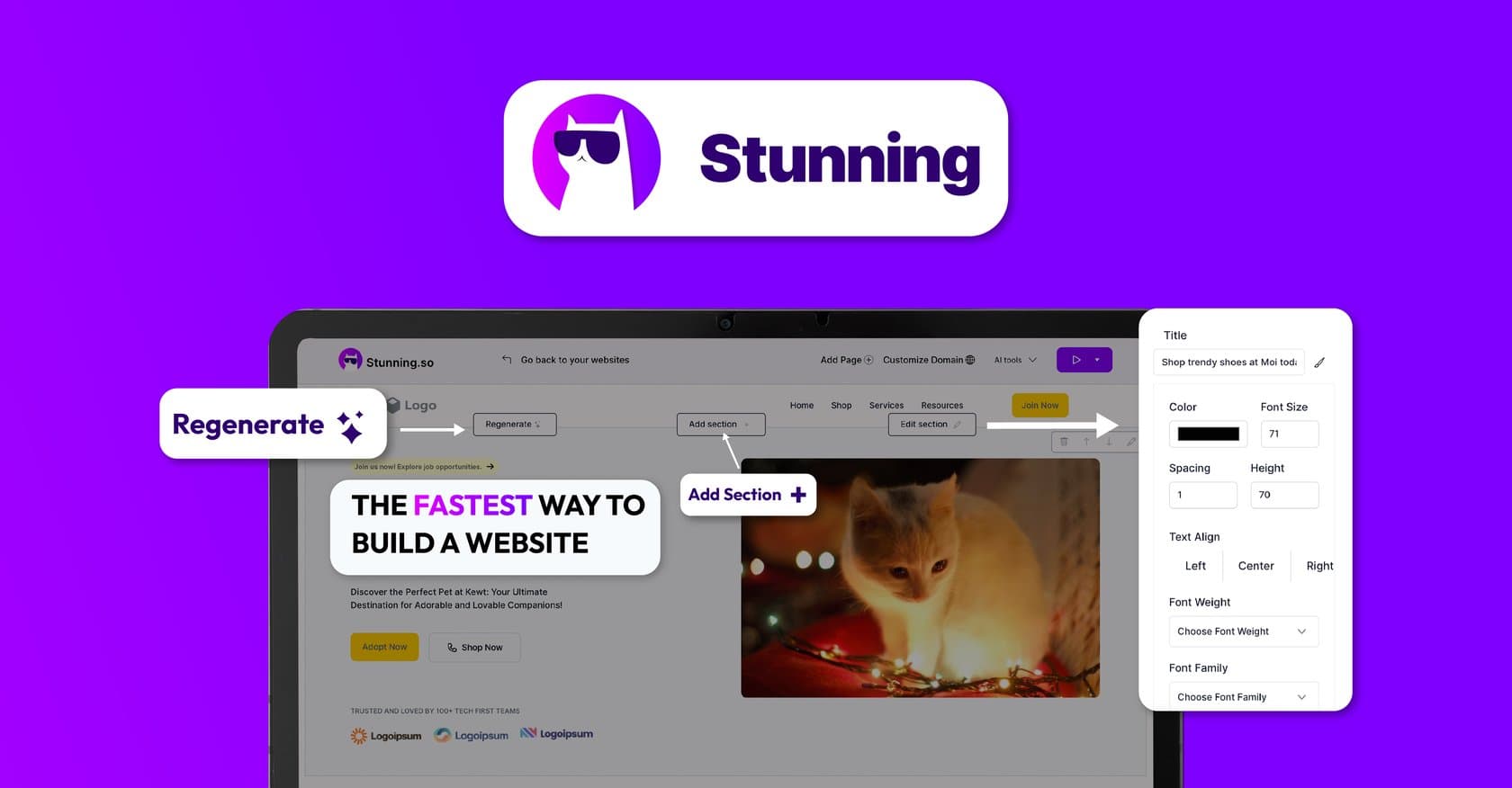
AI-powered no-code platform for building websites and full-stack apps from text prompts. Targets freelancers, agencies, and small businesses with white-labeling options.