WavoAIFreemium
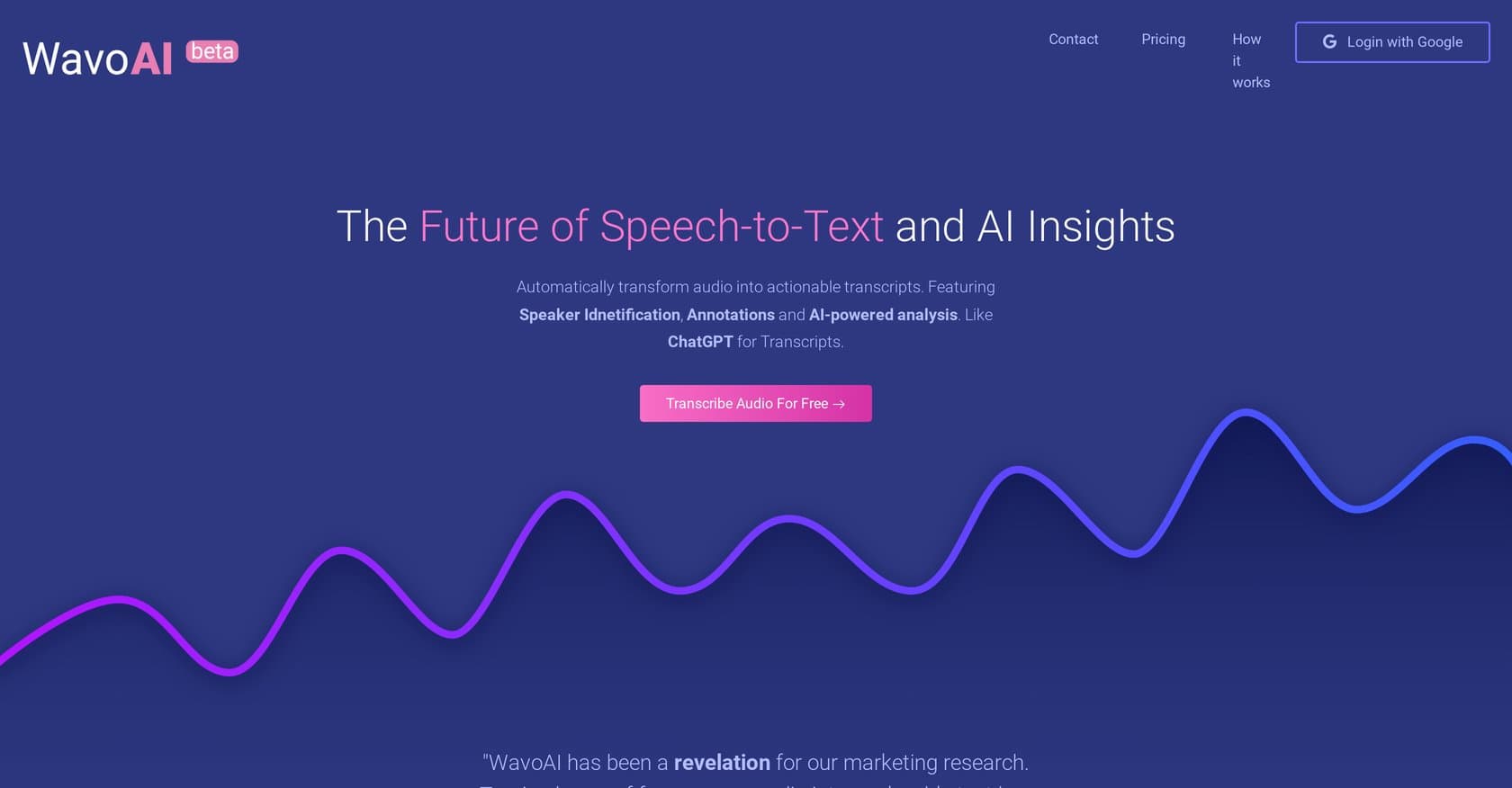
AI-powered transcription platform converting audio/video to interactive, searchable transcripts with speaker identification, multilingual support, and AI summaries.
transcriptionmeeting-notes
AI-powered transcription tool using Whisper technology with 99.8% accuracy, supporting 98+ languages and handling files up to 10 hours. Offers audio restoration and ChatGPT integration.
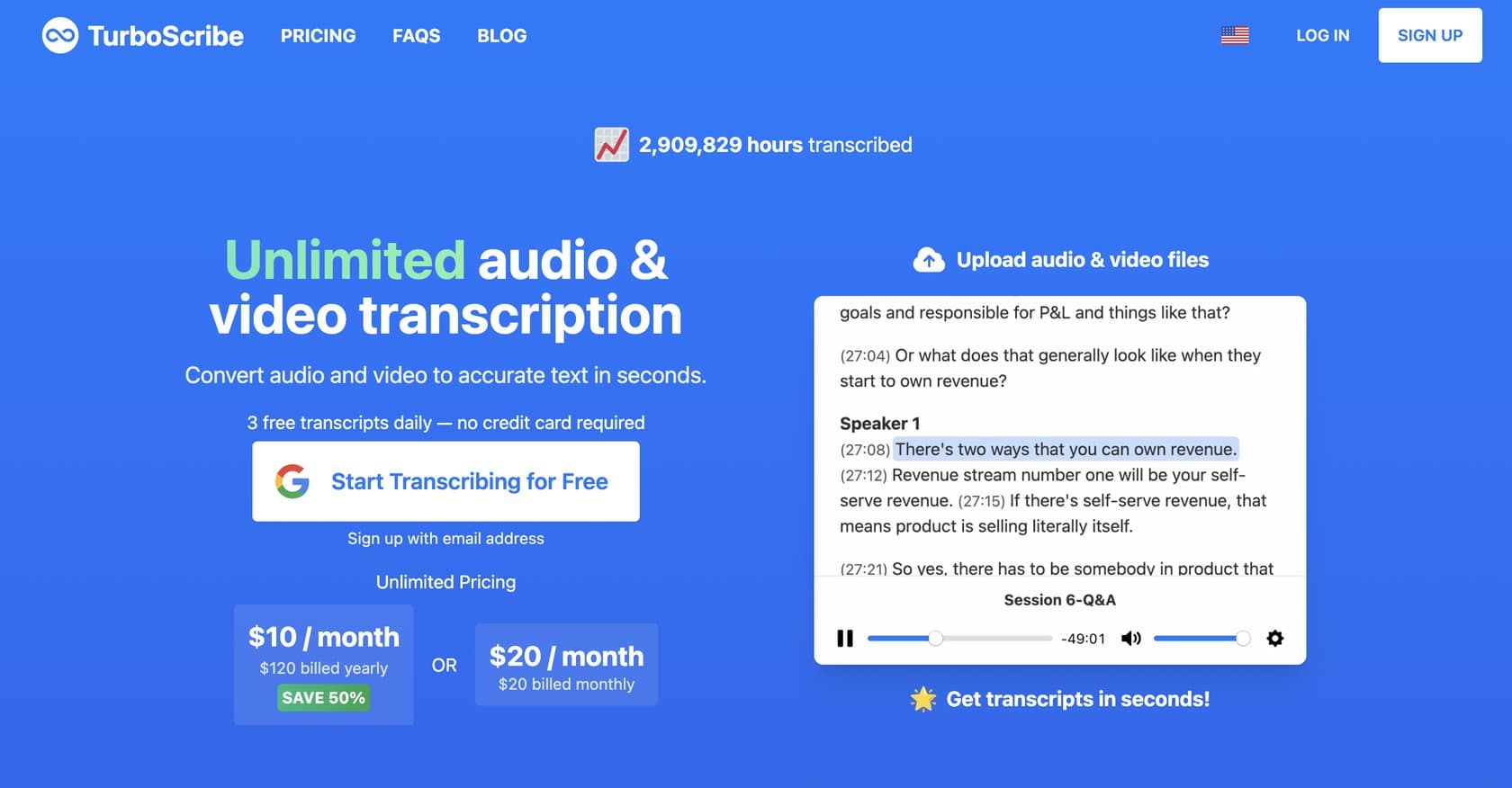
TurboScribe is an AI-powered transcription platform that converts audio and video files into text using OpenAI's Whisper technology, delivering an impressive 99.8% accuracy rate. Designed to solve the time-consuming problem of manual transcription, it serves everyone from academics documenting lectures to journalists processing interviews, and content creators needing quick turnarounds on podcast or video content. The platform handles files up to 10 hours in length and 5GB in size, with bulk upload capability supporting up to 50 files simultaneously — making it particularly valuable for organizations requiring high-volume transcription without usage limitations. What sets TurboScribe apart is its built-in audio restoration feature, which enhances poor-quality recordings through noise reduction, and its comprehensive language support spanning 98+ languages for transcription and 134+ for translation. The interface is straightforward, processing most files in seconds, and users can export results in multiple formats including PDF, DOCX, SRT, VTT, CSV, and TXT. With ChatGPT integration for generating summaries and glossaries from transcripts, it offers a complete workflow solution. Here's what you need to know before signing up.
TurboScribe operates on a freemium model with two tiers. The free plan provides 3 transcripts per day, with each transcript capped at 30 minutes — sufficient for casual users or those testing the service. The Unlimited plan costs $10 per month when billed yearly, unlocking unlimited transcription with no time or file size restrictions. This places it competitively against alternatives like Otter.ai and Rev, which often charge significantly more for comparable accuracy and features. The generous free tier makes it accessible for trial, while the affordable paid plan delivers excellent value for heavy users.
What works well:
Where it falls short:
TurboScribe is ideal for academics transcribing lectures and research interviews, journalists documenting interviews and press conferences, content creators working with podcasts and video content, and researchers managing large volumes of audio data. Legal and medical professionals requiring accurate documentation will also benefit, as will organizations needing high-volume transcription without per-minute fees. The tool strikes a balance between accessibility for casual users and professional-grade features for power users, though those with extremely poor audio quality recordings may need to invest time in manual corrections.
TurboScribe delivers exceptional value with its 99.8% accuracy and Whisper AI-powered transcription at a fraction of competitor pricing. The free tier is generous enough for occasional use, while the $10/month Unlimited plan is a bargain for anyone needing regular transcription. Compared to Otter.ai, Rev, and other alternatives, it holds its own on accuracy while offering unique features like audio restoration and ChatGPT integration. Anyone needing fast, accurate transcription across multiple languages should give TurboScribe a serious look.
AI-powered transcription platform converting audio/video to interactive, searchable transcripts with speaker identification, multilingual support, and AI summaries.
Enterprise voice AI platform with speech-to-text, text-to-speech, and conversational AI APIs featuring ultra-low latency, 45+ languages, and unified voice agent capabilities.