
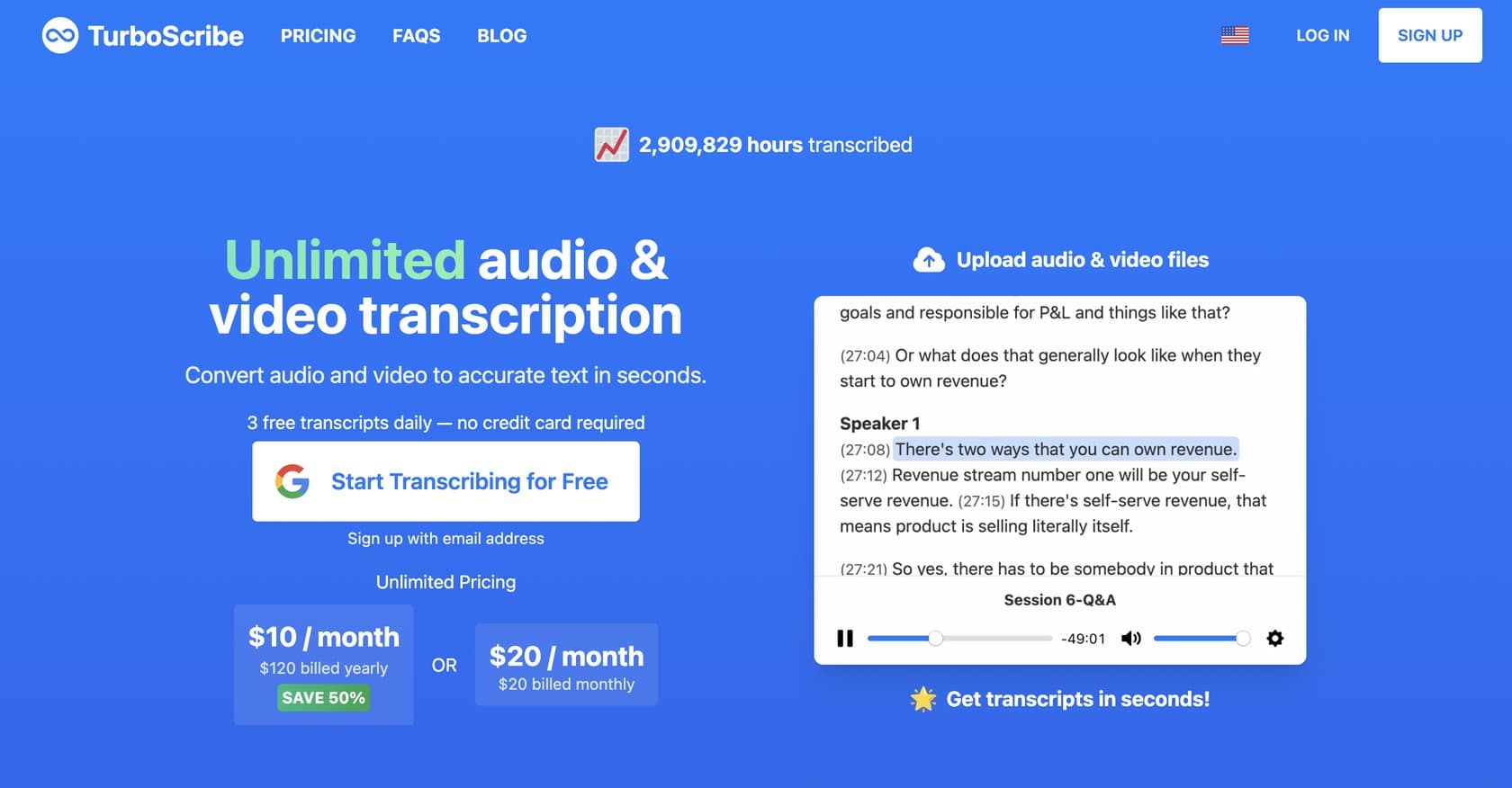
TurboScribeFreemium
AI-powered transcription tool using Whisper technology with 99.8% accuracy, supporting 98+ languages and handling files up to 10 hours. Offers audio restoration and ChatGPT integration.
transcriptionaudio-to-text
AI-powered transcription platform converting audio/video to interactive, searchable transcripts with speaker identification, multilingual support, and AI summaries.
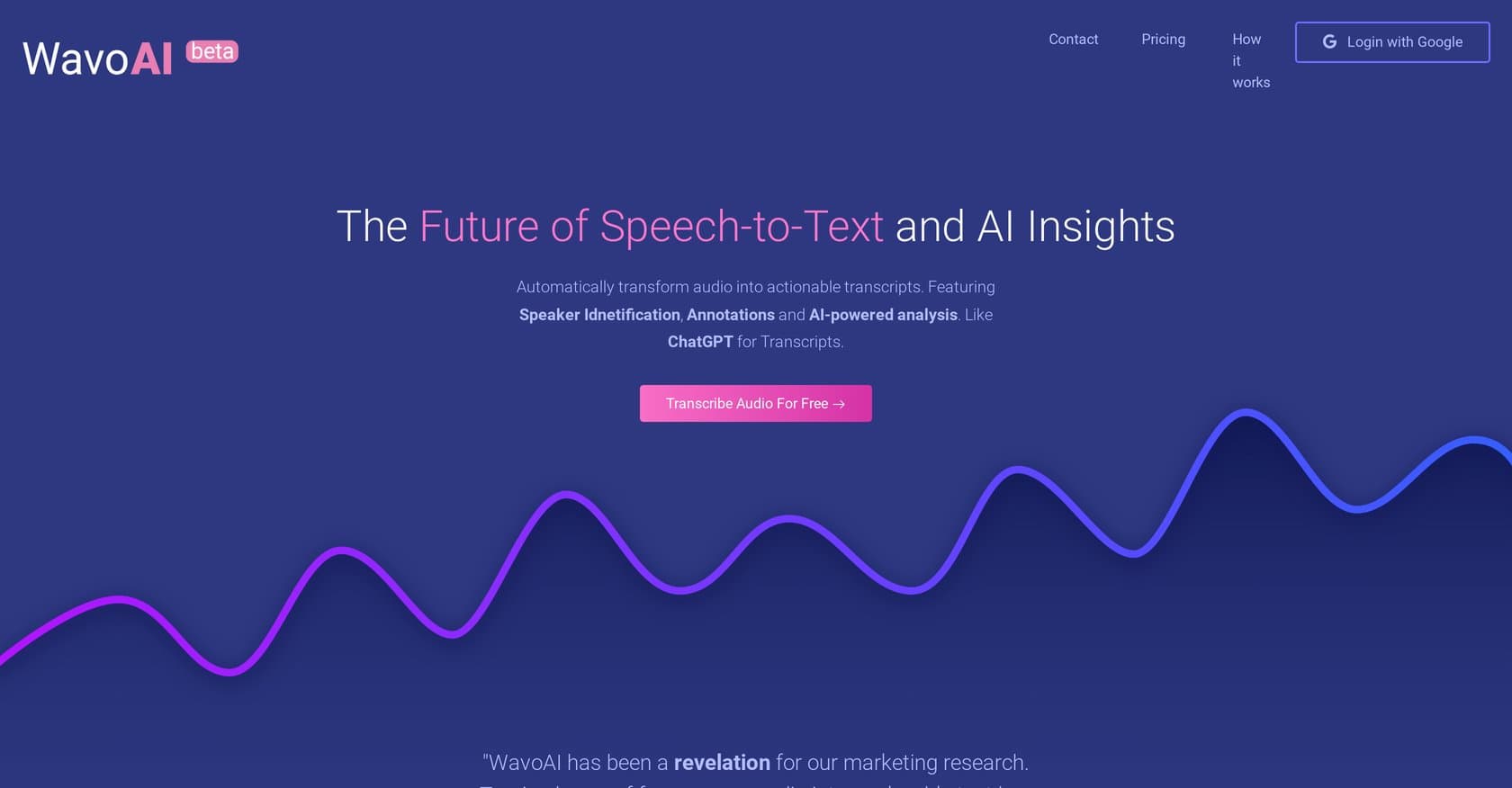
WavoAI is an AI-powered transcription platform that converts audio and video files into searchable, editable transcripts enhanced with intelligent analysis. The tool automatically identifies speakers, supports multiple languages and dialects, and generates AI-driven summaries, annotations, and actionable task points from recordings. It targets professionals handling meetings, podcasts, interviews, press releases, and academic content who need accurate transcription with productivity-boosting insights. The platform operates entirely in-browser, requiring no software installation, though it focuses on post-recording workflows rather than real-time transcription. Content creators, enterprise teams, journalists, and academics will find the combination of speaker diarization and AI analysis particularly valuable for extracting maximum value from recorded content. Here's what you need to know before signing up.
WavoAI operates on a freemium model with three tiers. The Free trial provides 1 hour of transcription with partial AI analysis, giving new users a taste of the platform's capabilities. The Pro plan costs $8.99 per month and unlocks unlimited audio processing, full transcript access, and complete AI analysis features. For organizations with high-volume needs, Enterprise pricing is custom and includes advanced analysis capabilities. The Pro tier represents solid value for individual users and small teams, especially considering the unlimited transcription allowance, though the limited free tier may feel restrictive for initial evaluation. Competitors like Otter.ai and Descript offer similar entry pricing, making WavoAI competitive but not significantly cheaper.
What works well:
Where it falls short:
WavoAI serves a broad audience of professionals who regularly work with audio and video content. Content creators and podcasters will benefit from accurate transcription with speaker labels for episode show notes and accessibility features. Business teams handling meetings, client calls, and conference recordings can extract actionable insights and follow-up tasks automatically. Journalists and researchers conducting interviews gain searchable, annotate-able transcripts that speed up analysis and quote verification. Academic professionals working with lectures, seminars, and discussion recordings can efficiently process multilingual content. The platform is best suited for users comfortable with web-based tools who need post-recording transcription rather than live captioning, and who value the AI analysis features for extracting maximum value from their recorded content.
WavoAI delivers a solid transcription solution with meaningful AI enhancements that set it apart from basic transcription tools. The combination of speaker diarization, interactive transcripts, and intelligent summaries addresses real workflow needs for professionals processing audio content. At $8.99/month for unlimited use, the Pro plan offers fair value, though the lack of real-time transcription and limited free trial may prompt users with immediate live meeting needs to consider alternatives like Otter.ai or Fireflies.ai. Users prioritizing AI-driven insights and multilingual support over real-time capabilities will find WavoAI a worthwhile addition to their productivity toolkit.
AI-powered transcription tool using Whisper technology with 99.8% accuracy, supporting 98+ languages and handling files up to 10 hours. Offers audio restoration and ChatGPT integration.