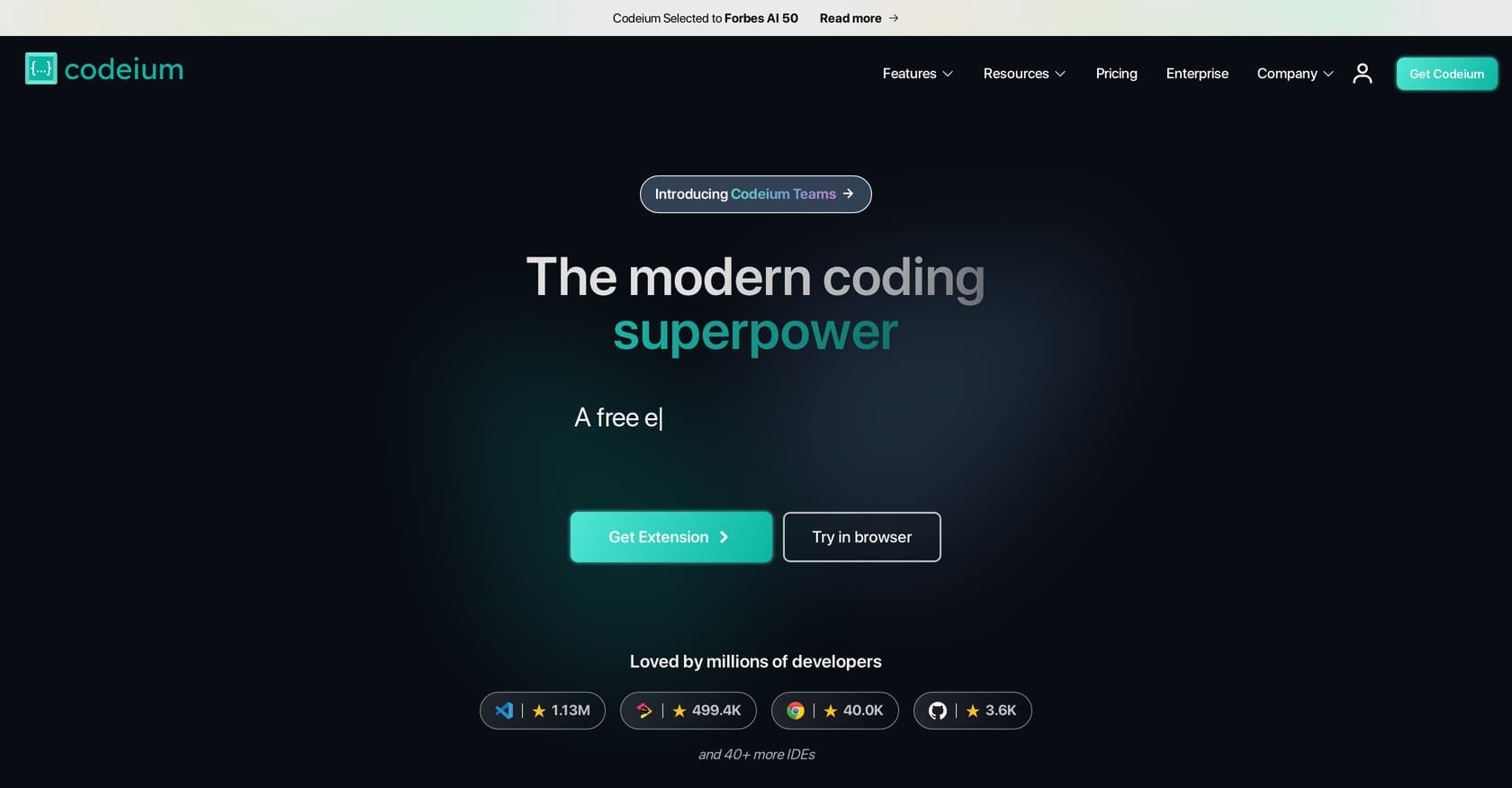
CodeiumFreemium
Codeium is a free AI coding assistant offering autocomplete, chat, and refactoring across 70+ languages in VS Code, JetBrains, and Neovim.
ai-codingcode-completion
Native macOS AI client with 300+ model support, global shortcuts, and privacy-first local storage — one-time purchase for permanent access.
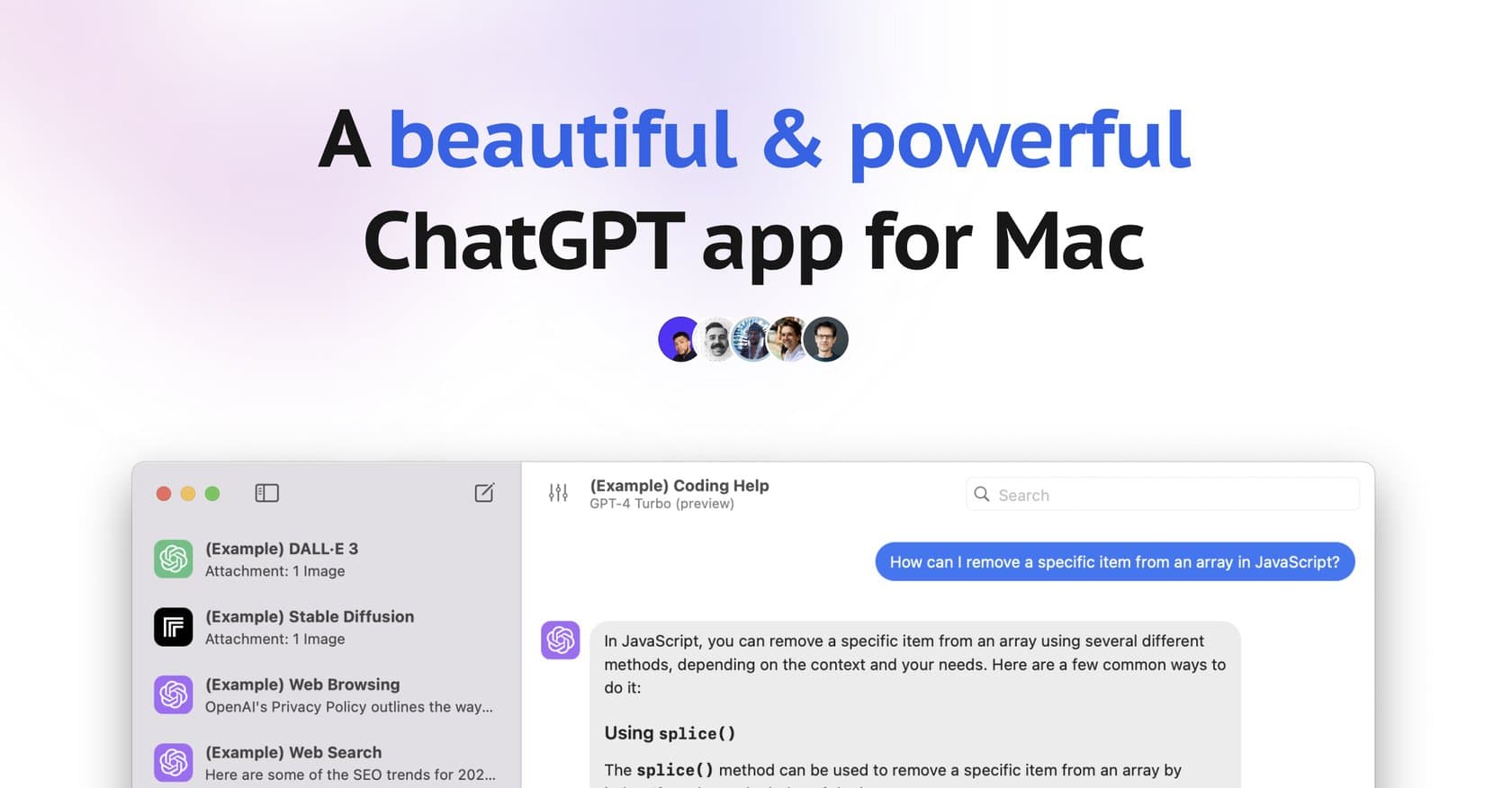
BoltAI is a native macOS application that serves as a high-performance AI client, bringing advanced artificial intelligence capabilities directly into your workflow without requiring context switching. Unlike browser-based AI chat interfaces, BoltAI operates as a system-level tool accessible via global shortcuts from any application, making it ideal for developers, content creators, researchers, and professionals who need rapid AI assistance throughout their workday. The application supports over 300 AI models spanning OpenAI, Anthropic, Google Vertex AI, Mistral, Azure, Bedrock, and local LLMs, giving users unprecedented flexibility in choosing their preferred AI provider. What sets BoltAI apart is its focus on privacy and workflow integration: users bring their own API keys, chats are stored locally, and sensitive data is automatically redacted using Apple Keychain. The app includes advanced features like screenshot analysis, document parsing for PDFs and CSVs, custom AI agents with knowledge bases, and deep IDE integration for coding tasks. With a one-time purchase model that avoids recurring subscriptions, BoltAI positions itself as a permanent addition to your productivity toolkit rather than a rented service. Here's what you need to know before signing up.
BoltAI operates on a one-time purchase model, requiring a single payment for a perpetual license. This approach contrasts sharply with the subscription-based pricing common among most AI tools, representing a significant value proposition for long-term users. However, the exact purchase price is not publicly listed on their website and requires direct inquiry. Users must also budget for their own AI provider API keys, which are purchased separately from services like OpenAI, Anthropic, or Google. While this adds ongoing usage costs, it provides full control over which models to use and avoids vendor lock-in. The one-time payment model particularly benefits power users who would otherwise face substantial cumulative subscription fees over multiple years.
What works well:
Where it falls short:
BoltAI targets Mac power users seeking to integrate AI deeply into their daily workflows. Developers benefit from IDE integration, code execution, and the ability to query AI assistants while working in Xcode, VS Code, or other development environments without leaving their editor. Content creators and marketers gain from inline text editing, rewriting capabilities, and quick access to AI for brainstorming and drafting. Researchers leverage multimodal analysis and document parsing to process papers, datasets, and visual materials efficiently. General professionals appreciate the speed of global shortcuts for emails, documents, and administrative tasks. The tool requires comfort with API key management and willingness to invest time in configuring custom agents, making it best suited for users who have moved beyond casual AI experimentation and want systematic integration into their work.
BoltAI represents a compelling option for Mac users committed to making AI a permanent part of their workflow. Its one-time purchase model offers real savings over subscription alternatives for consistent users, while the combination of privacy, performance, and model flexibility addresses most common complaints about web-based AI tools. The main considerations are the platform exclusivity and the additional cost of API keys, but for users who value seamless system integration and data privacy, these tradeoffs are worthwhile. If you're a Mac user seeking professional-grade AI integration without recurring fees, BoltAI deserves serious consideration.
Codeium is a free AI coding assistant offering autocomplete, chat, and refactoring across 70+ languages in VS Code, JetBrains, and Neovim.
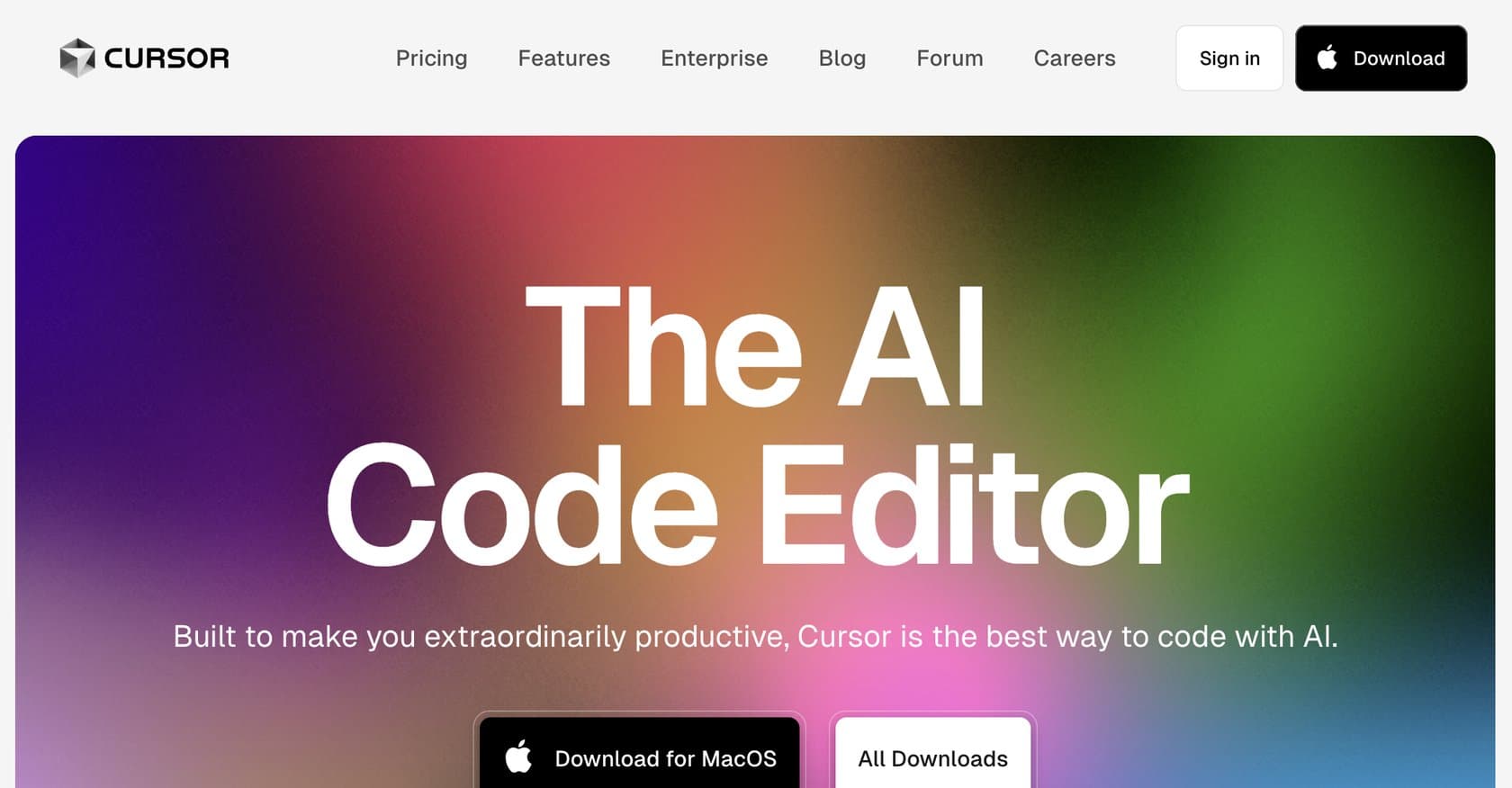
AI-native code editor built on VS Code with GPT-4o and Claude integration for intelligent autocomplete, codebase-aware chat, and natural language refactoring.
AI-powered code review platform that automates PR analysis with line-by-line feedback, one-click fixes, and integrated security scanning for development teams.
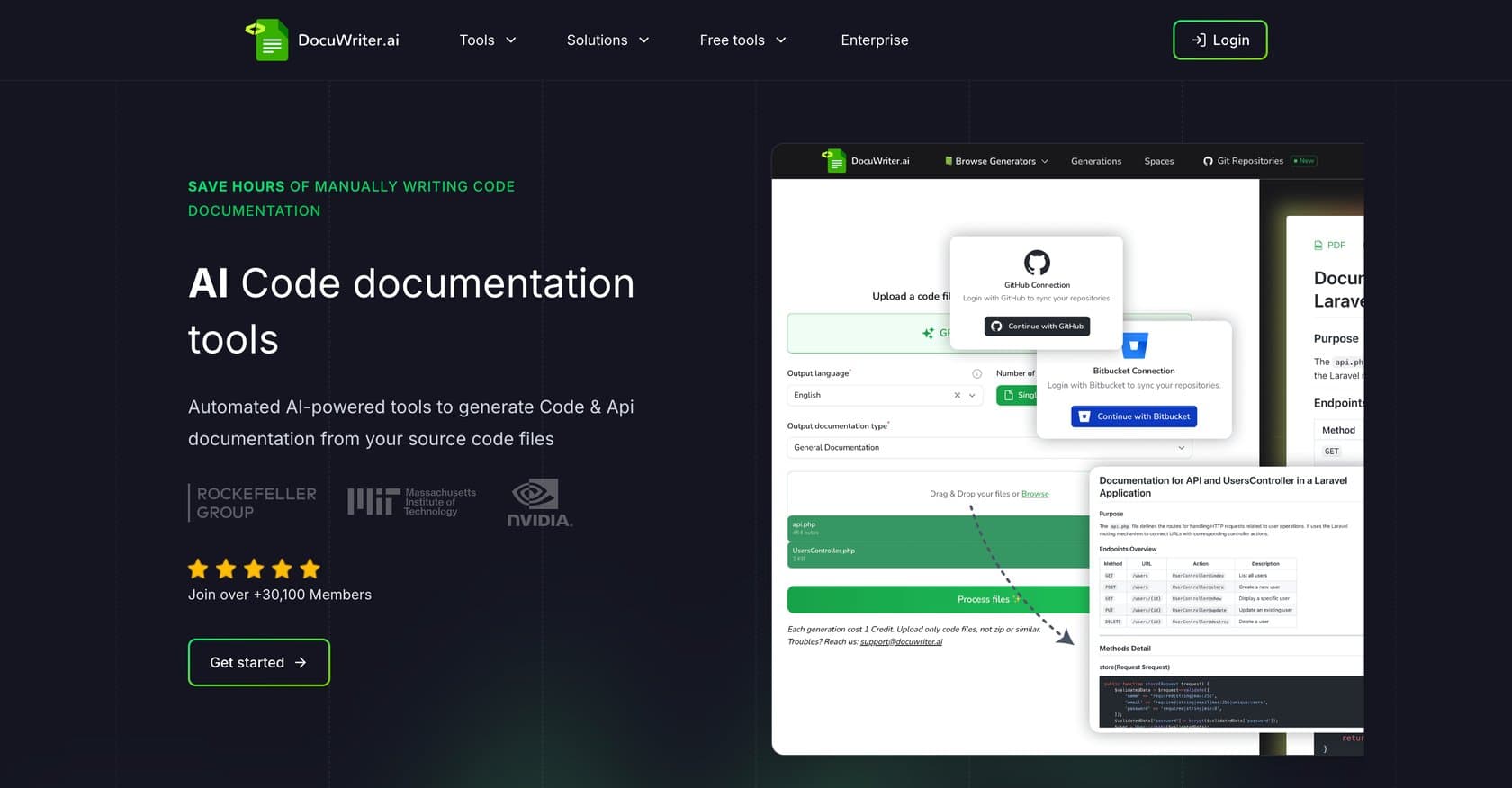
AI-powered platform that automates code documentation generation, API references, UML diagrams, and test suite creation with local processing for security.
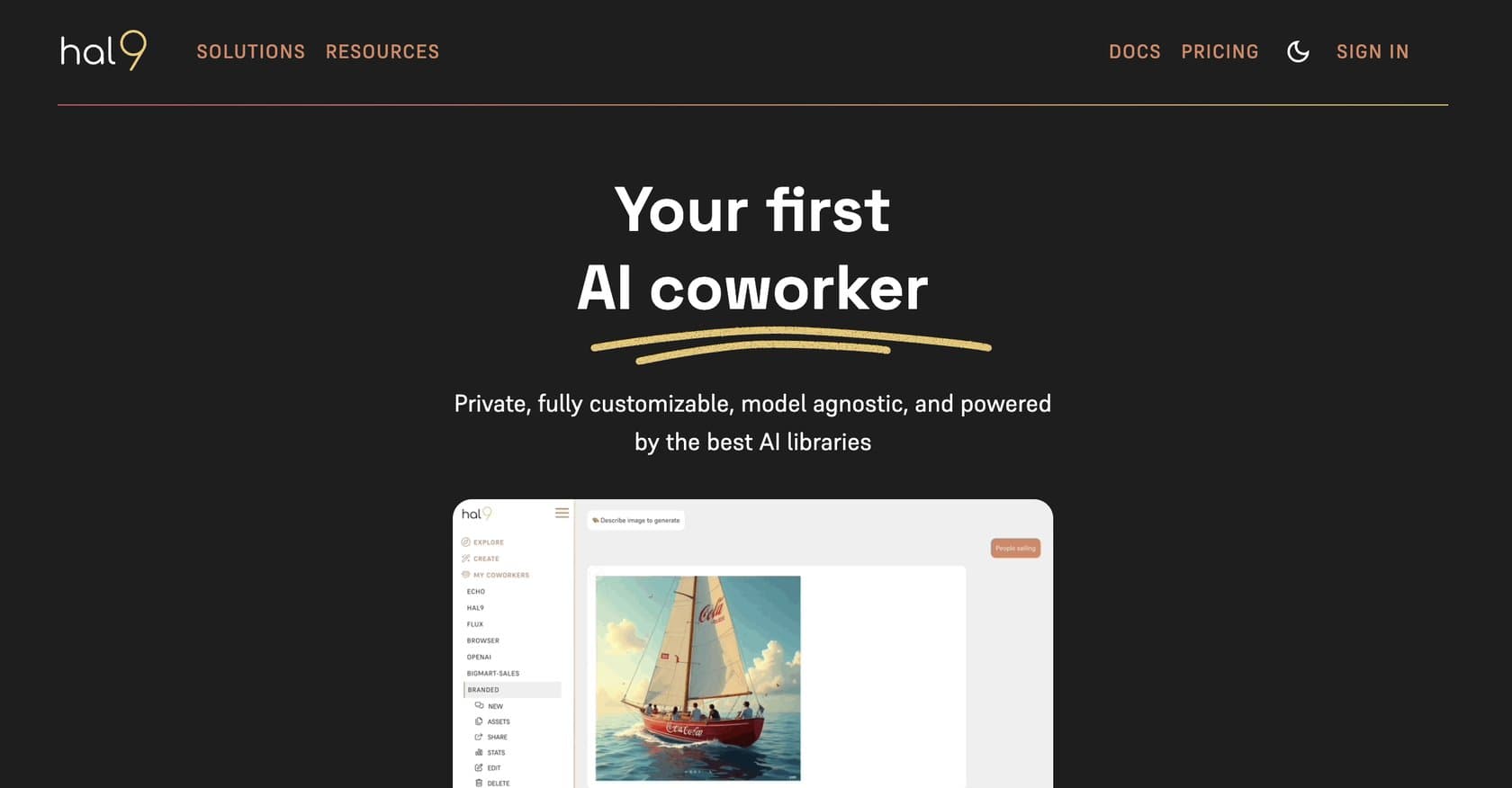
Platform helping startups build AI products in 30 days with expert support, model-agnostic flexibility, and private cloud deployment for data privacy.
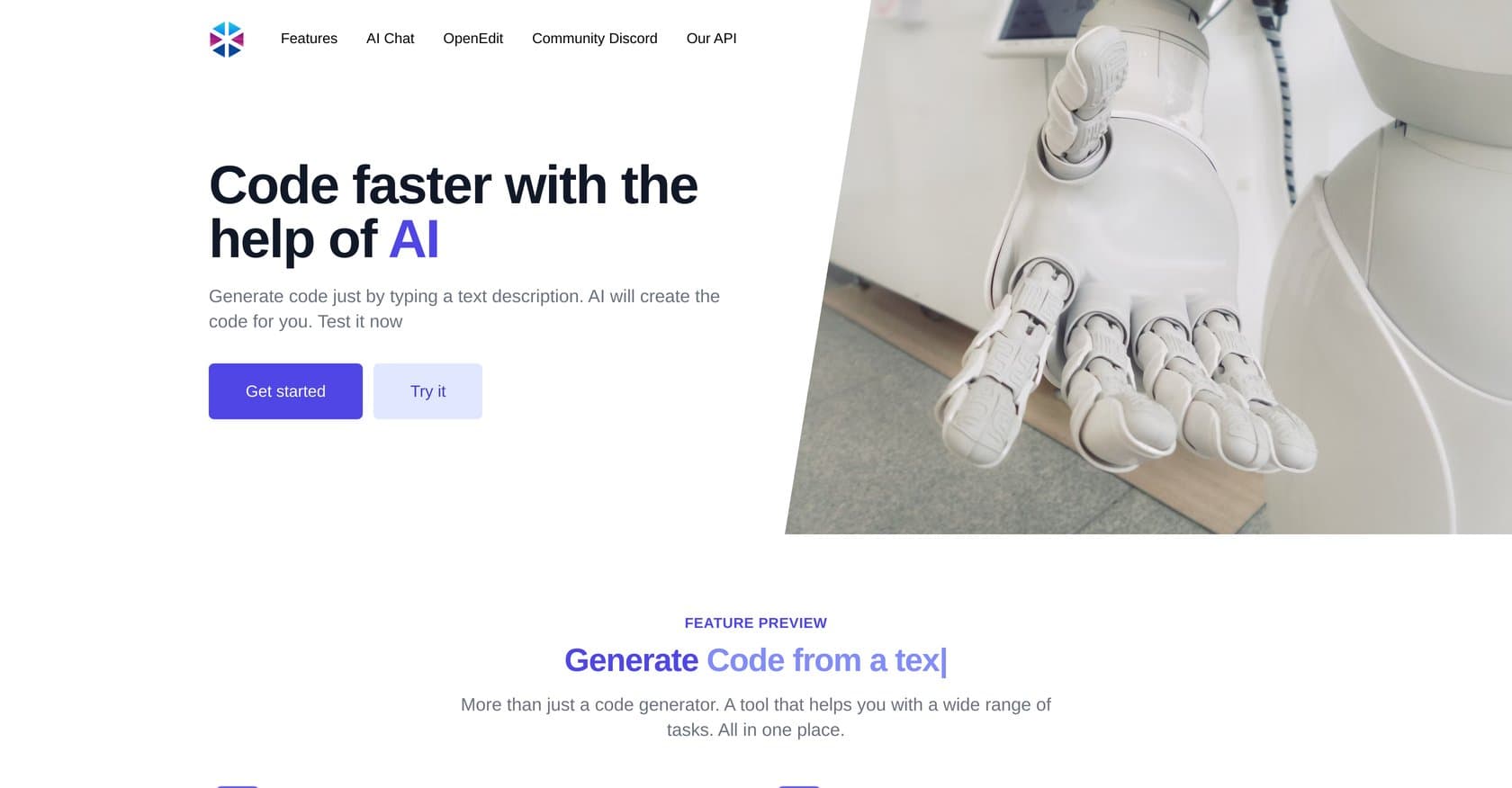
AI-powered code generation platform that converts plain English descriptions into code snippets, SQL commands, and full functions with debugging and testing utilities.