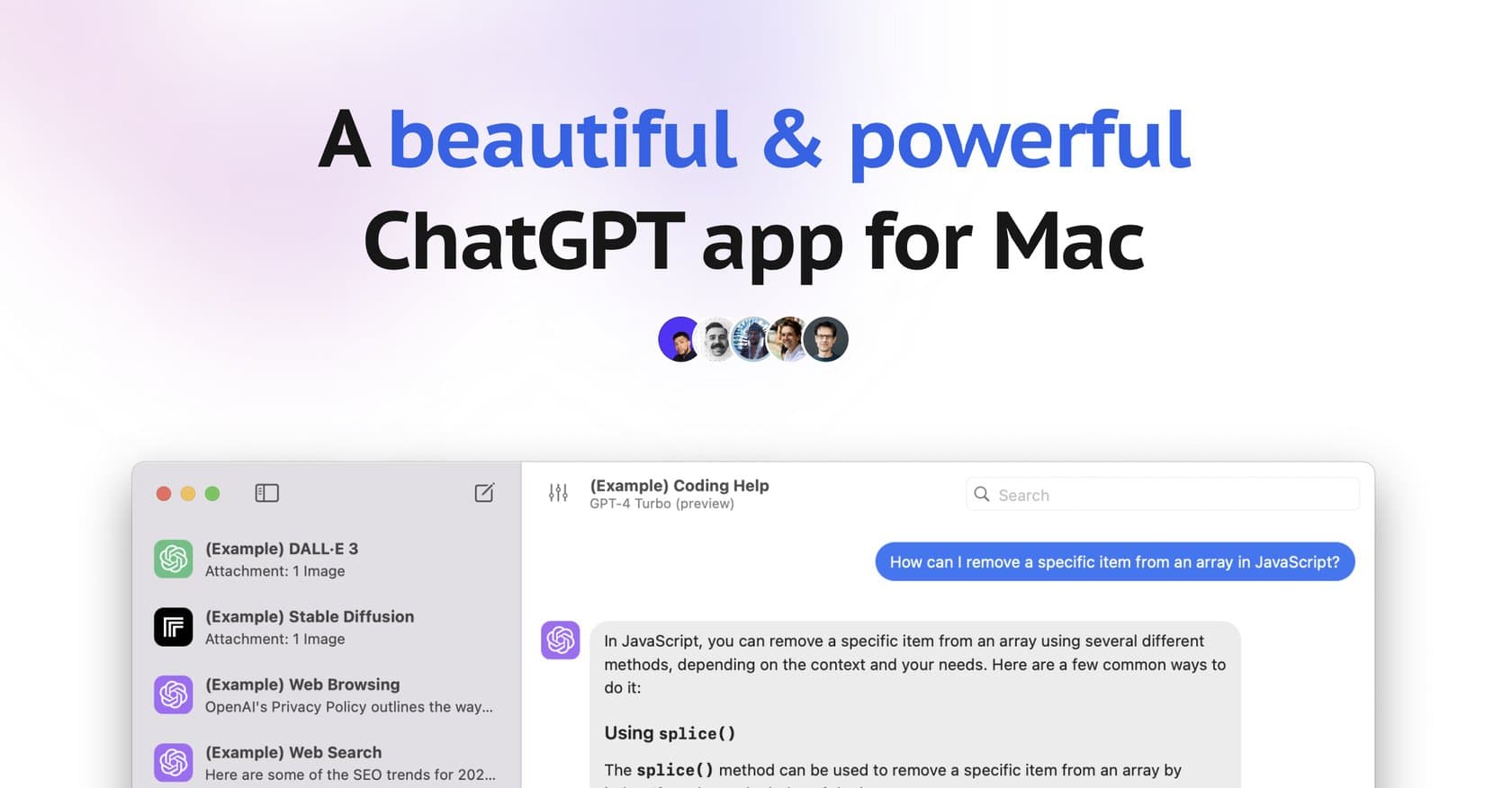
BoltAIPaid
Native macOS AI client with 300+ model support, global shortcuts, and privacy-first local storage — one-time purchase for permanent access.
ai-codingdeveloper-tools
AI-powered code generation platform that converts plain English descriptions into code snippets, SQL commands, and full functions with debugging and testing utilities.
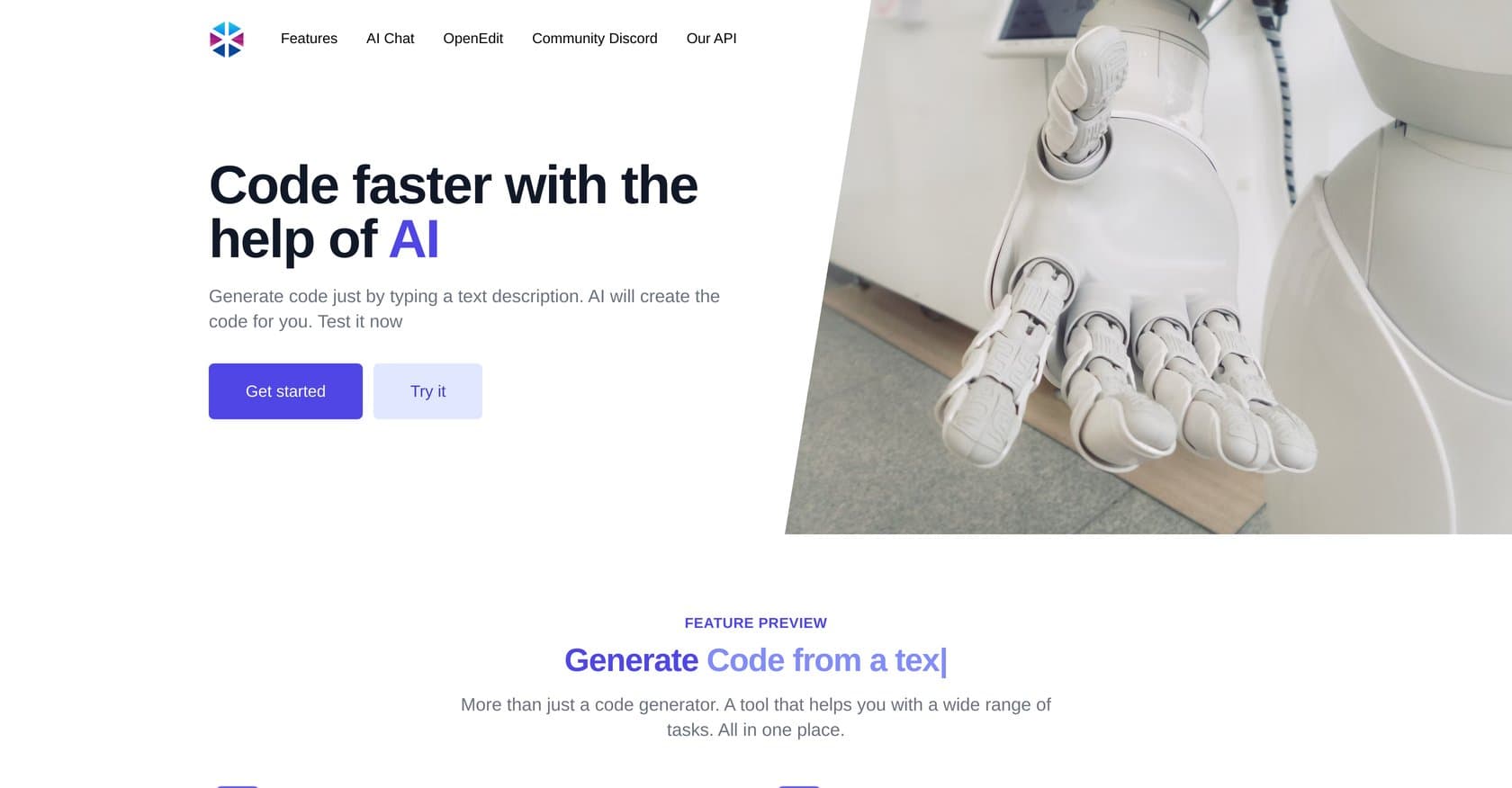
Programming Helper is an AI-powered code generation platform designed to automate a wide range of coding tasks through natural language input. The tool allows developers to generate code snippets, functions, classes, and SQL commands by simply describing desired functionality in plain English. Positioned as a comprehensive development utility, it targets developers of all skill levels who want to accelerate their workflow, reduce manual coding time, and improve overall code quality through AI assistance. The platform's AI Studio interface offers real-time collaboration capabilities and a customizable workspace, making it suitable for both individual developers and small teams working on projects together. What sets Programming Helper apart from basic code completion tools is its breadth of functionality beyond just writing code—it also handles code explanation, error detection and fixing, test case generation, and even provides insights into time complexity analysis. The tool supports numerous programming languages and includes specialized generators for regex patterns, Git commands, and Linux commands. For developers working across different languages, the code translation feature enables seamless conversion between programming languages. Here's what you need to know before signing up.
Programming Helper operates on a freemium model, offering a free tier that provides access to basic features. The free tier allows users to explore the platform's capabilities without initial investment, making it accessible for developers who want to test the tool before committing to a paid plan. Specific pricing details for premium tiers are not publicly disclosed in available information, which limits transparency for budget-conscious developers comparing options. While the free tier provides meaningful functionality, the lack of clear pricing information makes it difficult to assess the platform's overall value proposition compared to competitors like GitHub Copilot or CodeGPT. Prospective users will need to contact the platform directly or explore the interface to understand what features require paid access.
What works well:
Where it falls short:
Programming Helper is best suited for developers of all skill levels seeking to accelerate development workflows and reduce time spent on routine coding tasks. The platform is particularly valuable for junior developers who can benefit from code explanation features and generated examples to learn best practices. Intermediate developers working on personal projects or small team applications will find the text-to-code generation and utility features helpful for productivity. However, enterprise developers or those working on mission-critical systems may want more transparency around code quality guarantees and accuracy before adopting the tool. The platform also appeals to developers who work across multiple programming languages and need translation capabilities, as well as those who want a consolidated toolset rather than multiple separate utilities for code generation, testing, and debugging.
Programming Helper offers a genuinely comprehensive set of AI-powered coding utilities that address multiple points in the development lifecycle, from initial code generation through testing and debugging. The freemium model provides accessible entry for developers to evaluate the platform's capabilities, though the lack of transparent pricing details is a notable drawback for those who need to budget carefully. While the tool covers impressive breadth across coding tasks, potential users should carefully assess whether the depth and reliability meet their specific needs, particularly for complex or high-stakes projects. Developers seeking an all-in-one coding assistant with strong collaboration features will find good value here, especially if the free tier adequately serves their use cases.
Native macOS AI client with 300+ model support, global shortcuts, and privacy-first local storage — one-time purchase for permanent access.
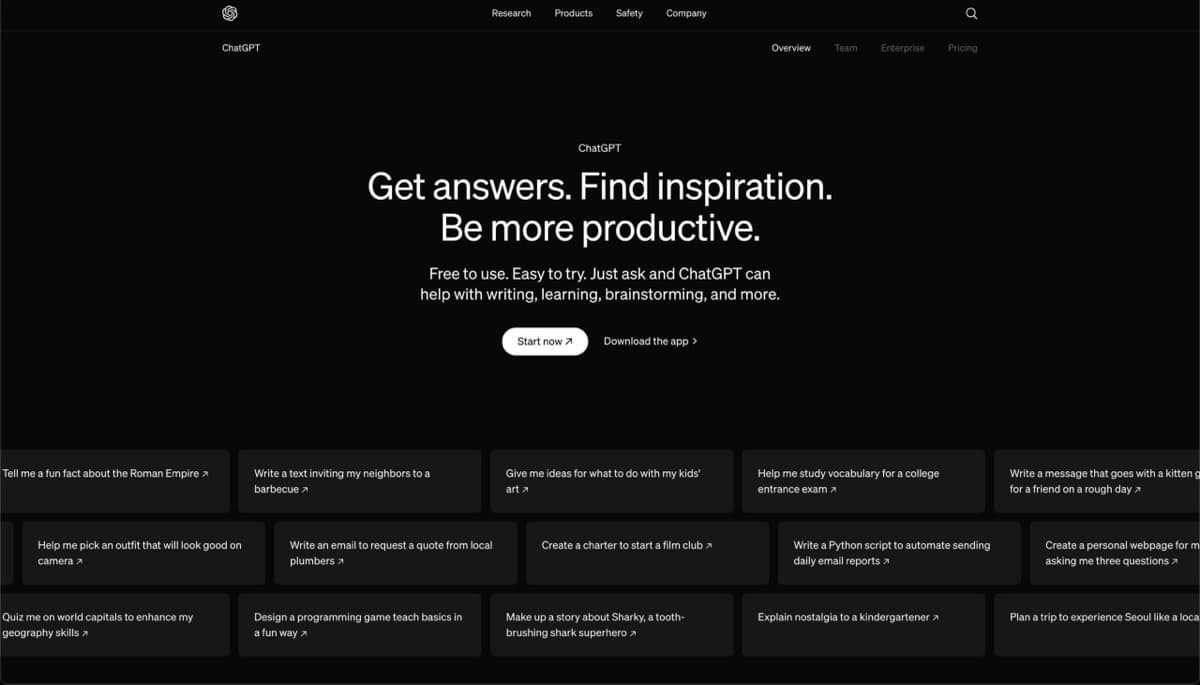
OpenAI's flagship AI chatbot offers deep research, custom agents, and autonomous task execution across text, vision, and code—with a generous free tier and enterprise scalability.
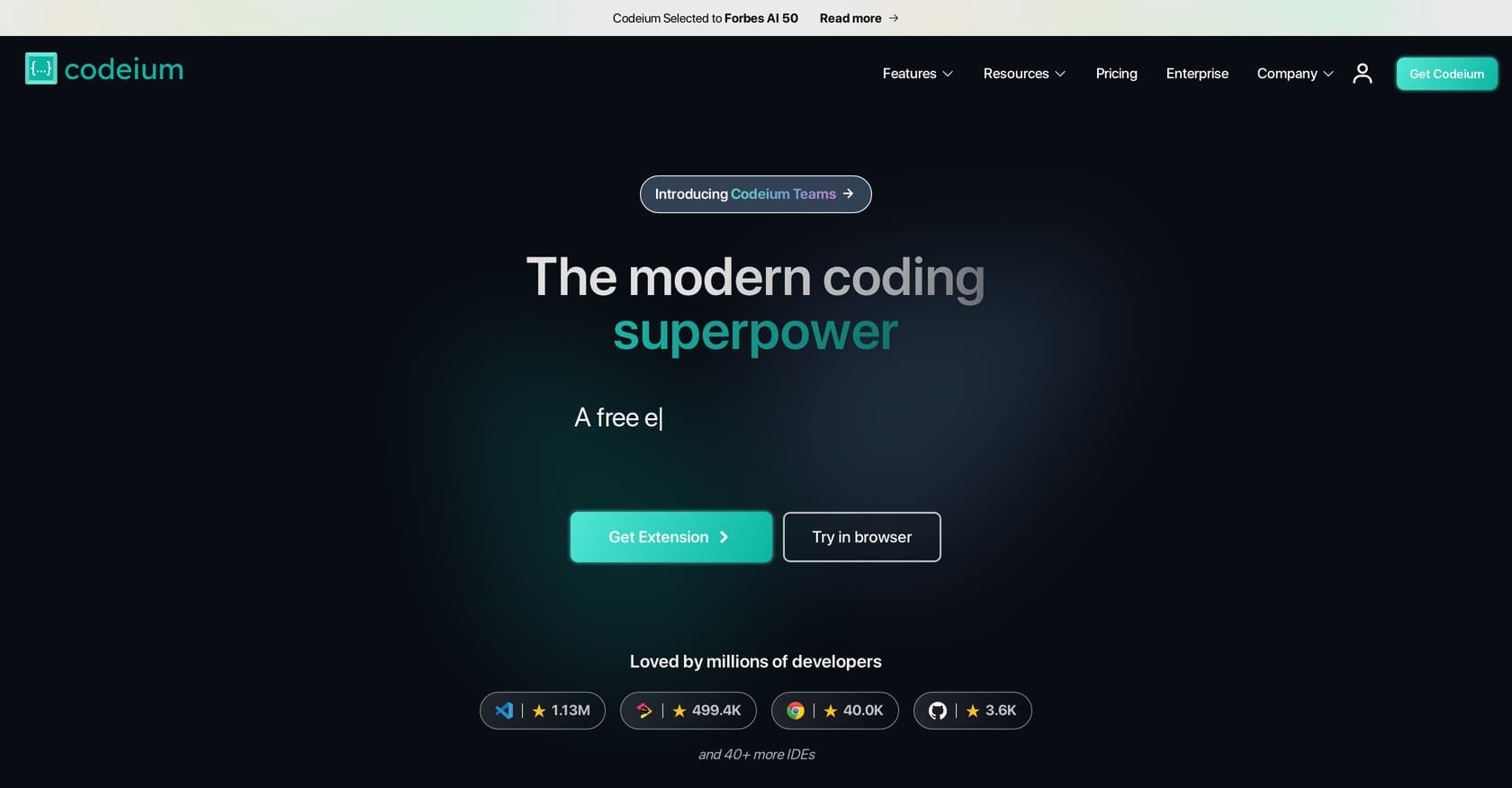
Codeium is a free AI coding assistant offering autocomplete, chat, and refactoring across 70+ languages in VS Code, JetBrains, and Neovim.
AI-powered code review platform that automates PR analysis with line-by-line feedback, one-click fixes, and integrated security scanning for development teams.
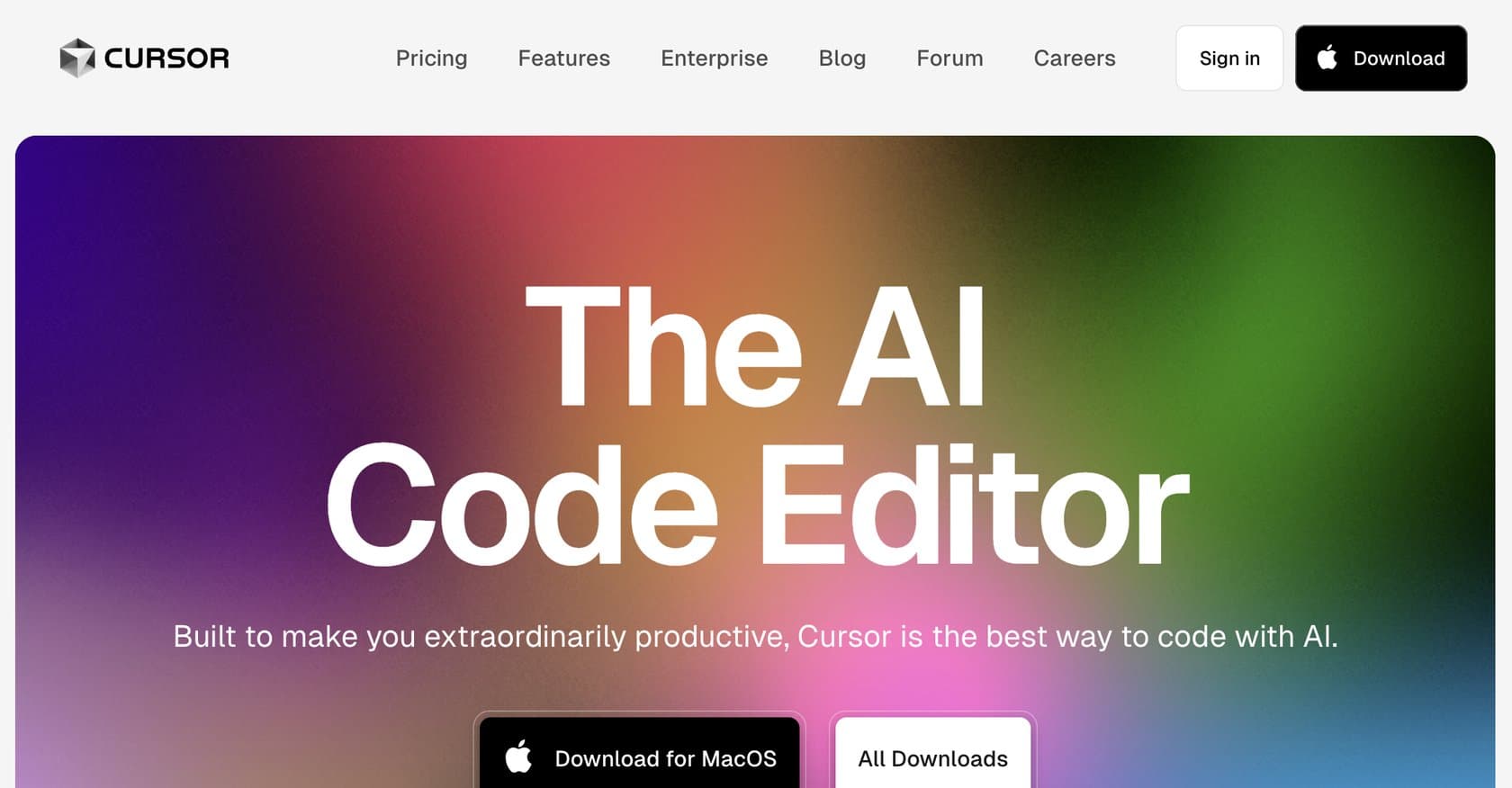
AI-native code editor built on VS Code with GPT-4o and Claude integration for intelligent autocomplete, codebase-aware chat, and natural language refactoring.
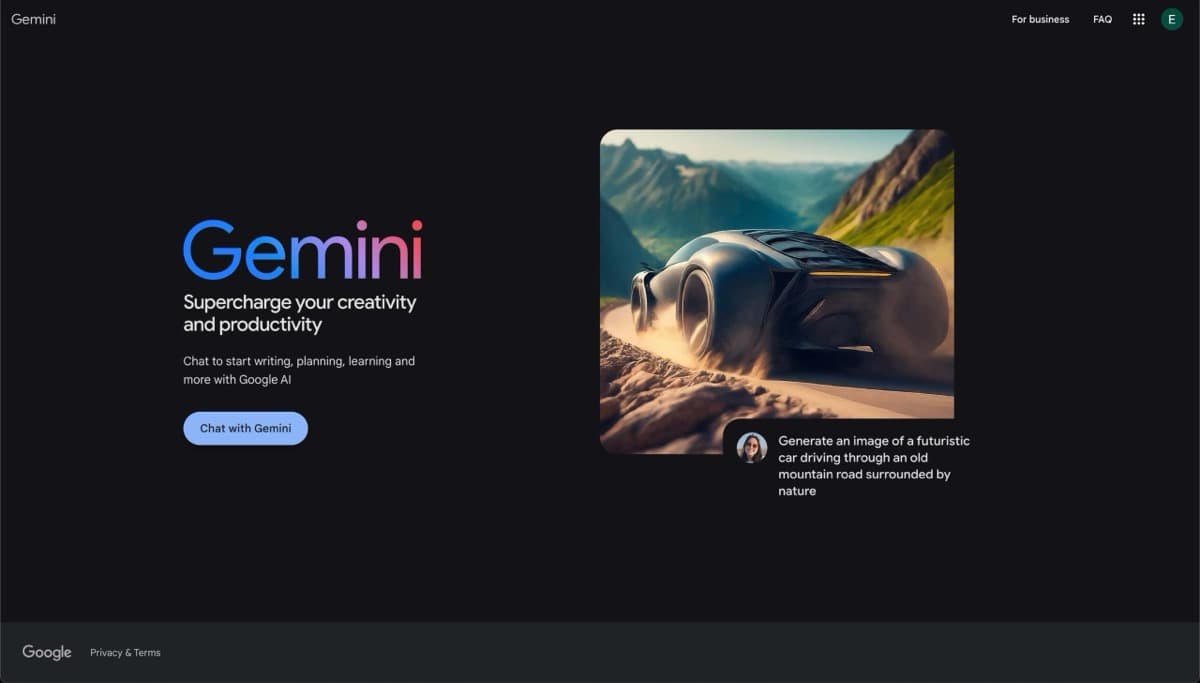
Google's flagship multimodal AI assistant with 2M token context, deep ecosystem integration, and advanced reasoning. Strong choice for Google users seeking versatile AI across text, images, and code.