BoltAIPaid
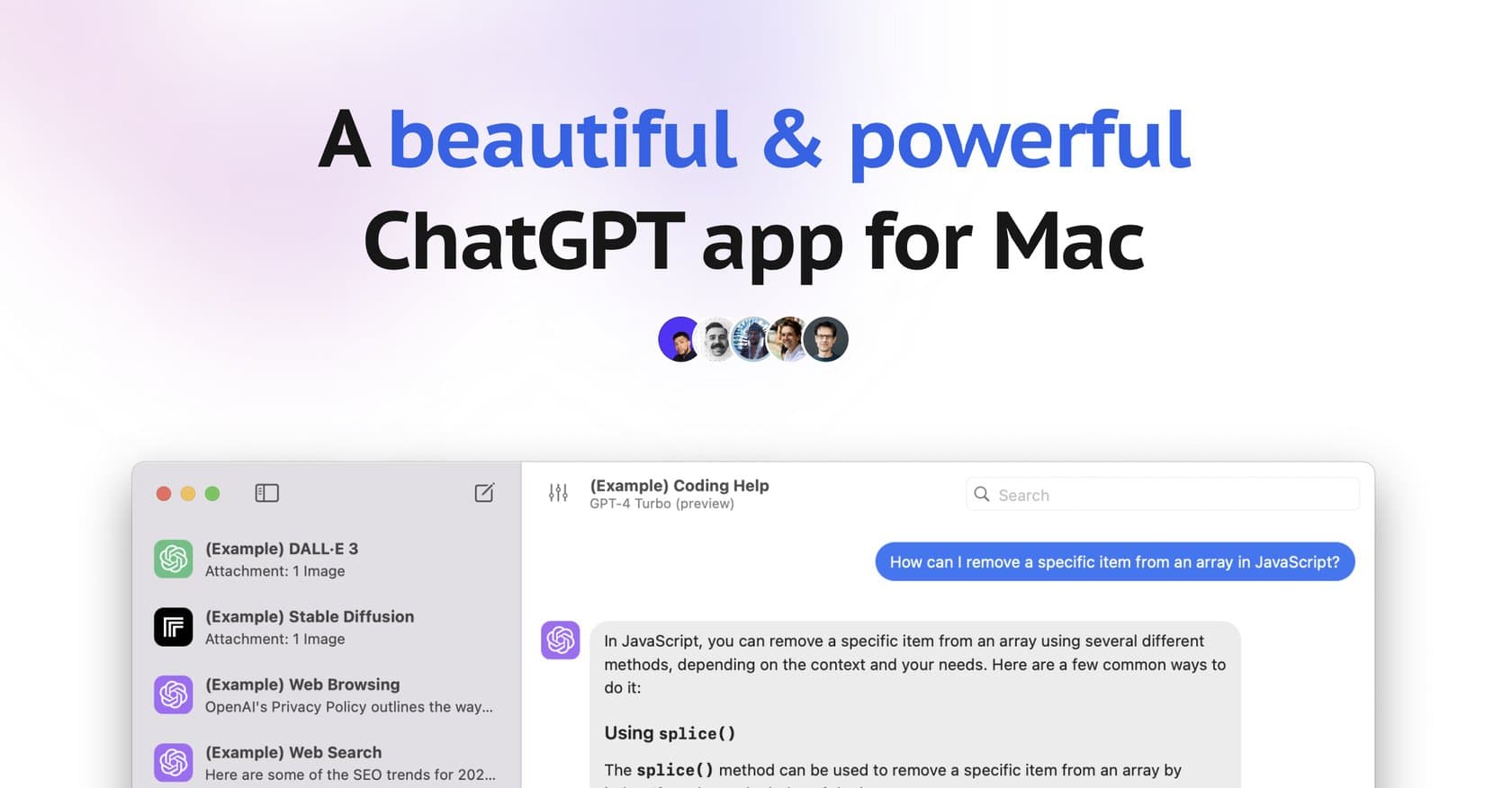
Native macOS AI client with 300+ model support, global shortcuts, and privacy-first local storage — one-time purchase for permanent access.
ai-codingdeveloper-tools
AI-native code editor built on VS Code with GPT-4o and Claude integration for intelligent autocomplete, codebase-aware chat, and natural language refactoring.
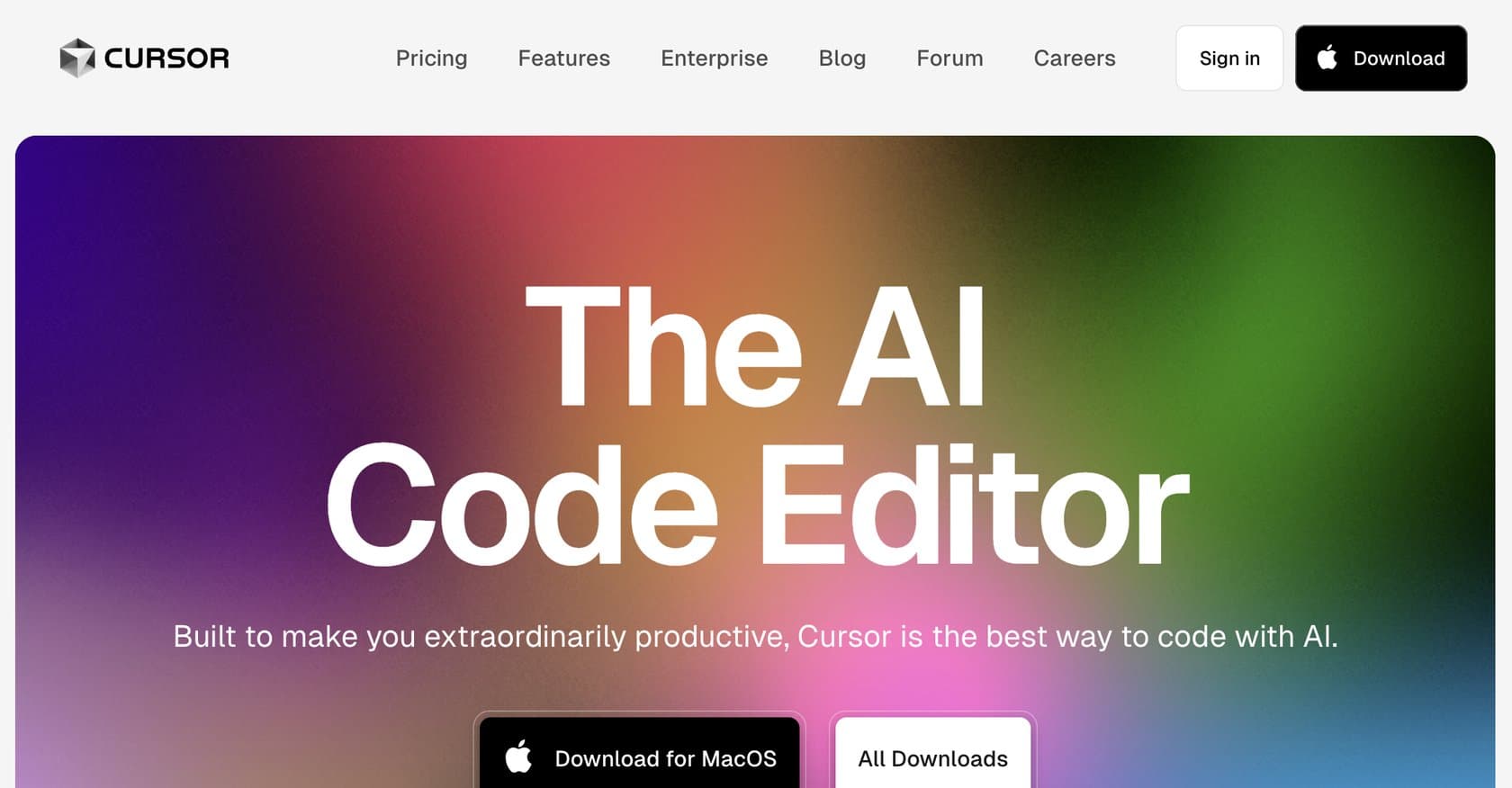
Cursor is an AI-native code editor built on Visual Studio Code that integrates advanced AI models like GPT-4o and Claude 3.5 Sonnet directly into the development workflow. It solves the problem of repetitive coding tasks, slow debugging cycles, and disconnected AI assistants by bringing intelligent automation directly into the editor. The tool offers context-aware autocomplete that predicts and inserts code as you type, natural language refactoring commands, codebase-aware chat that understands your entire repository, and an AI agent capable of running terminal commands and performing file operations. Whether you're a junior developer learning patterns or a senior engineer managing complex codebases, Cursor aims to accelerate every stage of the software development lifecycle. From inline editing via natural language to real-time error detection and bug finding with confidence ratings, the platform positions itself as a comprehensive AI coding companion. However, there are important considerations around pricing, AI model limitations, and customization that prospective users should understand before committing. Here's what you need to know before signing up.
Cursor operates on a freemium model with a free tier that provides basic AI coding assistance, making it accessible for individual developers and those wanting to evaluate the tool. The Pro subscription unlocks advanced features including full model access (GPT-4o, Claude 3.5 Sonnet), enhanced autocomplete capabilities, and higher usage limits. Pricing typically starts around $20 per month for the Pro plan, though exact pricing varies based on usage patterns and feature selection. The free tier is genuinely functional for learning and small projects, while the paid tiers become necessary for professional developers who rely heavily on advanced features like the bug finder and AI agent capabilities. Compared to alternatives like GitHub Copilot and Codeium, Cursor's pricing is competitive, though users should monitor their credit consumption as certain advanced features use pay-per-use credits that can add to the base subscription cost.
What works well:
Where it falls short:
Cursor is designed primarily for professional software developers across all experience levels. Junior developers will benefit from the learning opportunities provided by autocomplete suggestions, code explanations, and pattern recommendations. Mid-level and senior developers handling complex codebases will appreciate the deep repository understanding, efficient refactoring tools, and time-saving automation features. The platform excels for solo developers working on personal projects, small teams collaborating on codebases, and organizations engaged in rapid prototyping. Teams requiring customization will find value in the rules and system prompts that allow tailoring behavior to specific coding standards. While less common, technical product managers and technical writers documenting APIs can also leverage the chat and explanation features effectively.
Cursor stands out as one of the most capable AI coding assistants available today, combining deep IDE integration with powerful AI models in a thoughtfully designed package. The seamless VS Code foundation means minimal learning curve for the millions of developers already using Microsoft's editor. While the freemium model makes initial adoption low-risk, professional developers should budget for the Pro tier and monitor credit usage for heavy AI agent tasks. For teams and individuals seeking meaningful productivity gains in their coding workflow, Cursor delivers substantial value that justifies its position as one of the few AI tools users consistently report paying for willingly.
Native macOS AI client with 300+ model support, global shortcuts, and privacy-first local storage — one-time purchase for permanent access.
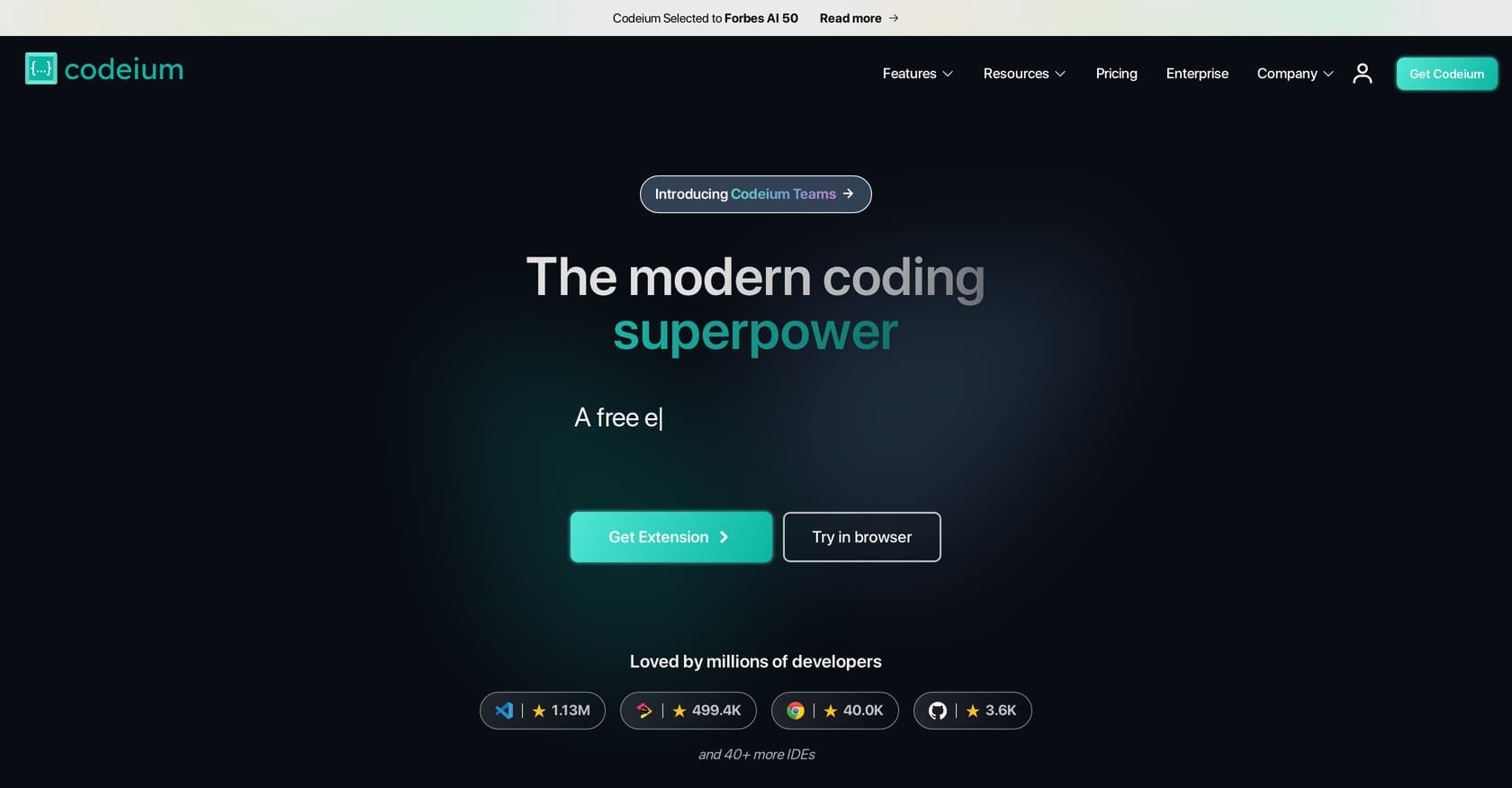
Codeium is a free AI coding assistant offering autocomplete, chat, and refactoring across 70+ languages in VS Code, JetBrains, and Neovim.
AI-powered code review platform that automates PR analysis with line-by-line feedback, one-click fixes, and integrated security scanning for development teams.
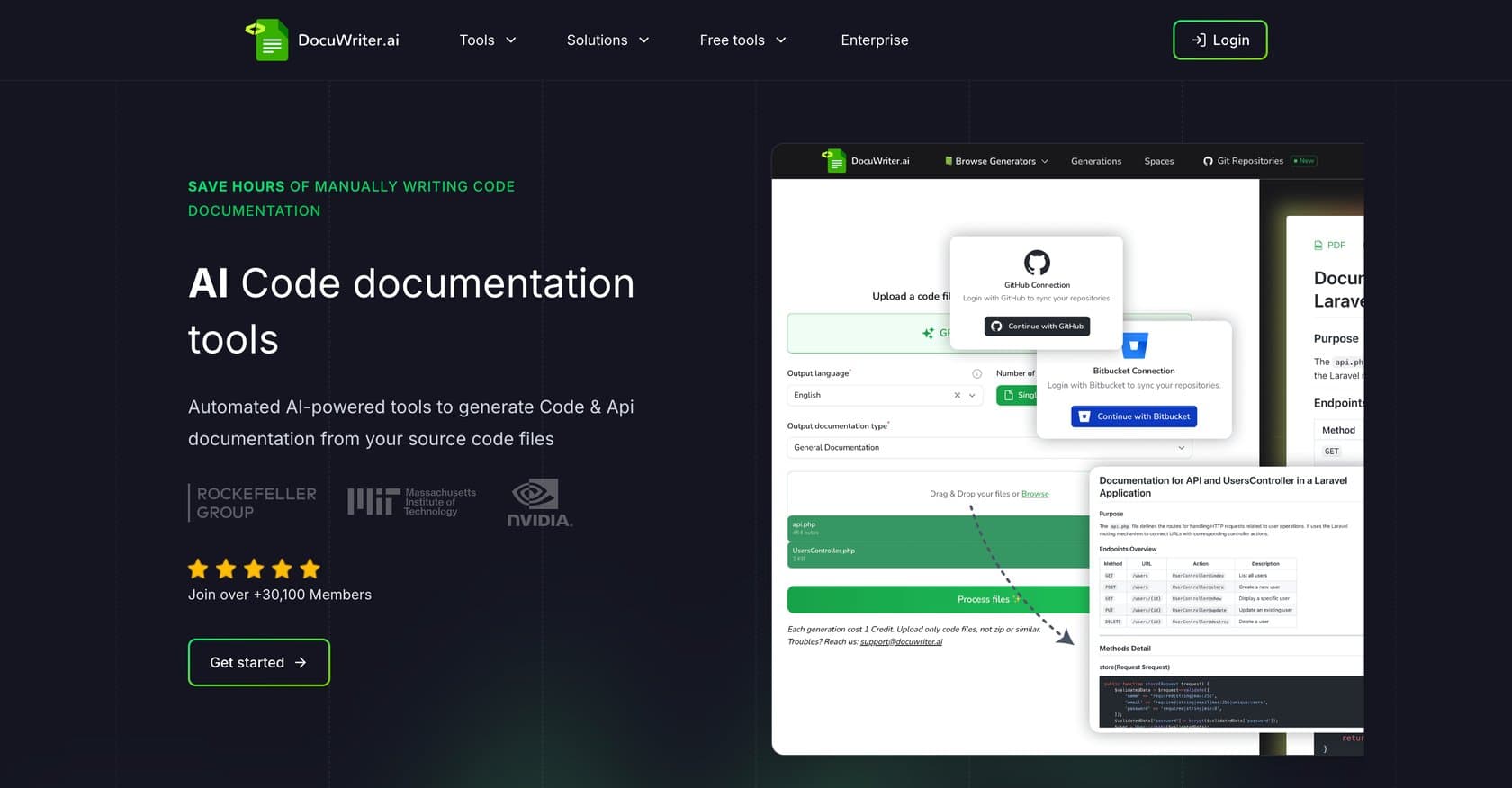
AI-powered platform that automates code documentation generation, API references, UML diagrams, and test suite creation with local processing for security.
Platform helping startups build AI products in 30 days with expert support, model-agnostic flexibility, and private cloud deployment for data privacy.
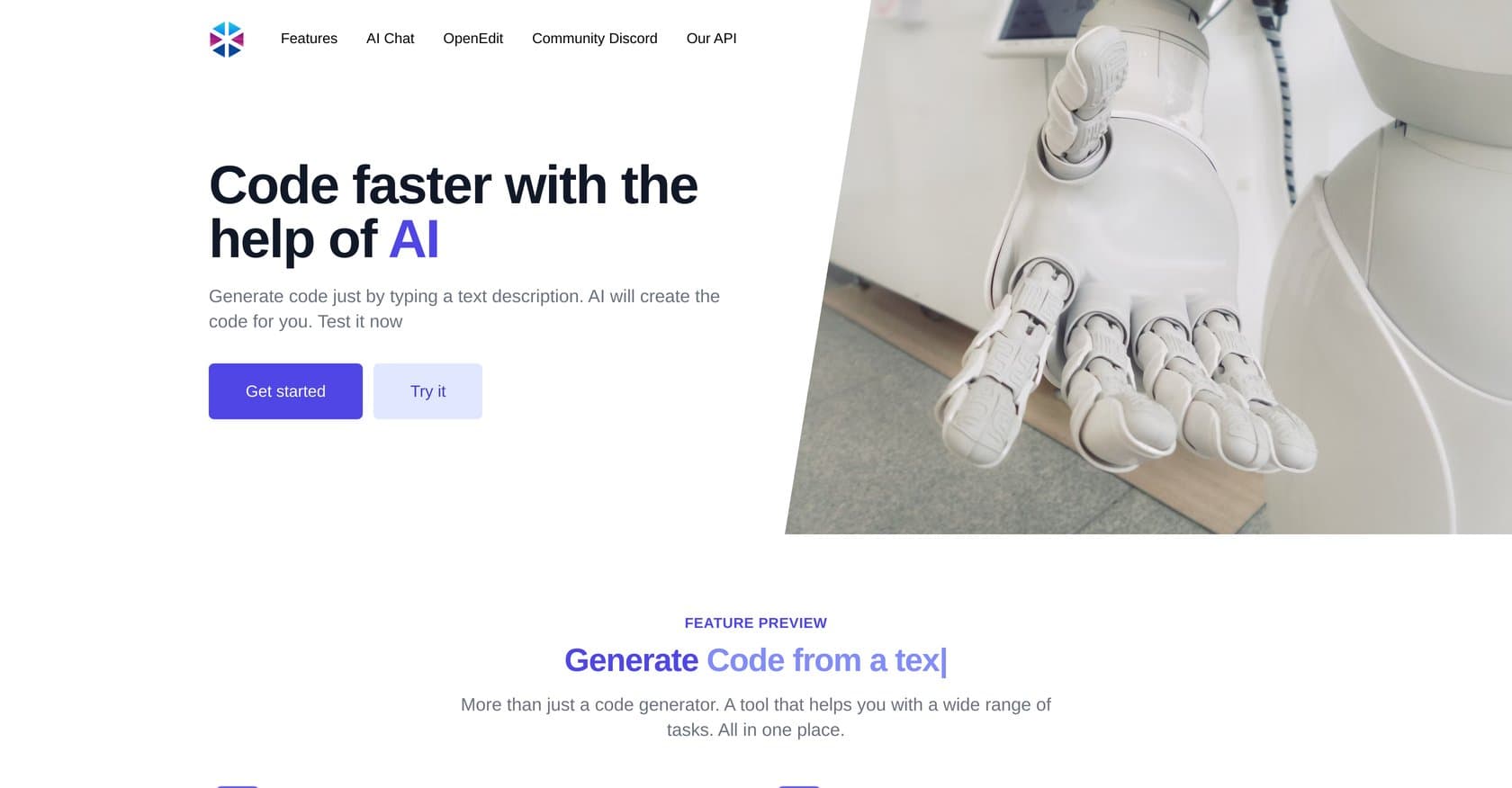
AI-powered code generation platform that converts plain English descriptions into code snippets, SQL commands, and full functions with debugging and testing utilities.