AI Haven
AI Tools

AI Trans Porn With Characters You Create

You want the same trans girl every time she turns her head. Start with the face and body you pictured, get her look right in a clear still, then animate your shot. One turn shows whether the render held onto the girl you came for.

12 tools found

Top 3 at a Glance

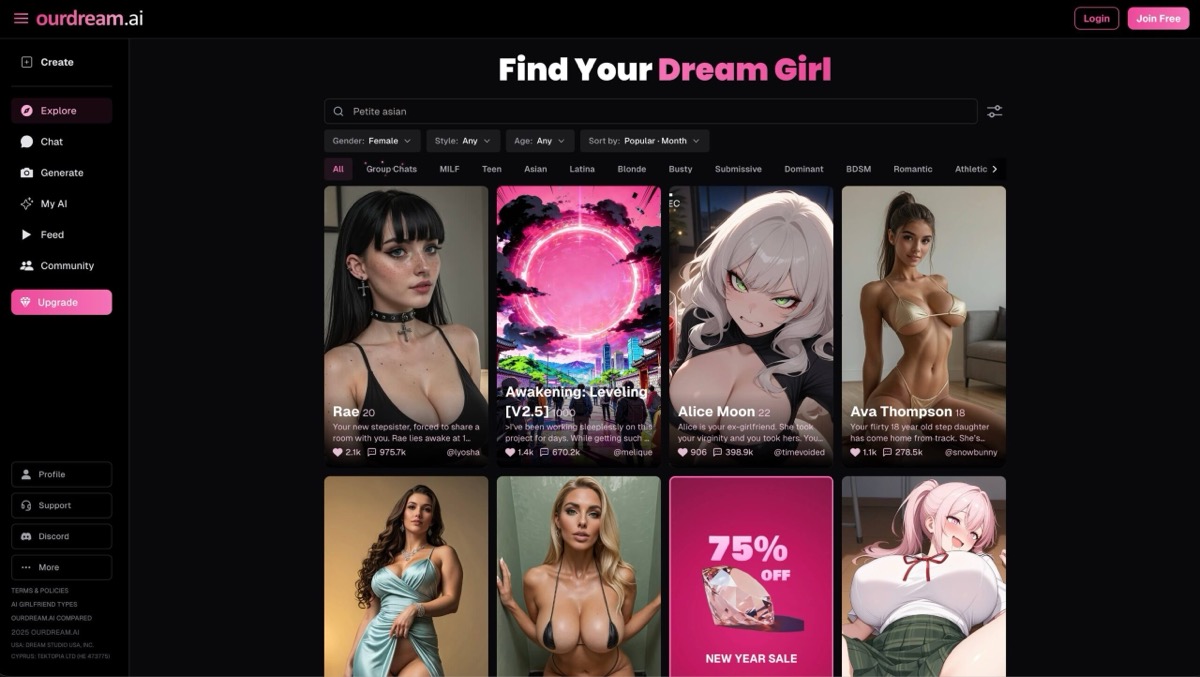
OurDream AI

Freemium

Best for: One profile for stills and clips

OurDream has a Trans option, realistic or anime styles, and face and body controls. Save her profile for new stills, then animate the shot you want to see move. Stills and clips share DreamCoins.

Video preview
  • Shape her face and figure in Trans mode
  • Reuse one profile for a new photo set
  • Choose anime linework or realistic skin
Main upside
One saved profile is the start of each new still you make of her.
Main caution
Image and video jobs use DreamCoins, with prices that vary by model.
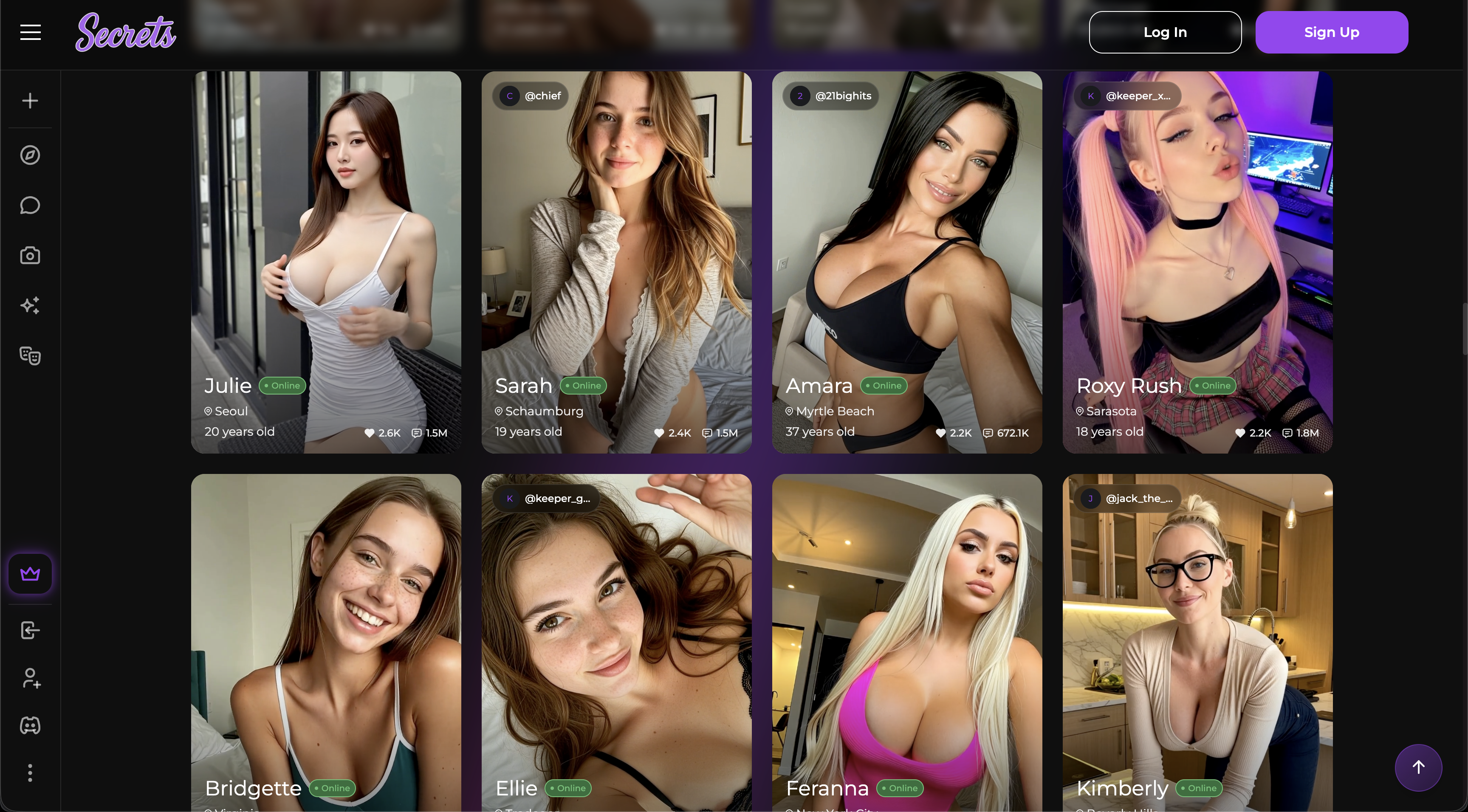
Secrets AI

Freemium

Best for: A reference image you can change

Secrets lets you build a trans girl and pin a generated still as her reference. Use it as frame one and add an end frame if you want the finish. Video needs Premium or Ultimate.

Video preview
  • Edit her look without rebuilding her
  • Pin a reference for her next portrait
  • Set her final pose with an end frame
Main upside
You choose which saved still guides her face in the new images.
Main caution
Clips require a paid tier and spend Moments at model-specific rates.

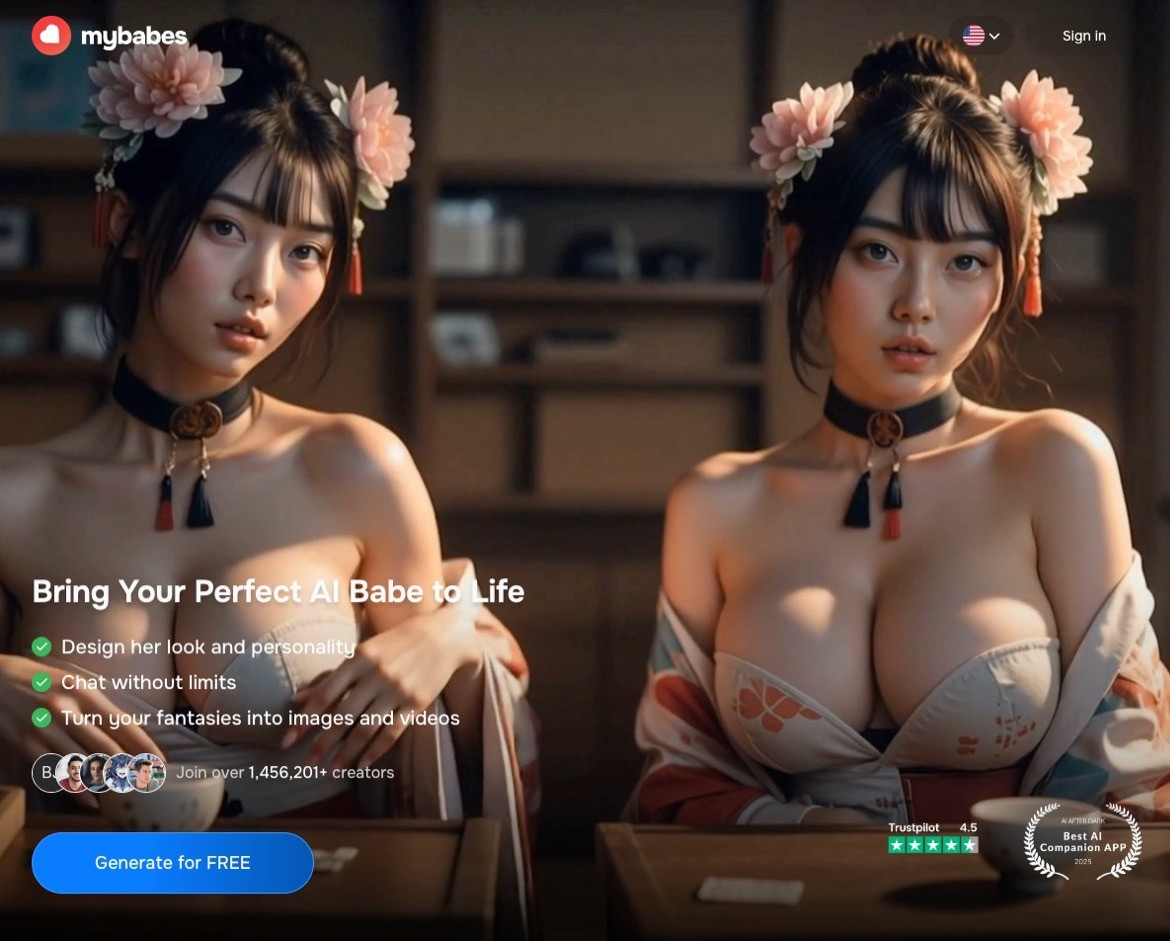
MyBabes AI

Freemium

Best for: A portrait before paying for motion

Pick Transgender in MyBabes and describe her for a portrait. Choose a saved still from her gallery as frame one for a V2 clip of 3 to 15 seconds. Tokens depend on length and resolution.

Video preview
  • Choose Transgender and write her bio
  • Use your chosen portrait as frame one
  • Try 480p to spend less on motion tests
Main upside
Pick a gallery still you like before you start paying for motion.
Main caution
V2 charges by the second and each resolution has its own token rate.

Editor's shortlist

Build Her Face and Body Before You Pose Her

Start with the trans girl you already want to fuck. Maybe a buzz cut, a crooked smile and a cock that hangs heavy against her thigh, or long curls, small tits and a face you would recognise from the side. Give her an adult age and a body you can picture with her clothes off. The first still is the one you judge every later pose against. Save a wider shot too.

  • A face and a cock you can recognise in profile, so the next pose is still the girl you built to fuck.
  • One close portrait plus one wider shot, so a new outfit does not swap her tits, her cock or her jaw.
  • Write her as a trans girl first, then the scene, so a preset does not decide her cock, her tits or her face.
  • Start the clip from a still you would stroke to, and watch one head turn before any harder poses.
  • Price the stills and the clip apart, so you know what it cost to get her body right before motion.

A still is where you check her face and body. In a clip, a turn of the head shows whether that same girl is still in the frame or the render swapped her mid-shot. Start from a still you would stroke to, then watch one head turn before you ask her to do anything harder. If her jaw or proportions shift mid-turn, fix the source image or keep the still.

Get Her Look Right Before the First Clip

Start with the face and body you want, then check what stays true in the next still.

AI Haven Pick

Build a Character Worth Keeping

Start with OurDream’s Trans option and set the face, body and style yourself. Save your character to use as the starting point for new stills and short clips.

Build a Trans Character

Compare 5 Options

OurDream AI screenshot
#1

OurDream AI

Pricing: Subscription and DreamCoins

  • Build one trans girl in realistic or anime style, with face and body controls.
  • Save her once and pick that saved profile when the next still needs her body.
  • Animate a still you like and check the DreamCoin cost before you render the clip.
Secrets AI screenshot
#2

Secrets AI

Pricing: Premium or Ultimate for video

  • Choose the Trans option in the builder, then set her age, features and styling.
  • Set a generated reference photo in Character Studio for stills you make later.
  • Start from a still you like. Video needs Premium or Ultimate and costs Moments.
MyBabes AI homepage showing two fictional companions, character creation benefits, and a Generate for Free button
#3

MyBabes AI

Pricing: Tokens per second of video

  • Pick the Transgender type, then give her a bio and a detailed appearance prompt.
  • Generate a portrait, then select a saved still as input for the video generator.
  • V2 clips run 3 to 15 seconds. Token rates change with the resolution you pick.
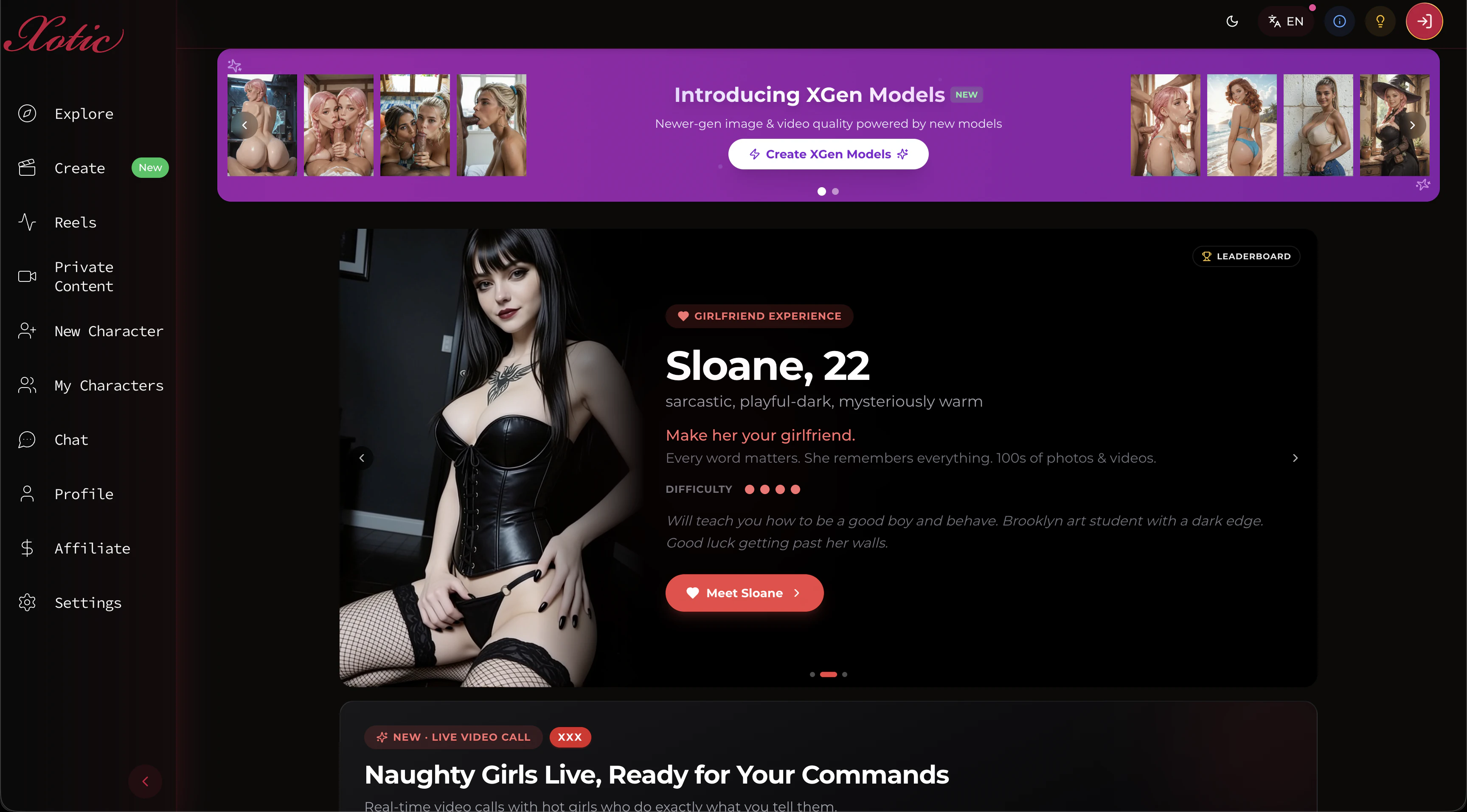
Xotic Explore screen showing the XGen image and video model banner, Girlfriend Experience characters, Reels, and live video-call navigation
#4

Xotic

Pricing: Ultimate or Elite plus XOT

  • Choose the Trans option in the builder and pick a lifelike or illustrated look.
  • In Studio, start from her saved profile or choose a still from your own gallery.
  • Studio rendering needs Ultimate or Elite, and every clip you render spends XOT.
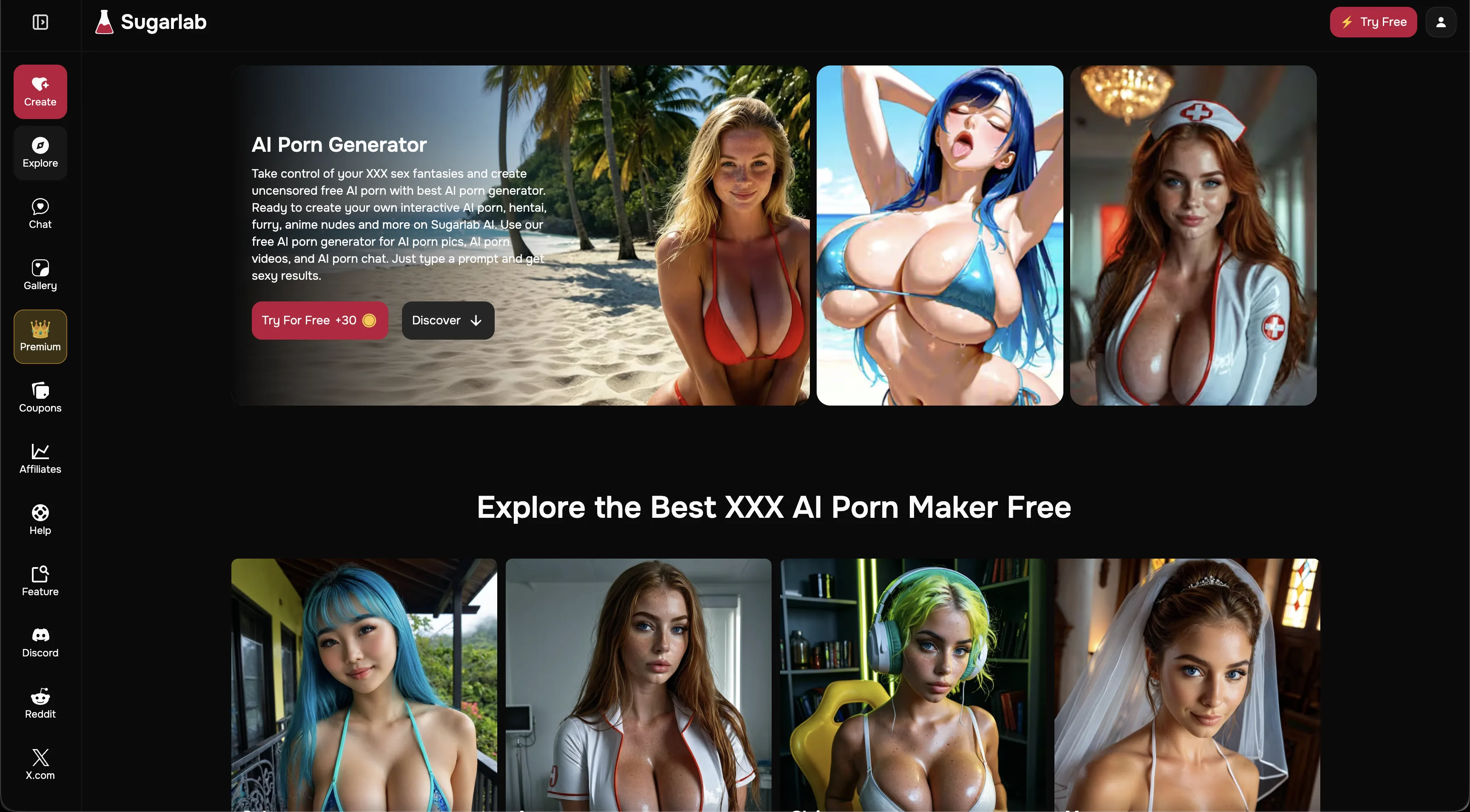
Sugarlab AI homepage with Create, Explore, Chat and Gallery navigation beside realistic and anime adult character examples
#5

Sugarlab AI

Pricing: Image and video tokens

  • Pick Trans in the builder and use Essential or Custom mode to shape her look.
  • Save her generated face and its tags so the next still starts from that face.
  • Pick an existing still to animate and check the token cost of that clip up front.

All Reviewed Tools

Compare every matching tool in this category.

Featured
Shemale AIFreemium

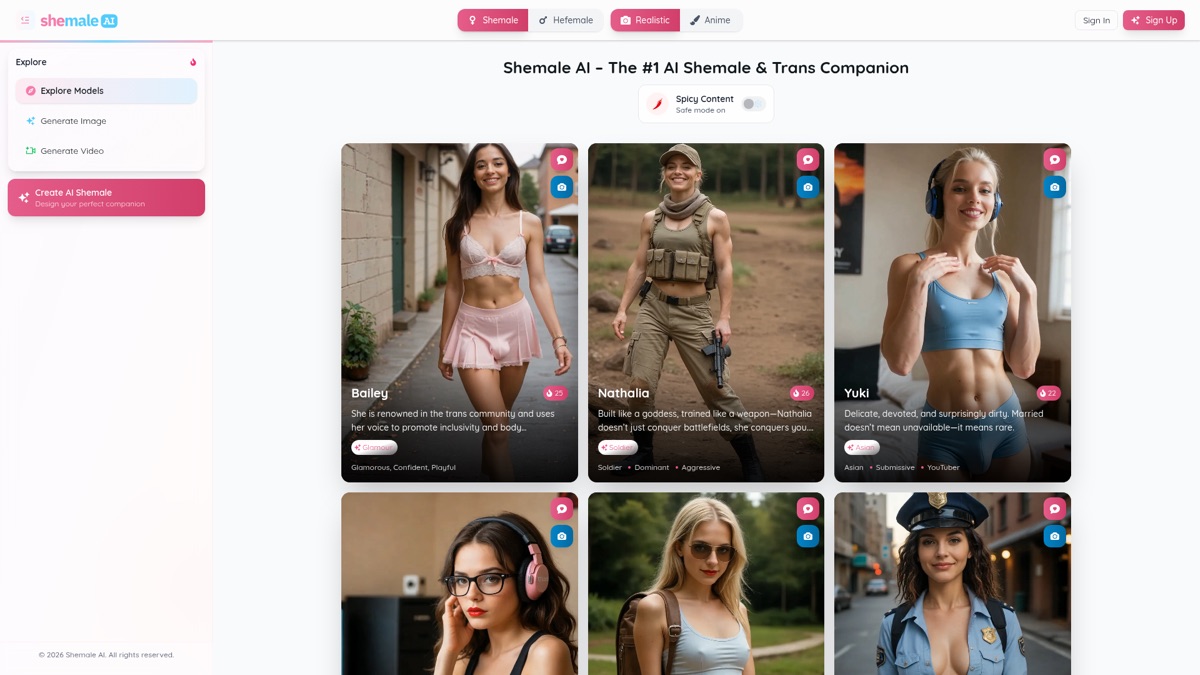
Build an original trans companion with face, body and clothing controls. Use the model selector for new stills or clips. The video studio lists five- and ten second lengths.

shemale chatbotcustomizable modelsimage generation

What to Know Before Choosing

Her face, her body and whether she still looks like the girl you built when the camera angle or room changes.

Capture Her Face and Her Cock First

The first nude is the test. Save a clear portrait in even light and a wider shot that shows how her body actually hangs. The close crop shows her face. The wider one shows how her cock, tits and hips sit when you pull back. Use both when she turns away and looks back, because that is when a render can quietly swap part of her look.

What you are buildingLock this inLook here now
A first nude shotFace and body in even lightWhat you named is actually visible on her body
Several new stillsYour saved girl or one reference nudeHer face, cock and tits still read right in a new outfit or room
A short clipA still you would keep as the opening frameHer face still holds through the turn
A longer sequenceA reference sheet and notes on framingHer body and the room stay consistent between clips

Name the Details You Want Before Posing Her

Set her as an adult and describe her as the trans woman you pictured, in the words that fit her. She can have any build. If a preset changes her jaw or body, compare the preview with what you asked for while she is still easy to change. Revise the description or pick a closer reference before you pose her.

Do a close portrait and a shot from farther back before you dress the scene. The first shows her face. The second shows her build, silhouette and posture. For how reference controls differ, see the AI porn creator guide.

Watch Her Face as She Turns Away From You

A head turn is the test. Pause halfway and look at her profile, then compare it with the still before you trust the end frame. She can look right at both ends while her eyes, hairline or jaw change in the middle of the shot.

Keep the first clip short and give her one movement. Add a camera move or a harder pose after you see what held in the first test. Our NSFW video generator comparison covers how a still becomes a short clip and how the controls differ.

Every Still Has a Cost Before Clips

Price three steps apart. Build her, make two stills in different rooms, then animate the still you would actually stroke to. A plan can include the builder and still charge for every finished image or clip. Length, resolution and retries can change the bill even when the source image stays the same.

If you want a series, see whether you can pick her up after you close the session. A profile or reference you can reopen gives you a starting point for her face and body every time. Check which previews and source stills you can revisit before you spend more on the next shot.

Frequently Asked Questions

Related Categories

Explore adjacent categories with similar adult AI use cases.