AI Haven
AI Tools

AI VR Porn in VR180

AI VR porn should fill the view in front of you. Look for VR180 and a separate image for each eye, then turn your head during a headset preview before you pay for access.

12 tools found

Top 3 at a Glance

OurDream AI

Check access

Best for: Finished VR180 scenes by runtime

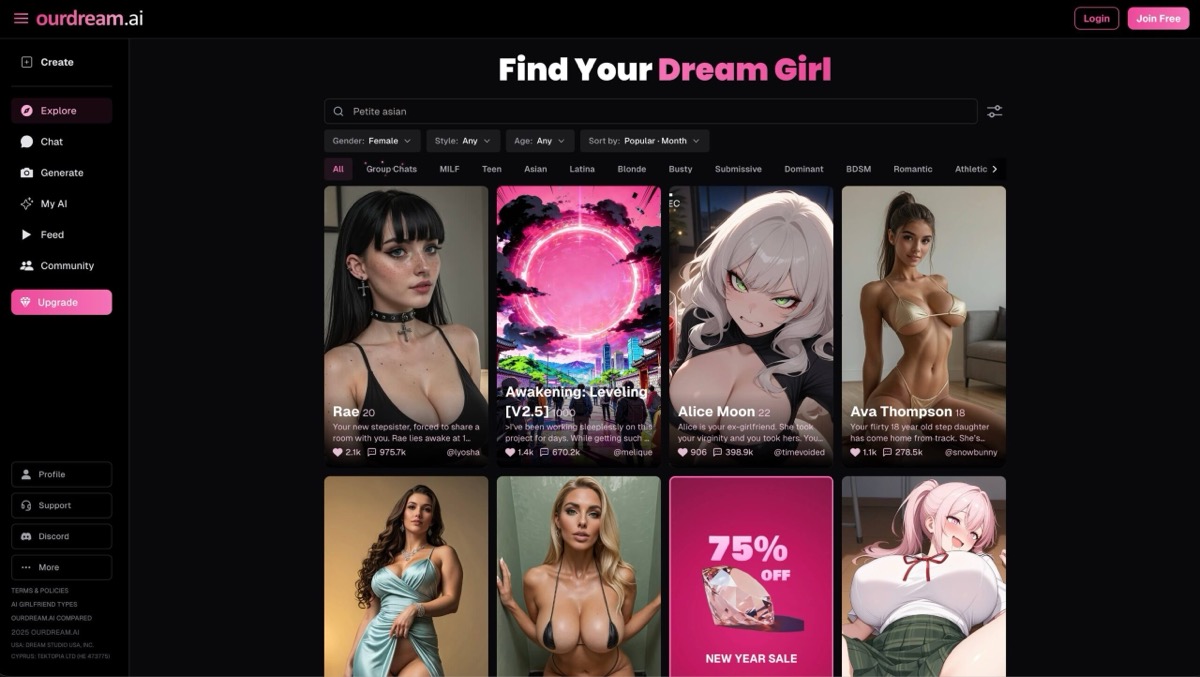
OurDream lists nine finished VR180 scenes made from AI POV sex videos. Its catalog describes desktop drag, phone tilt and headset viewing. Check playback on your device before you pay.

Key features
  • Pick a finished VR180 scene by runtime
  • Get depth from separate left/right views
  • Drag on desktop to check POV framing
Main upside
VR180 labels and runtimes help you choose a scene to watch first.
Main caution
Check headset compatibility and access costs for the scene you want.

VRPorn.com

Paid with previews

Best for: Previewing paid VR180 scenes

VRPorn.com lists two AiPorn VR sex scenes with stereo 180° settings. Try the public previews, then use Play’a VR or DeoVR on a compatible headset. Full scenes require a paid subscription.

Key features
  • Two AiPorn VR releases in 180° stereo
  • Sample both releases before subscribing
  • Set zoom and FOV in Play’a or DeoVR
Main upside
Preview both scenes before choosing a paid plan.
Main caution
The full AiPorn VR scenes require a paid subscription.

DeepGoon

Free streaming

Best for: Free stereo 3D in a browser

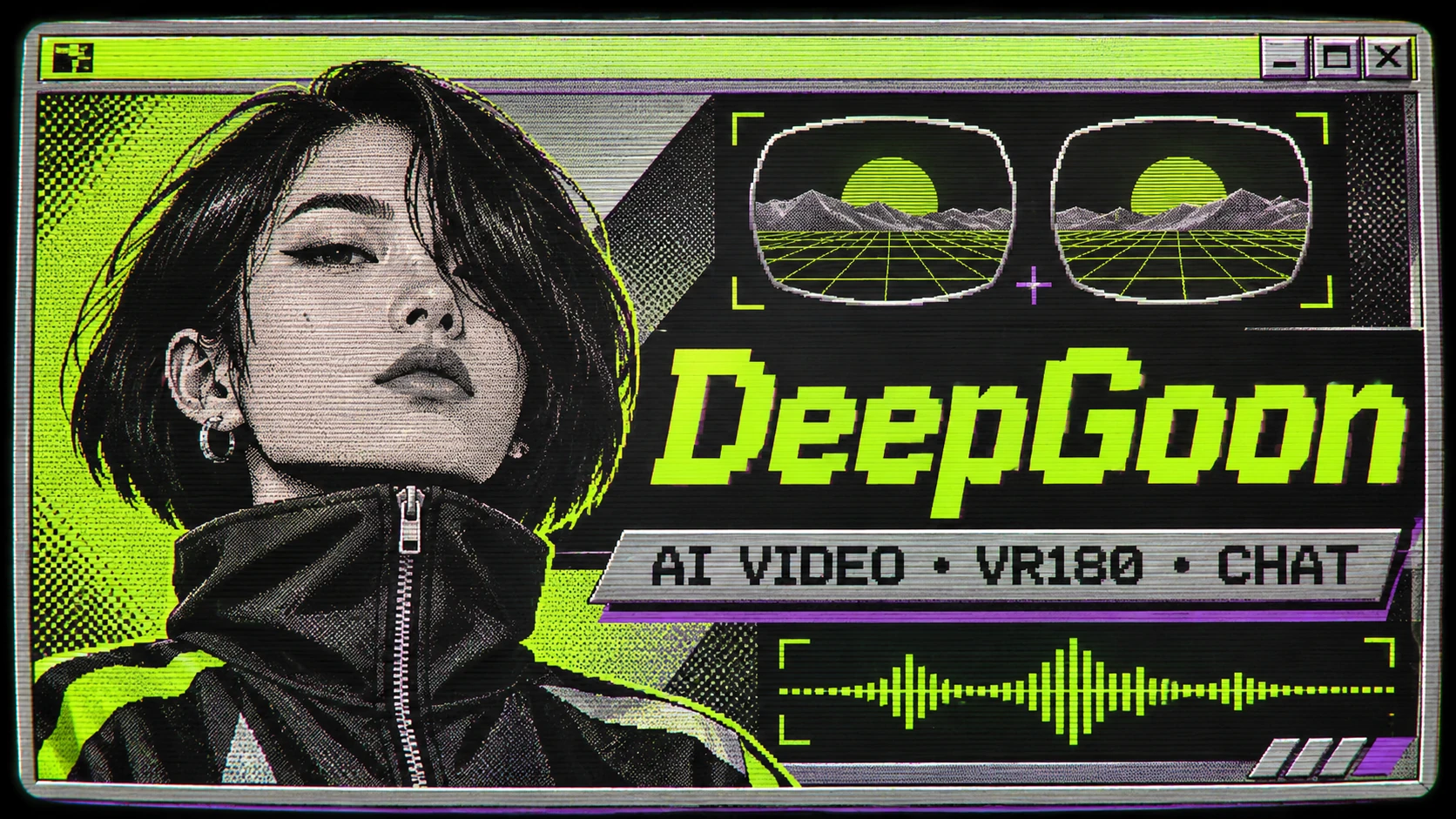
DeepGoon lists 27 clips tagged SBS VR180 and advertises free streams. Its browser player gives each eye a separate view on a virtual screen. Full 180° look-around remains unverified.

Key features
  • Compare clip lengths in the SBS catalog
  • Get stereo depth on a virtual screen
  • Try free WebXR in your headset browser
Main upside
Try browser-based stereo 3D with the advertised free tier.
Main caution
The player uses a virtual screen. Full 180° look-around remains unverified.

Editor's shortlist

Check If the Sex Is Around Your Head

Start with the sex you want in the headset, then check the format. In VR180 the picture covers the view in front of you. When it is stereoscopic, each eye gets its own image so a compatible headset can show depth. A flat clip can also open inside a VR player. Check the scene’s exact format label and try the sample before paying for the rest.

  • Look for a VR180 label on the scene page to see if the video was made to fill the view in front of you.
  • Check for a separate image for each eye if you want depth on your headset when the scene starts playing.
  • Open a preview in the headset browser you plan to use and confirm immersive mode starts before paying.
  • Use phone tilt or desktop drag to check the framing, then switch to your headset to test stereo depth.
  • Compare the full scene runtime with the sample you can play, so you know what stays locked before you pay.

Play a sample on the headset you plan to use. Enter immersive mode and turn your head. If the scene stays on a virtual screen, you are still watching a rectangle. Phone tilt and desktop drag can show you the framing. Compare the listed runtime with the part you can play, then check what payment unlocks on that same device before you buy the rest.

A Scene That Wraps Around You

Pick a finished VR180 sex scene and see if the player opens around you on your headset.

AI Haven Pick

The Sex in Front of Your Face

On OurDream, open Videos and choose AI VR Porn. Pick a finished VR180 scene by runtime, then try it on the headset you plan to use.

Explore OurDream

Compare 5 Options

OurDream AI screenshot
#1

OurDream AI

Pricing: Check scene access and pricing

  • Browse nine finished VR180 videos, each with a labeled runtime and its own page.
  • The catalog describes desktop drag and phone tilt, plus viewing on a VR headset.
  • Check that your headset and browser can play the scene before paying for access.
VRPorn.com video library artwork with a blue-lit headset
#2

VRPorn.com

Pricing: Paid access with previews

  • Both AiPorn VR clips list 180° stereo playback with separate views for each eye.
  • Preview both clips to check the framing before paying for access to full scenes.
  • Use Play’a VR or DeoVR to play these titles on a headset that supports the apps.
Retro DeepGoon artwork with a portrait and side-by-side VR views
#3

DeepGoon

Pricing: Free streaming advertised

  • Browse 27 clips tagged SBS VR180, from short samples to titles over ten minutes.
  • The WebXR player displays separate views for each eye on a virtual video screen.
  • DeepGoon advertises free streams for Quest, Pico, Vision Pro and PC VR browsers.
Braindance VR artwork with a person walking through a spatial gallery
#4

Braindance

Pricing: Paid streaming and downloads

  • Browse spatial scenes made from real performers filmed from several viewpoints.
  • Move your head or lean to change the viewing angle on a supported spatial setup.
  • Plans include streaming and downloads. Check device support before subscribing.
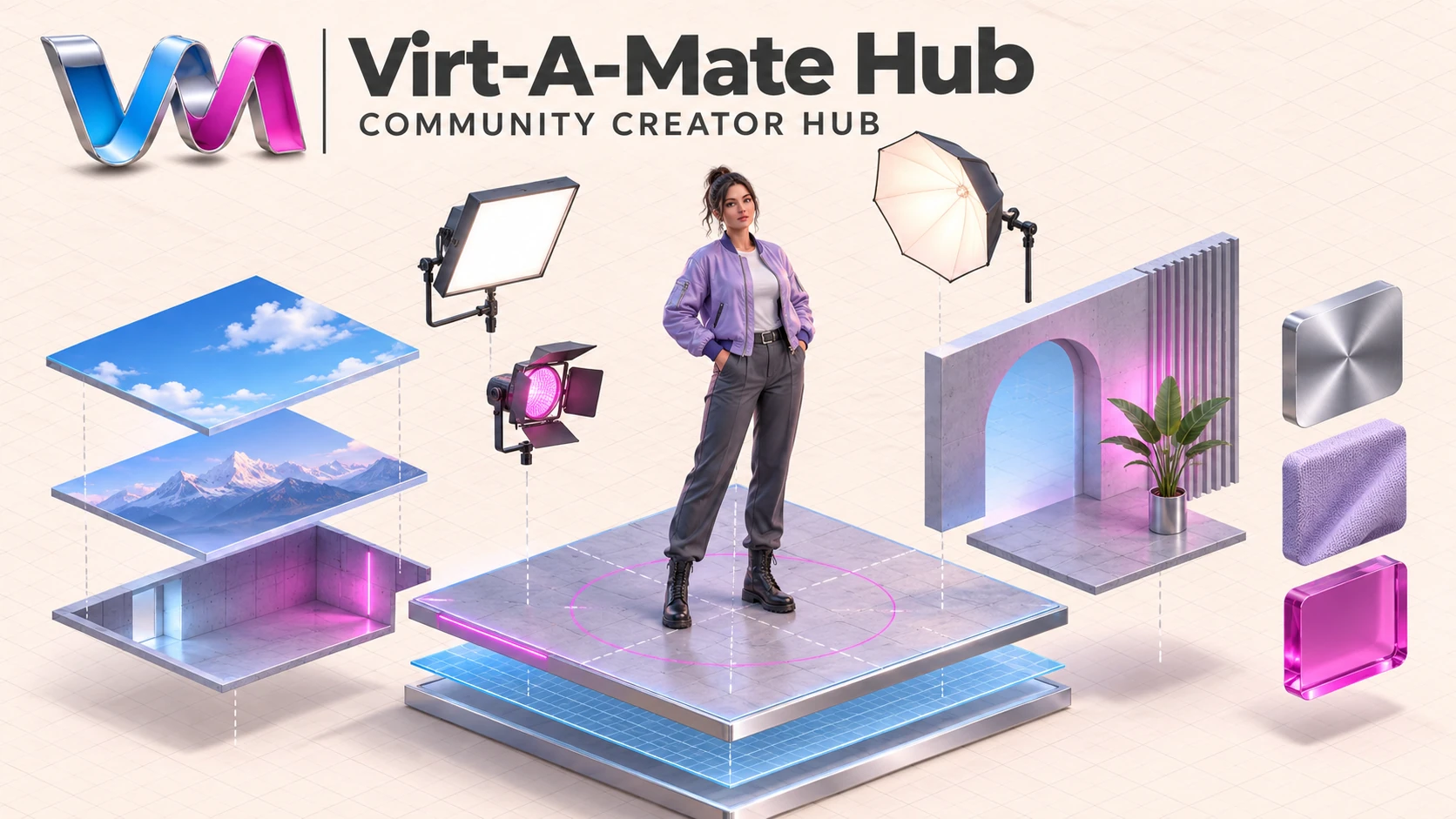
Virt-A-Mate Hub artwork with a character, studio lights, and scene components
#5

Virt-A-Mate + vamX

Pricing: One-time bundle and optional chat subscription

  • Load community scenes or customize characters in a Windows PC VR sandbox setup.
  • Add vamX AI Chat for spoken responses inside supported interactive VR scenes.
  • The Windows bundle is a one-time purchase. Budget separately for vamX AI Chat.

All Reviewed Tools

Compare AI-generated releases, filmed VR with AI features, interactive apps and players for your own clips.

Thru3DPaid

Play your own VR180 file and mask its background to bring the people into your room. Check which Quest or Pico models support AI masking.

What to Know Before Choosing

VR180, a view per eye, and what happens when you turn your head before you pay.

Read the Format Before Opening a Scene

VR180 fills the view in front of you. Stereoscopic video gives each eye a separate picture so a compatible headset can show depth. A flat clip can also open inside a VR player. Use phone tilt or desktop drag to check the framing, then open the sample in your headset and turn your head before you pay.

What you wantWhat to look forWhat to check
Depth in a headsetStereoscopic VR180 with a view for each eyeImmersive mode and a view that moves on a head turn
A phone previewTilt or touch controlsThe picture follows a tilt or swipe
A desktop previewDrag controls in the playerYou can pan to either side and back to centre
The complete scenePlayable runtime and access termsWhether you get a sample, one title or the whole library

Check the Player on the Device You Will Use

Try a short sample in the headset browser you plan to use. Enter immersive mode and turn your head. A picture that stays on a virtual screen is still a screen. For compatible fullscreen video, Meta Quest Browser offers a 180-degree projection with left and right views. Choose it only for a left-right stereo source. See Meta’s browser video guidance.

Use tilt or touch on a phone or drag on desktop when the player offers it. Those controls show how the scene is framed. If you want a video made for a regular screen, see where to watch AI porn.

Know What the Scene Format Can Show

VR180 covers the view in front of you. A 360-degree video lets you look behind you too. A flat POV clip shows the camera angle chosen when it was made. Open the preview and try moving the view before trusting the thumbnail.

Watch what happens when a hand or face comes close to the lens. A preview can reveal whether its proportions swell or shift. If you want to animate a still, see the NSFW video generator comparison and check the output format before trying it in a headset.

Check the Runtime and the Unlock

The listed runtime can be longer than the part you can play. Start the preview and see when it stops or asks you to sign in or pay. Check the access terms on the title you picked.

Before paying, check whether you get one title or a library, how long access lasts, and whether it renews. Viewing access and credits for generating a clip are separate purchases when the platform charges for both.

VRPorn.com for AI Studio Releases

VRPorn.com offers public previews of two released AiPorn VR scenes. Both players list 180-degree stereo with a view for each eye. Full playback is paid. Use Play’a VR or DeoVR on a compatible headset. Neural Desires also publishes synthetic stereo titles here.

See the AiPorn VR studio catalog and the VRPorn.com headset guide for headset setup.

DeepGoon for Free Stereo Streaming

DeepGoon lists 27 clips tagged side-by-side VR180 and advertises free streams. In the headset browser, the player shows a separate view for each eye on a virtual screen. Full 180-degree look-around remains unverified.

Try a clip from the public catalog and check the browser playback guide for device support.

Braindance for Spatial Playback

Braindance uses AI to reconstruct filmed performances as spatial scenes. Lean in or move sideways to see a new angle. It lists support for Quest 3, Quest 3S and PC VR.

The subscription page lists streaming and downloads at $19.99 monthly or $79.99 annually. See its guide to adult VR formats for the reconstruction details.

Virt-A-Mate with vamX for Interactive PC VR

Use Virt-A-Mate on a Windows PC to edit characters or load community VR scenes. Add vamX AI Chat if you want those characters to respond in conversation.

The software bundle starts at $39.99 as a one-time purchase. The vamX AI Chat guide lists chat separately at $19 per month.

Neural Desires for Direct Studio Streaming

Choose Neural Desires to stream eligible synthetic VR scenes directly. Some titles offer downloads on a higher tier. Check the title’s format and headset playback before you subscribe. See the studio’s release collection and access terms.

SexLikeReal for AI Passthrough

Choose a filmed scene tagged for AI passthrough to see the performer against your room. The paid video tier includes AR videos and lists Quest, Vision Pro and Pico apps. Check SexLikeReal’s app update and the passthrough guide for device support.

Czech VR for AI Motion Scripts

The Script AI catalog pairs filmed VR scenes with machine-generated motion scripts. Access is paid. To sync the script you need a compatible device, such as The Handy or a supported Lovense toy. See the interactive catalog for devices and the playback guide for headset setup.

VR HOT for Conversational AI in VR

Build a character and talk to it in a VR or mixed-reality scene. The Quest subscription includes conversational AI on Quest 2, 3, 3S or Pro. Steam is a separate PC purchase and AI access requires a subscription. See the Quest guide for sideloading and activation.

Holodexxx for a Chatbot-Driven VR Story

Play one Windows PC VR episode with a scanned adult performer, recorded voice acting and chatbot-driven facial animation. Review the episode’s hardware list and paid access options before you buy.

Thru3D for Passthrough on Your Own Files

Use your own compatible VR180 file. Thru3D’s AI mask shows people from the video against your room. It offers Quest and Pico builds and recommends Quest 3 or Pico 4 Ultra for AI features. Check the media, device and installation requirements before choosing a build.

DepthPlayer for 2D Clips in a 3D Cinema

DepthPlayer gives each eye a different view of your flat video on Quest. The result has depth on a virtual cinema screen with the original framing. Check player and file support and use the Meta store listing for trial availability and local pricing.

Frequently Asked Questions

Related Categories

Explore adjacent categories with similar adult AI use cases.