KinkuFreemium
Create recurring fictional adults with EXPO images, KIN 2 video, companions and creator profiles; fan engagement earns usage credits.
NSFW image generationAI porn generator
Browser based AI image and video studio with image editing, text to video, image to video, motion transfer, music generation, and uncensored creation modes.
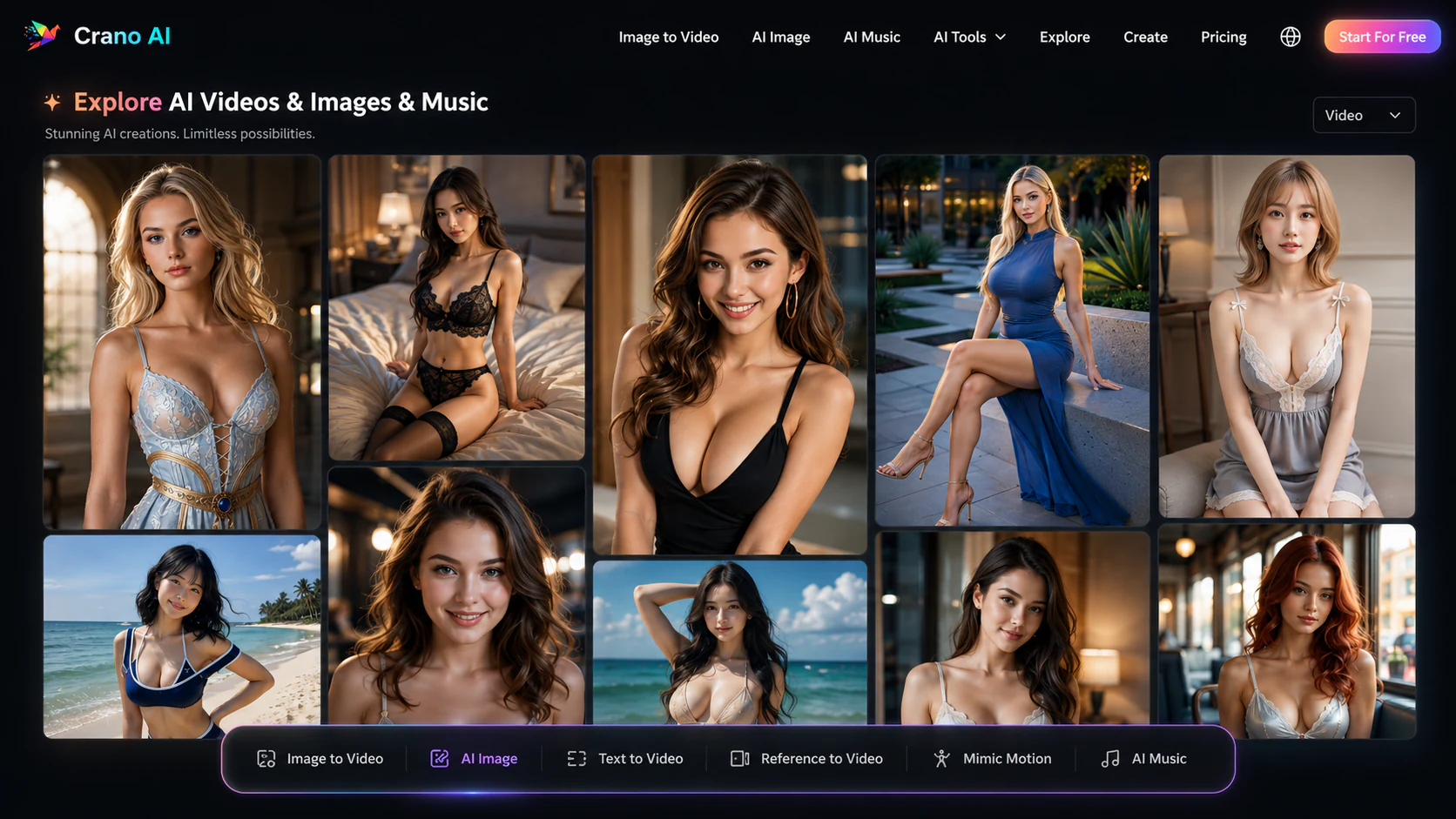
Crano AI packs a broad set of image, editing, motion, video, and music tools into one browser workspace, with a dedicated uncensored mode that gives adult creators more room than mainstream generators. Its practical weakness is that usable limits depend on the model and plan: current plan cards cap video at 720p or 1080p, current controls often surface four- or five-second clips, and the public pricing page does not quantify the advertised free-credit allowance.
Crano AI starts as a multi-purpose visual studio rather than an AI companion. A single account provides text-to-image, image-to-image editing, text-to-video, image-to-video, reference-driven motion, video extension, and music generation. The generator interfaces expose prompt, reference, aspect-ratio, resolution, duration, model, output-count, and audio choices, so the workflow has more structure than a simple upload-and-animate button.
Editor's Pick
Voice, video & uncensored chat — 100% private. Your perfect partner, built to your exact specifications. Free to start.
Adult creation sits inside that wider toolkit. The dedicated uncensored workspace accepts text and image references, offers photorealistic and illustrated model families, and connects still-image work with video generation. Crano therefore suits projects that move through several media operations instead of ending after the first image or clip.
Crano AI is an online generative-media platform covering images, video, editing, motion transfer, and music. Its image tools create new artwork from text, transform reference images, combine multiple references, and make targeted changes such as adding or removing objects, restoring details, changing style, or upscaling an existing result.
The video side includes text-to-video, image-to-video, reference-to-video, video editing and extension, Mimic Motion, and model-specific workspaces such as Seedance. Separate landing pages package those capabilities for anime, cinematic clips, short dramas, avatars, ads, and uncensored projects.
Crano makes sense when a project moves between still images and motion. You can establish a visual with text or several reference images, revise it in the editor, animate it, and use a movement reference for a more directed result without moving the source material through several unrelated services.
A specialist is a better fit when one narrow workflow matters above everything else. AINUDEZ publishes clearer per-action adult-video costs, Mage offers a much larger model catalog, Promptchan combines adult generation with characters and chat, and PixVerse concentrates on mainstream short-video effects.
| Feature | What it does | User benefit | Limitation or note |
|---|---|---|---|
| AI image generator | Creates images from text or up to several reference images, with prompt, model, aspect-ratio, resolution, and output-count controls. | Multiple references can anchor a subject or visual style before the project moves into editing or video. | Current interfaces expose 1K or 2K output on specific models; higher-resolution claims depend on model or upscaling. |
| Image editor | Uses prompts and reference images for object changes, restoration, recoloring, style transfer, inpainting, and upscaling. | A near-miss can be revised without rebuilding the entire scene from the original prompt. | Editing quality depends on how clearly the requested change and preserved areas are described. |
| Image-to-video | Animates one or more starting images with prompt, model, resolution, duration, aspect-ratio, and optional audio controls. | Existing artwork or an uncensored still can become a short motion sequence while retaining its core composition. | Published duration and resolution vary across models, generator controls, and subscription tiers. |
| Text-to-video | Builds a short video directly from a scene prompt with selectable format and generation settings. | It provides a fast route from an idea to motion when no starting image exists. | Reference images generally provide more identity and composition control than text alone. |
| Mimic Motion | Transfers body motion, facial expression, and gestures from a reference video to a character image. | Movement can be directed with a real clip instead of relying only on prompt interpretation. | The quality of the source image and the clarity of movement affect identity and motion fidelity. |
| Seedance and Seedream workspaces | Adds model-specific generation for mixed video references, image editing, multi-image composition, and recurring subjects. | Creators can choose a workflow around the type of reference material rather than using one model for every task. | Mixed-reference limits and output settings vary by the selected model and available generator controls. |
| Uncensored creation | Provides a dedicated image generator and editor for adult prompts, reference images, photorealistic work, anime, and other illustrated styles. | Adult projects can use the same generation, editing, and animation sequence as general creative work. | Only lawful, consensual source material should be uploaded or depicted. |
| AI music | Generates music inside the same credit-based account used by the image and video tools. | A creator can produce a supporting audio track without opening a separate music service. | Published plan estimates treat music, images, and video as alternative uses of the same monthly credit balance. |
Crano's image workspace accepts a text prompt, one or more reference images, and a choice of model, aspect ratio, resolution, and output count. The live interface can handle several references in one request, which is useful for combining a subject, pose, clothing cue, or visual style instead of forcing every detail into text. Seedream adds text-to-image, single-image editing, multi-image composition, and grouped generation for scenes that need recurring visual elements.
The editor extends that workflow beyond first-pass generation. Prompted changes can add or remove objects, repair or colorize an image, restyle a scene, inpaint a selected area, or upscale an existing result. The uncensored generator exposes the same basic text and reference workflow for adult, photorealistic, anime, manga, and illustrated output, although the resolution shown at generation time depends on the selected model.
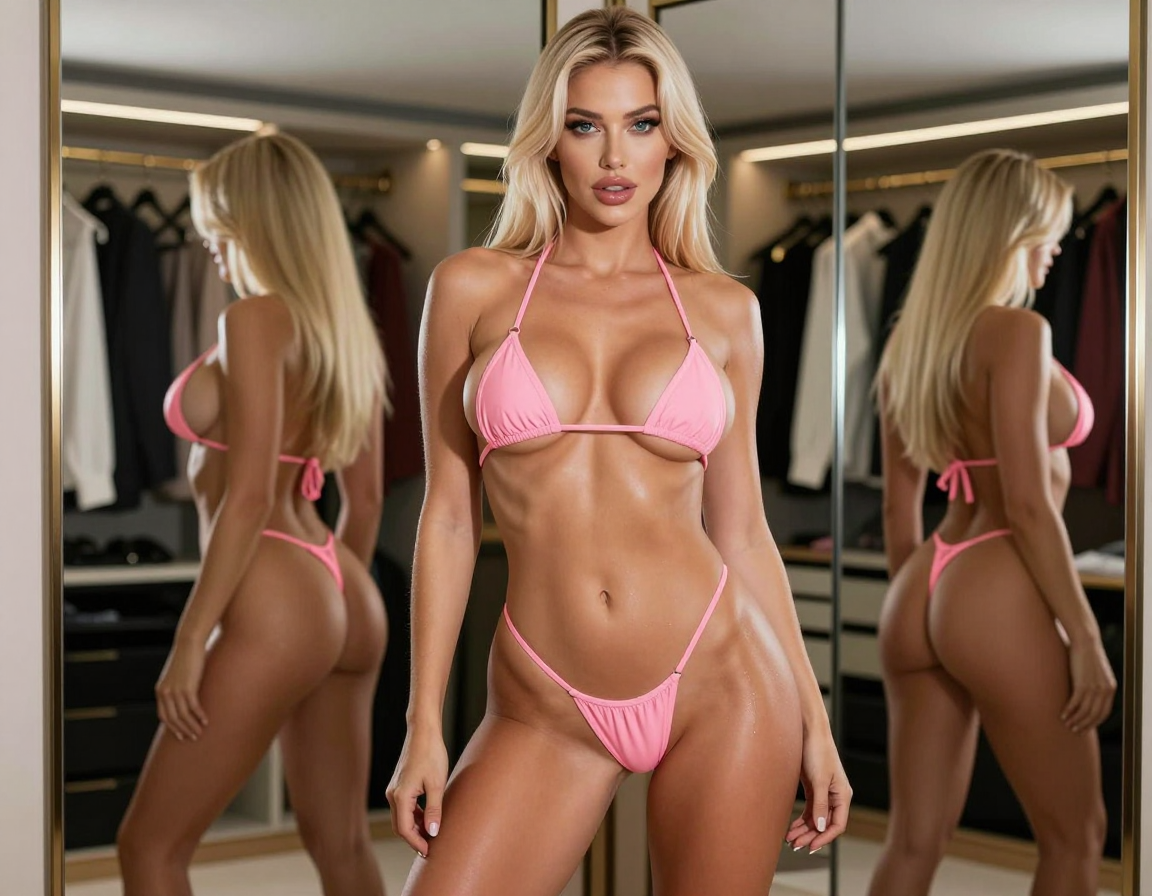
Crano AI Image Generation
Image-to-video turns a still image into a short moving scene while keeping the source composition as its starting point. Crano lets the creator supply a starting image, describe motion in the prompt, select a model, choose the aspect ratio and resolution, set the available clip duration, and enable audio where the chosen workflow supports it. Some modes also accept more than one image to guide the beginning, ending, subject, or scene.
The feature is particularly relevant after creating or editing a character image because the same visual can move directly into animation. Motion quality still depends on the source: a clearly framed subject and a prompt focused on one action usually give the model less to reinterpret than a crowded image with several simultaneous movements. The available duration is model-specific rather than a single Crano-wide promise.
Crano AI Image-to-Video Generation
Text-to-video generates a scene without requiring a starting image, while the reference-led tools give the model stronger visual or movement anchors. Seedance workspaces accept combinations of text, images, video, and audio for scene generation or editing. Crano also provides video extension and reference-to-video tools for continuing a clip or borrowing the direction of an existing example.
Mimic Motion has the clearest specialized job: it reads body movement, expressions, and gestures from a reference video and applies them to a character image. That is useful for dance, performance, anime, and avatar clips where describing every movement in a prompt would be cumbersome. It is motion transfer rather than a live avatar call or two-way video conversation.
Crano's uncensored workspace concentrates on image creation and editing. It offers text-to-image and image-to-image generation, accepts reference files, and lists model families spanning photorealistic, anime, Pony, and SDXL-style output. Adult creators can refine a still image before using it as the visual anchor for an image-to-video request.
The workflow begins with the scene or character the creator wants to produce. References can anchor the visual identity, prompted edits refine the result, and image-to-video adds motion without rebuilding the project in a separate adult-media service.
Crano's output ceiling is not uniform across the platform. Current video controls commonly expose 480p and clips of four or five seconds, while product FAQs mention longer ranges for some models. The annual plan table is more conservative about subscription resolution: Lite lists 720p, while Pro and Premium list 1080p. Image interfaces show model-dependent 1K or 2K settings, and other pages describe 3K, 4K, or upscaling workflows.
Credits create a second limit. Each paid plan receives a monthly balance shared across images, videos, and music, and the plan's output figures are presented as estimates rather than simultaneous allowances. A creator making many video retries will reach the monthly balance faster than someone producing still images, so the useful comparison is cost per finished result rather than the headline number of possible generations.
Crano advertises free credits and a daily check-in, but the public pricing page does not quantify either allowance. That makes the free access suitable for sampling an available generator, not for forecasting an ongoing production workload. The exact watermark treatment for free results is also less clear than the paid plan cards, which explicitly include no-watermark output.
With yearly billing selected, Lite costs $120 per year and adds 350 credits each month, 720p output, and estimates of up to 60 videos, 120 images, or 90 music generations. Pro costs $240 per year with 800 monthly credits, 1080p output, and estimates of up to 135 videos, 270 images, or 200 music generations. Premium costs $1,308 per year with 5,000 monthly credits, 1080p output, and estimates of up to 830 videos, 1,660 images, or 1,250 music generations.
The annual plan cards state that they do not renew automatically. Monthly subscription credits expire at the end of their period, while separately purchased top-up credits are described as valid for 180 days. Refund eligibility narrows once credits have been used, and credit packs are listed as non-refundable.
| Tool | Best for | Key advantage | Main limitation | Review or comparison link |
|---|---|---|---|---|
| AINUDEZ | Adult image editing and short video with published per-action costs | AINUDEZ publishes the credit cost of 5- and 7-second clips at 480p and 720p and sells credits without requiring a subscription. | It has a narrower toolset, no published free-generation allowance, and no output above 720p. | AINUDEZ review |
| Mage | Large model selection and high-volume paid image generation | Mage lists more than 160 models, private-by-default creations, inpainting, character references, and unlimited generation across paid plan model sets. | Face reference, ControlNet, and video begin on its $30 Pro plan, and purchased or membership Gems expire. | Mage review |
| Promptchan AI | Adult characters spanning images, video, community examples, chat, and voice | Promptchan connects recurring characters, detailed image controls, image-to-video, text-to-video, Story mode, chat, and voice features. | Full-length video, Extend, maximum quality, and the full character builder require its $33.99 Pro plan. | Promptchan AI review |
AINUDEZ is easier to budget for occasional adult image edits and short animation because it publishes a one-time credit pack and per-video costs. Mage is the deeper model playground, while Seduced AI concentrates on layered adult scene controls and reusable characters.
Promptchan AI is the closer choice when the generated character should also support chat, stories, or voice. PixVerse suits quick mainstream short-video effects, while Runway is the professional SFW option for cinematic motion and content production.
Crano AI earns its place as a broad browser studio: image generation, targeted editing, image-to-video, text-to-video, mixed-reference creation, motion transfer, and music can all support one project. The uncensored workspace connects adult projects to the same editing and motion tools.
Its main weakness is the gap between broad marketing language and concrete limits. Paid plan cards stop at 720p or 1080p for video, current controls often show four- or five-second clips, and the free-credit amount is unpublished even though other pages discuss longer clips and 4K output. Those distinctions matter more than a blanket claim that every result is 4K or unrestricted.
Choose Crano when the value is moving between several creative operations inside one account. Choose a specialist when transparent per-action pricing, a larger model library, deeper adult scene controls, polished mainstream video effects, or interactive companion features matter more than breadth.
Limited Access
Voice, video & uncensored chat — 100% private. Your perfect partner, built to your exact specifications. Free to start.
Play the choice-driven relationship sim.
Build a custom companion from scratch.

The jealousy-driven sim experience.
Daily messages, photos, and personal attention.
Compare every AI girlfriend app.
2026 honest comparison rankings.
Create recurring fictional adults with EXPO images, KIN 2 video, companions and creator profiles; fan engagement earns usage credits.
Media first AI girlfriend platform for fictional adult companions, private chat, memory, AI images, short V5 video, live rooms, and character consistent NSFW roleplay.
Adult AI image and video studio for uploaded photo nude edits, original NSFW images, targeted inpainting, and configurable 5- or 7 second image to video clips.
Create short AI videos from text or eligible images, then extend or upscale them; image editing and a custom companion share the same credit balance.
Adult character chat and a multi model image/video studio with reusable profiles, uploaded references, prompt based editing, director controls, and settings dependent coin costs.
Browser based adult image and video creator built around prompts, 215 selectable tags, seven native models, optional face references, four image batches, and one time coin packs.
NSFW AI image and video generator with character consistency (FaceLock), anime/realistic styles, up to 2048x2048 resolution, and interactive SoulChat companion.
AI undress app for generating nude style images and short 5 second animated undress videos from uploaded photos, with pose, outfit, and diamond based generation options.
Browser based adult photo editing and short video creation with image effects, face swap, and credit based access.
Uncensored AI image and video generator with 160+ models, unlimited generation from $10/month, inpainting on every paid tier and no watermark on any plan.
Crano AI is a browser based AI media studio for image generation and editing, text to video, image to video, reference driven motion, video editing and extension, and AI music. It includes general creative tools alongside a dedicated uncensored image generator and editor.
Crano AI has a dedicated uncensored image generator and editor marketed for adult creation, with text to image, image to image, reference images, and multiple model choices. That workspace also describes uncensored video creation from image, video, and audio references. Availability and credit cost still depend on the selected model and settings.
Crano AI advertises free credits and daily check ins, but it does not publish the exact free credit allowance on its public pricing page. The paid plans add defined monthly credit allocations, listed resolution caps, faster processing, templates, and watermark free output.
With yearly billing selected, Lite is $120 per year and includes 350 monthly credits, Pro is $240 per year with 800 monthly credits, and Premium is $1,308 per year with 5,000 monthly credits. The pricing page displays those as $10, $20, and $109 monthly equivalents and states that the annual plans do not renew automatically.
Resolution depends on the tool, model, and plan. The annual plan table lists 720p video for Lite and 1080p for Pro and Premium. Image tools expose 1K or 2K settings in current interfaces, while several feature pages describe 3K, 4K, or upscaling capabilities. This does not establish blanket native 4K video output on every plan.
There is no single published duration for every model. Current generator controls commonly show four- or five second clips, while feature FAQs describe ranges extending to ten or fifteen seconds for some workflows. The available duration should be treated as a model specific setting.
Crano AI's product FAQ permits commercial use when the prompts, uploads, and other inputs do not infringe another person's intellectual property or content rights. Adult and face based projects still require lawful, consensual source material.
Answer 6 quick questions and get matched to the platforms that fit your preferences.
Find Your AI Companion