Featured
Playbox AIPaid
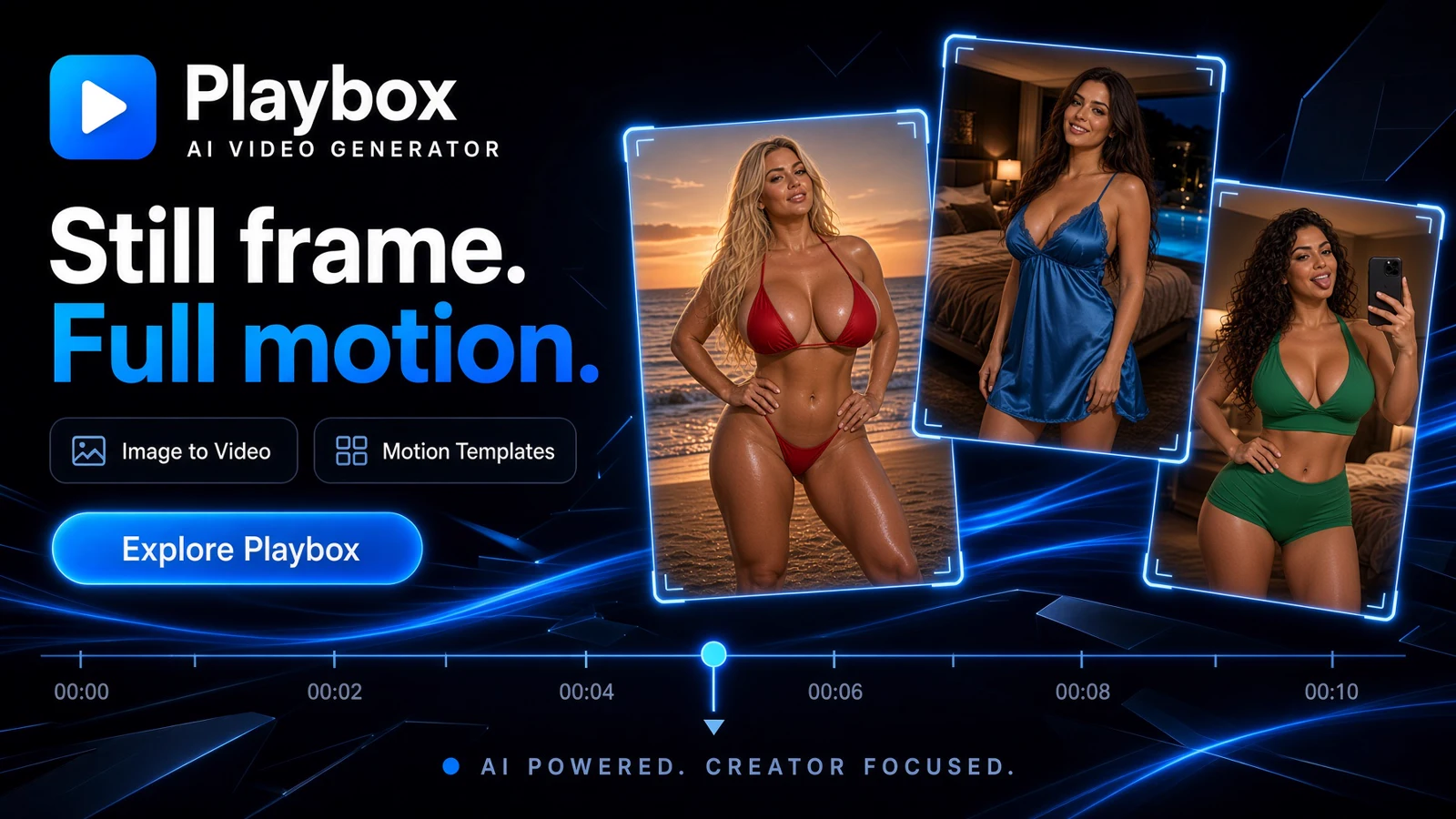
Playbox AI is useful for an occasional effect from an eligible photo of yourself.
image to video AIvideo generationNSFW video generation
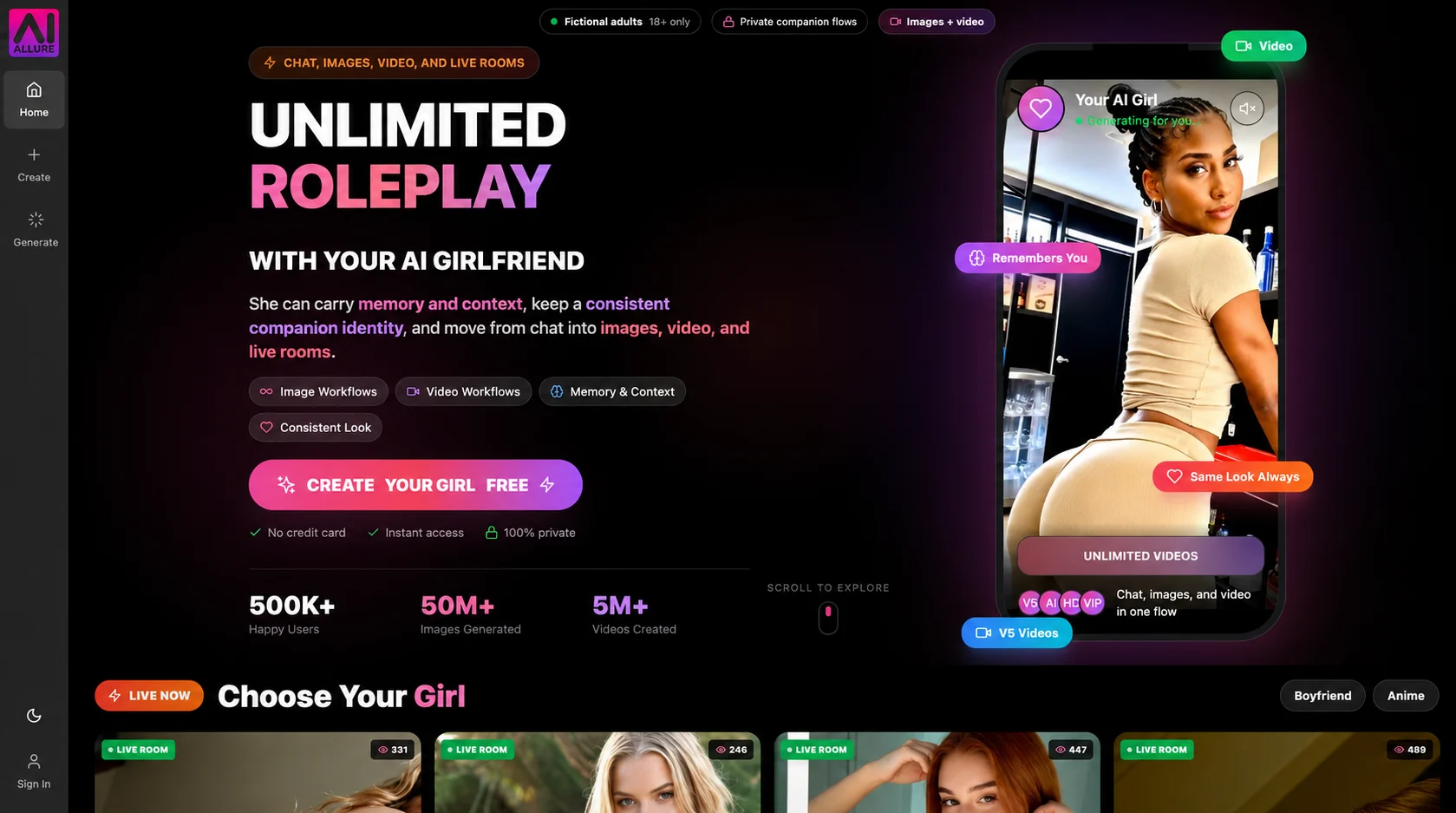
AI Allure wins for recurring character videos, with core renders included on paid plans.
AI Allure wins for repeat clips with the same fictional character.
AI Allure lets you reuse a fictional companion across chat, still images, and video. Paid plans include core video generation in the shared queue without a daily or monthly cap. Queue waits and limits on simultaneous jobs still apply, and HD or audio can cost extra. You can keep drafting new scenes without a coin charge per standard clip. Playbox AI makes sense when you have an eligible solo photo of yourself and can find the exact effect in its searchable catalog. Its quote covers one attempt, so budget for repeats. Read the AI Allure review for the paid options and how long unlocked videos stay available.
AI Allure wins because the reusable fictional character, companion image tools, and core video included on paid plans support a repeatable workflow. Playbox AI serves a narrower need when your clip must start from an eligible photo of yourself.
Visit AI AllurePlaybox AI is useful for an occasional effect from an eligible photo of yourself.
AI Allure is better for building a library of clips around a fictional companion.
Playbox AI is useful for an occasional effect from an eligible photo of yourself. Search by title, creator, or tag to find a preset, then check the credit quote next to the upload field. An unusual look can be worth that workflow if you have the right source photo. Set a limit for retries and check the account terms on retention before uploading a personal image.
AI Allure is better for building a library of clips around a fictional companion. You can reuse that character across image generation, video, and Live Rooms, with standard clips included on paid plans. Its main trade-offs are shared-queue waits, premium charges for selected settings, and a storage deadline for unlocked clips.
| Feature | Playbox AI | AI Allure |
|---|---|---|
| Typical project | An effect applied to an eligible self-photo | Several clips with the same fictional companion |
| Starting image | Direct upload or Gallery selection under the terms | A fictional companion’s supported source image |
| Creating a cast | Image tooling and templates intended for individual renders | Saved fictional companions across supported chat and media |
| Core video costs | Credits for each quoted attempt | Standard shared-queue processing included on paid plans |
| Free entry | Selected presets marked Free Trial with limits unconfirmed | Free setup and limited interaction, with video usually reserved for paid plans |
| Audio, HD, and priority | Options depend on the preset and plan | Some upgrades show an additional AllureCoin charge |
| Video extension and edits | An Extend Video tab appears in the observed preset | Premium options may price longer clips, trim, merge, or speed adjustments separately |
| Storage for finished work | Check generation and Gallery controls before using personal media | Download or lock unlocked media before the 72-hour cleanup |
For a clip of yourself, Playbox AI has a direct path from the photograph to a template. The public cartoon preset includes a Gallery picker, photo enhancement, and a separate Extend Video tab. A model badge can help you find a preset, but the form and selected plan determine what you can export.
AI Allure’s standard flow starts with a fictional companion. Create a new still when you want a different scene and reuse the same companion when you want the next clip to remain recognizable. Live Rooms extend that companion workflow into a supported real-time interaction.
Playbox AI bills in credits for the selected preset and settings. If an effect takes several attempts, include the rejected renders when working out what a kept clip cost.
AI Allure prices core video through paid access to the shared queue. Before choosing a tier, decide whether core settings cover most of your clips and how many paid upgrades and saved videos you actually need.
| Use Case | Winner | Why |
|---|---|---|
| Best overall for an ongoing video workflow | AI Allure | A saved character connects chat, stills, and standard video. Paid core generation has no daily or monthly cap. |
| Animating a photo you already have | Playbox AI | Playbox AI accepts an eligible self-photo in the preset form. |
| Generating multiple draft versions | AI Allure | Included core jobs let you try further versions without paying AllureCoins on each standard render. |
| Planning a paid HD or audio upgrade | AI Allure | AI Allure documents premium selections and shows the updated wallet quote before submission. |
| Using one character in a live session | AI Allure | Live Rooms can continue the same fictional profile and supported conversation context. |
| Capability | Playbox AI | AI Allure | Edge |
|---|---|---|---|
| Typical project | An effect applied to an eligible self-photo | Several clips with the same fictional companion | Depends on the workflow |
| Starting image | Direct upload or Gallery selection under the terms | A fictional companion’s supported source image | Depends on the workflow |
| Creating a cast | Image tooling and templates intended for individual renders | Saved fictional companions across supported chat and media | AI Allure |
| Core video costs | Credits for each quoted attempt | Standard shared-queue processing included on paid plans | AI Allure |
| Free entry | Selected presets marked Free Trial with limits unconfirmed | Free setup and limited interaction, with video usually reserved for paid plans | Depends on the workflow |
| Audio, HD, and priority | Options depend on the preset and plan | Some upgrades show an additional AllureCoin charge | AI Allure |
| Video extension and edits | An Extend Video tab appears in the observed preset | Premium options may price longer clips, trim, merge, or speed adjustments separately | AI Allure |
| Storage for finished work | Check generation and Gallery controls before using personal media | Download or lock unlocked media before the 72-hour cleanup | AI Allure |
| Plan capacity | Basic, Pro, and Premium advertise 3, 10, and 15 concurrent renders | Starter, Pro, and Power advertise 1, 3, and 5 simultaneous premium video jobs | Depends on the workflow |
| Live conversation | Preset selection and generation | Live Rooms with supported companion chat, voice, and visual controls | AI Allure |
Credits can expire or be spent on unsatisfactory attempts. The terms generally make consumed credits non-refundable, subject to statutory or express exceptions.
The published caps and 4K catalog labels need to be checked on the exact preset and plan at export.
Shared queue speeds depend on current capacity and the selected tier. Fast processing, HD, audio, or advanced settings can have separate costs.
Unlocked projects are generally cleaned up after 72 hours. Lock capacity depends on the account, so make an independent copy of anything you need to keep.
Choose AI Allure if your goal is to produce recurring fictional companion clips. Start with the standard shared queue and compare the price of upgrades only when a specific clip needs them.
Choose Playbox AI if an eligible self-photo and a particular template are essential to the clip. Check the quote and upload terms, then plan how many attempts you are willing to pay for.