AI Haven
AI Tools

AI Shemale Porn Catalogs and Where to Watch

Find AI shemale porn you can press play on. Open a full scene, a short or a gallery of fictional adult trans characters, then check what plays in full and where a preview ends before you pay.

12 tools found

Top 3 at a Glance

OurDream AI

Free video shelf

Best for: Finished scenes with runtimes

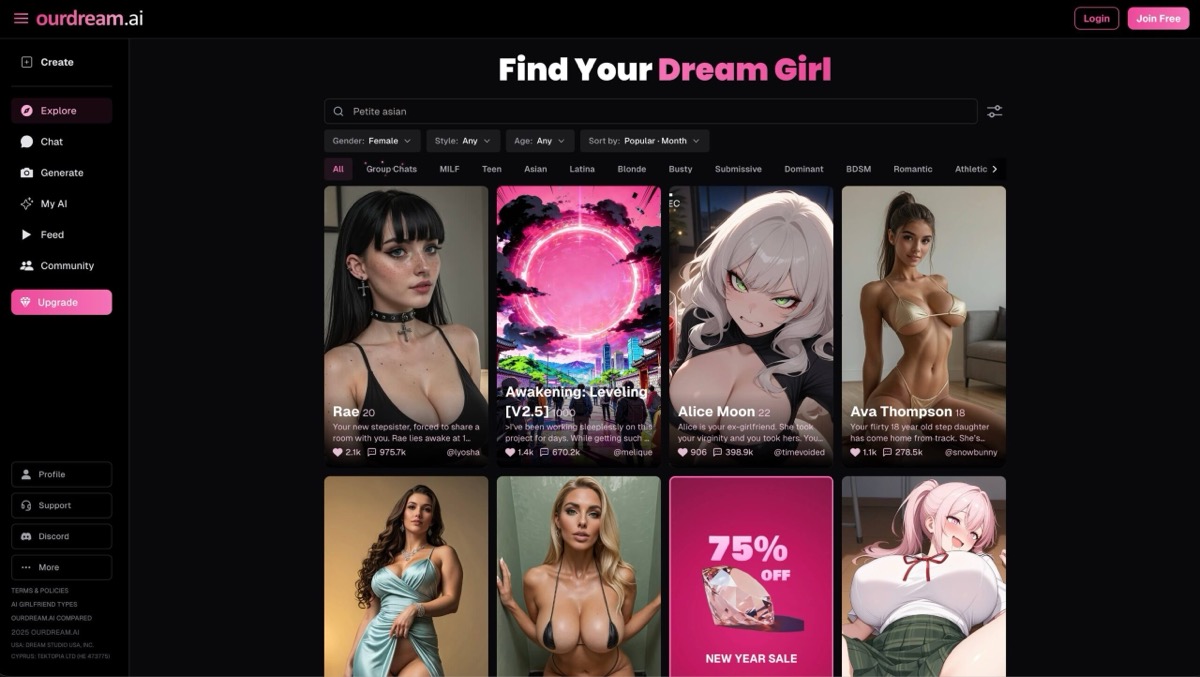
OurDream has Trans video shelves for finished scenes featuring fictional adults. Runtimes appear on the cards, and the site advertises free streaming after age confirmation. Packs are separate.

Video preview
  • Find trans scenes on a dedicated shelf
  • Stream the scenes without a paid plan
  • Switch to the trans music video shelf
Main upside
Choose a full scene by length before opening its player.
Main caution
Creator packs and generated clips have separate access and charges.
Secrets AI

Free catalog browsing

Best for: Browsing trans companion profiles and galleries

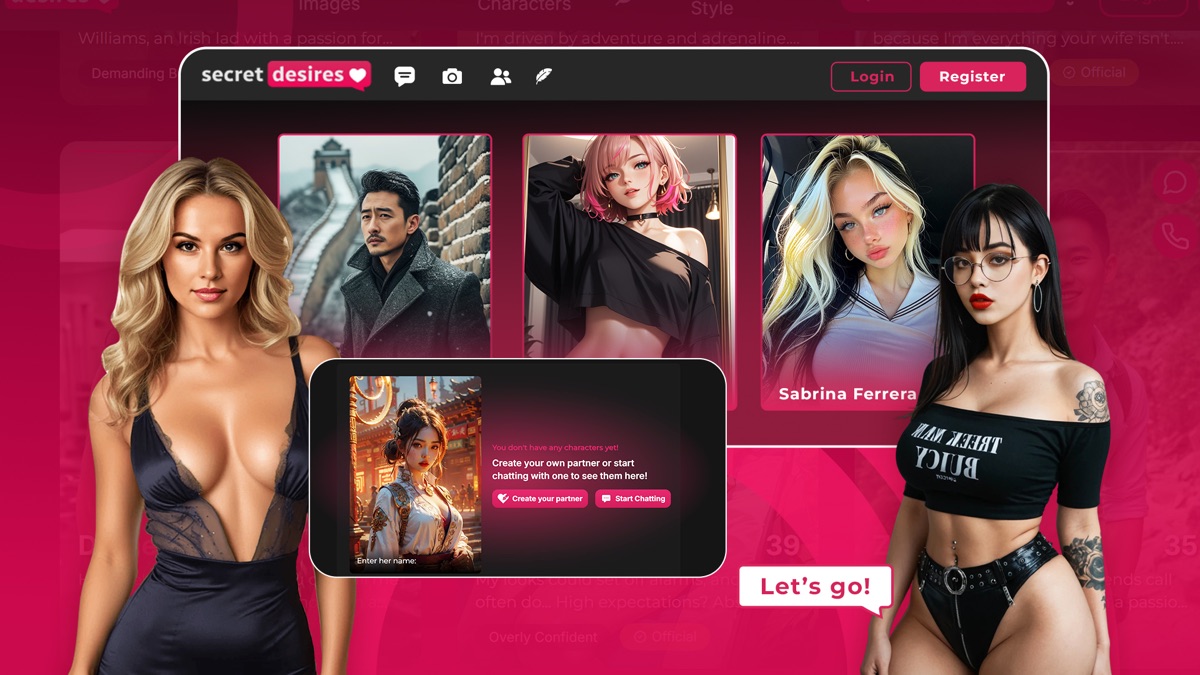
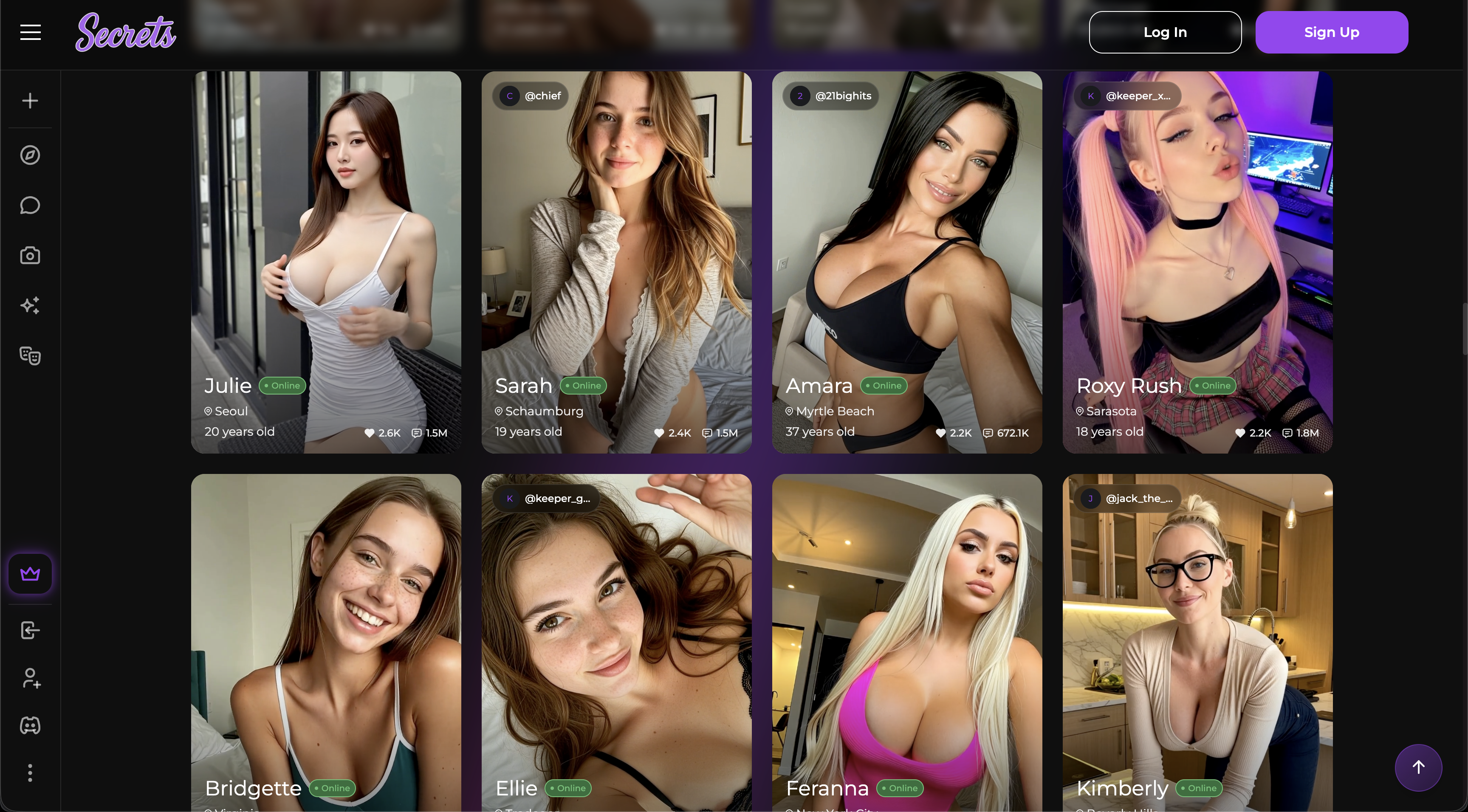
Open Browse in Secrets AI and choose Trans from the gender menu. Narrow the portraits by style, then open a profile for its gallery. Browsing is free after age confirmation. New media uses Moments.

Video preview
  • Select Trans under Gender in Browse
  • Filter to realistic or anime portraits
  • See a character’s V2 gallery before chat
Main upside
Browse a focused set of portraits before choosing a character to open.
Main caution
Check what opens on the profile. New images and clips cost Moments.

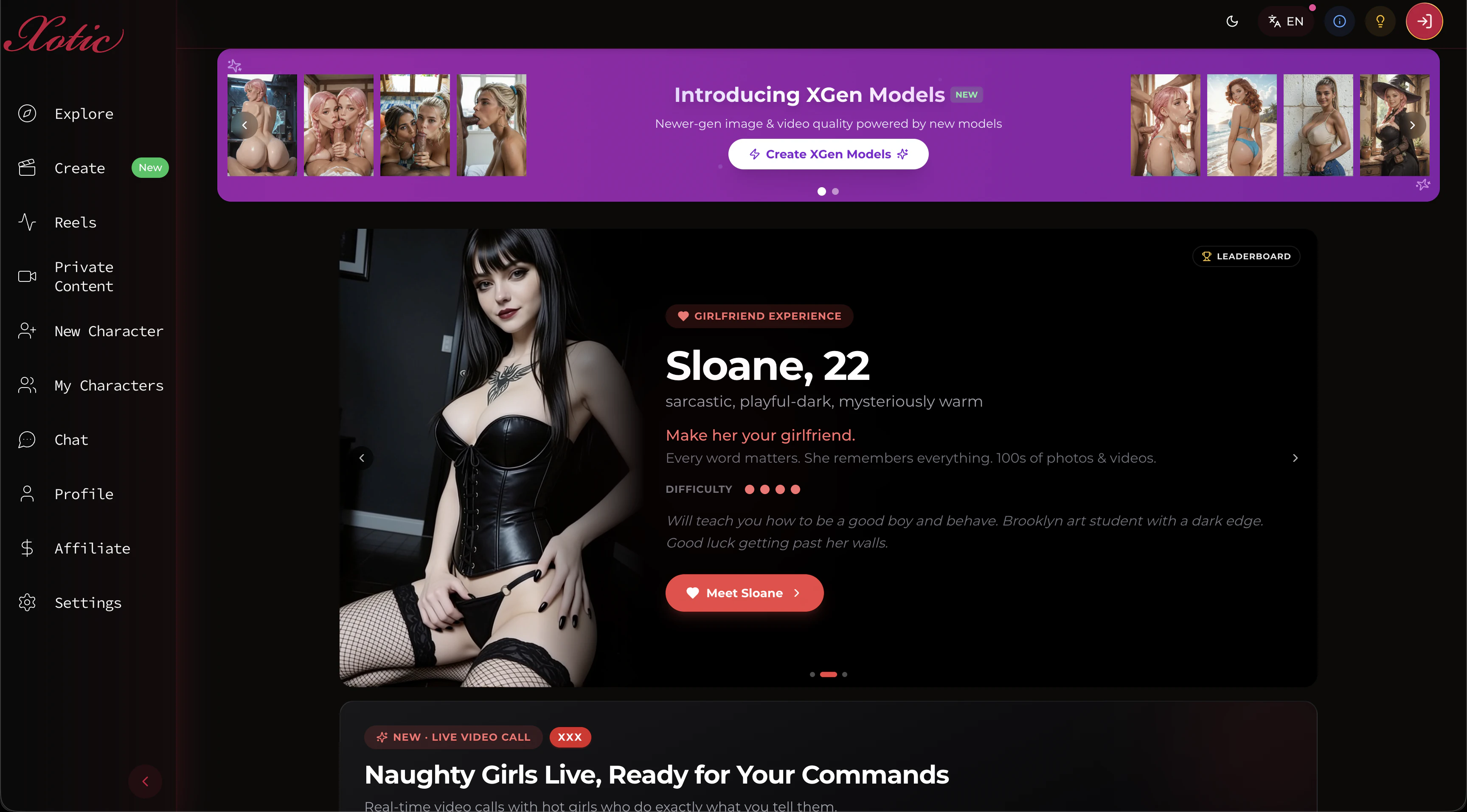
Xotic

Free public Feed

Best for: Filtering posts by character and format

Set Xotic’s Feed to Trans, then pick Images or Videos. Public posts are free, with a free account required for adult posts. Browse in fullscreen and check XOT prices for Noir Vault unlocks.

Video preview
  • Combine the Trans filter with Videos
  • Swipe between clips in fullscreen mode
  • Peek at a Noir Vault item before paying
Main upside
Combine the Trans preference with the Videos tab to narrow the community feed.
Main caution
Feed browsing is free. Vault tiles and bundles can have separate XOT prices.

Editor's shortlist

Find the Scene Before You Open the Player

Pick the format before you open the catalog. A video shelf gives you a runtime and a player. A gallery gives you stills, GIFs or a short loop. A character page starts with a portrait and a profile. Open the item you came for. Use its tags, the creator’s page or a related shelf to find more scenes in that style without returning to the mixed feed.

  • Start on a dedicated Trans shelf so you can choose among relevant clips before you sort by style or length.
  • Read the runtime on the card so you can tell a quick loop from a scene that runs for several minutes.
  • Open the thumbnail and check whether it leads to a still, a playable clip or a fictional character profile.
  • Read the lock on that exact item so you know whether it needs an account or a separate payment.
  • Save the creator or item link and reopen it before you pay, so you know how to find the same shelf again.

Read the lock on the exact item. A preview might show a cover, a few seconds or the whole upload. If it stops, check whether the price opens that scene, a character pack or a monthly plan. Play a free clip on the phone or desktop you’ll actually use. Try both sound and fullscreen before paying for a library you haven’t watched on that device.

Pick a Finished Scene by Runtime

Open the Trans shelf, pick a clip by length and see which related categories you can play.

AI Haven Pick

Create Your AI Dream Companion

Create a fictional companion for text, voice and generated media. Account access, paid features and DreamCoin costs vary by activity.

Try OurDream AI

Compare 5 Options

OurDream AI screenshot
#1

OurDream AI

Pricing: Free video shelf

  • Open the Trans shelf and pick a finished scene using the runtime on its card.
  • Follow the linked categories to find other scene lengths, edits and settings.
  • The catalog advertises free streaming on this shelf after you confirm your age.
Secrets AI screenshot
#2

Secrets AI

Pricing: Browse free after age confirmation

  • On Browse, choose Trans in the gender menu to find existing companion profiles.
  • Set the style filter before opening a character profile to see what it contains.
  • Check the Moments cost before requesting any new image or clip from a profile.
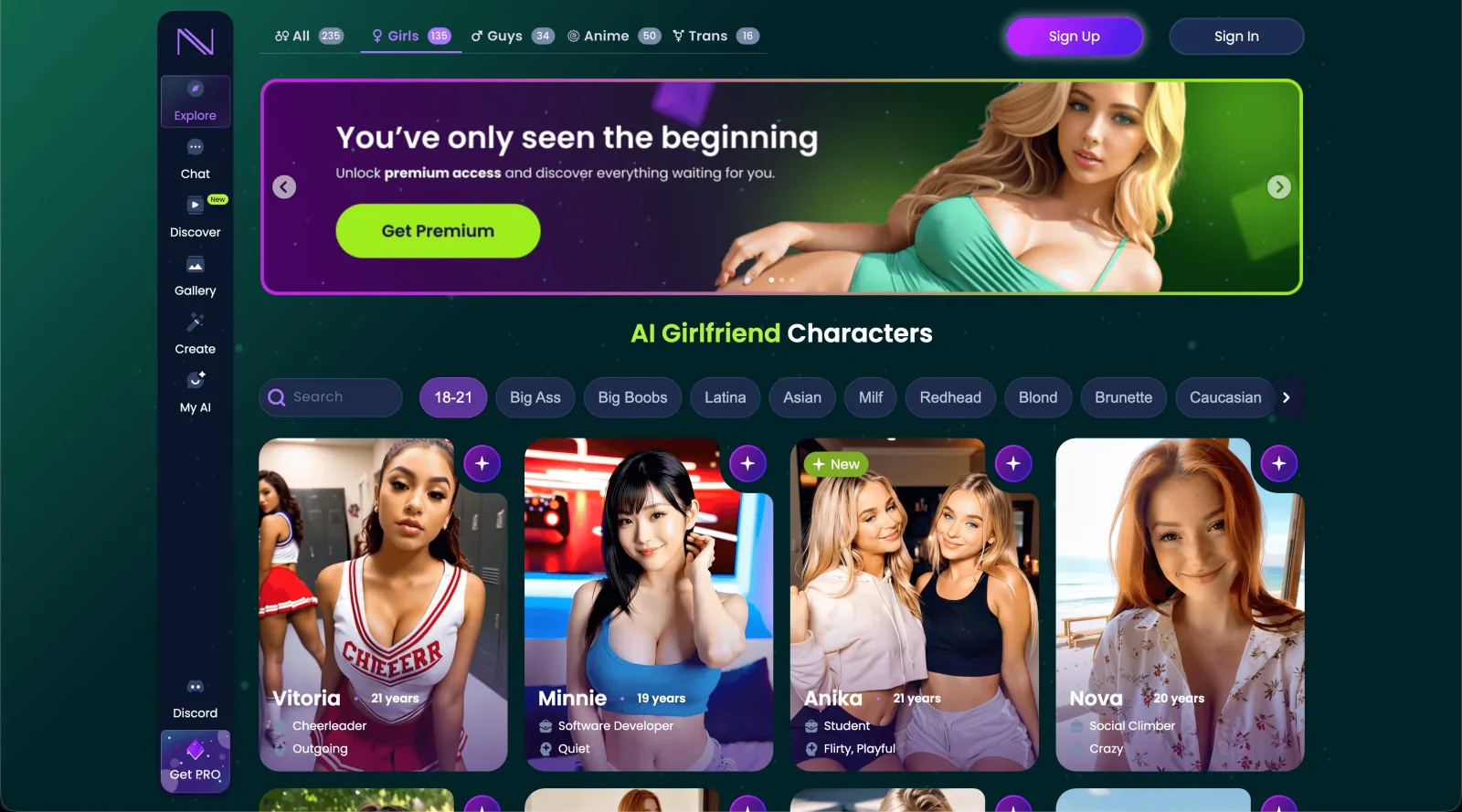
Xotic Explore screen showing the XGen image and video model banner, Girlfriend Experience characters, Reels, and live video-call navigation
#3

Xotic

Pricing: Feed browsing is free

  • Set the Feed preference to Trans, then narrow the results to Images or Videos.
  • Swipe through public media in the Feed, or open a post directly from its card.
  • A Vault peek shows one item. Check the XOT price before opening the locked tiles.
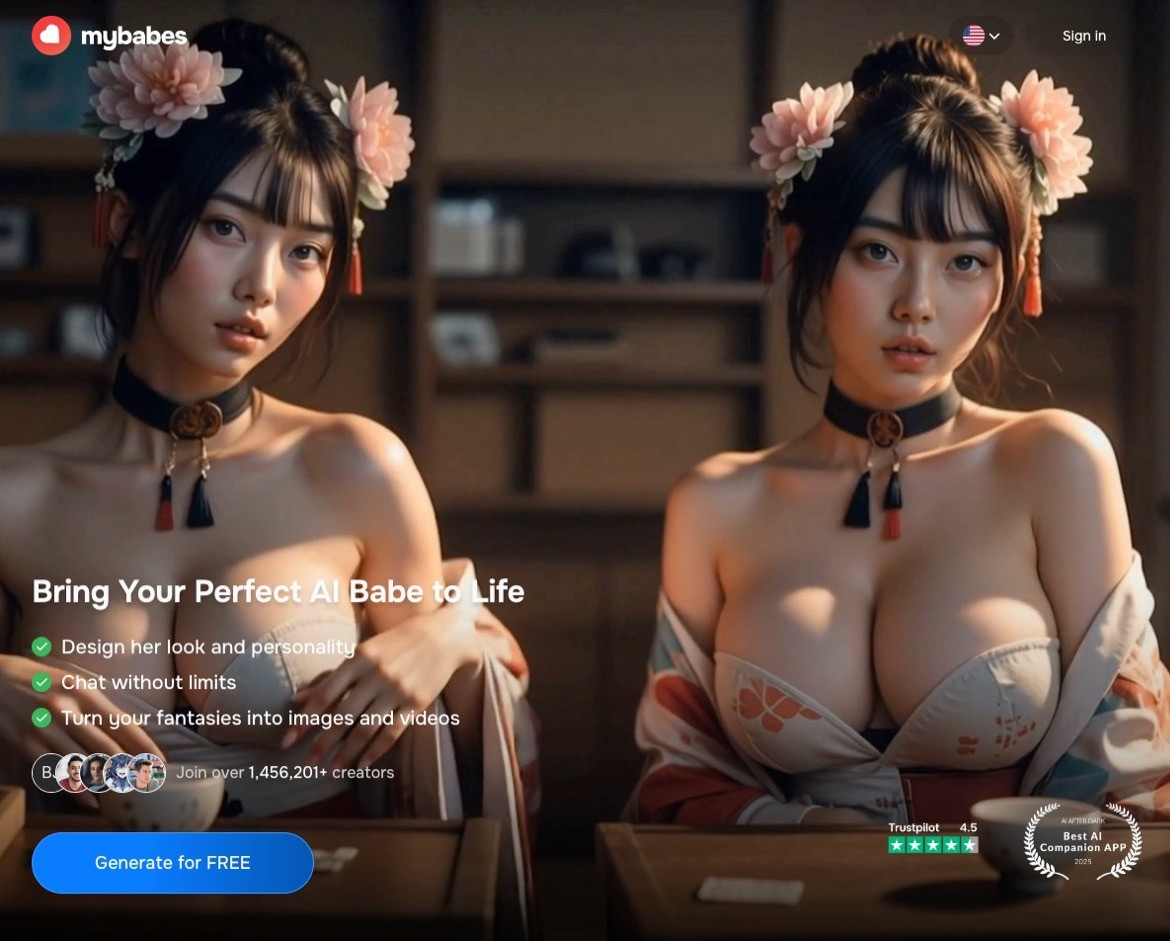
MyBabes AI homepage showing two fictional companions, character creation benefits, and a Generate for Free button
#4

MyBabes AI

Pricing: Free image gallery browsing

  • Use the Transgender filter in Explore Images to find finished community stills.
  • Sort by Trending or Newest, then open an image and browse more from its creator.
  • Browse finished images for free. Tokens pay for a new image or video generation.
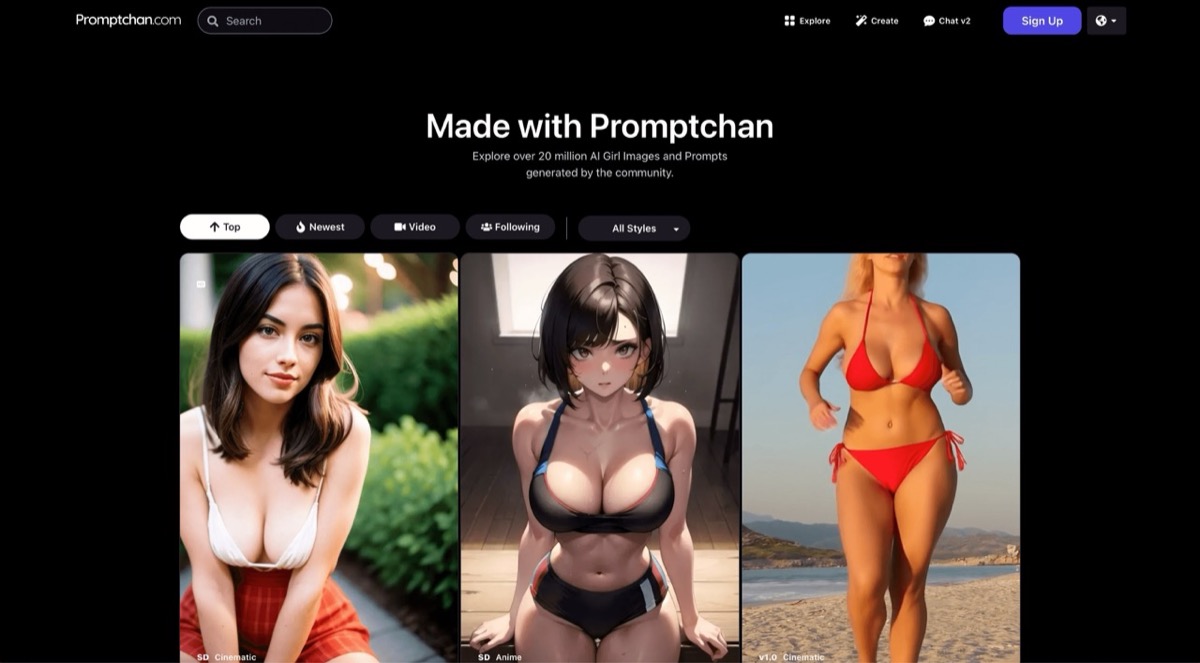
Promptchan AI community gallery showing realistic, anime, and cinematic character generations
#5

Promptchan AI

Pricing: Free Explore browsing

  • Search for transgender in Explore to find posts members shared in the gallery.
  • Open the post to check its format and whether a blurred preview requires sign-up.
  • Explore browsing is on the free plan. Making a video requires Pro and uses Gems.

All Reviewed Tools

Browse finished video shelves, searchable community posts and fictional character catalogs.

Reviewed

Open the Transgender category for finished AI clips with runtimes. Sort by most viewed or follow a tag. The catalog advertises free viewing.

Featured
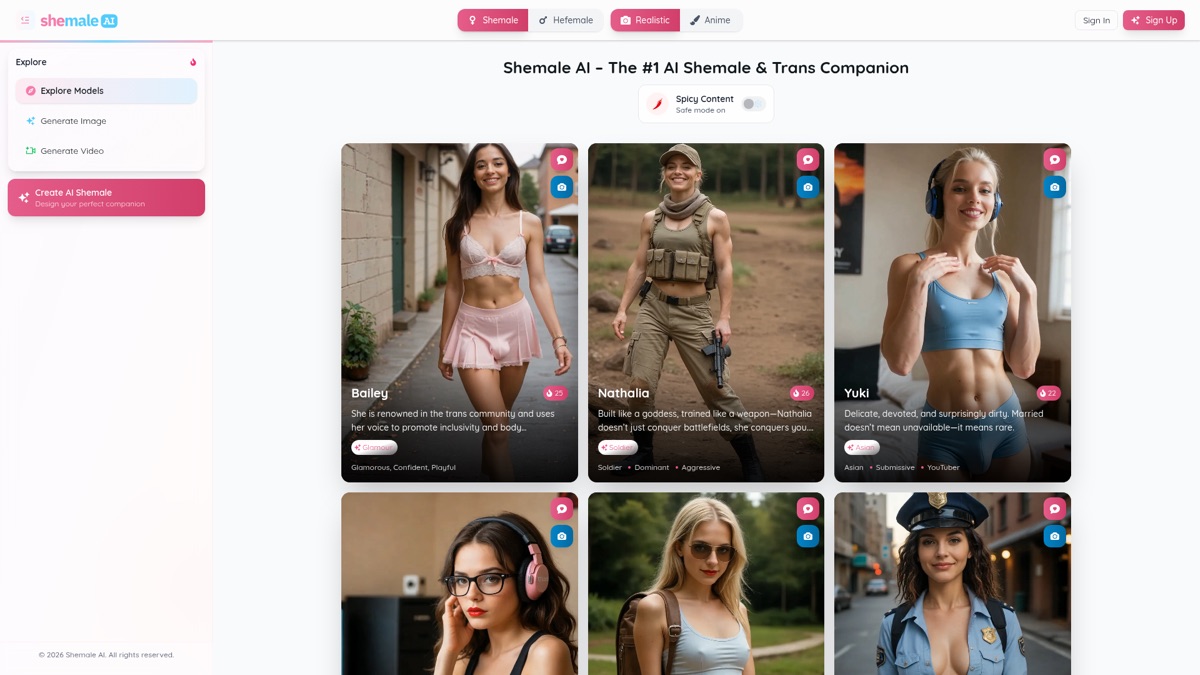
Shemale AIFreemium

Browse fictional adult portraits in Explore Models and select Realistic or Anime. Images and Videos are tools for making new media.

shemale chatbotcustomizable modelsimage generation

What to Know Before Choosing

Choose the format, open a sample and read the access label on the exact item you want.

Start With the Format You Came For

Pick a format and open an item. Portraits help you browse characters by style or name. Look for a runtime and a player on a finished clip. For a series, check the episode order and access for the chapter you want. A Trans category narrows the list, but open a few cards to confirm what each one plays or displays.

If you wantStart withCheck before opening more
One complete sceneA video shelf with visible runtimesThe player reaches the listed end without a separate unlock
A short loopA Shorts, GIF or clips viewThe item plays and shows how long it runs
Pictures of one characterA character gallery or creator profileThe gallery marks which images are free and which need an unlock
More of the same cast or styleA creator page, series or related tagCheck the episode order and each item’s access label

Use Catalog Tags to Find the Right Shelf

Use a Trans or Transgender shelf when one is available. Some sites still use the older catalog term as a search label. Read the character description for how they’re presented, and filter by anime or realistic style when the site offers those choices.

When you find a scene you like, open the creator page or follow a related tag to find similar work. Our guide to watching finished AI videos explains how short feeds, full scenes and scripted episodes are organized.

Open the Item and See What Actually Plays

An autoplay loop can be the whole upload. Open the item and match its listed duration to the player. Try sound and fullscreen on a free clip on the device you’ll use. In a gallery, open a portrait to see whether it leads to an image, a profile or a playable clip.

A cover on a locked item shows the frame and style. A playable sample lets you see the motion. Check which kind of preview you get before paying for the full item.

Read the Access Label Before Buying

Read the access label on the exact item. A free account, membership and one-time unlock can open different things. For a character pack, check the included items and whether you keep access when a plan ends. For a credit purchase, check the pack price and any expiry at checkout.

A request for a new image or clip may cost credits. Browse a finished-media shelf to see what already exists. To build a character and reuse their look in other scenes, see the AI trans character creation comparison.

Frequently Asked Questions

Related Categories

Explore adjacent categories with similar adult AI use cases.