
AI Haven
AI Tools

AI Tentacle Porn Image and Video Tools

AI tentacle porn fails when the limbs melt into a smear. Design a creature you can still count, frame the wrap so each arm stays readable, then see if a short clip holds that same shape.

12 tools found

Top 3 at a Glance

MyBabes AI

Token-based video

Best for: Taking one creature still into motion

Start with a creature still in your MyBabes gallery. V2 takes a motion prompt or a shot list of up to six shots. Clips run 3 to 15 seconds at 480p or 720p. Check token costs before you animate.

Video preview
  • Add limbs with the Tentacles enhancer
  • Plan up to six shots in one V2 clip
  • Prompt creature sounds to match motion
Main upside
Try one short wrap before using the same starting frame for a longer take.
Main caution
V2 has no negative prompt field. Higher resolution and longer clips can cost more.

Sugarlab AI

Check render costs

Best for: Comparing camera movement from one still

Animate a creature still made in Sugarlab. In Pro Mode, choose a motion scene, then describe how the camera should move in the prompt. Compare takes from the same still and check the render cost.

Video preview
  • Reuse the same still for motion retakes
  • Use Pro presets to compare movements
  • Prompt a pan to follow the long limbs
Main upside
Change the camera direction while keeping the same source image.
Main caution
Pick a different in-app still for another creature or starting angle.

Joi AI

Free + paid

Best for: Comparing stills for a clear silhouette

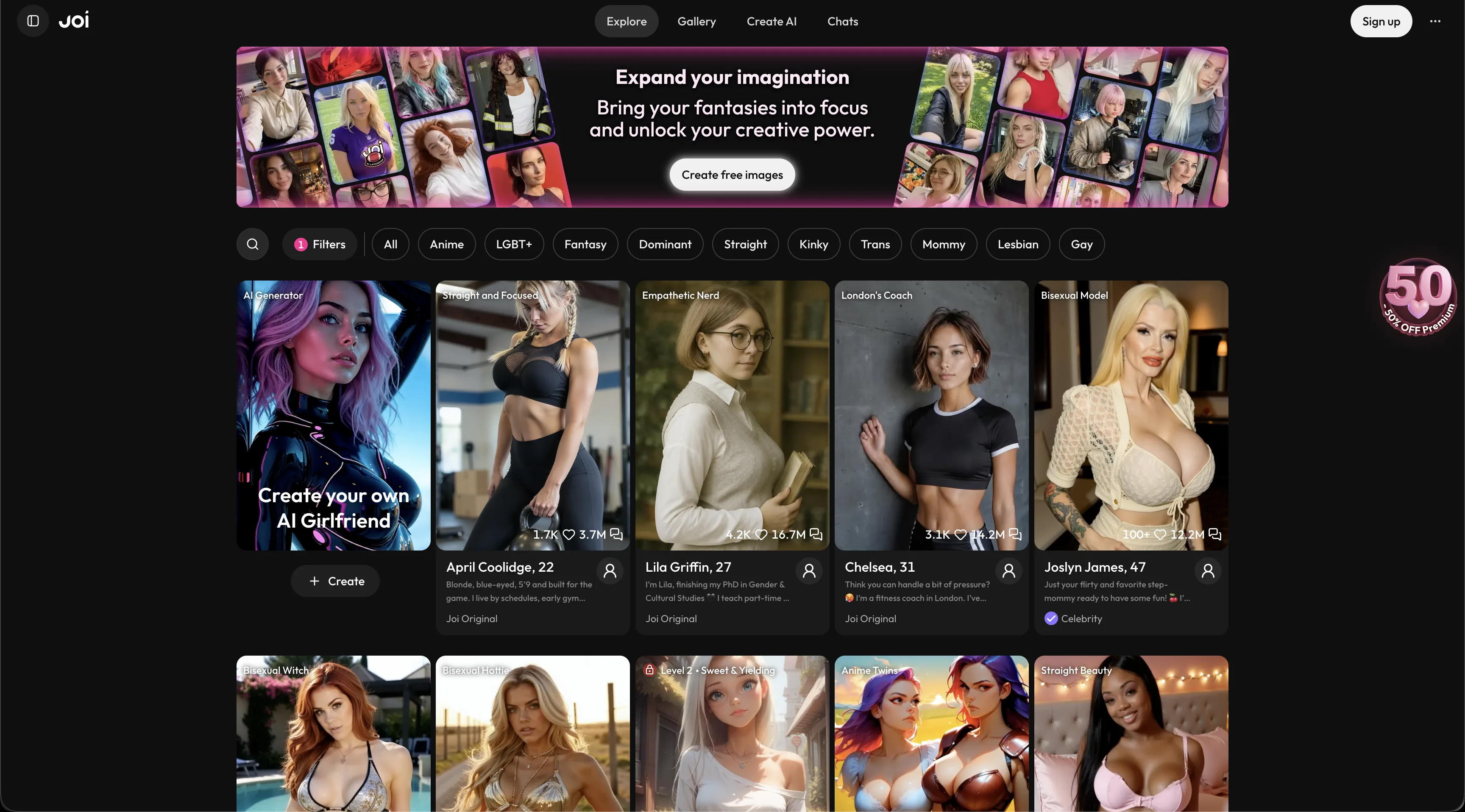
Use Joi’s image tool to choose orientation and style, add a negative prompt and make several stills. Compare where the limbs start and what overlaps. The Video tab opens the general generator.

Video preview
  • Fit long limbs into a landscape still
  • Batch up to 12 takes to catch overlap
  • Pick anime linework or 3D-style depth
Main upside
Compare how several stills frame the same creature before picking a design.
Main caution
The topic page documents stills. The Video tab opens Joi’s general generator.

Editor's shortlist

Set the Creature’s Silhouette Before Adding Motion

Start with a creature you could still pick out as a silhouette while it wraps her. Decide which limbs lead, where they attach, and how they thicken from base to tip. Give the longest arms room to curve without hitting the frame. Keep one sharp wide still of the whole creature so you can see whether a tighter crop has turned it into a different design.

  • Keep a wide still that shows the full silhouette and where every limb attaches to the creature.
  • Leave space between the main curves so you can tell which arm is in front when they start to wrap her.
  • Reuse that same design across angles and check the base and the tip of every limb for any drift.
  • Animate one movement with a still camera, then inspect the frames just before and after a cross.
  • Price a usable still, a short test clip, and two retries before you pay for a longer sequence.

For motion, test one bend or one reach with a fixed camera and a short clip. Pause before a limb crosses her, at the overlap, and after it clears. Trace that same outline back to the same base in each frame. If the crossing adds an arm or swaps which shape is in front, fix that test before you extend it or spend more credits on a different camera angle.

AI Haven Pick

Create Your AI Dream Companion

Create a fictional companion for text, voice and generated media. Account access, paid features and DreamCoin costs vary by activity.

Try OurDream AI

Compare 5 Options

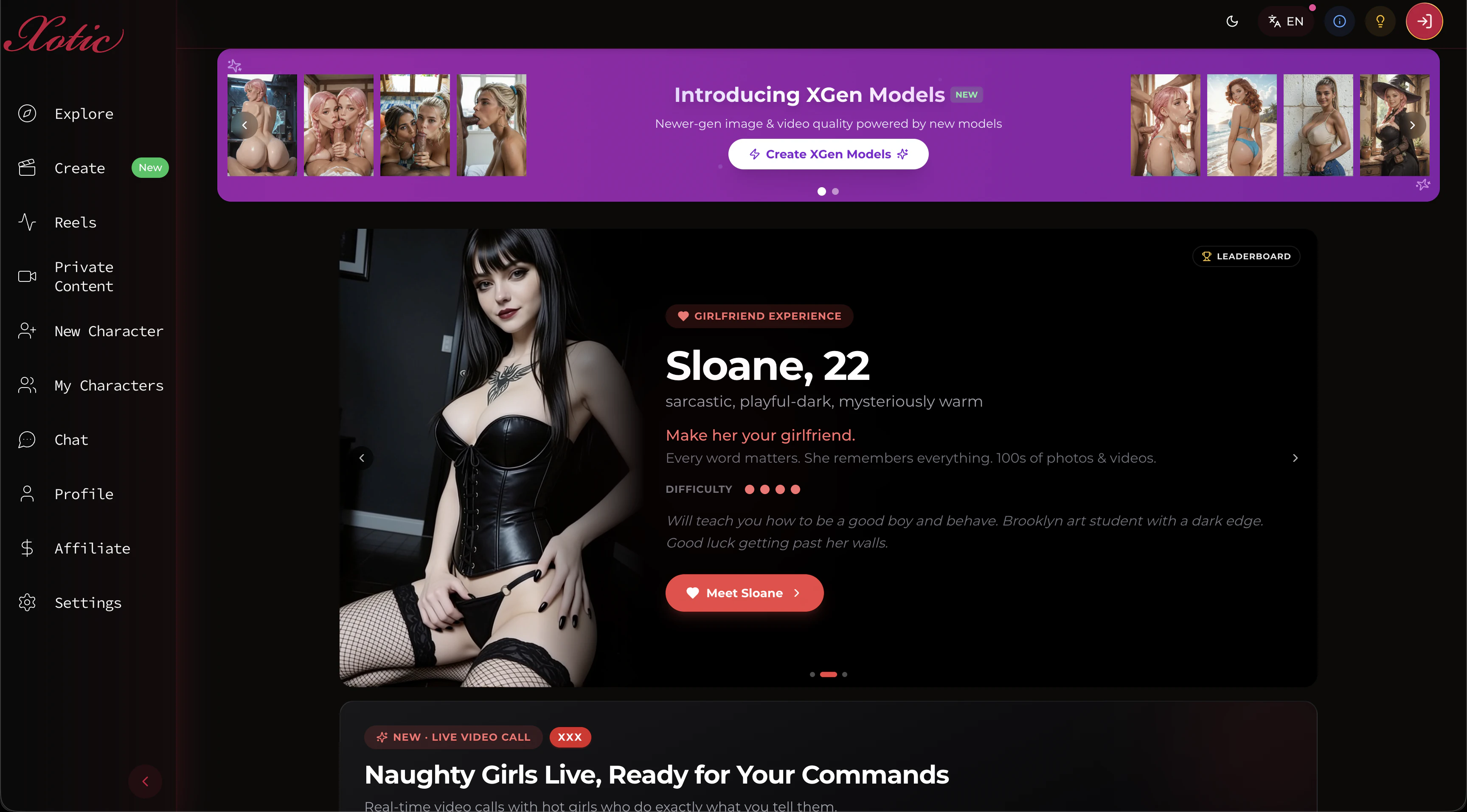
MyBabes AI homepage showing two fictional companions, character creation benefits, and a Generate for Free button
#1

MyBabes AI

Pricing: Tokens vary by length and resolution

  • Use a short V2 render from a gallery still to see how the creature’s limbs move.
  • Describe one movement or build a shot list if you want to test several angles.
  • V2 runs for 3 to 15 seconds. Duration and resolution change the cost in tokens.
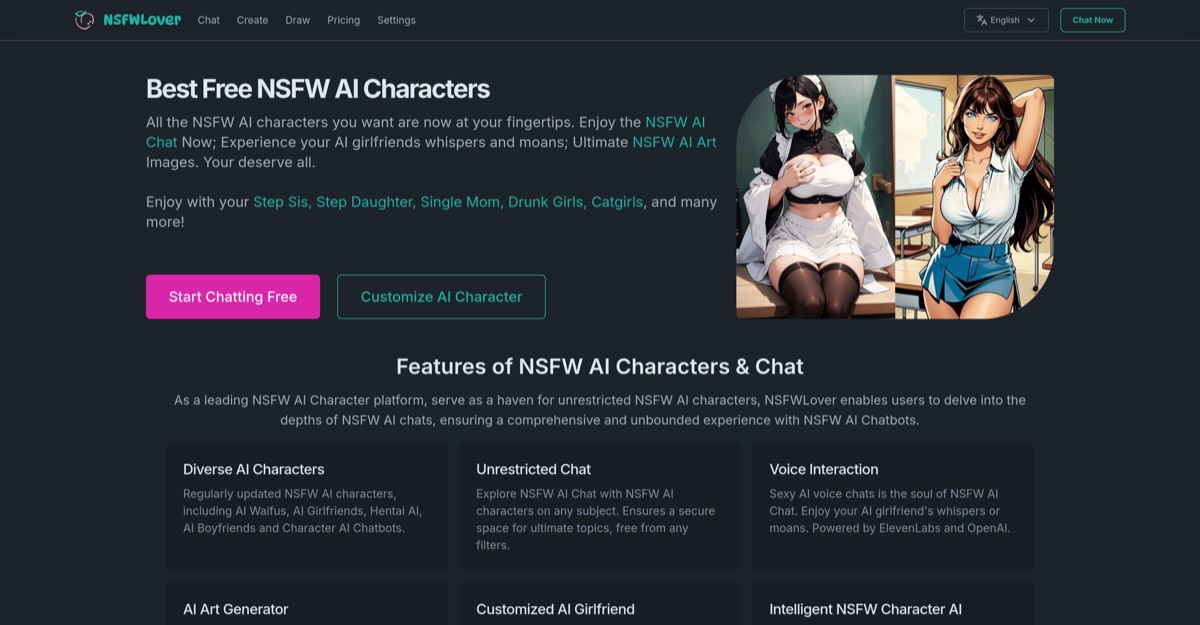
Sugarlab AI homepage with Create, Explore, Chat and Gallery navigation beside realistic and anime adult character examples
#2

Sugarlab AI

Pricing: Image and video costs shown in the app

  • Start each animation test with a creature still you made inside the Sugarlab app.
  • Choose a motion scene in Pro Mode, then describe camera movement in the prompt.
  • Pick a different in-app still for another creature design or starting camera angle.
Joi AI Explore page showing its image generator, realistic and anime companion cards, gallery, and Create AI navigation
#3

Joi AI

Pricing: Limited free image generations

  • Set the orientation and style to compare stills of the same creature and scene.
  • Use the negative prompt to flag extra limbs and curves you want it to leave out.
  • Make several stills from one description before spending credits on a video test.
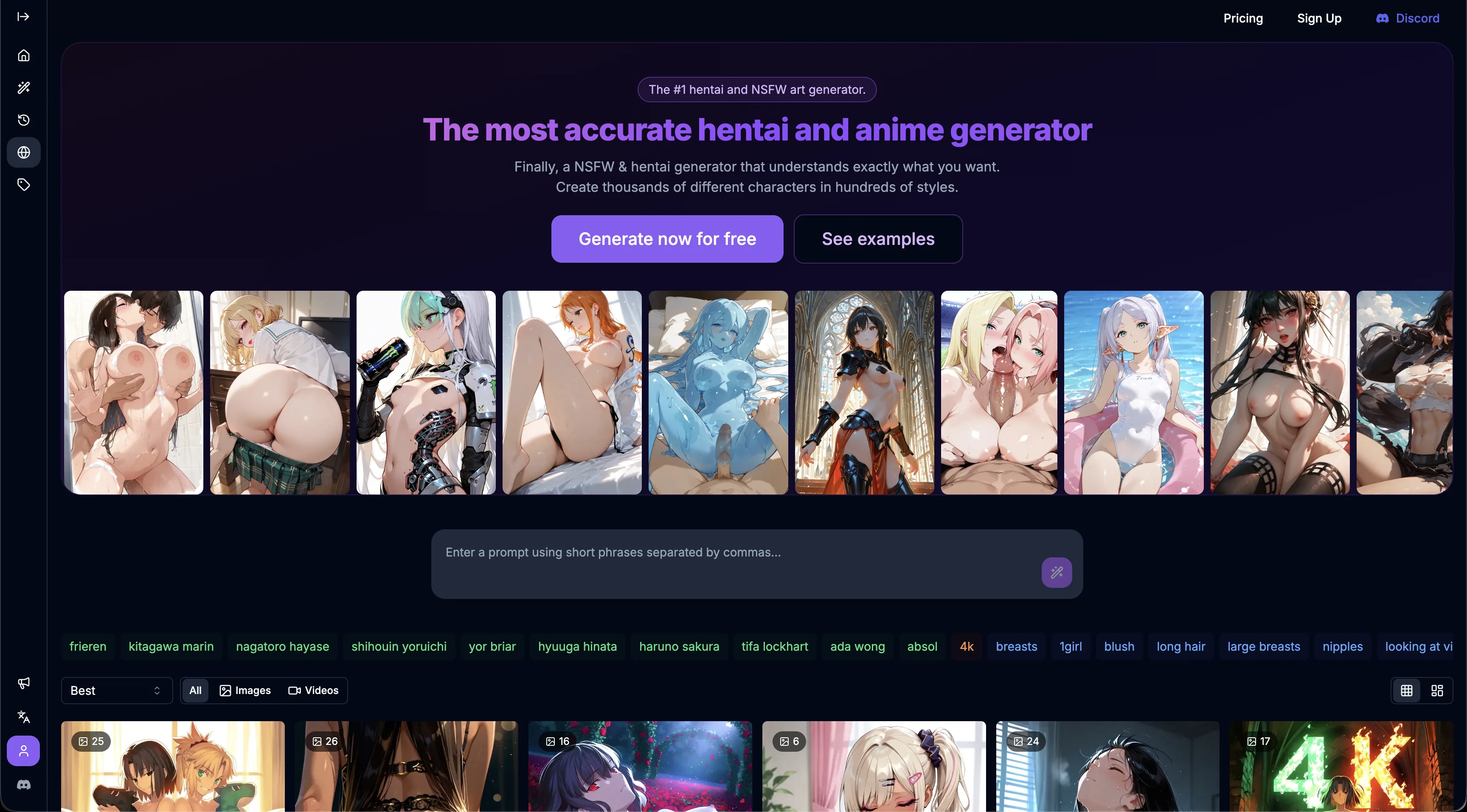
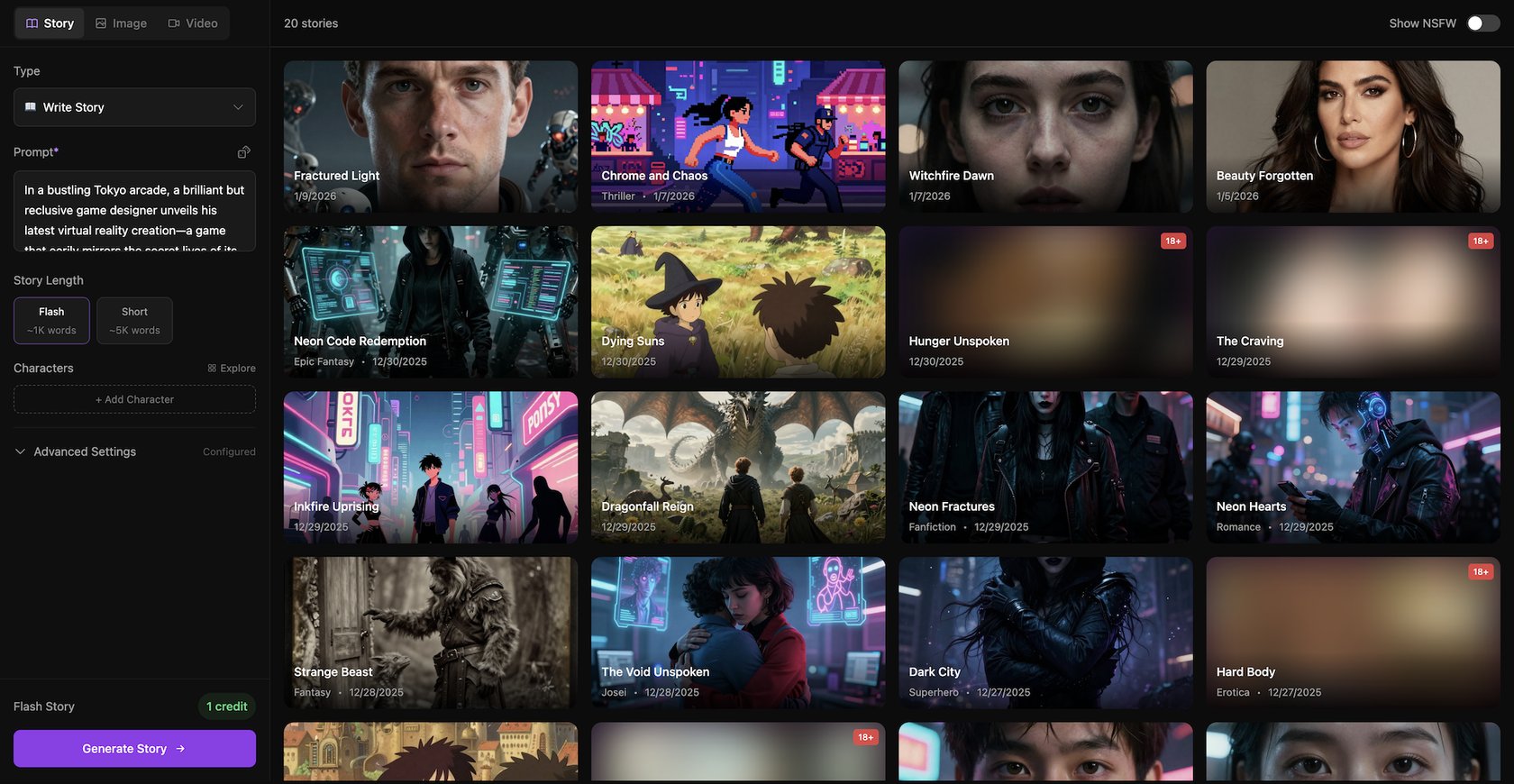
BetterWaifu anime generator home screen with a prompt bar, style tags and generated art gallery
#4

BetterWaifu

Pricing: Browse clips and check generation credits

  • Search Explore for tentacle clips and filter videos to find prompts creators share.
  • Preview several takes to see how the creature’s silhouette holds as angles change.
  • Check the selected model’s credit quote before generating a clip from your still.
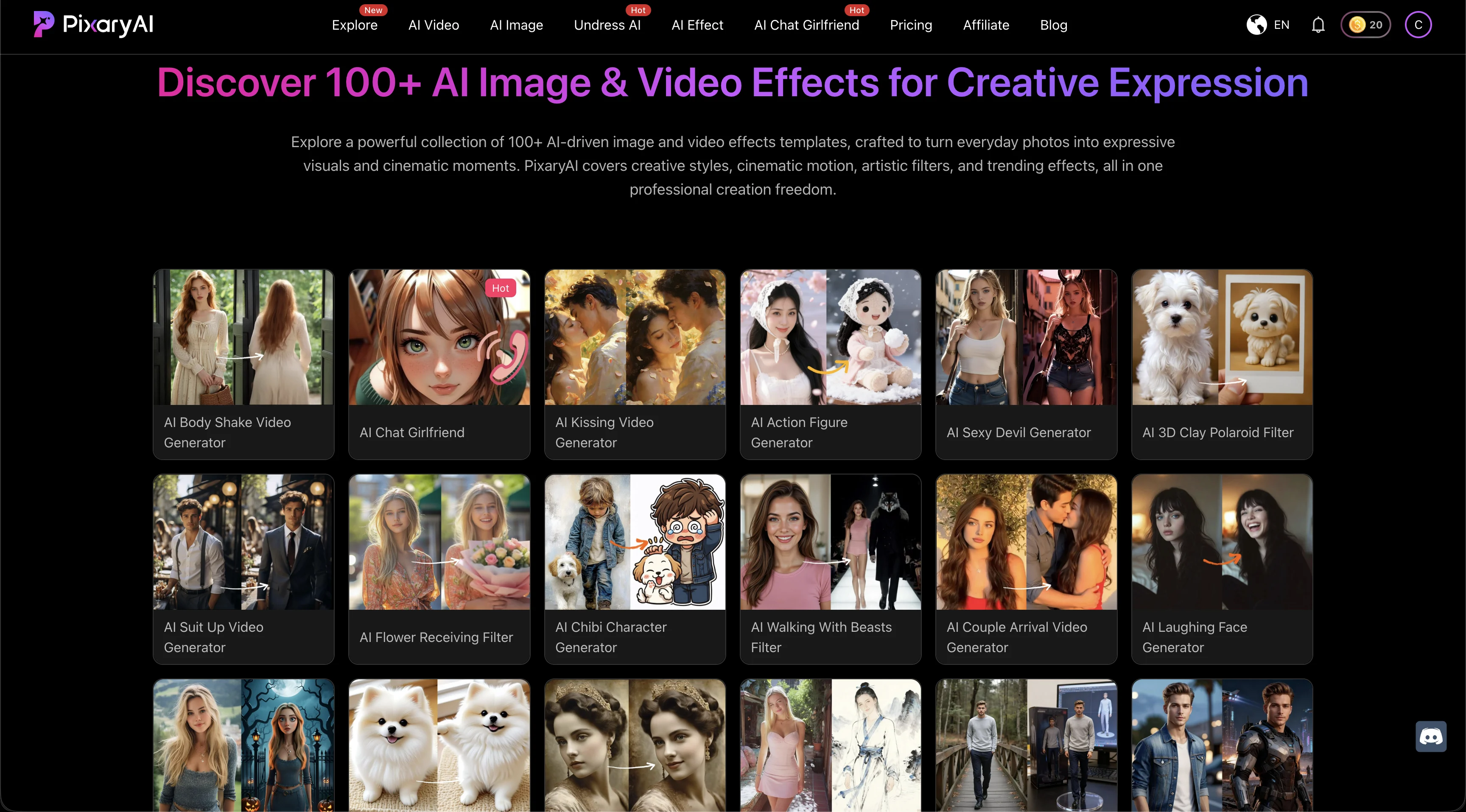
UNDRESS AI tool preview
#5

UNDRESS AI

Pricing: Credit-based access

  • Use Tentacle mode to animate an existing still of an original fictional adult.
  • Reuse the same source still across tests so the comparison starts from one frame.
  • Check your plan and the credit quote before retrying the Tentacle animation preset.

All Reviewed Tools

Compare every matching tool in this category.

What to Know Before Choosing

Where the limbs start, what they wrap, and which shape is still there when the clip moves.

Pick the Workflow for the Shot

Settle the silhouette in a still before you pay to animate it. Once you can read the wrap, check whether the video tool accepts that exact image as frame one. A tool may take a reference for stills and require a different input for video.

What you wantWhat to look forWhat to check in the result
A readable creature designAspect ratio choices and a wide reference stillYou can count the limbs and see where they attach
A second view of the same creatureImage variations or a local editThe same limb count, bases, and markings appear
A short clip with one clear overlapImage-to-video and a short duration optionTrace the same tip and base after the crossing
A budget that covers discarded attemptsSeparate charges for stills, clips, and retriesAdd the still, test clip, and two retries

Make the Creature Recognizable Across Angles

Give the creature two or three marks you can pick out when it turns. Try a split tip, a dark band at the base, or one arm longer than the next. Check those marks against the wide still when you change the crop. Leave space around the main curves so you can follow each limb to its base.

Save the approved still before you change color or light. After a local edit, look across the whole frame for shifts in the crop or nearby limbs. For a wider look at image models and edit controls, see the AI art generator guide.

Inspect Each Crossing in Motion

Test one limb on a simple path. Pause at the widest bend and again when the limb is most hidden. When it comes back, look for the same tip and trace it to the same base. A gap between the outlines makes it easier to see which limb passes behind.

Replay at normal speed to catch a snap at the end of the move or a jump when the clip repeats. To compare tools, use the same still and a similar duration where you can. See the NSFW video generator comparison for other animation workflows.

Count the Attempts Behind One Usable Clip

Keep the first motion test short. Add the cost of the approved still, the test clip, and two retries. Check whether higher resolution, an extension, or a different video model uses the same credit balance.

If a limb starts in the wrong place, fix the still. If the outline only breaks during the crossing, simplify the movement and retest before you pay for more resolution.

Frequently Asked Questions

Related Categories

Explore adjacent categories with similar adult AI use cases.