AI Haven
Browse by Tag

AI Image-to-Image Tools

Start with an existing image and compare tools for restyling, editing or refining it. Check source-image controls, output quality and content rules.

Top 3 at a Glance

BetterWaifu

Freemium

Best for: Editing existing images

BetterWaifu starts from an existing image, making it a practical option for image-based edits.

Video preview
  • Multi-model image library
  • Reference-led character design
  • Edit and enhance actions
Main upside
Lets the model carry the visual style instead of forcing one checkpoint to handle every character and scene.
Main caution
Free accounts reach most models; the complete library and extensions require a paid plan.
MyIMG AI

Freemium

Best for: Editing existing images

MyIMG AI starts from an existing image, making it a practical option for image-based edits.

Video preview
  • Creates original realistic or anime images from a written description.
  • Image-to-image editing
  • Text-to-video and image-to-video
Main upside
Users can begin with a new concept instead of uploading sensitive source material.
Main caution
Unlimit Pro specifically includes unlimited AI image-to-image access for 365 days.

PixaryAI

Freemium

Best for: Editing existing images

PixaryAI starts from an existing image, making it a practical option for image-based edits.

Video preview
  • PixaryAI image models
  • 2K image output and styles
  • Multi-model video generation
Main upside
Users can create a new scene from text or preserve useful elements from an uploaded reference.
Main caution
Developer pricing lists standard Pixary image generations at two credits each and anime generation at three credits.

Turn an image-editing idea into an original character.

If you want a recurring persona instead of another edit, create fictional character media and continue the experience in chat.

AI Haven Pick

Create Your AI Dream Companion

Create a fictional companion for text, voice and generated media. Account access, paid features and DreamCoin costs vary by activity.

Try OurDream AI

Compare 5 Options

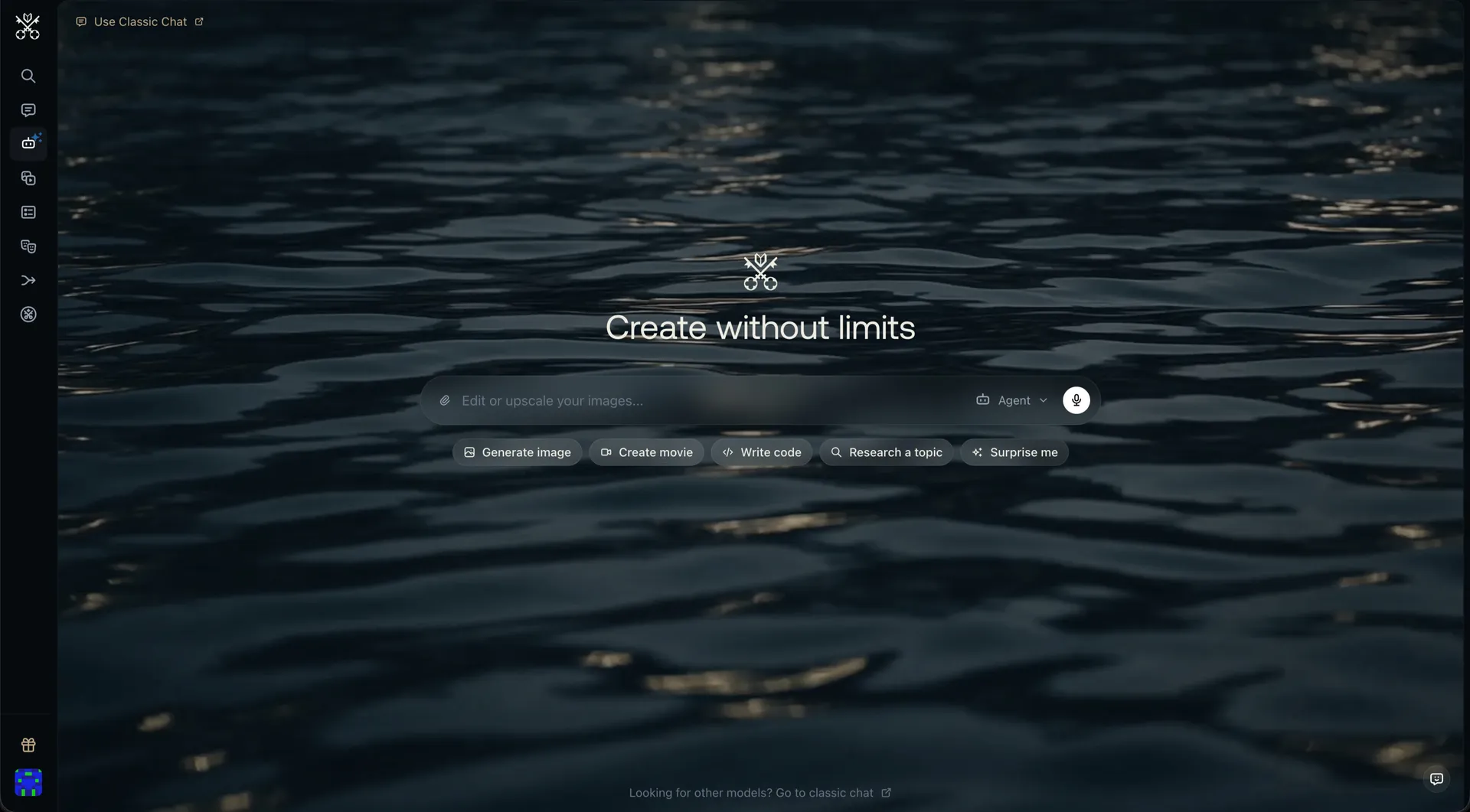
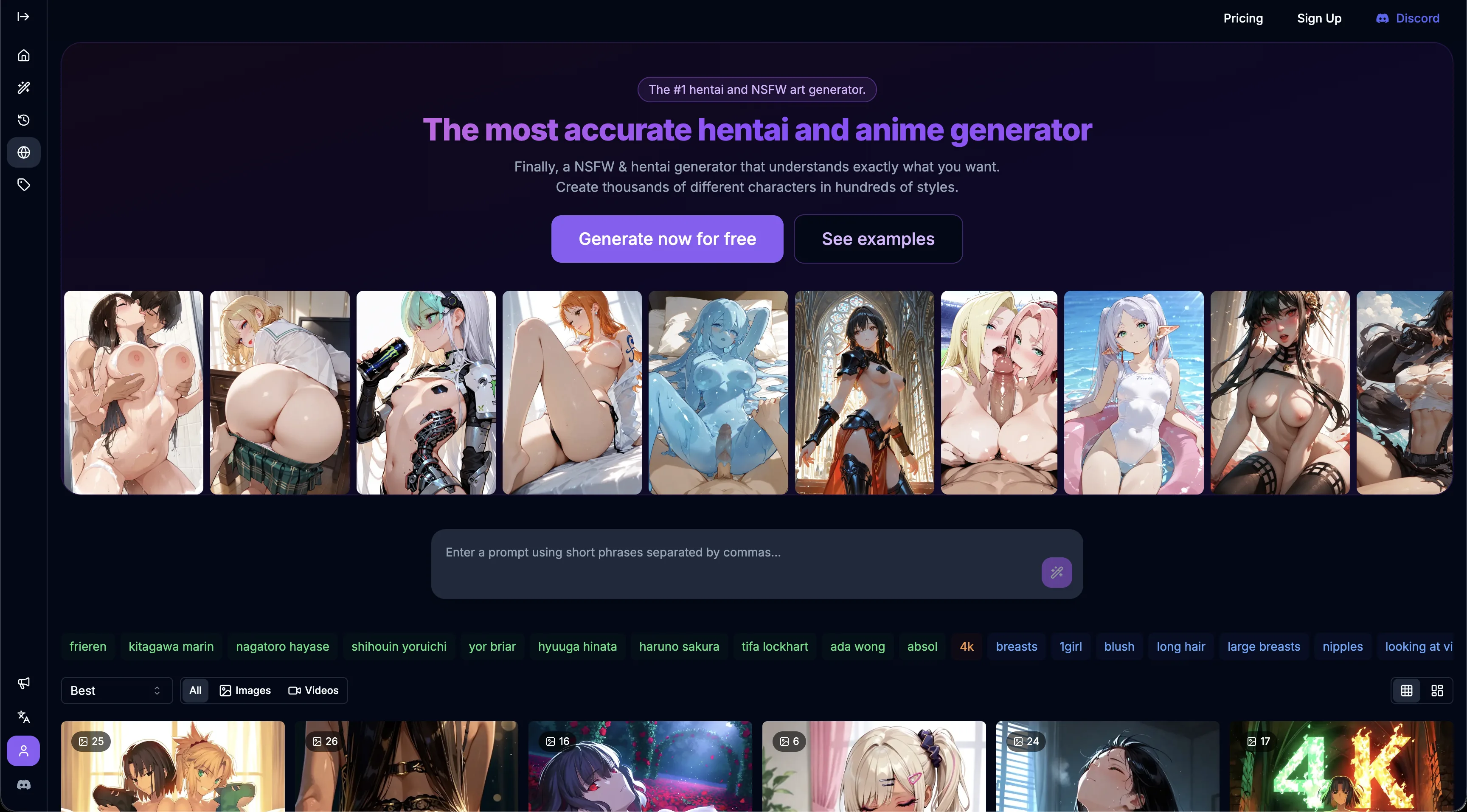
BetterWaifu anime generator home screen with a prompt bar, style tags and generated art gallery
#1

BetterWaifu

Pricing: Free + paid options

  • Image tools are available; check resolution, editing options and generation allowances.
  • Video creation is available; compare clip limits and media credits.
  • Free and paid access coexist; check which features the free tier includes.
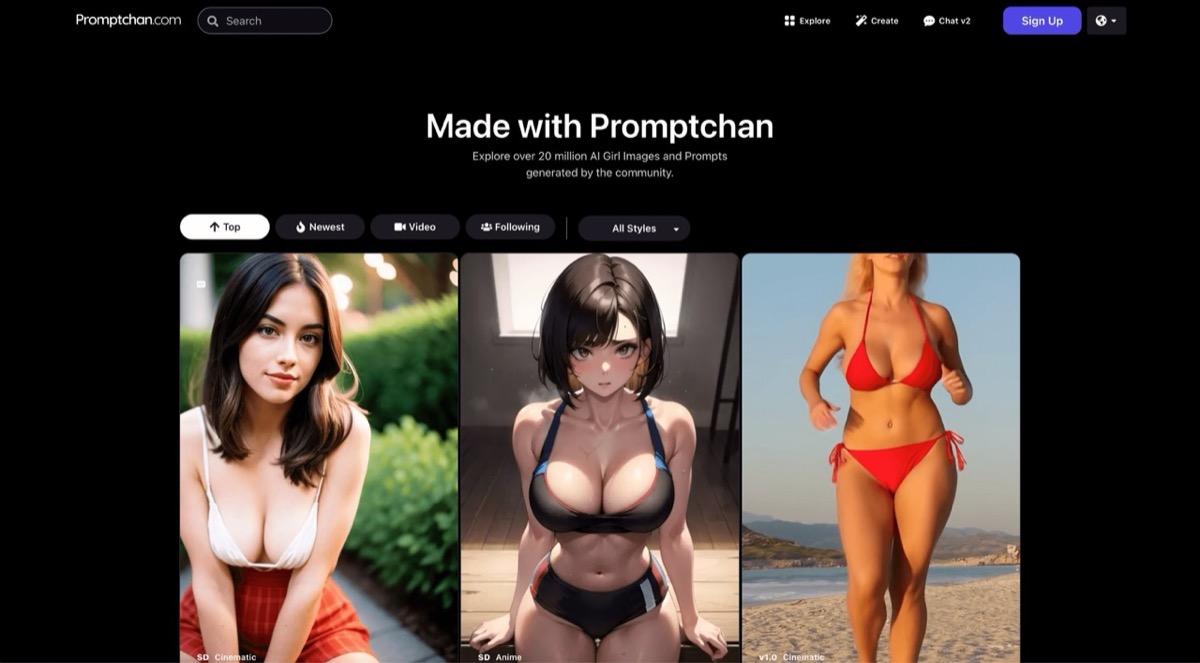
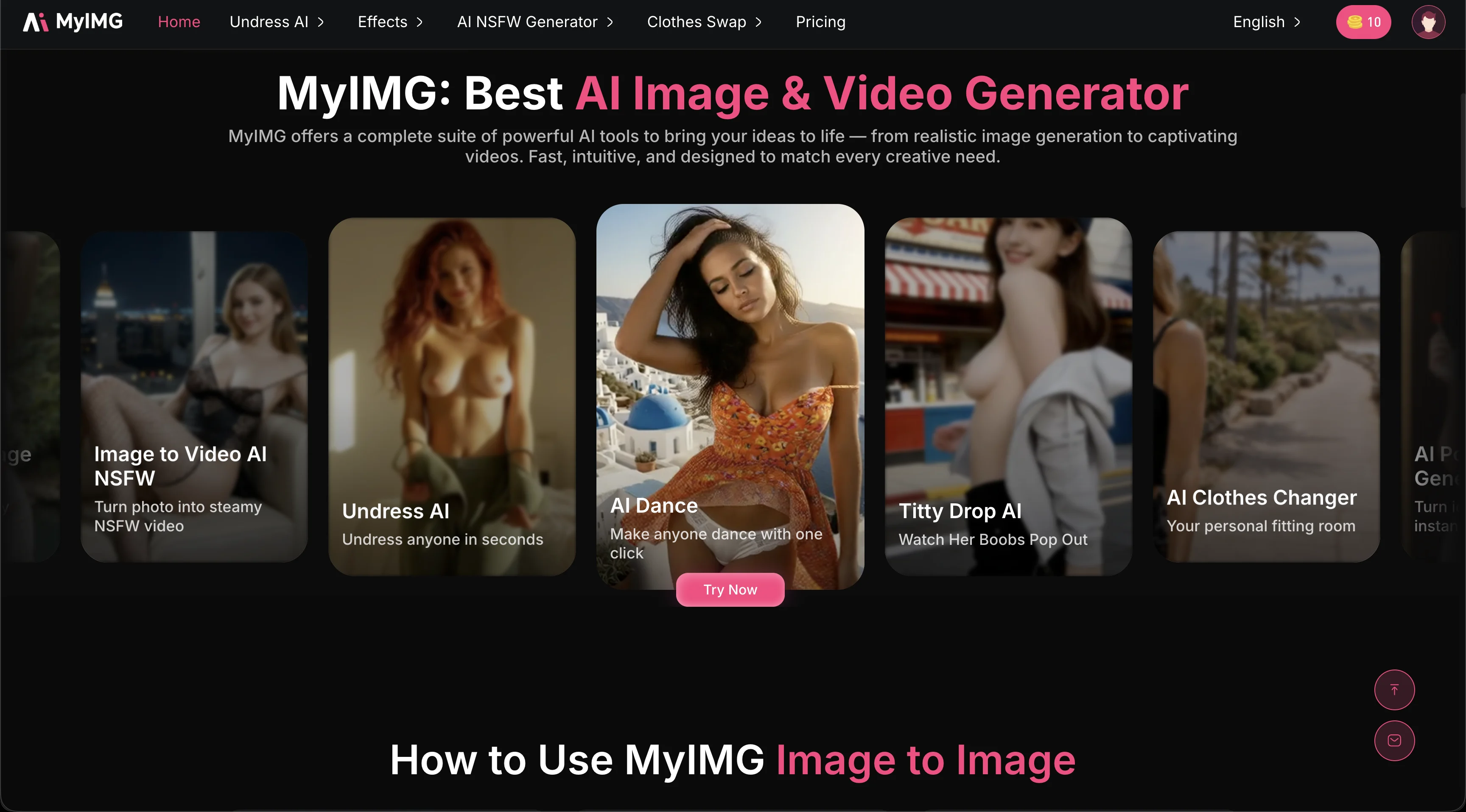
MyIMG AI homepage showing Image-to-Video, Undress AI, AI Dance, Titty Drop AI, and Clothes Changer tool tiles
#2

MyIMG AI

Pricing: Free + paid options

  • Image tools are available; check resolution, editing options and generation allowances.
  • Video creation is available; compare clip limits and media credits.
  • Free and paid access coexist; check which features the free tier includes.
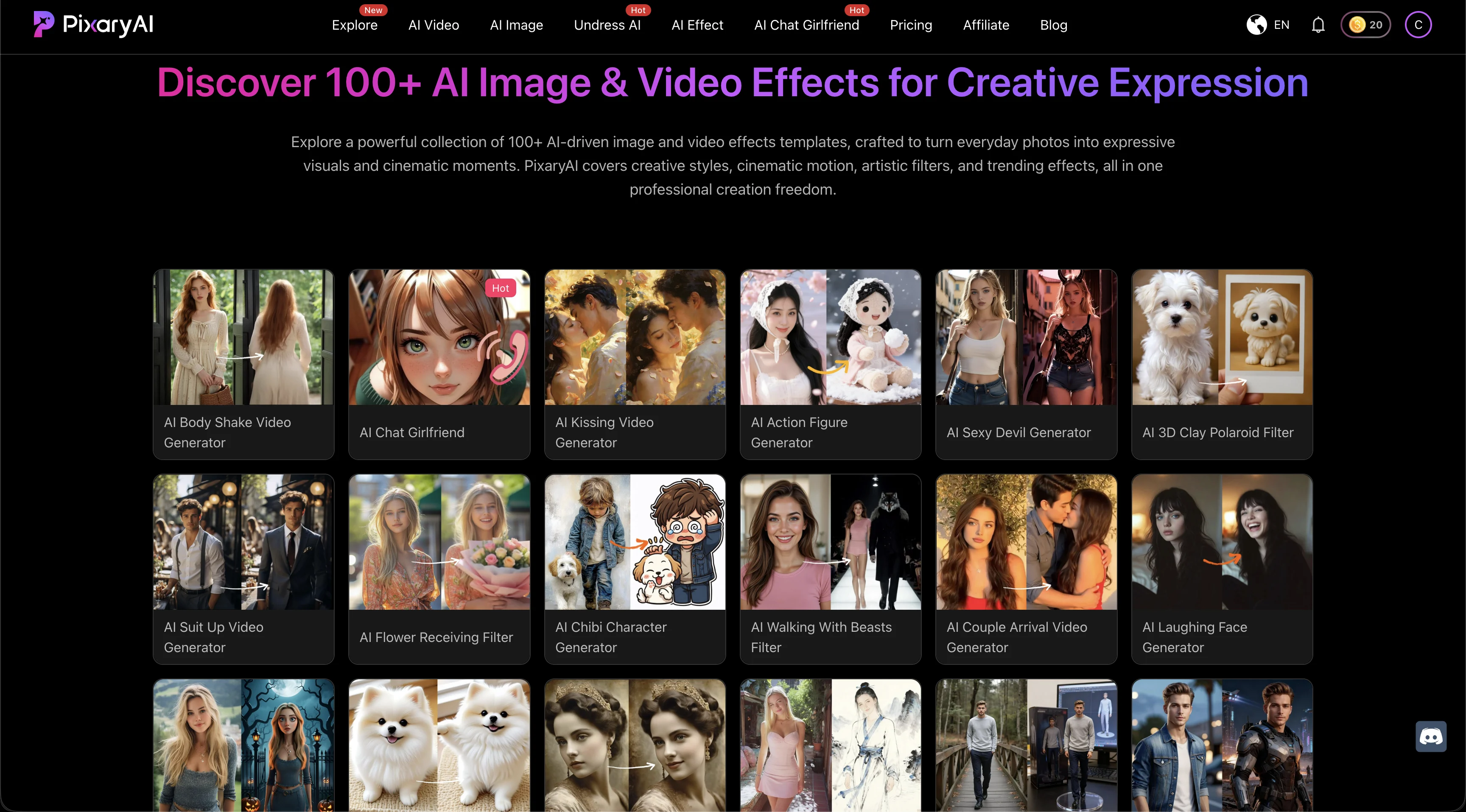
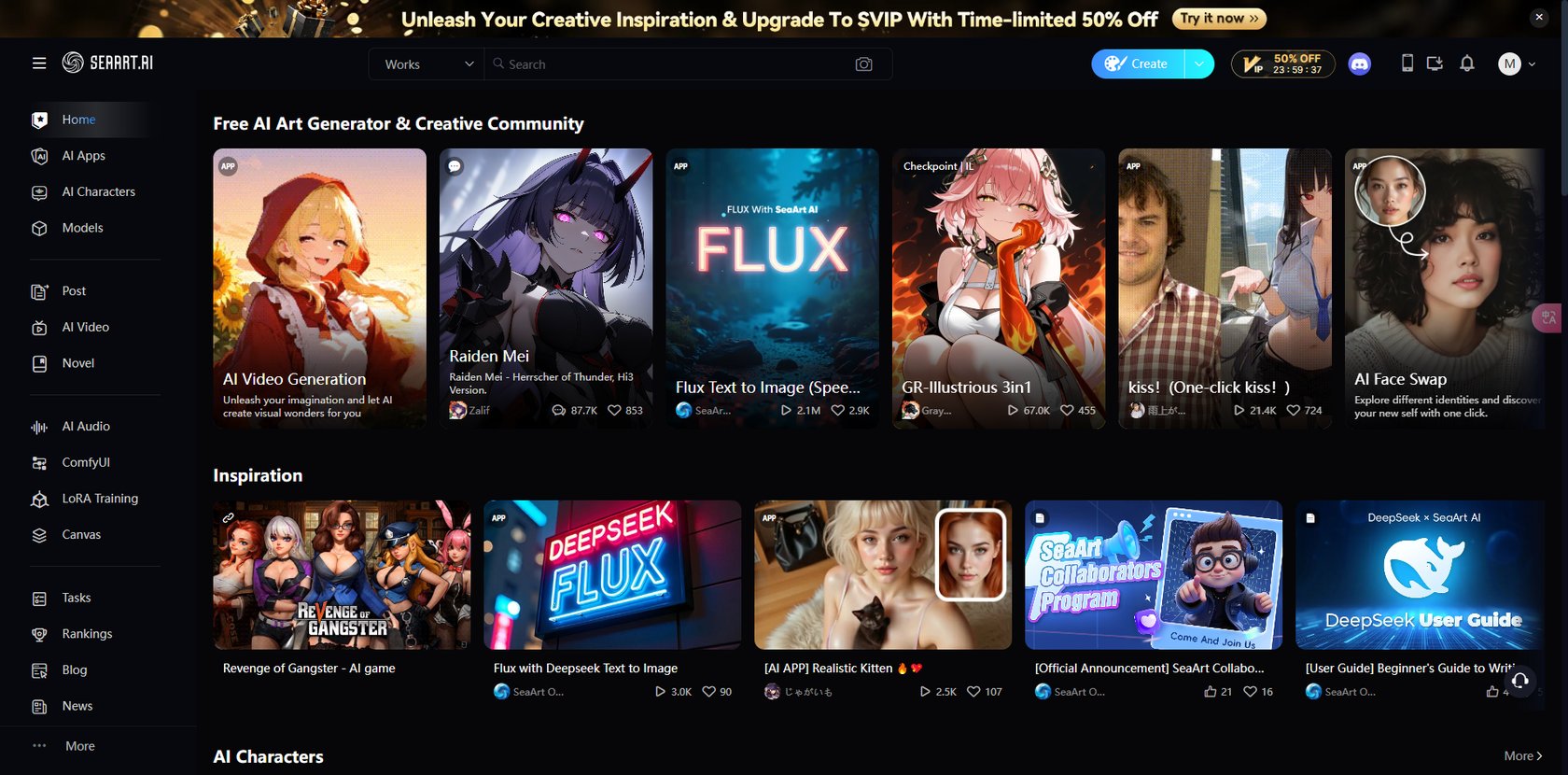
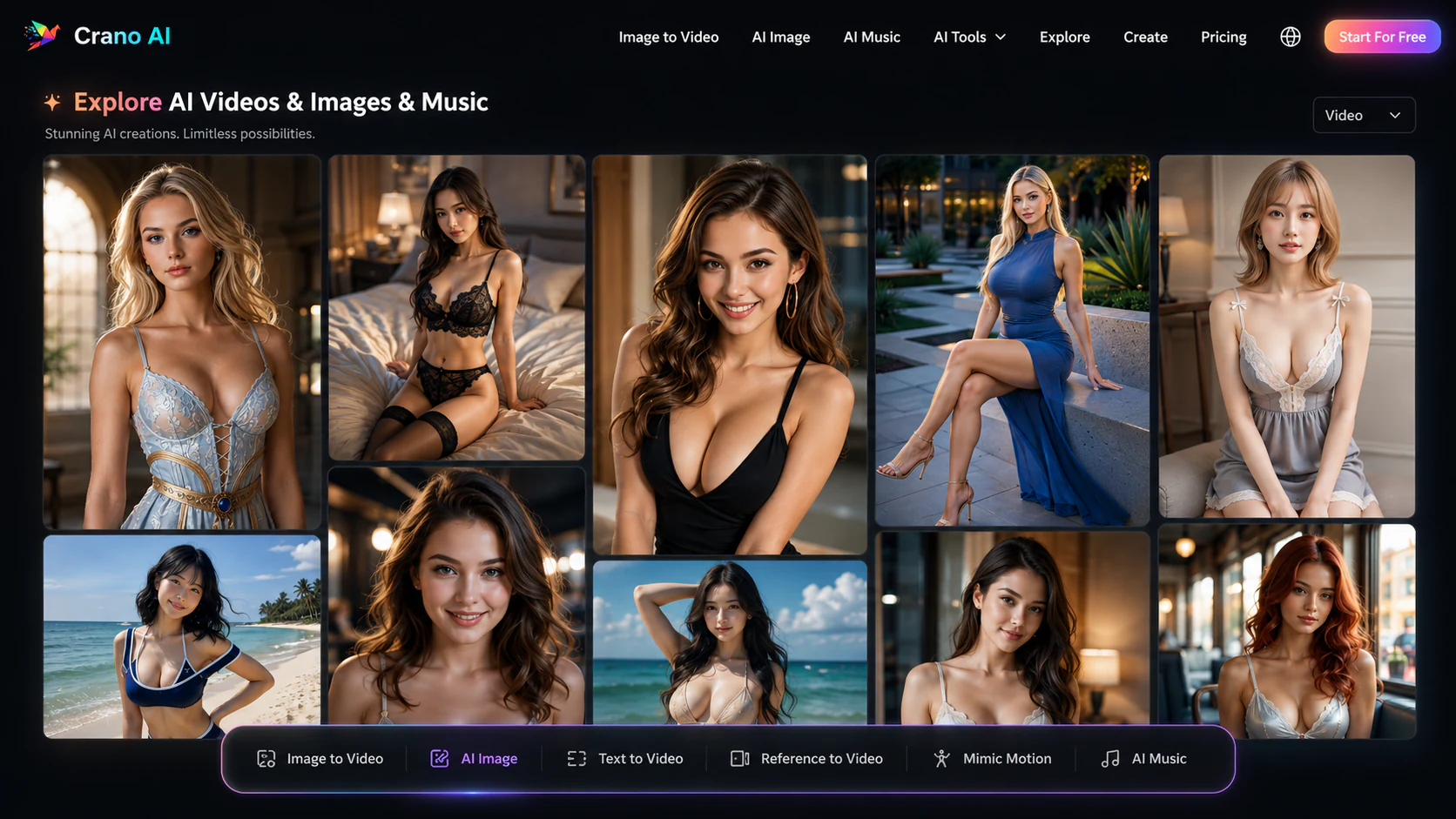
PixaryAI homepage showing a gallery of more than 100 AI image and video effects across realistic, anime, and stylized categories
#3

PixaryAI

Pricing: Free + paid options

  • Image tools are available; check resolution, editing options and generation allowances.
  • Video creation is available; compare clip limits and media credits.
  • Free and paid access coexist; check which features the free tier includes.
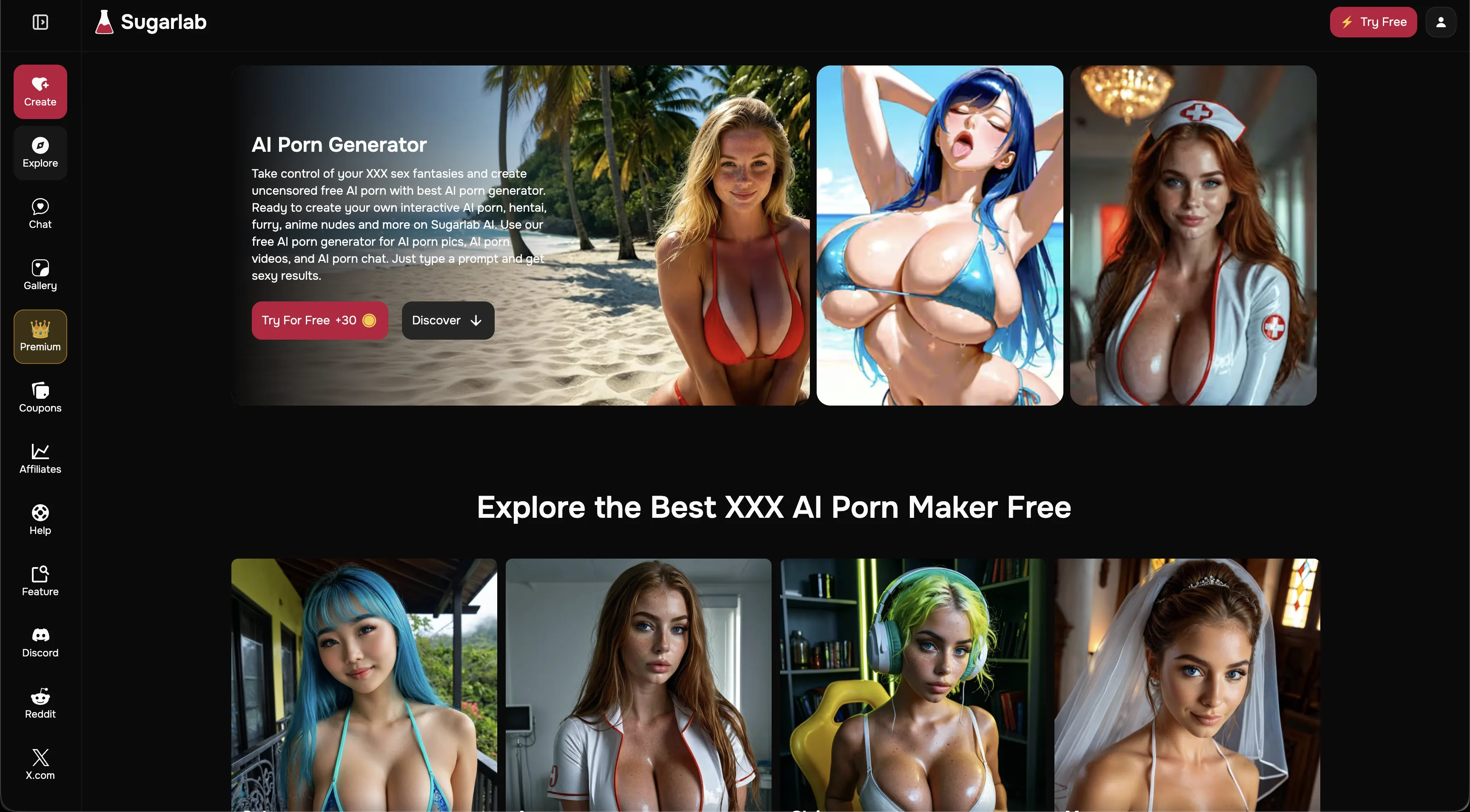
Sugarlab AI homepage with Create, Explore, Chat and Gallery navigation beside realistic and anime adult character examples
#4

Sugarlab AI

Pricing: Free + paid options

  • Image tools are available; check resolution, editing options and generation allowances.
  • Video creation is available; compare clip limits and media credits.
  • Free and paid access coexist; check which features the free tier includes.
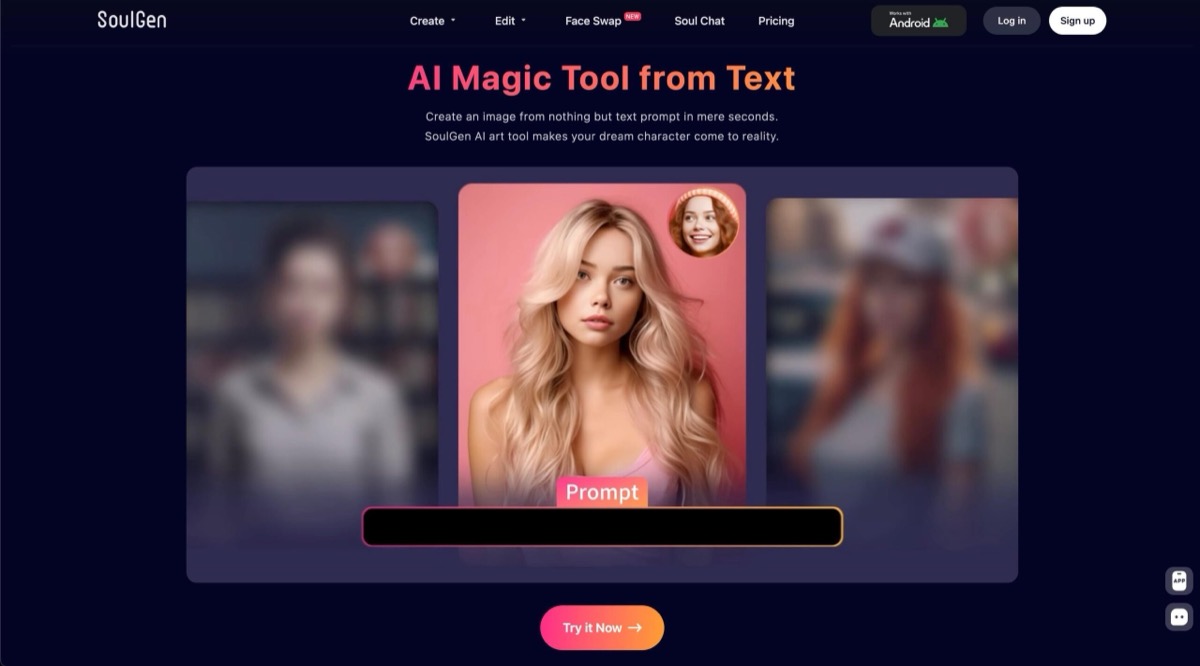
Soulgen screenshot
#5

Soulgen

Pricing: Paid

  • Anime-style options are available alongside the platform’s other tools.
  • Realistic visual options complement the platform’s other styles.
  • Paid access: compare the plan allowance with the features you intend to use.

All Reviewed Tools

Browse every image to image

All tools →
Featured
RunwaymlFreemium

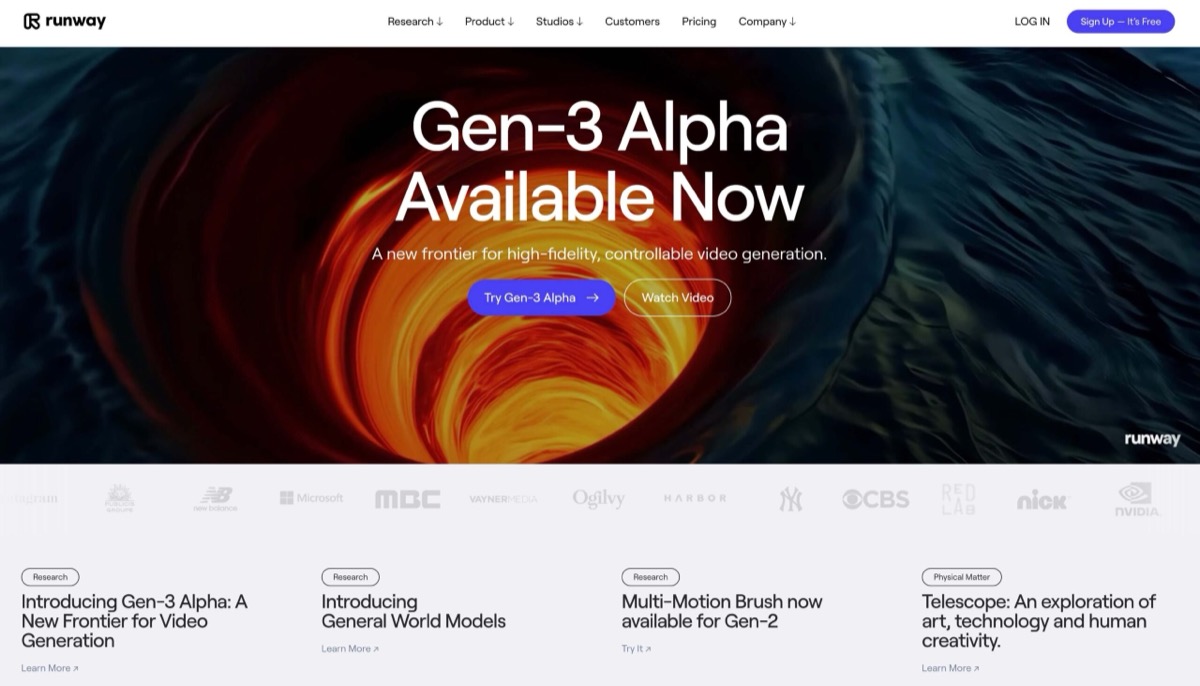
Runway ML blocks all NSFW content generation outright, no workaround exists. But for adult creators needing cinematic b roll, promotional videos, and brand building content for clean platforms, Gen 4 delivers best in class motion quality. 3/10 for NSFW generation, 8/10 for supplementary creator work.

Match Brief

Image-to-Image: Fit Check

An input image can guide a new composition, establish a fictional character or provide a region to edit. Compare how much of the source is preserved and what the tool lets you change.

Best For

  • Revising your own artwork or authorized references.
  • Comparing reference influence with prompt-based editing.

Not For

  • Expecting every image input to provide a mask editor.
  • Assuming style transfer preserves exact identity or layout.

Key Checks

  • Reference strength versus targeted edits.
  • Masking or region controls when needed.
  • Model and aspect-ratio support.
  • Changes outside the intended area.

Decision Guide

How to choose image to image

Compare →
1

Distinguish guidance from a targeted edit

BetterWaifu exposes adjustable image influence; Pixary documents image-to-image generation; MyIMG describes prompt-based editing; Sugarlab combines character references with image controls. These are related but distinct workflows. Choose according to whether you want a new interpretation of the whole image or a specific change while preserving the rest.

2

Inspect what stays unchanged

A successful requested change can still disturb the background, character features or composition. Compare the output with the original at the size you intend to use. If the tool offers a strength setting, assess how it balances source fidelity and variation; do not assume a higher value is always better for every model.

3

Separate editing from other studio features

Text-to-video, face swapping and chat do not establish useful image-to-image controls. For this category, focus on input requirements, repeatable revisions and export quality. Keep the source image and successful settings so you can compare a revision without relying on memory or a polished gallery sample.

Image-to-Image: Practical Differences

Compare what each platform supports, how it fits your intended workflow and the limitations to check.

Compare tools →
PlatformRelevant workflowLimitation or decision pointDetails
BetterWaifuImage-to-image with adjustable influence and reference-led character tools.Model changes can affect identity and style; a reference does not guarantee an exact match.BetterWaifu review
MyIMG AIAn image-editing workspace alongside generation tools.Check which edits and preserved areas the chosen mode supports; broader video features do not answer that question.MyIMG AI review
PixaryAIImage-to-image through named Pixary models with selectable output formats.Supported controls and charges vary by model and endpoint.PixaryAI review
Sugarlab AISaved character references and prompt-level settings across realistic and anime models.Changing the model can change prompt interpretation; do not assume every workflow offers localized masking.Sugarlab AI review
Workflow finder

Find the Right Image-to-Image Workflow

Control the influence of a reference

Image-to-image with adjustable influence and reference-led character tools. Model changes can affect identity and style; a reference does not guarantee an exact match.

Related Routes

Explore related category and guide pages

Find your AI →

Related Topics

Adjacent tags from the reviewed tools above

Browse all →

Frequently Asked Questions

Answers about image to image

Is image-to-image the same as inpainting?▼

No. Image-to-image uses a source to guide generation, while inpainting targets a selected region. A product must explicitly support the regional editing controls you need.

What does reference influence change?▼

It adjusts how strongly the source guides the result in tools that expose that control. Its behaviour depends on the model and should be compared against the original image.

Can I assume untouched areas remain identical?▼

No. Inspect the full result, especially edges, background objects and identifying details. Generative edits can affect areas beyond the requested change.

Why are video features omitted from this comparison?▼

They do not determine image-to-image quality. The relevant decisions are source control, revision behaviour and output access.

How do BetterWaifu and MyIMG AI differ?▼

BetterWaifu starts from an existing image, making it a practical option for image-based edits. MyIMG AI starts from an existing image, making it a practical option for image-based edits.

What access limits affect these recommendations?▼

BetterWaifu: Free accounts reach most models; the complete library and extensions require a paid plan. MyIMG AI: Unlimit Pro specifically includes unlimited AI image-to-image access for 365 days. PixaryAI: Developer pricing lists standard Pixary image generations at two credits each and anime generation at three credits.