AI Haven
Browse by Tag

AI Image Generator Tools

Compare image generators by prompt control, style, editing features and content rules. The listed tools span character, fantasy and broader image creation.

Top 3 at a Glance

GenTube

Free

Best for: Editing existing images

GenTube starts from an existing image, making it a practical option for image-based edits.

Video preview
  • Unlimited free image creation
  • Remix and regional editing
  • Reference uploads and Image to Prompt
Main upside
Supports repeated experimentation without watching a token balance.
Main caution
Models, limits, pricing, audio, resolution, and export controls remain undocumented.
Visit link unavailableRead review

Mage

Freemium

Best for: Image creation

Mage includes image creation for visual ideas and character scenes.

Video preview
  • 160+ hosted models
  • Reusable Characters
  • Unlimited video tiers
Main upside
Allows a project to change visual engine without setting up a local GPU workflow.
Main caution
Which models are unlimited depends on the membership tier.

MyDreamBoy

Freemium

Best for: Image creation

MyDreamBoy includes image creation for visual ideas and character scenes.

Video preview
  • Structured image tags
  • Image-to-video
  • Merged boyfriend model
Main upside
Makes repeatable male imagery easier than rebuilding a complex prompt for every generation.
Main caution
Standard images cost 1 credit, HD images 4, and extracted tags cost 1.

Make an original character behind the images you generate.

Turn a visual idea into a fictional companion with personality, conversation and more generated media.

AI Haven Pick

Create Your AI Dream Companion

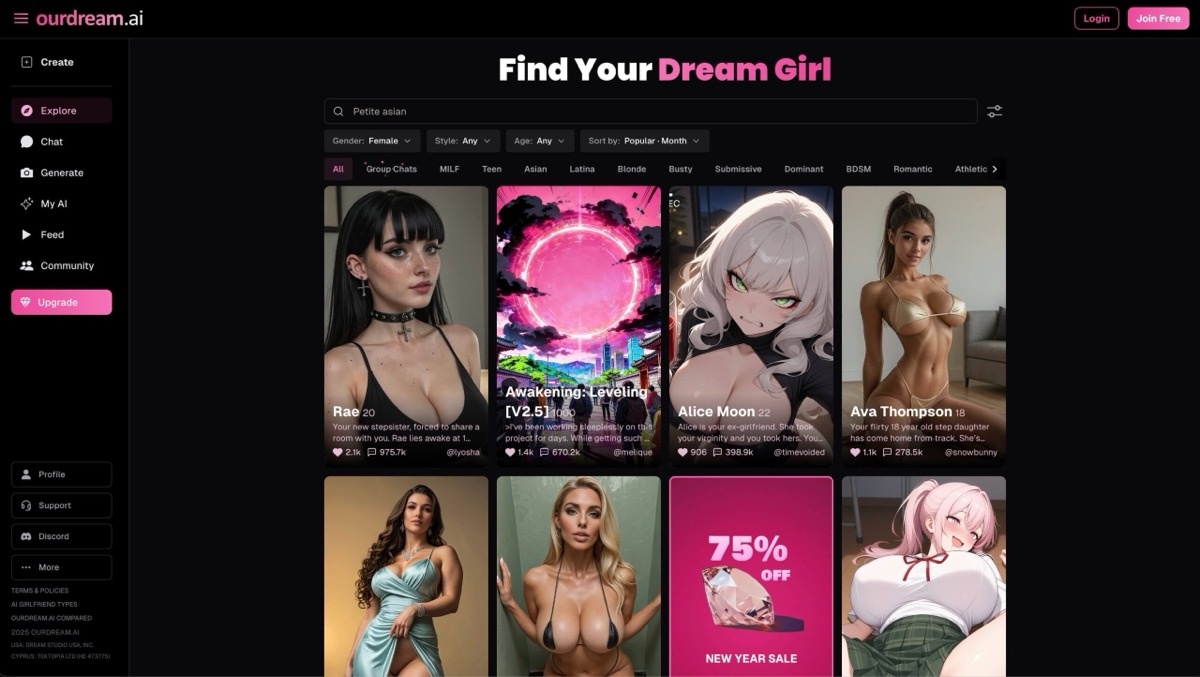
Create a fictional companion for text, voice and generated media. Account access, paid features and DreamCoin costs vary by activity.

Try OurDream AI

Compare 5 Options

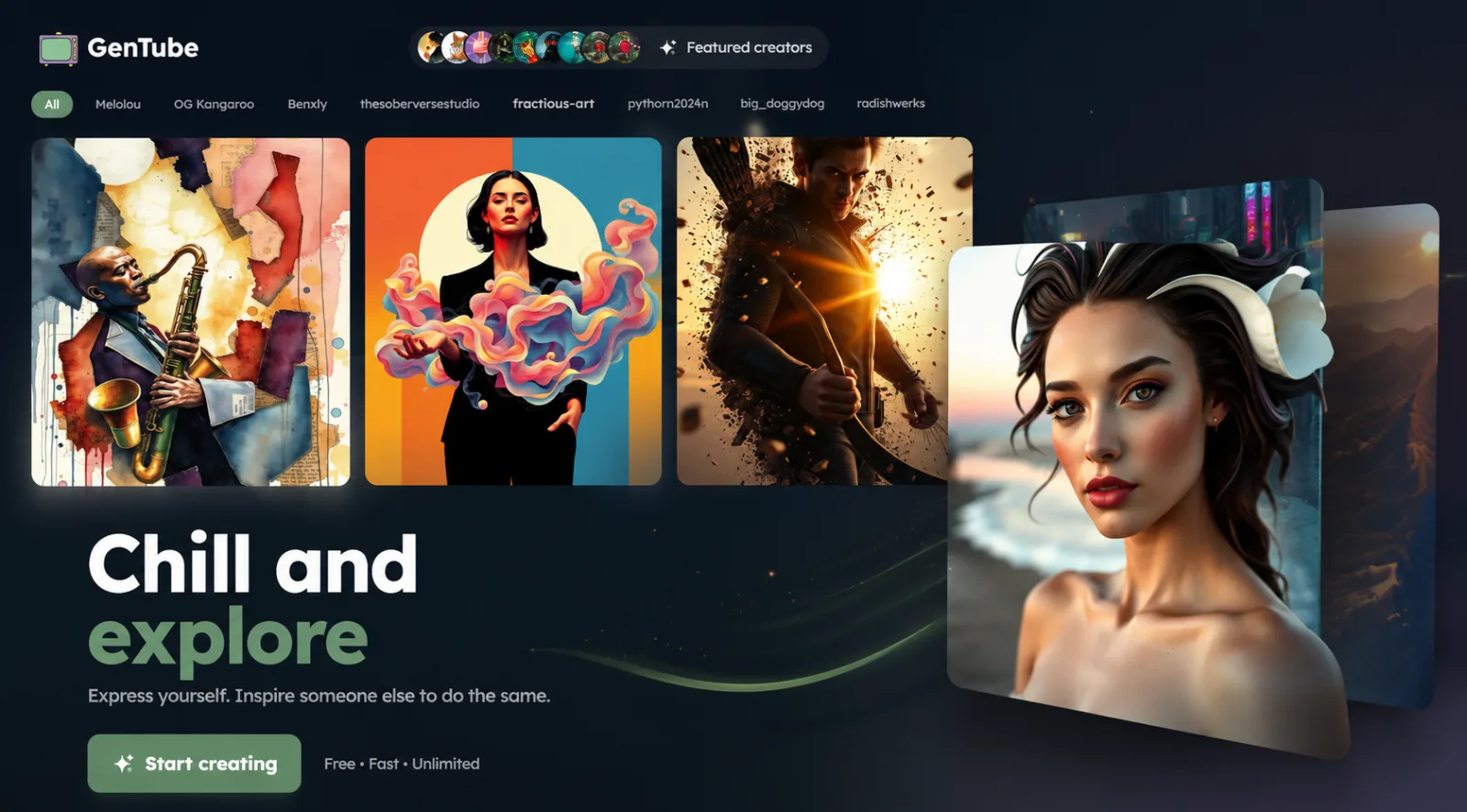
GenTube interface showing featured creators, community AI artwork, and the Start creating button
#1

GenTube

Pricing: Free

  • Image tools are available; check resolution, editing options and generation allowances.
  • Video creation is available; compare clip limits and media credits.
  • Free access is listed; confirm the current usage allowance before starting.
Read reviewVisit link unavailable
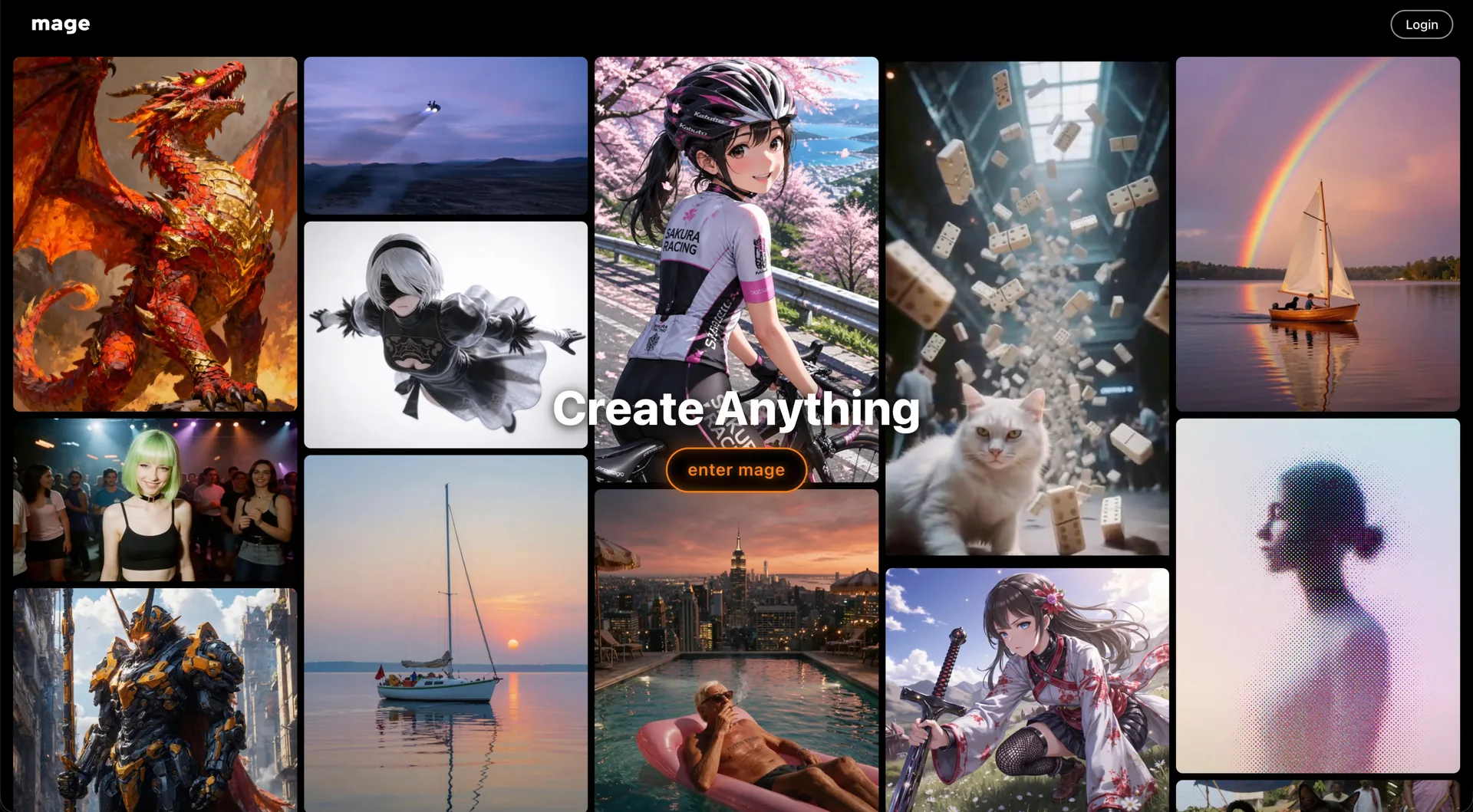
Mage home screen showing the Create Anything gallery of anime, photoreal and fantasy generations behind the enter mage button
#2

Mage

Pricing: Free + paid options

  • Video creation is available; compare clip limits and media credits.
  • Anime-style options are available alongside the platform’s other tools.
  • Free and paid access coexist; check which features the free tier includes.
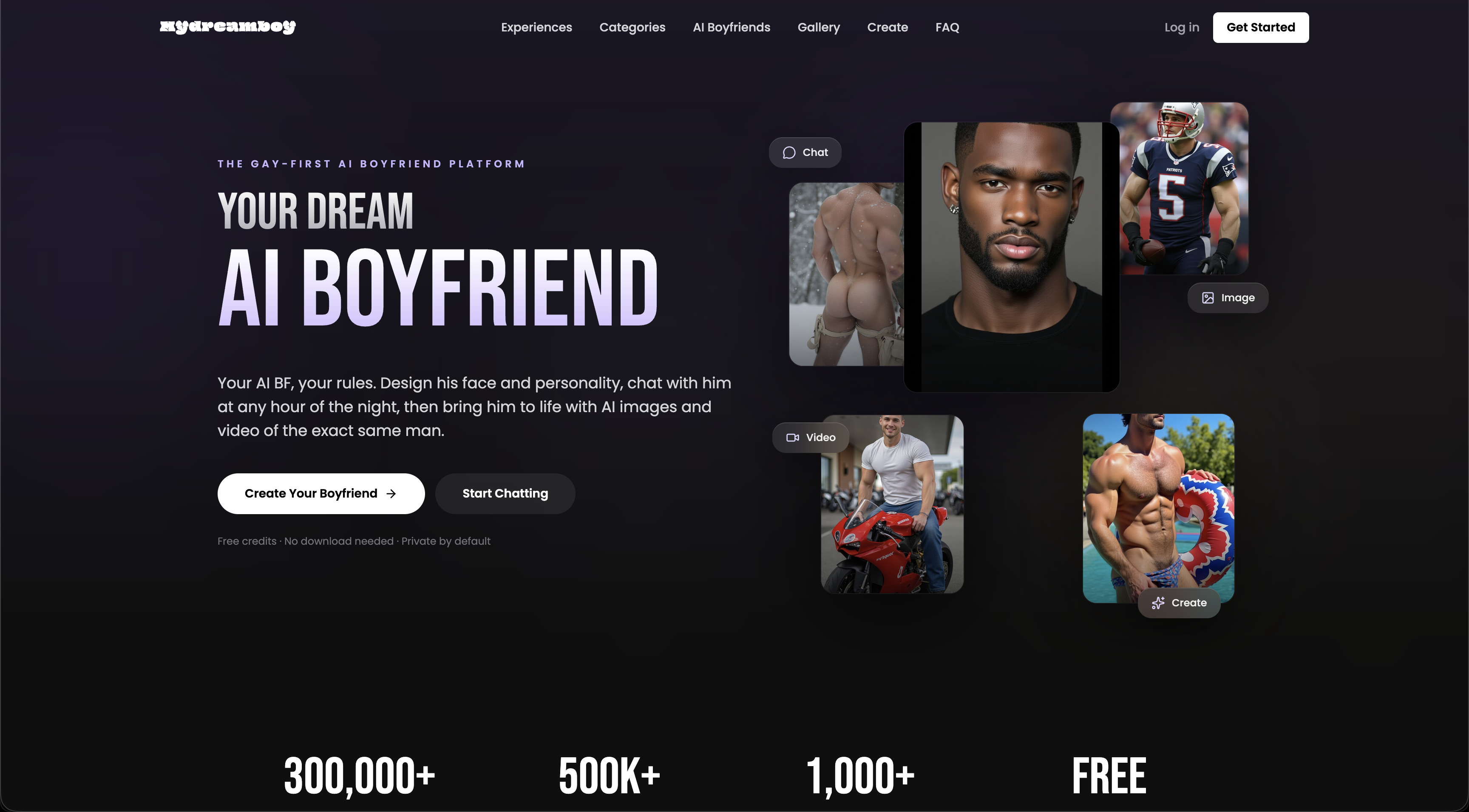
The MyDreamBoy home screen, headed the gay-first AI boyfriend platform, with chat, image and video panels
#3

MyDreamBoy

Pricing: Free + paid options

  • Video creation is available; compare clip limits and media credits.
  • Anime-style options are available alongside the platform’s other tools.
  • Free and paid access coexist; check which features the free tier includes.
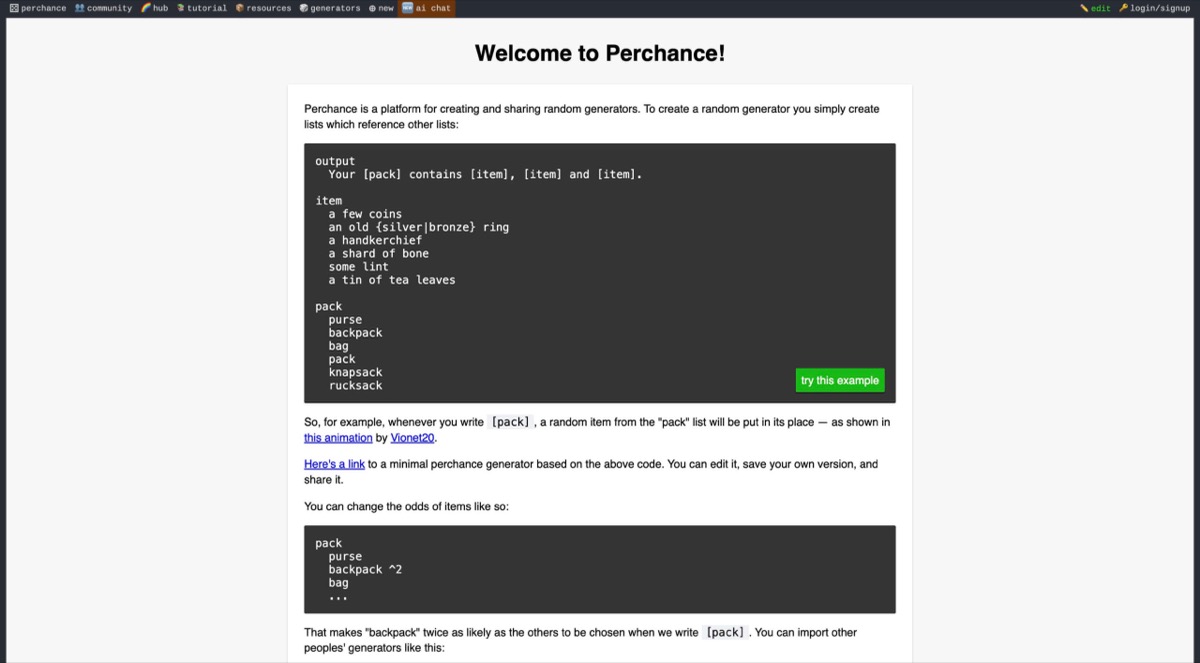
Perchance screenshot
#4

Perchance

Pricing: Free

  • Character customization gives you control over the companion setup.
  • Writing tools support narrative creation; compare editing controls and context limits.
  • Free access is listed; confirm the current usage allowance before starting.
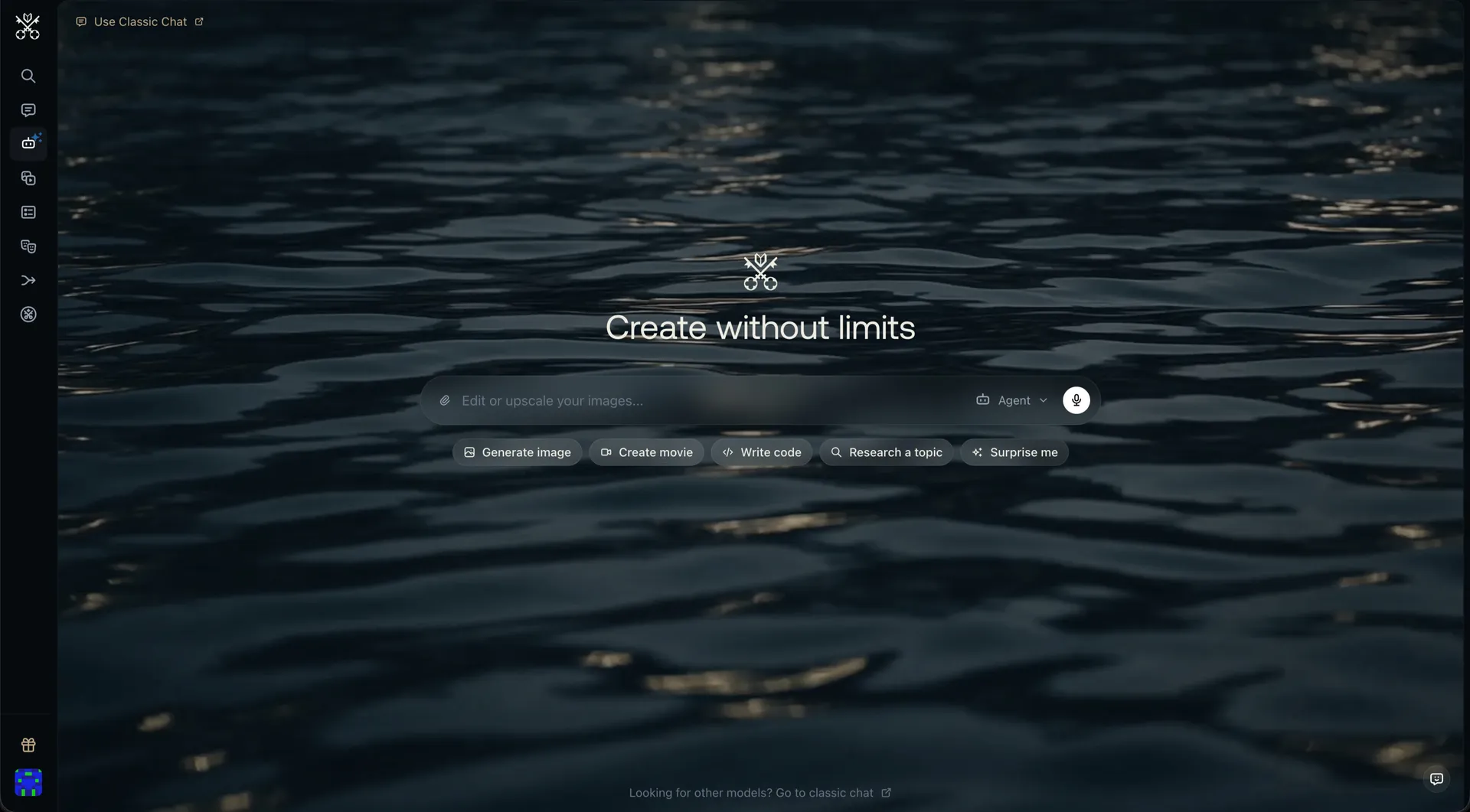
Venice AI home screen with the Create without limits headline and shortcuts for generating images, movies, code and research
#5

Venice AI

Pricing: Free + paid options

  • Video creation is available; compare clip limits and media credits.
  • Anime-style options are available alongside the platform’s other tools.
  • Free and paid access coexist; check which features the free tier includes.

All Reviewed Tools

Browse every ai image generator

All tools β†’
Match Brief

AI Image Generators: Fit Check

Compare image generation by starting input, model choice and editing controls. A text prompt, an uploaded reference and a saved fictional character give different amounts of direction over the result.

Best For

  • Creating original fictional images or revising permitted source material.
  • Choosing between general visual studios and companion-linked images.

Not For

  • Assuming a chat subscription includes every image model.
  • Treating an output as evidence of a real event or person.

Key Checks

  • Text-to-image versus image-to-image.
  • Local editing and reference controls.
  • Image resolution and exports.
  • Model-specific allowances and content rules.

Decision Guide

How to choose ai image generator

Compare β†’
1

Choose the starting input

Venice and Mage support prompt-led image creation. PixaryAI adds image-to-image routes when a reference is more useful than a blank canvas. If you want images of a recurring companion, a character platform can provide that identity context, but it may offer fewer independent editing controls than a visual studio.

2

Compare the available corrections

Mage’s paid inpainting can change part of a result; PixaryAI provides editing alongside generation. xMode focuses on Face IDs and scene references for recurring subjects. Separate these capabilities: a reusable identity, an image reference and a painted editing region do not give the same control.

3

Check the actual model and export

Venice publishes model-specific pricing and supported operations. A platform’s broad description does not establish every model’s content policy or image size. Inspect the downloaded image, then compare retry costs and account requirements for that exact workflow before treating an attractive preview as a usable result.

AI Image Generators: Practical Differences

Compare what each platform supports, how it fits your intended workflow and the limitations to check.

Compare tools β†’
PlatformRelevant workflowLimitation or decision pointDetails
Venice AIImage-model choice alongside text, speech and video functions.Model operations, costs and content policies differ.Venice AI review
MageMultiple models plus paid inpainting for localized corrections.Editing and generation allowances depend on the selected access tier.Mage review
PixaryAIText-to-image, image-to-image and editing in one studio.Choose the image workflow deliberately; video is a separate operation.PixaryAI review
xMode AIFace IDs and scene references for controlled image projects.Identity controls do not eliminate the need to inspect each output.xMode AI review
Workflow finder

Find the Right AI Image Generators Workflow

Generate with a selected model

Image-model choice alongside text, speech and video functions. Model operations, costs and content policies differ.

Related Routes

Explore related category and guide pages

Find your AI β†’

Related Topics

Adjacent tags from the reviewed tools above

Browse all β†’

Frequently Asked Questions

Answers about ai image generator

What is image-to-image generation?β–Ό

It uses an existing image as a reference or starting point. PixaryAI offers this alongside text-to-image; the degree of change depends on the model and its controls.

Do these tools edit just one region?β–Ό

Mage offers paid inpainting, and editing studios may have region-specific controls. Confirm the selected operation; a general reference image is not the same as selecting a region to replace.

Can one model cover every style?β–Ό

A model may support several styles, but output quality varies. Compare the actual model on the styles and compositions you need rather than relying on a platform-wide gallery.

Why compare exports separately?β–Ό

A preview can hide resolution limits or defects. Finished-output access, watermark conditions and retry charges affect whether the generated image is useful for your project.

How do GenTube and Mage differ?β–Ό

GenTube starts from an existing image, making it a practical option for image-based edits. Mage includes image creation for visual ideas and character scenes.

What access limits affect these recommendations?β–Ό

GenTube: Models, limits, pricing, audio, resolution, and export controls remain undocumented. Mage: Which models are unlimited depends on the membership tier. MyDreamBoy: Standard images cost 1 credit, HD images 4, and extracted tags cost 1.