AI Haven
Browse by Tag

AI Art Generators for Different Styles

Compare art-focused AI generators by style range, prompt control, editing options and adult-content rules. The page covers fantasy, character and mature-art workflows.

Top 3 at a Glance

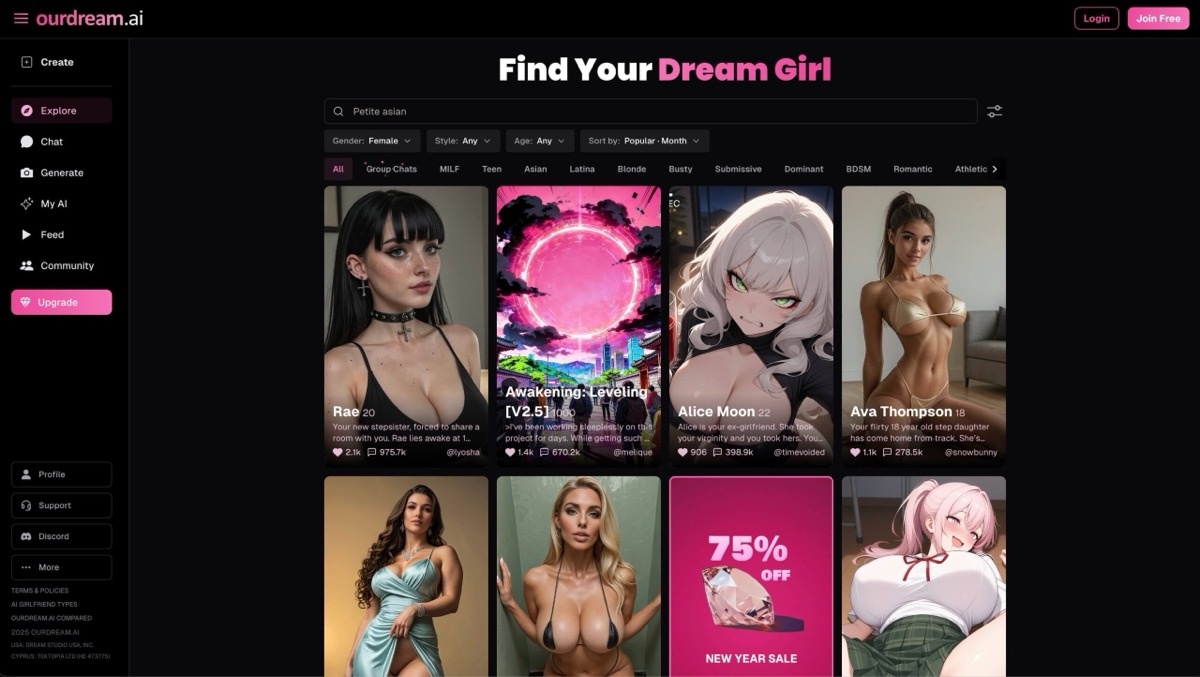
OurDream AI

Freemium

Best for: Character-led fantasy art

OurDream generates realistic and illustrated images of fictional characters. It fits the character-art side of this page; broad design controls and arbitrary uploaded-photo editing are not established.

Video preview
  • 19 voice profiles
  • 5–30-second lip-sync clips
  • Images inside the conversation
Main upside
Appearance, personality and character style can be configured together.
Main caution
Generated media uses DreamCoins in addition to plan access.
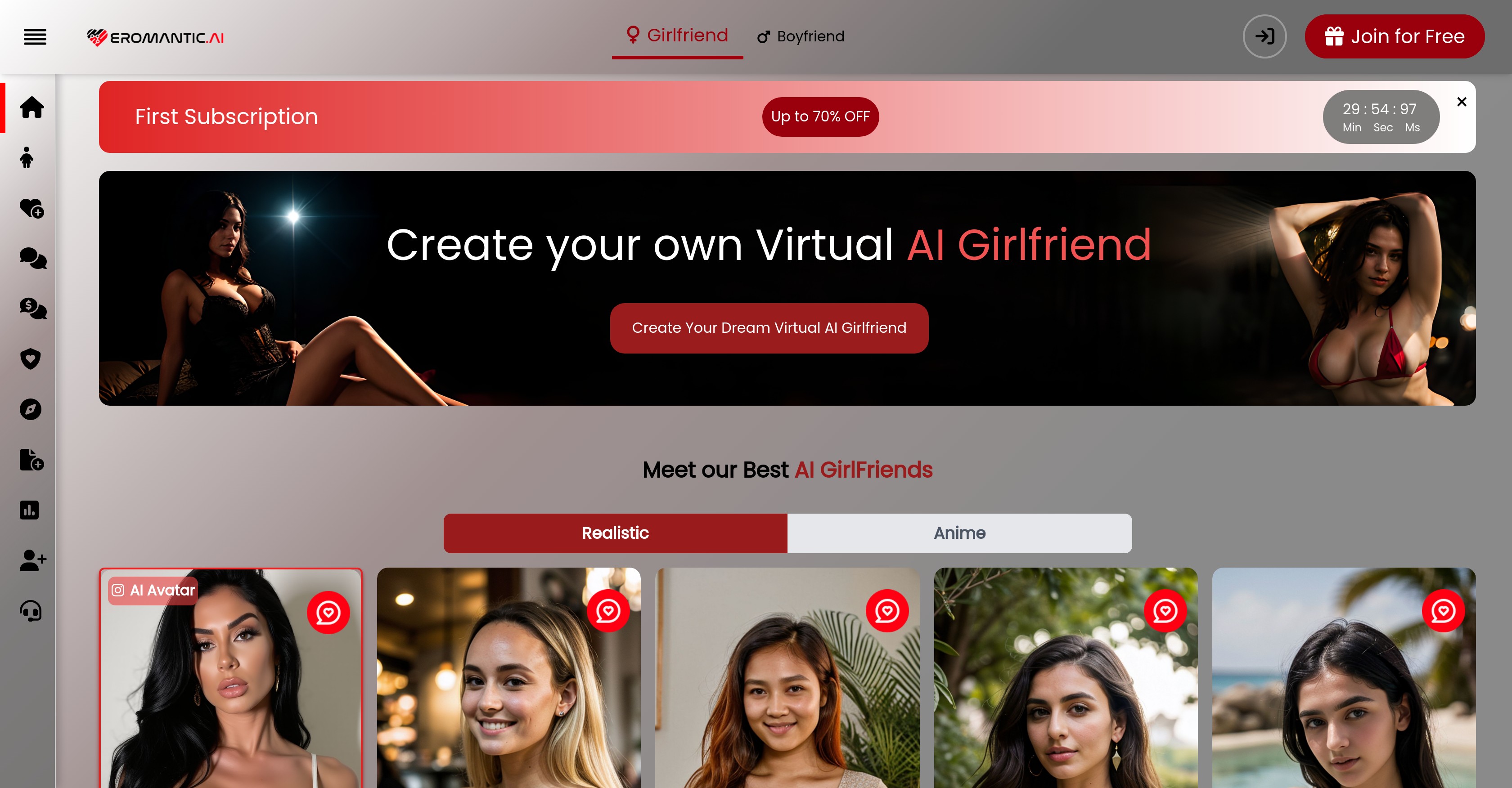
Eromantic AI

Freemium

Best for: Character images and short clips

Eromantic combines a realistic and anime companion catalogue with chat, image creation and video generation. Saved character identities and account memory connect the conversations and media workflows.

Video preview
  • Realistic and anime character choices
  • Image and video creation
  • Account memory shared across companion conversations
Main upside
Realistic and anime character choices
Main caution
Unlimited companion chat and monthly creation tokens are different allowances; media generation can exhaust its token balance.

Mage

Freemium

Best for: Image creation

Mage includes image creation for visual ideas and character scenes.

Video preview
  • 160+ hosted models
  • Repairs a selected area or improves a result on every paid plan.
  • Reusable Characters
Main upside
Allows a project to change visual engine without setting up a local GPU workflow.
Main caution
Which models are unlimited depends on the membership tier.

Turn the art style you like into an original character.

Create a fictional companion with a defined look and personality instead of stopping at a standalone image.

AI Haven Pick

Create Your AI Dream Companion

Create a fictional companion for text, voice and generated media. Account access, paid features and DreamCoin costs vary by activity.

Try OurDream AI

Compare 5 Options

OurDream AI screenshot
#1

OurDream AI

Pricing: Free + paid options

  • Chat, voice and generated media share the same companion setup.
  • Character customization gives you control over the companion setup.
  • Free and paid access coexist; check which features the free tier includes.
Eromantic AI screenshot
#2

Eromantic AI

Pricing: Free + paid options

  • Realistic and anime character choices
  • Image and video creation
  • Unlimited companion chat and monthly creation tokens are different allowances; media generation can exhaust its token balance.
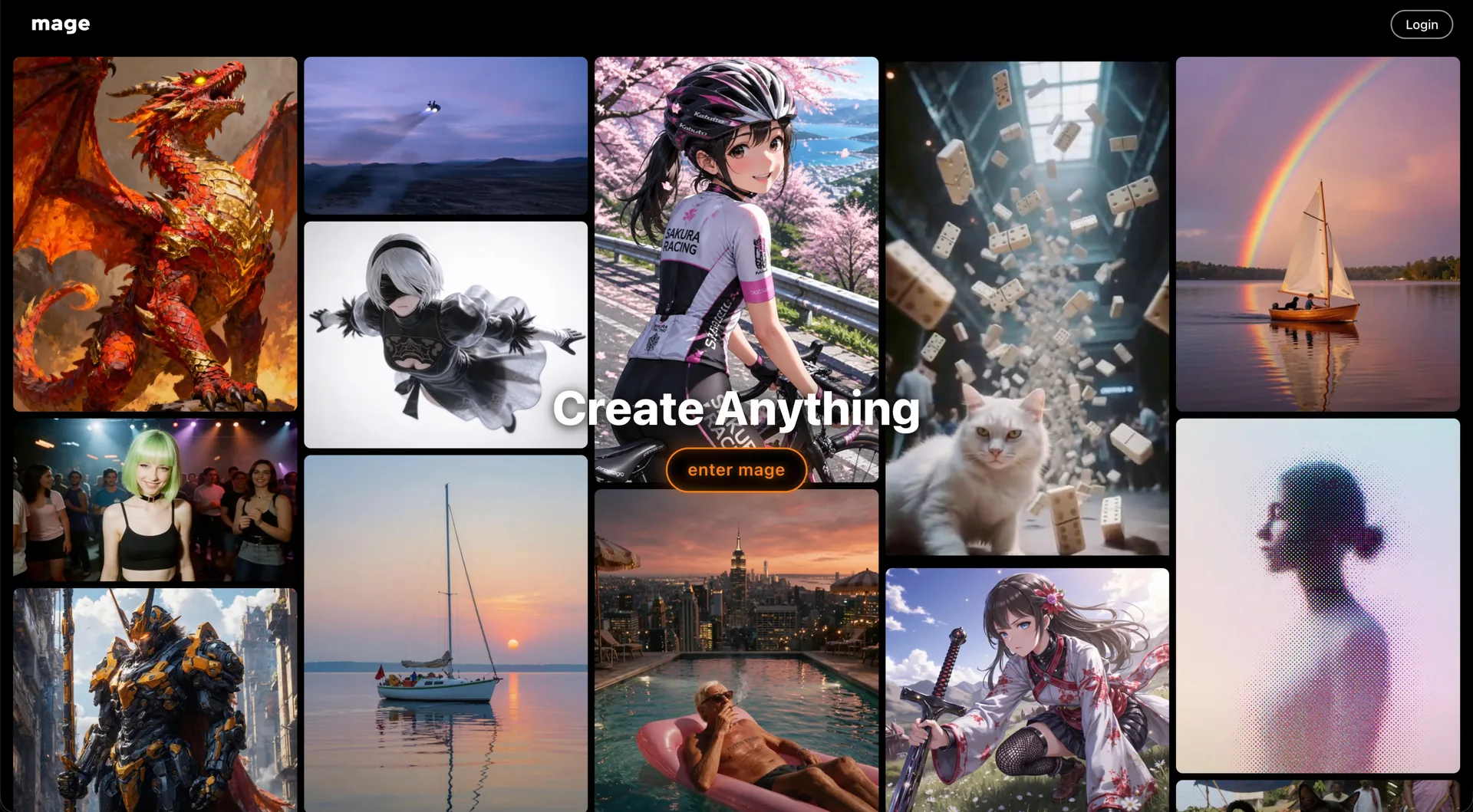
Mage home screen showing the Create Anything gallery of anime, photoreal and fantasy generations behind the enter mage button
#3

Mage

Pricing: Free + paid options

  • Video creation is available; compare clip limits and media credits.
  • Anime-style options are available alongside the platform’s other tools.
  • Free and paid access coexist; check which features the free tier includes.
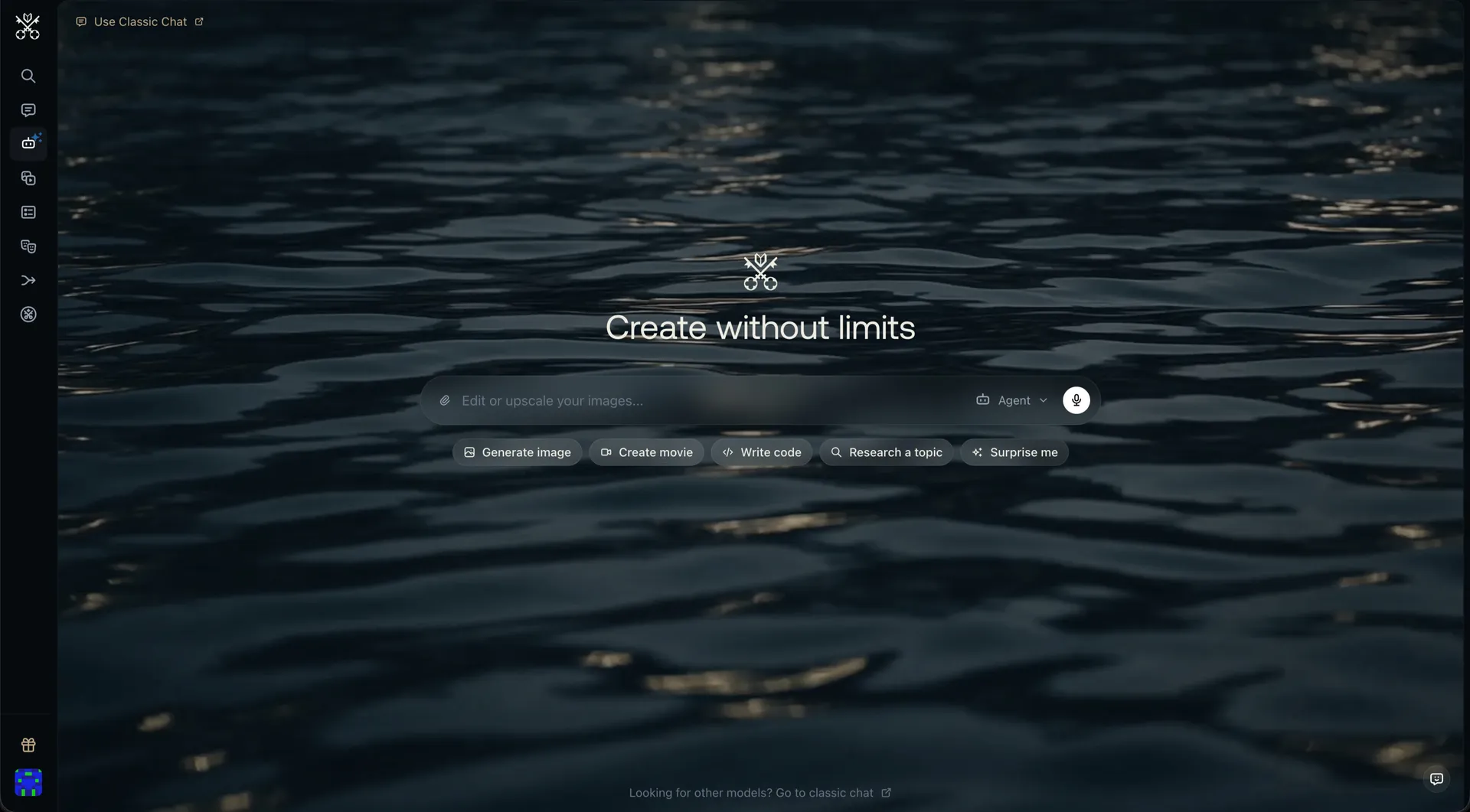
Venice AI home screen with the Create without limits headline and shortcuts for generating images, movies, code and research
#4

Venice AI

Pricing: Free + paid options

  • Video creation is available; compare clip limits and media credits.
  • Anime-style options are available alongside the platform’s other tools.
  • Free and paid access coexist; check which features the free tier includes.
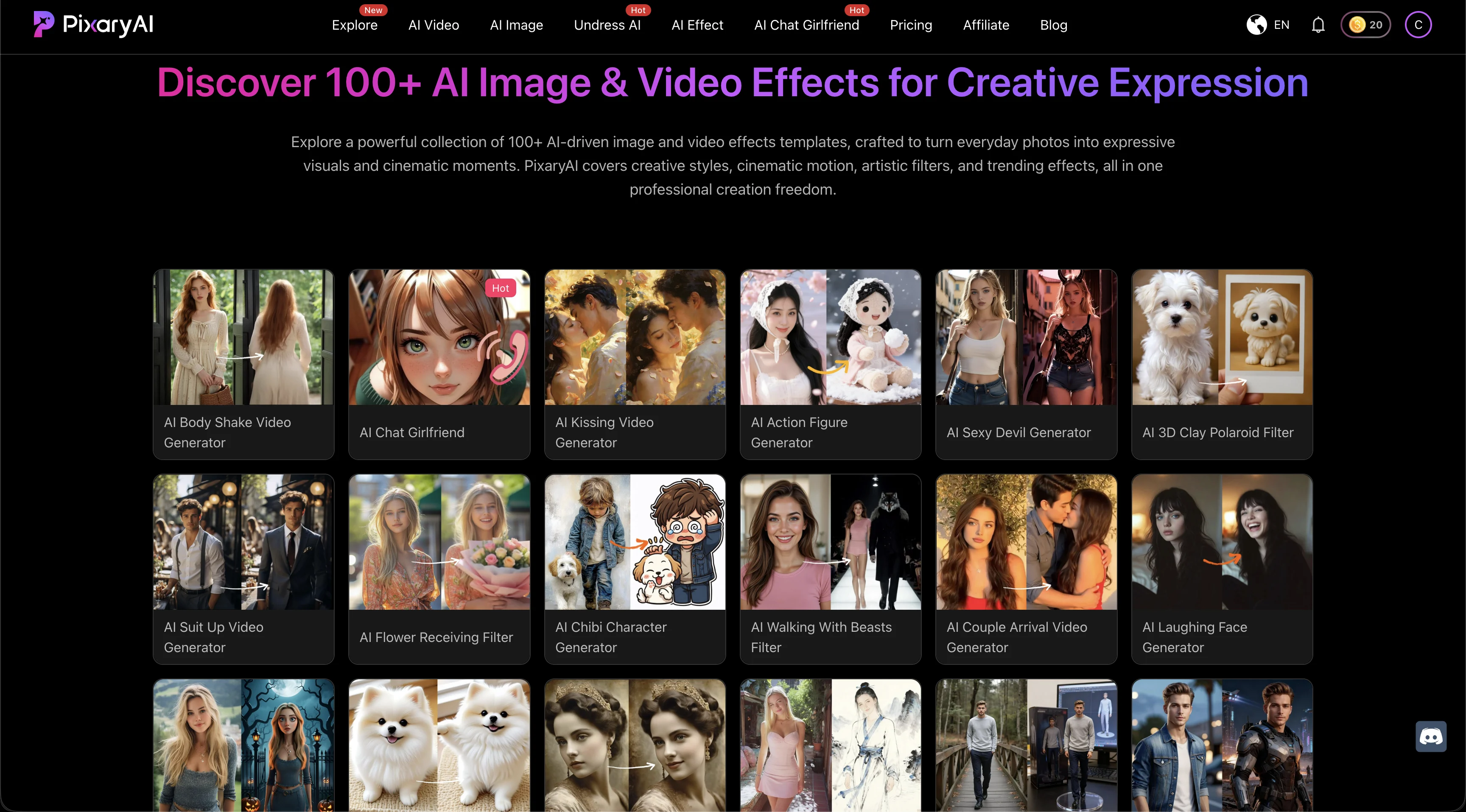
PixaryAI homepage showing a gallery of more than 100 AI image and video effects across realistic, anime, and stylized categories
#5

PixaryAI

Pricing: Free + paid options

  • Video creation is available; compare clip limits and media credits.
  • Face swapping is part of the toolset; supported photo and video formats vary.
  • Free and paid access coexist; check which features the free tier includes.

All Reviewed Tools

Browse every ai-art-generator

All tools β†’
Match Brief

AI Art Generators: Fit Check

Compare visual styles, model selection and editing controls in Eromantic, Mage, Venice, PixaryAI and xMode. Creating an illustration, revising part of an image and animating it are different tasks.

Best For

  • Exploring original illustrations and fictional visual subjects.
  • Comparing prompt-based generation with editing and reference controls.

Not For

  • Choosing a model only from one polished example.
  • Assuming every model follows the same content or commercial-use rules.

Key Checks

  • Models and visual styles.
  • Prompt, reference and inpainting controls.
  • Generation and retry allowances.
  • Download access and permitted use.

Decision Guide

How to choose ai-art-generator

Compare β†’
1

Choose a style before a subscription

Mage and Venice provide model choices; Eromantic focuses on an adult-oriented image workflow. Compare a representative illustration and a realistic scene if you need both. A model that produces attractive portraits may struggle with typography, detailed composition or recurring characters.

2

Look for the correction you will need

Mage includes inpainting on paid tiers, and PixaryAI combines generation with image-to-image and editing. These controls matter when most of an image works and only one region needs correction. xMode instead emphasizes reusable identities and scene references, which can suit a series more than an isolated experiment.

3

Count usable results, not generation buttons

A trial establishes the interface and a small sample of output. Compare finished downloads, model restrictions and the cost of repeated attempts. Venice varies access and pricing by model; Mage separates free and paid features. A broad model catalogue does not establish one universal allowance.

AI Art Generators: Practical Differences

Compare what each platform supports, how it fits your intended workflow and the limitations to check.

Compare tools β†’
PlatformRelevant workflowLimitation or decision pointDetails
Eromantic AIPrompt-based image creation in an adult-oriented platform.Confirm current generation and export access before relying on a trial.Eromantic AI review
MageMultiple visual models with paid inpainting workflows.Free access does not include every editing function or model allowance.Mage review
Venice AIImage creation within a multimodal workspace.Pricing, supported operations and content rules vary by model.Venice AI review
PixaryAIText-to-image, image-to-image and editing alongside video tools.Compare the selected image model independently of the video catalogue.PixaryAI review
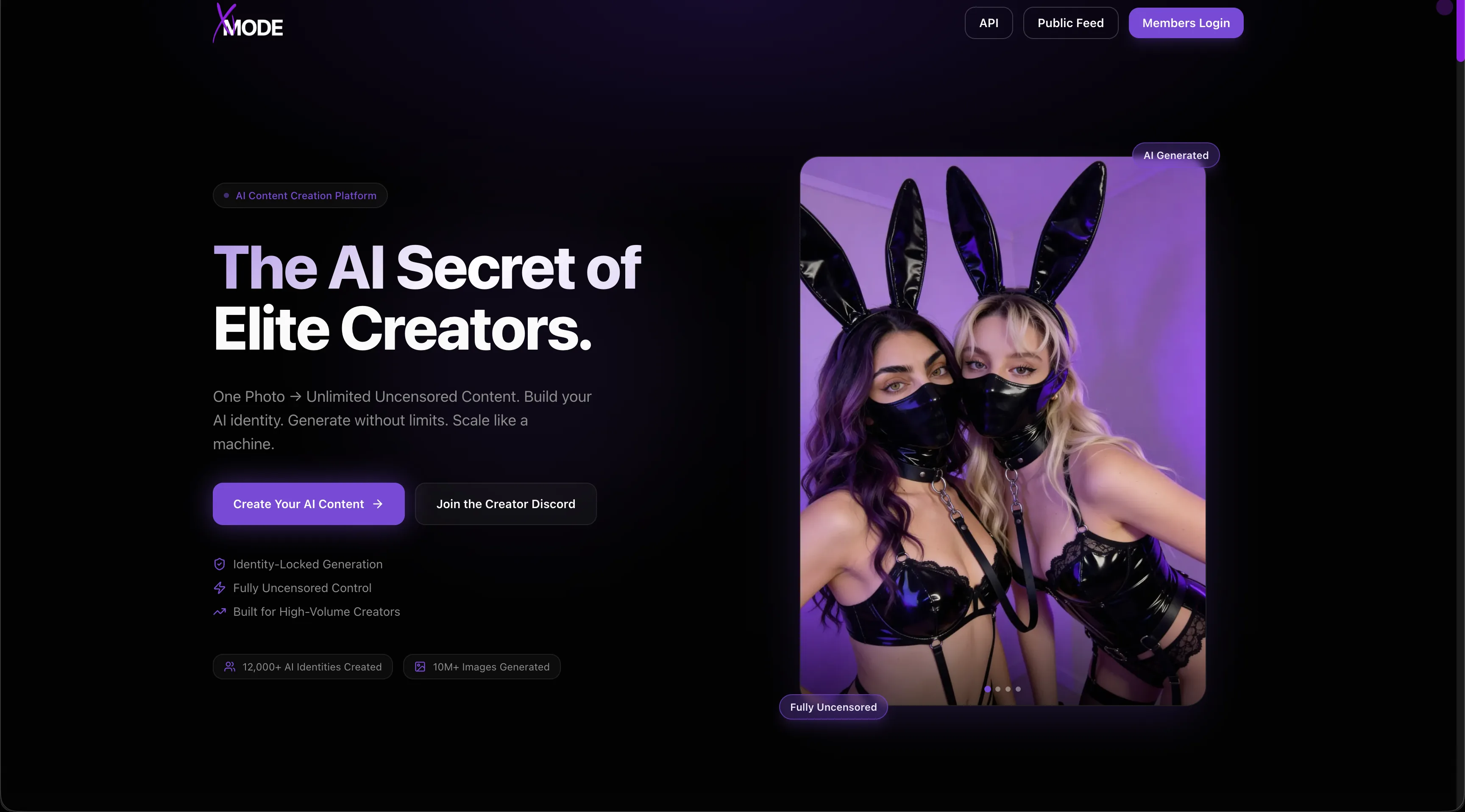
xMode AIFace IDs and scene references guide recurring subjects.Consistency controls improve direction but do not guarantee identical results.xMode AI review
Workflow finder

Find the Right AI Art Generators Workflow

Explore a focused image service

Prompt-based image creation in an adult-oriented platform. Confirm current generation and export access before relying on a trial.

Related Routes

Explore related category and guide pages

Find your AI β†’

Related Topics

Adjacent tags from the reviewed tools above

Browse all β†’

Frequently Asked Questions

Answers about ai-art-generator

Is an art generator also an image editor?β–Ό

Some offer both. Mage includes paid inpainting, while PixaryAI offers image-to-image and editing. A text-to-image function alone does not establish local editing controls.

Which options let me compare models?β–Ό

Mage and Venice offer multiple visual models; PixaryAI also organizes creation by model. Compare the selected model’s controls and allowance, not just the platform name.

Can I keep a character consistent?β–Ό

xMode offers reusable Face IDs and scene references. Consistency still needs checking across poses and scenes; a saved reference does not guarantee identical output.

Are all outputs available without payment?β–Ό

No. Free trials, paid editing functions and finished-output access differ. Check the chosen operation and its download conditions rather than treating a free entry point as unlimited access.