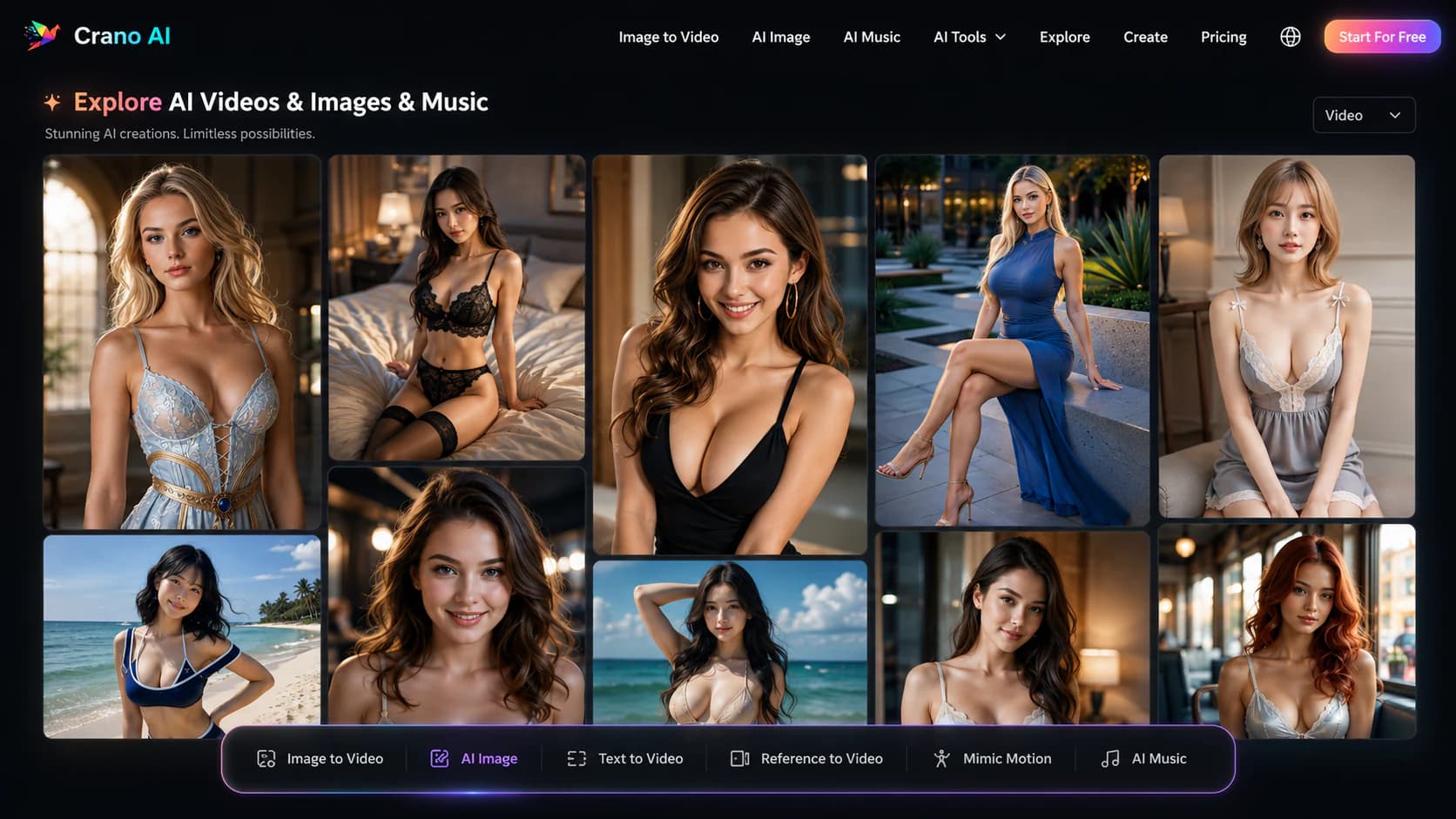
Crano AIFreemium
Browser based AI image and video studio with image editing, text to video, image to video, motion transfer, music generation, and uncensored creation modes.
text to videoimage to video
InVideo completely blocks NSFW content creation — don't try it. But for OnlyFans/AI influencer creators who need polished SFW promo videos to drive traffic, it's an 8/10 tool. Best used as your traffic-funnel engine, not your content producer.
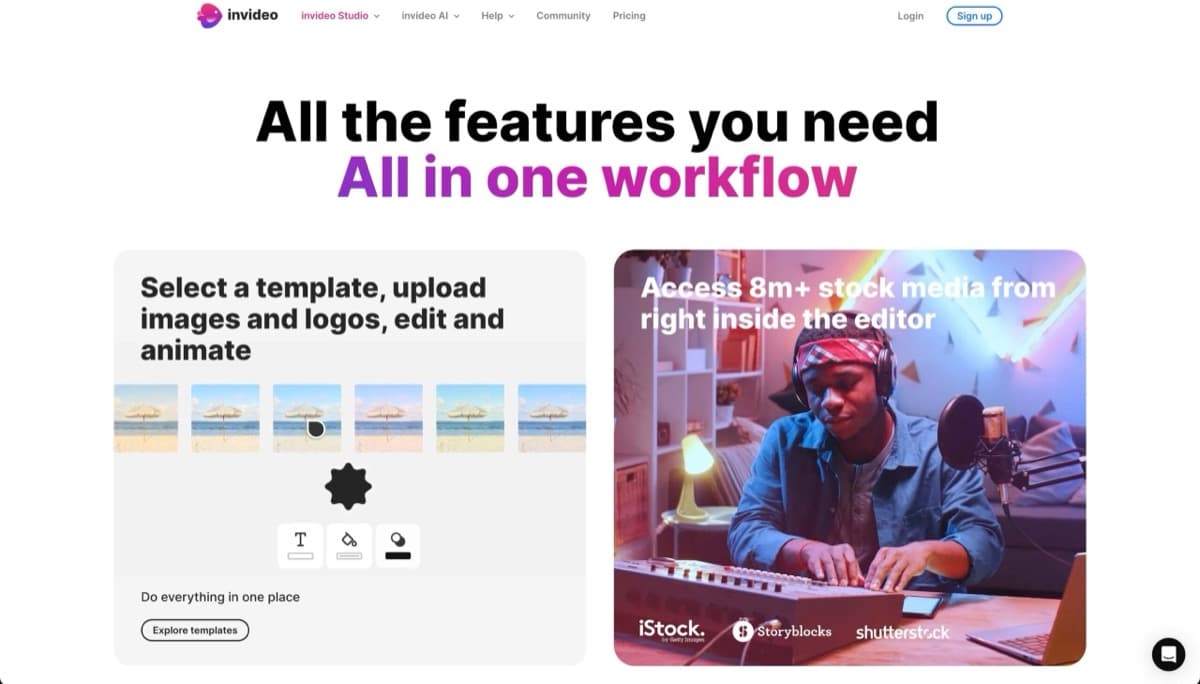
Bottom line: InVideo is completely useless for creating NSFW content itself — but it's a legitimate workhorse for the promotional side of your business. InVideo's Acceptable Use Policy, updated January 2026, explicitly bans all pornographic, obscene, and sexually suggestive content. The platform employs active content moderation that will flag and terminate accounts for adult material. There's no workaround, no grey area, no clever prompt that gets around it. If you're trying to generate any adult content on this platform, save yourself the headache. However, if you're an OnlyFans creator, NSFW model, or AI influencer builder who needs to drive traffic TO your content, InVideo earns an 8/10 for that specific workflow. It's the best-kept secret in the industry for creating polished, high-converting promotional funnels without ever touching the content itself.
The creators who swear by InVideo aren't using it to make the content — they're using it to sell the content. Picture this: you've just finished a photoshoot or generated a batch of AI influencer content. Now you need a 30-second teaser for TikTok that says "link in bio for the full experience" without showing anything that violates platform rules. InVideo's AI script generator + stock footage + voiceover produces exactly that in under five minutes. You paste in a keyword like "premium content" or "exclusive access," pick a tone (flirty, professional, mysterious), and the platform spits out a ready-to-edit video.
Here's where it gets practical for creator workflows: faceless Instagram Reels that showcase your personality through voiceover while displaying text overlays and stock visuals. YouTube Shorts ads that say "new drop — link below" with zero actual content shown. TikToks promoting a Discord community or premium subscription without a single frame of NSFW material. The AI voiceover reads your promo copy while sleek transitions and royalty-free clips carry the visual weight. It's completely safe for mainstream social platforms, yet it maintains that premium, high-production feel that makes people click through to your paid pages.
InVideo's updated 2026 TOS is unambiguous: pornographic content, obscene material, vulgar language, and sexually suggestive content are all prohibited. The policy explicitly blocks promotion of adult services. If you upload content with nudity, sexual acts, or suggestive imagery, expect the platform to catch it and your account to face termination. The enforcement is automated and discretionary — they don't publish exactly how their detection works, but it's robust enough that attempting to circumvent it isn't worth risking your account.
What WORKS freely: any content that could run on mainstream Instagram, YouTube, or TikTok without age restrictions. Lifestyle imagery, text-based promotional videos, faceless product-style ads, voiceover-driven announcements. The grey area is thin — borderline suggestive content gets flagged. But if your video would pass a platform's standard content policy, InVideo has no problem with it. Creators use this distinction daily: the tool handles the SFW wrapper while your actual content lives elsewhere.
The free tier gives you 2 minutes of export per week with a watermark — genuinely unusable for professional creators because the watermark screams "amateur" and the time limit kills any real workflow. At $28/month annually, the Business tier removes watermarks and gives you 10 minutes of export time weekly, plus access to premium stock media. This is where most creators land. The $60/month Unlimited tier removes all time restrictions and is worth it if you're pumping out daily promos across multiple platforms. For the average OnlyFans creator running one or two TikToks and an Instagram Reel daily, Business tier hits the sweet spot between cost and capability.
| Tool | Best For | NSFW Policy |
|---|---|---|
| CapCut | Short-form teasers, rapid-fire TikTok/Reels editing, content repurposing | More permissive for adult content editing |
| Pictory | Turning blog posts or long-form content into promotional video clips | URL-to-video feature useful for SFW promo |
Use InVideo if: You need to create polished, platform-safe promotional videos that drive traffic to your NSFW content. You're building a sales funnel with Instagram Reels, TikTok ads, or YouTube Shorts that never show the actual product. You want script-to-video automation for consistent posting without manually editing.
Skip InVideo if: You need to create or edit any actual NSFW content — this platform will ban you. You need full creative control over editing without AI script suggestions. Your workflow requires exporting unlimited content at the lowest price point.
Best alternative if TOS blocks you: CapCut — it's significantly more permissive for adult content editing, has a genuinely useful free tier, and excels at the short-form social teasers that NSFW creators need most.
Browser based AI image and video studio with image editing, text to video, image to video, motion transfer, music generation, and uncensored creation modes.
Adult character chat and a multi model image/video studio with reusable profiles, uploaded references, prompt based editing, director controls, and settings dependent coin costs.
Browser based adult image and video creator built around prompts, 215 selectable tags, seven native models, optional face references, four image batches, and one time coin packs.
HeyGen blocks explicit content but scores 9/10 for building faceless AI creator personas. Best for NSFW creators who need a marketing engine, not the adult content itself.
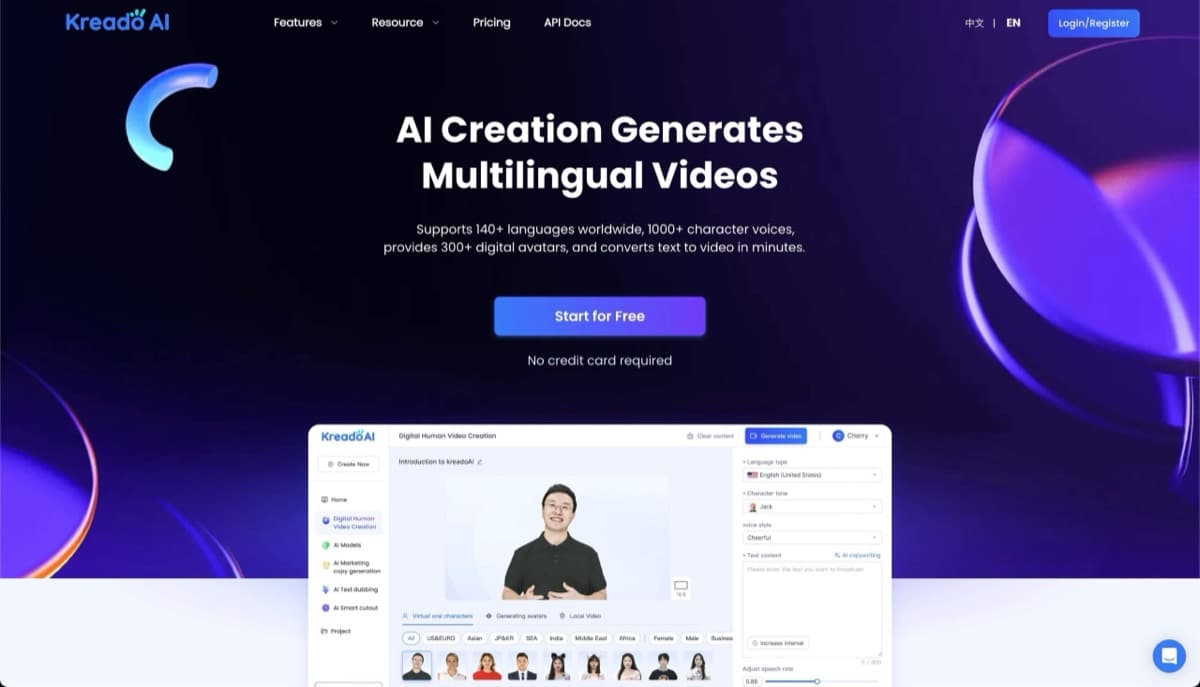
KreadoAI is an AI video creation platform enabling users to generate professional videos from text, images, audio, slides, or URLs with 1000+ avatars and 140+ languages.
Pictory blocks NSFW content entirely and will terminate accounts, not usable for adult content creation. However, it's useful for repurposing written content (blogs, newsletters) into batch SFW promo videos for mainstream social platforms.
AI video generation platform creating 3 10 second videos from text, images, or clips with viral effects for social media content.
AI video generator creating 1080p clips from text or images in 5 10 seconds with creative effects and no watermark on free tier.
Runway ML blocks all NSFW content generation outright, no workaround exists. But for adult creators needing cinematic b roll, promotional videos, and brand building content for clean platforms, Gen 4 delivers best in class motion quality. 3/10 for NSFW generation, 8/10 for supplementary creator work.
Synthesia blocks NSFW content entirely (0/10), but it's excellent for adult creators building a separate clean brand for courses, brand deals, or corporate content, 7/10 for that SFW workflow.
Answer 6 quick questions and get matched to the platforms that fit your preferences.
Find Your AI Companion