AI Haven
Alternatives

Dessi Alternatives

Looking for something different? Compare 12 Dessi alternatives by features, pricing, limits, and best-fit use cases.

View Dessi review12 alternatives compared

Limited Time: 75% OFF

Build Your Dream AI Girlfriend

Voice, video & uncensored chat — 100% private. Your perfect partner, built to your exact specifications. Free to start.

Start Building Yours

Dessi Alternatives Overview

Dessi’s browser image generator lets you build a fictional adult character with visual attributes or write a custom prompt, then choose a realistic or illustrated style. Style Change handles a separate job. You upload an image and pick a new look, such as Anime, Realistic or Watercolor. Dessi advertises free, no-registration access for both tools.

The right alternative depends on what you want to change. Promptchan AI makes it easy to describe a new outfit or setting in words. Soulgen offers a brush for local edits, while NovelAI gives anime artists finer control over composition. For quick drafts without creating an account, start with Perchance.

Keep Dessi for a quick character concept or when a preset already captures the look you want. Tools with a brush, reference controls or more detailed prompts earn their keep when you want to revise one part of an image or use a similar character in a new scene.

Think about the images you expect to make over a week. A single picture can be enough to try a free generator. A set of related illustrations may justify an account and more control over seeds, reference strength or recurring characters. If you upload a source photo, check what the service keeps and who can see the result.

Best Dessi Alternatives By Use Case

Pricing Free Plan And Capability Comparison

ToolBest ForPricingFree PlanNSFWMediaMain Limitation
Promptchan AIPrompt-led adult character art and editsFree starter Gems and paid Gem plansStarter Gems with a new accountFictional adult characters within its moderation policyRealistic and anime images, Tweak edits and plan-gated videoVideo requires Pro and uses Gems. Private generation depends on plan and settings.
SoulgenEditing a selected region or extending a picturePro membership uses creditsStarter access varies by feature. Editing is listed under Pro.Its upload terms prohibit pornographic materialCharacter images, brush-based editing, outpainting and videoRetouching and outpainting take more setup than picking a Dessi preset, and editing uses credits.
NovelAIAnime scenes and recurring illustrated charactersSubscriptions with Anlas for image generationPaper trial includes a limited image allowance after email verificationFictional illustration subject to platform termsAnime models, image-to-image, reference controls and inpaintingTags, seeds and reference settings take time to learn.
PerchanceFree, no-account prompt sketchesFree text-to-image toolNo sign-up required for the public generatorAccess and rules depend on the generatorText-to-image generation and style selectionsCommunity generators vary in preset options and editing controls.
MageTrying multiple image models and changing lightFree starter Gems with paid plansStarter Gems for initial generationsContent limits depend on the selected modelText-to-image, prompt edits, relighting, upscaling and videoIncluded models and Gem use vary by plan.
SeaArtCommunity image models and preset filtersFree Stamina, paid subscriptions and CreditsDaily Stamina for eligible generations and editsModel and community moderation rules applyImage generation, style filters, erasing and background removalStamina use varies by model, and Private Creation is a paid feature.
eHentai.aiAnime character presets tied to a companion profileFree account with paid upgradesFree accounts can create initial charactersAdult fictional anime charactersAnime character builder, profile images and chatSign-up is required and the workflow revolves around a saved companion.
OurDream AICharacter images tied to roleplayFree entry with subscriptions and DreamCoinsA free account can try chat. Most media tools need greater access.Adult fictional roleplay within platform rulesCharacter creation, image requests in chat, image generation and editingImage requests and edits spend DreamCoins, including on paid access.
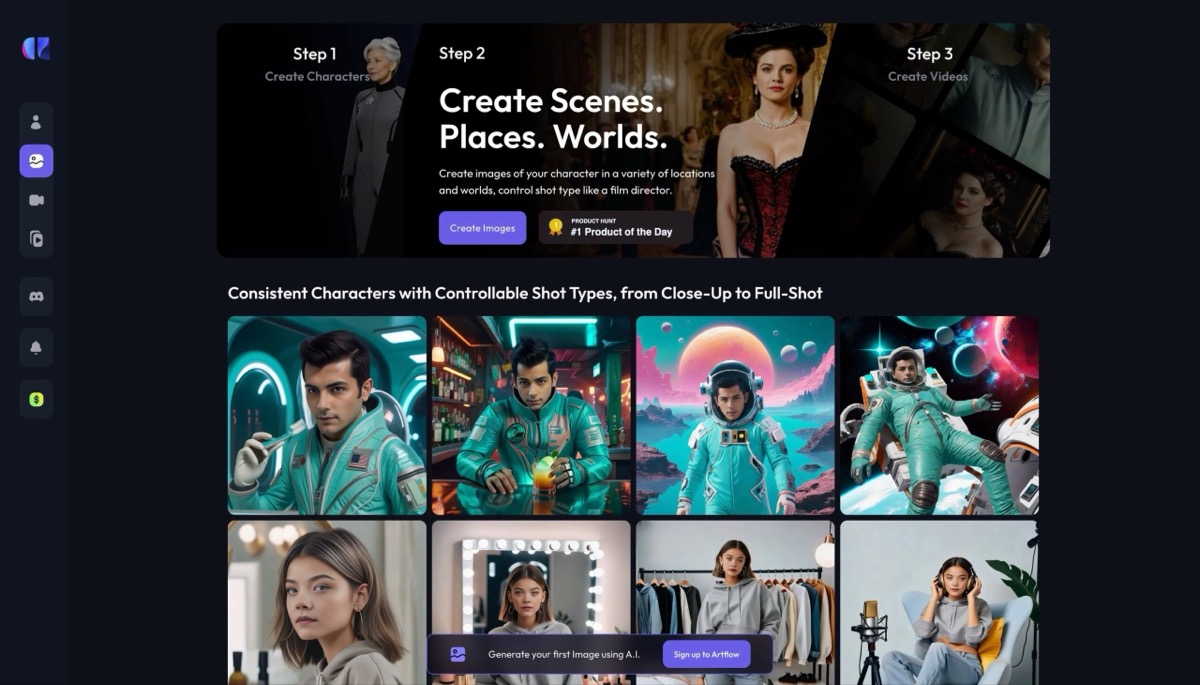
Artflow AIPortrait series with a reusable actorFree and paid plans with generation creditsFree entry without a card and an included first ActorFor ordinary portrait projects using images you have permission to useActor Builder, Image Studio, instruction edits and videoCreating an Actor requires a set of reference photos.
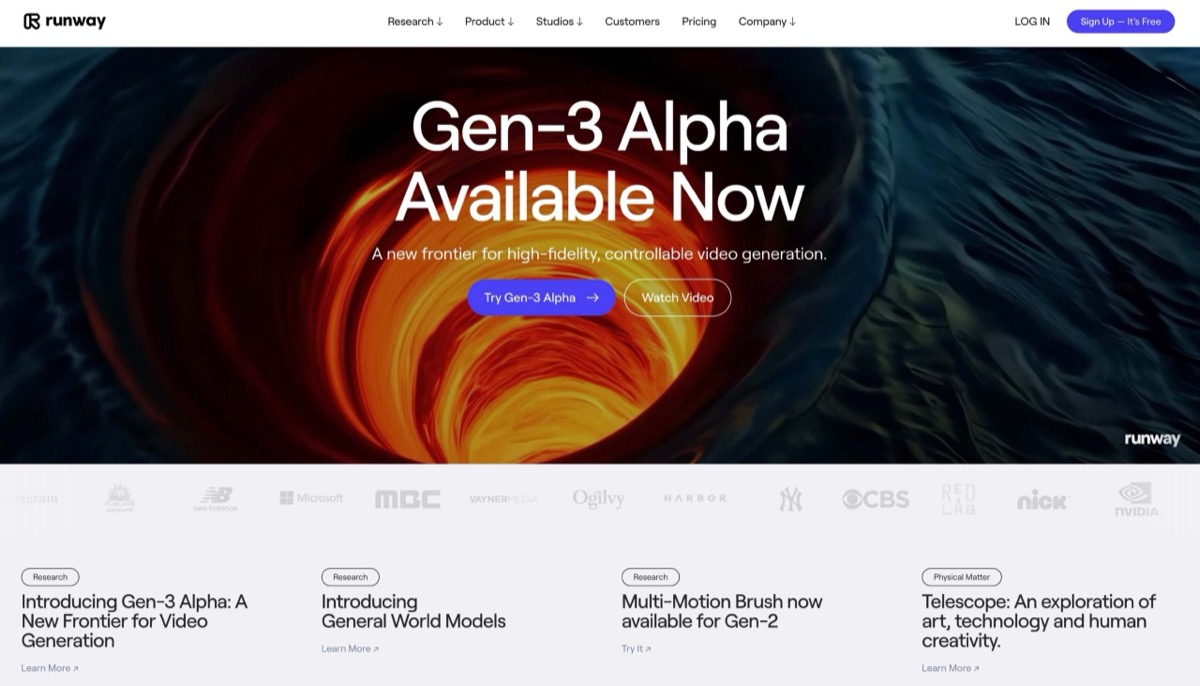
RunwaymlReference-led, non-explicit image and video projectsFree tier and subscriptions with generation creditsOne-time starter credits with selected modelsUsage policy prohibits nudity and sexually explicit contentReference-guided images, visual variants and image-to-videoProjects involving adult nudity or explicit content are outside its policy.
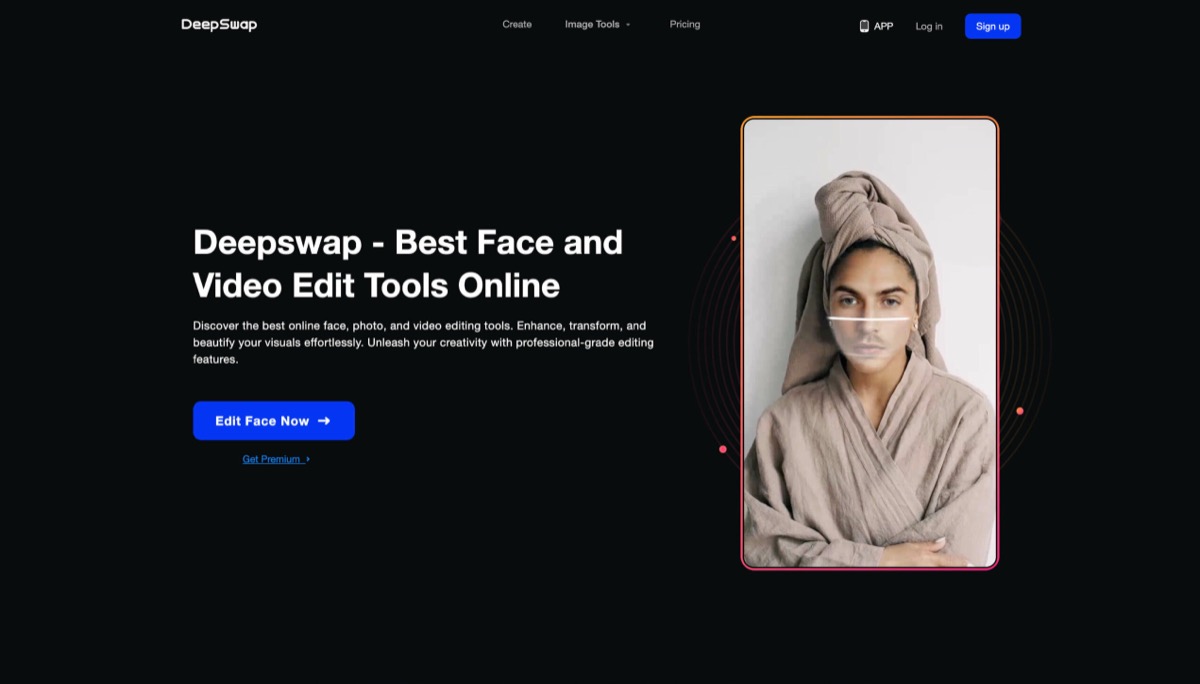
DeepSwapFace replacement in an existing photo or clipPremium access and per-action credit chargesPlan on paid credits for ongoing swapsUse for ordinary likeness edits with permissionPhoto, GIF and video face swapIts face-swap workflow needs source media and a replacement face.
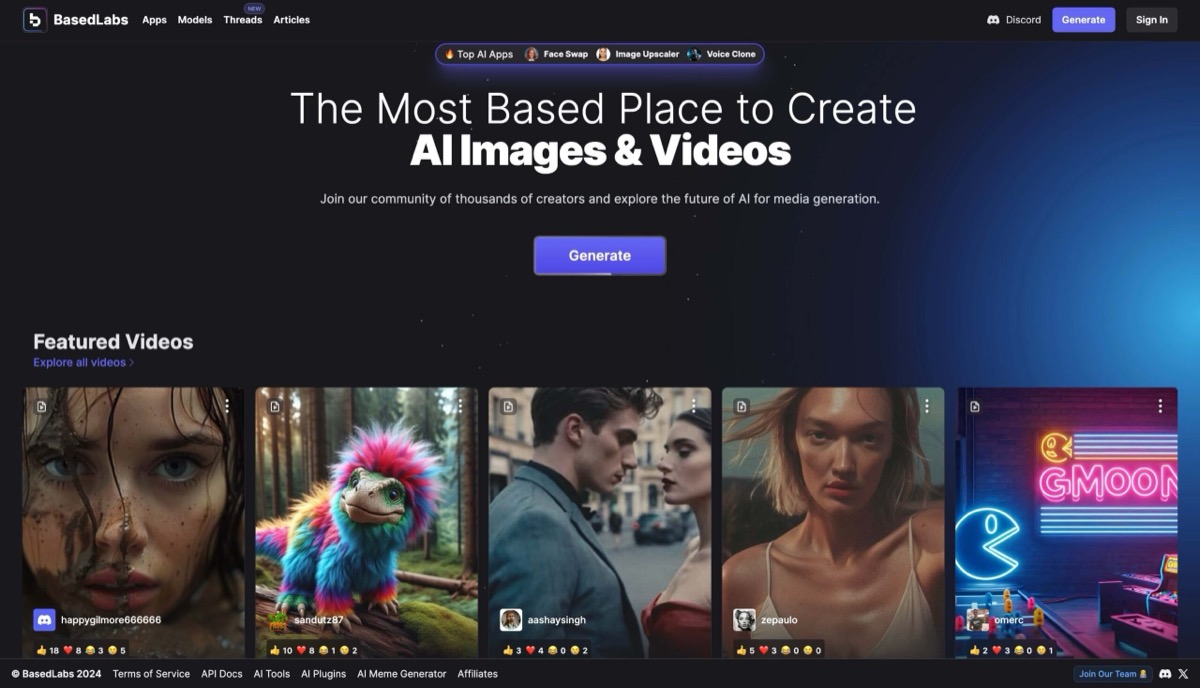
BasedLabsPrepaid access to multiple image modelsOne-time credit packs shared across modelsBasic access with an account. Model usage can require paid credits.Model limits and adult-content rules applyText-to-image, image-to-image, editing and upscalingModel costs differ and the advertised payment options are crypto and Telegram Stars.

What To Check Before Choosing

Pricing

  • Dessi advertises free access for its image generator and Style Change. Promptchan AI, Soulgen and OurDream AI have metered workflows, so a draft, an edit and a final export can have different costs.
  • BasedLabs offers prepaid packs. SeaArt’s Stamina resets daily, while Runway’s free allocation is a one-time deposit.

Free Plan

  • Perchance’s public generator is the simplest no-account option. NovelAI offers a limited image trial after email verification.
  • Try the feature you expect to use most. Browsing a free gallery or making a basic image may leave the editor, private mode or video tools locked.

NSFW And Media

  • Promptchan AI, eHentai.ai and OurDream AI have adult fictional-character workflows. Runway covers reference-guided projects under a policy that excludes adult nudity and explicit content.
  • Use your own images or get permission before uploading a photo of someone else. Check the content rules and privacy settings for the specific tool and model you select.

Limitations

  • Image-to-image generators can change details you wanted to keep, such as an expression, logo or background feature. A brush-based editor gives more control over where the change happens.
  • A reference or saved character can make a series more consistent. It can still take a few generations to match the same appearance or pose across scenes.

Top Picks At A Glance

#1
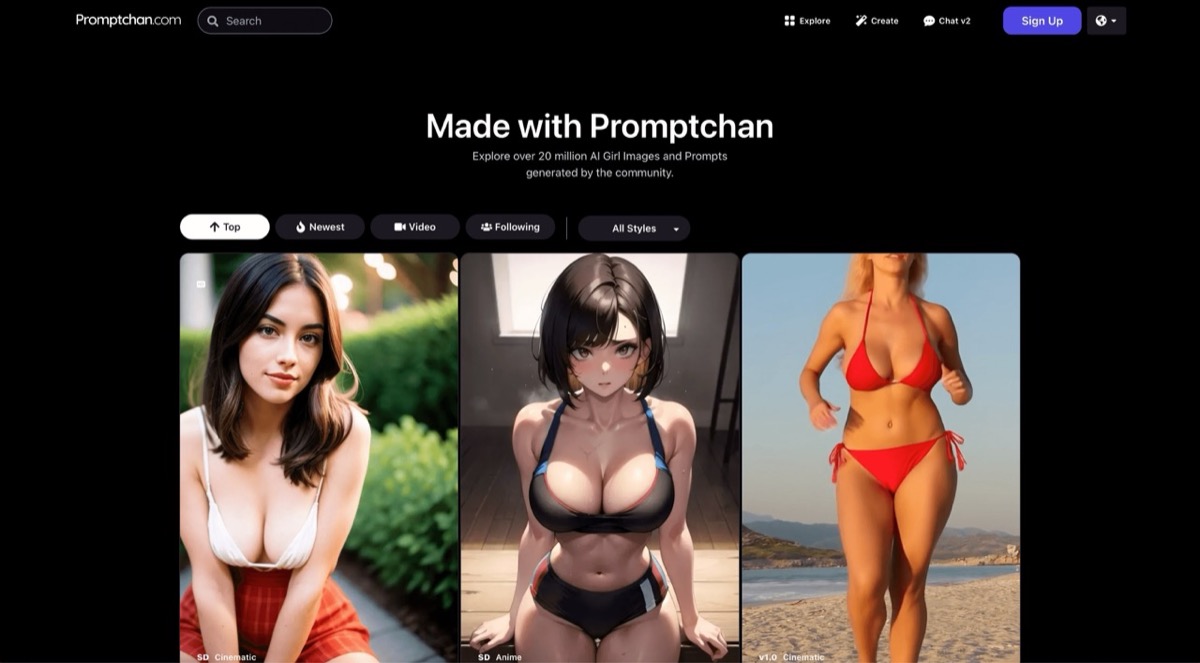
Promptchan AI community gallery showing realistic, anime, and cinematic character generations

Promptchan AI

Best for prompt-led adult character artFreemiumVisit Site
#2
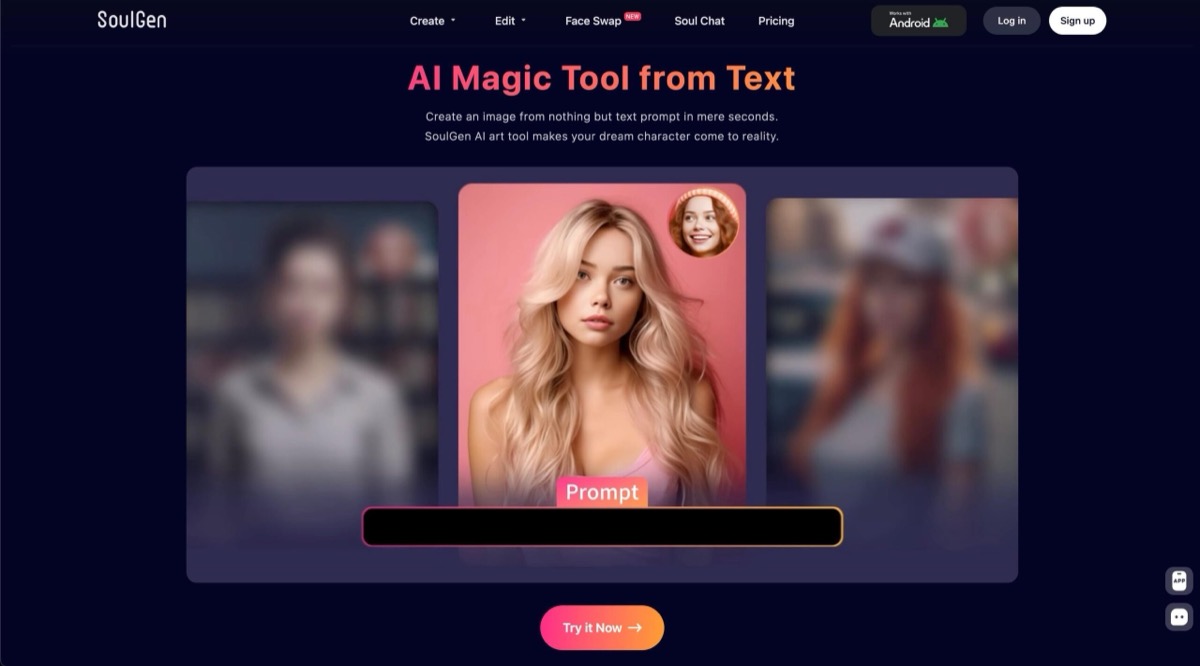
Soulgen screenshot

Soulgen

Best for selective image editsPaidVisit Site
#3
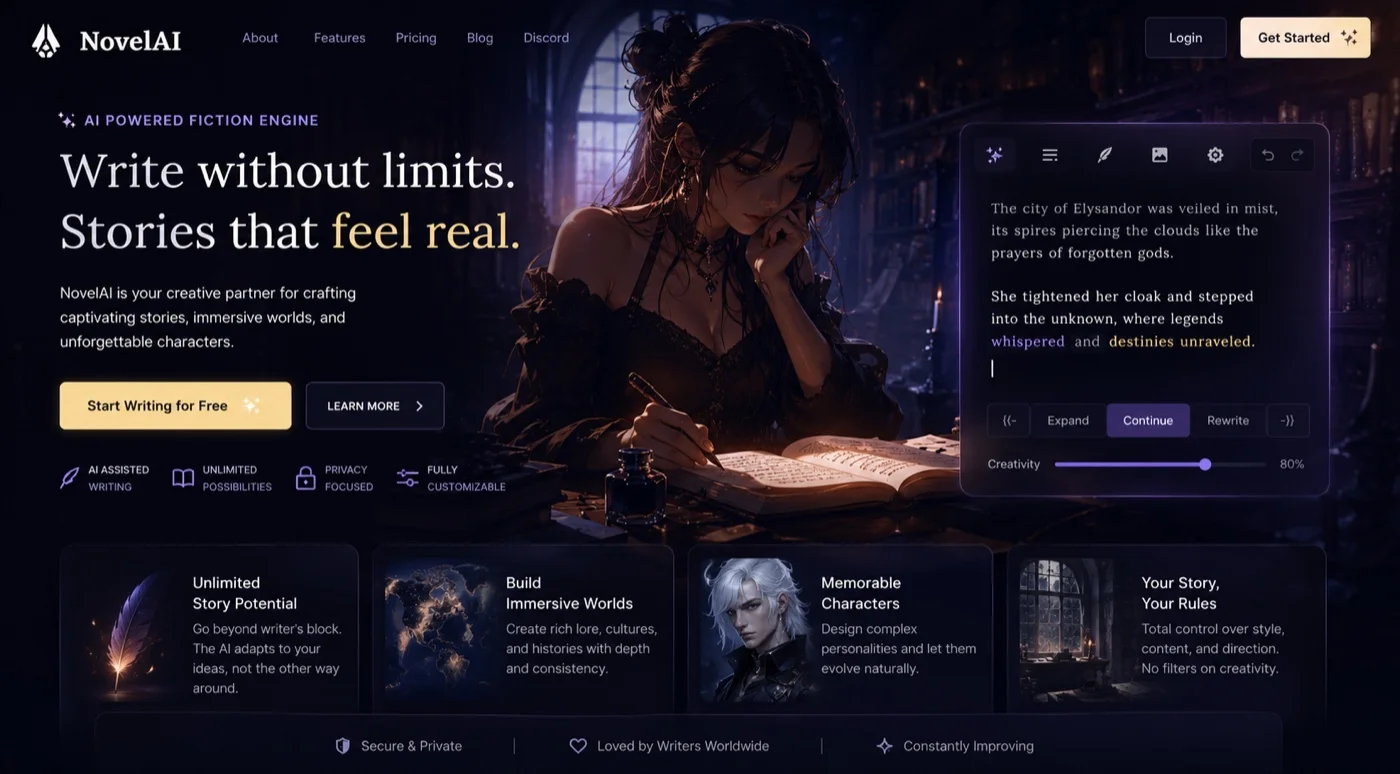
NovelAI's fiction engine with Expand, Continue and Rewrite controls and a creativity slider set to 80 per cent beside a passage in progress

NovelAI

Best for detailed anime controlsFreemiumVisit Site
#4
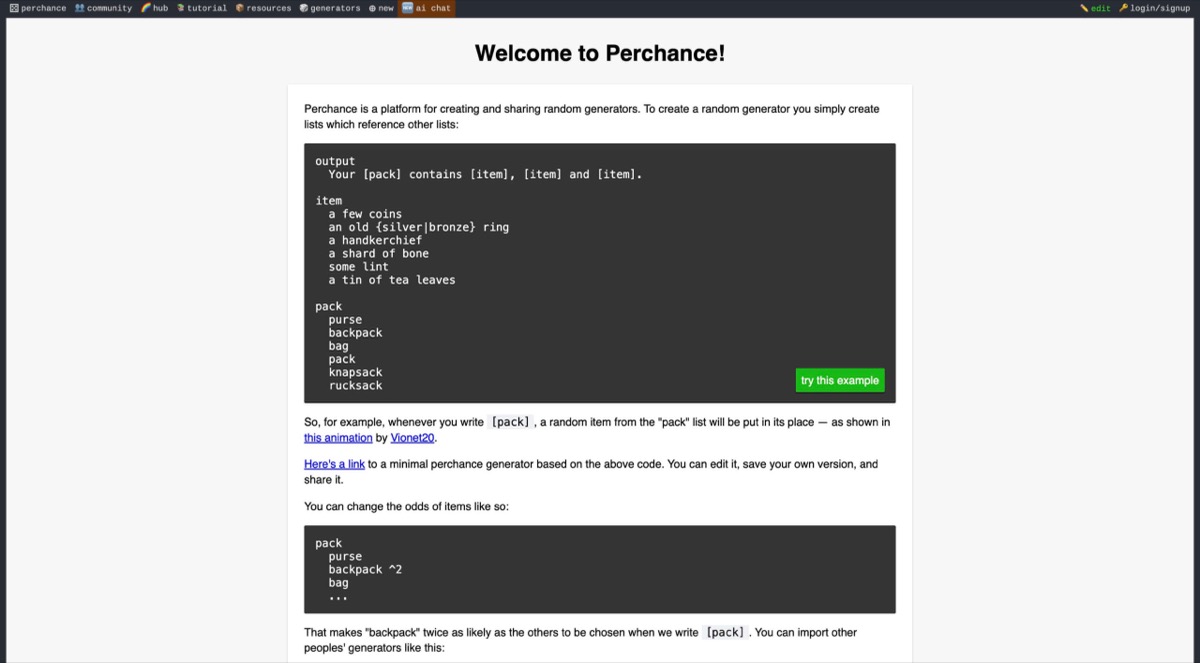
Perchance screenshot

Perchance

Best free tool without an accountFreeVisit Site
#5
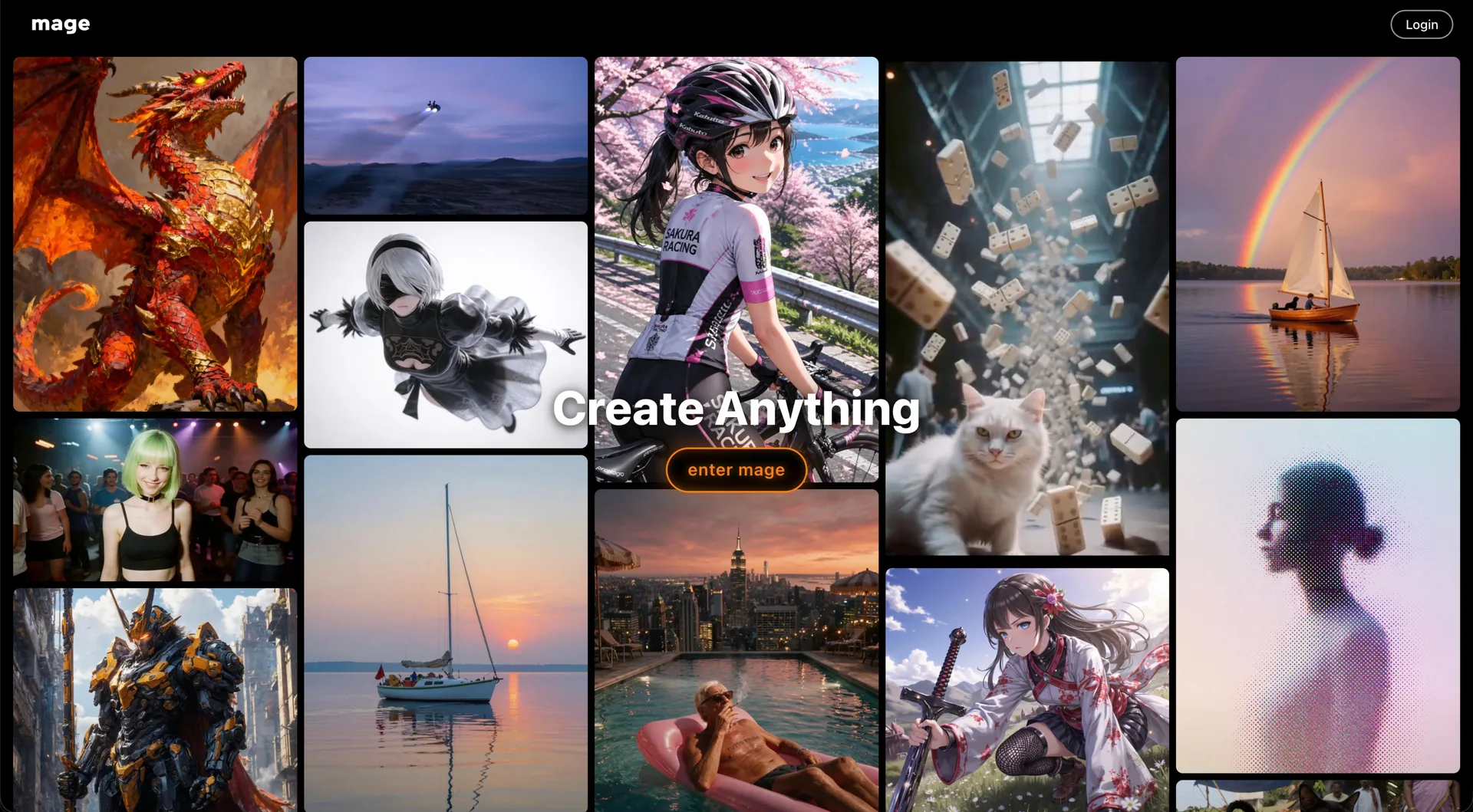
Mage home screen showing the Create Anything gallery of anime, photoreal and fantasy generations behind the enter mage button

Mage

Best for model choice and relightingFreemiumVisit Site

Detailed Analysis

Promptchan AI is the closest match for prompt-first adult character art and follow-up edits. Pick Soulgen to edit a selected area, NovelAI for anime and manga controls, Perchance for quick no-account drafts, or Mage to compare models and relight an existing image.

1
Promptchan AI community gallery showing realistic, anime, and cinematic character generations

Promptchan AI

FreemiumBest for: Prompt-led adult character art and edits

Promptchan’s Tweak accepts a written edit to an existing creation, so you can change the outfit, setting or lighting while keeping the character in the scene. It is the closest choice when Dessi’s preset restyling feels too broad.

Pros

  • Realistic and anime images, Tweak edits and plan-gated video
  • Browser-based creator

Cons

  • Video requires Pro and uses Gems. Private generation depends on plan and settings.
Pricing: Free starter Gems and paid Gem plans
2
Soulgen screenshot

Soulgen

PaidBest for: Editing a selected region or extending a picture

Brush over the specific area you want to replace, or extend the edge of a picture to give the subject more room. Soulgen makes sense for a single correction after you already have an image you like.

Pros

  • Character images, brush-based editing, outpainting and video
  • Browser-based image and video tools

Cons

  • Retouching and outpainting take more setup than picking a Dessi preset, and editing uses credits.
Pricing: Pro membership uses credits
3
NovelAI's fiction engine with Expand, Continue and Rewrite controls and a creativity slider set to 80 per cent beside a passage in progress

NovelAI

FreemiumBest for: Anime scenes and recurring illustrated characters

Choose NovelAI when you need to control who appears in each part of an illustration. Its multi-character prompting and reference features give more direction for a sequence of anime scenes.

Pros

  • Anime models, image-to-image, reference controls and inpainting
  • Browser-based editor

Cons

  • Tags, seeds and reference settings take time to learn.
Pricing: Subscriptions with Anlas for image generation
4
Perchance screenshot

Perchance

FreeBest for: Free, no-account prompt sketches

Perchance is a quick place to test whether a scene reads better as an illustration or a photo style. Its public generator fits the short, one-off drafting workflow that makes Dessi appealing.

Pros

  • Text-to-image generation and style selections
  • Public browser generator

Cons

  • Community generators vary in preset options and editing controls.
Pricing: Free text-to-image tool
5
Mage home screen showing the Create Anything gallery of anime, photoreal and fantasy generations behind the enter mage button

Mage

FreemiumBest for: Trying multiple image models and changing light

Mage is useful when an image looks right apart from the light or sharpness. Try Relight or Image Enhancer on that file before spending another generation on the whole scene.

Pros

  • Text-to-image, prompt edits, relighting, upscaling and video
  • Browser-based workspace

Cons

  • Included models and Gem use vary by plan.
Pricing: Free starter Gems with paid plans
6
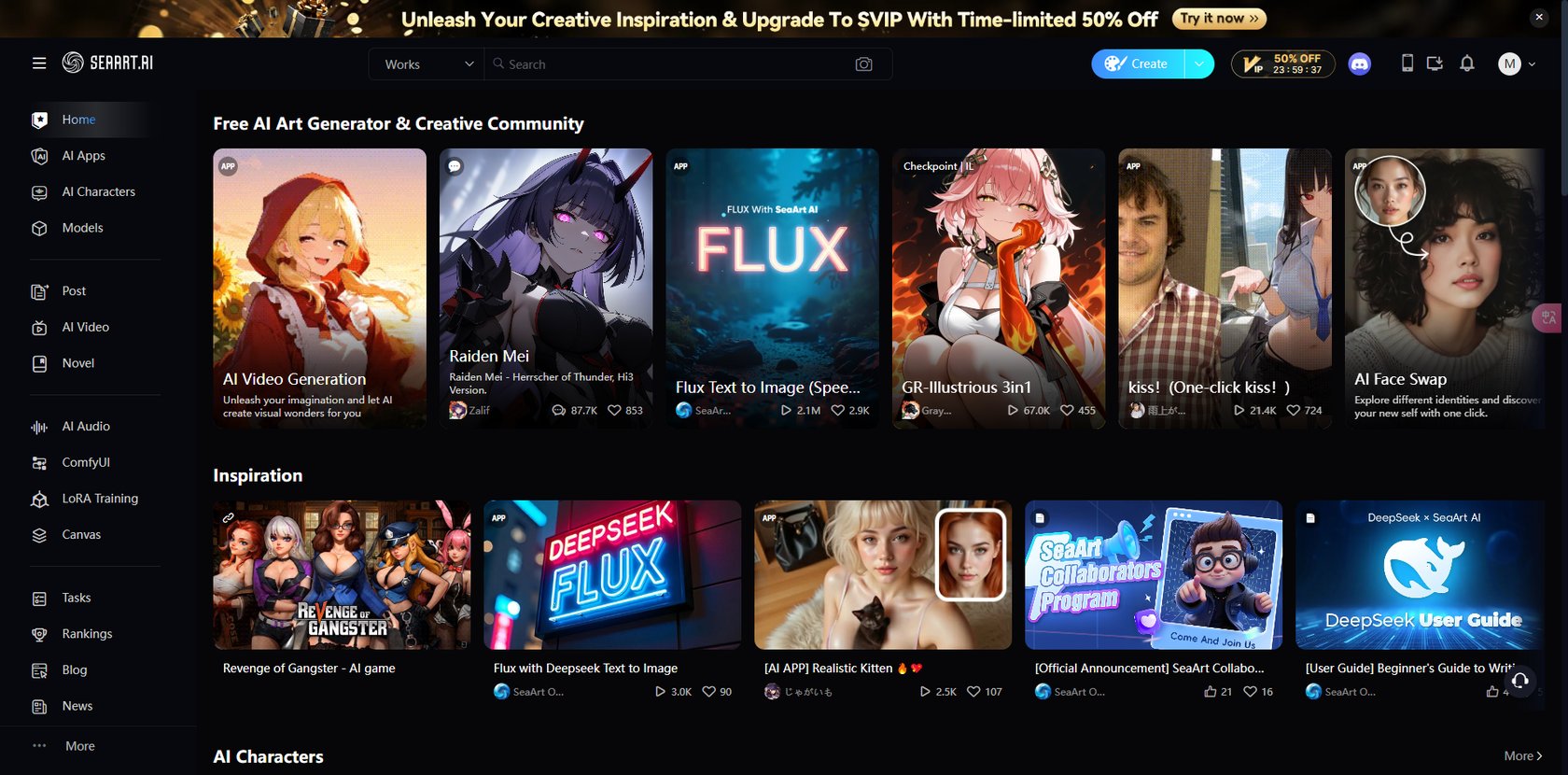
SeaArt screenshot

SeaArt

FreemiumBest for: Community image models and preset filters

SeaArt is a good next step when you have a source photo and want to compare different visual treatments. Its filter gallery also works as a starting point before you learn the larger model workspace.

Pros

  • Image generation, style filters, erasing and background removal
  • Web and mobile app

Cons

  • Stamina use varies by model, and Private Creation is a paid feature.
Pricing: Free Stamina, paid subscriptions and Credits
7
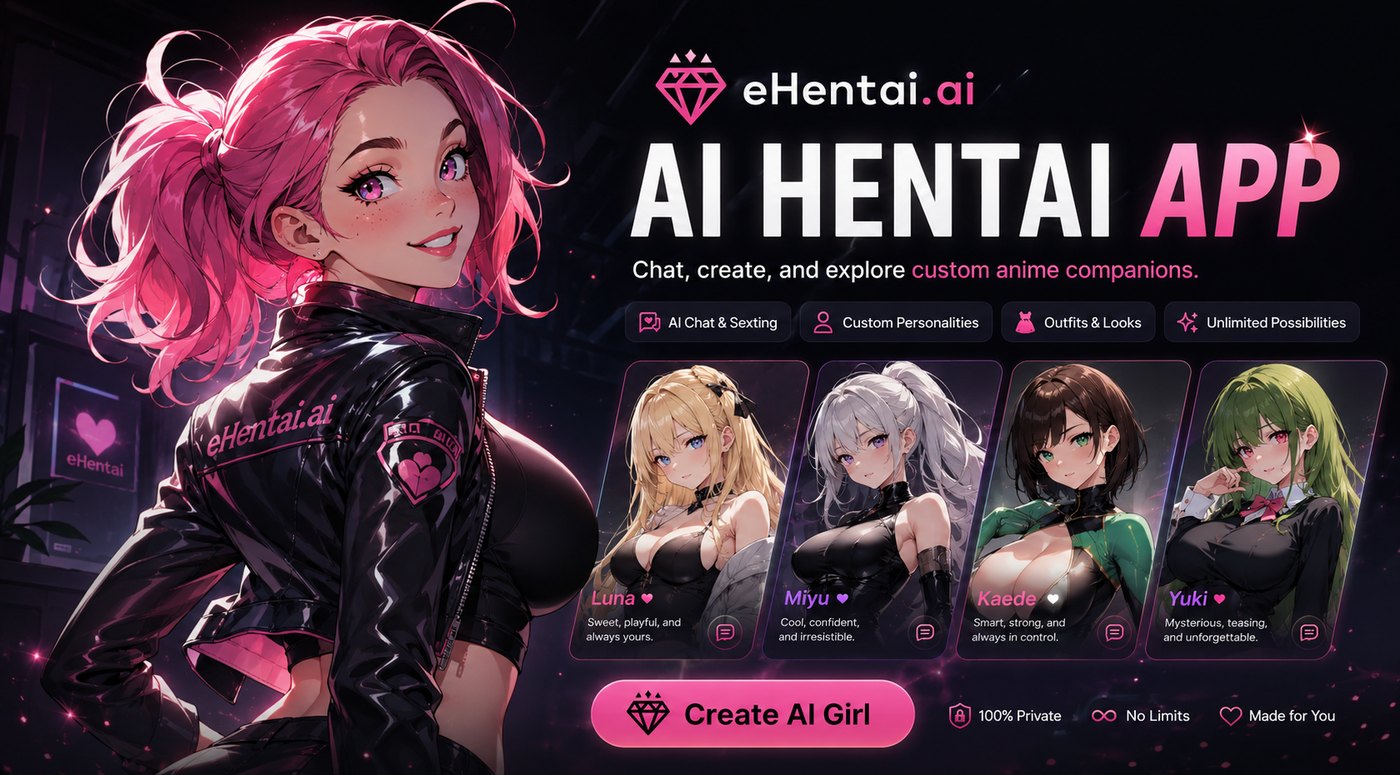
The eHentai.ai AI hentai app promoting chat, custom personalities and outfit control with four anime companion cards

eHentai.ai

FreemiumBest for: Anime character presets tied to a companion profile

Build an anime character by selecting face, body and clothing attributes, then create additional images from that character’s profile. This is a better fit for a recurring companion than a source photo you want to restyle once.

Pros

  • Anime character builder, profile images and chat
  • Browser-based companion builder

Cons

  • Sign-up is required and the workflow revolves around a saved companion.
Pricing: Free account with paid upgrades
8
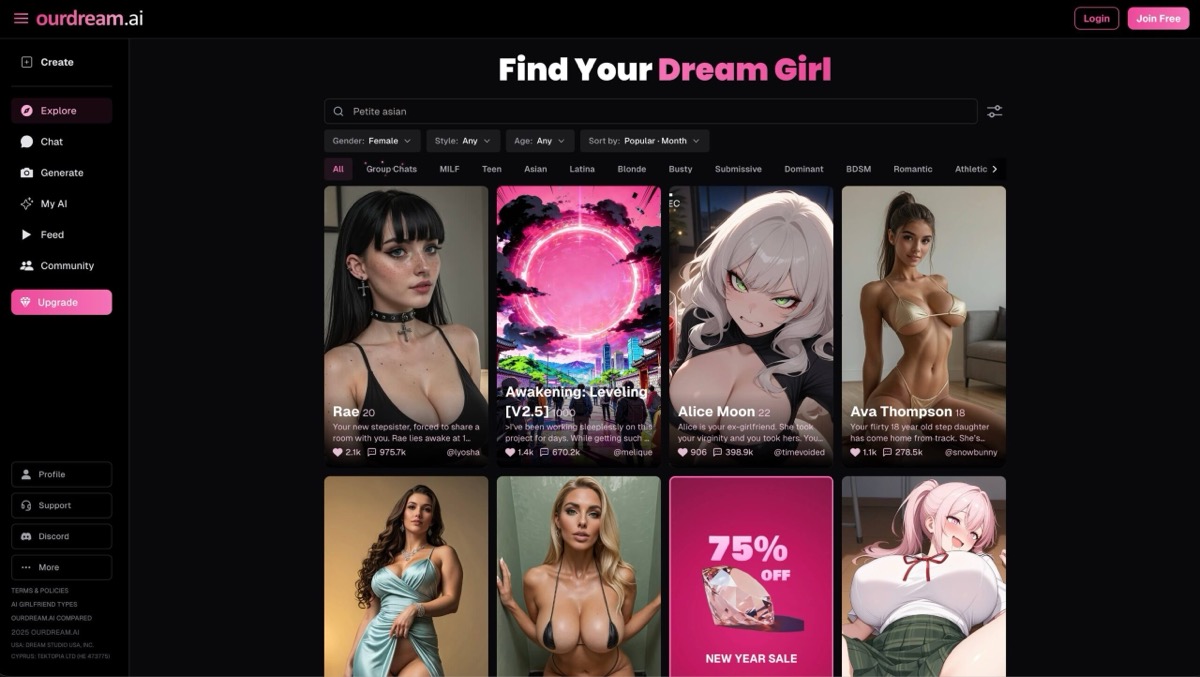
OurDream AI screenshot

OurDream AI

FreemiumBest for: Character images tied to roleplay

OurDream AI ties images to a named companion and an ongoing conversation. Its in-chat requests make sense when the picture is a scene in an existing story.

Pros

  • Character creation, image requests in chat, image generation and editing
  • Browser-based companion and media workspace

Cons

  • Image requests and edits spend DreamCoins, including on paid access.
Pricing: Free entry with subscriptions and DreamCoins
9
Artflow AI screenshot

Artflow AI

FreemiumBest for: Portrait series with a reusable actor

Train a reusable Actor on images you have the rights to use, then place the Actor in different settings. That setup pays off if you need a series of portraits with the same face across scenes.

Pros

  • Actor Builder, Image Studio, instruction edits and video
  • Browser-based studio

Cons

  • Creating an Actor requires a set of reference photos.
Pricing: Free and paid plans with generation credits
10
Runwayml screenshot

Runwayml

FreemiumBest for: Reference-led, non-explicit image and video projects

Combine reference images for a character, setting or visual style, then generate a scene that carries those elements forward. Runway fits non-explicit work where images may later become shots in a video.

Pros

  • Reference-guided images, visual variants and image-to-video
  • Web studio and mobile apps

Cons

  • Projects involving adult nudity or explicit content are outside its policy.
Pricing: Free tier and subscriptions with generation credits
11
DeepSwap screenshot

DeepSwap

FreemiumBest for: Face replacement in an existing photo or clip

Choose DeepSwap when the face is the only thing you intend to replace. It covers ordinary photo and clip edits and publishes separate credit rates by media type.

Pros

  • Photo, GIF and video face swap
  • Browser-based editor

Cons

  • Its face-swap workflow needs source media and a replacement face.
Pricing: Premium access and per-action credit charges
12
BasedLabs screenshot

BasedLabs

FreemiumBest for: Prepaid access to multiple image models

BasedLabs suits occasional image projects where you want to switch between text rendering, illustration and photo editing without subscribing to a different service for each model.

Pros

  • Text-to-image, image-to-image, editing and upscaling
  • Browser-based multi-model studio

Cons

  • Model costs differ and the advertised payment options are crypto and Telegram Stars.
Pricing: One-time credit packs shared across models

Frequently Asked Questions

Recommended Next Pages

Final Recommendation

Start with Promptchan AI if you want to generate fictional adult characters and revise them with written instructions. Pick Soulgen for a local retouch or NovelAI for a sequence of anime illustrations. Perchance is the easier choice for occasional no-account drafts.

Stay with Dessi if you can already get the image you need by selecting character traits or applying a ready-made style to a source file. Switching pays off once you need tighter control over individual edits, reference images or a recurring character.