
AI Haven
Alternatives

Undressz Alternatives

Looking for something different? Compare 12 Undressz alternatives by features, pricing, limits, and best-fit use cases.

View Undressz review12 alternatives compared

Limited Time: 75% OFF

Build Your Dream AI Girlfriend

Voice, video & uncensored chat — 100% private. Your perfect partner, built to your exact specifications. Free to start.

Start Building Yours

Undressz Alternatives Overview

Undressz starts with a source image and a selected preset. The studio charges 8 credits for an image-to-image job and 24 for image-to-video. Its US$11.99 Trial pack lists 200 credits, enough for 25 images or eight clips with eight credits left if you spend the pack on one format. That makes it easy to budget an occasional batch of preset edits.

The first choice is your starting material. With an image ready to animate, look at Porn Alchemy for searchable motion presets, OnlyFap.ai for a prepared scene or FotoX for an effect that can include voice. If you're starting from a description, Promptchan gives you a text and gallery workflow for stills, while SoulGen can start a clip from text or an image.

Then decide what needs to carry through to the next shot. For a clip you need to extend, upscale or give sound, look at Seduced AI. For a fictional character who needs to reappear in several scenes, Kinku puts identity training and shot planning in the same project. Companion-first options such as vrim.ai are a better fit when the image comes from an ongoing conversation.

Stay with Undressz for a small batch from an image you already have when a preset gives you the movement you want. The same non-expiring purchased balance covers stills and video, so you can leave the remainder for a later project. Download the finished work while it is still in the studio's 48-hour library window.

Switch when the job has requirements beyond the preset. Start with SoulGen if you need to repair part of a still before animating it. Look at Seduced AI for clip length and extensions, or NSFWC AI if choosing 16:9, 9:16 or 1:1 at generation matters. For recurring characters, budget for character setup and revisions as well as the render.

Best Undressz Alternatives By Use Case

Pricing Free Plan And Capability Comparison

ToolBest ForPricingFree PlanNSFWMediaMain Limitation
Seduced AIClip extension and finishingPlans from US$30/moImage-only paid trialAdult images and videosClip extension, audio and upscalingVideo tools vary by tier
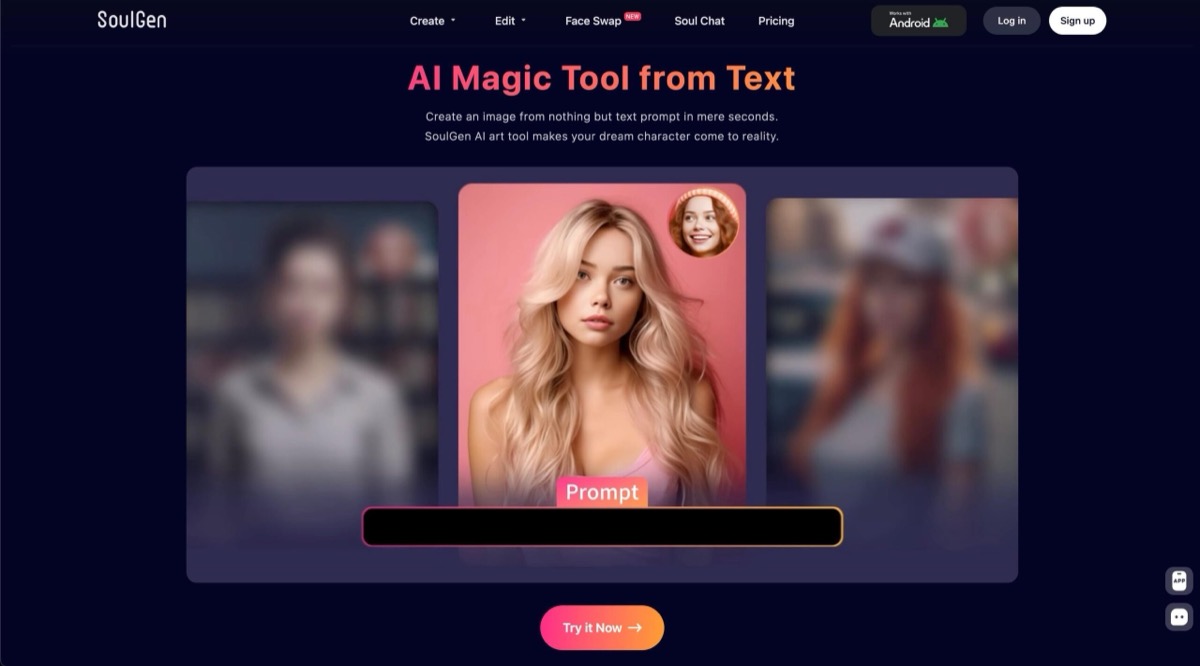
SoulGenRetouching before animationPro credit subscriptionLimited free accessAdult tools vary by modelSelective edits and text-to-video1080p uses more credits
Promptchan AIPrompted images and remixingPlus or Pro planStarter GemsAdult generation under platform rulesGallery remixing and prompt controlsFull video requires Pro
FreeNudifierGuest still-image editingFree demo advertisedGuest still-edit demoAdult still edits with consentPreset edits from a source imageVideo opens VidSoda
KinkuFictional characters across shotsOne-time credit packsChat-only starter creditsFictional adults onlyCharacter training and shot planningTraining costs extra

What To Check Before Choosing

Pricing

  • Compare pack size, expiry and tier access.
  • Budget stills and motion separately.
  • Price the intended resolution before generating.

Free Plan

  • Check whether the trial ends at a preview.
  • A text or still allowance may leave video locked.
  • Look for a usable download before buying.

NSFW And Media

  • Check the source-image and consent rules first.
  • Verify sound and export options in the chosen mode.
  • Check storage and download deadlines.

Limitations

  • Budget for rerenders, extra frames and upscaling.
  • Recurring characters need a reusable reference.
  • Test a short clip before funding a batch.

Top Picks At A Glance

#1
Seduced AI screenshot

Seduced AI

Clip extension and finishingPaidVisit Site
#2
SoulGen screenshot

SoulGen

Retouching before animationPaidVisit Site
#3
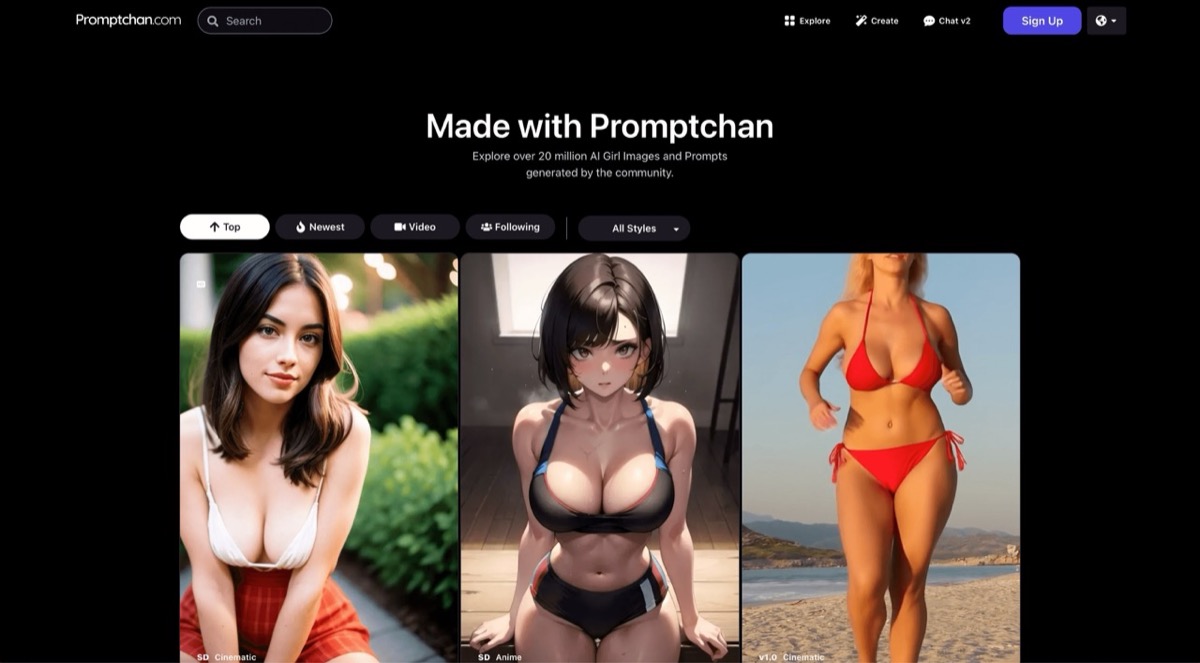
Promptchan AI community gallery showing realistic, anime, and cinematic character generations

Promptchan AI

Prompted images and remixingFreemiumVisit Site
#4
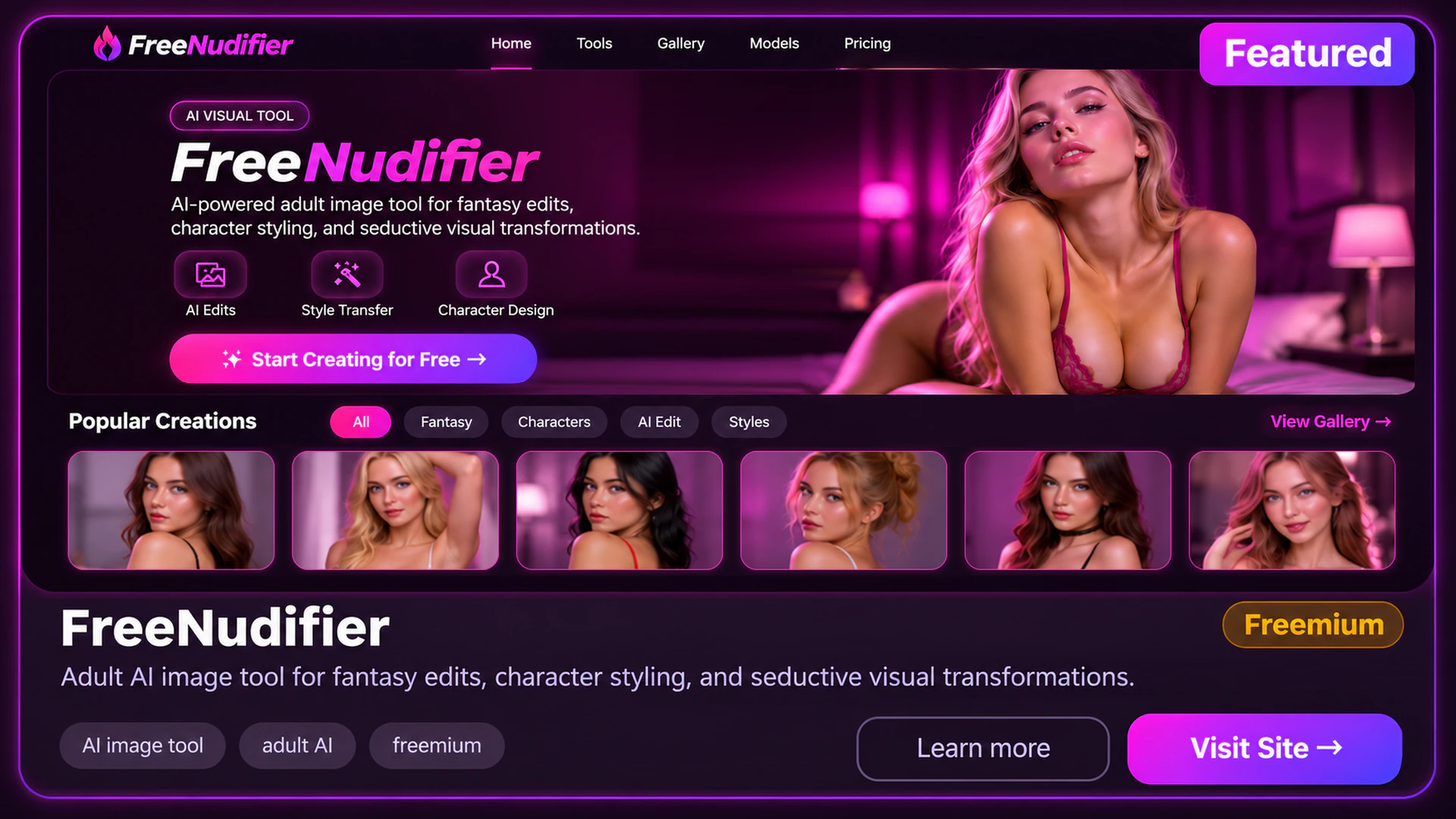
FreeNudifier promotional mockup with purple branding and a gallery of adult character portraits

FreeNudifier

Guest still-image editingUnknownVisit Site
#5
Kinku Film Studio brand artwork with three fictional adult women in seaside and city settings.

Kinku

Fictional characters across shotsFreemiumVisit Site

Side By Side Comparison

ToolFree TierStarting PriceVisit
#1Seduced AIPaid image trialFrom US$30/moVisit
#2SoulGenLimited free accessSee Pro checkoutVisit
#3Promptchan AIStarter GemsUS$14.99 / 28 daysVisit
#4FreeNudifierGuest demoFree demo advertisedVisit
#5KinkuChat-only creditsFrom US$10/packVisit
#6NSFWC AIBasic accessUS$9.99/mo standardVisit
#7Porn AlchemyQuota unknownSee coin packsVisit
#8OnlyFap.ai1 trial generationSee prepaid plansVisit
#9FotoXSelected guest effectsFrom US$4Visit
#10fuckd.ai25 starter SpunkSee account pricingVisit
#11vrim.aiFree chatUS$12.99/moVisit
#12Infatuated5 Basic tokensUS$11.99 / 1 monthVisit

Detailed Analysis

Choose Seduced AI for scene extensions, SoulGen for selective retouching, Promptchan for prompt-led stills, FreeNudifier for a guest still demo and Kinku for visual continuity across multiple shots.

1
Seduced AI screenshot

Seduced AI

PaidBest for: Clip extension and finishing

Seduced AI makes the most sense when the opening clip is only the first step. Animate a still, carry the action forward with Extend, add sound where the model supports it and upscale the chosen result for delivery. The difference from Undressz matters when you need a sequence that continues past a single preset clip. Buy for the plan that contains your finishing tools. Plan the finished scene before buying. An edit might need several generated segments and an upscale after the final cut. The Platinum limit applies to the clip you can extend, so check which model and source clip you can use.

Pros

  • Platinum starts at up to 6 seconds and extends eligible clips while they are 12 seconds or shorter.
  • Diamond starts at up to 18 seconds on Animate V4.1 or V4.2 and supports repeated extensions.
  • The plan catalog lists video upscaling up to 4K where available.
  • Audio on selected Animate models lets you finish a short scene without sourcing a separate sound track.
  • The extension workflow starts from an eligible clip, which gives you a way to develop an existing shot.

Cons

  • The image-only trial leaves the video controls behind a paid plan.
  • Using remaining credits requires an active plan.
  • Each extension spends credits, so a sequence costs more than its first generation.
  • Face replication has separate eligibility rules, including verification or approved proof of a fully AI-generated reference.
Pricing: Monthly plans start at US$30 for Pro with 300 credits. Platinum is US$60 for 750. Diamond is US$150 for 2,250. Applicable tax is extra.
2
SoulGen screenshot

SoulGen

PaidBest for: Retouching before animation

SoulGen fits projects with a revision round. Mask the area of a still that needs attention, expand the framing with outpainting or begin a new shot with a written description. Video generation is also available from an existing picture. If a client or project specifies resolution, choose it before spending credits so the quote reflects the required file. A 5-second preview at 720p followed by another generation at 1080p uses 48 SoulOmni 2.0 credits before retouching. If the motion already works, compare the editing charge with the cost of generating the entire clip again.

Pros

  • Brush-guided edits target only the area you select.
  • Outpainting extends a composition beyond its original borders.
  • A 5-second SoulOmni 2.0 generation lists 720p at 18 credits and 1080p at 30.
  • SoulOmni 2.0 charges 4 credits per second to edit a 720p clip and 6 at 1080p.
  • SoulGen 3.0 lists an optional audio charge of 2 credits per 5 seconds.

Cons

  • Several rounds of retouching draw on the same balance as video.
  • Model choice and added audio can raise the charge beyond the base video rate.
  • A video reference adds a separate charge in the reference-to-video modes.
  • The 18-credit rate applies to standard SoulOmni 2.0 at 720p. Turbo uses a higher rate.
Pricing: Pro lists 100 credits monthly. SoulOmni 2.0 starts at 18 credits per 5 seconds at 720p.
3
Promptchan AI community gallery showing realistic, anime, and cinematic character generations

Promptchan AI

FreemiumBest for: Prompted images and remixing

Start with Promptchan when the scene exists only as an idea. You can describe an original composition or clone the setup of a gallery image and change the prompt, style or pose. That gives you a starting point for a style study or several visual variations before you choose one image to animate. Budget for Pro if the final deliverable is video. Treat the first still as a visual draft. A saved gallery setup is useful when the style is already close, while a fresh prompt gives you control of the scene from the start. Price the animation step on the tier that opens it.

Pros

  • Free starter Gems let you explore the still generator.
  • Gallery cloning gives you an editable starting configuration.
  • Pro combines generated stills, full video generation and clip extension.
  • The free gallery sampler lets you compare styles and starting compositions before choosing a plan.
  • Paid image tiers open more poses and styles for a batch of related stills.

Cons

  • Video pricing depends on the settings and still uses Gems.
  • Cloning gives you a starting setup, with changes to the result as you revise.
  • Standard card access renews every 28 days. Check the billing date when paying for a single project.
Pricing: Plus US$14.99 for 100 Gems. Pro US$33.99 for 800. Standard card plans renew every 28 days.
4
FreeNudifier promotional mockup with purple branding and a gallery of adult character portraits

FreeNudifier

UnknownBest for: Guest still-image editing

FreeNudifier serves a narrow job when you have a suitable source image and want to see what the public still editor offers before making an account. Keep that decision separate from video: FreeNudifier's motion links lead to VidSoda, with its own account and payment conditions. If you need a predictable volume of stills or a single balance for both media types, compare Undressz's published per-generation charges. Test it with one picture you can use before relying on it for a larger batch. The meaningful result is a finished still you can save. The gallery provides examples of presets, and the public page leaves the usable output allowance open.

Pros

  • The still editor is accessible as a guest.
  • The preset workflow keeps the setup focused on one source image.
  • Buyers can see that video effects open a separate service before paying.
  • The upload guidance lists JPG, PNG and WebP up to 10 MB.
  • Moving-image examples can be inspected separately from the guest still editor.

Cons

  • The free demo gives no published number of completed or downloadable stills.
  • The external PRO and video offers require separate checks for price and access.
  • An advertised free preview leaves completion, quality and download access to the live session.
Pricing: Free browser access advertised. Native paid pricing is unspecified.
5
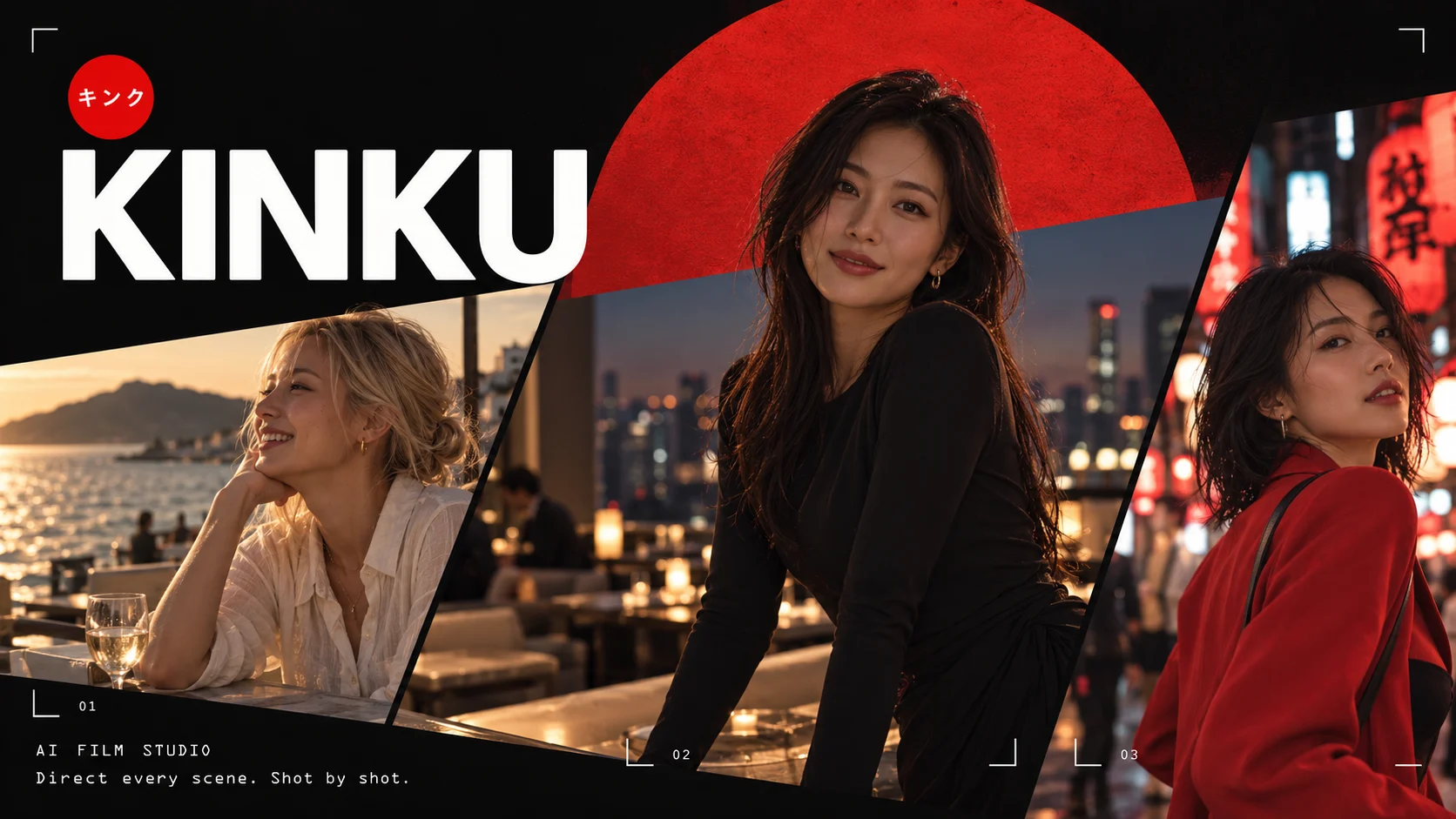
Kinku Film Studio brand artwork with three fictional adult women in seaside and city settings.

Kinku

FreemiumBest for: Fictional characters across shots

Kinku is built for a recurring fictional cast. Train a character once, then use that identity across reference-guided stills and shots planned in Film Studio. That setup pays off when the same person and location need to recur over several scenes. Budget for the training step and the render separately, especially if you want to try different clip lengths or models. Treat the character as part of the project budget. At the default rates, training one identity and generating two KIN 2 clips uses 970 Kinku before any stills or retakes. A few complex scenes can use a small pack quickly.

Pros

  • EXPO pairs visual references with prompts for stills and edits.
  • Film Studio splits a concept into shots with reusable locations and timed beats.
  • The public price examples show 24 Kinku for a default EXPO still and 360 for a 6-second KIN 2 clip at 720p.
  • One-time crypto packs give you a purchase option for a project with gaps between shoots.
  • A connected API key can move creation charges to your provider instead of a Kinku pack.

Cons

  • The 100 Free Kinku cannot fund training or media.
  • A default training job costs 250 Kinku before the first clip.
  • Film Studio still needs decisions about framing, timing and location before generating a scene.
  • Provider-billed generation depends on the model and price available to your key.
Pricing: One-time crypto packs start at US$10 for 1,000 Kinku. A connected key bills through its provider.
6
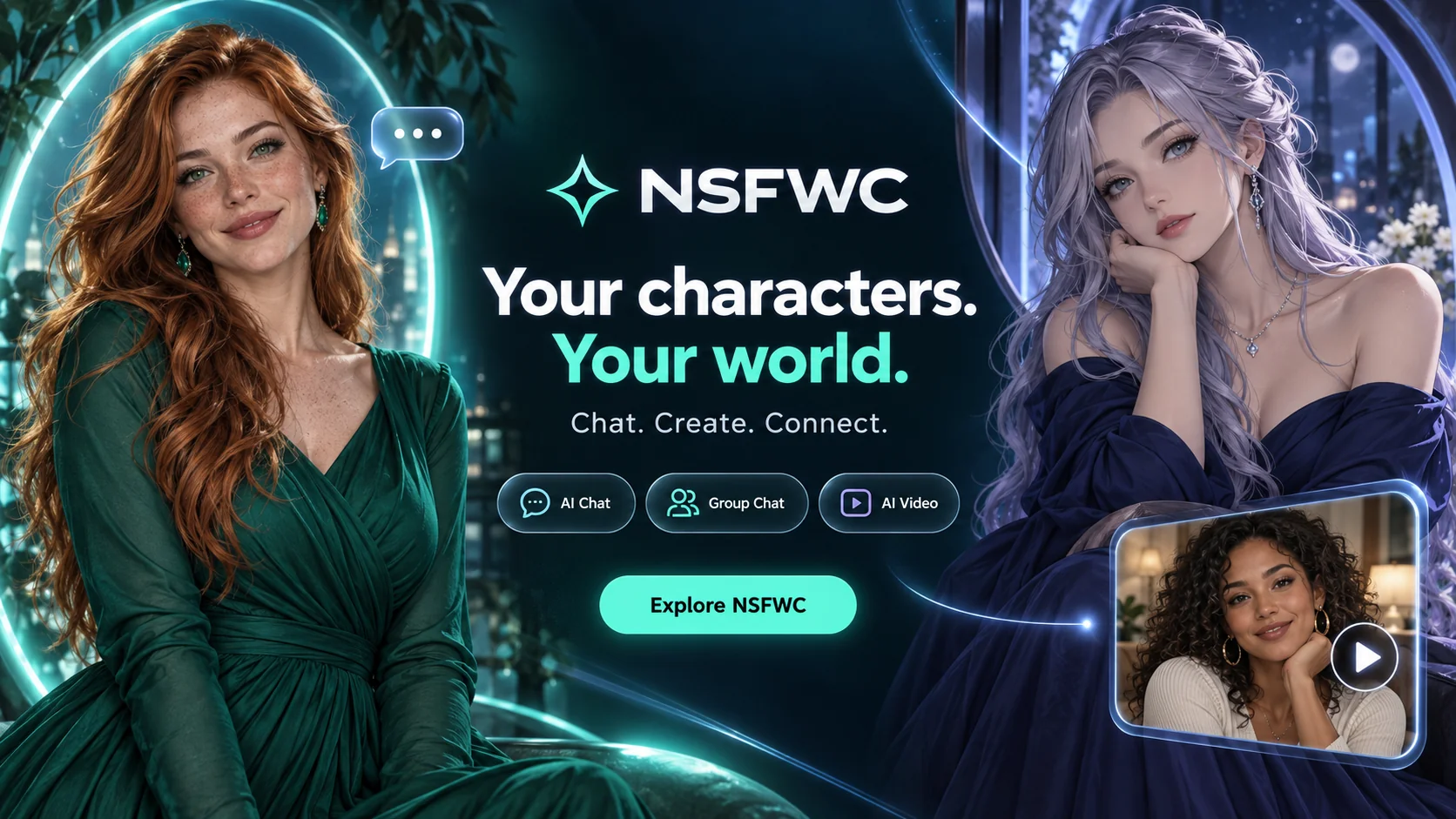
NSFWC AI character artwork with a realistic red-haired character, an illustrated silver-haired character, and chat, group chat, and video labels

NSFWC AI

FreemiumBest for: Video with character chat

NSFWC AI fits projects where a character needs a backstory and a visual scene. The character editor lets you define the persona once, then you can switch to a separate video workspace and begin from either a written scene or an existing image. That is useful when some clips have reference material and others begin with a scene brief. Start in the video workspace if the scene has a delivery format. Pick the aspect ratio and duration there, then compare the quote for a shorter test. A chat plan is useful only if the persona and conversation are part of the project.

Pros

  • Character setup provides separate fields for the backstory, opening line and appearance.
  • Video controls list 5, 10 or 15 seconds and landscape, portrait or square framing.
  • The video workspace offers an audio setting where the generation mode supports it.
  • Square, portrait and landscape modes let you choose framing before committing a render.
  • Separate text and image modes cover a new scene or a scene with a prepared reference.

Cons

  • Membership pricing alone gives you no reliable count of clips at a given length.
  • Reference guidance gives no assurance that the character's face will stay identical between independently generated shots.
  • The published image allowances and membership credits do not give you a reliable cost for a particular video mode.
Pricing: Standard Pro US$9.99/month. Pro+ US$19.99/month.
7
Porn Alchemy branded artwork showing clothed portraits and image-to-video motion imagery

Porn Alchemy

PaidBest for: Finding a motion preset

Porn Alchemy fits a buyer who already has the right still and needs to locate a particular movement. Search by title or tag and inspect the prepared effect before uploading anything. The gallery separates frequently generated effects from newly added options. That is a useful way to browse, while the chosen preset and its coin cost should drive the purchase. Budget for the effect you expect to use. The gallery shows enough to compare the motion before buying coins, while the actual job quote is what determines how many clips your pack can cover.

Pros

  • Title and tag search narrow a long preset catalog.
  • Recent and frequently generated effects are listed separately.
  • One-time coin packs suit a project without a recurring plan.
  • The prepared previews help you judge whether a movement fits before you submit a source image.

Cons

  • The studio requires an existing image and centers on motion.
  • The privacy policy describes retaining inputs and results until you delete the content or account.
  • The terms set conditions on who may appear in an upload, so check your reference against those conditions first.
Pricing: One-time coin packs. A 100-coin pack was listed at US$9.99.
8
OnlyFap.ai branded video-template catalog with a Generate Now button and sample scene cards

OnlyFap.ai

FreemiumBest for: Prepared video scenes

OnlyFap.ai fits a buyer who can point to a scene in the catalog and wants a photo-based clip in that style. Selecting a prepared scene is faster than composing the motion from scratch. The important difference from Undressz is the billing structure: this one sells a time-limited access term and then meters generation, so the jobs you need should fit inside that term. Pick the scene first, then confirm the plan includes that template and the output length you need. The preview gives a visual target, while the terms govern whether you can produce and save the finished file.

Pros

  • Prepared clips provide a clear visual target for the starting image.
  • Fixed 1-, 3- and 12-month terms end without automatic renewal.
  • The terms describe credit reversals for service-caused failures.
  • The job displays its generation price before you start.

Cons

  • The trial may stop before a downloadable file.
  • Paid content availability depends on the active plan and its retention terms.
  • The starting dollar price is not published in a stable public list.
  • Extra credit packs require an active plan, so unused credits and remaining access are separate considerations.
Pricing: Prepaid plans for 1, 3 or 12 months. Extra credits require an active term.
9
FotoX promotional artwork showing an adult beside a video panel

FotoX

FreemiumBest for: Motion effects with audio

FotoX is worth a look when the picture is ready and you want to add movement or a spoken element. Pick a preset when the catalog already matches the scene, or give written motion directions with your source image where that mode is offered. Compare the chosen effect before buying a pack, because a guest still edit and a voiced clip use different access rules. The lowest listed pack is an example for particular payment methods. Open the intended effect and compare its credit charge with the checkout options you see. A pack can include VIP days that end sooner than the credits.

Pros

  • The catalog groups still effects and video effects separately.
  • Selected examples show spoken audio alongside motion.
  • Bought credits and temporary VIP days are separate parts of a pack.
  • An eligible basic clothes-remover still lists an 8-credit charge, giving you a known price for that one effect.
  • Written motion directions are available in selected video workflows.

Cons

  • The US$4 entry pack depends on payment availability.
  • Credit requirements vary with the chosen effect, so a still-image rate cannot price a voiced clip.
  • The clothes-remover page limits source material to licensed virtual models. Check the rules for the specific effect you choose.
Pricing: One-time packs. Some payment methods list US$4 for 50 credits with 3 VIP days.
10
fuckd.ai catalog of fictional characters

fuckd.ai

FreemiumBest for: In-app characters and clips

fuckd.ai fits the buyer who wants to create a fictional character before making a scene. The character's profile portrait becomes the reference for later media, so the first design step also sets up the image-to-video workflow. Standard video has a published per-second tariff that makes a short trial easy to budget. Save enough for the clip before spending the starter balance on messages. For a first Standard clip, a character portrait generally costs 4 Spunk and the 5-second video costs 20. That leaves 1 from the starter balance before chatting or regenerating the portrait. Plan those two actions first if your aim is an export.

Pros

  • A 5-second Standard clip at 720p costs 20 Spunk.
  • Muse and Morph images cost 6 Spunk per creation or edit.
  • Video settings expose model, clip length and resolution.
  • Published rates distinguish Standard, Ultra and Extend so you can budget for the chosen controls.
  • One-time top-ups are available if you need more Spunk for a single project.

Cons

  • Creating a character generally uses 4 of the 25 starter Spunk.
  • Membership is needed for editing and extending video, and some formats use substantially more credits.
  • Ultra 1080p costs 64 Spunk per second. The starter allowance is suited to Standard, while Ultra requires a larger budget.
Pricing: Membership and top-ups. The account displays paid prices.
11
vrim.ai brand artwork with three fictional adult companions and Discover, Watch, Live and Create features.

vrim.ai

FreemiumBest for: Animating companion photos

vrim.ai suits an ongoing companion story where an image already has context. Request a character photo in chat and use Animate on the one you want to move, then return to the same companion for the next scene. Monthly plans show a separate video-credit allowance, useful if chat and generated clips both matter to your budget. A photo is already tied to a companion conversation, so the source image carries a character and a setting you have been shaping. If the clip needs to stand alone, check the per-animation price before choosing between the paid tiers.

Pros

  • Animate starts from a photo received from the companion.
  • The product advertises Animate clips up to 20 seconds.
  • Plus and Pro list distinct monthly video-credit balances.
  • The annual plans state an upfront allocation, making the paid term and available video balance visible together.

Cons

  • Free companion photos do not establish a free motion allowance.
  • Photo and voice limits still apply on paid access.
  • Annual Pro includes 3,600 video credits upfront, while monthly Pro gives 400 per month. Compare the actual terms before prepaying.
  • You need paid video access even if the photo was available during free chat.
Pricing: Plus US$12.99/month with 100 video credits. Pro US$29.99/month with 400.
12
Infatuated AI browser dashboard with companion discovery, chat, character creation, gallery, and adult content controls

Infatuated

FreemiumBest for: Itemized companion video modes

Infatuated fits buyers who want to choose a video mode with a price in view. Bring a companion image into a short motion or speaking clip, or use the costlier Ultra mode for a specific result. The useful comparison is how many attempts the balance buys after chat and setup. Treat each mode as a separate purchase rather than valuing all clips the same. To see how far 100 tokens go, budget the character setup and any chat you need first. Each remaining video action then has a published cost. A few ordinary talking clips can fit a very different budget from repeated Ultra attempts.

Pros

  • The entry paid plan lists 100 tokens alongside an itemized action menu.
  • A 5-second image-to-video action costs 20 tokens.
  • The same character identity carries through chat, images and video.
  • An 8-second image-to-video clip costs 25 tokens, while a 5-second clip costs 20.

Cons

  • A 10-second Ultra clip costs 70 of the 100 entry-plan tokens.
  • Dedicated images, chat and character creation also consume tokens.
  • The 5 Basic tokens can sample chat or still images. The entry video action costs at least 10 tokens.
Pricing: US$11.99 for one month with 100 tokens on the entry paid plan.

Frequently Asked Questions

Recommended Next Pages

Compare Undressz Head To Head

Final Recommendation

For a single source image and a short prepared motion, compare Undressz's 24-credit generation with the exact Porn Alchemy preset or OnlyFap.ai template you would use. Decide before paying whether the output needs a particular length, resolution or soundtrack.

Start with SoulGen when controlled retouching comes first, Promptchan when you only have a concept and Seduced AI when a clip must continue past the opening shot. For a recurring fictional cast, choose Kinku and set aside a separate budget for training before rendering the first scene.