Featured

UndresszFreemium
Browser studio that applies presets to a source image to create a new still or a video. Credits are bought in one time packs.
NSFW image generationNSFW video generationvideo generation
SoulGen wins when you need to revise the frame or deliver video at a specified resolution.
SoulGen makes it easier to revise a frame and plan the final clip
SoulGen has the edge when the first image is a draft and the video has a delivery spec. You can start from a description, edit a selected area or expand the frame to change what fits in the shot. Once the composition is set, model-specific rates make it easier to budget a motion test and a final render at your chosen resolution. Audio and continuation depend on the action and model. Undressz is useful when your source image is ready and a preset gives you the motion you need. Its fixed charges for stills and clips make small jobs easy to price, and a prepaid balance lets you spread the work across projects.
SoulGen wins for projects that need a controlled revision and a delivery format you can plan for. Selective edits and outpainting help you settle the frame before animating. Its model and resolution rates show how much a test, final render and revision will take from the balance.
Visit SoulGenBrowser studio that applies presets to a source image to create a new still or a video. Credits are bought in one time packs.
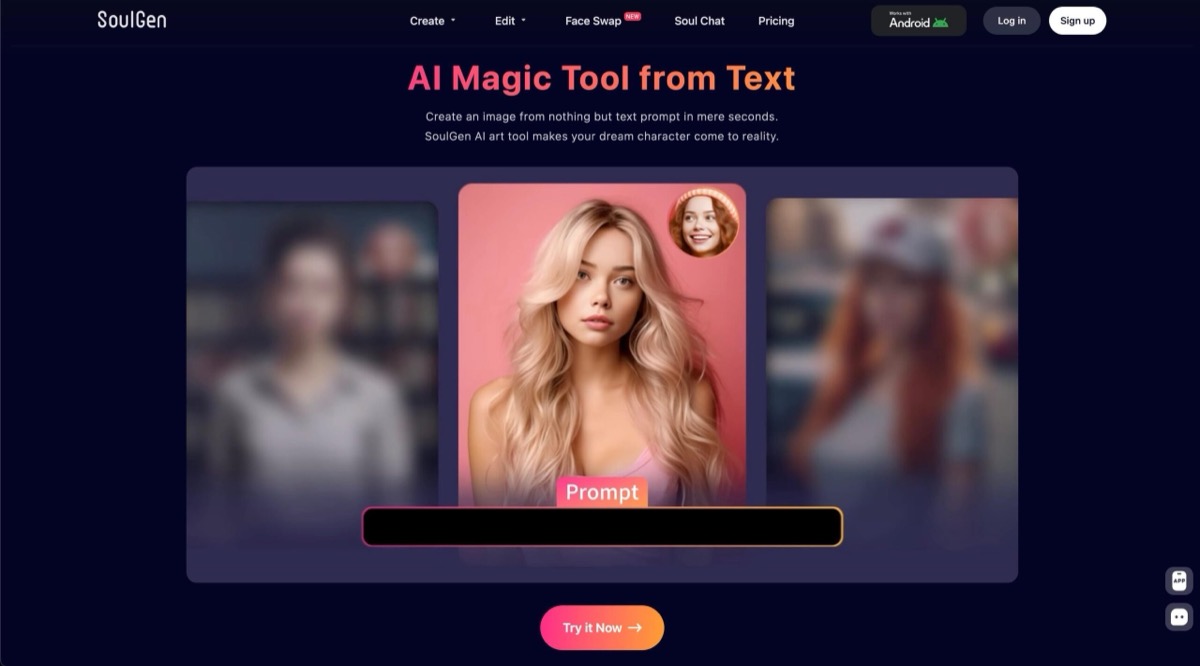
Image and video studio for prompt led artwork, selective edits, canvas expansion and model specific video settings.
Undressz fits short projects with a source image you are ready to use. Pick a preset for each still or clip and decide the size of the batch before buying. The balance suits occasional projects because it carries forward without a renewal payment.
SoulGen is stronger when the first image is still a draft. Remove a distracting object with a selective edit or use outpainting to make more room in the frame. A published rate by model and resolution helps you plan a test and a final delivery separately.
| Feature | Undressz | Soulgen |
|---|---|---|
| Best fit | Preset stills and clips from a ready image. | Frame revisions and model-specific video delivery. |
| Starting material | Eligible source image. | Text or authorized fictional artwork. |
| Still-image tools | Image-to-image presets. | Text-to-image, selective editing and outpainting. |
| Video direction | Motion presets. | Prompts for motion, edits and extensions. |
| Export settings | Preset output. | Listed resolution and audio options by model. |
| Billing | One-time credit packs. | Monthly Pro credits with action-based charges. |
| Guest and free access | Guest browsing and verified-account welcome credits. | Limited free access with paid feature unlocks. |
| Reference rules | Specific permission for use. | Original or fictional work under upload rules. |
| Use Case | Winner | Why |
|---|---|---|
| An occasional clip from a finished still | Undressz | Buy a pack once and use what remains for another project. |
| Creating a scene from text | SoulGen | Generate a still or start the motion directly from a description. |
| Reframing before animation | SoulGen | Expand the canvas or retouch a specific area. |
| Delivery at a chosen resolution | SoulGen | Preview the model and resolution rate before generating. |
| Editing existing footage | SoulGen | Estimate a revision separately with a per-second Video Edit rate. |
| Capability | Undressz | Soulgen | Edge |
|---|---|---|---|
| Starting from text | Source image. | Text-to-image and text-to-video. | SoulGen |
| Selective still edits | Apply a preset. | Select an area and describe the change. | SoulGen |
| Canvas expansion | Set the framing in the source. | Outpainting beyond the source borders. | SoulGen |
| Motion direction | Pick a motion preset. | Prompt motion from an eligible reference. | SoulGen |
| Existing footage | Generate another preset clip. | Video Edit and Video Extend. | SoulGen |
| Sound options | Preset workflow. | Optional audio in named models. | SoulGen |
| Output resolution | Preset output. | Resolution selection in SoulOmni. | SoulGen |
| Credit carryover | Purchased credits do not expire. | Credits allocated monthly on Pro. | Undressz |
Paid credits do not give priority during busy periods. Download finished files from the library within 48 hours.
The public studio does not specify video duration, resolution or sound settings. Confirm them on a sample export if they matter to the brief.
Edits, renders and continuation draw from the same Pro balance. Set aside credits to revise the delivery.
Resolution and audio options depend on the model and action. Confirm settings separately when switching from generation to Video Edit or Video Extend.