Featured
GoLove AIFreemium
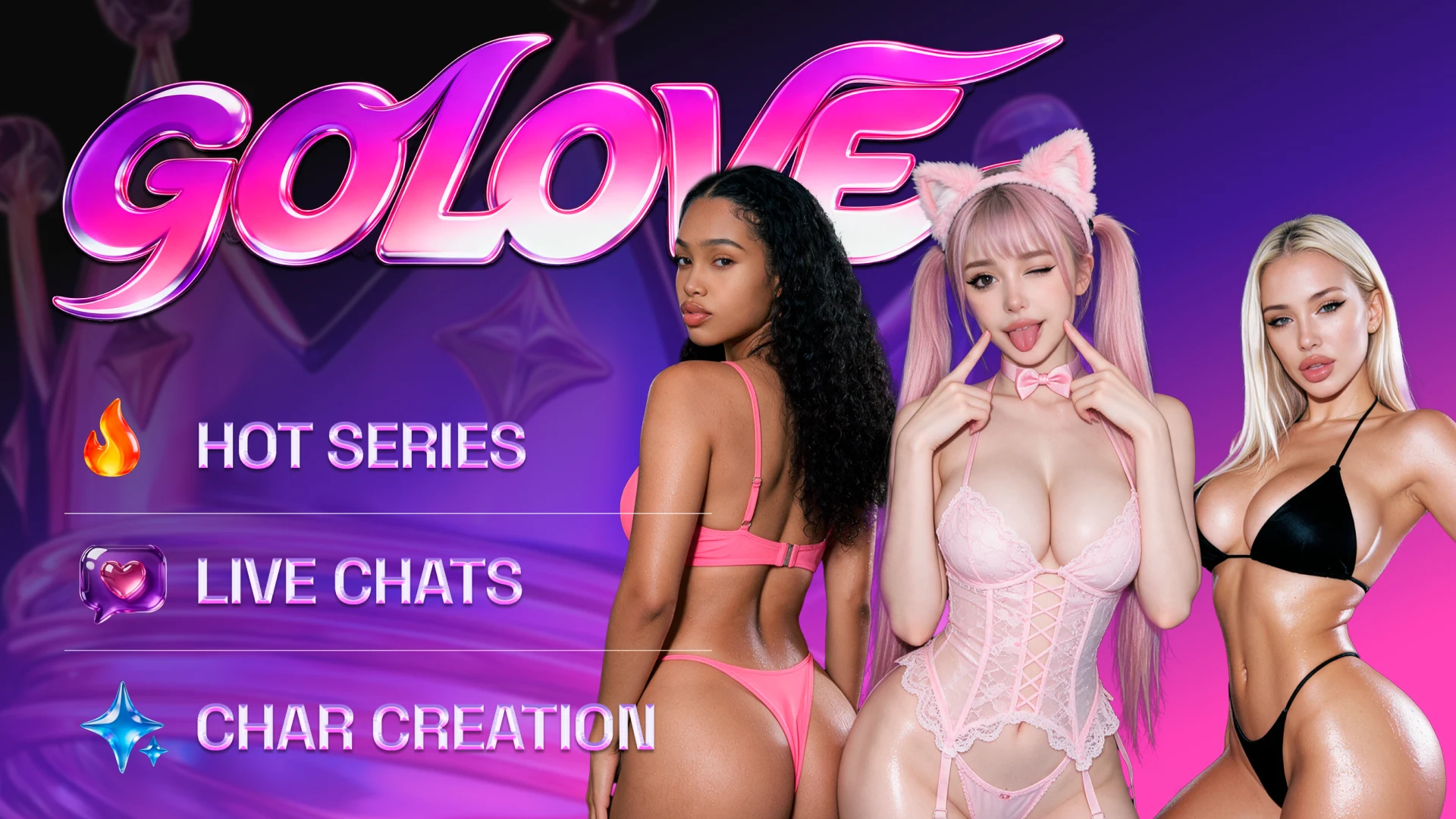
Custom companions with AI Series, character streams and controls for extending, editing and making multi scene clips.
AI girlfriendAI companionAI girlfriend chat
Candy AI is the better everyday companion. GoLove AI gives you more ways to build and revise a scene.
Candy AI is our overall pick for everyday companionship.
Candy AI wins if you want a companion you can text most days, call occasionally and ask for a photo without leaving the conversation. Premium separates unlimited text from token spending on extras. GoLove AI is the better choice if you have a specific scene in mind and want to work on it outside chat. Its Generate workspace gives you separate options for editing a take, extending it or assembling several scenes. For evenings when you would rather watch a story, Candy Shorts and GoLove’s AI Series both give you episodes to browse.
Limited Time: 70% OFF
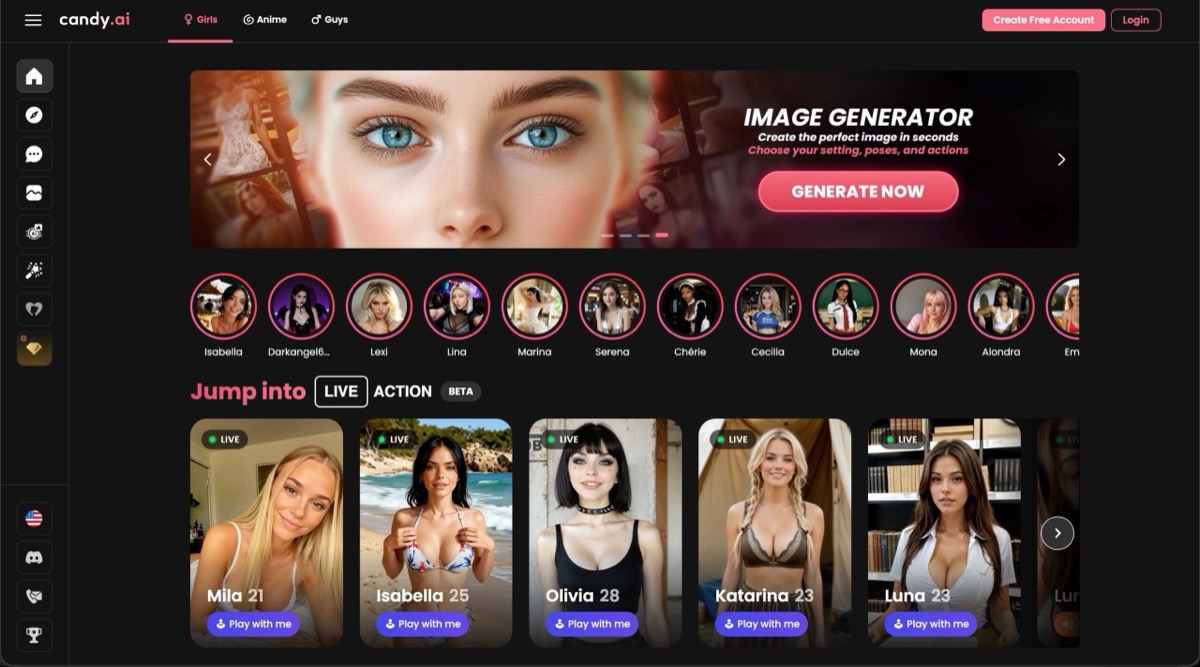
Customizable personality, voice, and appearance. Uncensored chat, image generation, and video.
Start with Candy AI if your usual session is a conversation. You can try a ready-made character before building one and turn off unsolicited image and video replies when you want to save tokens. The trade-off comes when you want to direct the next shot yourself. GoLove has the better workspace for specifying an action, changing the setting or extending a clip.
Visit Candy AICustom companions with AI Series, character streams and controls for extending, editing and making multi scene clips.
Character chat with voice notes and phone calls, paid image and video tools, and an episodic catalog called Candy Shorts.
GoLove makes the most sense if you want to build a clip around a companion. Start with a character and an action in Presets, then move to Custom Video when the shot needs more direction. AI Series and Streams give you other things to do with character-led stories while your own project takes shape.
Candy lets you start with a ready-made character and settle into a conversation before deciding whether to build your own. The call control is part of chat, and you can disable unsolicited image and video replies while you are sticking to text. Candy Shorts is a separate destination for watching a story instead of directing one.
| Feature | GoLove AI | Candy AI |
|---|---|---|
| Character setup | Realistic and anime companions, with relationship and appearance options | Ready-made companions and a custom character builder |
| Text routine | Limited starter access, with paid messaging terms at checkout | Unlimited Premium text messages |
| Live voice | Voice messages and a separate Streams experience | Dedicated, token-metered AI Phone Call |
| Video creation | Preset, custom, image-to-video, extension, edit and multi-scene modes | Build Your Video uses scene presets. You can also request media in chat. |
| Episode catalogs | AI Series | Candy Shorts |
| Interactive viewing | Character Streams with private sessions on selected profiles | Candy Cam has a simulated public feed and private chat. Live Action is separate. |
| Free entry | Browse first. GoLove gives 10 messages as an example limit | Terms generally allow up to five messages |
| Paid balance | Premium or Pro terms vary by offer. Stars are sold separately | Premium generally includes 100 tokens per month |
Both episode catalogs let you follow a story someone else has set up. GoLove presents episodes and featured characters in AI Series. Candy Shorts groups short series in its own section. If this is your main reason to subscribe, look for shows and characters you actually want to follow and check which episodes your plan unlocks.
GoLove gives character broadcasts their own Streams directory. Candy Cam instead opens a simulated live feed for a character, with a public chat, token tips and a private chat option. Candy’s AI Phone Call uses your microphone, and Live Action lets you direct what happens on screen in a separate mode.
| Use Case | Winner | Why |
|---|---|---|
| Texting most days | Candy AI | Unlimited Premium text leaves the token balance for optional extras. |
| Speaking directly with a character | Candy AI | The chat interface has a distinct phone call control that shows a per-minute rate. |
| Revising a video over several takes | GoLove AI | Separate editing, extension and multi-scene options fit a project you expect to revisit. |
| Watching a finished series | Both | Browse AI Series and Candy Shorts for a character or story you actually want to follow. |
| Browsing a character-stream directory | GoLove AI | GoLove lists Streams together. Candy Cam offers simulated live feeds through individual characters. |
| Capability | GoLove AI | Candy AI | Edge |
|---|---|---|---|
| Picking an opening shot | Presets take a character and action, with outfit and scene options | Ask for a visual from the conversation | GoLove AI |
| Revising an existing clip | Dedicated editing, extension and multi-scene modes | Generate a new clip or direct an on-screen action | GoLove AI |
| Staying in text chat | Messaging and companion media | Unlimited Premium text and a separate media balance | Candy AI |
| Taking the chat to a call | Voice messages and separate interactive streams | Live microphone conversation from chat | Candy AI |
| Controlling media replies | Separate Generate workspace for detailed visual requests | Image and video replies can be switched off in chat | Candy AI |
| Finding the next episode | AI Series groups episodes by show | Candy Shorts groups episodes by series | Both |
| Joining a character broadcast | Streams, with private sessions on selected profiles | Candy Cam has simulated public chat, token tips and private chat | GoLove AI |
| Playing with an on-screen scene | Use Generate to create a take or use Stream interactions where offered | Live Action takes inputs during an interactive session | Depends |
The generator has several entry points, and each mode can have different sign-in, plan or credit requirements. A visible mode alone gives no indication of the cost per usable clip.
Premium text and the media token balance are separate. Frequent calls or generation requests can use up the token allowance even if you can still send text.
Choose Candy AI for a conversation-first routine. Try a character you like, then budget your calls and media against the token allowance shown at checkout. The Candy AI review covers the companion experience in more detail.
Choose GoLove AI if the purchase depends on directing clips or exploring streams. Open the exact generation mode you plan to use, then compare its credit cost and access with the offer in your account. The GoLove AI review walks through its creator and viewing features.