Our PickFeatured
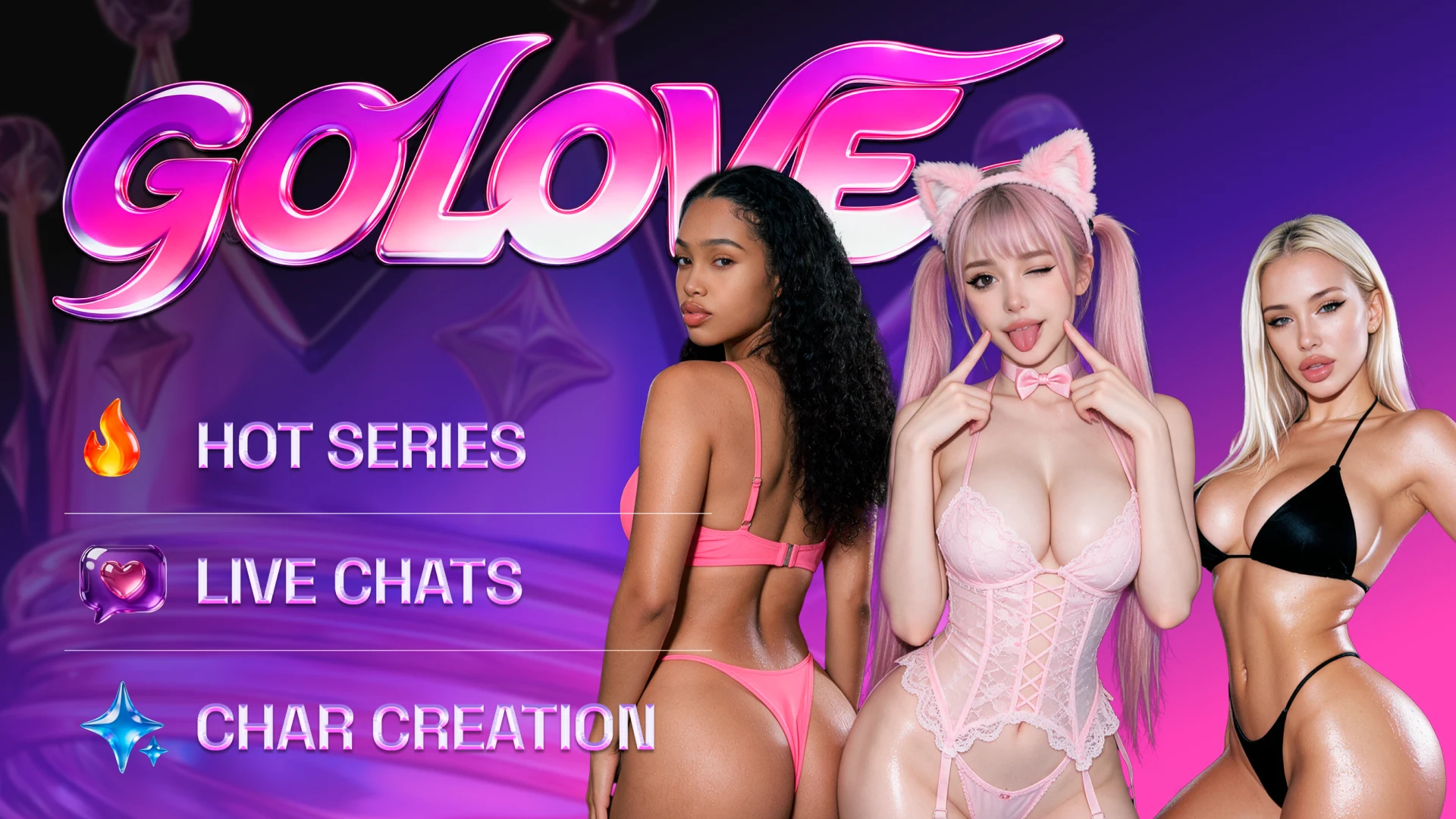
GoLove AIFreemium
Companion chat, episodic series and tools to make or extend character clips.
AI girlfriendAI companionAI girlfriend chat
GoLove AI wins for visual character stories. Kindroid is the better choice for deep memory and live calls.
For a companion you want to watch and create with, GoLove AI offers more to do in a single visit.
GoLove AI is our pick if you want a visual companion you can chat with, watch in published episodes and use in your own video scenes. Its studio lets you extend a clip, animate an image or set up multiple scenes. Kindroid offers stronger controls for an ongoing relationship, with editable Learned Context, keyword-triggered journals and live calls that can share chat history. Choose Kindroid if you expect your companion to carry detailed context from one conversation to the next or you plan to call regularly. GoLove is the better fit when discovering characters and making things with them comes first.
GoLove AI earns the overall pick for the visual-companion buyer. You can browse the Series catalog before investing time in building a character, then move to the creator when you have a scene in mind. Pick Kindroid instead if you already know the companion you want and would rather spend that time refining what they remember.
Visit GoLove AICompanion chat, episodic series and tools to make or extend character clips.
Configurable AI companions with layered memory, group chat and live calls.
GoLove is strongest when chat is one part of a character’s appeal. There are published episodes to watch and a studio for a clip you want to direct yourself. Check the cost of edits and extensions in the generator before starting a longer sequence.
Kindroid works best as a companion you expect to develop over time. You can pin important details in Key Memories, use journals for topics that should surface on cue and decide how chat history follows a call. Its added controls reward some setup time.
| Feature | GoLove AI | Kindroid |
|---|---|---|
| Starting price example | US Pro catalog entry: US$13.99 for 30 days and 50 credits | US App Store: US$15.99 monthly, US$42.99 per 3 months or US$159.99 yearly |
| Free entry | Public character, Series and creator previews | One-time 50-message preview, 15 in some regions |
| Character setup | Browse ready-made profiles or build a character with Pro | Configure backstory, directives, key memories and example messages |
| Memory | Companion chat with memory advertised | Editable Learned Context, keyword journals and layered recall |
| Voice and live interaction | Voice messages and separate character streams | Live voice or video calls with eligible trial or subscription and an audio balance |
| Photos and video | Image-to-video, extension, editing and multi-scene generation | Prompted selfies, video selfies and group selfies |
| Multi-character roleplay | Scenarios with up to 10 characters and photos with up to 3 | Paid group chats with up to 10 Kindroids and configurable turn-taking |
| Ready-made episodes | Series catalog with published multi-episode stories | Character conversations and custom scenarios |
GoLove’s Series tab gives you completed episodes to browse. To tell your own story, switch to Scenarios for roleplay or Generate to produce clips. Treat those as separate experiences when deciding whether you want to watch, chat or create.
Kindroid makes the conversation itself more configurable. Put core relationship details in Key Memories, then use keyword-triggered journal entries for recurring people or places. For a multi-character chat, use group context to share what everyone needs to know.
GoLove describes Stream as a place to watch AI characters, tip or enter private sessions. Kindroid’s call tools are built around a conversation with your companion. With shared history enabled, a one-on-one call can carry over to the text thread.
When video is the reason you’re paying, compare the actual actions. A longer generated sequence on GoLove can involve extension or editing. On Kindroid, a regular call adds a rolling charge and a Live Avatar adds its own per-minute cost.
| Use Case | Winner | Why |
|---|---|---|
| Watching a character’s story | GoLove AI | Series has published episodes organized by show and character. |
| Making a short video sequence | GoLove AI | The studio supports image-to-video, clip extension and multi-scene creation. |
| Maintaining a long-running storyline in chat | Kindroid | Persistent facts, editable Learned Context and journal triggers give you explicit ways to steer recall. |
| Live voice conversations | Kindroid | A trial or subscription with audio credits can access ordinary calls, and subscribers can add a Live Avatar. |
| Steering a group conversation | Kindroid | Shared group context and manual turn-taking help you direct who speaks and what the group knows. |
| Capability | GoLove AI | Kindroid | Edge |
|---|---|---|---|
| Published episodes | Series lists shows by character and episode count | Scenarios start a conversation with a premise you choose | GoLove AI |
| Making a clip from a still | Image-to-video, custom prompts and clip extension in Generate | Animate a selfie as a short character video | GoLove AI |
| Creating a sequence | Multi-Scene and Video Edit are available in the generator | Selfies, video selfies and video avatars | GoLove AI |
| Editable relationship context | Companion memory is advertised | Learned Context lets you edit relationship changes, facts and ongoing threads | Kindroid |
| Triggering specific memories | Companion backstory and chat provide context | Key Memories hold persistent facts and journals respond to keyphrases | Kindroid |
| Group turn-taking | Multi-character scenarios support up to 10 characters | Automatic or manual turn-taking and shared group context | Kindroid |
| Live conversation | Stream offers character broadcasts, tipping and private interactions | Two-way calls with optional shared chat history and subscriber Live Avatars | Kindroid |
| Character discovery | Explore profiles and browse their available Series | Create a Kindroid or start from a shared character or scenario | GoLove AI |
The public catalog does not tell you how many edits or clips a given Stars pack will buy. Check the cost on the generation action.
Calls use audio credits, Live Avatar raises that burn rate and the preview becomes read-only when its messages run out.
Start with GoLove AI if your idea of a companion includes a short series to watch and your own clips to make. Browse a show you would actually watch, then check the price of producing one scene before buying extra Stars.
Choose Kindroid if the priority is a companion who can call and follow a detailed shared history. Use the preview to try the memory fields and compare the Standard subscription plus expected call usage before considering Ultra or MAX.