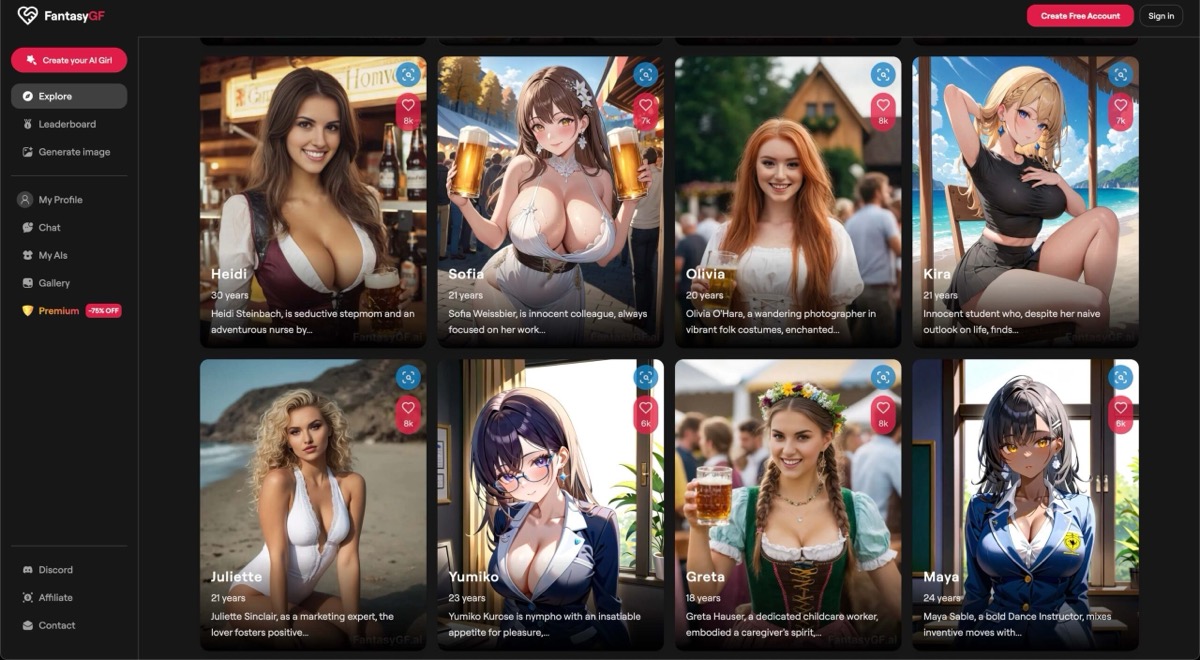
Our PickFeatured
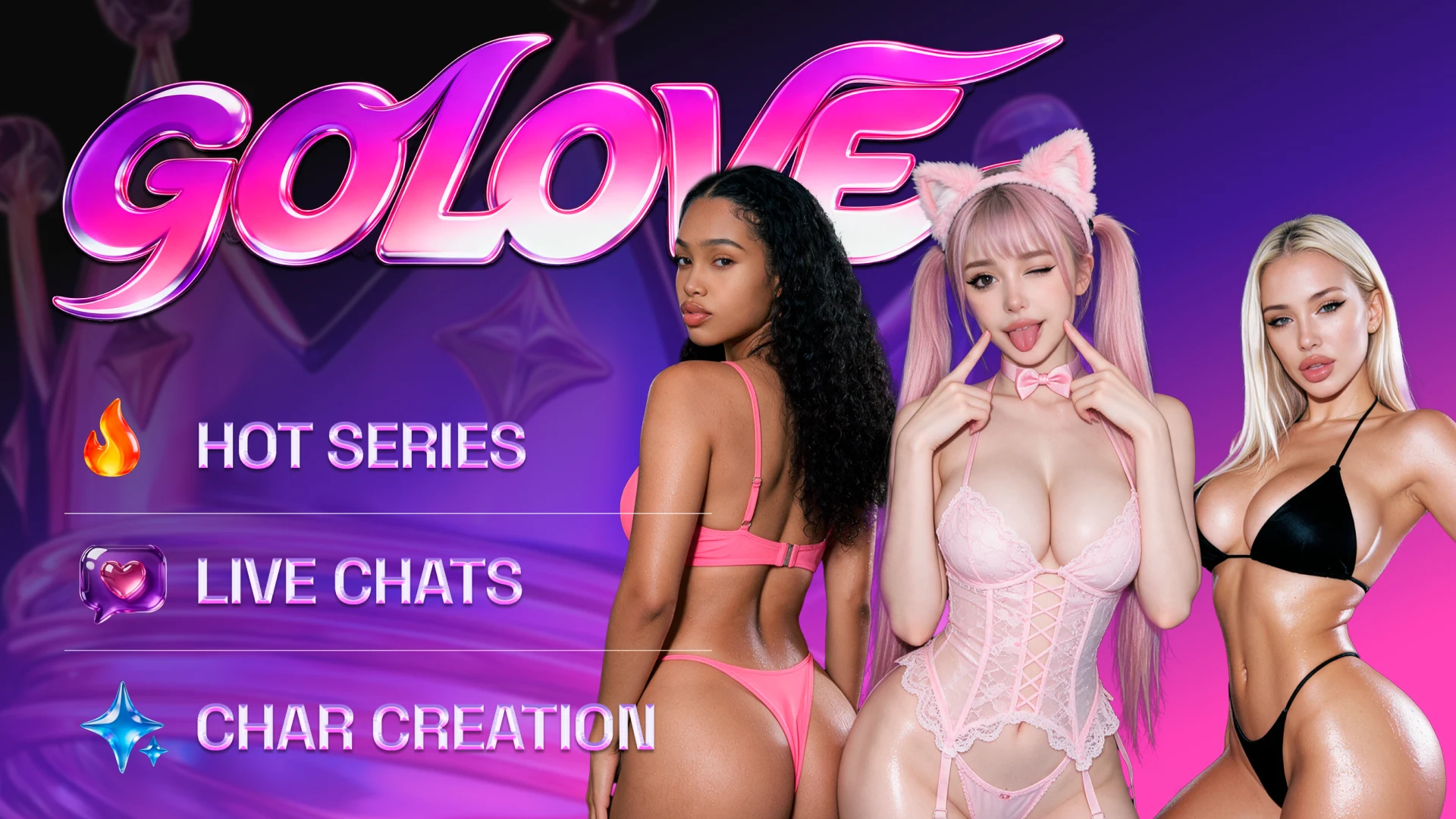
GoLove AIFreemium
Explore companion scenarios, watch ready made episodes, and direct or revise your own video scenes.
AI girlfriendAI companionAI girlfriend chat
GoLove AI wins for episodic stories and directing video. FantasyGF.AI is the better fit for live calls and shared chats.
Our pick for story-led companionship is GoLove AI. FantasyGF.AI has the clearer offer for live calls.
In GoLove AI, you can play through a scenario, watch an existing show in AI Series, or make your own clip in Generate. Its edit, extend, and multi-scene modes matter if you want to revise what happens next. Pick FantasyGF.AI if you mainly want to call a companion or have several characters talk to each other in a shared Ultra chat. Its published call rates let you budget in minutes, although calls and media come out of the same token balance. Group chat, group photos, and authored scenarios serve different purposes.
Choose GoLove AI if your interest goes beyond the chat window. Pick up an episode when you feel like watching, or make your own scene when you want to direct it. If you expect to spend more time talking out loud than building stories, FantasyGF.AI is the better buy.
Visit GoLove AIExplore companion scenarios, watch ready made episodes, and direct or revise your own video scenes.
Chat with a companion and budget calls by the minute. Ultra adds a shared conversation and paired media.
GoLove AI is easier to recommend if you want to switch between watching an episode and directing a scene. The video tools give you a path to revisit a clip, while the cost of a specific generation still depends on the option shown in your account.
FantasyGF.AI suits buyers who primarily talk to companions. Ultra enables a shared chat and cuts the call rate in half. It lists 500 monthly tokens to divide across calls and media.
| Feature | GoLove AI | FantasyGF.AI |
|---|---|---|
| Best fit | Episodic stories and hands-on video direction | Voice calls and shared companion conversations |
| Paid pricing | One US Pro offer: US$13.99 per 30 days, 50 credits | Annual Premium US$69.99 or Ultra US$299.99 |
| Free start | Free sign-up and limited use | Basic chat and a limited creation trial |
| Multi-character interaction | Advertises scenarios with up to 10 characters | Ultra shared chat, group screen says two to four |
| Group media | Advertises photos with up to three characters | Pricing lists two-character pictures and videos on Ultra |
| Video workflow | Presets, custom, image-to-video, edit, extend, multi-scene | Character-based video generation, including pairs on Ultra |
| Voice | Voice messages in chat | Live calls at 8 tokens/min on Premium or 4 on Ultra |
| Watchable stories | Separate AI Series episode catalog | Community feed and a separate creation workflow |
A GoLove scenario gives you a setting and roles to play through. FantasyGF.AI's Ultra group gives several companions a place to keep talking together. If you want those characters to appear in a clip too, check the generation allowance separately from the group-chat limit.
On FantasyGF.AI, adding a second call can use tokens you were saving for clips. Use a week's call time and planned generations to estimate your usage. On GoLove AI, check the price of the particular edit or generation you want before committing to a plan.
| Use Case | Winner | Why |
|---|---|---|
| Watch a story between chats | GoLove AI | AI Series has existing episodes, so you can start a show without generating footage. |
| Revise a scene already in progress | GoLove AI | Separate Edit and Extend modes give you a next step after the first clip. |
| Set up a roleplay with a larger cast | GoLove AI | GoLove advertises up to 10 characters in a scenario. |
| Keep several companions in one chat | FantasyGF.AI | Ultra lets you specify relationships and have the characters respond to one another. |
| Budget a week of live calls | FantasyGF.AI | The published 8- and 4-token-per-minute rates make a call budget easy to calculate. |
| Capability | GoLove AI | FantasyGF.AI | Edge |
|---|---|---|---|
| Ready-made episodes | Watch a show in the AI Series catalog | Browse characters and the community feed | GoLove AI |
| Large-cast scenarios | Advertises roleplay with up to 10 characters | Ultra focuses on a smaller shared chat | GoLove AI |
| Shared companion thread | Multi-character setups are advertised as scenarios | Ultra companions can address you and one another | FantasyGF.AI |
| Group portraits | Advertises photos with up to three characters | Pricing lists two characters in Ultra pictures or videos | GoLove AI |
| Make a paired video | Group photo and video editing are separate features | Pricing explicitly lists paired videos on Ultra | FantasyGF.AI |
| Revise a finished clip | Dedicated video editing and extension tools | Generator focuses on creating character clips | GoLove AI |
| Create multiple scenes | Dedicated Multi-Scene video mode | Generate clips through the image and video workflow | GoLove AI |
| Forecast live call use | Offers voice messages, with separate Streams | 8 tokens/min on Premium, 4 on Ultra | FantasyGF.AI |
AI Series plays existing episodes. Use Generate to create a scene, and check the available modes and credit cost before starting.
Calls, images and video draw from the same token balance. The group-chat screen advertises up to four characters on Ultra, while pricing still describes two. Confirm the available group size before paying if you need more than two.
Start with GoLove AI if you can name both an episode you would watch and a scene you would like to make. Browse Series and open Generate before picking an offer so you can see which actions matter to you.
Choose FantasyGF.AI when a shared thread or live calls would account for most of your time. Start with Premium for one-to-one text and occasional calls. Consider Ultra if you need the shared chat or if your call-and-media budget regularly exceeds 100 tokens. Read the GoLove AI review for more on its story and video tools.