Our PickFeatured
GoLove AIFreemium
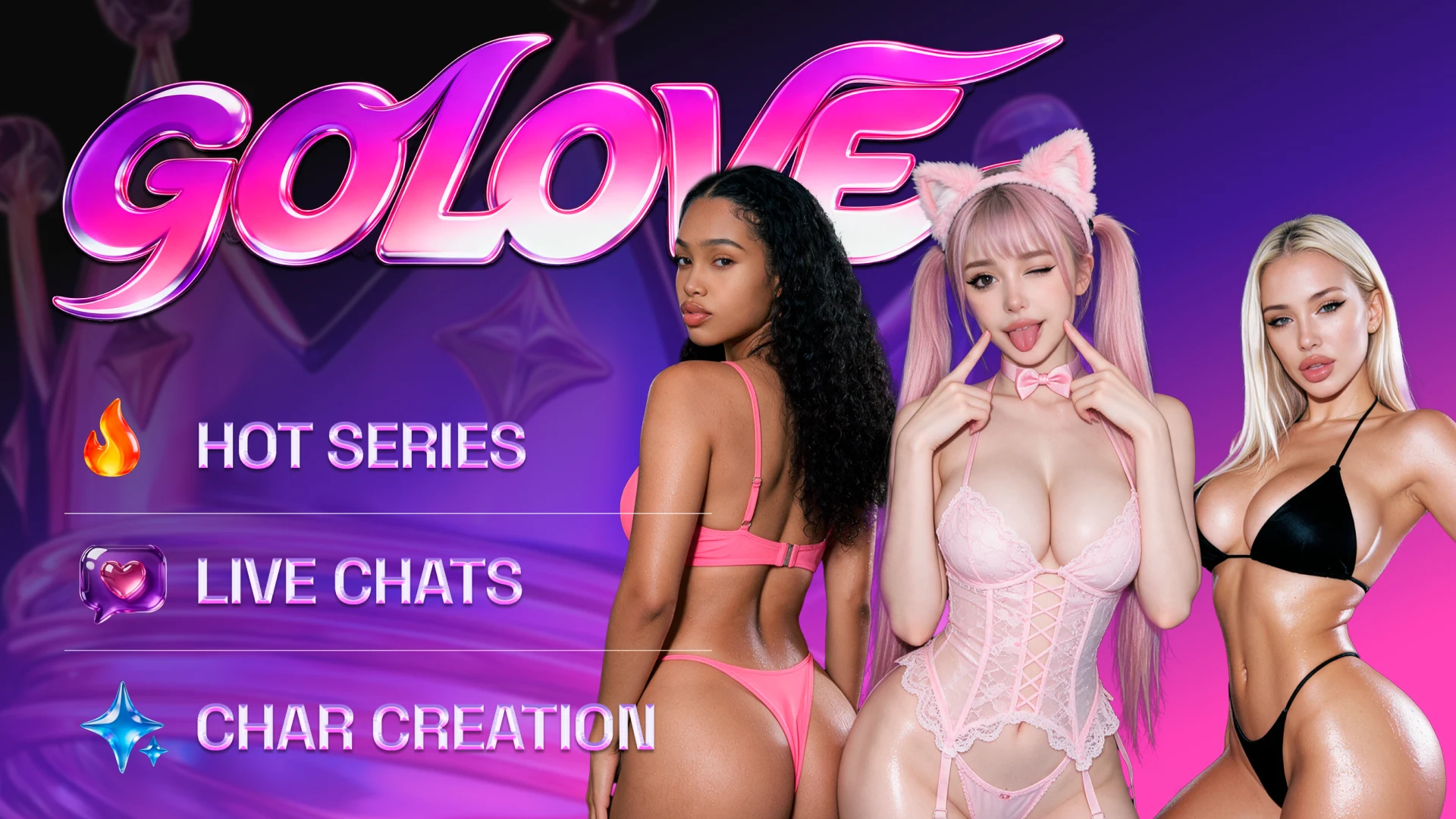
Companion chat with published character series, multi character scenarios and a video studio.
AI girlfriendAI companionAI girlfriend chat
GoLove AI wins for visual companion stories. Kupid AI is the easier start if you want guided setup and clear weekly media limits.
GoLove AI gives you more ways to develop a character story, from roleplay to a clip you direct.
GoLove AI is our pick for a companion you want to watch and create with. Its Series catalog gives you episodes to browse, and its video studio lets you animate a still, extend a clip or put together several scenes. Kupid AI takes less setup because its wizard guides you through choosing a look, previewing a voice and picking a personality. Its paid plans publish separate weekly limits for photos, video and voice messages. Choose Kupid if you mostly want a one-on-one chat with occasional media. Choose GoLove if you want the character to be part of a broader story.
GoLove AI gets the overall pick because an idea from chat can become a roleplay in Scenarios or a shot you direct in the studio. Kupid is the better purchase if you spend most of your time in chat and can predict how many photos, clips and voice messages you will request.
Visit GoLove AICompanion chat with published character series, multi character scenarios and a video studio.
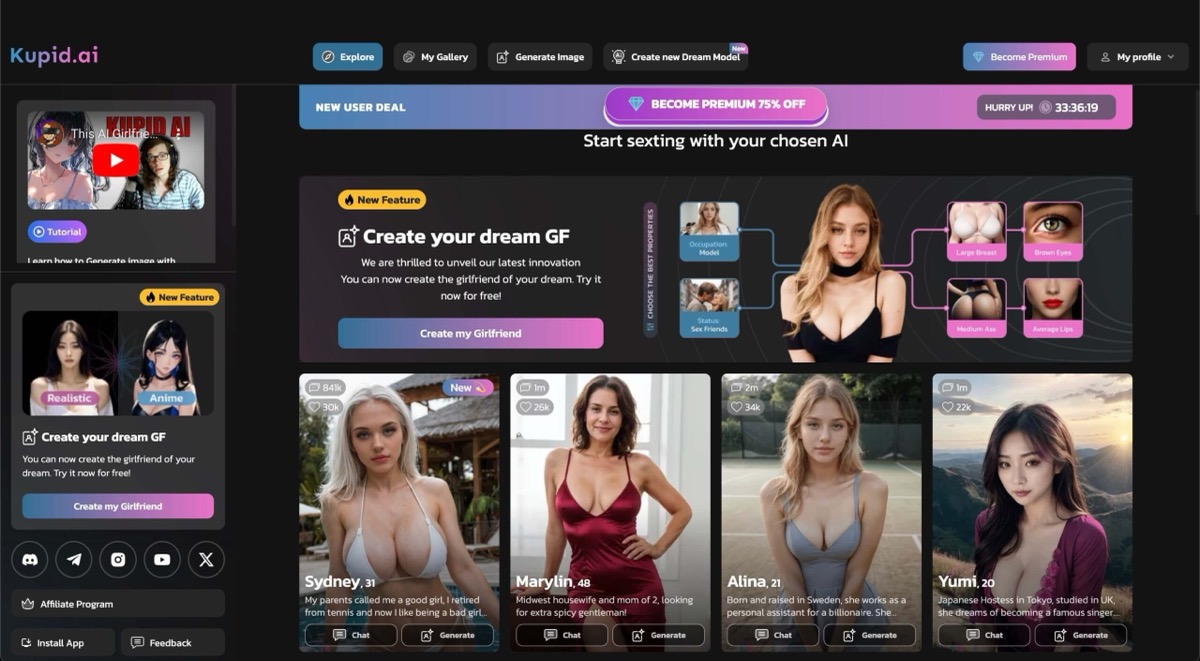
Guided companion setup with voice previews and published weekly allowances for media.
GoLove AI works best when you want to keep exploring a character after the conversation ends. The Series catalog gives you something to watch and the generator lets you turn a still into a clip or continue a sequence. The cost of producing a scene depends on what you do in the studio.
Kupid AI is the simpler start for a companion you already have in mind. Pick an art style, hear the voice before choosing it and give the character a personality. If you mostly want media as part of chat, its weekly allowances make the Pro and Ultra decision easier.
| Feature | GoLove AI | Kupid AI |
|---|---|---|
| Starting price example | US Pro catalog entry: US$13.99 for 30 days and 50 credits | Promotional display: Pro US$3.44/week or Ultra US$5.75/week. Check total charged. |
| Free entry | Browse the creator and Series catalog | Free guided creation and initial chat |
| Character setup | Character catalog and Pro character creation | Guided realistic or anime builder with voice previews and personality presets |
| Weekly photos and clips | Price depends on the generation action | Pro: 25 photos and 8 videos. Ultra: 75 photos and 25 videos. |
| Voice and live interaction | Voice messages plus separate character streams | Pro: 12 minutes of voice messages weekly. Ultra: 35 minutes. |
| Conversation continuity | Companion memory and multi-character scenarios | Pricing page references the last 100 messages |
| Video control | Animate a still, extend, edit or make a multi-scene video | Character clips within plan allowances |
| Ready-made stories | Published episodes in Series | Stories develop inside your chat |
Kupid’s wizard takes you through realistic or anime styling, appearance, voice and relationship. You can preview voices before generating the companion, use presets for the personality and edit the result from the profile. That works well when the goal is to get into a conversation quickly.
With GoLove, you can browse the Series catalog and pick a show before creating a character. You can use Scenarios for interactive roleplay or open Generate to make a clip. The published shows and your own chat are separate.
In a week with 10 clips and 15 minutes of voice messages, you would exceed both Kupid Pro allowances. Ultra covers those two amounts with 25 clips and 35 minutes, assuming your photo requests also fit its limit.
With GoLove, check the cost of a specific clip and any extension or edit. A credit balance is only useful for budgeting after you know which actions you intend to use.
| Use Case | Winner | Why |
|---|---|---|
| Discovering a character through a story | GoLove AI | The Series catalog shows published episodes featuring AI characters. |
| Building a first companion | Kupid AI | The wizard provides guided style and personality choices plus voice samples. |
| Directing a video scene | GoLove AI | Generate includes image-to-video, editing, clip extension and multi-scene controls. |
| Predicting a week’s media use | Kupid AI | Published Pro and Ultra allowances let you compare each media type separately. |
| Roleplay with several characters | GoLove AI | Scenarios supports up to 10 characters, with separate group photos for up to three. |
| Capability | GoLove AI | Kupid AI | Edge |
|---|---|---|---|
| Guided character creation | Create with Pro or start with a catalog character | Step-by-step wizard with style, appearance, voice and personality controls | Kupid AI |
| Previewing a companion voice | Ready-made characters and chat voice messages | Play samples before choosing a voice in the creator | Kupid AI |
| Tracking media allowances | Check the cost on each generation action | Separate weekly counts for photos and videos and minutes for voice messages | Kupid AI |
| Continuing a video | Extend Video, Image to Video and Video Edit in Generate | Character clips included up to a weekly allowance | GoLove AI |
| Making a sequence | Multi-Scene gives you a workflow for several scenes | Chat, companion photos and character clips | GoLove AI |
| Discovering episodic stories | Published shows organized by character and episode count | Character browsing and stories you develop in conversation | GoLove AI |
| Multi-character scenes | Up to 10 in Scenarios and up to three in a group photo | Builder and chat focus on individual companions | GoLove AI |
| Broadcasts and voice | Voice messages plus a separate Stream area for broadcasts, tips and private interactions | Voice messages use the voice selected in the creator | GoLove AI |
A subscription or Stars balance does not tell you how many clips you will get. Check the cost of your chosen action and any extra edits.
Weekly quotas make usage easy to estimate, but confirm renewal terms and the actual total for your offer in checkout.
Start with GoLove AI if you want to discover a character in Series and then make a clip of your own. Browse an episode and price one studio action before choosing a subscription or buying Stars.
Choose Kupid AI if a guided builder and a one-on-one chat are the main draw. Estimate a typical week of photos, clips and voice messages, pick the plan that fits those amounts and check the total and renewal before paying.