
AI Haven
AI Tools

Futa AI Chat for Adult Fantasy Roleplay

You open a futa AI chat to get past hello. Pick a fictional adult character and see if she talks dirty and follows your lead. Check how far the free chat takes you.

12 tools found

Top 3 at a Glance

OurDream AI

Free + paid

Best for: Custom backstories and pinned details

Build a futa character with your own greeting, backstory and voice. Pin a detail you want her to use later. Standard text costs one DreamCoin per message on a signed-in free account.

Video preview
  • Write her backstory to set the dynamic
  • Pin the rules so she can refer back
  • Switch chat models in the same thread
Main upside
Write her first line yourself and pin details you want her to use later.
Main caution
Some premium chat models still use DreamCoins on a paid account.
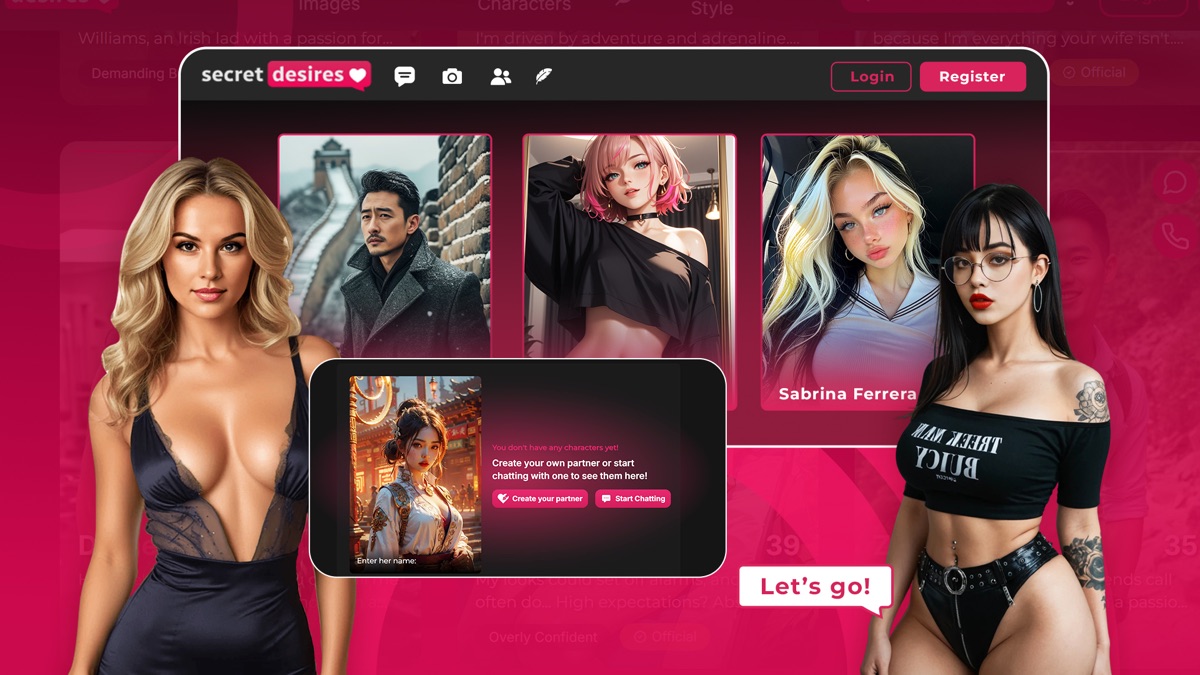
Secret Desires AI

Free + paid

Best for: Starting with a ready-made scene

Read the opener in the futa roster, then pick a featured profile you like or adapt it into your own. Paid plans cover standard chat. Some premium engines and voice replies use Hearts.

Video preview
  • Check her opener before picking a scene
  • Paid plans remove the standard chat cap
  • Spend Hearts to hear her replies aloud
Main upside
Read her opening before you invest time or Hearts in the scene.
Main caution
Free messaging has a daily cap, and premium engines may use Hearts.

Joi AI

Free + paid

Best for: Steering the scene in chat

Open Joi’s futa chat page and sign up. Give her the setting and tone in your first message, then steer the same thread. Use Reset Memory in Chat Settings when you want to clear the context.

Video preview
  • Find Futa chat without browsing tags
  • Pick a lifelike or anime Futa persona
  • Reset Memory to start a fresh scene
Main upside
Change the tone or setting with a message while the conversation is open.
Main caution
Basic access is limited. Check your allowance when you sign in.

Editor's shortlist

Get Her Past Hello and Into the Filth

Start with a futa you can talk dirty to. Read her bio, check the stated adult age, and see if her greeting gives you a line you want to answer. Search the catalog when you want to try a few voices. Use a builder if you already know how she talks, where the scene starts, and what she’s up for. An opener that gives you a way in is worth a reply.

  • Read her adult bio and the opener. Move on if her first line gives you nothing you want to answer.
  • Send the same dirty opener to two chats and see which character picks up on the scene you’re setting.
  • Edit your line or retry a weak reply, then see which version the chat uses when you steer the scene.
  • Reopen the thread later, ask about a detail you mentioned once, and see if she works it into her reply.
  • Check how the free cap resets and whether retries, pictures, or voice use another credit balance.

Send the same dirty opener to two characters. Give each one a detail about you and one about the room, then see what she brings back a few replies later. If a line falls flat, try editing or regenerating it. Reopen the thread tomorrow and ask about one of those details. Before you pay, check what a retry costs and when the free allowance resets.

Get Past That First Reply

Pick her, change one detail in the opening scene, and see if her next dirty reply follows your lead.

AI Haven Pick

Give Her a Dirty Opener Before You Chat

Build a futa character on OurDream. Write her greeting and set the scene, then pin a filthy detail you want her to use when you come back to the chat.

Build a Character on OurDream

Compare 5 Options

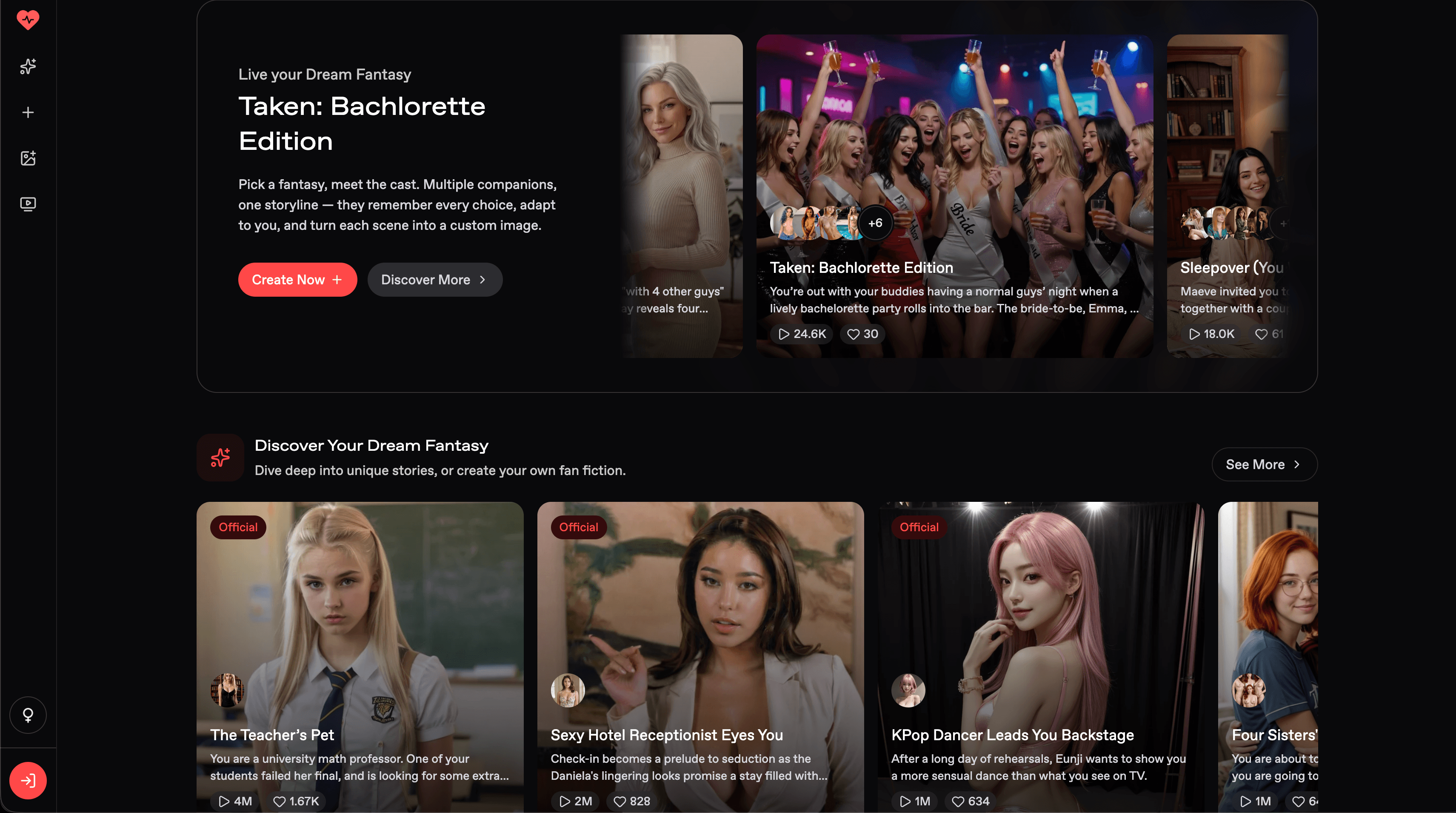
OurDream AI screenshot
#1

OurDream AI

Pricing: Subscription or DreamCoins

  • Write her personality and backstory before you send the first message in chat.
  • Pin the details you want her to use and set how she should address you in chat.
  • Standard text costs one DreamCoin per message when you sign into a free account.
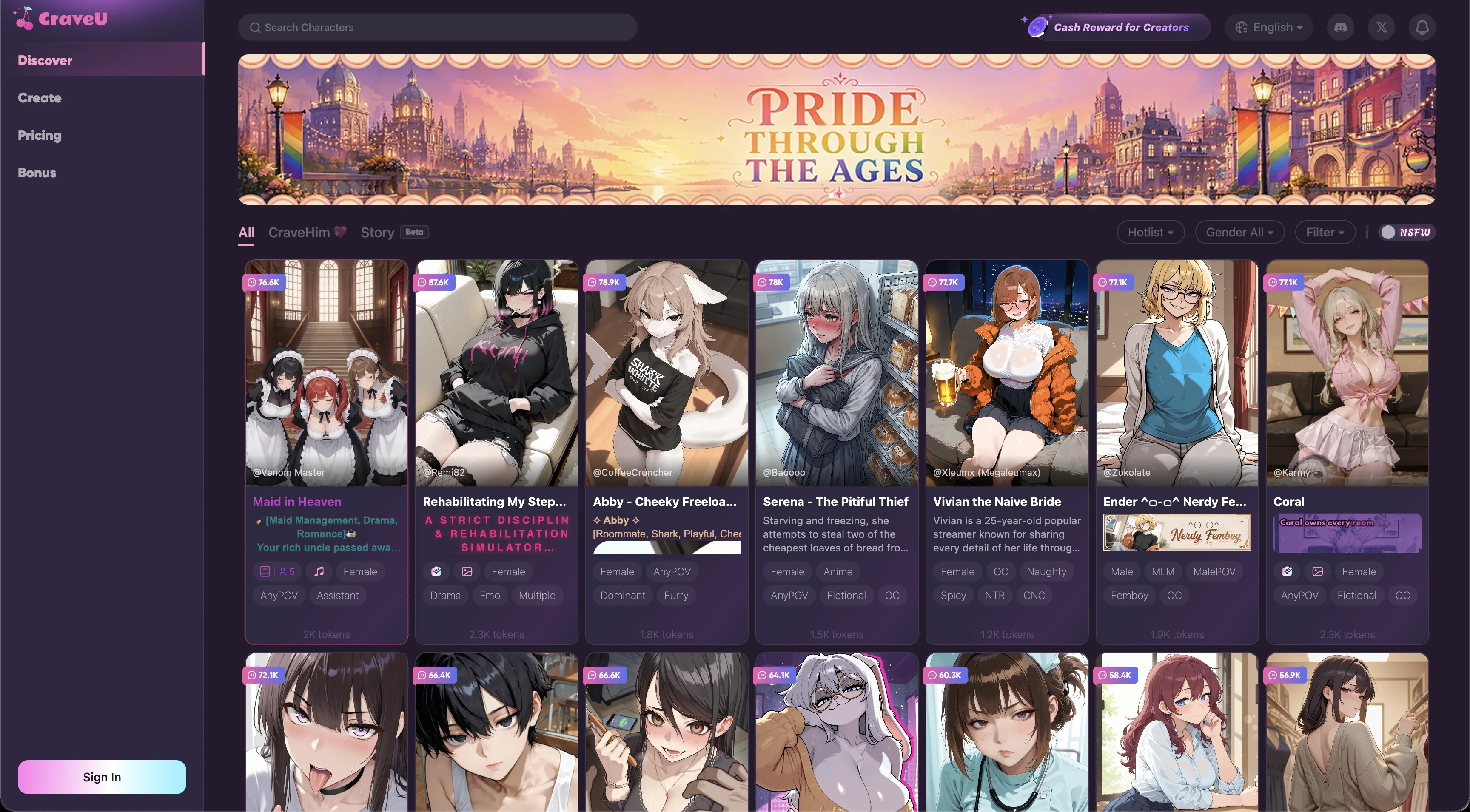
Secret Desires AI screenshot
#2

Secret Desires AI

Pricing: Daily cap or paid standard chat

  • Read the futa opener first so you know what scene you are stepping into with her.
  • Start from a featured profile or build a character with your own opening scenario.
  • Paid plans cover standard chat. Some premium engines and voice replies use Hearts.
Joi AI Explore page showing its image generator, realistic and anime companion cards, gallery, and Create AI navigation
#3

Joi AI

Pricing: Limited Basic and paid access

  • Open the dedicated futa chat page and follow its Start Chat button to sign up.
  • Give her the setting and tone, then change the direction in the same chat thread.
  • Use Reset Memory in Chat Settings to clear the context before you start again.
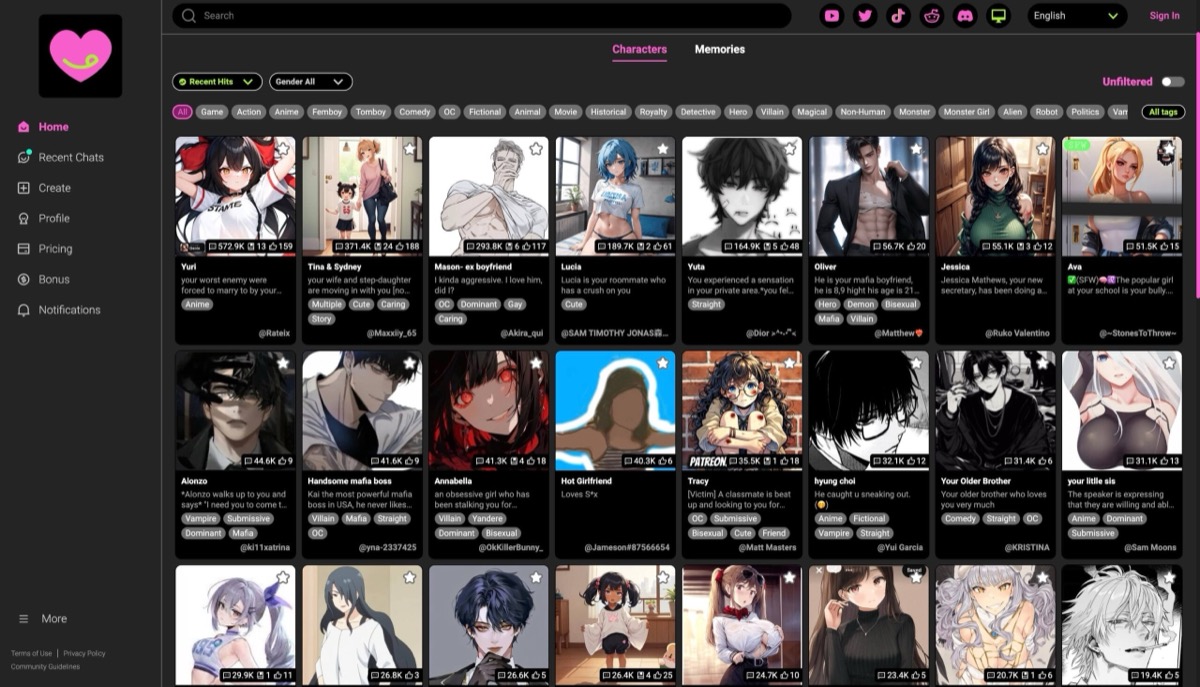
DRT.fm screenshot
#4

DRT.fm

Pricing: Daily free allowance or Pro

  • Open the Futa category to browse character cards before you start a text chat.
  • The free tier caps text messages each day. Pro includes unlimited text messages.
  • View, edit or delete saved character memories on Pro to correct stale details.
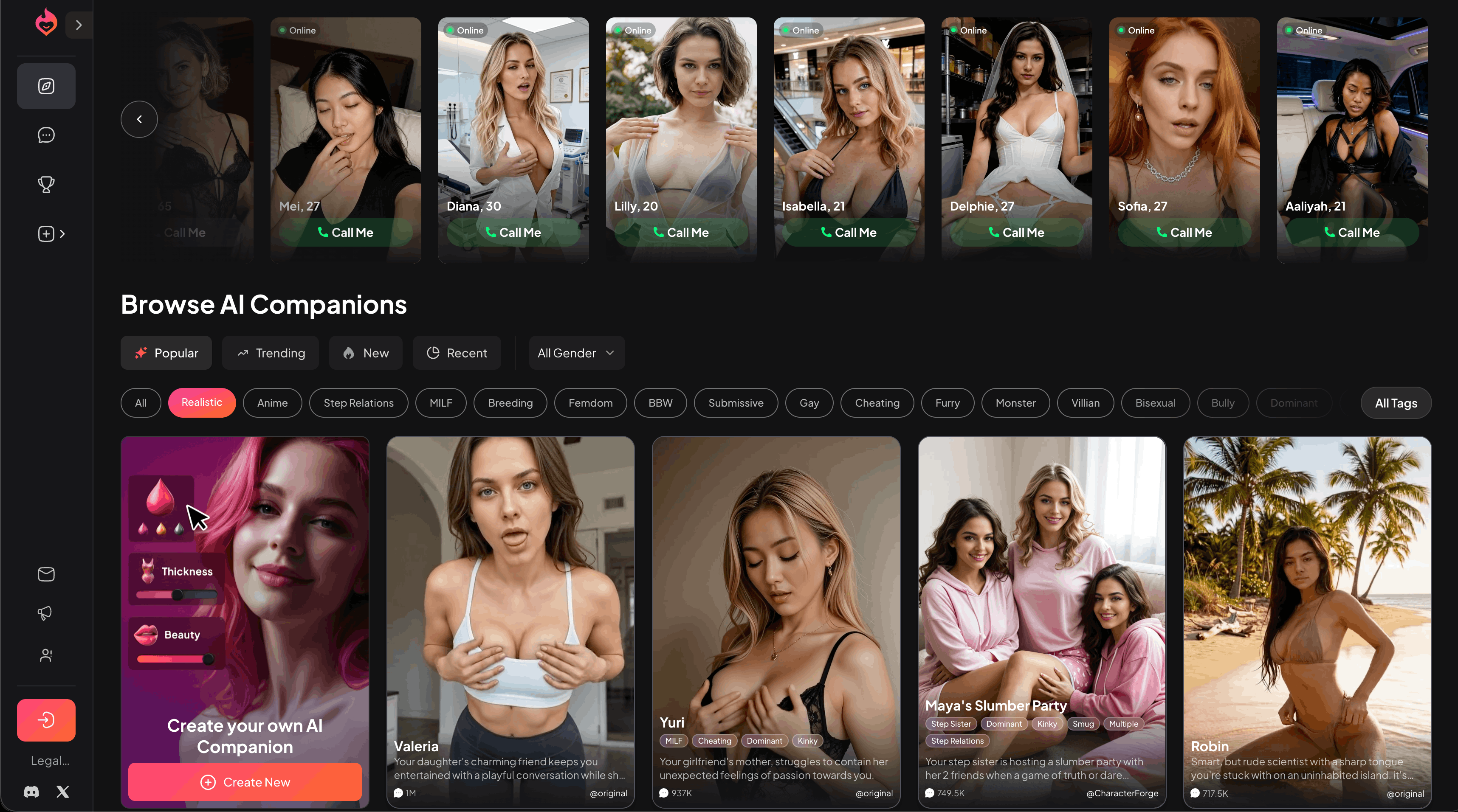
Nectar AI companion creation and chat interface screenshot
#5

Nectar AI

Pricing: Message allowance varies by model and plan

  • Open the futa tag, then read the character’s profile before you pick an opener.
  • Regenerate a reply or choose Continue to move the scene forward from that point.
  • Reopen the same thread for its memories. A new chat starts without those details.

All Reviewed Tools

Compare every matching tool in this category.

What to Know Before Choosing

How she answers, what you can steer, and which details she still uses later.

Choose a Character You Can Start Talking To

Search for futa or futanari, then read her greeting beside her bio. If the card sounds playful, the first line should give you something playful to answer. Move on if the opener feels dead. For a wider anime shelf, browse hentai chat platforms.

What you wantWhat to look forWhat to try
A quick first chatSearchable cards with bios and greetingsRead two openers and pick the one you want to answer
Control of the next replyMessage editing, retries, or alternate greetingsChange one cue and see which version she follows
A thread you can reopenSaved threads and available memory controlsReopen the same thread and ask about an earlier detail
Predictable chat costsMessage caps, reset times, and retry costsCompare the balance before and after retrying one reply

See Which Reply Controls You Will Actually Use

Ask her to stay in the room and answer shorter or dirtier. If she misses your cue, use whichever control the app offers. Edit your line, regenerate hers, or try another greeting. Send one more message and see which version she follows.

If you build her yourself, write a short bio, a clear voice, and an opener someone can answer. Keep a copy of the setup. Try a different greeting in a fresh thread if the app lets you keep multiple chats.

Check What the Character Remembers Tomorrow

Give her two details early on, such as a nickname and a reason you arrived late. Change the subject, then ask about one of those details. Reopen the same thread the next day and ask again to see what she brings back.

A saved transcript lets you reread the chat. An app with a memory field gives you a place to store details you want her to use. Check whether the app brings those details into a fresh thread and whether you can clear them.

Price a Chat the Way You Use It

Check the free cap and whether it resets. Find out if it applies per thread or across your account. Compare the balance before and after one retry. See what a paid plan changes, from your reply model to your message cap or memory controls.

Check the price of pictures and voice for the plan you want. Some apps use separate media credits. Read the allowance and top-up terms for any feature you could not try for free.

Frequently Asked Questions

Related Categories

Explore adjacent categories with similar adult AI use cases.