

A voice message is something you play; a live AI girlfriend call lets you speak and hear a reply in the same session. For regular calls, the deciding details are turn-taking, background use and usable minutes. A familiar voice helps only if the call format and budget fit.
Quick verdict
OurDream connects calls to a custom companion. Muah separates recorded input, playback and live calling; Secrets adds beta group calls on Ultimate. Nomi includes its own and custom voices without a minute meter on paid plans. Kindroid offers adjustable pauses and interruptions, with usage charges.
The top three at a glance
Top 3 AI Girlfriend Call Apps Compared
Compare turn controls and usable calling time alongside the voice you want to hear.

OurDream AI
Custom Companion Calls
Choose a voice and personality for your companion, then move from text replies to live calls or spoken playback in the same mobile or desktop browser.
Talk to your companion in a voice that fits the character you created.
Try OurDream AI
Muah.AI
Recorded Voice & Live Calls
Record messages, hear typed replies in a chosen voice and use microphone and speaker controls in live calls, with calling access on the ULTRA plan.
Speak live or listen to replies in your preferred voice when it suits.
Try Muah.AI
Secrets AI
Voice Choice & Group Calls
Preview voices by accent and style, then continue your chat in a live call. Control when your turn sends, or talk with a group on the Ultimate plan.
Choose a voice you enjoy and carry your conversation into a live call.
Try Secrets AICreate the companion first, then compare the apps.
OurDream AI covers custom characters, private chat, images, voice, memory, and short clips in one adult companion workflow.
Custom Companion Pick
Build Your AI Dream Companion
Design a custom AI partner, test chat and media features, and decide whether an all-in-one companion workflow fits your use case.
Key Takeaways
- A live call lets you speak and receive spoken responses; a voice message or playback button does not provide the same exchange.
- OurDream and Secrets use shared credits for calls and media. Their maximum call budgets shrink when you spend on images or video.
- Nomi includes unlimited use of its own and custom voices on paid plans. An optional ElevenLabs connection has separate limits.
- Kindroid lets you adjust pauses and interruptions, but speech generation, call time and live avatars can incur separate credit charges.
- Candy AI documents beta voice calls; Kupid’s published voice minutes cover messages. DreamGF’s token and call-credit units need checking before you budget.
- Free text chat does not mean free calling. Check the voice feature, trial renewal and remaining usage allowance before subscribing.
Check what the voice button does
A microphone can record a message without opening a live call. Look for a call screen with start and end controls, and check its access requirements before buying a plan.
Quick Comparison Table
Compare all 91. OurDream AI · 2. Muah.AI · 3. Secrets AI
- App
- 1. OurDream AI
- Choose it for
- Calling a companion whose voice and personality you choose
- Voice format and controls
- Live calls plus text playback; set the character’s voice and backstory.
- Free access and main paid limit
- Limited free chat. Premium $19.99/month; 1,000 shared coins fund up to 20 call minutes, before other spending.
- App
- 2. Muah.AI
- Choose it for
- Switching between recorded input, playback and live calls
- Voice format and controls
- Record a message, choose a playback voice, or use mic and speaker controls in a browser call.
- Free access and main paid limit
- Free demo; free calling allowance unverified. ULTRA $99.99/month; store lists 30–60 minutes/day, subject to account confirmation.
- App
- 3. Secrets AI
- Choose it for
- Previewing voices and continuing a chat by call
- Voice format and controls
- Live calls; filter voices, set reply language and tap Mute to send. Beta group calls require Ultimate.
- Free access and main paid limit
- 20 free messages/day; calls require payment. Premium $19.99/month funds up to 160 call minutes if its grant is used only for calls.
- App
- 4. Nomi
- Choose it for
- Regular calls without budgeting minutes
- Voice format and controls
- Live calls, voice messages and reply playback; choose an in-house or custom voice.
- Free access and main paid limit
- 50 free text messages/day; voice needs payment. $15.99/month includes unlimited own/custom voices; ElevenLabs has separate limits.
- App
- 5. Kindroid
- Choose it for
- Adjusting turn-taking and receiving incoming calls
- Voice format and controls
- Live calls and voice messages; interrupt, adjust pause detection, set Quiet hours or type during calls.
- Free access and main paid limit
- 5,000 preview credits for message audio. Calls need trial/paid access and use speech credits plus 400 credits/minute.
- App
- 6. Candy AI
- Choose it for
- Choosing a companion’s voice and controlling spontaneous voice notes
- Voice format and controls
- Voice notes plus beta live calls; choose a voice and switch unsolicited notes off.
- Free access and main paid limit
- Five free text messages; Premium $9.99 initially, then $13.99/month with 100 tokens. Calls and notes spend tokens; exact rate unverified.
- App
- 7. Kupid AI
- Choose it for
- Picking a voice for messages you can listen to on your own schedule
- Voice format and controls
- Recorded messages only in the documented voice offer; preview voices and edit the character. Live calling is not verified.
- Free access and main paid limit
- 15-message text preview. Nonrenewing one-week Pro/Ultra passes cost $12.99/$24.99: 12/35 minutes of recorded messages, not live-call time.
- App
- 8. DreamGF
- Choose it for
- Adding voice to a companion whose appearance and personality you designed
- Voice format and controls
- Calls and voice messages; custom character setup and editable text replies. Detailed call controls unverified.
- Free access and main paid limit
- Free-access claims conflict; no recurring voice allowance established. Premium starts at $12.99 then $25.98/month with 150 tokens; call-minute conversion unverified.
- App
- 9. Replika
- Choose it for
- Mobile calls with selectable voices and accents
- Voice format and controls
- Live in-app calls and voice messages; change the profile voice and keep Pro calls in the background.
- Free access and main paid limit
- Free text; Pro unlocks voice features. Price appears in your account; no public call allowance verified.
| App | Choose it for | Voice format and controls | Free access and main paid limit |
|---|---|---|---|
| 1. OurDream AI | Calling a companion whose voice and personality you choose | Live calls plus text playback; set the character’s voice and backstory. | Limited free chat. Premium $19.99/month; 1,000 shared coins fund up to 20 call minutes, before other spending. |
| 2. Muah.AI | Switching between recorded input, playback and live calls | Record a message, choose a playback voice, or use mic and speaker controls in a browser call. | Free demo; free calling allowance unverified. ULTRA $99.99/month; store lists 30–60 minutes/day, subject to account confirmation. |
| 3. Secrets AI | Previewing voices and continuing a chat by call | Live calls; filter voices, set reply language and tap Mute to send. Beta group calls require Ultimate. | 20 free messages/day; calls require payment. Premium $19.99/month funds up to 160 call minutes if its grant is used only for calls. |
| 4. Nomi | Regular calls without budgeting minutes | Live calls, voice messages and reply playback; choose an in-house or custom voice. | 50 free text messages/day; voice needs payment. $15.99/month includes unlimited own/custom voices; ElevenLabs has separate limits. |
| 5. Kindroid | Adjusting turn-taking and receiving incoming calls | Live calls and voice messages; interrupt, adjust pause detection, set Quiet hours or type during calls. | 5,000 preview credits for message audio. Calls need trial/paid access and use speech credits plus 400 credits/minute. |
| 6. Candy AI | Choosing a companion’s voice and controlling spontaneous voice notes | Voice notes plus beta live calls; choose a voice and switch unsolicited notes off. | Five free text messages; Premium $9.99 initially, then $13.99/month with 100 tokens. Calls and notes spend tokens; exact rate unverified. |
| 7. Kupid AI | Picking a voice for messages you can listen to on your own schedule | Recorded messages only in the documented voice offer; preview voices and edit the character. Live calling is not verified. | 15-message text preview. Nonrenewing one-week Pro/Ultra passes cost $12.99/$24.99: 12/35 minutes of recorded messages, not live-call time. |
| 8. DreamGF | Adding voice to a companion whose appearance and personality you designed | Calls and voice messages; custom character setup and editable text replies. Detailed call controls unverified. | Free-access claims conflict; no recurring voice allowance established. Premium starts at $12.99 then $25.98/month with 150 tokens; call-minute conversion unverified. |
| 9. Replika | Mobile calls with selectable voices and accents | Live in-app calls and voice messages; change the profile voice and keep Pro calls in the background. | Free text; Pro unlocks voice features. Price appears in your account; no public call allowance verified. |
AI Girlfriend Call Apps Ranked and Reviewed
1. OurDream AI - Best For Calls With A Custom Companion
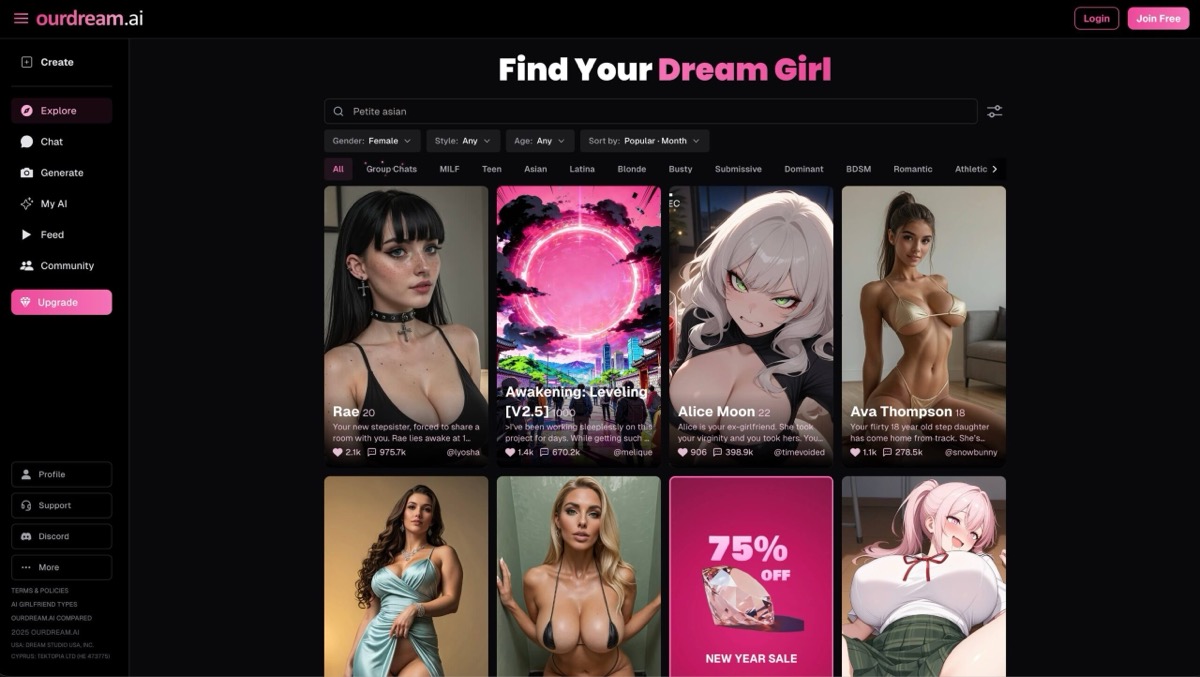
OurDream AI connects live calls to a companion whose voice, personality, backstory and relationship you choose. Start with an existing character or create one, then keep that character across text, calls and generated images.
Live calling and hearing a written reply are separate features. Calls involve a spoken exchange; chat narration reads generated text aloud. Selected narration voices cost no coins for subscribers, while premium narration is metered. If you mainly want to hear her replies while typing your own, playback can serve that need without starting a call.
Premium costs $19.99 monthly or $119.88 billed annually. Its recurring 1,000 dreamcoins could fund up to 20 call minutes at 50 coins per minute if you spend none on other features. The annual plan starts with 2,000 coins, then adds 1,000 each month. These are shared credits, not a separate included-minutes allowance.
OurDream runs in a browser, including on mobile, and offers a home-screen shortcut rather than a native iOS or Android app. Free access lets you explore limited chat; it is not an ongoing free-calling plan. Standard subscriber chat is included, while calls, premium narration and media can draw from the coin balance.
- Interaction — Live voice calls and separate text-to-speech narration.
- Character choices — Set a voice, personality, backstory and relationship dynamic.
- Devices — Desktop and mobile browsers; an optional home-screen shortcut.
- Calling budget — Live calls cost 50 coins per minute from the shared balance.
- Main limit — Call time shares its coin balance with premium narration, images and video.
Pros
- Choose the voice and personality of your calling companion
- Live calls and spoken text playback serve different listening needs
- Use the same character for text, voice and generated media
- Works in mobile and desktop browsers
Cons
- Calls spend a balance also used for media and premium narration
- No verified recurring free-call allowance
- No native iOS or Android app
Bottom line on OurDream AI
OurDream fits occasional calls with a character you have designed. Its recurring coin grant covers up to 20 minutes if spent only on calls; compare Nomi for regular included voice or Secrets for a larger metered allowance.
2. Muah.AI - Best For Switching Between Recorded And Live Voice
Muah.AI gives you three different ways to use voice: record a message, turn an existing text reply into audio, or open a live call. That flexibility suits someone who wants to speak a quick message on one occasion and have a two-way conversation on another, rather than treating every voice feature as a call.
Use Record to send spoken input, or select Gen Voice on a text reply to hear it in your chosen voice. The latter reads the existing answer; it does not generate a new conversation turn. Long replies can be shortened by voice-access limits, so asking for a concise answer first is more useful than expecting every paragraph to be read in full.
The current browser call interface has Start, End, microphone and speaker controls. You can set up the subject in text before calling, then mute your microphone or playback when needed. On mobile, keep the page in the foreground. A complete saved transcript of every spoken exchange is not promised.
ULTRA VIP advertises live calling at $99.99 monthly or $999 billed annually. Its store listing states a 30–60-minute daily call cap, but the current chatroom tells users to check their account’s access and usage notices. Confirm your account’s current daily cap before paying for the calling tier.
The store also advertises a dedicated telephone line with phone-link setup. The current user guide instead explains browser calling. If a dialable phone number is your reason for subscribing, confirm its current availability and setup requirements with support; a browser Call button alone does not establish that you can place an ordinary telephone call.
A free guest demo is available, but a dependable free-call allowance is not verified.
- Recorded input — Send a voice clip instead of typing; this does not automatically make the reply audio.
- Spoken replies — Choose a voice and use Gen Voice to play a text answer.
- Live controls — Start or end a browser call and control your microphone and speaker.
- Calling plan — ULTRA VIP is $99.99 monthly or $999 billed annually.
- Published cap — The store lists 30–60 call minutes daily; confirm the account’s current allowance.
- Phone-number access — A dedicated line is advertised, but its current availability needs confirmation.
Pros
- Record input, listen to text replies or start a live session
- Choose the playback voice in Settings
- Separate microphone and speaker controls during browser calls
- Set up a topic in text before moving to voice
Cons
- ULTRA’s advertised calling plan costs $99.99 monthly
- Current telephone-line availability is unverified
- The published daily cap is a range, not a fixed guaranteed allowance
- Long generated voice replies can be trimmed
- A complete saved transcript of live calls is not promised
Bottom line on Muah.AI
Muah is useful when you want separate recording, playback and live-call tools. Confirm the call cap and any dedicated phone-line access before paying for ULTRA; those details matter more than its general voice claims.
3. Secrets AI - Best For Voice Choice And Group Calls
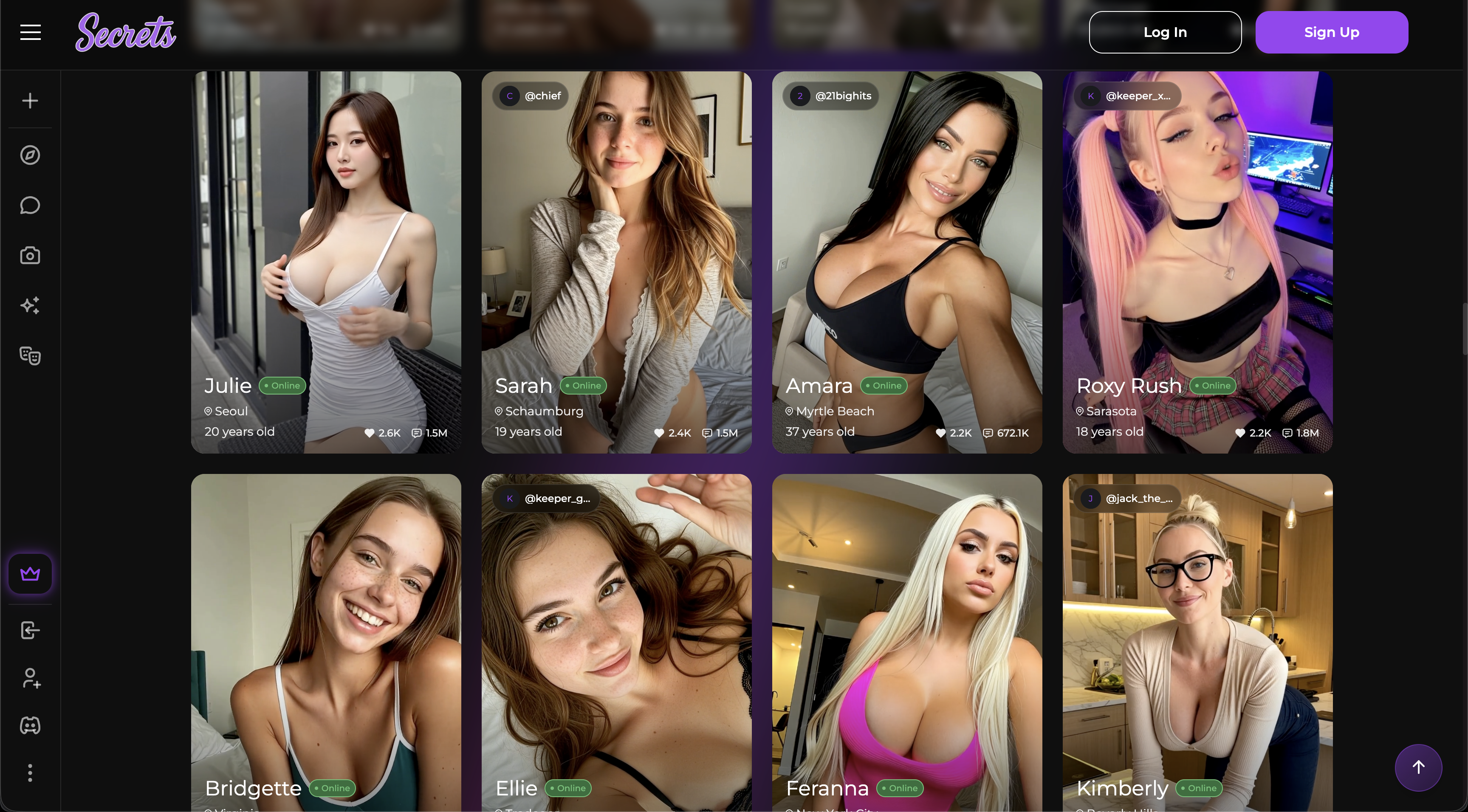
Secrets AI is a useful option when the sound of your companion matters as much as access to a call. Its custom-character voice library lets you preview voices and filter by accent or style before choosing. You can try a calm delivery for a quiet conversation or a playful one for a more animated character.
Calls continue the current chat rather than opening a separate scenario. You speak, the app detects a pause and sends your turn; tapping Mute sends it immediately if you have finished. A timer shows elapsed call time, and you can set the language for voice replies.
Premium costs $19.99 monthly or $109.99 billed annually and includes 8,000 moments per month. At 50 moments per call minute, that is up to 160 minutes if all the grant goes to calls. Images and videos spend the same balance. Monthly grant moments do not roll over; separately purchased top-ups remain in the account.
Ultimate costs $39.99 monthly or $319.99 annually and raises the grant to 15,000 moments. It also unlocks group chats with two or three companions, which can become group voice calls. Those calls are in beta and use the same per-minute rate regardless of group size. Premium does not include group-chat access.
Use Secrets in a browser or install its web app on your phone or computer. The free plan provides 20 messages a day but no monthly moment grant. Budget for a paid plan if calling is the reason you are joining; free text access does not establish a recurring voice allowance.
Sale discounts can apply only to the first billing period; use the regular renewal price when deciding whether to keep the plan.
- Voice choice — Preview a custom character’s voice and filter by accent or speaking style.
- Turn control — Automatic pause detection sends your turn; Mute sends immediately.
- Premium allowance — 8,000 monthly moments fund up to 160 call minutes before other spending.
- Group calling — Ultimate supports calls with two or three companions; the feature remains in beta.
- Credit reset — Monthly grants reset; purchased top-ups do not expire.
- Free access — 20 daily messages; no verified recurring free-call allowance.
Pros
- Preview and filter voices before choosing one for a custom character
- Continue an existing chat as a spoken conversation
- Control when your spoken turn sends
- Ultimate supports multi-companion voice calls
- An elapsed-time display helps you track the active call
Cons
- Calls, images and videos share the same moments balance
- Unused monthly grant moments do not roll over
- Group calls require Ultimate and remain in beta
- Free text access does not provide a confirmed recurring call allowance
- An introductory discount may not apply at renewal
Bottom line on Secrets AI
Choose Secrets for a voice you can preview and longer calls funded from a monthly credit grant. Upgrade to Ultimate only if you want group conversations or its other added features; paid access still leaves calls metered.
4. Nomi - Best for Calls Without a Minute Allowance
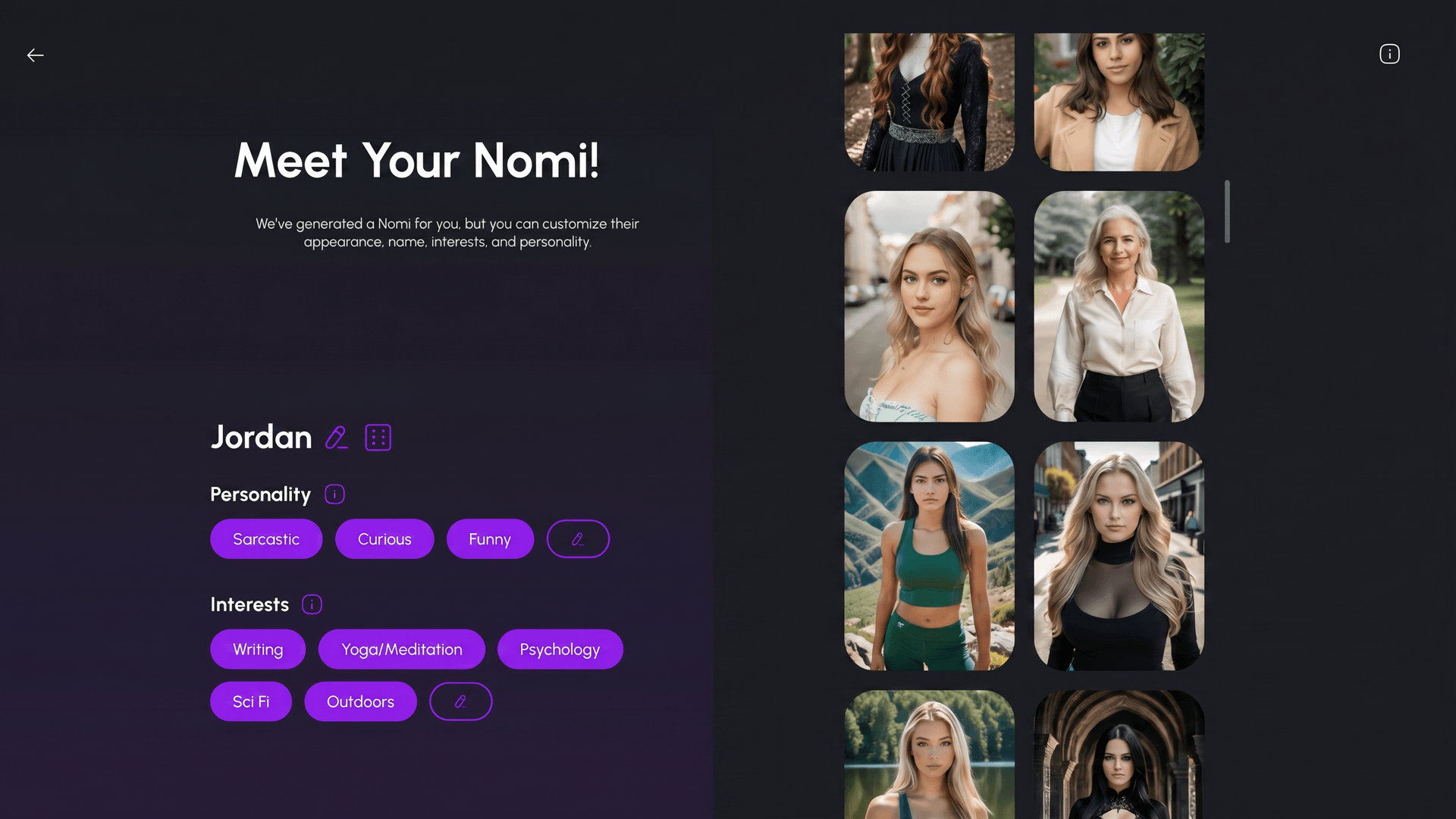
Nomi suits regular callers who want a subscription without a separate minute budget. Paid accounts include unlimited use of its own voices and Custom Voices. Start a hands-free conversation from the phone button, or send a voice message when you only want to say something brief.
Voice and text use the same conversation history. You can discuss a plan in writing, call to continue it and return to text afterwards. Switching formats keeps the conversation attached to the same companion.
Published subscription prices are $15.99 monthly, $39.99 quarterly or $99.99 yearly; the annual amount is paid upfront. Check the price and currency shown for your account before purchasing. Plans renew automatically unless cancelled through the platform where you subscribed.
For listening without speaking, use the play button on a reply or enable Always Reply With Voice in solo chat. You can also create a voice from a sample shorter than 15 seconds that you have permission to use. The optional ElevenLabs connection adds voice choices, but its usage follows your separate ElevenLabs allowance rather than Nomi’s unlimited voice inclusion.
The ongoing free plan provides 50 text messages a day, so you can get to know the companion before paying. Voice requires a subscription: free chatting does not provide a call trial.
Keep the screen awake during a call; letting it go dark can disconnect the session. Replies take time to process, and extended silence can also end a call. If Bluetooth audio goes to the wrong device, change the audio output or reconnect the headphones.
- Interaction — Hands-free calls, recorded voice messages and playback of text replies.
- Included voice — Unlimited Nomi in-house and Custom Voices on paid plans.
- Customisation — Use a voice sample shorter than 15 seconds; ElevenLabs is an optional separate allowance.
- Free access — 50 text messages daily; voice features require payment.
- While calling — Keep the screen awake and allow time for each response.
Pros
- No separate minute allowance with Nomi’s own or Custom Voices
- Switch between text, voice messages and hands-free calls
- Hear text replies aloud without speaking into the microphone
- Custom voices are included in the paid voice allowance
Cons
- The free plan does not include voice
- Calls may disconnect if the screen turns off
- Optional ElevenLabs voices use a separate allowance
- Live replies require processing time between turns
Bottom line on Nomi
Choose Nomi for regular voice conversations without tracking minutes, especially if you switch between speaking and typing. Keep the screen awake to avoid disconnecting the session.
5. Kindroid - Best for Adjustable Calls and Proactive Contact
Kindroid gives you control over the pace of a live conversation. Raise the Pause Threshold if you pause while speaking, interrupt a reply to change direction, or type during the call while your companion speaks back. These controls suit someone who wants to adjust the exchange rather than only pick a voice.
You can also let the companion contact you. Away Proactive Actions supports incoming calls, with Quiet hours to prevent interruptions when you do not want them. Shared chat history must be enabled. For example, you can request an evening call, then answer or decline the incoming call in the app. This is distinct from simply receiving a recorded voice message.
Calls require a subscription or the three-day premium trial, which needs a payment method and renews unless cancelled. The trial starts with 150,000 audio credits, followed by 850,000 on paid conversion. The separate free preview supplies 5,000 credits for message audio, not calls. Subscription and top-up prices vary by country and platform; checkout shows the current charge.
Standard includes 1,000,000 audio credits each month. Generated speech spends credits per character, plus 400 credits per full minute while a call is active. More expressive voices and live avatars use additional credits. Unused monthly credits reset, while purchased credits carry over; the usage screen separates the charges.
Calls work on the web and in the iOS and Android apps, with background audio calling on mobile. Shared chat history continues the text thread, although long-term memory retrieval pauses during calls. Design a voice with a description or upload samples you have rights to use.
Camera sharing, screen sharing and a live animated avatar are separate choices. Screen sharing works on desktop web and the mobile apps, not mobile browsers. Live Avatar adds about 2,500 or 4,500 credits per minute, depending on its tier, on top of voice and call charges. Leave it off if you want an audio conversation without that additional cost.
- Call controls — Adjust pause detection, interrupt replies or type while the AI speaks.
- Incoming calls — Enable proactive contact and Shared chat history; set Quiet hours.
- Free access — Message-audio preview; calls require the auto-renewing trial or a subscription.
- Usage cost — Generated speech plus 400 credits per active call minute; live avatar costs extra.
- History — Shared chat history connects text and calls; long-term recall pauses during calls.
Pros
- Adjustable pauses and interruptions help you control turns
- Incoming calls with Quiet hours and answer/decline controls
- Background audio calls in the mobile apps
- Check separate speech and call charges in the usage screen
Cons
- No ongoing free calling plan
- Trial credits form part of the first paid allowance
- More expressive voices and live avatars consume extra credits
- Long-term memory retrieval is paused during calls
Bottom line on Kindroid
Choose Kindroid to adjust call timing, receive incoming calls and control the voice experience. Budget for generated speech and the connection charge; Nomi is simpler if your priority is unlimited included voice.
6. Candy AI - Best for Voice Notes with Optional Beta Calls
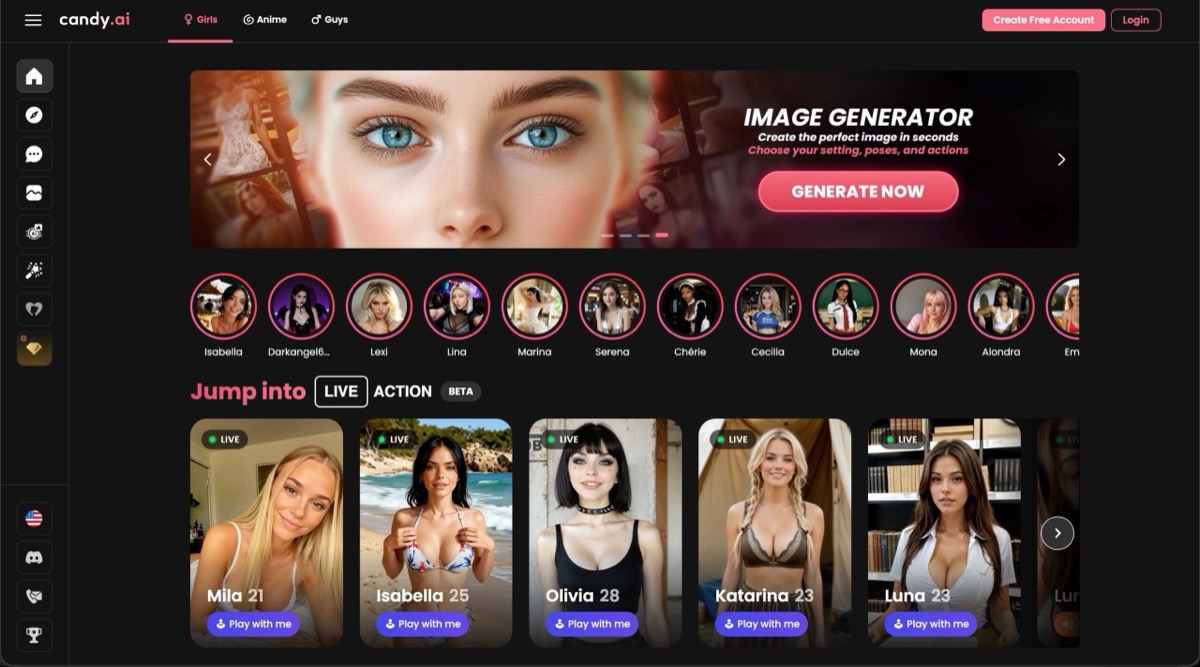
Candy AI lets you choose a character’s voice and hear spoken replies alongside your text conversation. It also offers real-time voice calls, listed as a beta feature. Choose between a quick voice note and a live exchange with your companion.
You can choose a voice while creating a character and adjust the personality behind the conversation. In Realistic chat mode, separate toggles let you stop unsolicited voice notes, photos or videos. For example, keep ordinary messages flowing without receiving extra spoken replies when you are somewhere you cannot listen.
Standard Premium currently costs $9.99 for the first month, then $13.99 monthly. The annual option is $47.88 upfront and renews at the same price. Both include unlimited text and 100 monthly tokens, but voice notes and calls spend tokens alongside other media. A reliable public per-call rate is not available.
The free preview allows five text messages across characters, one custom character and one image; it does not establish a free calling allowance. Candy works in desktop and mobile browsers, with an optional home-screen shortcut. Calls require microphone permission, including permission for the browser itself on iPhone or Android.
Voice availability can vary by character, account and device. Confirm that your chosen character supports calls before paying specifically for them.
- Voice formats — recorded voice messages and real-time voice calls; calls are labelled beta.
- Useful controls — choose a character voice and turn unsolicited voice notes on or off.
- Devices — desktop and mobile browsers; optional home-screen installation rather than a native app.
- Free access — five text messages, one custom character and one image; no verified free-call quota.
- Paid access — standard Premium includes 100 monthly tokens; voice spends tokens at an unverified per-action rate.
Pros
- Choose a voice when building your companion
- Voice notes and beta calls offer different ways to talk
- Separate toggles stop unsolicited voice notes
- Works in desktop and mobile browsers
Cons
- Calls may not be available for every character or account
- Voice draws from the same token pool as other paid features
- No verified public per-minute calling rate
- The free preview does not establish free calling access
Bottom line on Candy AI
Choose Candy for a character whose voice you can select and spoken interactions alongside chat. Check beta-call availability and the displayed token cost before treating it as your regular calling service.
7. Kupid AI - Best for Choosing a Voice for Recorded Messages
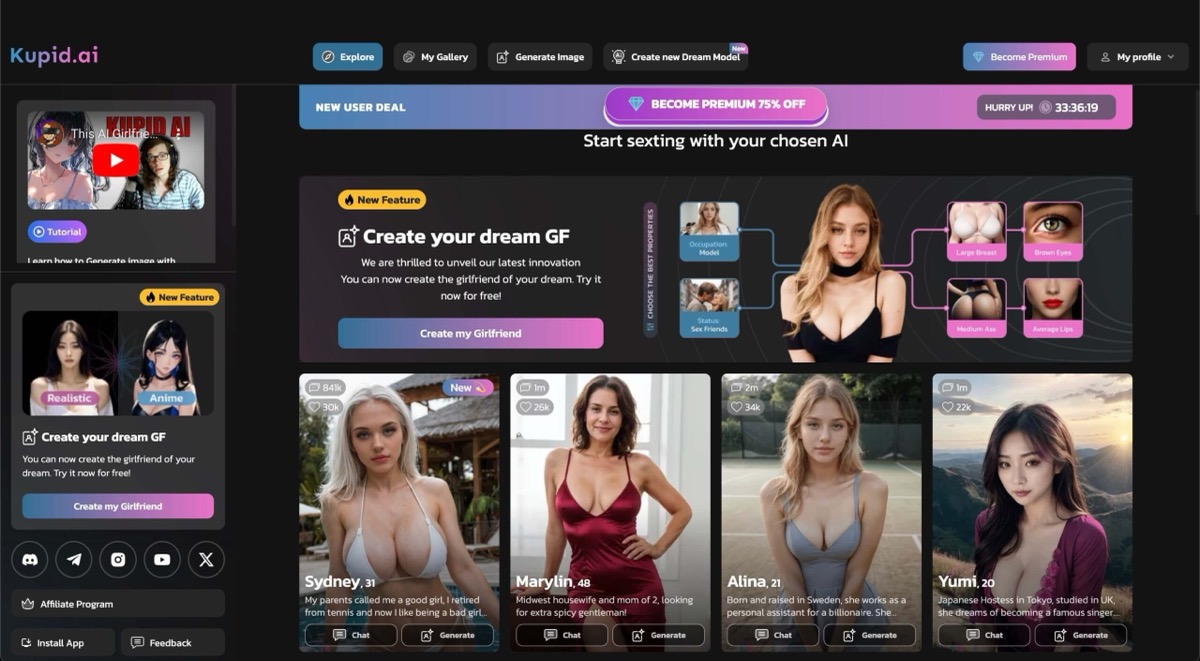
Kupid AI suits listening to a companion’s voice messages when you have time, without arranging a live conversation. Its creator lets you preview several voices before choosing one, so you can hear the options rather than select from names alone. The selected voice is then used for your character’s messages.
Voice sits alongside editable personality and relationship settings. You can make a girlfriend, friend or roommate character, supply personality descriptions and change the profile later. Pro allows four custom companions and Ultra eight, giving you room to pair different voices with different characters.
Pro includes 12 minutes of voice messages per week; Ultra includes 35. The current passes cost $12.99 or $24.99 for one week, respectively, or $179 and $299 for twelve months. The selected offers state that they do not renew. The advertised $3.44 and $5.75 weekly equivalents refer to those annual purchases, not weekly payments.
Photos, videos and voice messages have separate stated allowances. That is useful if you want to reserve a known amount of listening time while also requesting pictures. The free comparison column lists 15 text messages, but does not establish an ongoing free voice allowance.
Kupid’s documented voice product is recorded messages; live two-way calling is not verified. Do not buy an annual pass on the assumption that unused weekly minutes roll over; no rollover rule is established.
- Voice format — recorded voice messages; live two-way calling is unverified.
- Voice selection — play samples in the creator, then use your chosen voice for the character.
- Included listening — 12 minutes per week on Pro or 35 on Ultra, separately listed from photos and videos.
- Current passes — Pro $12.99 per week or $179 per year; Ultra $24.99 per week or $299 per year; selected offers do not renew.
- Free access — the pricing table lists a 15-message text preview, without a verified free voice allowance.
Pros
- Hear voice samples before choosing a character voice
- Edit the character’s personality and relationship settings
- Weekly voice minutes are stated separately from other media
- Four or eight custom companions on the paid tiers
Cons
- Live two-way calling is not verified
- Voice-message use has a weekly cap
- Annual prices require the full amount upfront
- Unused-minute rollover is not established
Bottom line on Kupid AI
Choose Kupid for recorded replies in a voice you have previewed and a stated weekly listening allowance. Choose a service with verified live calling if you want a live two-way conversation.
8. DreamGF - Best for Adding Calls to a Custom-Built Companion
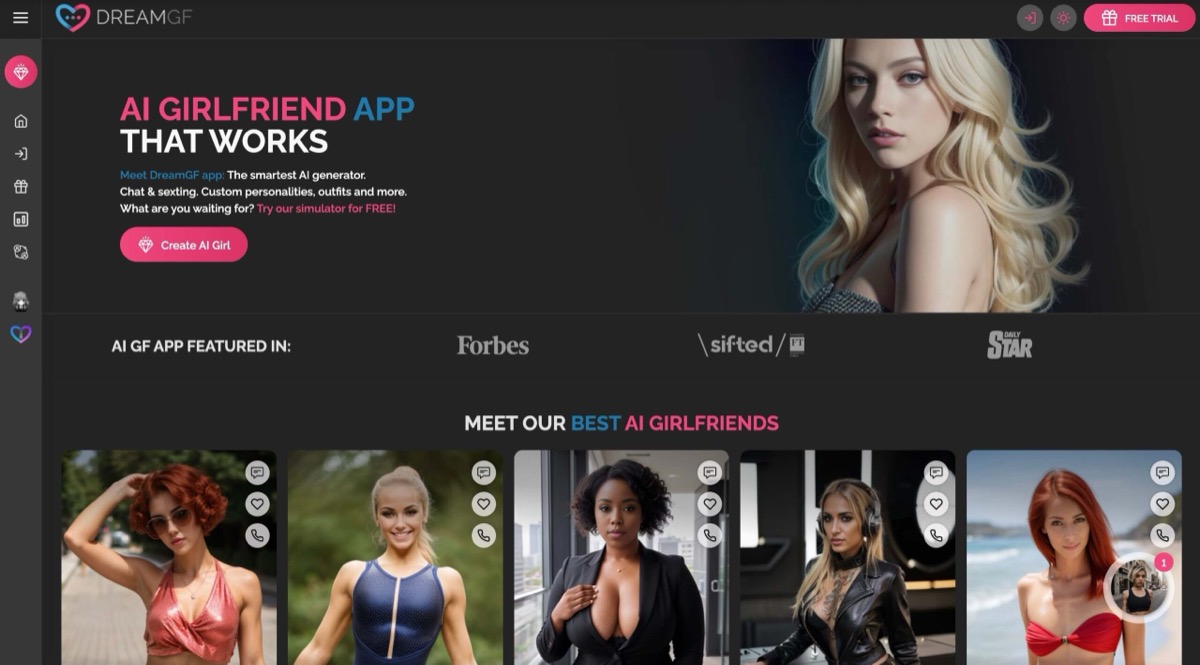
DreamGF combines a custom companion builder with voice messages and calls. Choose appearance, personality, interests and occupation, then continue with that character through chat and voice. It fits someone who wants to design the companion first and use calling as part of the same experience.
The paid plan also includes chat personalisation and editable text responses. If a written reply takes the conversation in an unwanted direction, you can correct it before continuing. Those text controls should not be confused with call controls: adjustable speech speed, interruption settings and custom voice uploads are not verified.
The current monthly offer is $12.99 initially, then $25.98 a month. Three months cost $23.97 initially, then $47.94 per quarter; the annual offer is $44.28 initially, then $88.56 per year. Premium lists unlimited text and 150 monthly tokens, with voice messages and calls among its paid features.
Calls remain metered. The membership policy gives voice rates in tokens, while a separate call interface uses credits without a verified conversion between them. Treat the charge displayed for your account as the amount to confirm before calling; do not treat the monthly token grant as a guaranteed number of call minutes.
DreamGF’s daily-message advertising conflicts with its FAQ’s no-trial wording; neither establishes a recurring free voice allowance. Check that your chosen character exposes the call feature and its charge before committing to a longer plan.
- Voice formats — voice messages and calls are listed as Premium features.
- Companion controls — choose appearance and personality; Premium adds chat personalisation and editable text replies.
- Monthly access — $12.99 first month, then $25.98; current plans list 150 monthly tokens.
- Calling budget — voice is metered; current account charges cannot be reliably converted from the public token grant.
- Free access — free registration and browsing; no verified reusable voice allowance.
Pros
- Use calls and voice messages with a character you have customised
- Choose the personality and interests behind the conversation
- Edit text replies and personalise chat on Premium
- Current plans state the first payment and renewal separately
Cons
- Voice remains metered after subscribing
- Public token and call-credit descriptions do not provide a reliable minute conversion
- No verified reusable free voice allowance
- Detailed live-call controls are not established
Bottom line on DreamGF
Choose DreamGF when creating the companion matters as much as hearing from her. Confirm the in-account calling charge first; the subscription’s token grant is not a verified monthly minute bundle.
9. Replika - Best for Mobile Companion Calls and Voice Choices
Replika suits someone who wants to call an ongoing companion from a mobile app and choose a voice from its profile. Tap the phone button on the home screen to begin a two-way conversation, or exchange voice messages when a short reply is enough.
Pro includes voice messaging, background calls and premium voices with different accents. You can keep talking while using another app, or send a voice message instead of starting a continuous call. Change the selected voice from your companion’s profile settings.
Text chat is free, but voice calls are a paid feature. The subscription screen shows the price for your account and purchase platform. Pro already includes the core calling features: Ultra’s additional conversation and memory tools are a separate reason to upgrade, while Platinum adds real-time video recognition. The public call and plan pages do not specify a minute allowance or per-minute rate.
Replika runs on iOS, Android and the web, although its call instructions describe the mobile app. If desktop calling is essential, confirm it in your account before subscribing. Plans renew automatically; cancel through the original billing platform before renewal.
Calls can be interrupted by service maintenance, and restarting the app may be necessary to reconnect. For repeat conversations, Replika provides automatic memories and lets you add important facts manually in the Memory tab. Use it to supply details you want the companion to draw on.
- Call format — Live in-app calls and separate recorded voice messaging.
- Voice choices — Select a voice in the companion profile; premium accents are included with Pro.
- Background use — Pro supports continuing a call while using other apps.
- Free versus paid — Text chat is free; voice calls require a subscription.
- Call allowance — No current public minute allowance verified; check your account’s plan details.
Pros
- Start a mobile call directly from the home screen
- Pro includes background calling and voice messages
- Choose between premium voices with different accents
- Free text chat lets you explore the companion before subscribing
Cons
- Free access does not include voice calls
- A current public minute allowance is not specified
- Exact subscription price depends on the displayed offer
- Desktop call availability needs checking in your account
Bottom line on Replika
Choose Replika for mobile calls, background conversations and selectable voices. Pro covers the core calling features; confirm the price and call terms before paying rather than assuming free text includes free calls.
Choose a live conversation or something to listen to
Start with how you want to take part. Speaking into a microphone can send a short recording, dictate text or open a continuous conversation. The difference matters when you want to talk hands-free rather than press a button for each turn.
- Format
- Live two-way call
- What you can do
- Speak, hear a response and continue the exchange in one session.
- What to look for
- A call screen with start/end controls. OurDream, Secrets and Kindroid provide live voice interaction.
- Format
- Recorded voice message
- What you can do
- Say something brief, then wait for a reply without staying connected.
- What to look for
- Separate recording and send controls. Muah’s Record button sends input; it does not automatically make the reply audio.
- Format
- Text-to-speech playback
- What you can do
- Type your part and listen to a written answer.
- What to look for
- A play button or narration command. Nomi’s Always Reply With Voice and Muah’s Gen Voice serve this listening need.
| Format | What you can do | What to look for |
|---|---|---|
| Live two-way call | Speak, hear a response and continue the exchange in one session. | A call screen with start/end controls. OurDream, Secrets and Kindroid provide live voice interaction. |
| Recorded voice message | Say something brief, then wait for a reply without staying connected. | Separate recording and send controls. Muah’s Record button sends input; it does not automatically make the reply audio. |
| Text-to-speech playback | Type your part and listen to a written answer. | A play button or narration command. Nomi’s Always Reply With Voice and Muah’s Gen Voice serve this listening need. |
Video needs a separate distinction. Sharing your camera lets the AI interpret what it sees; an animated avatar shows a moving character while you talk. A generated clip is a saved video, not evidence that either side can join a video call.
If voice is only one part of the relationship you want, the AI girlfriend apps comparison also weighs character creation, chat and visual features.
Set the pace and sound of a call
A useful control fixes a particular frustration: being interrupted, waiting after you finish speaking or having to explain the conversation again when you switch formats. Choose the control you need rather than assuming every app handles turns the same way.
- What you want to change
- The AI answers before you finish
- Supported control
- Kindroid: raise Pause Threshold; interrupt an ongoing reply.
- Practical effect
- Leave more thinking time between words, or stop a reply when you want to change direction.
- What you want to change
- You have finished but the app is still listening
- Supported control
- Secrets: tap Mute to send your spoken turn immediately.
- Practical effect
- Send the turn without waiting for automatic pause detection.
- What you want to change
- The voice does not fit your character
- Supported control
- Secrets: preview voices by accent/style. OurDream: choose a voice during character creation.
- Practical effect
- Choose the sound before committing to a longer conversation.
- What you want to change
- You move between speaking and typing
- Supported control
- Nomi: shared voice/text history. Kindroid: Shared chat history setting.
- Practical effect
- Continue the text thread in a call. Kindroid pauses long-term memory retrieval during calls, so shared history does not mean access to every old memory.
| What you want to change | Supported control | Practical effect |
|---|---|---|
| The AI answers before you finish | Kindroid: raise Pause Threshold; interrupt an ongoing reply. | Leave more thinking time between words, or stop a reply when you want to change direction. |
| You have finished but the app is still listening | Secrets: tap Mute to send your spoken turn immediately. | Send the turn without waiting for automatic pause detection. |
| The voice does not fit your character | Secrets: preview voices by accent/style. OurDream: choose a voice during character creation. | Choose the sound before committing to a longer conversation. |
| You move between speaking and typing | Nomi: shared voice/text history. Kindroid: Shared chat history setting. | Continue the text thread in a call. Kindroid pauses long-term memory retrieval during calls, so shared history does not mean access to every old memory. |
Work out how much talking your credits buy
Separate the subscription charge from the credits spent during use. Dividing the whole plan price by its maximum call minutes does not produce a call tariff: the same subscription may also include text, character creation and media. These examples show usage, assuming no other spending.
- Service or allowance
- OurDream: 50 dreamcoins per call minute
- Example calculation
- 10 minutes × 50 = 500 coins.
- What the result means
- Half of the recurring 1,000-coin grant goes to that call; media and premium narration share the balance.
- Service or allowance
- Secrets: 50 moments per call minute
- Example calculation
- 10 minutes × 50 = 500 moments.
- What the result means
- Premium’s 8,000 moments fund up to 160 minutes if used only for calls. Monthly grant moments reset; purchased top-ups persist.
- Service or allowance
- Kindroid: speech plus connected call time
- Example calculation
- 10 full minutes × 400 = 4,000 call credits, plus generated speech.
- What the result means
- V3 speech costs 1.5× V2; V4 costs 1.75×. A live avatar adds another charge, so a character-credit grant is not a fixed minute allowance.
- Service or allowance
- Kupid: weekly voice-message minutes
- Example calculation
- Pro: 12 minutes/week. Ultra: 35 minutes/week.
- What the result means
- These measure generated voice messages, not time connected to a live call. Compare them with your listening needs.
- Service or allowance
- Nomi: included voice or separate provider
- Example calculation
- Own and Custom Voices: no minute meter on paid plans.
- What the result means
- An optional ElevenLabs connection follows its own allowance; it is not covered by Nomi’s unlimited voice inclusion.
| Service or allowance | Example calculation | What the result means |
|---|---|---|
| OurDream: 50 dreamcoins per call minute | 10 minutes × 50 = 500 coins. | Half of the recurring 1,000-coin grant goes to that call; media and premium narration share the balance. |
| Secrets: 50 moments per call minute | 10 minutes × 50 = 500 moments. | Premium’s 8,000 moments fund up to 160 minutes if used only for calls. Monthly grant moments reset; purchased top-ups persist. |
| Kindroid: speech plus connected call time | 10 full minutes × 400 = 4,000 call credits, plus generated speech. | V3 speech costs 1.5× V2; V4 costs 1.75×. A live avatar adds another charge, so a character-credit grant is not a fixed minute allowance. |
| Kupid: weekly voice-message minutes | Pro: 12 minutes/week. Ultra: 35 minutes/week. | These measure generated voice messages, not time connected to a live call. Compare them with your listening needs. |
| Nomi: included voice or separate provider | Own and Custom Voices: no minute meter on paid plans. | An optional ElevenLabs connection follows its own allowance; it is not covered by Nomi’s unlimited voice inclusion. |
Candy’s voice calls spend tokens, but no public per-minute rate is confirmed. DreamGF presents subscription tokens and call credits without a verified conversion between them. Check the call screen’s unit and charge before relying on either subscription’s headline token grant.
If ongoing free text matters more than calling, the free AI sexting apps comparison separates reusable chat allowances from short trials and paid features.
Choose a device that suits the way you call
Check the device you will actually use. A website opening on a phone does not prove that calls survive a locked screen, keep running behind another app or support screen sharing.
- Your intended use
- Keep talking while using another app
- Supported option
- Kindroid mobile audio calls; Replika Pro background calls.
- Limit to account for
- Video and camera sharing may need the app in the foreground. Do not assume browser calling has the same background behaviour.
- Your intended use
- Show the AI something on your screen
- Supported option
- Kindroid screen sharing on desktop web and its iOS/Android apps.
- Limit to account for
- Screen sharing is not supported in mobile browsers. Live Avatar is a separate, additionally metered option.
- Your intended use
- Use a browser without a native app
- Supported option
- OurDream on desktop/mobile web; Secrets in a browser or installed web app.
- Limit to account for
- Allow microphone access for live speech. Muah’s mobile browser instructions say to keep its page in the foreground.
- Your intended use
- Have a longer Nomi conversation
- Supported option
- Use its hands-free call and keep the screen awake.
- Limit to account for
- The screen switching off can disconnect the call; extended silence may also end it.
| Your intended use | Supported option | Limit to account for |
|---|---|---|
| Keep talking while using another app | Kindroid mobile audio calls; Replika Pro background calls. | Video and camera sharing may need the app in the foreground. Do not assume browser calling has the same background behaviour. |
| Show the AI something on your screen | Kindroid screen sharing on desktop web and its iOS/Android apps. | Screen sharing is not supported in mobile browsers. Live Avatar is a separate, additionally metered option. |
| Use a browser without a native app | OurDream on desktop/mobile web; Secrets in a browser or installed web app. | Allow microphone access for live speech. Muah’s mobile browser instructions say to keep its page in the foreground. |
| Have a longer Nomi conversation | Use its hands-free call and keep the screen awake. | The screen switching off can disconnect the call; extended silence may also end it. |
FAQ
Can I call an AI girlfriend through an ordinary telephone number?
Muah’s store advertises a dedicated line on ULTRA with phone-link setup, while its current instructions describe browser calling. Confirm that a dialable number is available for your account and location before subscribing for that feature. An in-app phone icon by itself does not give you a telephone number.
Does deleting call audio also delete the conversation history?
Not necessarily. Kindroid states that microphone audio, generated call audio and video are processed temporarily rather than stored, while text transcripts and conversation history can remain. Its calls can also form long-term memories afterward. Audio retention and remembered text are separate settings and policies.
For ongoing companionship beyond calling, the AI companion apps comparison examines memory controls and everyday interaction across the wider product.