

A rival at a masked ball. A partner waiting at a spaceport. An AI fantasy girlfriend starts with a character and a premise you can play through in chat. These apps differ in what you can write yourself, what comes with a ready-made character, and what you can change once the story begins.
Quick verdict
OurDream AI pairs an authored character with optional scene media. Candy AI lets you start with a visual template and choose the relationship. DreamGF suits a character built from scratch with metered media. For written backstory and scene rules, look at Kindroid.
The top three at a glance
Top 3 AI Fantasy Girlfriend Apps Compared
Start from a story you want to play, a character look you like, or a companion you want to build from scratch.

OurDream AI
Best Overall
Write an opening scene, set her personality and define how you know each other. Pick a voice for the character and request an image from inside chat.
Give the character an opening scene and a reason to talk to you first.
Try OurDream AI
Candy AI
Best for Visual and Relationship Presets
Start with a realistic or anime look, then pick a personality and relationship. A short chat sample lets you judge the tone before paying for media.
Pick a visual style and a relationship that gives the scene direction.
Try Candy AI
DreamGF
Best Character Creator
Set the character's look and personality in the builder. DreamGF lists separate token costs for creating a companion, requesting an image or calling.
Build your character from scratch and budget for the media you'll use.
Build Your DreamGFCreate the companion first, then compare the apps.
OurDream AI covers custom characters, private chat, images, voice, memory, and short clips in one adult companion workflow.
Custom Companion Pick
Build Your AI Dream Companion
Design a custom AI partner, test chat and media features, and decide whether an all-in-one companion workflow fits your use case.
Key Takeaways
- A saved backstory, a relationship preset and an opening message do different jobs. Check which parts you can write and edit.
- OurDream AI lets you write a premise; Candy AI offers relationship choices alongside visual presets. DreamGF publishes separate charges for creation and media.
- Kindroid provides editable backstory and directives. Nomi offers Shared Notes and its own memory system. Neither guarantees that a detail will surface on cue.
- SpicyChat AI and CrushOn AI let you start from a community character and define your own role. Their free models and paid allowances differ.
- A plan may cover text while billing for pictures, voice or clips separately. Check the actual renewal charge and what happens to saved media when you cancel.
Check what the app allows
A character's look and the scenes a service permits are separate choices. Read the platform's age and content rules, and check the character's visibility before sharing a custom setup.
Quick Comparison Table
Compare all 13OurDream AI · Candy AI · DreamGF
- App
- OurDream AI
- Useful for
- Adding pictures or voice to a scene you write
- Character & scene
- Set personality and relationship, then write the scenario and greeting.
- Free and paid access
- Preview the creator; free chat uses coins. Media requires paid access and coins.
- App
- Candy AI
- Useful for
- Starting with a look and choosing the dynamic
- Character & scene
- Pick realistic or anime styling, personality, occupation and relationship presets.
- Free and paid access
- Short free text sample; paid text and a separate token allowance for extras.
- App
- DreamGF
- Useful for
- Designing a companion and pricing each media action
- Character & scene
- Set appearance and personality in the creator; establish the encounter in chat.
- Free and paid access
- Free preview; no included free tokens. Membership adds tokens for media.
- App
- FantasyGF.AI
- Useful for
- Building a named character or browsing ready-made characters
- Character & scene
- Choose a realistic or anime creator path, or browse community characters and quests.
- Free and paid access
- Limited free preview with blurred output; paid chat and tiered media tokens.
- App
- Kupid AI
- Useful for
- Establishing a romantic dynamic for a short scene
- Character & scene
- Choose a job, personality, voice and relationship such as an ex or neighbor.
- Free and paid access
- 15-message free sample; paid photo, video and voice quotas are weekly.
- App
- Nomi
- Useful for
- Returning to a shared fictional world
- Character & scene
- Write Backstory, Current Roleplay and Inclination notes; set a separate group premise.
- Free and paid access
- Reusable limited free chat; subscription raises limits and adds voice options.
- App
- Kindroid
- Useful for
- Writing precise character rules and recurring story details
- Character & scene
- Edit Personality, Greeting, Key Memories and a Response Directive; add journals.
- Free and paid access
- One-time preview; ongoing chat requires payment. Extra context costs more.
- Useful for
- Trying an authored character with optional voice
- Character & scene
- Create a bot or open one from the library; use the greeting to set up the encounter.
- Free and paid access
- Limited free messages; paid access adds credits and model or voice options.
- App
- SpicyChat AI
- Useful for
- Playing an existing scene as a character of your own
- Character & scene
- Use a bot’s greeting and scenario, or write your own; save a user persona.
- Free and paid access
- Free chat with queue and length limits; paid tiers add context and media options.
- App
- CrushOn AI
- Useful for
- Exploring several versions of the same premise
- Character & scene
- Browse community cards or create one; set your own persona for the chat.
- Free and paid access
- Unlimited free-model messages plus limited Pro credits; paid tiers raise allowances.
- App
- Character.AI
- Useful for
- Writing a filtered romance or a self-contained scene
- Character & scene
- Set a greeting and Character Definition, or create a separate Scene with a setting.
- Free and paid access
- Reusable free chat; optional c.ai+ adds features. Content rules still apply.
- App
- Janitor AI
- Useful for
- Editing a detailed character card and optionally changing models
- Character & scene
- Write Personality, Scenario and Initial Message; edit a recap in Chat Memory.
- Free and paid access
- Free built-in chat; Janitor+ adds context. Optional external models can cost extra.
- App
- vrim.ai
- Useful for
- Adding short animations to a photoreal companion
- Character & scene
- Choose a catalog character or set appearance, personality and voice; request media in chat.
- Free and paid access
- Free daily text and three photos total; paid Animate uses separate video credits.
| App | Useful for | Character & scene | Free and paid access |
|---|---|---|---|
| OurDream AI | Adding pictures or voice to a scene you write | Set personality and relationship, then write the scenario and greeting. | Preview the creator; free chat uses coins. Media requires paid access and coins. |
| Candy AI | Starting with a look and choosing the dynamic | Pick realistic or anime styling, personality, occupation and relationship presets. | Short free text sample; paid text and a separate token allowance for extras. |
| DreamGF | Designing a companion and pricing each media action | Set appearance and personality in the creator; establish the encounter in chat. | Free preview; no included free tokens. Membership adds tokens for media. |
| FantasyGF.AI | Building a named character or browsing ready-made characters | Choose a realistic or anime creator path, or browse community characters and quests. | Limited free preview with blurred output; paid chat and tiered media tokens. |
| Kupid AI | Establishing a romantic dynamic for a short scene | Choose a job, personality, voice and relationship such as an ex or neighbor. | 15-message free sample; paid photo, video and voice quotas are weekly. |
| Nomi | Returning to a shared fictional world | Write Backstory, Current Roleplay and Inclination notes; set a separate group premise. | Reusable limited free chat; subscription raises limits and adds voice options. |
| Kindroid | Writing precise character rules and recurring story details | Edit Personality, Greeting, Key Memories and a Response Directive; add journals. | One-time preview; ongoing chat requires payment. Extra context costs more. |
| GPTGirlfriend | Trying an authored character with optional voice | Create a bot or open one from the library; use the greeting to set up the encounter. | Limited free messages; paid access adds credits and model or voice options. |
| SpicyChat AI | Playing an existing scene as a character of your own | Use a bot’s greeting and scenario, or write your own; save a user persona. | Free chat with queue and length limits; paid tiers add context and media options. |
| CrushOn AI | Exploring several versions of the same premise | Browse community cards or create one; set your own persona for the chat. | Unlimited free-model messages plus limited Pro credits; paid tiers raise allowances. |
| Character.AI | Writing a filtered romance or a self-contained scene | Set a greeting and Character Definition, or create a separate Scene with a setting. | Reusable free chat; optional c.ai+ adds features. Content rules still apply. |
| Janitor AI | Editing a detailed character card and optionally changing models | Write Personality, Scenario and Initial Message; edit a recap in Chat Memory. | Free built-in chat; Janitor+ adds context. Optional external models can cost extra. |
| vrim.ai | Adding short animations to a photoreal companion | Choose a catalog character or set appearance, personality and voice; request media in chat. | Free daily text and three photos total; paid Animate uses separate video credits. |
Ranked AI Fantasy Girlfriend App Reviews
1. OurDream AI — Best Overall AI Fantasy Girlfriend App
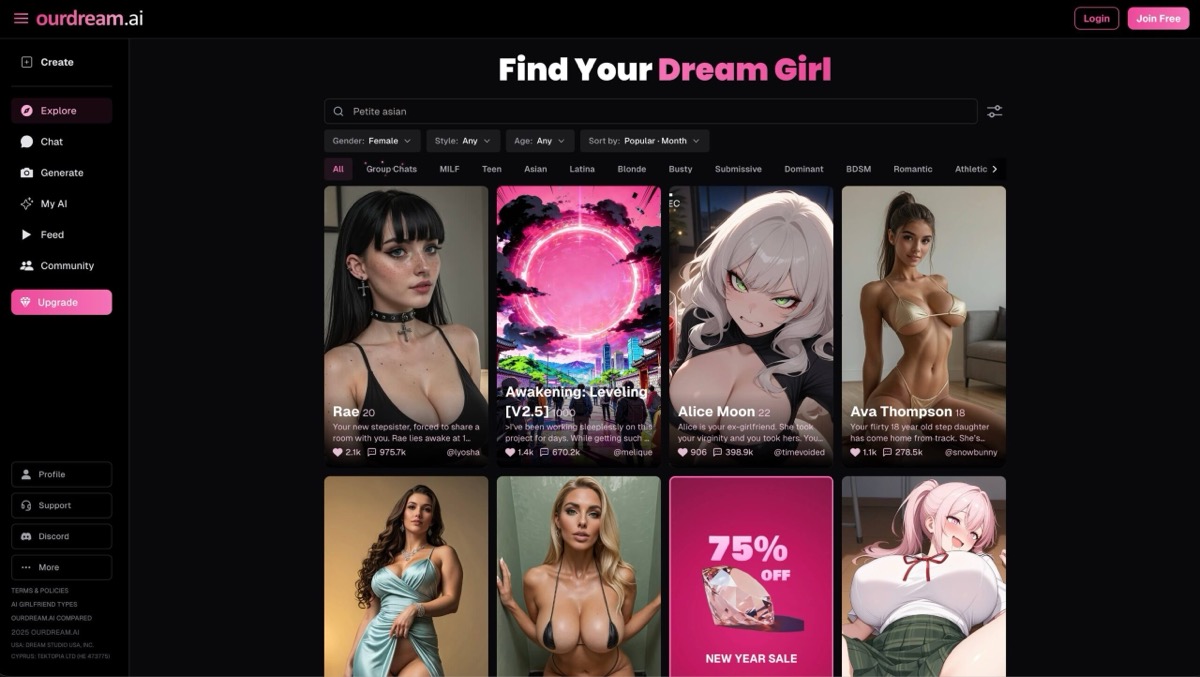
Start with a character you intend to revisit: give a rival envoy a guarded personality, decide why she knows you, and write what she says when you meet. OurDream separates the visual design and voice from the written personality, relationship, scenario and greeting. That gives the first reply a job beyond introducing the character.
The same profile is used for chat and media requests. You can ask for an in-chat picture, call the character or animate a generated image. An image request still has to describe the moment you want to see; selecting a profile does not guarantee the outfit, pose or face will carry through unchanged.
- Preview the creator and try a short chat with the available coins.
- The coin guide lists 5 coins for an in-chat image and 50 for a minute of calling. Video charges depend on the generation option.
- OurDream says previous images and videos are blurred after a subscription ends until you resubscribe.
Pros
- Separate fields for the first scene and the character’s personality
- Picture requests available inside chat
Cons
- Calls and video can use the coin balance quickly
- Saved media access depends on an active subscription
Bottom line
Use the free chat to see whether the greeting gives you the scene you wanted. Price the pictures or calls you plan to add before subscribing.
2. Candy AI — Best Visual Fantasy Girlfriend App
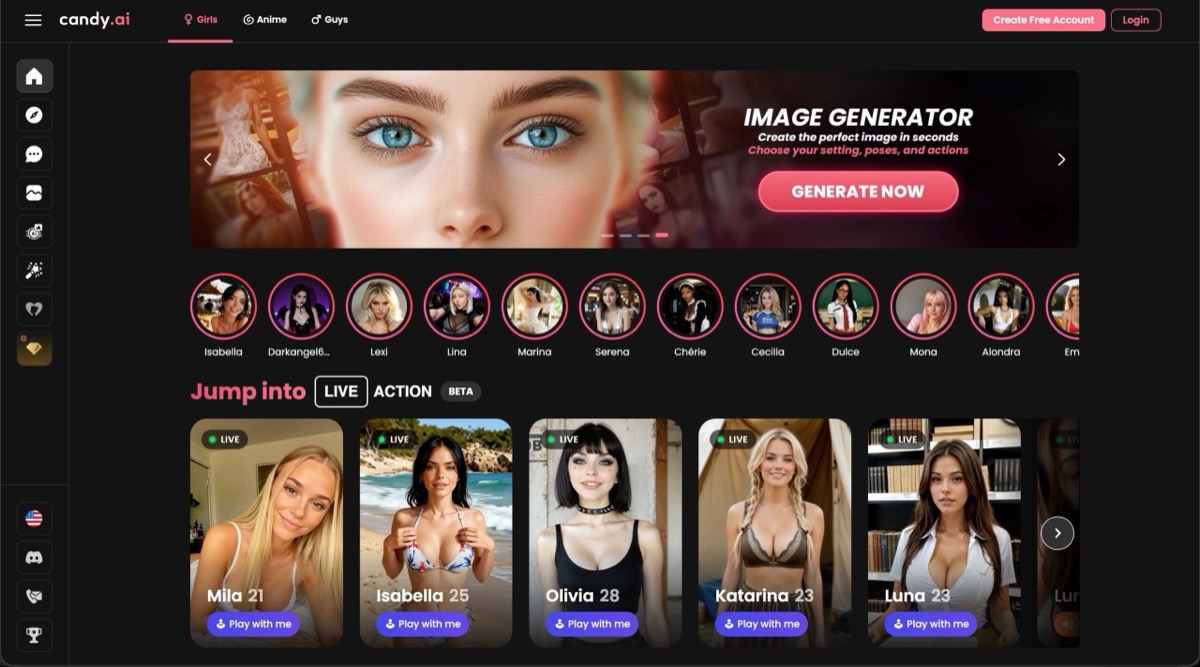
Candy’s builder is useful when you can picture the companion but have only a loose idea of the relationship. Pick a realistic or anime base, then set traits such as personality, occupation and relationship. The presets give a new conversation direction without requiring a long character brief. If the setting needs specific rules, establish those in chat.
Images, voice and short videos are separate parts of Candy’s offering. A visual preset gives generation a starting point, but it is still worth checking whether a particular costume or setting survives a new request before spending more tokens on the same scene.
- The terms describe a typical free allowance of five messages, enough to sample a greeting and a few exchanges.
- Paid access includes unlimited text and generally 100 monthly tokens for extras under the terms. Check the cost of the specific media action.
- Public offers can show a discounted price. Read the billed total and renewal on the offer you select.
Pros
- Visual and relationship presets make for a quick setup
- Text access is distinct from the allowance for extras
Cons
- A short free sample tells you little about a recurring story
- Image and voice use can outlast the included tokens
Bottom line
Start here if you want to choose the look and relationship from menus, then discover the setting through conversation.
3. DreamGF — Best Custom Fantasy Girlfriend Creator
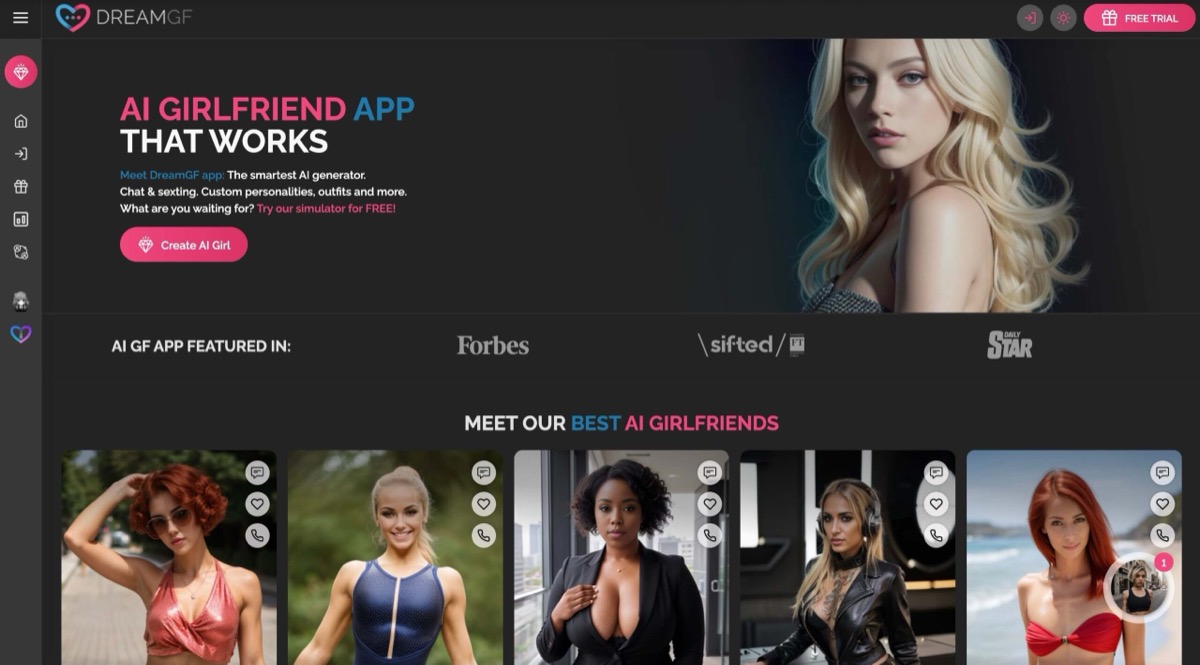
DreamGF gives you a character builder for working through the look and personality of an original companion. An outfit or hairstyle can identify a character at a glance; use the personality settings and the opening exchange to establish why she is there. For example, give a museum curator a reason to ask for your help instead of relying on a costume to imply the story.
The photo builder’s Environment option sets a backdrop for a generated picture; establish the chat setting in words. The token schedule is the useful part of comparing DreamGF with other builders. A 100-token monthly balance would buy ten 10-token images if you spent it entirely on images. Creation and calls draw from that same budget, so spending on one leaves less for the others. Published plan labels and billing intervals have conflicted; check the amount and cadence on the final payment screen.
- Free access is a preview. DreamGF says free accounts receive no tokens and cannot buy token packs.
- The published schedule lists 20 tokens for character creation, 10 per image, 3 per voice message and 7 per minute of calling.
- The membership feature list includes removal of image blur. That matters if you mainly want to inspect the visual result before paying.
Pros
- The builder gives appearance and personality separate attention
- Per-action token costs make a mixed session easier to budget
Cons
- Free access cannot show how far the token balance will go
- Check the renewal interval independently of the plan name
Bottom line
DreamGF suits a specific character you want to build and a media budget you want to estimate before opening checkout.
4. FantasyGF.AI — Best Fantasy-Branded Girlfriend Platform
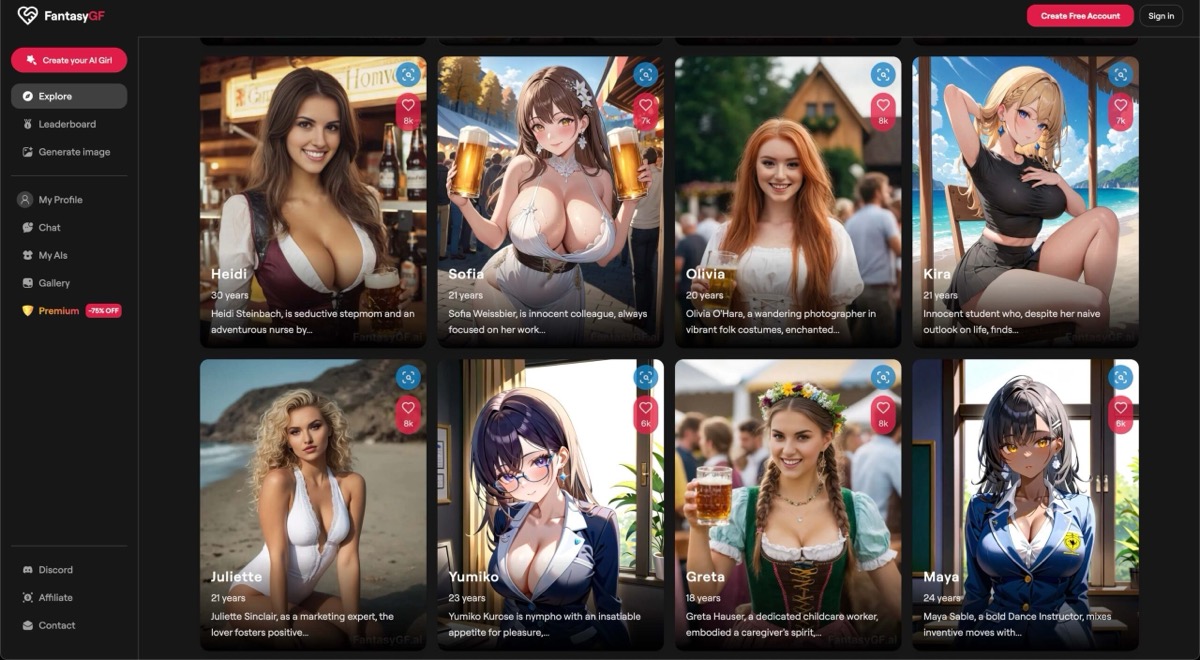
FantasyGF is the name of this service. Its current site at fantasygf.com has a character creator and a separate Fantasy Hub. Start with the creator if you want to decide what your companion looks and acts like. The Hub is where you can browse community characters and quests before writing a setup yourself.
FantasyGF limits the free preview. Its paid tiers advertise unlimited chat and use token balances for some other actions. Look at the allowance for your intended use. Two people in the same chat and one person on a voice call are different features with different plan requirements.
- The creator separates realistic and anime styles from the Real and Fantasy appearance categories. The Fantasy category includes elf and vampire looks, even under Realistic. There is also a text route for specifying the look.
- The public plan table lists 100 tokens per month for Premium and 500 for Ultra. Free output can be blurred.
- Ultra lists two-character chat and a lower per-minute call rate than Premium. The terms say subscriptions renew automatically; check the renewal total at checkout.
Pros
- Both an original-character route and community characters
- The public pricing table separates chat and token allowances
Cons
- Free access does not fully demonstrate the media options
- Group interaction and call rates depend on tier
Bottom line
Browse the Hub if you want someone else’s starting point, or use the creator when the details of an original character matter more.
5. Kupid AI — Best Romantic Fantasy Girlfriend Chat
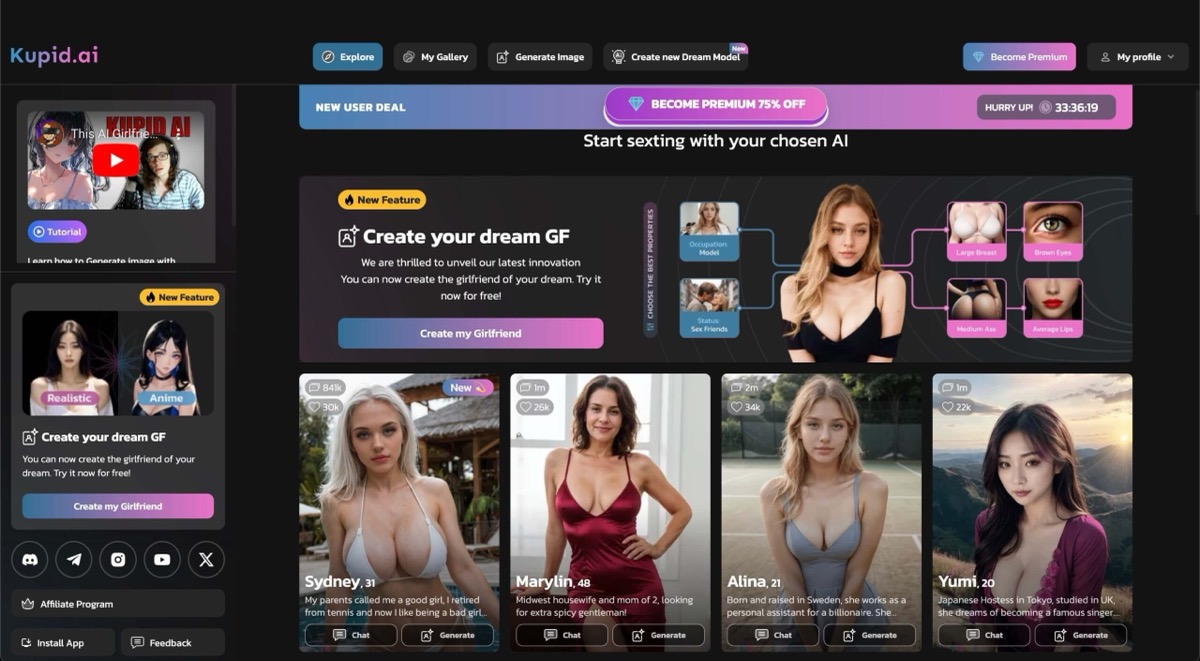
A reunion with an ex has a different opening from a first conversation with a neighbor. Kupid makes that choice explicit in its builder, alongside a job, a voice and personality settings. It is useful if the relationship itself supplies the tension and you can write the particulars of the encounter in chat.
Kupid publishes weekly buckets for different media. Someone who mainly wants pictures should compare the photo allowance; for spoken messages, compare voice minutes separately. Its plan table describes memory in recent messages, so keep a short recap if an old plot point matters to a later scene.
- The free sample lists 15 messages and one creator slot.
- The published Pro and Ultra allowances separate photos, clips and voice minutes. Ultra lists 75 photos, 25 videos and 35 voice minutes per week.
- The plan table lists recent-message windows of 30 on Pro and 100 on Ultra. Those figures do not establish recall of all earlier chats.
Pros
- Relationship choices give a short scene an immediate premise
- Separate weekly quotas show which media allowance you are buying
Cons
- A short sample cannot show how a long story develops
- The weekly equivalent can represent an annual upfront charge
Bottom line
Good for a self-contained encounter. If you are buying several weeks of media, check the total charge and whether your payment option renews.
6. Nomi — Best Memory-First Fantasy Companion
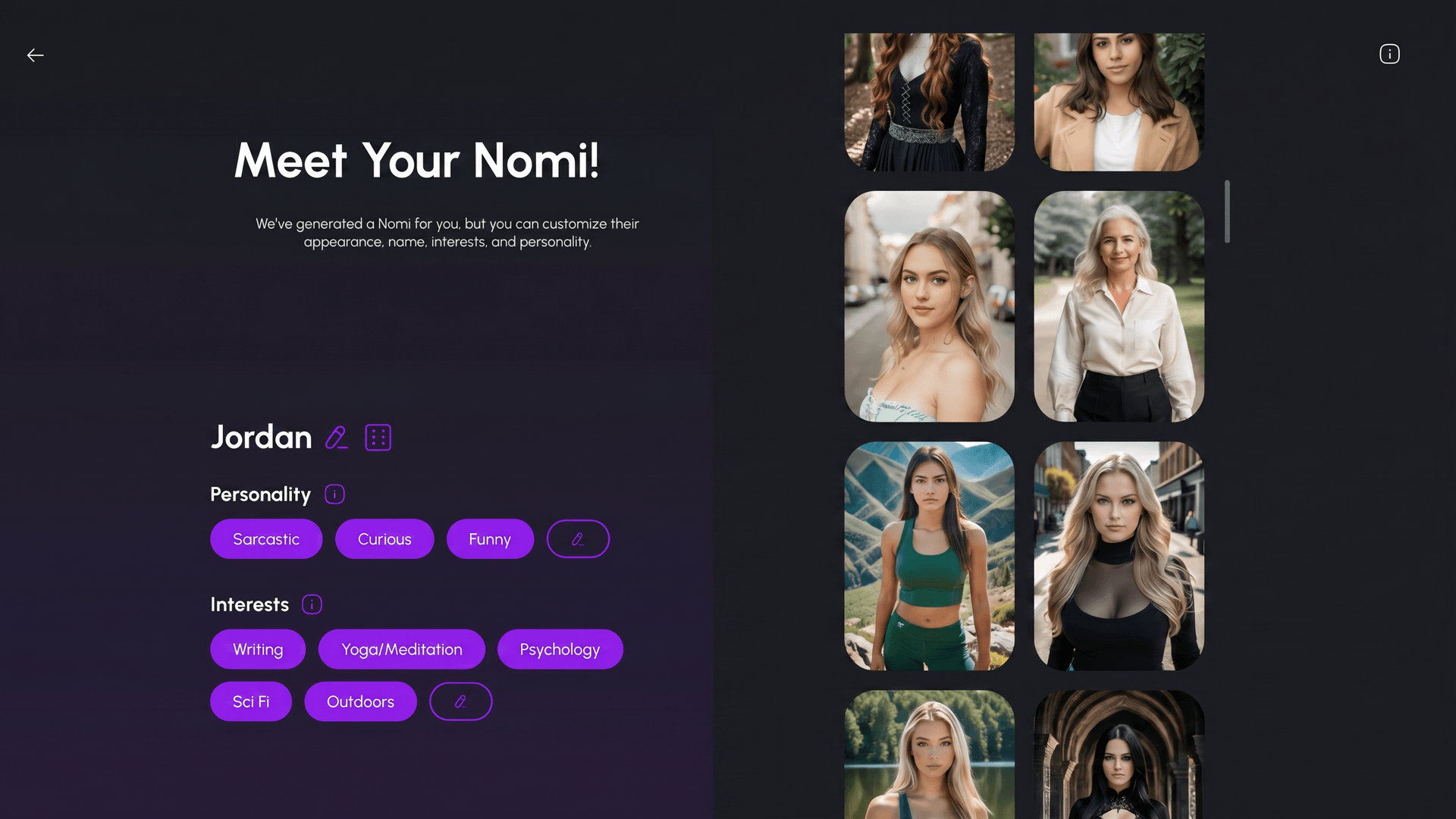
Nomi is for a story you might pick back up tomorrow. Backstory+ lets you keep different kinds of information in different notes: describe who you are to each other in Backstory, put the current situation in Current Roleplay, and use Inclination to guide how the character speaks. You can edit the note about a truce without redefining her personality.
The Roleplay Starters feature can draft an opening that you edit. The saved notes are directions you can see and revise. They work alongside Nomi’s automatic memory; neither is a transcript the character can reliably quote on demand. A group chat can have its own backstory, which is useful if two existing characters are meeting under different circumstances from your private chats.
- A free account can return to chat, with 50 daily messages listed in Nomi’s help center. Nomi’s feature comparison lists two image credits a day free and 40 for subscribers.
- The paid plan expands companion and group options and supports voice features. Check limits for the specific feature before subscribing.
- Nomi documents image-to-video clips and clothed selfies. Its photo policy does not allow nude images of companions.
Pros
- Separate editable notes for shared history and the current scene
- Group chats can start from their own premise
Cons
- Saved notes and automatic memory can still miss a detail
- Photo policy may rule it out for some readers
Bottom line
Useful when you want to adjust the world over time while leaving room for the companion to develop through conversation.
7. Kindroid — Best Custom Backstory Control
Kindroid gives you fields for instructions that belong in different parts of the story. Put a captain’s history in Personality, her first line in Greeting and one fact you cannot afford to lose in Key Memories. A Response Directive can set a standing rule such as keeping the narration in first person. The fields guide a model; they do not enforce a script.
Journal entries can bring an optional detail back when you use a matching phrase. That is useful for lore that belongs in a particular scene, like what happened at the winter market. Paid Learned Context adds editable notes built from conversations. You can correct a stored detail instead of repeatedly asking the model to remember it differently.
- The current preview is one-time: 50 messages in most regions, 15 in some, then chat becomes read-only.
- The separate three-day trial requires a payment method and renews automatically. Web signup for the trial also requires a verified phone number.
- Standard paid access reopens chat and adds options such as calls and custom voices. Ultra and MAX are separate context add-ons; compare the total.
Pros
- Several editable fields for different kinds of story direction
- Phrase-triggered journal entries for optional lore
Cons
- Free preview is no longer an ongoing chat tier
- A larger context window still cannot guarantee recall
Bottom line
Pick it when you want to write the character’s rules yourself. Put one important detail in the right field and check how it affects an actual exchange.
8. GPTGirlfriend — Best Fantasy Roleplay Chatbot
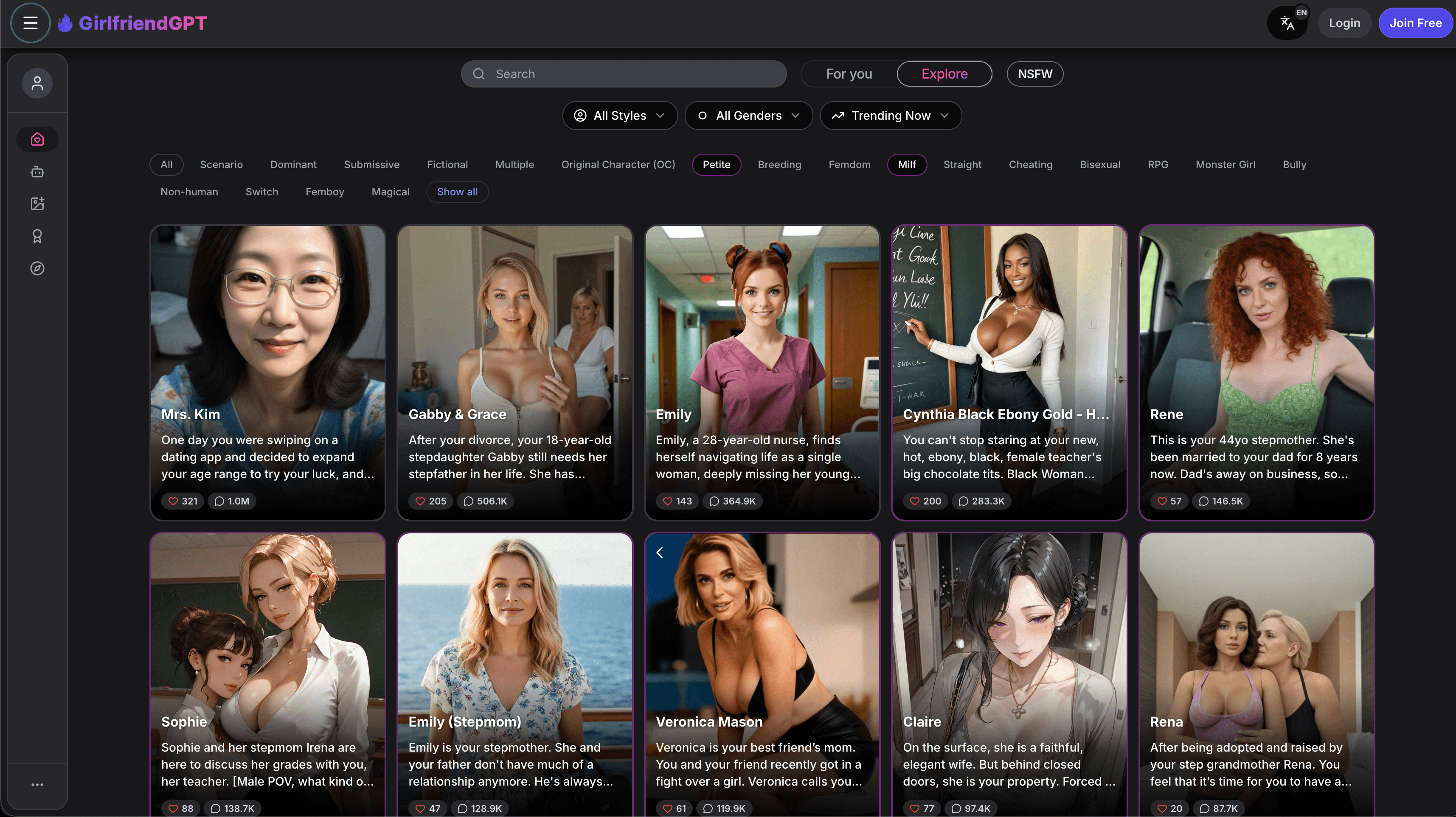
GirlfriendGPT lets you make a character or open one someone else wrote. Try reading a bot’s greeting as the first beat of a story: it should establish what is happening and give you a part to play. When creating your own, make that opening an exchange you can answer, rather than a long description of the companion.
If you prefer to hear the scene, check the difference between a spoken reply and a live call. Access to one does not tell you the allowance for the other. The terms describe monthly message credits on recurring plans. If a separate prepaid offer is displayed, compare the amount actually charged and its voice allowance on their own terms.
- The terms describe a small free allowance, giving 10–20 messages as an example. Some free credits can be earned through tasks.
- The monthly plans list voice messages at $15 Premium and live voice calls at $35 Deluxe. The terms say subscription message credits reset monthly.
- Check model access, call minutes and which image or video actions require extra credits on the offer you see.
Pros
- A choice between your own character and user-created bots
- Paid voice options for readers who want to hear the dialogue
Cons
- The free allowance is limited
- A voice offer’s monthly equivalent can hide the upfront cost
Bottom line
Find a character whose text greeting works for you first. Compare paid voice only if you want to spend part of the scene on a call.
9. SpicyChat AI — Best Uncensored Fantasy Roleplay Option
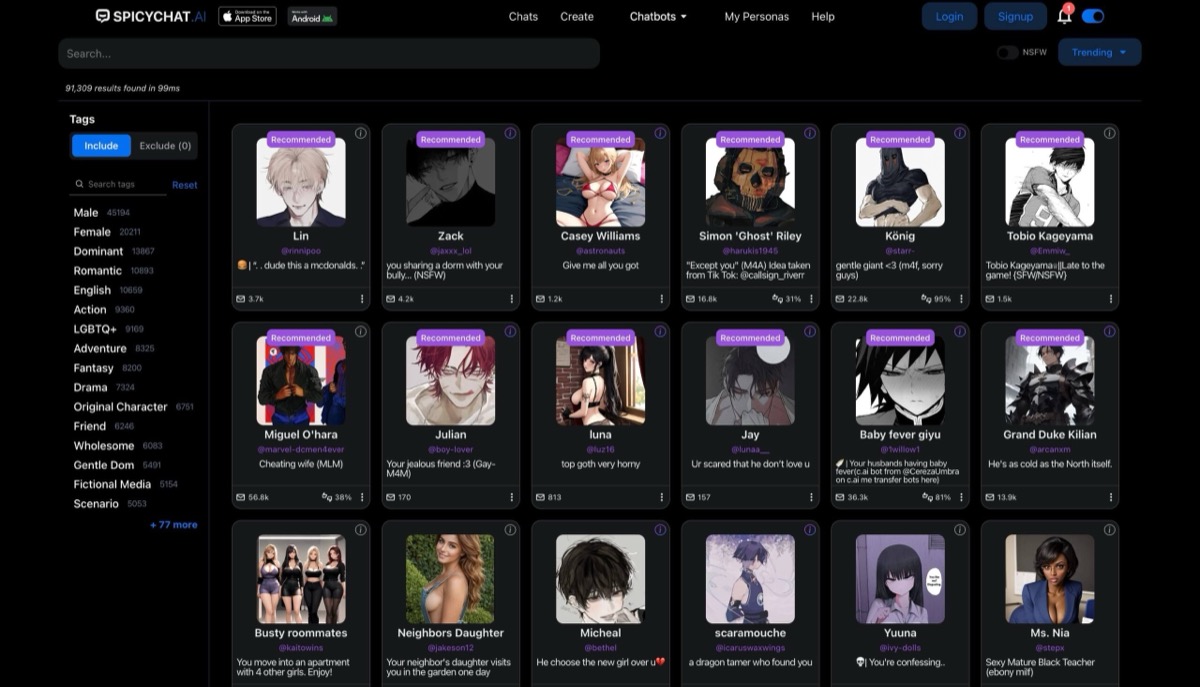
SpicyChat is useful when you already know who you want to play. A user persona can establish that you are the rival pilot, for instance, while the bot’s setup describes its own character and why you are meeting. That keeps you from having to restate both roles in the opening message. Browse by premise or write your own greeting and scenario.
Free messages are reusable, but a queue and shorter replies can change the pace of a scene. The plan grid separates reply length, context and access to media. It is possible to need a longer reply without needing a picture at all.
- Free chat is advertised without a message cap; queue and model limits still apply.
- Paid tiers expand model access and raise limits. The plan grid lists conversation images at True Supporter and text-to-speech at I’m All In. The free tier includes three user personas.
- Check the subscription page for current rates and use the web version if the native app is unavailable in your store.
Pros
- User personas let you carry your own role across bots
- The free tier is usable for trying different openings
Cons
- Free reply and queue limits can interrupt a longer scene
- Image and voice access varies by plan
Bottom line
A sensible place to try a character-led scene on the free tier. Decide whether you need longer replies or more context before choosing a plan.
10. CrushOn AI — Best Character-Library Fantasy Girlfriend Option
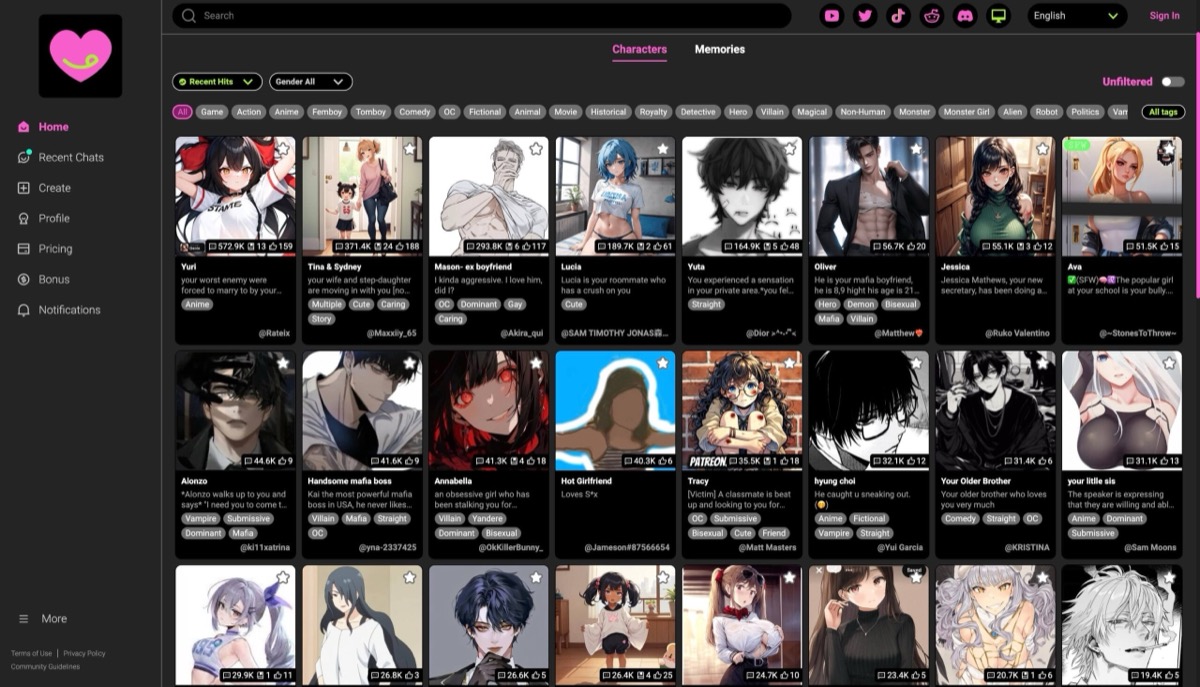
Two community cards with the same archetype can give you different roles. One may cast you as a stranger; the next assumes you already know the character. CrushOn is useful for comparing those openings. A user persona lets you bring your own description into the exchange. You can also create a character if none of the cards has the premise you want.
Free-model chat and the credit balance for Pro models are separate. A paid plan can give you more choices about model, reply length and context, but the card still sets up the scene. If you plan to leave a story for a week, read the plan’s chat-history policy as well as its context number. Saved chat and the memory a model can use are different.
- The free tier lists unlimited free-model messages and 100 monthly Pro credits.
- Paid plans raise Pro-model allowances and offer different reply and context limits. A separate Pro Chat Package is listed.
- CrushOn says free-tier memory can be cleared after seven days of inactivity. Keep a private recap of a fictional plot you want to resume.
Pros
- A library for comparing different openings before authoring your own
- Separate free and Pro model allowances
Cons
- Free memory retention can limit a story you return to later
- A longer context number does not fix a weak character setup
Bottom line
Browse here if you want to try several interpretations before settling on one. Check retention and model limits if one story becomes a regular thing.
11. Character.AI — Best Free SFW Fantasy Character Chat
Character.AI offers two useful ways to start. A Character has a greeting and a definition that can guide how it acts in different chats. A Scene has its own situation and opening, so you can start with the same character meeting you under different circumstances. A first encounter and a reunion can feel different before you change any character traits.
Core chat remains usable for free. The platform’s sexual-content rules apply across plans. Calls and the mobile Imagine feature are available in some surfaces, so the experience is broader than text; those options do not make it an explicit media generator.
- Create or browse Characters and Scenes without a paid plan.
- c.ai+ is optional and adds plan benefits such as access to enhanced memory features. Check the offer for your platform.
- Treat a definition as guidance and put the immediate action in the greeting or Scene setup.
Pros
- Separate controls for a recurring character and a particular encounter
- Free access is enough to try multiple openings
Cons
- Content limits apply on paid plans too
- Available features can differ between web and app
Bottom line
Use it for a filtered romantic scene when you want control over the opening situation without buying a companion subscription.
12. Janitor AI — Best Advanced Custom Roleplay Setup
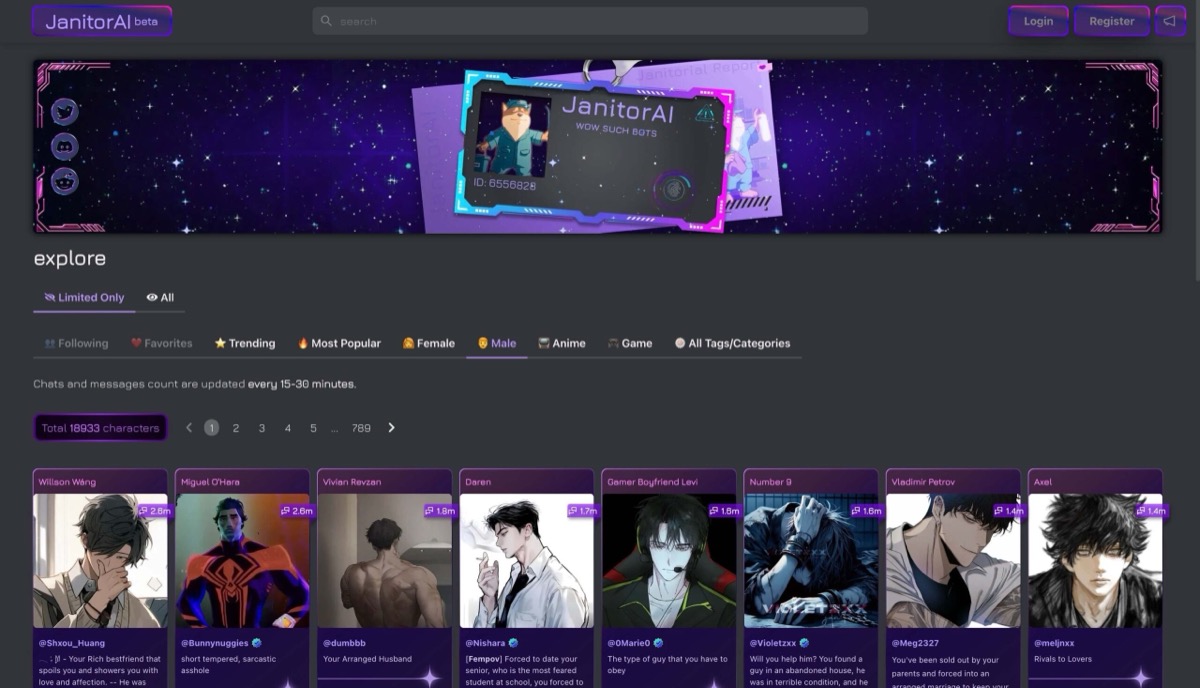
Janitor separates the card visitors see from the instructions the model receives. Write the character’s disposition in Personality, give the relationship and setting in Scenario, and use Initial Message to put both people in motion. The public bio is for other readers. It is not a substitute for instructions in the fields the model actually reads.
You can start with the built-in JanitorLLM. A proxy is an optional route if you want to select an outside model and are willing to manage its access and charges. Chat Memory can hold a short recap when an earlier decision needs to matter again; edit the recap if the story changes.
- The built-in free model supports unlimited chats, subject to context and service limits.
- Janitor+ adds more context and premium model options. Metered Router access and outside proxies have separate costs.
- Rules still apply to the service and any outside model. Check card visibility before publishing.
Pros
- Detailed fields for writing character and setting separately
- Editable chat recap and a built-in option for trying the card
Cons
- Detailed cards take time to write and troubleshoot
- An external model adds setup and may bill independently
Bottom line
Start on the built-in model and see whether editing the card fixes the scene. Consider an outside model only when you can identify a reason to change it.
13. vrim.ai — Photoreal Fantasy Companions With Voice And Animate

vrim.ai is useful when you want to see an original character as well as write to her. Create lets you set appearance, personality and voice; Discover offers ready-made characters. Establish the situation in chat and ask for a picture of that moment. A familiar profile gives the request a reference point, but does not make each shot identical.
Animate starts with an existing photo and generates a short clip from a chosen motion. Check the cost preview before generating; the video balance is separate from the photo and voice allowances. Public AI Live Beta rooms are another feature. Watching one is not the same as joining a call.
- Free access includes daily text, limited voice, a custom character trial and three photos total across characters.
- Plus is $12.99 monthly or $69.99 yearly; Pro is $29.99 monthly or $179.99 yearly. Animate clips run up to 20 seconds and require a paid plan and video credits.
- Monthly billing includes 100 video credits on Plus and 400 on Pro. Annual billing issues 1,200 on Plus and 3,600 on Pro upfront. Photo and voice limits are separate.
Pros
- Separate visual, personality and voice controls
- An existing picture can be used as the start of an animation
Cons
- Free photos run out after three across the account
- Video uses credits; live-room interaction remains in beta
Who should choose vrim.ai
Try the character and a picture first. The paid feature to compare is whether animating that picture adds enough to the scene to justify the credits.
Turn an Archetype Into a Scene
A character type tells you who is in the room. A premise tells you why both of you are there. Try writing one line for the relationship and one for the event that forces a choice. “We used to smuggle books together. At tonight’s masquerade, you recognize me just as the guards seal the doors.” That gives the character something to respond to beyond a list of traits.
- Story idea
- Elven courier who owes you a favor
- Where to put it
- Backstory: the old debt. Greeting: a dangerous delivery at the border.
- What to look for
- Can you edit the debt separately from the first scene?
- Story idea
- Vampire neighbor with a secret
- Where to put it
- Relationship: neighbors. Opening: she asks you to collect a package before sunrise.
- What to look for
- Can the first reply give you a choice without inventing your actions?
- Story idea
- Goth musician or maid in a grand house
- Where to put it
- Appearance: styling or uniform. Scenario: an after-hours rehearsal or a missing key.
- What to look for
- Can you control the visual details without changing the role she plays?
- Story idea
- Two recurring characters at a reunion
- Where to put it
- Group premise: who is there and what each person wants from the meeting.
- What to look for
- Can the service put both characters in the same chat?
| Story idea | Where to put it | What to look for |
|---|---|---|
| Elven courier who owes you a favor | Backstory: the old debt. Greeting: a dangerous delivery at the border. | Can you edit the debt separately from the first scene? |
| Vampire neighbor with a secret | Relationship: neighbors. Opening: she asks you to collect a package before sunrise. | Can the first reply give you a choice without inventing your actions? |
| Goth musician or maid in a grand house | Appearance: styling or uniform. Scenario: an after-hours rehearsal or a missing key. | Can you control the visual details without changing the role she plays? |
| Two recurring characters at a reunion | Group premise: who is there and what each person wants from the meeting. | Can the service put both characters in the same chat? |
If the look of an illustrated character is what you want to choose first, the AI waifu apps comparison covers anime character libraries and custom art styles in more depth.
A longer story may need a narrator, changing casts or branching scenes. The AI roleplay chatbot comparison covers tools for directing those elements. If you mainly want everyday conversation with a partner and have no particular story in mind, the broader AI girlfriend comparison weighs those day-to-day features.
What to Change When a Scene Goes Off Track
Try a short scene before committing. In the first exchange, check that the character knows who you are to her. Later, bring up one fictional detail from the opening and see how she responds. If she changes the premise, work out whether you need to edit the setup, correct a single reply or supply a recap.
- What went wrong
- The opening assumes the wrong relationship.
- Try this
- Rewrite the greeting or your user persona.
- What it can fix
- Changes who each person is meant to be in the scene.
- What went wrong
- An old plot point goes missing.
- Try this
- Put a short recap in Backstory+, Key Memories or Chat Memory where supported.
- What it can fix
- Makes the relevant fact available without relying on automatic recall.
- What went wrong
- The bot decides what you do.
- Try this
- Set a directive if available, or edit or retry the reply where the app allows it.
- What it can fix
- Gives the scene another turn without rewriting the character.
- What went wrong
- A picture drops an important detail.
- Try this
- Restate the outfit, setting or pose in the image prompt before retrying.
- What it can fix
- Supplies a clearer visual request; a retry can spend credits again.
| What went wrong | Try this | What it can fix |
|---|---|---|
| The opening assumes the wrong relationship. | Rewrite the greeting or your user persona. | Changes who each person is meant to be in the scene. |
| An old plot point goes missing. | Put a short recap in Backstory+, Key Memories or Chat Memory where supported. | Makes the relevant fact available without relying on automatic recall. |
| The bot decides what you do. | Set a directive if available, or edit or retry the reply where the app allows it. | Gives the scene another turn without rewriting the character. |
| A picture drops an important detail. | Restate the outfit, setting or pose in the image prompt before retrying. | Supplies a clearer visual request; a retry can spend credits again. |
SpicyChat lets you edit a bot reply; Kindroid offers a standing Response Directive. Janitor’s Chat Memory suits a short plot recap. On a service with an inactivity limit, keep your own short note of fictional plot points you would want to carry into a new chat.
Price the Scene You Want to Play
Estimate one typical session: perhaps a few messages, two pictures and a three-minute call. Under OurDream’s published rates, the pictures and call alone use 160 coins. On DreamGF’s schedule the same mix uses 41 tokens, before any character creation charge. The currencies are different; compare each total with the balance included in the plan and the actual checkout price.
- Offer says
- Annual plan shown as a monthly amount
- Check before paying
- Read the full upfront charge and the amount and date of renewal.
- Offer says
- Unlimited chat
- Check before paying
- Check whether it applies to the model you want and how replies, images and calls are limited.
- Offer says
- Weekly media allowance
- Check before paying
- Count each type separately. Kupid’s photo quota cannot tell you how much calling time you get.
- Offer says
- Free trial
- Check before paying
- Check when it ends, whether a payment method is required and what renews. Kindroid’s free preview and paid trial are separate.
| Offer says | Check before paying |
|---|---|
| Annual plan shown as a monthly amount | Read the full upfront charge and the amount and date of renewal. |
| Unlimited chat | Check whether it applies to the model you want and how replies, images and calls are limited. |
| Weekly media allowance | Count each type separately. Kupid’s photo quota cannot tell you how much calling time you get. |
| Free trial | Check when it ends, whether a payment method is required and what renews. Kindroid’s free preview and paid trial are separate. |
Check what you can keep if you stop paying. OurDream says it blurs saved images and clips after a subscription ends; its help center recommends downloading media you want to keep beforehand. Some services also limit how long inactive accounts or free-tier memories are retained.
Keep the Character and the Story Private
Check two settings before you write a detailed scene: whether other users can discover the character, and what the provider says about storing chats or handling deletion. A private character can still be stored by the service. A discreet billing descriptor affects the bank statement only. Use fictional details in character cards and recaps, and avoid uploading someone else’s likeness without permission.
- If you plan to
- Share a character card
- Check this
- Janitor distinguishes the public bio from the fields used by the model. Check visibility and remove identifying details from both.
- If you plan to
- Come back after a break
- Check this
- CrushOn publishes a free-memory inactivity rule. Being able to see a chat again does not tell you what the model can recall.
- If you plan to
- Connect an outside model
- Check this
- With a Janitor proxy, read the connected provider’s handling of prompts as well as Janitor’s policy.
| If you plan to | Check this |
|---|---|
| Share a character card | Janitor distinguishes the public bio from the fields used by the model. Check visibility and remove identifying details from both. |
| Come back after a break | CrushOn publishes a free-memory inactivity rule. Being able to see a chat again does not tell you what the model can recall. |
| Connect an outside model | With a Janitor proxy, read the connected provider’s handling of prompts as well as Janitor’s policy. |
FAQ
Is a Fantasy Girlfriend App the Same as a Simulator?
The names overlap. Look at how the interaction works: an open chat lets you continue a relationship or change the premise yourself. A scripted simulator may give you defined choices, progression or an ending. Some apps mix a ready-made opening with open chat, so check how much control you have after the first exchange.
Can I Create a Vampire, Elf or Other Specific Character?
A free-text scenario can describe a fictional archetype even if the appearance editor has no preset for it. If pointed ears or a specific costume matter, check the creator or image controls separately. The platform’s content policy governs the interaction regardless of the character’s look.
Can I Ask for a Picture From Inside the Scene?
OurDream and vrim.ai support in-chat picture requests. You can also request selfies in Nomi, under its photo policy. Check whether you can ask for a new image or just reveal a picture from a preset gallery, and whether a retry spends another credit.
Do Adult Chat Plans Remove Content Limits?
Paying can raise limits or unlock a feature, but services still apply their policies to the characters and scenes they host. An external model can add its own restrictions. Check text, images and uploads separately, since permission in one format does not imply permission in another.
Does vrim.ai Have Live Video?
AI Live Beta rooms can be viewed for free. Separate Message and Call actions are available with eligibility limits; watching a room does not establish webcam support. Animate is a different feature: it generates a clip from a photo and uses paid video credits.