

A waifu’s portrait tells you how she looks. Her opening line tells you what story you’re stepping into. Browsing an anime library lets you try a creator’s version of that story. Build an original waifu and you write the opening yourself, down to the reason she already knows your name.
Quick verdict
OurDream AI suits an original waifu you want to chat with and make images of. Start with CrushOn AI to browse ready-made anime characters and try their opening scenes. SpicyChat AI gives you free text chat and character creation, with personas to define your part in the story.
The top three at a glance
Top 3 AI Waifu Apps Compared
Three starting points for anime character chat.

OurDream AI
Best Overall
Set an anime look, backstory and voice for an original waifu, then chat with her or spend Dreamcoins on scene pictures, video clips and voice calls.
Reuse one character profile for scene pictures, clips and voice calls.
Try OurDream AI
CrushOn AI
Best for Existing Anime Characters
Open a community anime character and try her greeting on a free model. Standard adds group chat when the scene calls for more than two characters.
Compare fan-made interpretations before you commit to one longer chat.
Try CrushOn AI
SpicyChat AI
Best Free Option
Create an anime character and play out a text story on the free plan. Use a persona to decide who you play, from a new classmate to a rival pilot.
Save a persona and reuse it when you meet another character in a chat.
Try SpicyChat AICreate the companion first, then compare the apps.
OurDream AI covers custom characters, private chat, images, voice, memory, and short clips in one adult companion workflow.
Custom Companion Pick
Build Your AI Dream Companion
Design a custom AI partner, test chat and media features, and decide whether an all-in-one companion workflow fits your use case.
Key Takeaways
- A community profile gives you someone to talk to immediately. Read the greeting to see how the creator casts you in the scene.
- For an original waifu, look for separate controls for her appearance, the way she speaks and her relationship to you.
- CrushOn AI offers free-model chat. SpicyChat AI also lets you create characters for free, while pictures with a private or self-created character require its top plan.
- WaifuChat by Disco Labs and Waifu by Wei x AI are separate mobile apps with different editors, purchases and data disclosures.
- An anime avatar, a generated scene image, a voice call and a moving avatar are separate features. Try the format you plan to use before paying for it.
Check the rules before publishing a fan character
Check the app’s rules before publishing a character you adapted. OurDream rejects direct adaptations in public submissions. Soulkyn requires original characters and disallows existing copyrighted characters.
Quick Comparison Table
Compare all 8OurDream AI · CrushOn AI · SpicyChat AI
- App
- OurDream AI
- Useful for
- Building an original waifu with an anime look and optional scene media.
- Character controls
- Set appearance, personality, backstory and voice. Add a persona or pin a detail for chat. Generate images or clips separately from voice calls.
- Free and paid access
- 55 starter Dreamcoins for a limited try. Premium includes 1,000 coins each month. Images, clips and calls draw from the balance.
- App
- CrushOn AI
- Useful for
- Trying community takes on an anime character before building one yourself.
- Character controls
- Browse or create profiles with a greeting and scenario. Paid Standard adds group chat for scenes with a cast.
- Free and paid access
- Unlimited messages on free models and 100 monthly Pro-model credits. Standard raises context and adds group chat.
- App
- SpicyChat AI
- Useful for
- Writing an original anime story and deciding who you play without paying for text chat.
- Character controls
- Create a character, use a persona and write the starting situation. Private characters can use keyword lorebooks for setting details.
- Free and paid access
- Unlimited free text and a free character creator. True Supporter adds images for eligible public characters. Own/private character images and text-to-speech require the top plan.
- App
- Character AI
- Useful for
- Browsing familiar anime characters for conversation within mainstream content rules.
- Character controls
- Try community greetings or write a definition, openings and voice. Imagine can make visuals from chat on mobile.
- Free and paid access
- Free basic text and character creation. Lite limits premium-style chats each day. Full c.ai+ removes that limit.
- Useful for
- Designing a waifu from a written idea or reference image on iPhone or iPad.
- Character controls
- Set style, voice and personality. Use Scenes to change the premise and open separate chats with the same waifu.
- Free and paid access
- Free download with in-app purchases. The exact free allowance is unclear. Pro advertises unlimited images, messages and waifus.
- App
- Weifu AI
- Useful for
- Finding a named or original anime character by genre or setting up a relationship in chat.
- Character controls
- Browse genre and personality tags, upload a character image, set a relationship and select from available chat models.
- Free and paid access
- Free tier with ads. Eligible responses and extras can use gems. Pro adds extended memory, outfit controls and ad removal.
- App
- Soulkyn
- Useful for
- Making an original anime-style companion with detailed trait and outfit settings.
- Character controls
- Set a Kyn’s backstory, personality and appearance. Generate prompted images or let the chat supply the scene for an image.
- Free and paid access
- No-card trial with rolling usage limits. Paid plans offer unlimited text. Deluxe adds unlimited images and text-to-speech.
- App
- Chub AI
- Useful for
- Importing and tuning a waifu character card for a branching anime story.
- Character controls
- Edit personality, scenario and example dialogue. Add keyword lorebooks, branch chats and choose a hosted model or connect a supported provider.
- Free and paid access
- Browse cards and sample hosted chat. The $20/month Mars plan offers unlimited hosted messaging. External providers may bill separately.
| App | Useful for | Character controls | Free and paid access |
|---|---|---|---|
| OurDream AI | Building an original waifu with an anime look and optional scene media. | Set appearance, personality, backstory and voice. Add a persona or pin a detail for chat. Generate images or clips separately from voice calls. | 55 starter Dreamcoins for a limited try. Premium includes 1,000 coins each month. Images, clips and calls draw from the balance. |
| CrushOn AI | Trying community takes on an anime character before building one yourself. | Browse or create profiles with a greeting and scenario. Paid Standard adds group chat for scenes with a cast. | Unlimited messages on free models and 100 monthly Pro-model credits. Standard raises context and adds group chat. |
| SpicyChat AI | Writing an original anime story and deciding who you play without paying for text chat. | Create a character, use a persona and write the starting situation. Private characters can use keyword lorebooks for setting details. | Unlimited free text and a free character creator. True Supporter adds images for eligible public characters. Own/private character images and text-to-speech require the top plan. |
| Character AI | Browsing familiar anime characters for conversation within mainstream content rules. | Try community greetings or write a definition, openings and voice. Imagine can make visuals from chat on mobile. | Free basic text and character creation. Lite limits premium-style chats each day. Full c.ai+ removes that limit. |
| WaifuChat / Waifu AI | Designing a waifu from a written idea or reference image on iPhone or iPad. | Set style, voice and personality. Use Scenes to change the premise and open separate chats with the same waifu. | Free download with in-app purchases. The exact free allowance is unclear. Pro advertises unlimited images, messages and waifus. |
| Weifu AI | Finding a named or original anime character by genre or setting up a relationship in chat. | Browse genre and personality tags, upload a character image, set a relationship and select from available chat models. | Free tier with ads. Eligible responses and extras can use gems. Pro adds extended memory, outfit controls and ad removal. |
| Soulkyn | Making an original anime-style companion with detailed trait and outfit settings. | Set a Kyn’s backstory, personality and appearance. Generate prompted images or let the chat supply the scene for an image. | No-card trial with rolling usage limits. Paid plans offer unlimited text. Deluxe adds unlimited images and text-to-speech. |
| Chub AI | Importing and tuning a waifu character card for a branching anime story. | Edit personality, scenario and example dialogue. Add keyword lorebooks, branch chats and choose a hosted model or connect a supported provider. | Browse cards and sample hosted chat. The $20/month Mars plan offers unlimited hosted messaging. External providers may bill separately. |
AI Waifu Apps Ranked and Reviewed
1. OurDream AI — Best Overall AI Waifu App
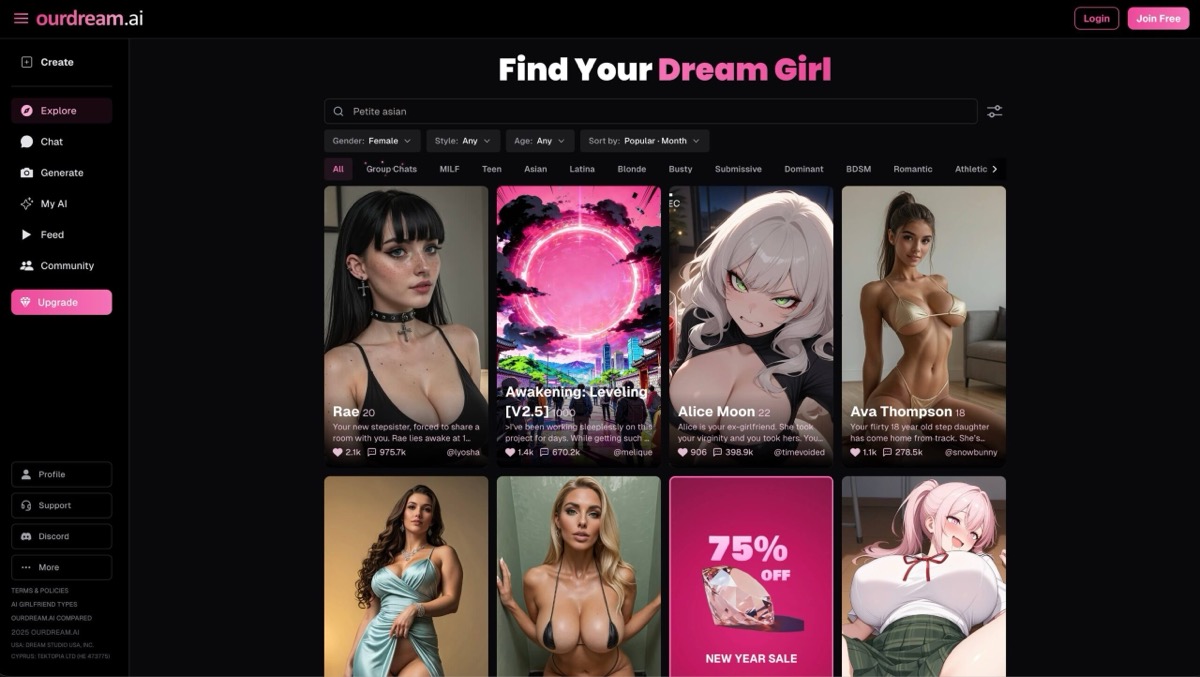
OurDream AI is useful when you already have an original character in mind. Pick the anime style in the creator, then give the character a voice and a reason to start talking. An aloof mechanic who owes you a favor gives the chat a premise that an outfit and hair color alone cannot supply. There are ready-made characters too, but the editor is the reason to start here.
Use your persona to establish who you are and pin a detail you expect the story to return to. The app also offers custom instructions and automatic memory. These are ways to supply information to the chat, and you can still get a reply that ignores it. The generated pictures and clips use a saved character, but features such as a distinctive hair clip or uniform can vary across outputs.
Premium is $19.99 monthly or $119.88 billed annually and includes 1,000 Dreamcoins a month. At the published rates of five coins for a basic image, 50 per call minute and 100 per five seconds of video, that allowance buys 200 basic images, 20 call minutes or ten five-second clips. Those examples spend the same balance. A full 60-second standard clip costs 1,200 coins. Editing an existing image also draws from the balance, with rates that vary by model.
- Character editor: anime is one of the appearance styles. Set personality, backstory and voice separately. The creator reserves some custom prompt fields for Premium.
- Conversation controls: personas describe your side of the exchange. Pins and custom instructions give the chat specific details to use.
- Free access: the 55 starter coins give you a limited preview. Free chats spend coins, and Premium includes unlimited chat on supported models.
- Where to use it: web access on desktop and phone.
Pros
- Create an original waifu with separate visual and personality settings
- Try text and request scene media from a saved character
- Published coin prices make it possible to budget for calls or clips
Cons
- Images and calls compete for the same coin balance
- A recurring outfit or facial detail can vary in generated media
- Anime is one style in a general companion builder
Bottom line
Best suited to an original character you want to build visually as well as write. Use a starter chat to check the premise, then try a basic image before budgeting for calls or clips.
2. CrushOn AI — Best Uncensored Anime Character Roleplay
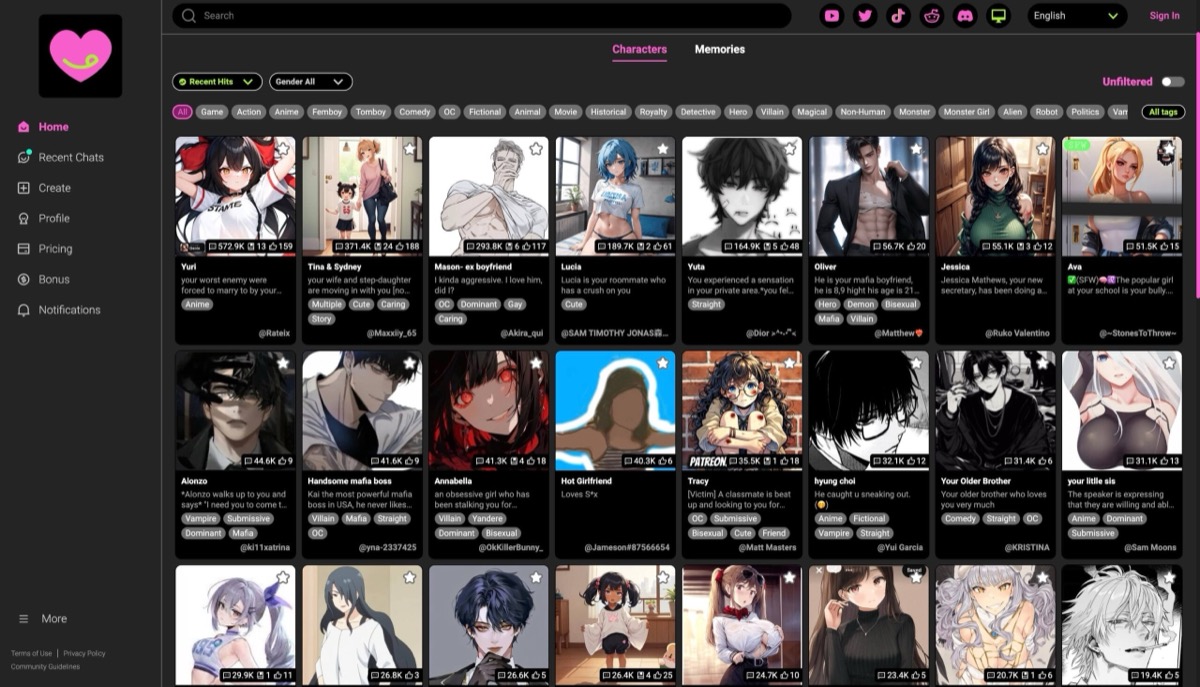
Search CrushOn AI when the character already exists in your head. Two community cards with the same name can open on different terms: one treats you as an old friend and the other starts with a first meeting. Read the greeting before picking a card, and try an original archetype if none of the named versions fits.
The creator gives you fields for personality, scenario and greeting. Use the scenario to tell the bot where the scene starts and the greeting to demonstrate how she talks. For a school club or adventure crew with several speakers, Standard adds group chat. Voice is another option, with custom voice creation subject to plan access.
Free models allow unlimited messages and the free account also gets 100 Pro-model message credits monthly. CrushOn’s published monthly guide lists Standard at $5.99. Check the price for the edition and billing term you’ll use. Its listed context rises from 8K to 16K. A larger window gives the model more material to work with. If you plan to pause a story for weeks, check what the app will retain when you return.
- Discovery: check community profiles for a greeting, role and writing style you want to start with.
- Character setup: author a personality and starting situation if you prefer to write your own take.
- Plans: use free models for casual chat. Standard adds group chat and a larger listed context window.
- Inactivity: CrushOn’s plan documentation says free-tier memory is deleted after seven days of inactivity. Check transcript access separately.
Pros
- Try several community interpretations without spending Pro credits
- Write your own opening and scenario
- Put multiple characters in a scene on a paid plan
Cons
- Free-tier memory has an inactivity limit
- Free models and Pro-model credits are different allowances
- Custom voice creation has plan restrictions
Bottom line
Start here if the writing and the opening scene matter more than media. If you plan to keep one story for months, check history retention before making this your main chat.
3. SpicyChat AI — Best Large Anime Character Library
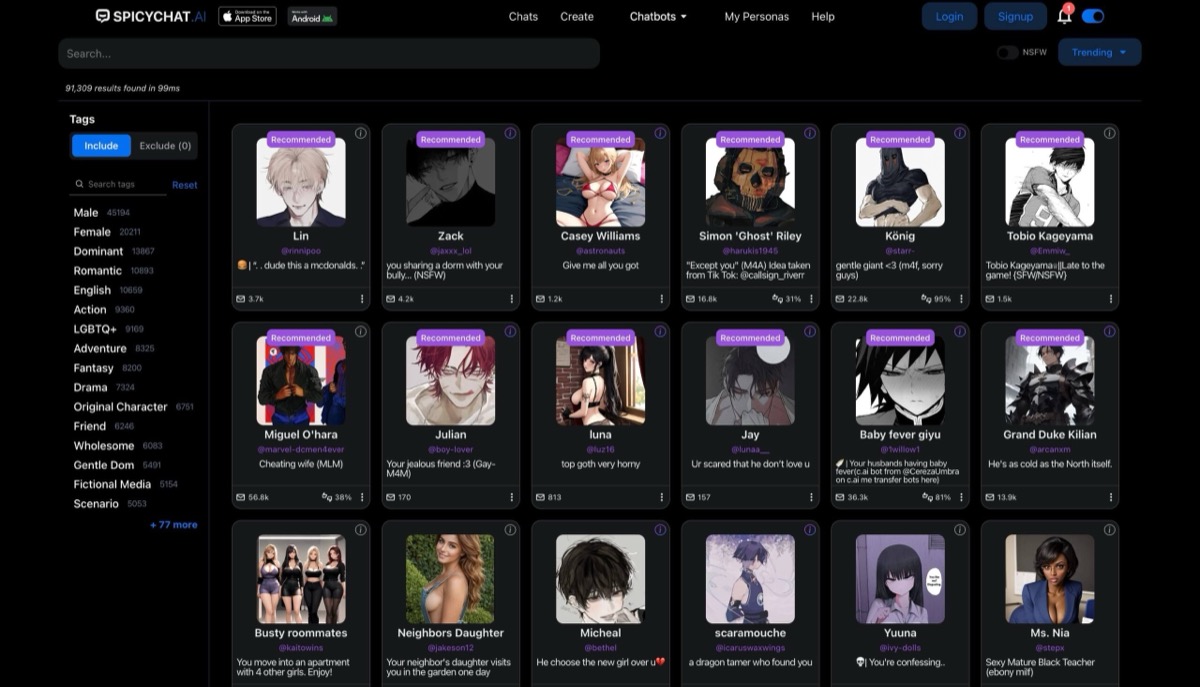
SpicyChat AI lets you start from a community character or write a new one for free. The user persona is especially useful if you want to play a role in the story. You can chat with the same pilot as her mechanic in one thread and use a different persona to meet another character as a rival. The persona describes your part, while her profile sets hers.
For a private character in a setting with recurring places or rules, a lorebook supplies relevant information when a keyword appears. Use a short entry for the name of a ship or the rules of a tournament. The model can still overlook a detail. A concise greeting and scenario are useful for establishing what matters in the current scene.
Free text chat and character creation come with a queue and a smaller context window. Get a Taste ($5.95 monthly) removes the queue and ads. True Supporter ($19.95 monthly) adds Conversation Images for eligible public characters. I’m All In ($29.95 monthly) extends image generation to private and self-created characters and adds text-to-speech. Conversation Images use the avatar, character description and recent chat input, which gives the generator a starting point for the scene.
- Free writing tools: unlimited text messages, a free character creator and three user personas on the free plan.
- Setting: character definitions establish the role. Lorebooks give recurring names and rules their own entries.
- Paid media: check which character you can generate images with. The ability to create a waifu for free is separate from generating her pictures.
Pros
- Try the free creator and define your role through a persona
- Build setting details into a lorebook
- Conversation Images can use cues from the character and scene
Cons
- Free users can face a queue
- Images of private or self-created characters require the top plan
- Text-to-speech is on the top plan
Bottom line
Start a text story here if you want control of both sides of the premise before paying. Check the image tier if the project also calls for pictures of the character you created.
4. Character AI — Best Mainstream Anime Character Discovery
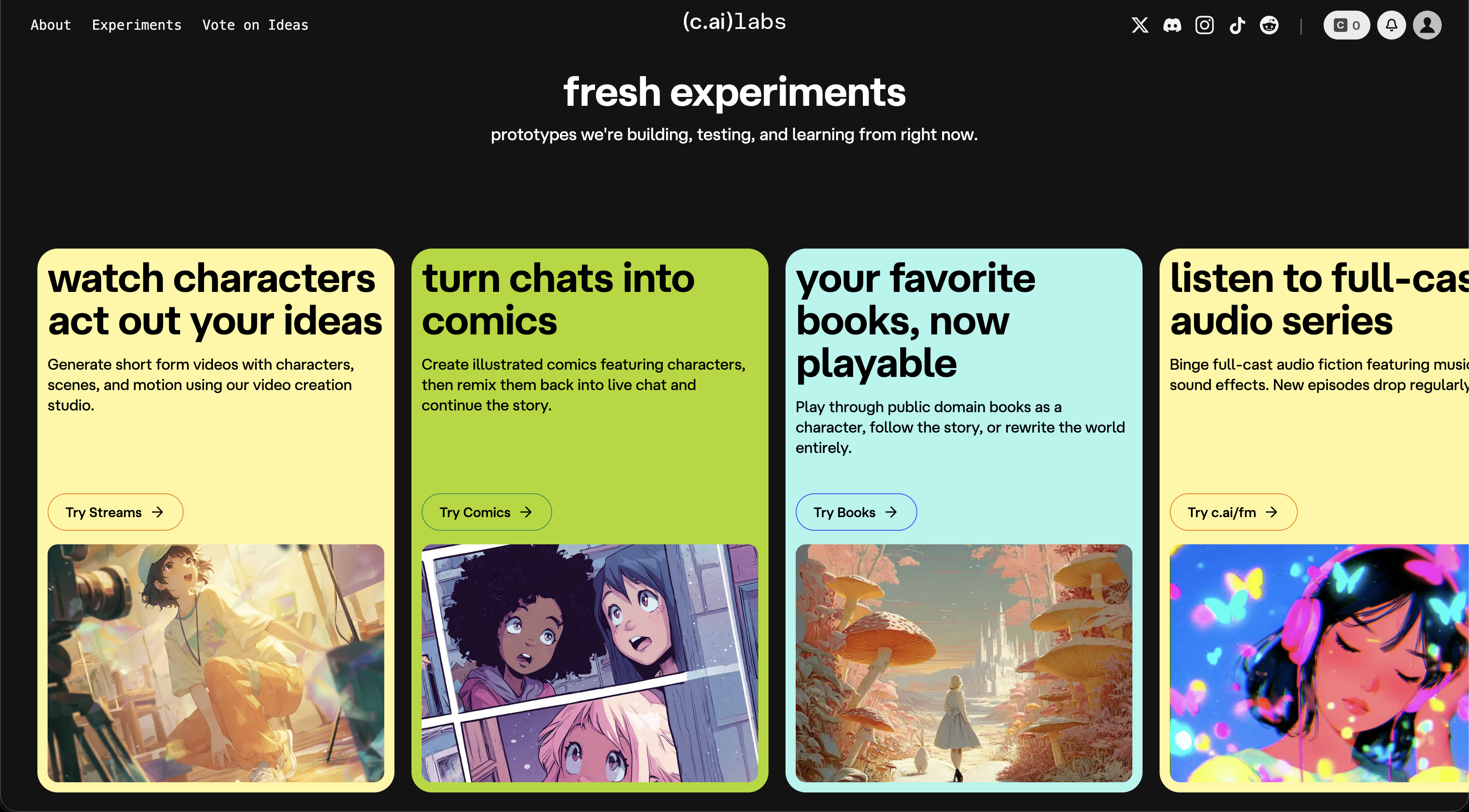
On Character.AI, a search for a familiar character is a starting point for comparing how different creators write her. Read the opening for tone and situation, then try another version if it casts you in the wrong role. To create an original, write her definition, choose a voice and give readers a choice of opening lines where available.
An avatar can be uploaded or generated. On mobile, Imagine can turn a selected chat moment into a visual, and Character Calls are a separate voice feature. Check what is offered in your app and account before choosing a subscription for media. A generated scene image is a separate output from a character that animates as you speak.
Basic text chat is free. In the US, c.ai+ Lite lists $4.99 monthly or $2.49 weekly for fewer ads and a daily allowance of premium chat styles. Full c.ai+ adds perks such as more swipes and higher call allowances. A swipe gives you another version of a reply you did not like. The service’s content rules prohibit explicit sexual content, and a subscription does not lift those rules. Compare the Character.AI alternatives if that policy is the reason you’re looking elsewhere.
Character.AI said on October 12 that the service would stay open during its court-supervised sale process. If you plan to keep a character long term, use the data export and check service updates before committing to an annual plan.
- Character controls: definition, greetings, avatar and voice are separate creator settings.
- Media: Character Calls support spoken chat. Imagine on mobile can generate a visual from a chat moment.
- Subscription: check the current checkout for prices, renewal and any limits on the features you plan to use.
Pros
- Browse community characters and compare their openings
- Create a character and set a voice for it
- Try text before paying for subscription perks
Cons
- Explicit sexual content is against the platform rules
- Creator quality and interpretation vary from card to card
- Check media access and call limits on the device you will use
Bottom line
A practical starting point for familiar anime characters in conversational or story-driven scenes. Pick a card whose greeting already matches the role you want.
5. WaifuChat / Waifu AI — Best Direct Waifu Mobile App Intent
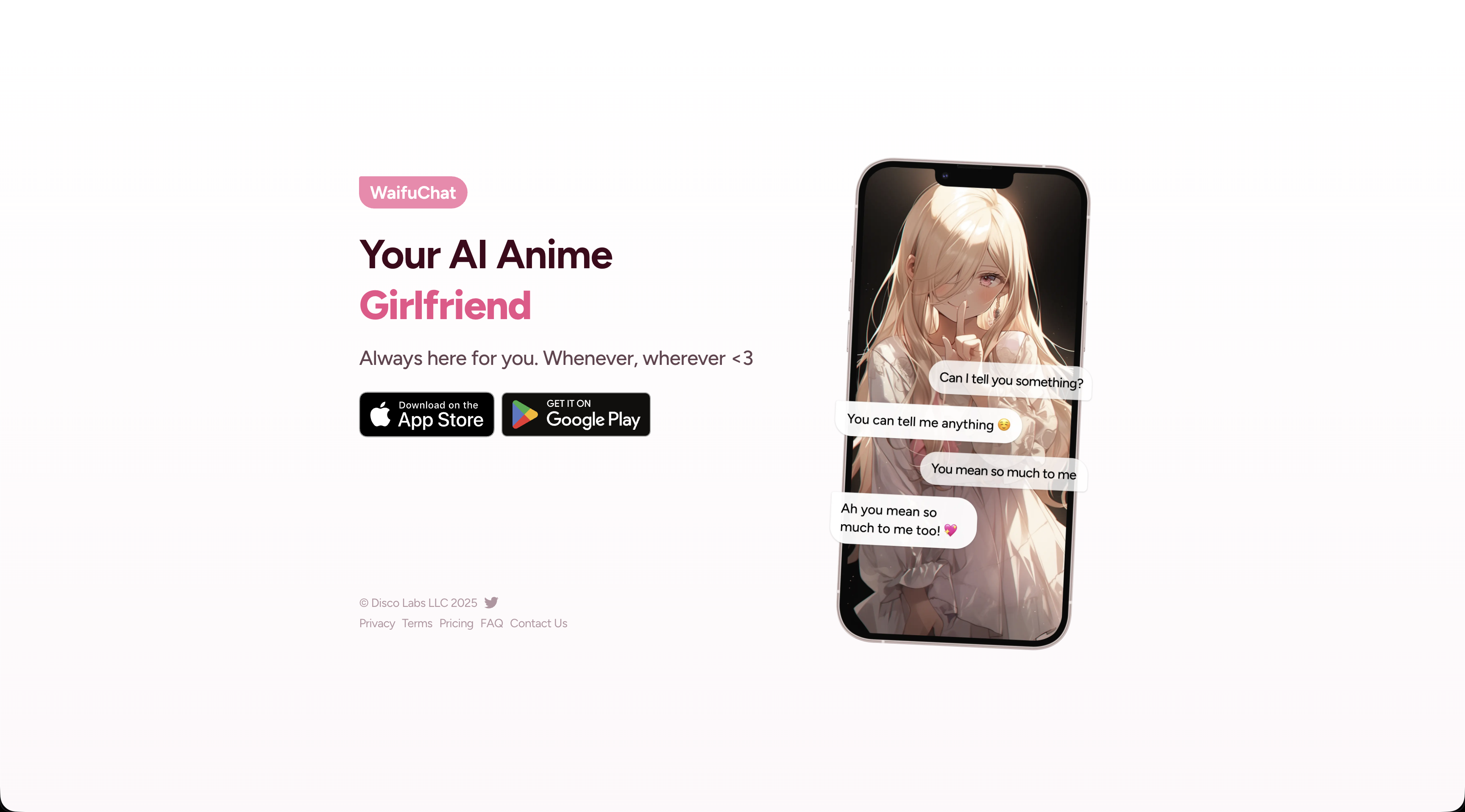
WaifuChat by Disco Labs is the mobile editor to look at if you have a sketch or an idea for an original character. Start from a description or reference image, then specify how the waifu should speak and act. The reference gives the app a visual starting point. A profile and a scene still do the work of telling the chat who she is.
Scenes give the same character different openings. A reunion after a long trip and a first meeting at a festival can live in separate chats. The app describes Memories that can carry details across scenes. Check what carries over if you want the chats to stay independent. The store also lists generated images and video, separate from a live animated conversation.
It’s a free download with in-app purchases, and the listing doesn’t specify how many messages or images you get before paying. Pro advertises unlimited images, messages and waifus. The US store lists $14.99 weekly, $29.99 monthly and $139.99 annually alongside a separate $69.99 annual offer and gem packs. An offer may have different renewal terms. Check the interval and renewal total shown on your device.
- Developer: Disco Labs LLC. Look for WaifuChat: AI Anime Fantasy in the App Store.
- Creation: enter a description or use a reference image, then set voice and personality. The app also lists curated Official Waifus.
- Scenes: give the same character another starting situation in a separate chat.
- Purchases: compare the Pro renewal with any separate gem purchases you plan to use.
Pros
- A reference image can start an original character
- Reuse a waifu in separate chats with different settings
- Curated characters give you a starting point without building one
Cons
- The listing gives no clear free message or image allowance
- The renewal interval matters on a weekly offer
- A reference image can yield different results across generations
Bottom line
A fit for iPhone or iPad if a reference image is how you like to start designing. Open a second scene before subscribing if carrying details between chats matters to you.
6. Weifu AI — Best Mobile Anime Girlfriend Storytelling App
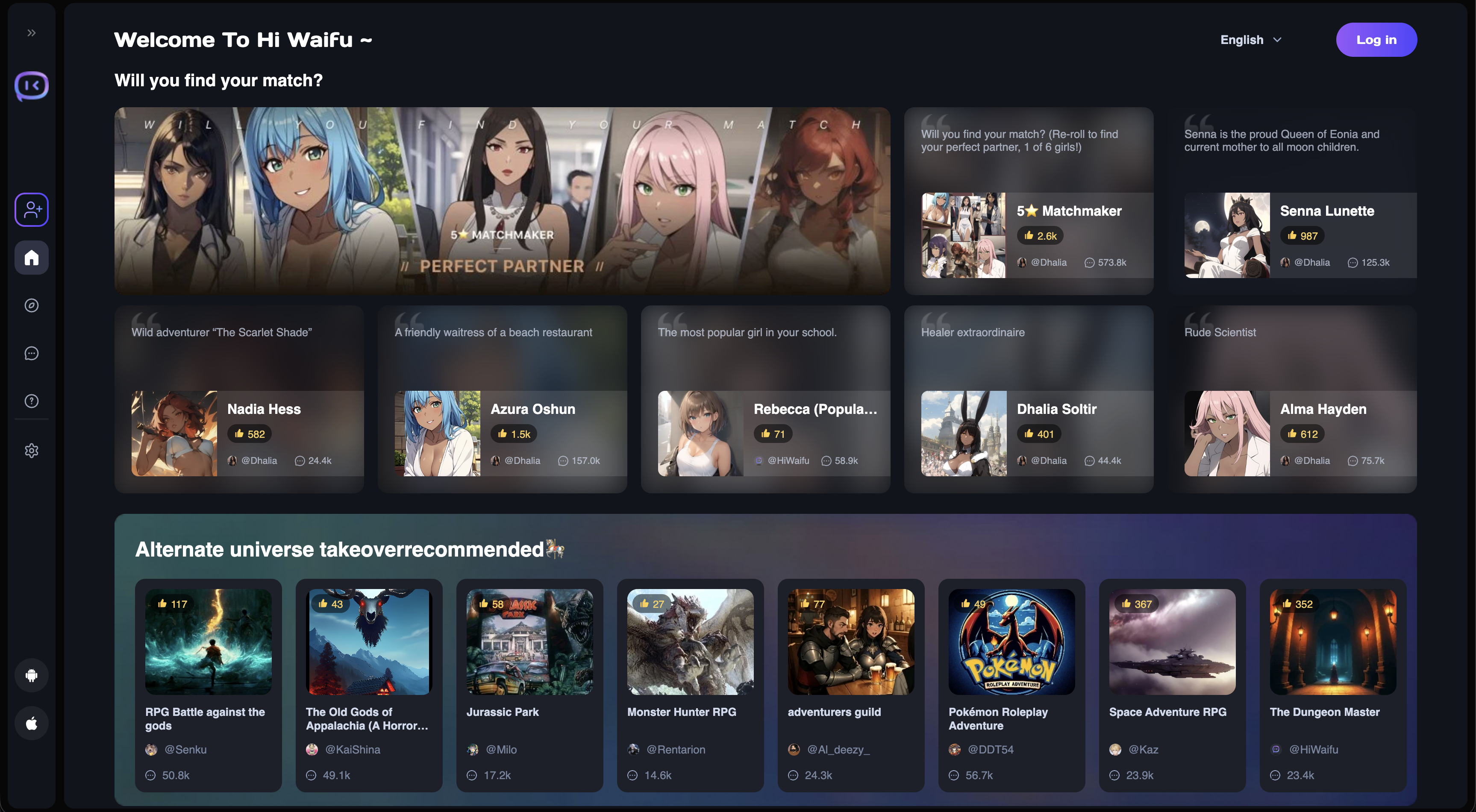
Wei x AI calls this service Waifu. Its current site is Wanmei Chat. Browse familiar and original characters by genre and personality tags. A campus or fantasy label tells you the kind of opening to expect. Read the profile and greeting before using a personality tag to judge how the character will actually respond.
For character creation, the mobile release notes describe custom image uploads, relationship settings and multiple models. Use the relationship setting if you want the story to begin with an established bond. Character expressions and animations are listed separately from those chat controls. An animated expression alone gives little indication of how the model will handle that bond.
The free tier includes ads. The service uses gems for eligible responses and extras, and Pro advertises extended memory, custom outfits and ad removal. Available prices and gem rates can vary. Check the cost of the model and extras you want. Verify the current store listing in your region if you plan to use a native app.
- Identity: Waifu by Wei x AI, a separate product from Disco Labs’ WaifuChat.
- Discovery and creation: browse genre and personality tags or upload an image for a character you design.
- Storage: release notes report a past character-loss fix for online sync and describe a Local Mode for storing character data on the device.
- Subscription: check the store or in-app price and what still uses gems.
Pros
- Browse named and original characters in genre groups
- Set the starting relationship explicitly
- Local Mode gives you a character storage option
Cons
- Gems and a subscription cover different purchases
- Tags cannot tell you how closely a character will follow the premise
- Local character storage leaves separate questions about chat processing
Bottom line
Try it for a mobile roster you can browse by genre, then compare one ready-made character with a relationship you set yourself. Review the gem rate if you switch models.
7. Soulkyn — Best Anime/Adult Companion Bridge
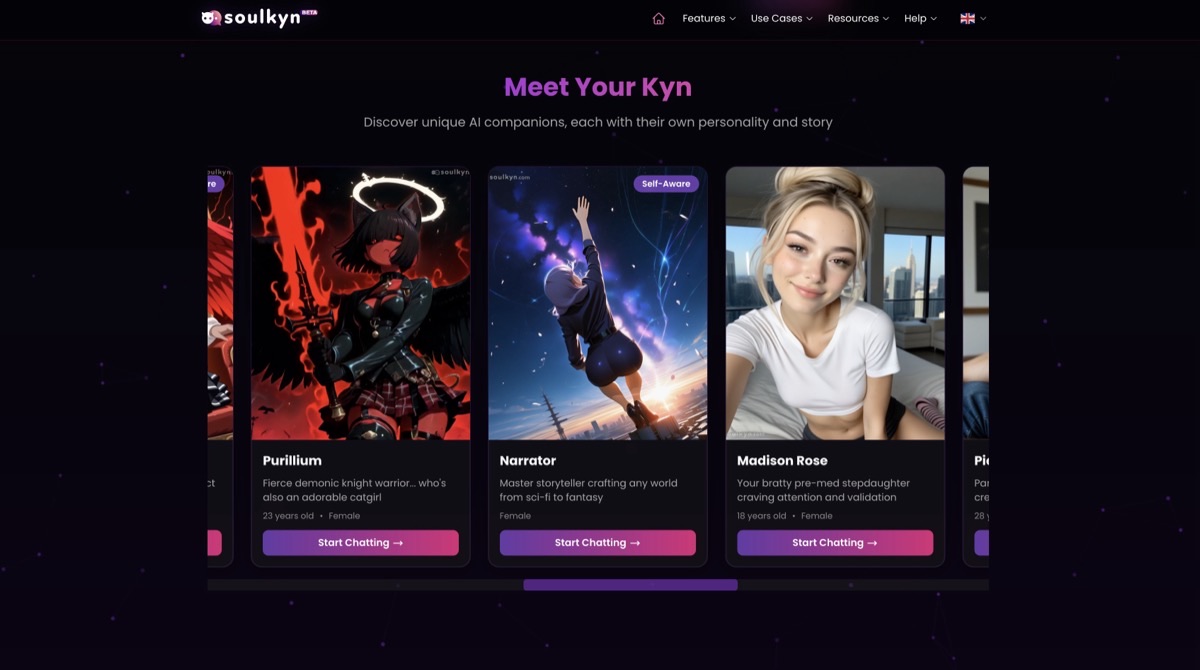
Soulkyn gives an original waifu separate written and visual traits. Describe how the character reacts to an interruption, then set visible details such as hair, accessories or clothing in the creator. The image generator offers both anime and photoreal styles. Its rules disallow existing copyrighted characters, so start with your own design.
The image tool lets you write a prompt yourself. An in-chat image lets the companion generate one from the conversation. Below Deluxe, one quota unit buys six tool-generated images or one in-chat image. Start with the image tool if you’re still deciding on a costume. Spend the larger share of the allowance on a chat image when the scene itself matters.
The no-card trial has rolling usage limits. Soulkyn lists Premium at €24.99 monthly for unlimited text and Deluxe at €49.99 monthly with unlimited images and text-to-speech. Video has separate limits. Deluxe also supports group scenes if your story calls for several Kyns. Soulkyn describes retrieving and summarizing older chat details. For a recurring story, try returning to an earlier event and see which parts the character brings back into the exchange.
- Character design: configure a Kyn’s backstory, personality and physical traits independently.
- Image workflow: compare manually prompted pictures with images generated from the conversation.
- Content rules: build an original adult character and check the rules before making it public.
Pros
- Separate appearance settings from personality and story
- Choose anime styling or another image style
- Use the image tool for multiple variations per quota unit on metered plans
Cons
- Existing copyrighted characters are disallowed
- In-chat images use more quota than prompted images on metered plans
- Trial access has rolling usage limits
Bottom line
Start here for an original character when outfit and image choices matter as much as the writing. The image tool is the better place to iterate on a look before asking for a scene image.
8. Chub AI — Best Advanced Custom Waifu Character Cards
Chub AI is a workspace for someone who wants to edit the character card itself. You can import a card and change the greeting, personality, scenario or sample dialogue. If you like the character but dislike an opening that casts you as her roommate, change the premise and the sample exchanges together. The card can still use the same portrait.
A lorebook lets you add series or setting details that load when a keyword appears. A chat tree lets you branch from a decision without overwriting the earlier exchange. Those tools are useful for rewriting an episode or trying two endings. Chub’s Soji model lists a 60K-token context window. The space also has to accommodate the card and any inserted lore, and the number alone gives no retention guarantee.
You can browse cards and sample hosted access before committing. Chub documents a $20/month Mars plan for unlimited messaging and also supports external model connections. Those services can have their own setup, charges and data policies. Check that your payment method is accepted before relying on a hosted plan. Chub documents generated images, but the card portrait alone gives no evidence that those images will reproduce the same character.
The AI roleplay chatbot comparison covers other ways to direct a scene or manage a cast if you want those controls without editing a character card.
- Card controls: import or edit character instructions, sample dialogue and the opening scenario.
- Story tools: attach keyword lorebooks and fork an exchange to keep both branches.
- Models: use a hosted plan or connect a supported external provider and check what it charges.
Pros
- Change the premise without discarding the character card
- Branch a scene and retain the original version
- Control what background detail a keyword adds to the chat
Cons
- Card, lorebook and model setup take time to learn
- Hosted model samples have usage limits
- External model providers may charge and process chat data separately
Bottom line
Best for a reader who wants a card to edit and a story to branch.
Get the character and the opening scene right
If you already have a character in mind, open a few community profiles for her. An opening that casts you as a classmate makes for a different chat from one that starts with a duel. For an original waifu, decide what you want to control first. An image upload helps with a specific look. A character editor helps with how she talks and what she knows about you.
- What you want
- A familiar character in a new situation
- Control to look for
- A searchable library with greetings you can preview.
- What to try in the first scene
- Compare two openings. Check who each creator assumes you are and what happened before the first line.
- What you want
- An original character with a particular look
- Control to look for
- Anime style, an image upload or appearance settings.
- What to try in the first scene
- Give her one visible detail you care about. If the app generates scene pictures, see whether it keeps that detail in a different setting.
- What you want
- A particular voice or personality
- Control to look for
- Character voice, written traits and example dialogue.
- What to try in the first scene
- Give her a decision to make. A sample exchange can show how she speaks when she disagrees.
- What you want
- A relationship or a continuing story
- Control to look for
- Relationship and scenario fields, a user persona or a chat branch.
- What to try in the first scene
- Define how you know each other and choose a situation that uses it. Try an alternate reply or branch when the premise drifts.
| What you want | Control to look for | What to try in the first scene |
|---|---|---|
| A familiar character in a new situation | A searchable library with greetings you can preview. | Compare two openings. Check who each creator assumes you are and what happened before the first line. |
| An original character with a particular look | Anime style, an image upload or appearance settings. | Give her one visible detail you care about. If the app generates scene pictures, see whether it keeps that detail in a different setting. |
| A particular voice or personality | Character voice, written traits and example dialogue. | Give her a decision to make. A sample exchange can show how she speaks when she disagrees. |
| A relationship or a continuing story | Relationship and scenario fields, a user persona or a chat branch. | Define how you know each other and choose a situation that uses it. Try an alternate reply or branch when the premise drifts. |
When you return to a chat, check what you can still read and what the character actually uses. Saved history lets you reopen the transcript. A context window limits what the model can take in for a reply, including instructions and lore. A pinned note or a memory manager can give it a detail to draw on. Ask about an earlier event after returning if you want to see how those controls work in your story.
If anime styling matters less than having someone to talk to day to day, the AI companion app comparison covers more options for everyday chat and voice.
A portrait, a scene image and a moving avatar
Decide what you want to see while you interact. A profile picture may be enough for a text story. A gallery gives you scene art to save. A character who moves in response to speech needs an avatar and a system that drives it during the conversation.
- Feature
- Avatar or portrait
- What it does
- Puts a face on a profile or chat. It may be uploaded or generated.
- What to look for
- Whether you can replace it without rewriting the personality. A standalone image generator can be enough if you only want art.
- Feature
- Scene image
- What it does
- Makes a still picture using a prompt, character information or part of a chat.
- What to look for
- Whether it works for a private character. Check the cost to reroll or edit a near miss.
- Feature
- Voice or generated video
- What it does
- Voice can read replies aloud or support a two-way call. A generated clip is a separate piece of media.
- What to look for
- Whether you can speak back during a call, and what a minute or clip costs.
- Feature
- Moving avatar
- What it does
- May show preset expressions, or use speech to drive live lip-sync on a model.
- What to look for
- Ask which movements react live. DIY setups such as AI Waifu can use VTube Studio and separate speech services, with installation and account setup.
| Feature | What it does | What to look for |
|---|---|---|
| Avatar or portrait | Puts a face on a profile or chat. It may be uploaded or generated. | Whether you can replace it without rewriting the personality. A standalone image generator can be enough if you only want art. |
| Scene image | Makes a still picture using a prompt, character information or part of a chat. | Whether it works for a private character. Check the cost to reroll or edit a near miss. |
| Voice or generated video | Voice can read replies aloud or support a two-way call. A generated clip is a separate piece of media. | Whether you can speak back during a call, and what a minute or clip costs. |
| Moving avatar | May show preset expressions, or use speech to drive live lip-sync on a model. | Ask which movements react live. DIY setups such as AI Waifu can use VTube Studio and separate speech services, with installation and account setup. |
Check the feature you’ll pay for
Try the specific action you want to repeat. If it’s chatting with a character you wrote, open that chat while you’re on the free plan. If you want that character in a picture, try from the same thread. SpicyChat, for example, gives a paid tier access to images for some public characters before it gives access to images for your own.
- Metered extras. Check whether rerolls, outfit changes or voice minutes spend the same currency as messages. A text subscription can leave you with a separate media bill.
- Renewal. Compare the next full charge. A weekly price repeats up to 52 times a year and an annual rate shown per month can be due up front.
- Device and store. Look up the developer and the precise app name before comparing purchase screens. Web and mobile can have different features or offers.
What happens when you share or leave a character?
Decide whether you want people to find the character before publishing the profile. OurDream’s privacy policy says a popular public character may remain available after you delete your account. Keep identifying details out of a public backstory, and use reference art you have permission to upload.
Local storage can keep a character file on your phone while chat still uses remote models. Wei x AI’s web privacy policy describes sending prompts and relevant conversation context to servers and selected providers. Disco Labs’ App Store privacy label describes reported data categories. For questions about chat retention or deletion, look for the policy covering the conversation itself.
FAQ
What is an AI waifu?
An AI waifu is a fictional anime-style character you can interact with. The character might be an original you design or a fan-created interpretation. The image, the behavior you describe and your role in her story can be separate settings.
Does an anime character app allow adult roleplay?
Check the rules for the edition, model and character you will use. Character.AI prohibits explicit sexual content. Other services may offer adult settings with restrictions on which characters can be created or published. An app store age rating describes the app’s content classification. The chat rules determine what you can play out. Compare the hentai AI chatbot guide if adult anime roleplay is the deciding factor.
Can you keep the same waifu if you stop paying?
Check whether the character, the transcript and any paid-only features survive a downgrade. A profile can remain available while its images, model or voice become inaccessible. If the service offers a character-card export, save it before you leave. An exported card may preserve the character’s instructions while the conversation stays with the original service.