

Search for one anime trope and the greetings can put you in different stories: an old rival on one card, an unknown traveler on the next. These hentai AI chatbots give adults different ways to pick a character, write their own role and steer what happens after the first reply.
Quick verdict
JuicyChat AI is the first stop for browsing anime and story tags. OurDream AI fits an original illustrated character you also want to see or hear. CrushOn AI gives you a persona and pinned setup for text roleplay; use Chub AI when a world needs lore that appears on cue.
The top three at a glance
Top 3 Hentai AI Chatbots Compared
Browse by anime tag, make an illustrated character, or keep key scene details in view as you write.

JuicyChat AI
Best Overall
Browse anime characters by tag and read the opening before you start. You can also write a greeting and set who can see the card you create yourself.
Pick a character by theme, then see what role you have in the opening.
Try JuicyChat AI
OurDream AI
Best for In-Scene Media
Give your anime character a personality and greeting of your own. Request an image from chat, with separate coin costs for images, calls and clips.
Give an original anime character a voice and request pictures in chat.
Try OurDream AI
CrushOn AI
Best for Pinned Scene Details
Set a user persona and pin a short recap so the model can see what matters to the scene. Try free models before spending credits on paid model access.
Pin key details so you can refer back to them when your scene changes.
Try CrushOn AICreate the companion first, then compare the apps.
OurDream AI covers custom characters, private chat, images, voice, memory, and short clips in one adult companion workflow.
Custom Companion Pick
Build Your AI Dream Companion
Design a custom AI partner, test chat and media features, and decide whether an all-in-one companion workflow fits your use case.
Key Takeaways
- Anime and story tags help you find a character. The greeting shows the role the creator expects you to play.
- A user persona describes your part. A pinned recap or lorebook supplies facts the chat model can use later.
- Compare free chat on the model you want to use. A message allowance and the amount of text a model can read are separate limits.
- A picture on a card can be an avatar, an unlock or a fresh generation. If you want new art in chat, check how the app delivers and charges for it.
Check the character and platform rules
This comparison is for adults and fictional adult characters. Check the rules on age, likenesses and public sharing before creating a card. An anime tag or a paid plan does not change the platform’s policy.
Quick Comparison Table
Compare all 9JuicyChat AI · OurDream AI · CrushOn AI
- Chatbot
- JuicyChat AI
- Anime fit
- Browse community anime characters by theme or story tags.
- Scene controls
- Write a greeting or use a Persona Card to define your role.
- Free and paid access
- Earn coins for chat; paid plans add model access and media allowances.
- Chatbot
- OurDream AI
- Anime fit
- Build an original anime-style companion with optional media.
- Scene controls
- Set appearance, personality, relationship, scenario and greeting separately.
- Free and paid access
- Free text uses coins; a paid plan and coins are needed for media.
- Chatbot
- CrushOn AI
- Anime fit
- Use an anime card as a starting point for text roleplay.
- Scene controls
- Set your persona; pin and edit a recap, or branch from a reply.
- Free and paid access
- Free models and 100 monthly Pro credits; paid plans raise access and context limits.
- Chatbot
- SpicyChat AI
- Anime fit
- Try multiple anime cards without a basic message quota.
- Scene controls
- Write a greeting and scenario, add your own persona, or edit a bot reply.
- Free and paid access
- Free basic chat with queue and model limits; paid tiers add memory tools and media.
- Chatbot
- eHentai.ai
- Anime fit
- Start with an anime archetype and customize the look.
- Scene controls
- Select a roster character, or set face, body, outfit and personality in the creator.
- Free and paid access
- Limited preview and a daily message claim; paid media draws from tokens.
- Chatbot
- Chub AI
- Anime fit
- Load pieces of a fictional setting as the story needs them.
- Scene controls
- Use character cards, alternate openings and keyword-triggered lorebooks.
- Free and paid access
- Free access is limited; hosted models and optional outside providers have separate terms.
- Chatbot
- Soulkyn
- Anime fit
- Explore anime and other illustrated styles with optional media.
- Scene controls
- Create a Kyn, choose its look and persona, and check the card’s rating.
- Free and paid access
- Limited free access; in-chat media, standalone tools and video use separate allowances.
- Chatbot
- Janitor AI
- Anime fit
- Write a detailed anime-style character for text roleplay.
- Scene controls
- Set Personality, Scenario and Initial Message; update an editable Chat Memory.
- Free and paid access
- Free built-in chat; Janitor+ adds context and premium model access.
- Chatbot
- Pephop AI
- Anime fit
- Find anime cards in a broader character catalog.
- Scene controls
- Open a tagged community card or write an original character and greeting.
- Free and paid access
- Limited free preview; paid plans list monthly message allowances.
| Chatbot | Anime fit | Scene controls | Free and paid access |
|---|---|---|---|
| JuicyChat AI | Browse community anime characters by theme or story tags. | Write a greeting or use a Persona Card to define your role. | Earn coins for chat; paid plans add model access and media allowances. |
| OurDream AI | Build an original anime-style companion with optional media. | Set appearance, personality, relationship, scenario and greeting separately. | Free text uses coins; a paid plan and coins are needed for media. |
| CrushOn AI | Use an anime card as a starting point for text roleplay. | Set your persona; pin and edit a recap, or branch from a reply. | Free models and 100 monthly Pro credits; paid plans raise access and context limits. |
| SpicyChat AI | Try multiple anime cards without a basic message quota. | Write a greeting and scenario, add your own persona, or edit a bot reply. | Free basic chat with queue and model limits; paid tiers add memory tools and media. |
| eHentai.ai | Start with an anime archetype and customize the look. | Select a roster character, or set face, body, outfit and personality in the creator. | Limited preview and a daily message claim; paid media draws from tokens. |
| Chub AI | Load pieces of a fictional setting as the story needs them. | Use character cards, alternate openings and keyword-triggered lorebooks. | Free access is limited; hosted models and optional outside providers have separate terms. |
| Soulkyn | Explore anime and other illustrated styles with optional media. | Create a Kyn, choose its look and persona, and check the card’s rating. | Limited free access; in-chat media, standalone tools and video use separate allowances. |
| Janitor AI | Write a detailed anime-style character for text roleplay. | Set Personality, Scenario and Initial Message; update an editable Chat Memory. | Free built-in chat; Janitor+ adds context and premium model access. |
| Pephop AI | Find anime cards in a broader character catalog. | Open a tagged community card or write an original character and greeting. | Limited free preview; paid plans list monthly message allowances. |
Hentai AI Chatbots Ranked and Reviewed
1. JuicyChat AI — Best Topical Hentai AI Chatbot
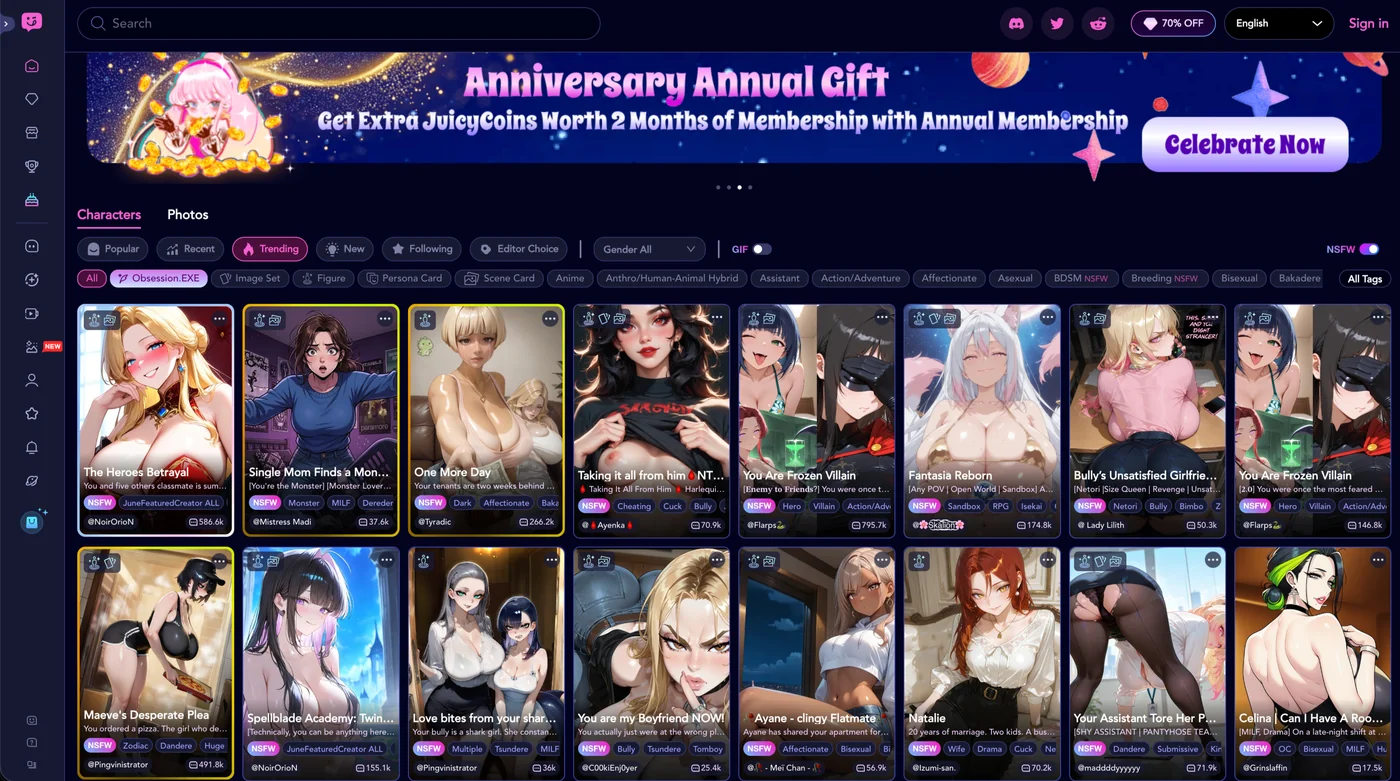
JuicyChat is a good place to start when you know the kind of anime world you want to enter. The hentai hub and tags such as Anime, Known IP and Story help narrow the library before you open a chat. Read the greeting as well as the tag: two characters from the same series can cast you in different roles or begin at different points in the story.
The creator separates the short description people see in search from the character and greeting they meet in chat. Use the greeting to establish the first choice a reader can make. Keep an unfinished card private or unlisted while you work on it. JuicyChat also documents voice replies and multi-character interactions; check availability on the specific card and model you want to use.
- You can earn JuicyCoins through tasks and spend them on actions such as chat or images. Check the selected model and price before paying for more.
- Paid tiers expand model and media access and add options such as story branching. The web policy distinguishes recurring monthly subscriptions from one-time annual membership.
- The help center addresses refusals on both SFW and NSFW characters. A rating does not guarantee how a specific reply will go.
Pros
- Anime and story tags narrow a search before you open a card
- Greetings and visibility can be set on a custom character
Cons
- Free access and reply behavior vary with model choice
- Voice or picture limits matter if text is only part of your scene
Bottom line
Open a few greetings from the same series. Start with the card that makes your role clear, then check what the selected model and media will cost.
2. OurDream AI — Best Multimedia NSFW Anime Companion
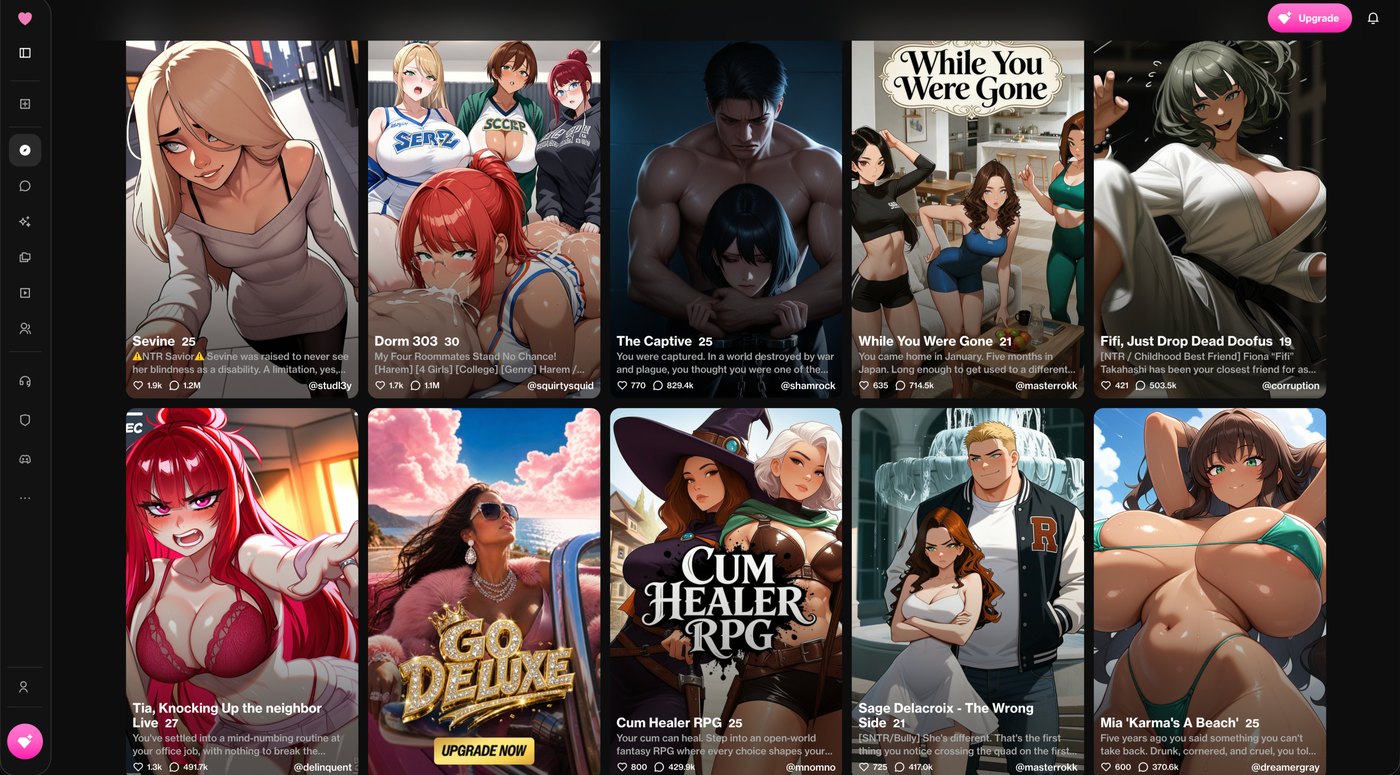
OurDream’s anime style is useful when you want to design the character yourself. Start with the look and voice, then use the personality, relationship and greeting fields to give her a part in the story. A rival’s first line can put you in the middle of a negotiation before either of you has to explain the entire world.
You can request an illustration from inside chat or add a voice call or a generated clip. When you ask for a new picture, specify what has changed in the scene. The app works from the companion profile, but a costume detail from the text may still be missed in the resulting image.
- The coin guide lists 5 coins for an in-chat image and 50 for one minute of calling. Video charges depend on the generation option.
- Free messages use one coin each. The published standard subscription is $19.99 monthly or $119.88 upfront annually and includes a monthly coin balance.
- OurDream says saved pictures and clips become blurred after the subscription ends; download anything you want to keep beforehand.
Pros
- Illustrated character setup and written premise have separate controls
- Published rates let you estimate the cost of adding a call or picture
Cons
- Calls use coins faster than individual pictures
- An active subscription affects access to generated media
Bottom line
Useful when the original character and the media both matter. Check a short text exchange first, then budget for the media you actually want.
3. CrushOn AI — Best Uncensored Anime Roleplay
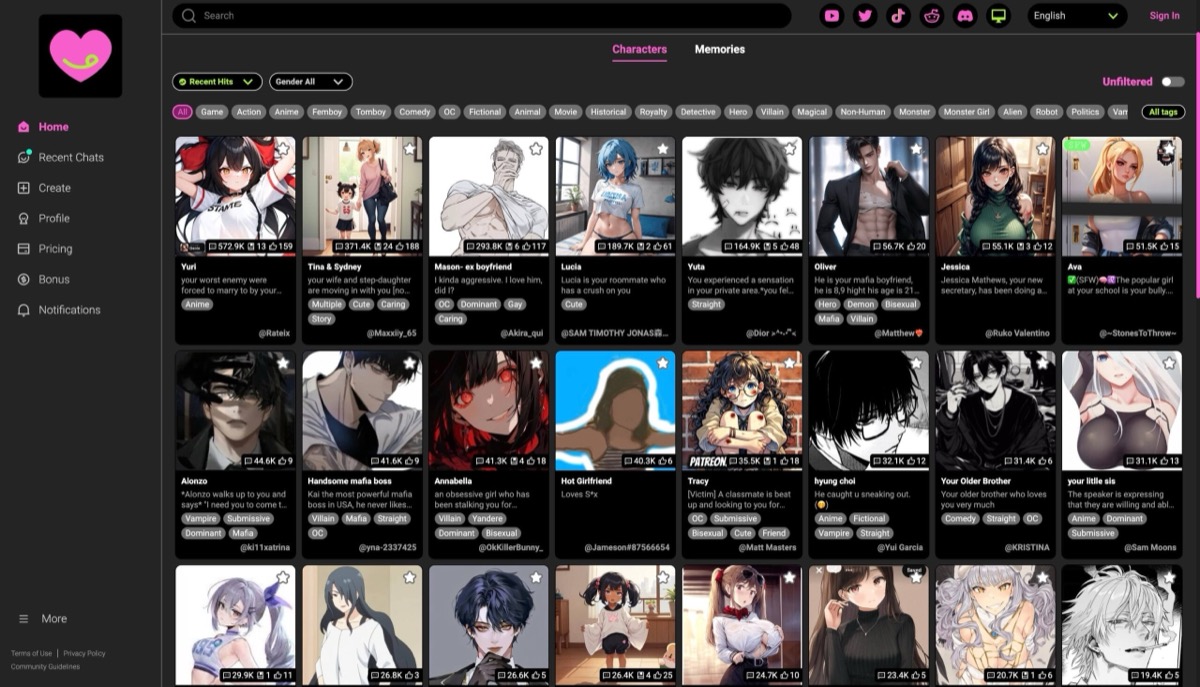
CrushOn suits a reader who wants to bring their own role into a community card’s scenario. Give your persona the facts that should follow you into the chat, then pin a brief note about what happened in this particular scene. You can update a pinned note without changing the original message. Use a branch if you want to see what happens after a different choice.
Keep the pin short. The FAQ explains that it uses part of the model’s available context. A few facts about the characters’ agreement leave more room for recent dialogue than a full transcript. A card that sends images is also distinct from a tool that will draw the next event on request; CrushOn says sending images depends on how the card was authored.
- Unlimited free-model messages and 100 monthly Pro credits are separate allowances.
- Paid plans vary in model access, reply length and context. Check which limits apply to the model selected.
- CrushOn documents a seven-day inactivity rule for free-tier memory. The ability to open an old chat does not establish what the model can still use.
Pros
- Editable pins make it easy to revise a few important facts
- Branches let you explore a different reply without overwriting the original path
Cons
- A long pin crowds out recent dialogue
- Free model access and Pro credits are easy to confuse
Bottom line
Use a free model with a short persona and one pin. Upgrade if you can identify a model or context limit you want to change.
4. SpicyChat AI — Best Large NSFW Anime Character Library
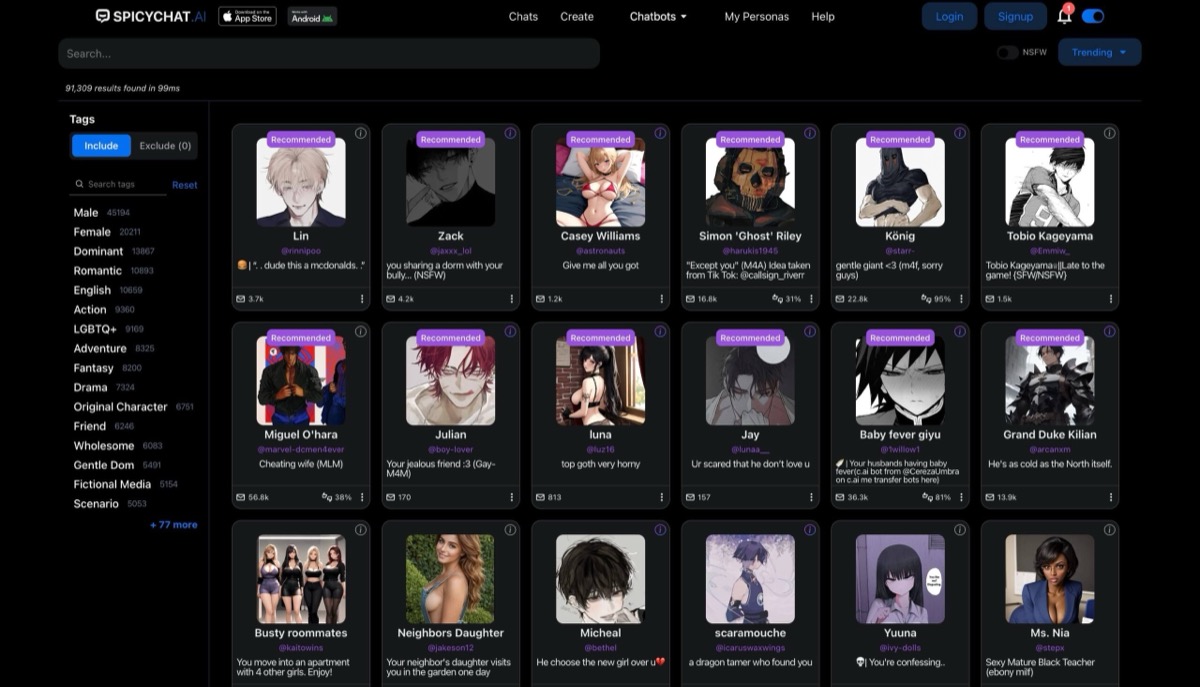
SpicyChat is useful for comparing openings before you settle on a character. Look at who the greeting says you are and whether the scenario gives you something to respond to. A saved persona lets you bring the same role to several cards. If a reply starts writing your actions for you, editing that reply can be quicker than starting the chat again.
Model access, reply size and context are separate from the number of messages you can send. A free account is enough to compare several scenes, subject to queue and model limits. Use the plan grid to check which tools would solve the problem you actually ran into.
- The free tier advertises unlimited basic messages, includes three user personas and lets you choose who speaks next in a group chat.
- The plan comparison puts Memory Manager at Get a Taste and conversation images and semantic memory at True Supporter. Private-character images and text-to-speech have separate higher-tier conditions.
- Published context specifications vary by model and plan. A larger window is room for more text, with no guarantee of better recall.
Pros
- Community tags and personas help you try the same role in several scenes
- An editable reply gives you a direct way to adjust a scene
Cons
- Free replies and queues can affect pacing
- Check which paid features apply to your own private characters
Bottom line
Try it if you want time to audition characters before paying. Pick a subscription for a specific model, memory tool or image feature.
5. eHentai.ai — Best Anime Archetype Companion
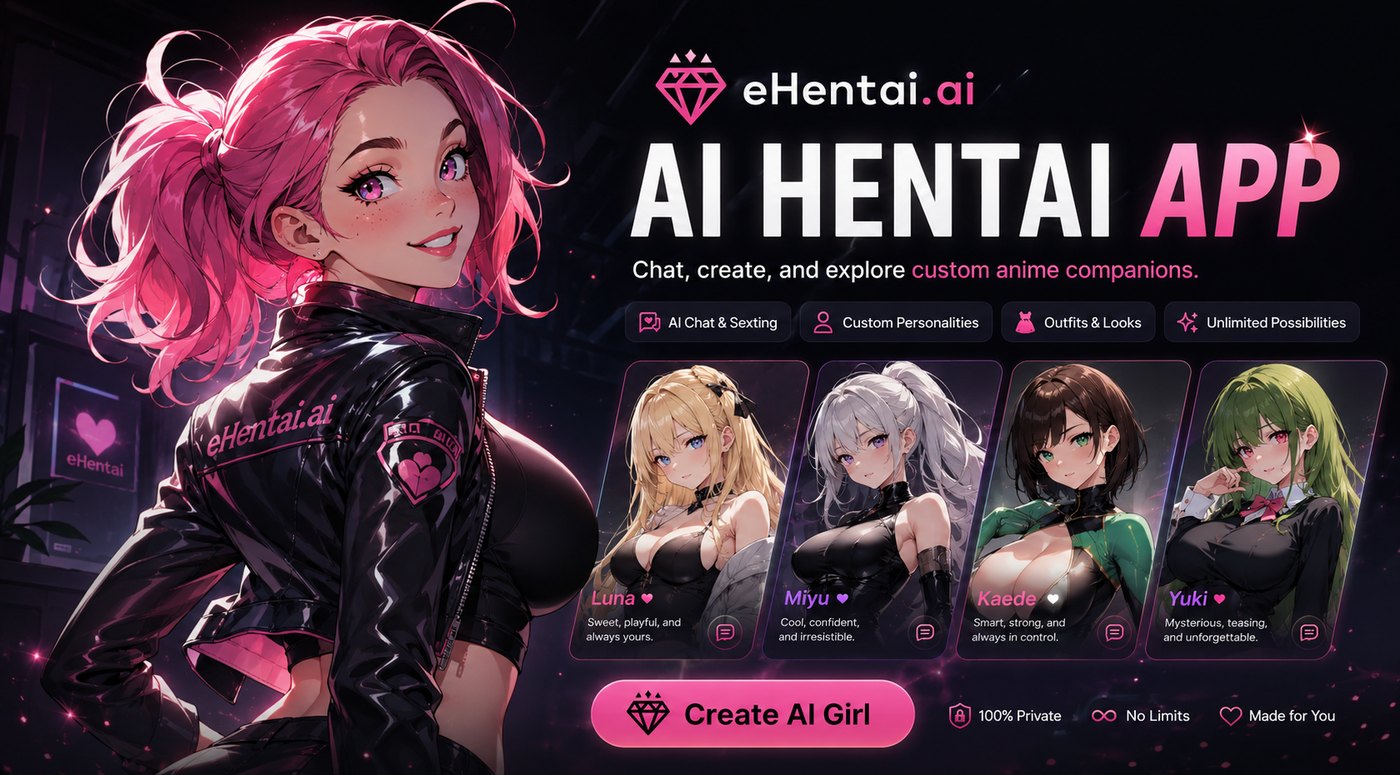
eHentai.ai’s roster is useful if you start with a recognizable character type, such as a reserved bookworm or an idol. If the roster gets the personality right but the look wrong, the creator lets you set the face, body and clothes and choose a personality separately. The service describes picture requests inside chat, so the text conversation and the image can be part of the same interaction.
Treat the free allowance as time to inspect the builder and the first replies. The provider lists a separate daily message claim and an allowance of 100 monthly tokens on membership. Its plan labels and stated renewals do not always agree, so check the actual first charge, renewal amount and billing interval on the payment screen.
- The listed preview includes up to two characters, four additional pictures and ten messages. Daily claims start at ten messages and reset after a missed day.
- The pricing page lists 10 tokens per image, 3 per voice message and 7 per minute of calling. Membership lists image unblurring as a benefit.
- The membership policy reserves the right to charge past paying accounts a $1.99 monthly maintenance fee. Check the account deletion terms before paying.
Pros
- Character type and appearance can be chosen separately
- Published rates distinguish voice messages from calls
Cons
- A small preview tells you little about later conversation
- Check the renewal and maintenance terms before subscribing
Bottom line
Start here if the roster has an archetype you already want to play with. Use the preview to check the first exchange and review the payment terms before buying more access.
6. Chub AI — Best Advanced Character Cards and Lorebooks
Chub gives a sprawling anime setting somewhere to live outside a single long character description. Put a city’s rules or an ally’s backstory in a lorebook entry and attach it to a keyword. When that term appears within the configured scan range, the app can put the entry into the model’s prompt. A characterbook attaches the entries to a specific card.
Keep the entry narrow enough to be useful when it triggers. If the party visits a clocktower, add the fact that its bell has been removed; you can leave the history of the city out of that entry. The scan depth and token budget determine whether matching lore can fit. Branching is useful when you want to try another choice against the same setup.
- Chub documents a limited free Soji trial and lists Mars at $20 per month for unlimited hosted messaging. Soji’s published 60K context describes how much the model can read in one request.
- Chub supports using character cards and lorebooks with compatible third-party interfaces. An outside model can have its own prices and content rules.
- A context window measures what can fit into the prompt. Lore can still be missed if a keyword is absent or an entry exceeds the budget.
Pros
- Conditional lore can keep background out of every prompt
- Cards and compatible exports let you carry the setup to another interface
Cons
- Tuning the triggers and token budget takes time
- Confirm the model, media quota and payment method at checkout
Bottom line
Start with one lore entry and check whether it appears when the story calls for it. The controls are most useful when you can name the fact the model keeps missing.
7. Soulkyn — Best Anime/Hentai/Furry Companion Bridge
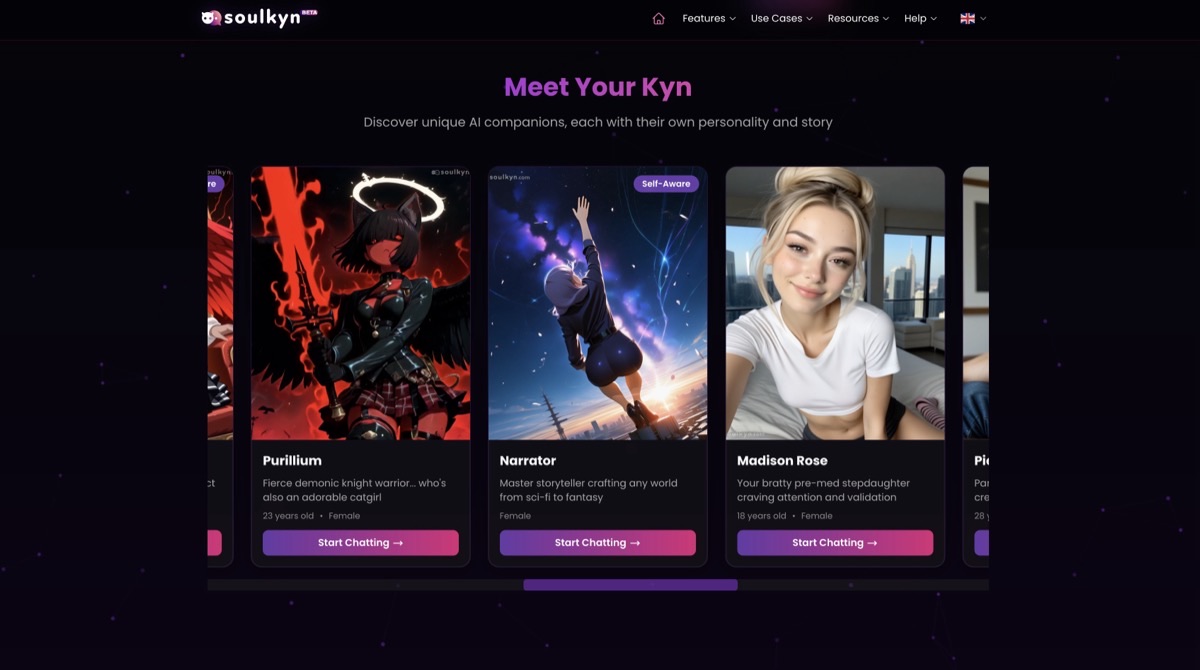
Soulkyn is a companion builder with anime among its styles. Browse the cards by style and rating, or create a Kyn with a look and personality you specify. In chat, editable Forced Memories can carry a handful of facts specific to that thread. The catalog artwork tells you how the character is presented, with little information about how the chat will play out.
The useful pricing distinction is where you ask for a picture. Soulkyn treats a request inside chat differently from a job submitted to the standalone generator. Decide whether you need an illustration from the conversation or simply want separate artwork of your Kyn. Generated video and text-to-speech add their own plan conditions.
- The trial is usage-limited and available without a card. Paid plans start at €24.99 per month and list unlimited text.
- Deluxe (€49.99 per month) lists unlimited standalone image generation, in-chat image unlocks and text-to-speech. Check the rules for the action you want to use.
- Video uses Souls. Check the cost shown for the length and generation option before submitting.
Pros
- Style and rating help narrow a mixed catalog
- Both in-chat pictures and separate generation tools are available
Cons
- Comparing plans takes care when media are metered separately
- A visual rating does not tell you how a character will respond
Bottom line
Good for readers who want to switch between conversation and image creation. Decide which workflow you expect to use before choosing a plan.
8. Janitor AI — Best Power-User Custom NSFW Anime Bots
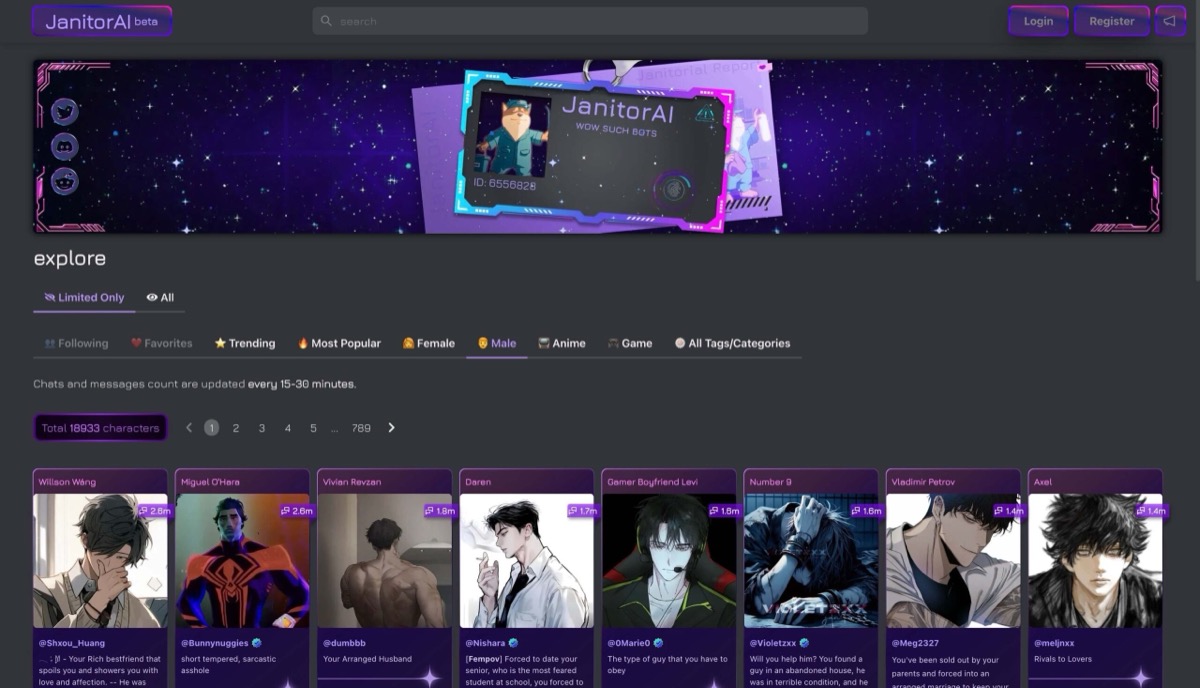
Janitor is useful for cards that need distinct instructions for voice, setting and the first exchange. Give the model the character’s priorities in Personality and the setup in Scenario. Use Initial Message to put the reader at a particular moment. The public bio is a listing description; put directions you want the model to use in the chat fields.
A long card and the recent conversation draw on the model’s available context. Start with a compact character definition. If the story moves past the opening, revise Chat Memory with a few facts you want to carry forward. That gives the model usable context without asking it to reconstruct every earlier turn.
- The built-in model offers unlimited free chats within its context limits. Janitor+ adds more context and premium model options.
- An external model or the web Router is optional and may have separate costs or limits.
- For mature cards, check the web catalog and its Limitless label. Janitor says its native apps default to Safe Mode and apply separate moderation.
Pros
- Separate fields for the premise and the opening line
- An editable recap helps carry a short plot summary forward
Cons
- Long definitions leave less room for recent exchanges
- Outside providers add setup and separate billing or data terms
Bottom line
Try the built-in model with a short card. When a scene drifts, trim the setup and edit the recap before deciding whether you need a bigger model window.
9. Pephop AI — Best NSFW Character Variety Alternative
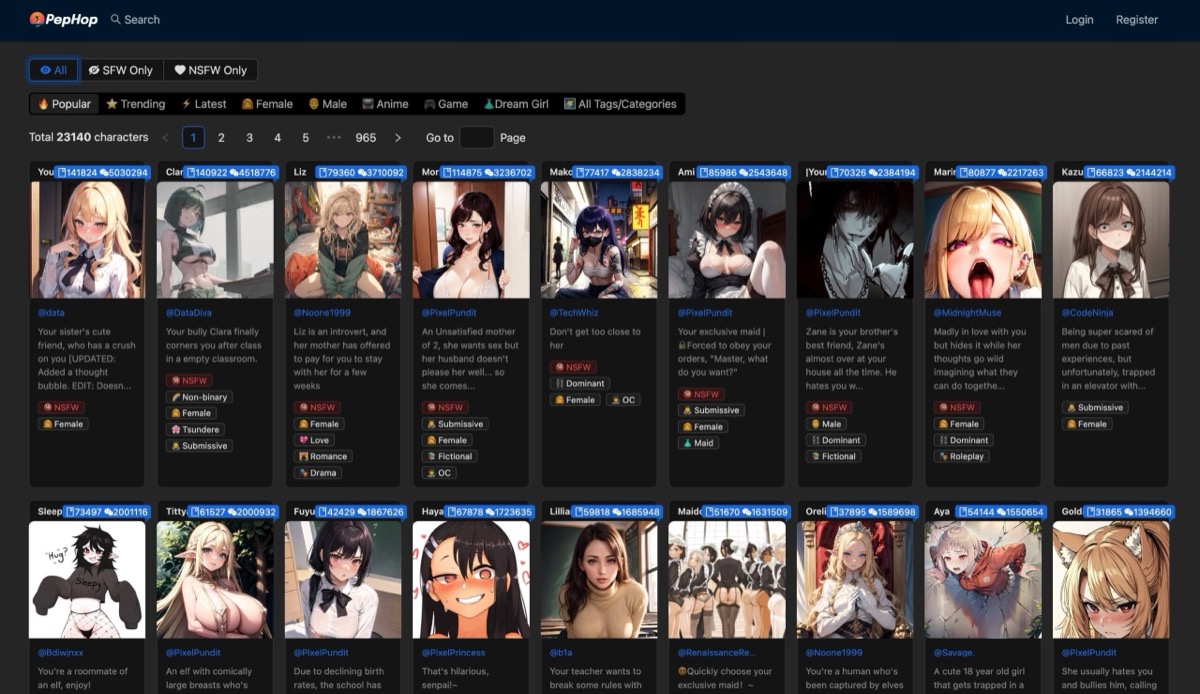
Pephop is a straightforward option if you want to go from an Anime tag to a greeting without writing a card first. Open several cards before settling in: the tags identify a style or theme, while the greeting shows the tone of the scene and the part you are expected to play.
The paid tiers are presented as message allowances. That makes the number of exchanges easier to compare than a shared currency for multiple media types. The standard plan grid labels the Classic and Elite benefit Enhanced Chat Memory. Check the context figure on the offer you see if longer scenes are a priority. A higher message allowance tells you how much you can send, with no assurance that older details will stay available.
- Use the free messages to inspect the style and first replies before buying a plan.
- The standard grid lists Lite at $4.99 for 2,000 messages, Classic at $9.99 for 5,000 and Elite at $29.99 for 16,000 per month. Check the offer you actually see.
- Evaluate it for text first. The web app has voice controls, but check whether the character and plan you are considering can use them.
Pros
- Anime tag offers a direct starting point in a general catalog
- Monthly allowances make text usage easier to estimate
Cons
- Free access is a sample
- The standard plan’s memory label does not establish recall
Bottom line
Consider it for short character chats if the greeting is already a good fit and you want a plan described in messages.
Read the Card Before You Start the Chat
A striking illustration can get you to open a card. The first line is what gives you something to do. “You’re my new partner on patrol” casts you in a specific role; “I’m waiting for the last train” leaves room to decide who you are. If you like the character but want another opening, look for alternate greetings or a creator with a separate scenario field.
- Card detail
- Anime, fandom or theme tag
- What to check
- Does it help you find the character or setting you want? Check the actual greeting before committing to a chat.
- Card detail
- Greeting and scenario
- What to check
- Does the opening tell you who you are and leave you a choice? If you’re writing your own bot, keep the first message distinct from the character description.
- Card detail
- Persona and cast
- What to check
- A persona is your role; a group chat adds other characters. SpicyChat lets you select the next speaker in a group.
- Card detail
- Avatar, unlock or fresh image
- What to check
- The avatar helps you choose a card. A card-specific unlock reveals an asset; generating a new picture can have its own price and plan gate.
| Card detail | What to check |
|---|---|
| Anime, fandom or theme tag | Does it help you find the character or setting you want? Check the actual greeting before committing to a chat. |
| Greeting and scenario | Does the opening tell you who you are and leave you a choice? If you’re writing your own bot, keep the first message distinct from the character description. |
| Persona and cast | A persona is your role; a group chat adds other characters. SpicyChat lets you select the next speaker in a group. |
| Avatar, unlock or fresh image | The avatar helps you choose a card. A card-specific unlock reveals an asset; generating a new picture can have its own price and plan gate. |
If the illustration is the finished result you want, the AI hentai generator comparison covers tools for making standalone artwork. For an illustrated companion you want to return to between scenes, the AI waifu app comparison compares character creation and ongoing companion features.
Give the Model the Right Detail at the Right Time
Context is the text the model can use for its next reply. It can include a card, recent messages, a recap and other instructions. A large window leaves room for more material, but it cannot tell you which detail the model will act on. Give durable facts their own place and keep a recap focused on what just changed.
- What should carry forward
- Your role in every scene
- Where to put it
- Use a reader persona, as on CrushOn or SpicyChat.
- Example
- You are the station engineer; the character knows you from a previous mission.
- What should carry forward
- Something that just happened
- Where to put it
- Edit a CrushOn pin or Janitor Chat Memory.
- Example
- The station is running on backup power. The two characters agreed to meet at the main airlock.
- What should carry forward
- A setting detail that only matters later
- Where to put it
- Use a keyword entry in a Chub lorebook.
- Example
- When the old observatory comes up, tell the model the telescope has been taken apart.
| What should carry forward | Where to put it | Example |
|---|---|---|
| Your role in every scene | Use a reader persona, as on CrushOn or SpicyChat. | You are the station engineer; the character knows you from a previous mission. |
| Something that just happened | Edit a CrushOn pin or Janitor Chat Memory. | The station is running on backup power. The two characters agreed to meet at the main airlock. |
| A setting detail that only matters later | Use a keyword entry in a Chub lorebook. | When the old observatory comes up, tell the model the telescope has been taken apart. |
When the character repeats a line or takes over your part, edit or retry that reply if the app allows it. To explore a different choice, branch before the turn you want to change. If an earlier fact is missing, restate it in a short recap. Keep a copy of the fictional setup you want to reuse: a saved transcript, a note the model can see, and a provider’s retention rule are different things.
Budget for the Replies and Extras You Use
Check what a plan actually counts. SpicyChat’s free message allowance tells you how many turns you can send, while its model, reply and queue limits still affect the exchange. CrushOn distinguishes free models from paid model credits. If an annual offer is quoted per month, compare the upfront charge and renewal to an actual monthly option.
For media, use one session as a budget. Two in-chat images and a two-minute call cost 110 OurDream coins at its published rates, or 34 eHentai.ai tokens on its schedule. These are separate currencies. Compare each with the subscription’s included balance and check whether you can add credits. On Soulkyn, check which allowance an in-chat request uses before comparing it with a standalone image generation.
Check What You’re Sharing
A private card and a private conversation are separate settings. Before posting a card, look at whether it is public, private or visible to anyone with its link. If you save a scene as a shareable memory, check its visibility too. A third-party model can receive the prompt, so read that provider’s terms as well. Use fictional details when drafting a card or recap you might share.
FAQ
Does a Paid Plan Change Which Scenes Are Allowed?
A subscription can change models, usage and media features. The service’s rules still apply to what you can create or share. A character’s rating is a clue to how the creator wrote it; it does not override the rules or guarantee a particular reply.
Can I Move a Character From Character.AI?
Check whether the destination accepts a character card or requires you to enter its fields by hand. A character description, greeting and short recap can help recreate your own fictional setup, though the new model may play it differently. The Character.AI alternatives guide explains what can carry over when you switch platforms.