AI Haven
Browse by Tag

AI Character Creation Tools

Build an AI character with tools that differ in appearance, personality, backstory and chat setup. Compare creation controls and content rules across platforms.

Top 3 at a Glance

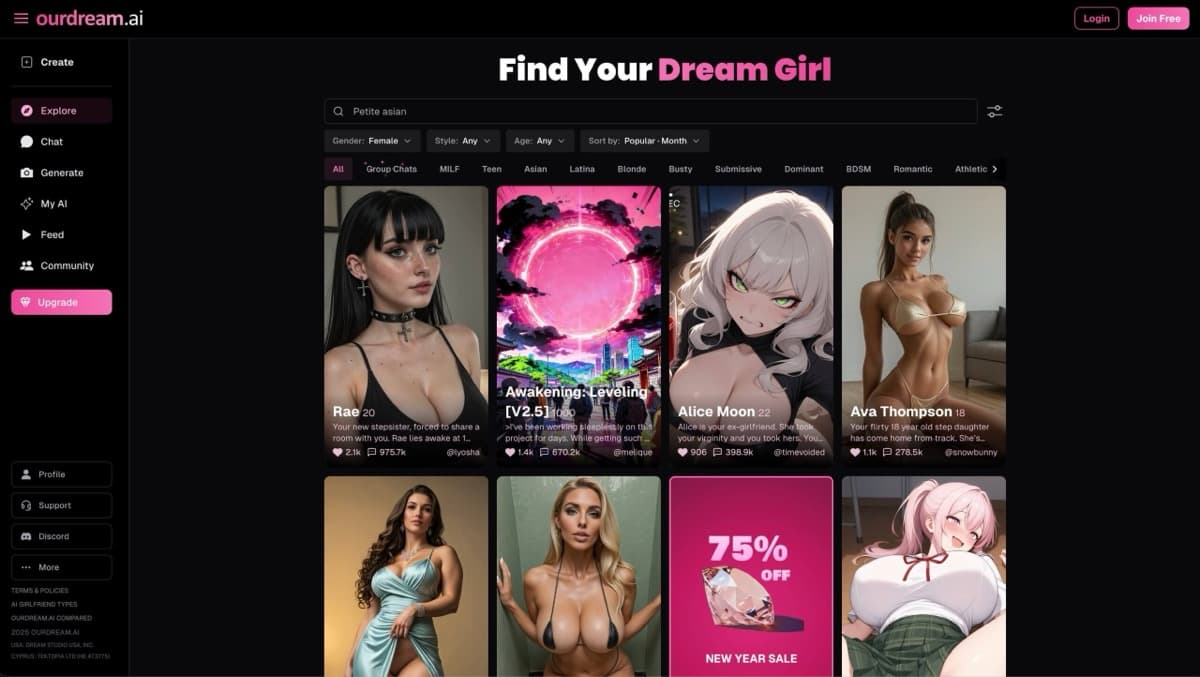
OurDream AI

Freemium

Best for: Custom characters

OurDream AI lets you shape a character instead of relying only on a preset selection.

Video preview
  • 19 voice profiles
  • 5–30-second lip-sync clips
  • Images inside the conversation
Main upside
Appearance, personality and character style can be configured together.
Main caution
Generated media uses DreamCoins in addition to plan access.
Candy AI

Best for: A configurable multimedia persona

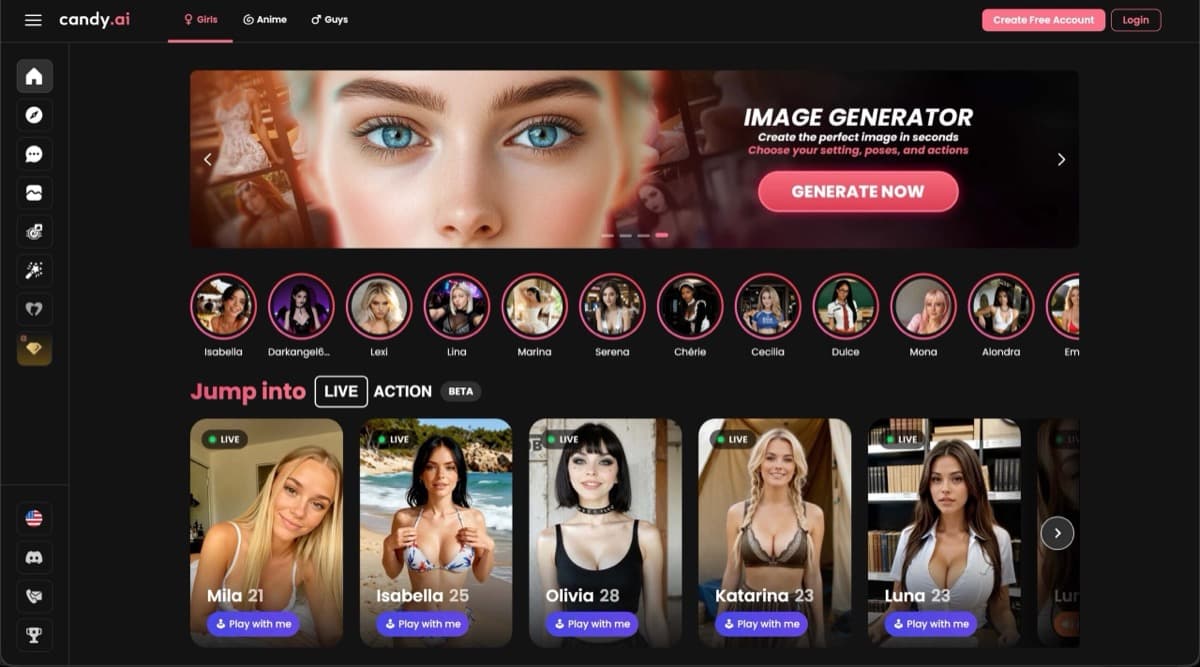
Candy AI lets you shape appearance, personality and voice around the same companion, useful for a roleplay character with a consistent identity.

Video preview
  • Realistic and anime character library
  • Backstory and mood controls
  • Images linked to your companion
Main upside
Start with an existing character, then personalize the companion.
Main caution
Premium adult chat still follows the platform's content rules.

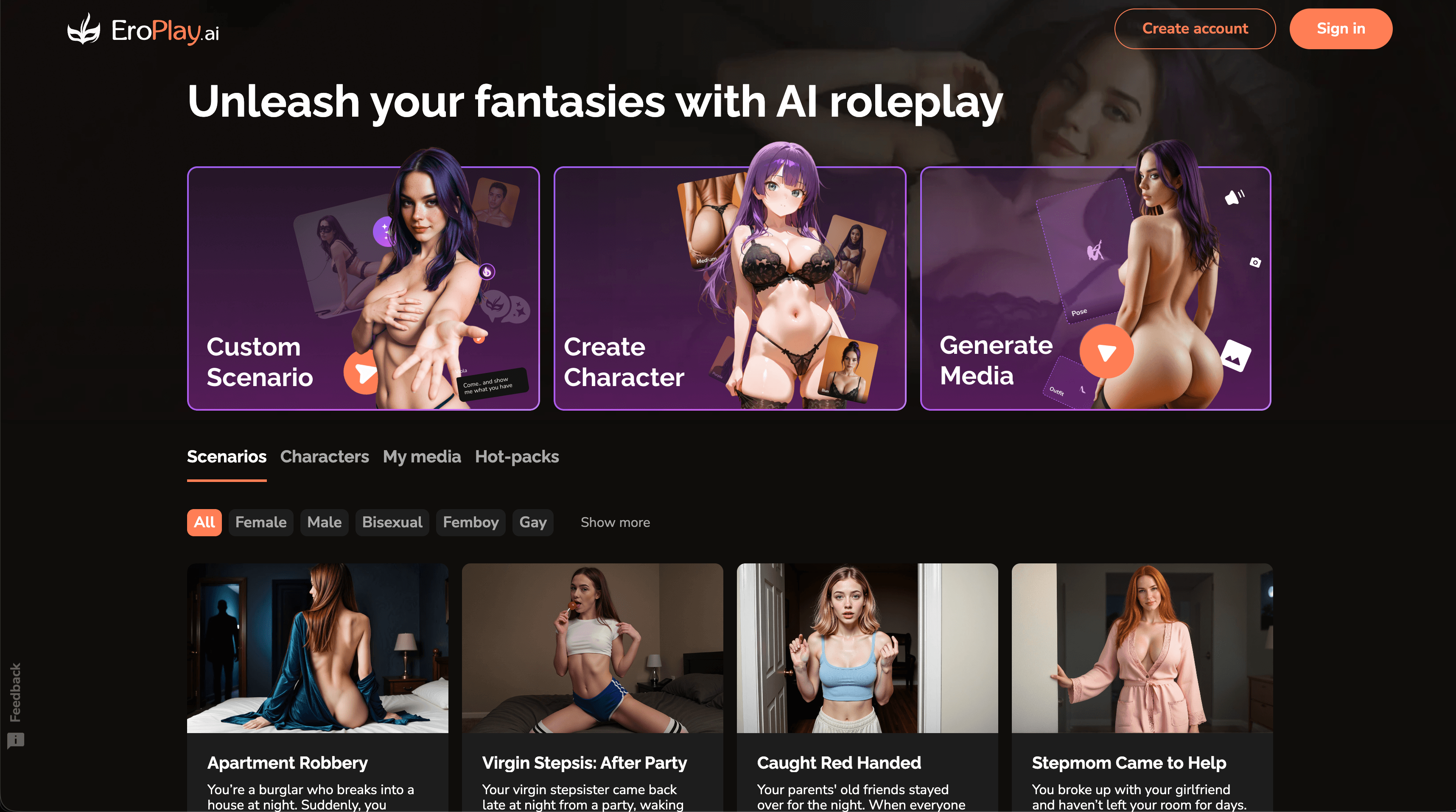
EroPlay AI

Best for: Characters built around a scenario

EroPlay AI combines custom personalities with fantasy settings, useful when you already have a roleplay premise in mind.

Video preview
  • Scenario roleplay
  • Supports AI girlfriend, AI boyfriend, anime, fantasy, and original characters.
  • Photos and images
Main upside
Makes adult roleplay feel like an unfolding scene instead of a blank chat box.
Main caution
Free users receive limited photos at key story events.

Create a character you can keep interacting with.

Start with appearance and personality, then bring the original character into chat, voice and generated media.

AI Haven Pick

Create Your AI Dream Companion

Create a fictional companion for text, voice and generated media. Account access, paid features and DreamCoin costs vary by activity.

Try OurDream AI

Compare 5 Options

OurDream AI screenshot
#1

OurDream AI

Pricing: Free + paid options

  • Chat, voice and generated media share the same companion setup.
  • Video creation is available; compare clip limits and media credits.
  • Free and paid access coexist; check which features the free tier includes.
Candy AI screenshot
#2

Candy AI

Pricing: Free + paid options

  • Voice, images and video-style responses sit alongside character chat; media uses tokens.
  • Companion chat is available; media features may use separate allowances.
  • Free and paid access coexist; check which features the free tier includes.
EroPlay AI screenshot
#3

EroPlay AI

Pricing: Paid

  • Custom scenarios and girlfriend or boyfriend characters support different roleplay setups.
  • Roleplay is a core use; compare character controls and conversation limits.
  • Paid access: compare the plan allowance with the features you intend to use.
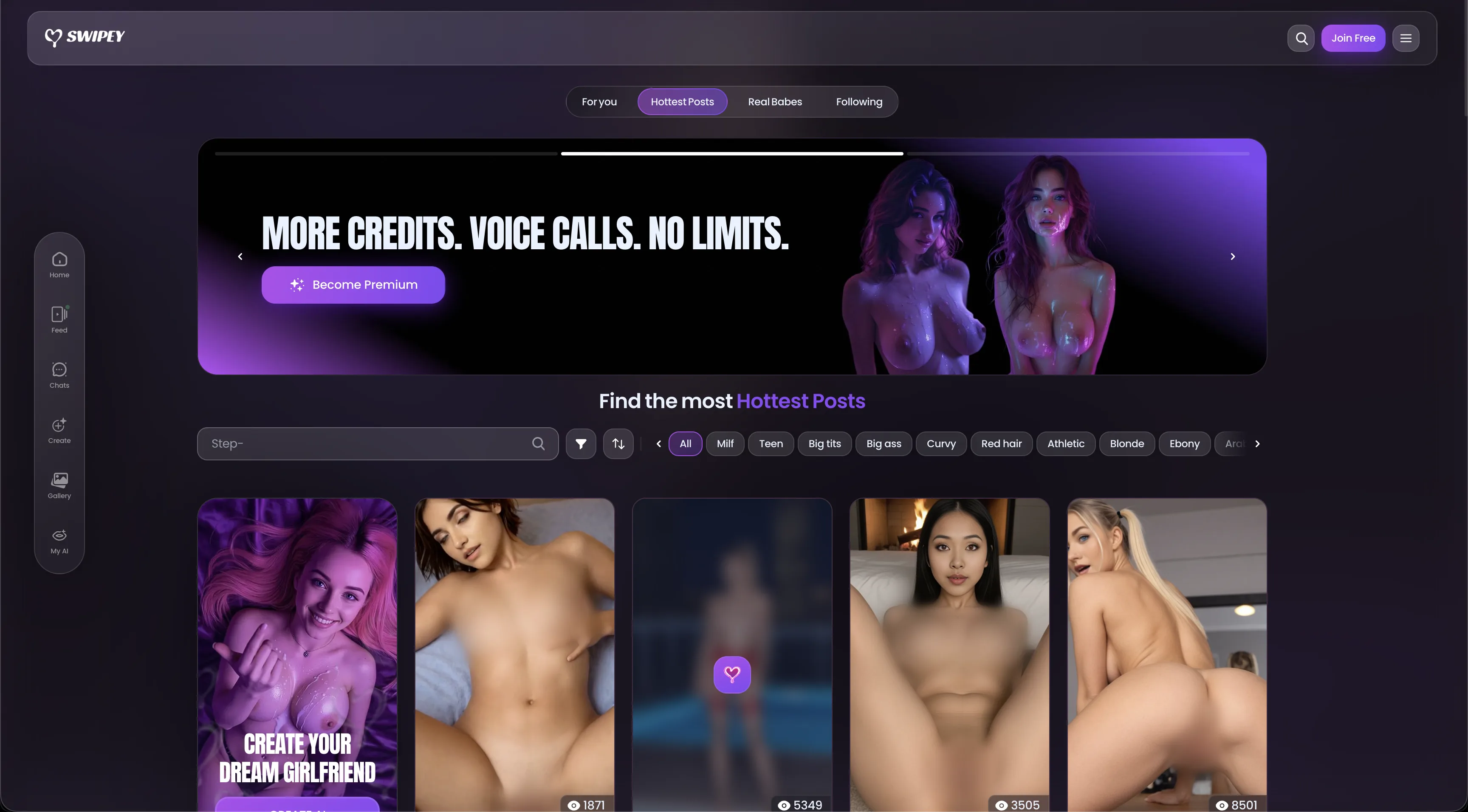
Swipey AI interface showing its companion feed, search filters, creator cards, and Premium banner
#4

Swipey AI

Pricing: Free + paid options

  • Video creation is available; compare clip limits and media credits.
  • Anime-style options are available alongside the platform’s other tools.
  • Free and paid access coexist; check which features the free tier includes.
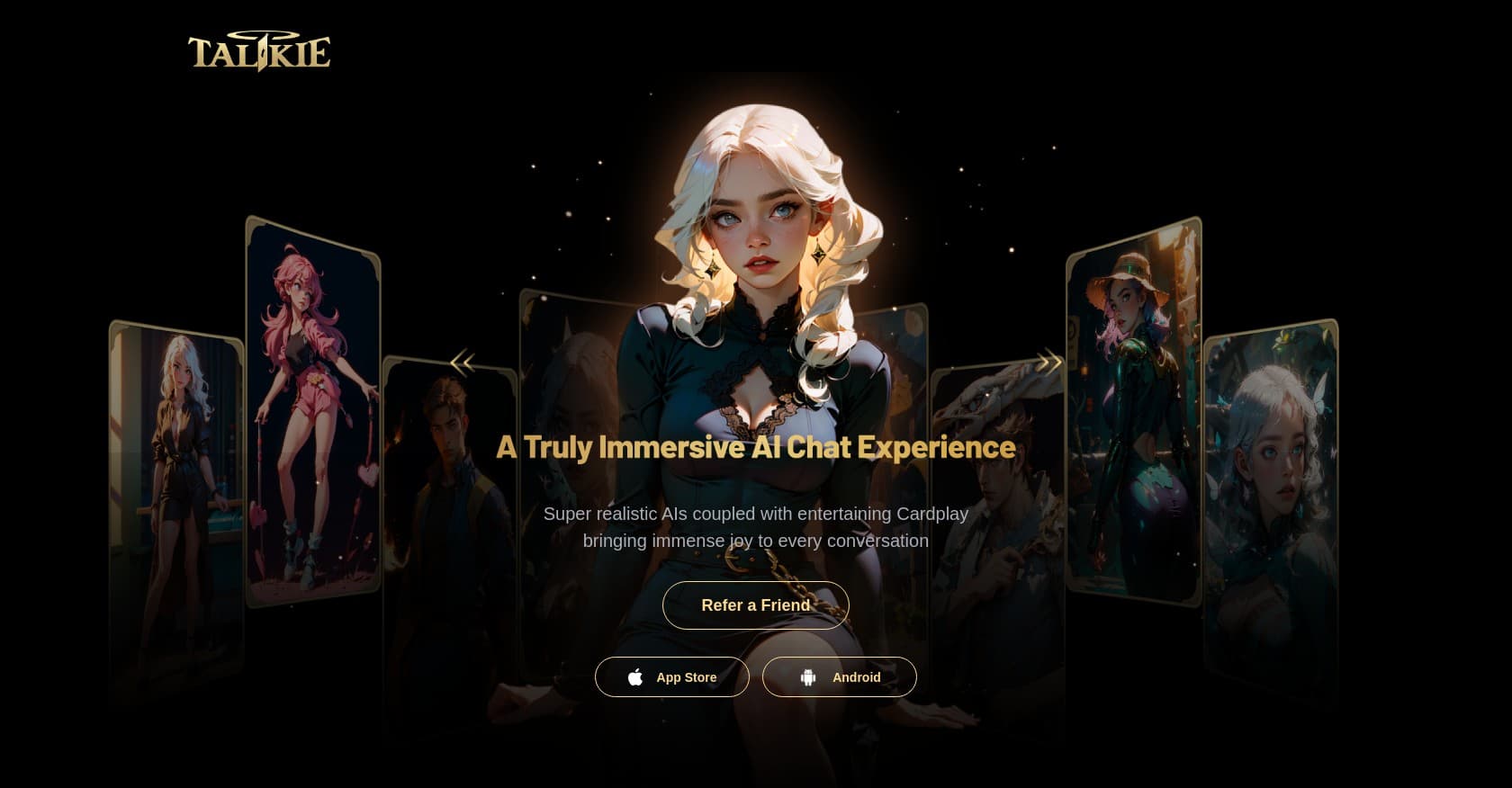
Talkie homepage hero showing an anime character gallery and App Store and Android download buttons
#5

Talkie

Pricing: Free + paid options

  • Video creation is available; compare clip limits and media credits.
  • Anime-style options are available alongside the platform’s other tools.
  • Free and paid access coexist; check which features the free tier includes.

All Reviewed Tools

Browse every ai character creation

All tools →
Match Brief

AI Character Creation: Fit Check

Build a persona by defining appearance, personality and the opening situation. EroPlay, Swipey, Talkie, Kindroid and OurDream offer different levels of character setup, memory and optional media.

Best For

  • Creating fictional characters you can return to.
  • Comparing a quick persona builder with detailed background controls.

Not For

  • Assuming a generated portrait defines the character’s behavior.
  • Treating saved settings as a guarantee of conversation memory.

Key Checks

  • Editable personality and backstory fields.
  • Opening message and scenario controls.
  • Changes allowed after creation.
  • Private characters and separate media allowances.

Decision Guide

How to choose ai character creation

Compare →
1

Write the character before choosing a portrait

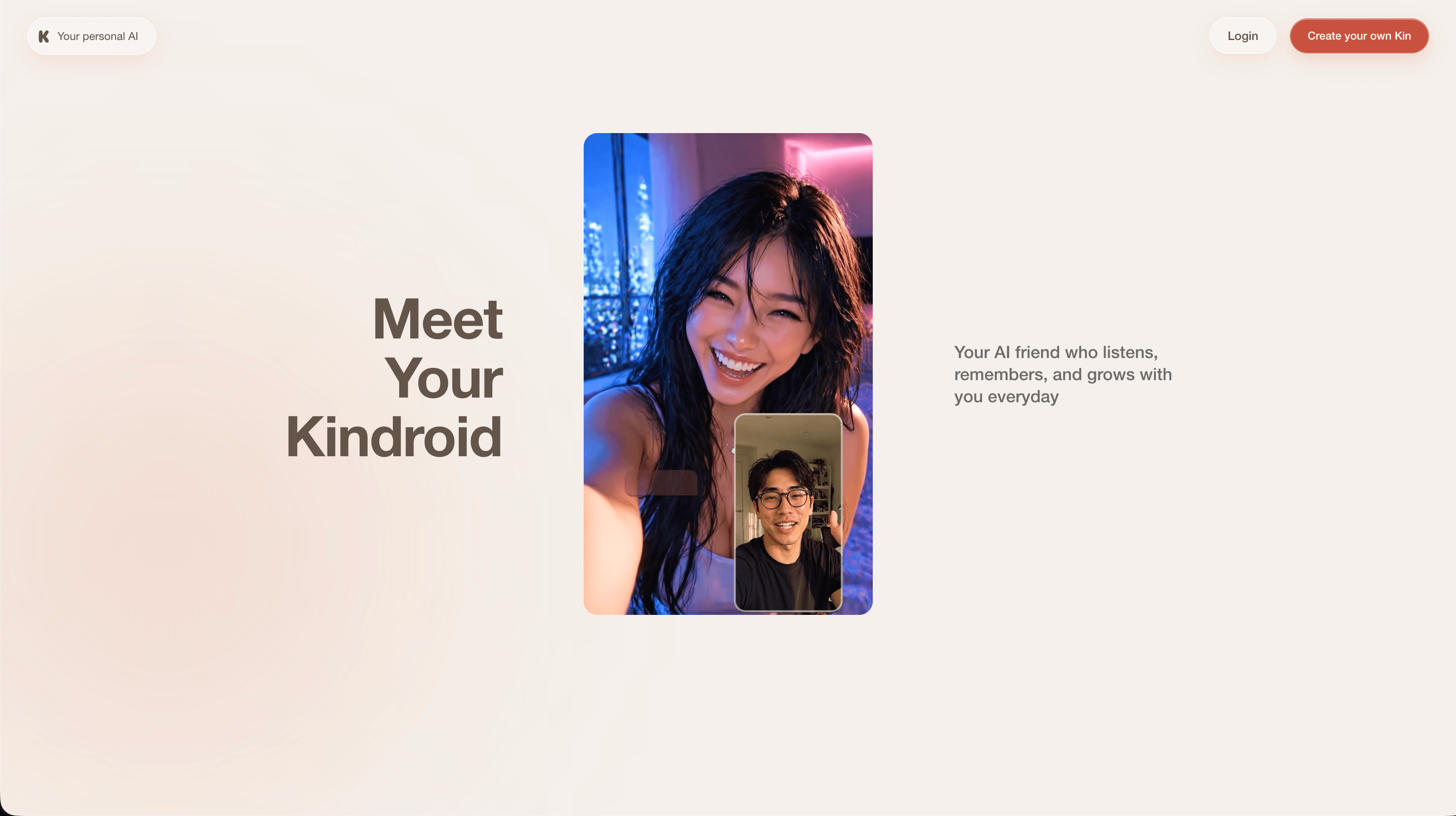
Kindroid uses a backstory and key memories to define a continuing persona. EroPlay combines custom characters with scenario openings. Start with the character’s goals, manner of speaking and initial situation; an attractive portrait does not supply those instructions.

2

Choose how much visual control you need

OurDream combines appearance, background and traits; Swipey provides companion customization. Talkie supports custom conversational characters. Compare whether the image is a fixed profile, a reusable identity or a source for additional generated media. Those options have different costs and degrees of control.

3

Keep setup and conversation history distinct

A saved character stores the intended persona, while memory concerns later events. OurDream offers pinned memories and Kindroid has explicit memory tools. After creation, test whether you can edit the opening, correct a fact and reuse the character without losing the settings you care about.

AI Character Creation: Practical Differences

Compare what each platform supports, how it fits your intended workflow and the limitations to check.

Compare tools →
PlatformRelevant workflowLimitation or decision pointDetails
EroPlay AICustom characters alongside prepared story situations and optional media.Scene setup and media access are separate from long-session continuity.EroPlay AI review
SwipeyCompanion appearance and personality settings with optional generated content.Account and plan limits apply separately to chat and media.Swipey review
TalkieCharacter creation and discovery in a community-oriented service.Community rules apply; do not assume adult-content support from customization alone.Talkie review
KindroidBackstory, key memories and journals for a recurring companion.Context and voice allowances differ between free and paid access.Kindroid review
OurDream AICharacter traits, background and pinned memories with optional voice and images.Generated media and calls have separate DreamCoin costs.OurDream AI review
Workflow finder

Find the Right AI Character Creation Workflow

Start from a character and scenario

Custom characters alongside prepared story situations and optional media. Scene setup and media access are separate from long-session continuity.

Related Routes

Explore related category and guide pages

Find your AI →

Related Topics

Adjacent tags from the reviewed tools above

Browse all →

Frequently Asked Questions

Answers about ai character creation

What should I prepare before creating a character?▼

A short personality description, a few important background facts and the opening situation. This makes it easier to compare creators than beginning with appearance alone.

Is a saved character the same as memory?▼

No. Character settings describe who the persona is; memory records or summarizes what happened later. Check both controls if you want a continuing story.

Which options offer detailed background controls?▼

Kindroid provides backstory, key memories and journals. OurDream combines editable background with pinned memories; EroPlay supports character and scenario setup.

Can I assume a custom character is private?▼

No. Visibility settings differ by service and may affect the character separately from chats or generated media. Select the intended visibility before sharing a profile.