AI Haven
Browse by Tag

AI Group Chat Platforms

Bring multiple AI characters into one conversation. Compare participant controls, group memory, roleplay rules and access limits across the listed platforms.

Top 3 at a Glance

Crushon AI

Freemium

Best for: Group roleplay and model choice

Crushon AI adds group chats and a choice of AI models, useful when you want to experiment with how a scenario unfolds.

Video preview
  • Multiple characters in one chat
  • A choice of chat models
  • Web, iOS and Android access
Main upside
Character setup includes backstory, personality and speech style.
Main caution
Extended memory depends on the selected plan.

Nomi

Freemium

Best for: Ongoing companion chat

Nomi keeps the focus on conversation with an AI companion.

Video preview
  • Multi-Nomi group chats
  • Voice messages and calls
  • Nomis can search for current information and discuss links shared in chat.
Main upside
They support ensemble roleplay, debates, narrators, NPCs, and social dynamics that one-to-one chat cannot reproduce.
Main caution
The feature can be enabled per Nomi and is available to free and paid accounts.

Secrets AI

Freemium

Best for: Ongoing companion chat

Secrets AI keeps the focus on conversation with an AI companion.

Video preview
  • Group conversations
  • Commands to redirect or revisit a scene
  • Custom characters and personas
Main upside
Companion images and video stay connected to the conversation.
Main caution
Very long conversations may still need context reminders.

Looking beyond group chat? Create a companion for one-to-one conversation.

Build a fictional character with a chosen personality, then explore private chat, voice and generated media.

AI Haven Pick

Create Your AI Dream Companion

Create a fictional companion for text, voice and generated media. Account access, paid features and DreamCoin costs vary by activity.

Try OurDream AI

Compare 5 Options

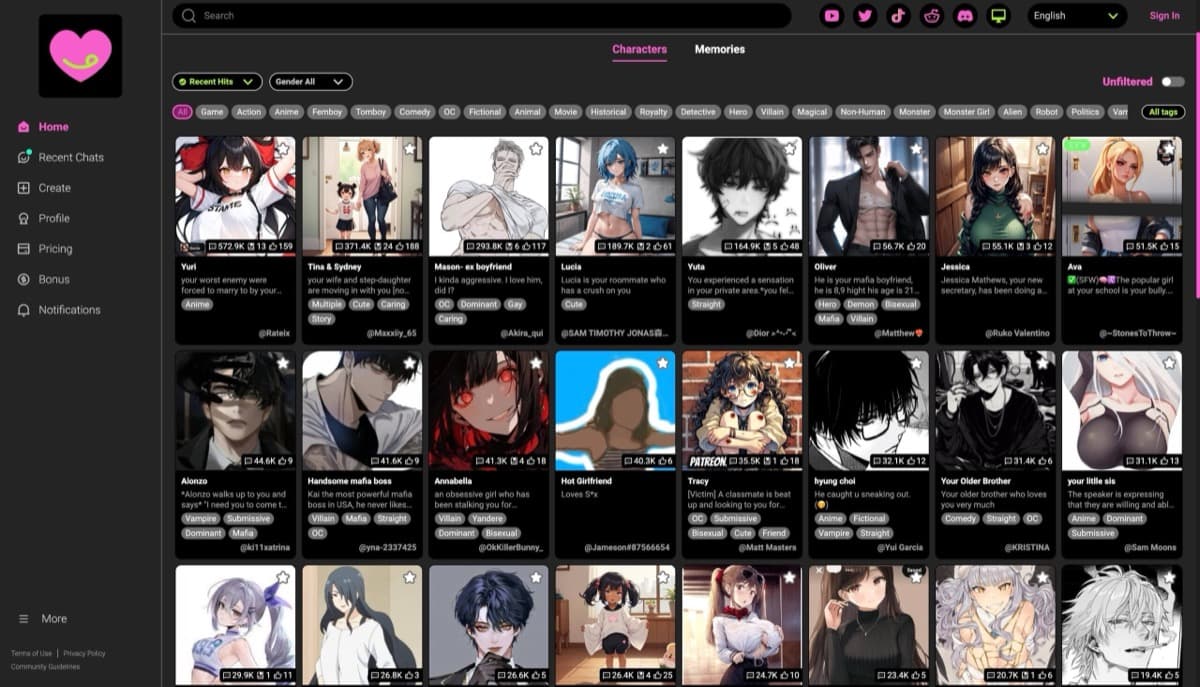
Crushon AI screenshot
#1

Crushon AI

Pricing: Free + paid options

  • Group chats and multiple model choices give roleplay more configuration options.
  • Roleplay is a core use; compare character controls and conversation limits.
  • Free and paid access coexist; check which features the free tier includes.
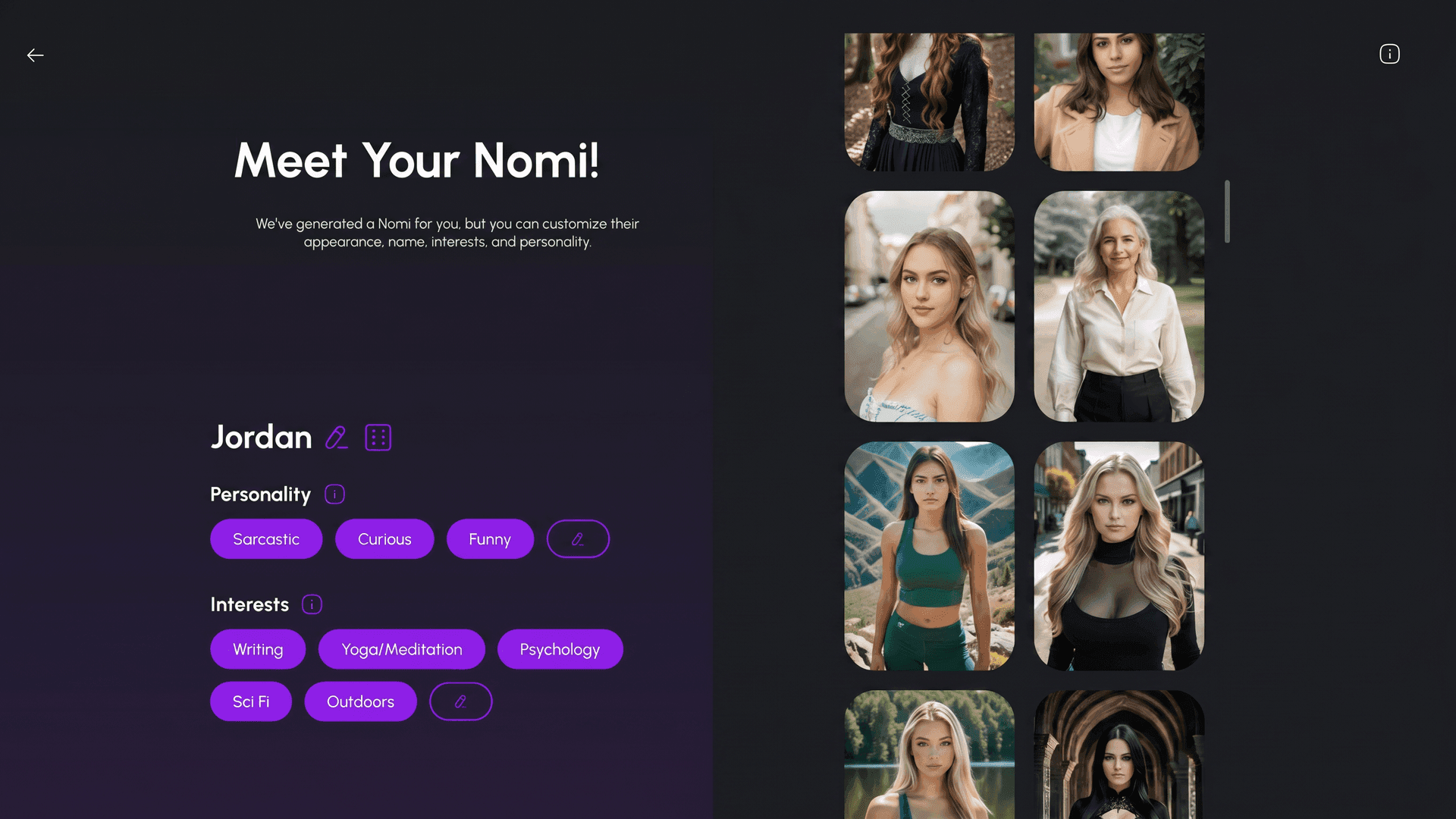
Nomi AI companion creation screen with appearance, personality, and interests controls
#2

Nomi

Pricing: Free + paid options

  • Video creation is available; compare clip limits and media credits.
  • Anime-style options are available alongside the platform’s other tools.
  • Free and paid access coexist; check which features the free tier includes.
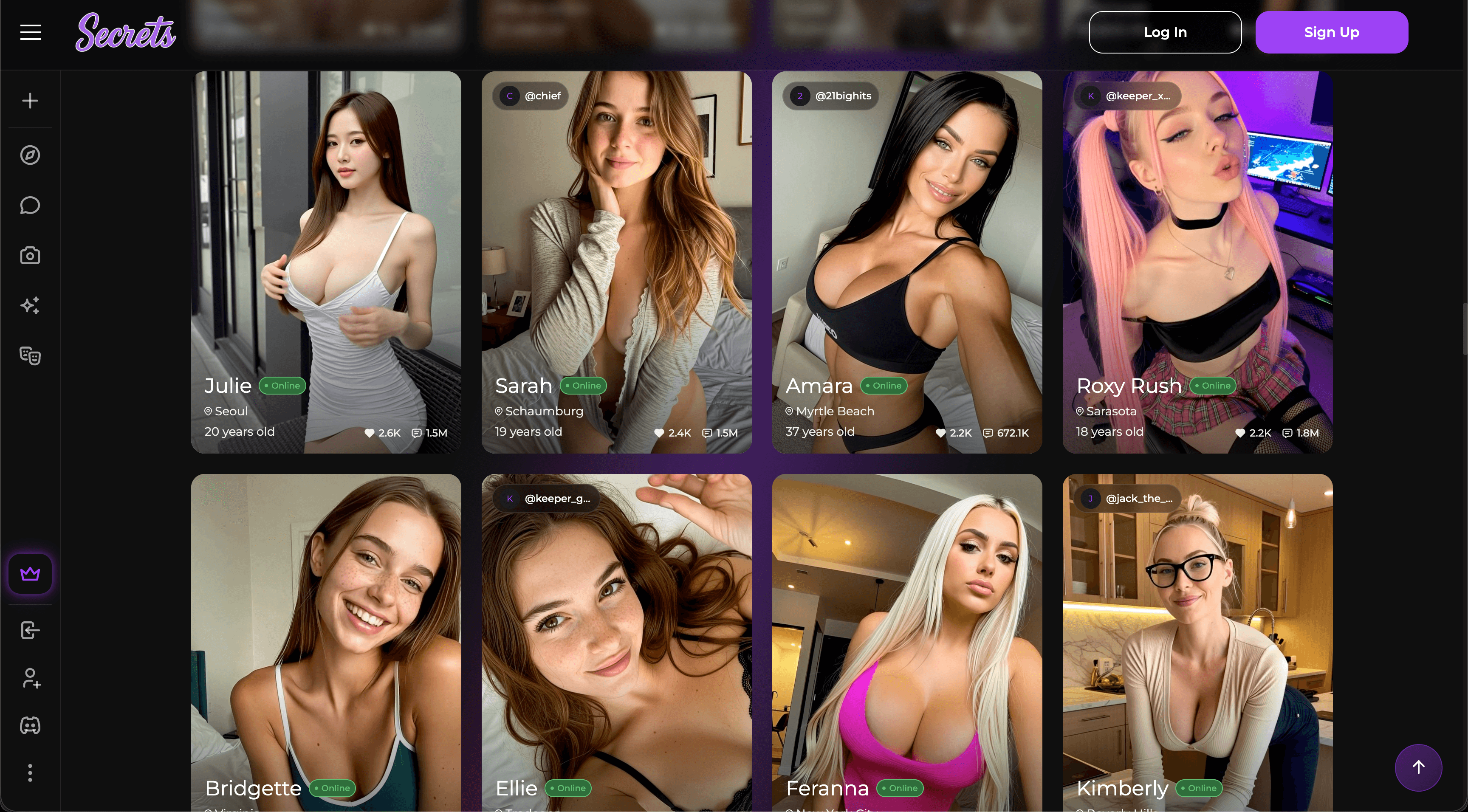
Secrets AI screenshot
#3

Secrets AI

Pricing: Free + paid options

  • Memory-led conversations and realistic companion visuals are central to the experience.
  • Video creation is available; compare clip limits and media credits.
  • Free and paid access coexist; check which features the free tier includes.
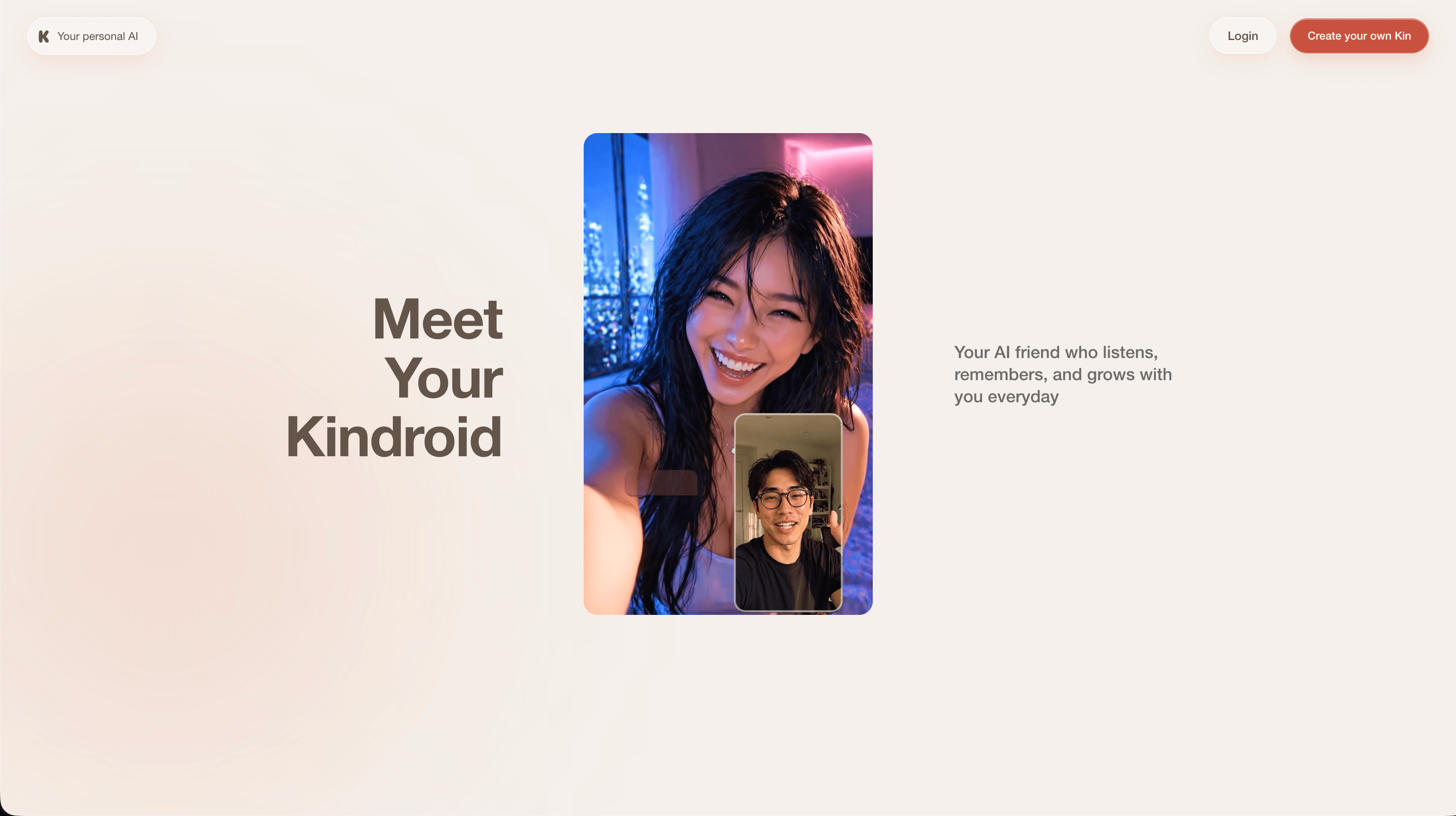
Kindroid screenshot
#4

Kindroid

Pricing: Free + paid options

  • Voice features are included; messages and live calls can have different allowances.
  • Character customization gives you control over the companion setup.
  • Free and paid access coexist; check which features the free tier includes.
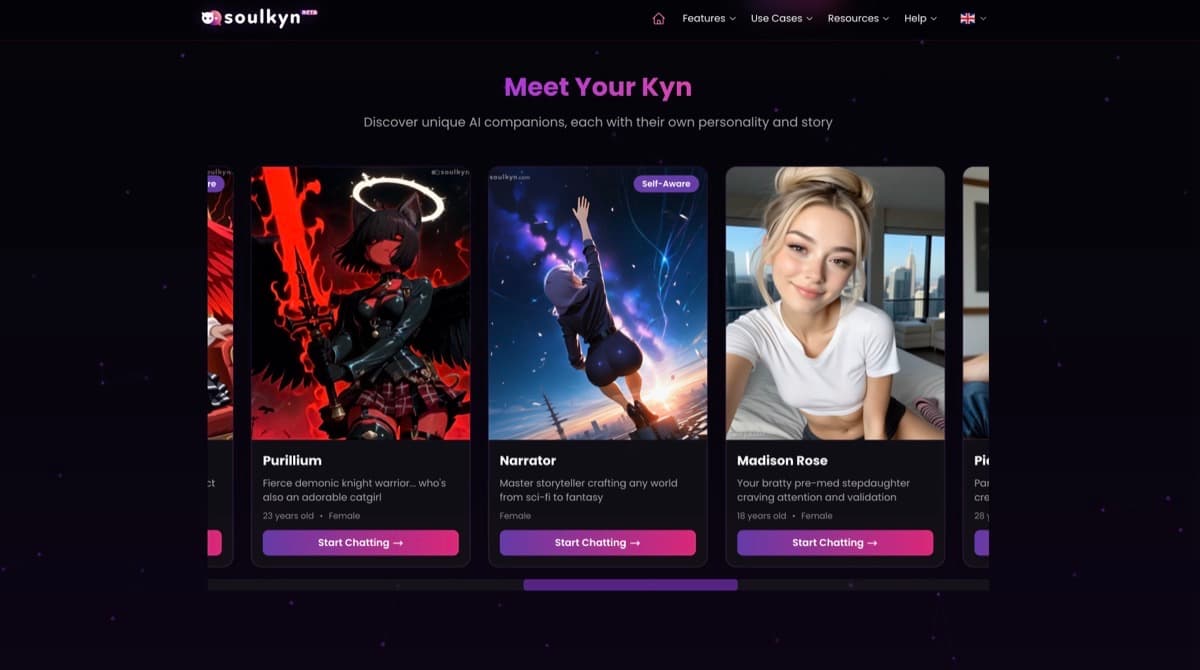
Soulkyn screenshot
#5

Soulkyn

Pricing: Free + paid options

  • Voice features are included; messages and live calls can have different allowances.
  • Character customization gives you control over the companion setup.
  • Free and paid access coexist; check which features the free tier includes.

All Reviewed Tools

Browse every group chat

All tools β†’
Match Brief

Group Chat: Fit Check

A group room should coordinate several distinct characters in one conversation. Owning multiple companion profiles is not the same feature.

Best For

  • Fictional scenes involving several characters.
  • Users comparing turn control and persistent group context.

Not For

  • Assuming a character catalogue creates shared rooms.
  • Expecting each character to retain every detail of a long conversation.

Key Checks

  • Multiple characters in the same room.
  • Manual turns versus automatic replies.
  • Room and participant limits.
  • Character separation and shared context.

Decision Guide

How to choose group chat

Compare β†’
1

Establish that it is a shared conversation

Nomi and Kindroid support rooms with several configured companions. Crushon, Soulkyn and other listed services also provide shared multi-character conversations. Check whether each participant has a separate identity and how replies are assembled. Switching between individual profiles is a different interaction from characters responding inside one shared scene.

2

Compare how turns are controlled

In a group conversation, who speaks next is part of the interface. Manual selection can help steer a scene; automatic replies can require more oversight. Check whether characters speak in their own voices, respond to the right participant and avoid taking over your role. More participants increase the difficulty of keeping a coherent exchange.

3

Check the persistent state of the room

Distinguish a character’s personal memory from facts shared in a room. Review participant limits, saved rooms and the ability to restart or correct a scene. Nomi and Kindroid expose room and companion-context controls; Crushon’s memory access can depend on the plan. Shared history and each character’s personal memory need separate checks when moving between a group and a private conversation.

Group Chat: Practical Differences

Compare turn control, individual memory and shared context. A larger cast adds complexity as well as extra conversation possibilities.

Compare tools β†’
PlatformRelevant workflowLimitation or decision pointDetails
Crushon AIMultiple characters in one conversation, alongside character creation and memory features.Group scenes can be harder to steer; check current room limits and the plan’s memory access.Crushon AI review
NomiMulti-Nomi rooms with manual turns or autoplay and individually configured companions.Review active-room and participant limits for the current subscription before planning a larger cast.Nomi review
KindroidPaid group chats combine several Kindroids with manual or automatic turns and shared-context controls.Personal memories and group context are different; participant and account limits apply.Kindroid review
SoulkynSeveral Kyns contribute their own voices to a shared conversational scene.Group versions and plan allowances differ; do not assume all accounts support the same cast size.Soulkyn review
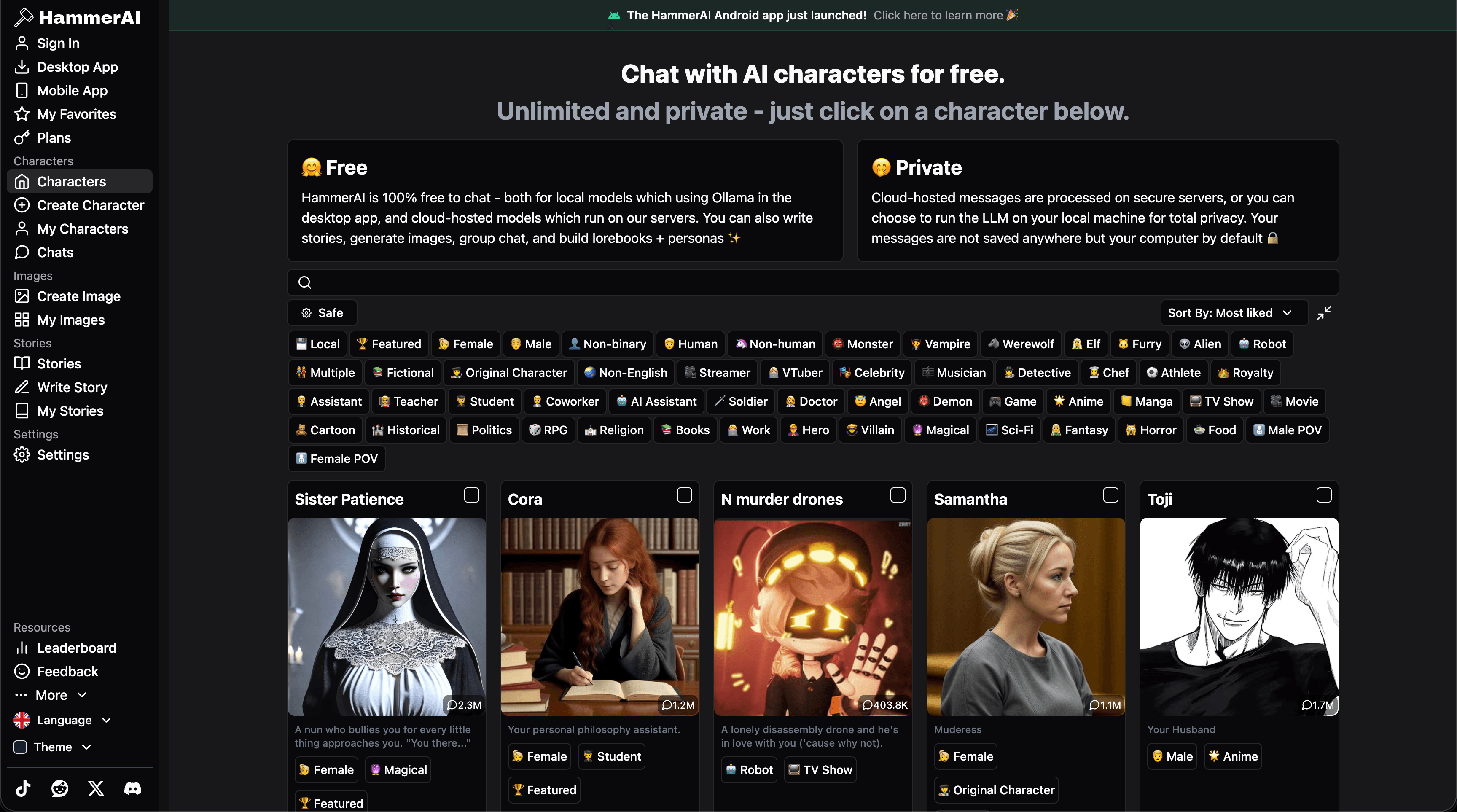
HammerAIGroup chats combine character definitions, scenario controls and lorebooks.Model and hardware choices affect local performance and the context available to the cast.HammerAI review
Nastia.AIMulti-companion group chat alongside individual conversation and optional media.Companion counts and media allowances depend on the plan.Nastia.AI review
Workflow finder

Find the Right Group Chat Workflow

Shared roleplay with custom characters

Multiple characters in one conversation, alongside character creation and memory features. Group scenes can be harder to steer; check current room limits and the plan’s memory access.

Related Routes

Explore related category and guide pages

Find your AI β†’

Related Topics

Adjacent tags from the reviewed tools above

Browse all β†’

Frequently Asked Questions

Answers about group chat

Is having several companions the same as group chat?β–Ό

No. Group chat places multiple characters in one shared conversation. Separate one-to-one threads are a different feature.

Why does turn control matter?β–Ό

It determines whether you can choose the next speaker or allow automatic replies. This affects pacing and how easily you can correct a scene.

Does every participant remember the same facts?β–Ό

Do not assume that. Personal memory and room context can differ. Check what persists when the room is reopened or a participant is changed.

Do all group-chat modes charge the same way?β–Ό

No. Plans can limit companions, rooms or replies. MyDreamBoy’s group mode is in beta and charges per character reply, while other products include group access in a subscription. Compare the cost of a complete group turn, not just a single message.

How do Crushon AI and Nomi differ?β–Ό

Crushon AI adds group chats and a choice of AI models, useful when you want to experiment with how a scenario unfolds. Nomi keeps the focus on conversation with an AI companion.

What access limits affect these recommendations?β–Ό

Crushon AI: Extended memory depends on the selected plan. Nomi: The feature can be enabled per Nomi and is available to free and paid accounts. Secrets AI: Very long conversations may still need context reminders.