AI Haven
Browse by Tag

AI Companion Video Chat

Explore video-led AI companion experiences. Compare live interaction, avatar presentation, conversation features and access limits across the listed platforms.

Top 3 at a Glance

Muah.AI

Freemium

Best for: Short video creation

Muah.AI pairs short visual clips with a dedicated video workflow.

Video preview
  • No-login demo and adult chat
  • Chat-based image generation
  • Photo-to-video generation
Main upside
The demo reduces guesswork around tone, pacing, and roleplay boundaries before payment or signup.
Main caution
Voice access and reset limits depend on VIP tier.
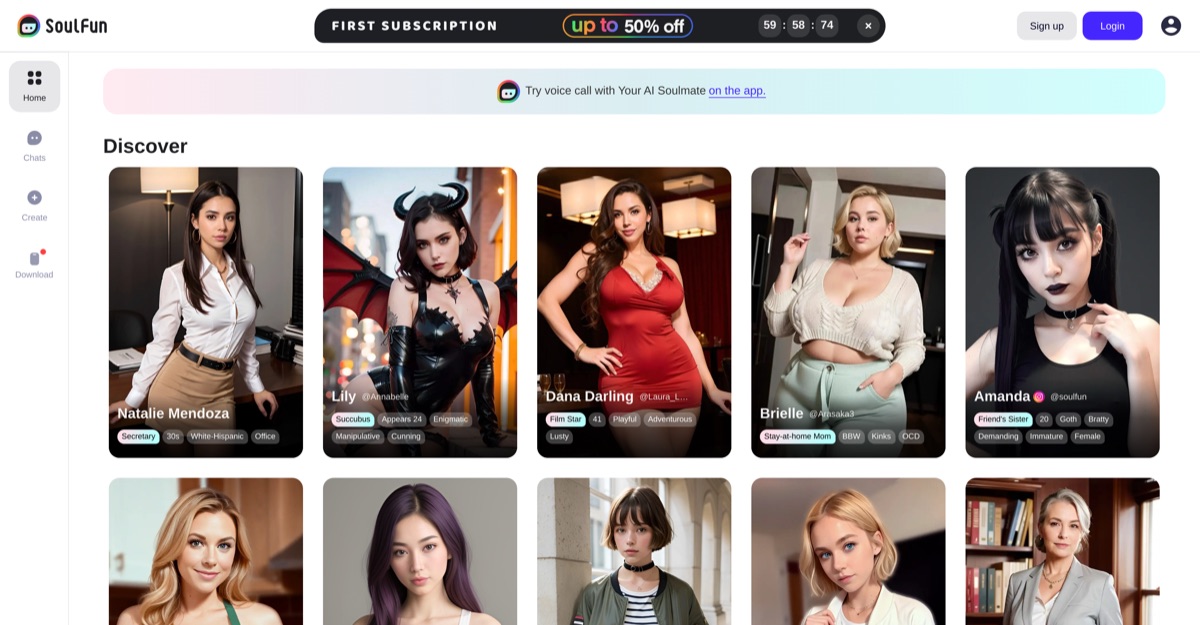
SoulFun

Freemium

Best for: Companion discovery and animated media

SoulFun presents companions with individual personalities and generated character previews. Its video-creation demonstration shows an image becoming a short moving clip rather than a two-way call.

Video preview
  • Companion catalogue with personality profiles
  • Character-specific visual previews
  • Generated character-video workflow
Main upside
Companion catalogue with personality profiles
Main caution
Generated previews and live calls are different features; the clip shown here does not demonstrate a live conversation.

Xeve AI

Freemium

Best for: Short video creation

Xeve AI pairs short visual clips with a dedicated video workflow.

Video preview
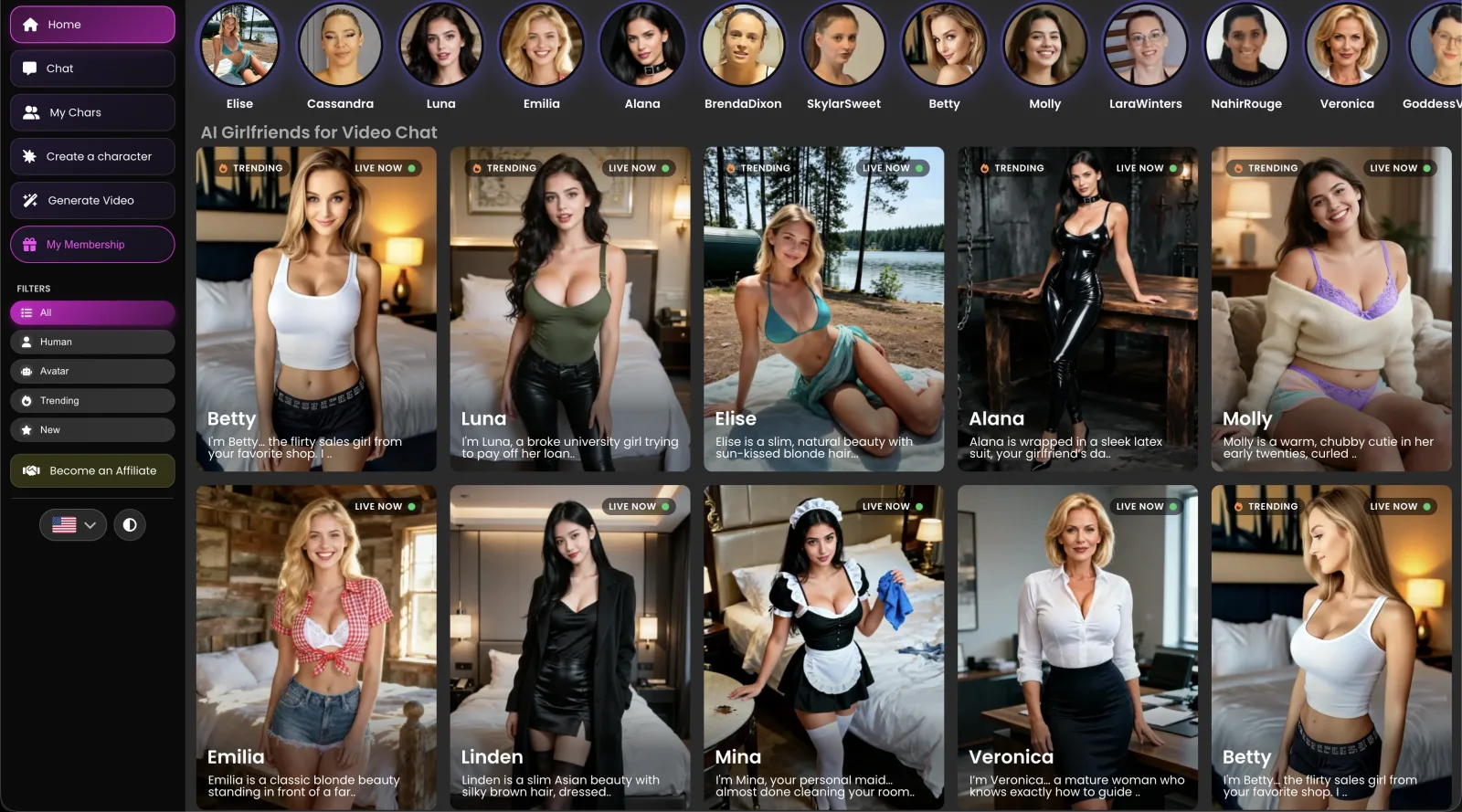
  • Interactive video-character sessions
  • 15 live characters
  • Unlimited member chat
Main upside
Adds visible presence and performance to an adult companion conversation.
Main caution
A standard video currently costs 20 credits, and longer clips can cost more.

Want a companion experience beyond a video preview?

Explore how a fictional character combines conversation, voice and generated media; check the format before expecting live video chat.

AI Haven Pick

Create Your AI Dream Companion

Create a fictional companion for text, voice and generated media. Account access, paid features and DreamCoin costs vary by activity.

Try OurDream AI

Compare 5 Options

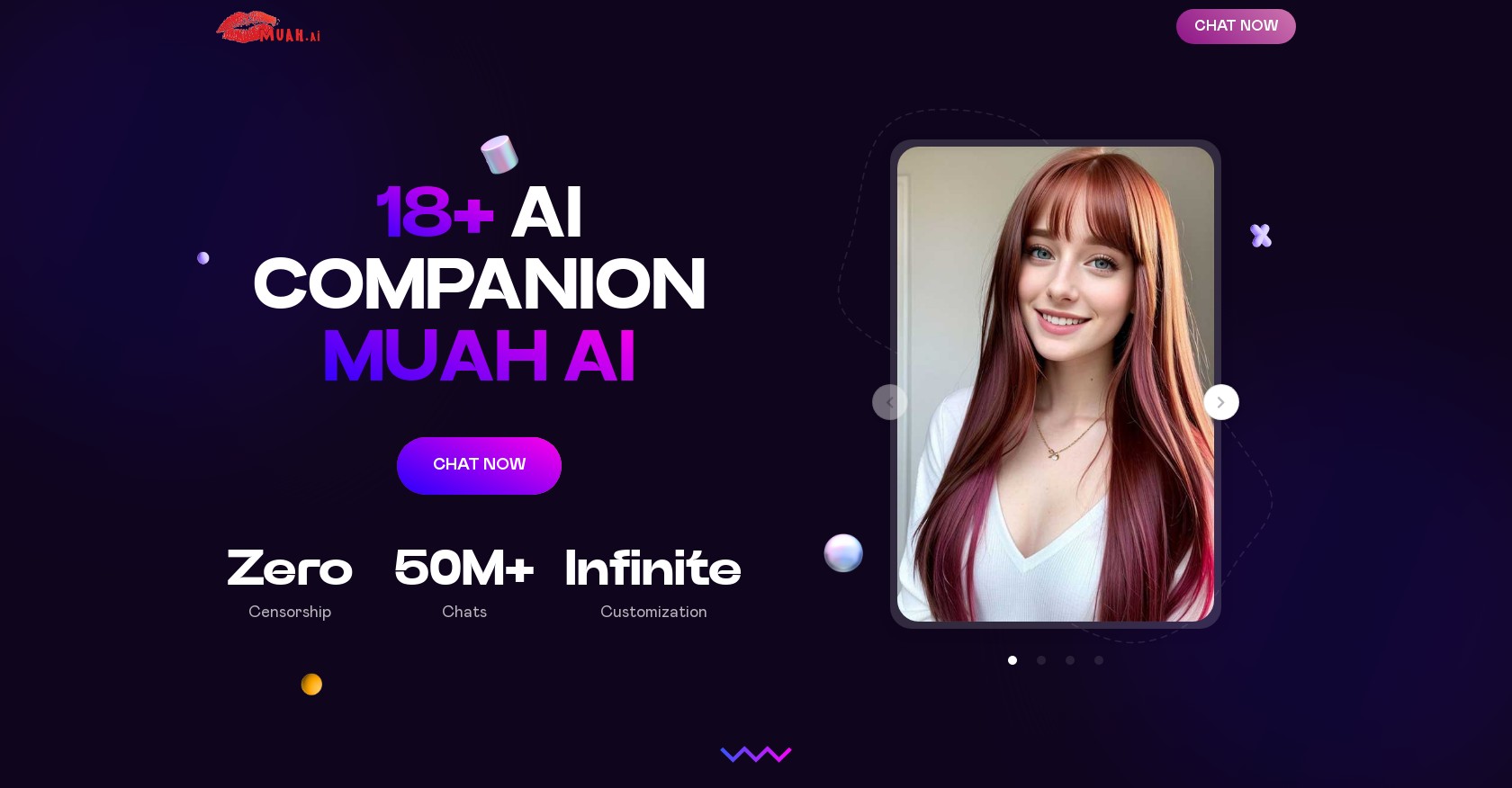
Muah.AI screenshot
#1

Muah.AI

Pricing: Free + paid options

  • Companion chat is available; media features may use separate allowances.
  • Voice features are included; messages and live calls can have different allowances.
  • Free and paid access coexist; check which features the free tier includes.
SoulFun screenshot
#2

SoulFun

Pricing: Free + paid options

  • Companion catalogue with personality profiles
  • Character-specific visual previews
  • Generated previews and live calls are different features; the clip shown here does not demonstrate a live conversation.
Xeve AI dashboard showing live video chat characters and navigation for chat, custom characters, and video generation
#3

Xeve AI

Pricing: Free + paid options

  • Companion chat is available; media features may use separate allowances.
  • Anime-style options are available alongside the platform’s other tools.
  • Free and paid access coexist; check which features the free tier includes.
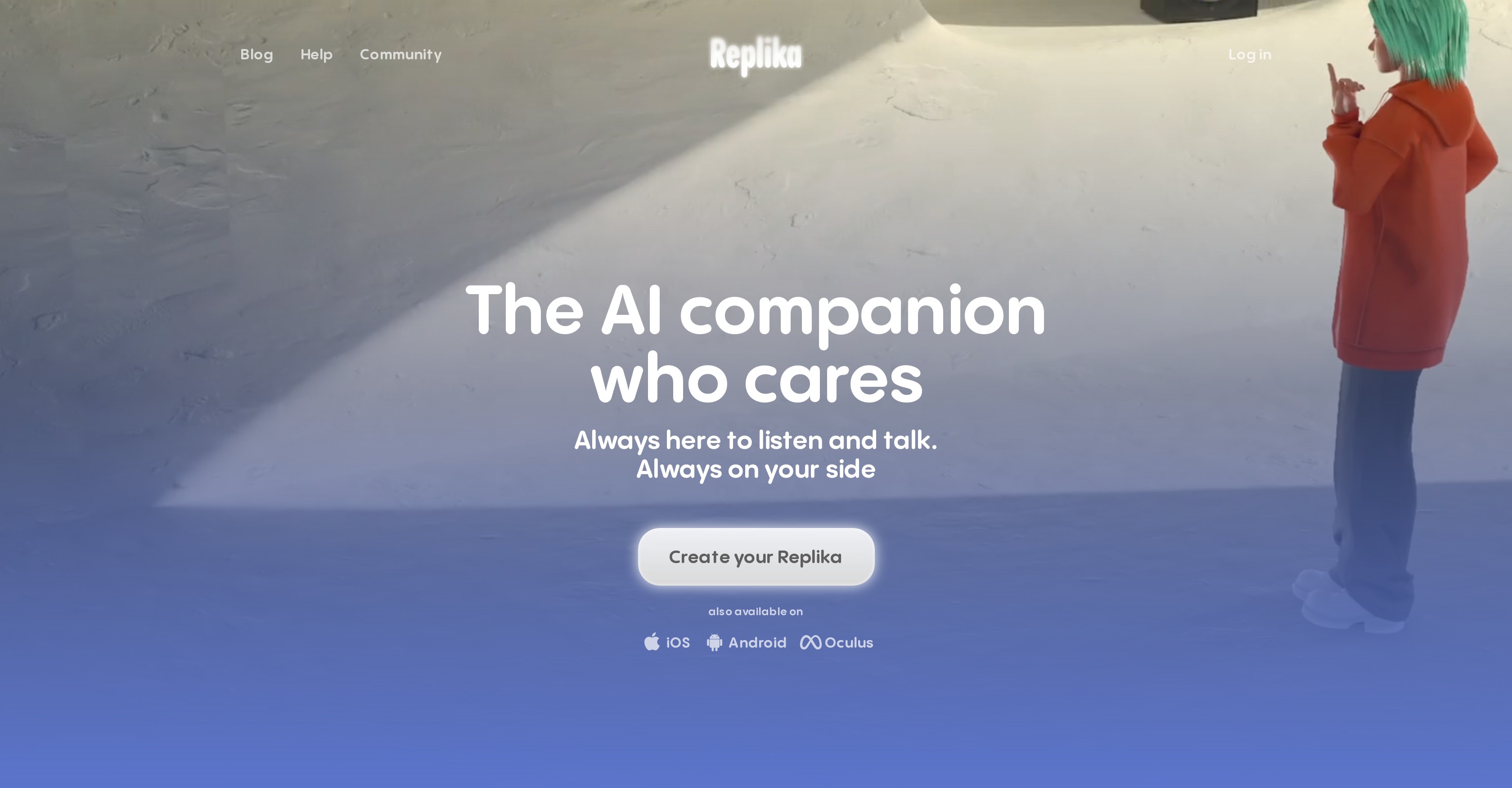
Replika screenshot
#4

Replika

Pricing: Free + paid options

  • Companion chat is available; media features may use separate allowances.
  • Voice features are included; messages and live calls can have different allowances.
  • Free and paid access coexist; check which features the free tier includes.
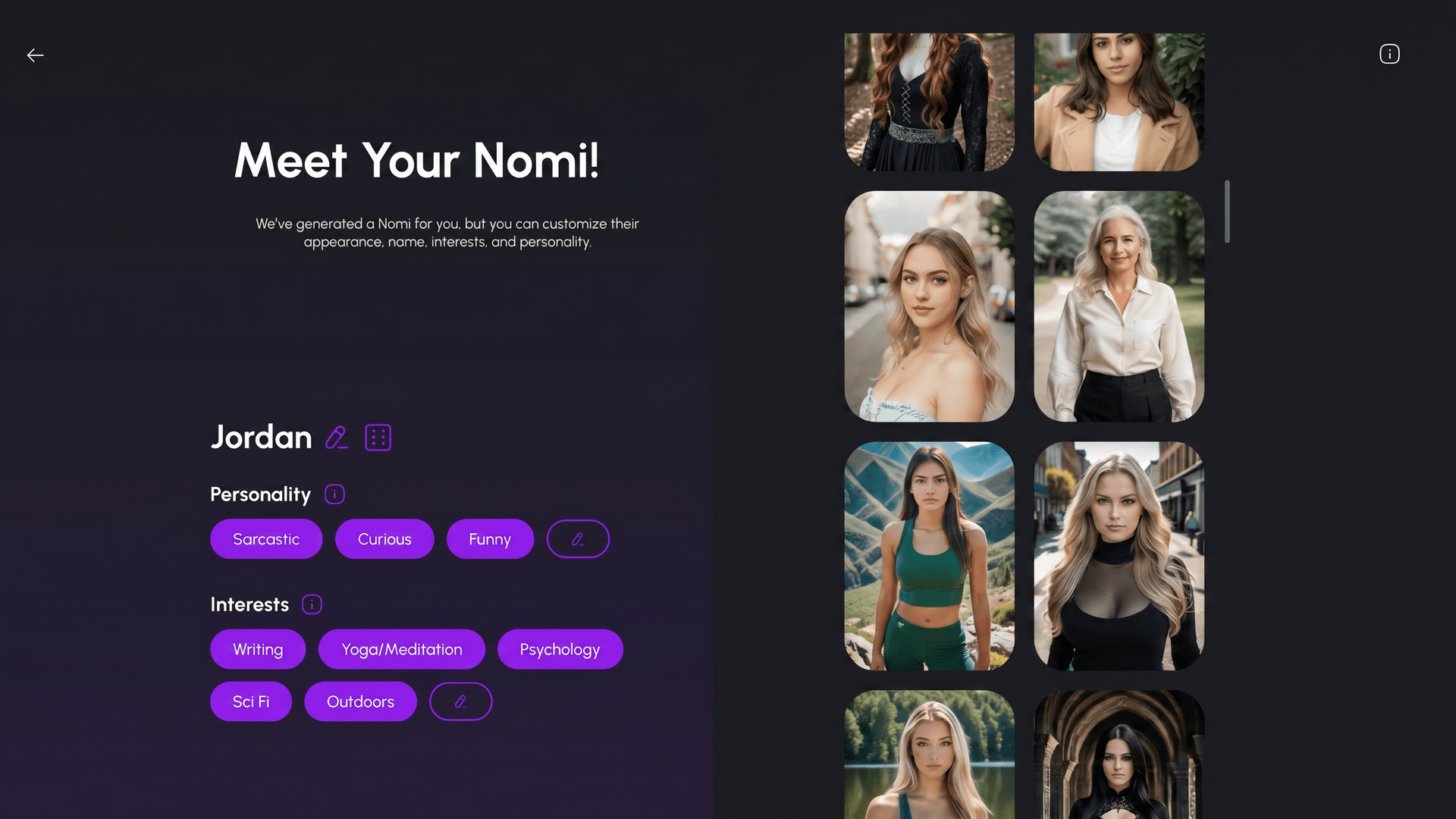
Nomi AI companion creation screen with appearance, personality, and interests controls
#5

Nomi

Pricing: Free + paid options

  • Companion chat is available; media features may use separate allowances.
  • Anime-style options are available alongside the platform’s other tools.
  • Free and paid access coexist; check which features the free tier includes.

All Reviewed Tools

Browse every video chat

All tools →
Match Brief

AI Video Chat Tools: Fit Check

Separate visual character sessions, avatar calls and generated video messages. Muah, SoulFun, Xeve, Replika and Nomi do not offer one interchangeable form of live video chat.

Best For

  • Comparing visual companion interactions and avatar calls.
  • Deciding whether recorded clips or live conversation matter more.

Not For

  • Expecting a human on the other side of a companion session.
  • Treating an image-to-video sample as proof of a two-way video call.

Key Checks

  • Typed, microphone or webcam input.
  • Live response versus a generated clip.
  • Calling and media allowances.
  • Supported device and current in-app access.

Decision Guide

How to choose video chat

Compare →
1

Identify what happens during the interaction

Xeve presents text-driven visual character sessions. Muah combines companion calls with separately generated media, while Replika uses an avatar in its call experience. A moving character is not proof that the service accepts webcam input or responds continuously to your voice. Compare input and output separately.

2

Keep generated clips separate from calls

Nomi offers voice calls and subscriber video generation; a generated clip is not a live video call. Muah’s photo-to-video function is likewise different from calling a companion. Choose a clip workflow when you want a saved visual message and an interactive call when the response to your next sentence is the point.

3

Check the current call screen before paying

SoulFun advertises visual companion conversation, but a landing-page promise does not establish the behavior of its current call button or a particular character. Confirm the device, character, plan and allowance in the service. For every platform, distinguish a preview from a complete paid session.

AI Video Chat Tools: Practical Differences

Compare what each platform supports, how it fits your intended workflow and the limitations to check.

Compare tools →
PlatformRelevant workflowLimitation or decision pointDetails
Muah.AIVoice and call features alongside photo-to-video creation.A generated clip is a different operation from a live call; access depends on the tier.Muah.AI review
SoulFunCharacter conversations with advertised voice and visual interaction.Current call availability and reliability need confirmation in the app before purchase.SoulFun review
Xeve AITyped inputs drive spoken, lip-synced character sessions.This is not evidence of two-way webcam or microphone input.Xeve AI review
ReplikaAn avatar-based companion call experience.Mainstream companion rules apply; avatar presentation differs from a photorealistic live video service.Replika review
NomiPaid voice calls and generated video options for a continuing companion.The generated videos are not live video calls.Nomi review
Workflow finder

Find the Right AI Video Chat Tools Workflow

Combine companion calls and generated media

Voice and call features alongside photo-to-video creation. A generated clip is a different operation from a live call; access depends on the tier.

Related Routes

Explore related category and guide pages

Find your AI →

Related Topics

Adjacent tags from the reviewed tools above

Browse all →

Frequently Asked Questions

Answers about video chat

Is a moving avatar a live video call?▼

Not necessarily. It may be a generated clip, a voice-driven avatar or a text-directed session. Check how you send input and whether the next response is interactive.

Which option is controlled through text?▼

Xeve describes visual character sessions driven by typed messages and controls. That does not establish two-way webcam input.

Does Nomi provide live video calls?▼

Its voice calls and generated video features are separate. Do not treat the ability to generate a character clip as a live video-call feature.

What should I verify before subscribing?▼

Open the intended interaction on your device and chosen character. Confirm the input method, response format, plan access and allowance; a promotional sample cannot establish all four.

How do Muah.AI and SoulFun differ?▼

Muah.AI pairs short visual clips with a dedicated video workflow. SoulFun presents companions with individual personalities and generated character previews. Its video-creation demonstration shows an image becoming a short moving clip rather than a two-way call.

What access limits affect these recommendations?▼

Muah.AI: Voice access and reset limits depend on VIP tier. SoulFun: Generated previews and live calls are different features; the clip shown here does not demonstrate a live conversation. Xeve AI: A standard video currently costs 20 credits, and longer clips can cost more.