
AI Haven
Browse by Tag

AI Voice Synthesis Tools

Compare tools that add generated voice to characters or creator workflows. Review voice controls, output quality, usage rights and content restrictions before choosing.

Top 3 at a Glance

OurDream AI

Freemium

Best for: Character voice interaction

OurDream supports voice calls tied to a saved character. It fits spoken companion interaction; standalone speech-file export and commercial usage rights are not established.

Video preview
  • 19 voice profiles
  • 5–30-second lip-sync clips
  • Images inside the conversation
Main upside
Appearance, personality and character style can be configured together.
Main caution
Generated media uses DreamCoins in addition to plan access.
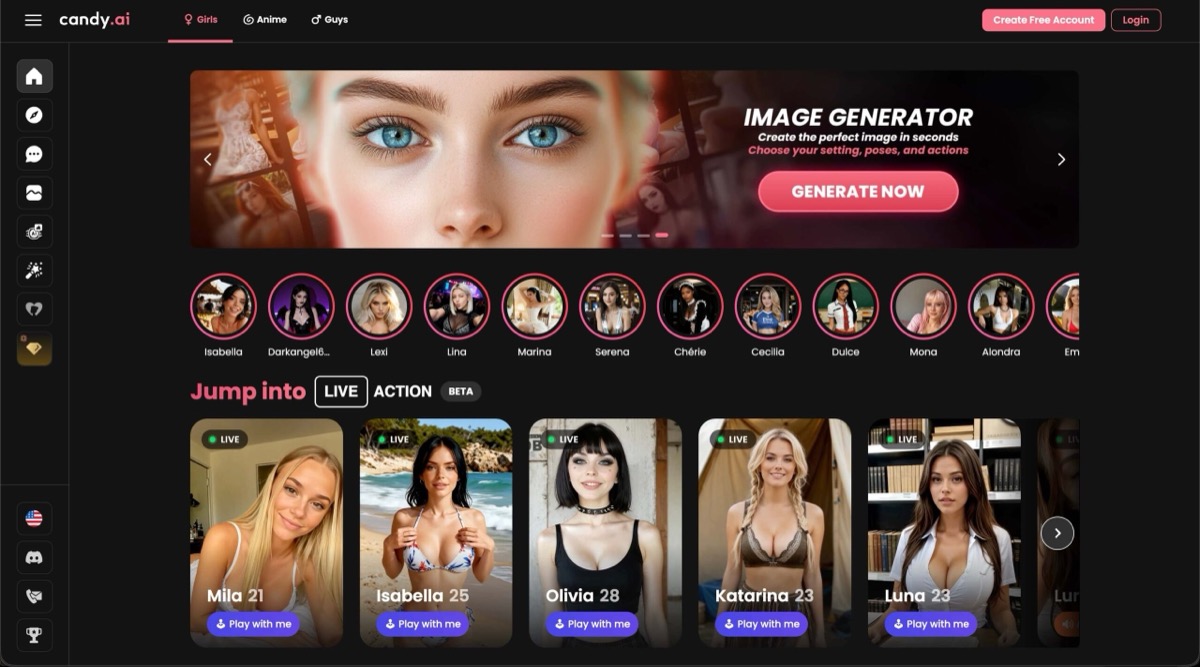
Candy AI

Best for: Companion voice interaction

Candy AI offers voice interaction with its companions. It fits a character-voice comparison; standalone text-to-speech export and commercial usage rights are not established.

Video preview
  • Companion voice messages
  • Realistic and anime character library
  • Backstory and mood controls
Main upside
Start with an existing character, then personalize the companion.
Main caution
Premium adult chat still follows the platform's content rules.

MAGI AI

Freemium

Best for: Voice interaction

MAGI AI adds voice to the experience when text alone feels limiting.

Video preview
  • Voice, audio, and music
  • Companion catalog and creator
  • Spicy Chat roleplay
Main upside
Companion media can include spoken or musical material instead of remaining silent.
Main caution
Pro access removes watermarks and unlocks premium models.

Put a generated voice behind a character you can talk to.

Build a fictional companion with a chosen personality and voice, then continue through chat and generated media.

AI Haven Pick

Create Your AI Dream Companion

Create a fictional companion for text, voice and generated media. Account access, paid features and DreamCoin costs vary by activity.

Try OurDream AI

Compare 5 Options

OurDream AI screenshot
#1

OurDream AI

Pricing: Free + paid options

  • Chat, voice and generated media share the same companion setup.
  • Character customization gives you control over the companion setup.
  • Free and paid access coexist; check which features the free tier includes.
Candy AI screenshot
#2

Candy AI

Pricing: Free + paid options

  • Voice, images and video-style responses sit alongside character chat; media uses tokens.
  • Companion chat is available; media features may use separate allowances.
  • Free and paid access coexist; check which features the free tier includes.
MAGI AI homepage showing its AI girlfriend creator, spicy chat, image generator, and adult companion interface
#3

MAGI AI

Pricing: Free + paid options

  • Video creation is available; compare clip limits and media credits.
  • The editing workflow uses uploaded images; check accepted formats and output access.
  • Free and paid access coexist; check which features the free tier includes.
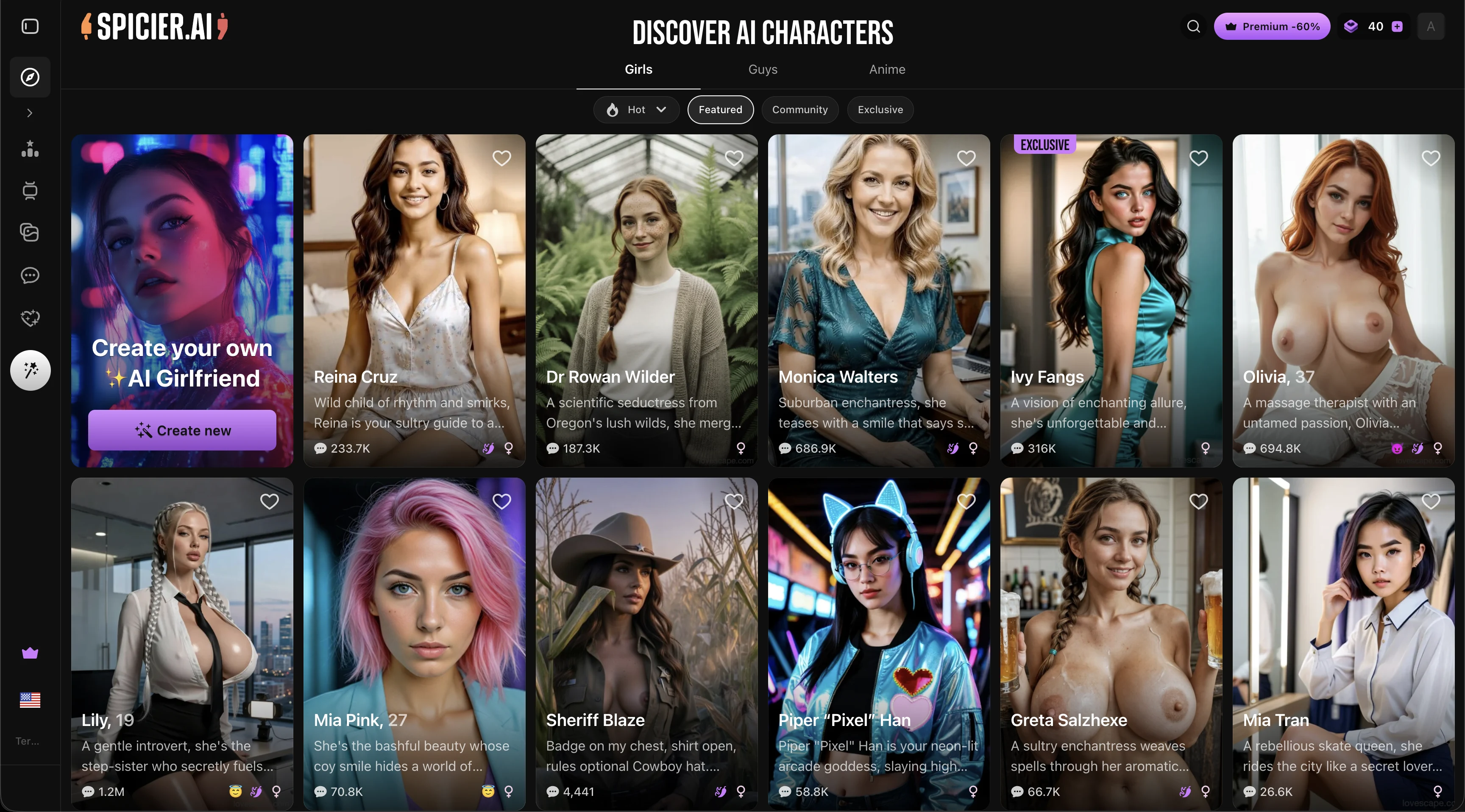
Spicier AI character discovery screen showing realistic AI companions, Girls and Anime category tabs, and the custom character creator
#4

Spicier AI

Pricing: Free + paid options

  • Video creation is available; compare clip limits and media credits.
  • Anime-style options are available alongside the platform’s other tools.
  • Free and paid access coexist; check which features the free tier includes.
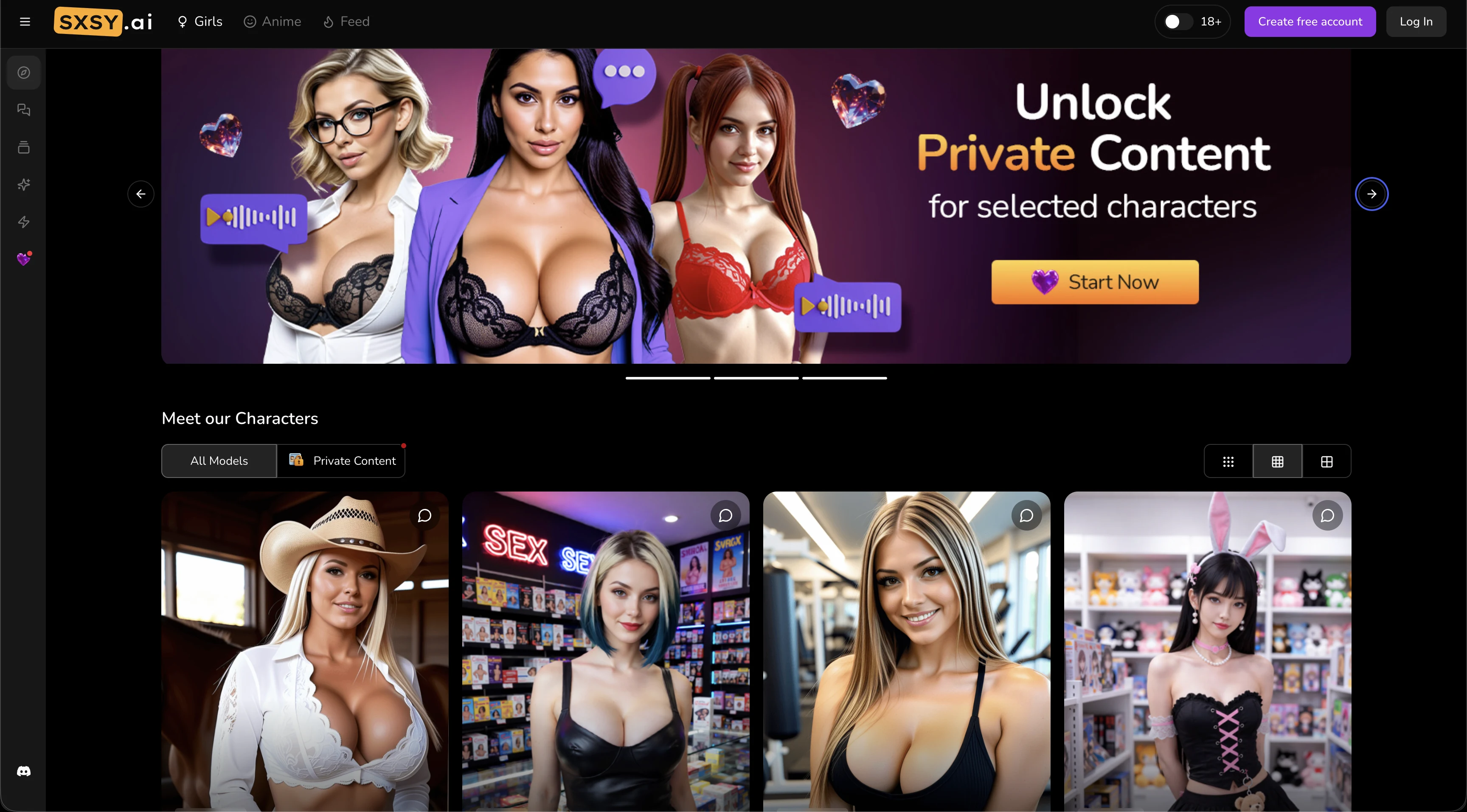
SXSY AI companion homepage showing realistic and anime character discovery, a private-content area, and the character library
#5

SXSY AI

Pricing: Free + paid options

  • Video creation is available; compare clip limits and media credits.
  • Anime-style options are available alongside the platform’s other tools.
  • Free and paid access coexist; check which features the free tier includes.

All Reviewed Tools

Browse every voice synthesis

All tools →
Featured
HeyGenFreemium

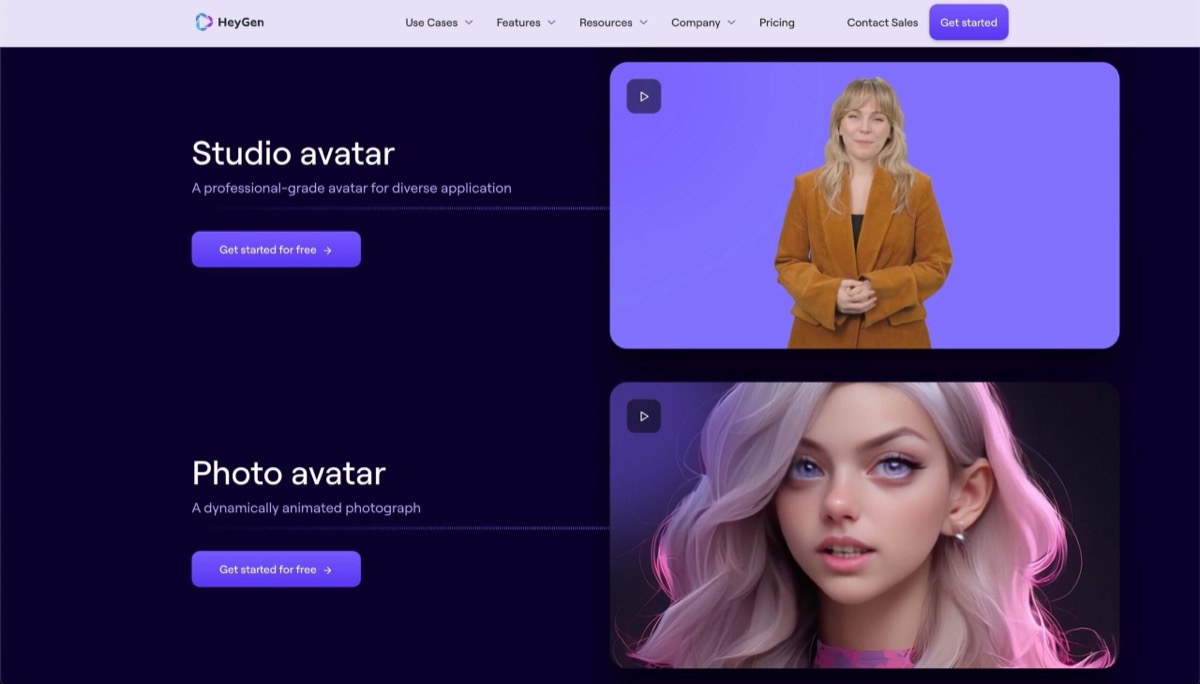
HeyGen blocks explicit content but scores 9/10 for building faceless AI creator personas. Best for NSFW creators who need a marketing engine, not the adult content itself.

Featured
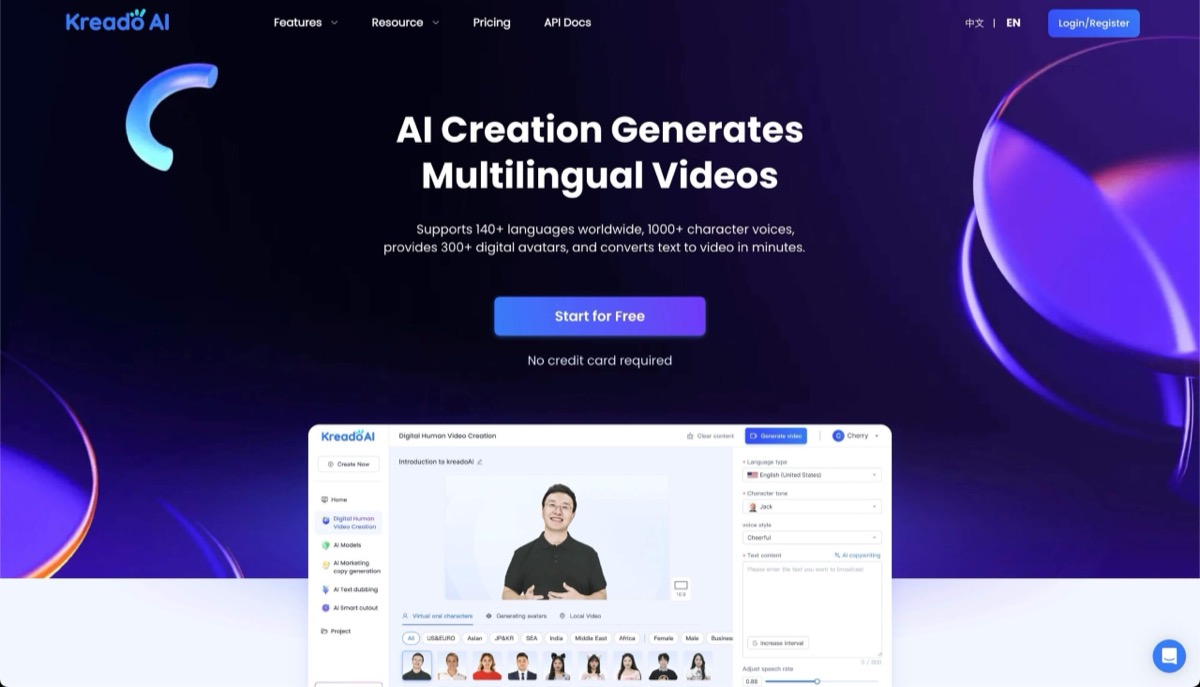
KreadoaiFreemium

KreadoAI is an AI video creation platform enabling users to generate professional videos from text, images, audio, slides, or URLs with 1000+ avatars and 140+ languages.

text to videomultilingual video creationpowerpoint to video
Match Brief

Voice Synthesis: Fit Check

Compare companion speech with production text-to-speech and avatar audio. A voice message, an interactive call and a reusable narration export are different outputs with different controls.

Best For

  • Spoken fictional companion responses.
  • Comparing companion voice, speech exports and avatar narration.

Not For

  • Assuming companion audio is a general-purpose speech API.
  • Treating lip-synced video as proof of two-way voice interaction.

Key Checks

  • Voice notes, live calls or downloadable speech.
  • Available voices and language support.
  • Call minutes or per-generation charges.
  • Whether custom voices and reuse rights are documented.

Decision Guide

How to choose voice synthesis

Compare →
1

Identify the actual audio format

MAGI documents voice replies and an emotional voice library, Spicier describes voice messages and talking media, and SXSY advertises live calls as well as messages. OurDream connects voice to its companion experience. A voice feature can therefore mean very different interactions. Check whether you speak to the character, receive an audio message or generate a file.

2

Evaluate speech in the intended interaction

For voice notes, intelligibility and consistent character tone matter. For live calls, interruptions, response delay and the ability to end the session become central. A single polished recording cannot establish conversational performance. Use a short ordinary sentence and the language you need, then confirm whether those voices are included in your access.

3

Check the audio contract before reuse

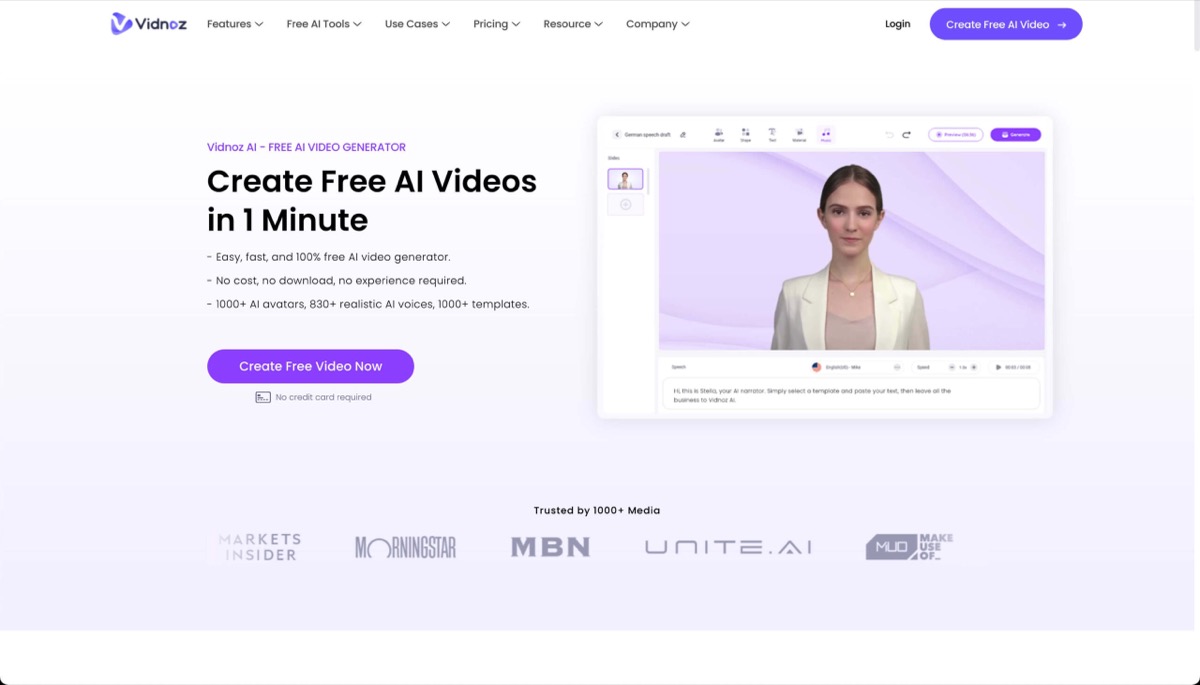
Venice, HeyGen, KreadoAI and Vidnoz expose production speech or avatar-audio workflows, while the companion products centre their voices on conversation. Check explicit export and reuse terms for the intended output. Voice cloning requires appropriate permission, and an audio-playback feature does not automatically establish cloning or commercial reuse rights.

Voice Synthesis: Practical Differences

The comparison separates conversation-first audio from production speech. Export rights, voice permissions and usage charges must be checked for the chosen workflow.

Compare tools →
PlatformRelevant workflowLimitation or decision pointDetails
MAGI AICompanion voice replies and an emotional voice library alongside audio and media tools.Audio upload for a video is distinct from cloning a voice or providing a speech API.MAGI AI review
OurDream AIVoice integrated with a recurring character and its conversational experience.Check the current account’s voice actions and allowance; do not infer narration export rights.OurDream AI review
Spicier AIVoice notes, voiceover and talking-video options connected to companions.A live phone-style call is not documented in the current review.Spicier AI review
SXSY AIPaid subscriptions advertise live AI calls and personalized voice messages.Public pages do not publish a fixed call allowance or universal per-call token price.SXSY AI review
Venice AIVoice playback and text-to-speech APIs sit within a multimodal workspace.Voice options, rates and applicable terms depend on the selected provider and model.Venice AI review
HeyGenText-to-speech and avatar-video APIs support production audio workflows.Check voice authorization, output rights and the relevant API billing model.HeyGen review
Workflow finder

Find the Right Voice Synthesis Workflow

Voice replies in a creative suite

Companion voice replies and an emotional voice library alongside audio and media tools. Audio upload for a video is distinct from cloning a voice or providing a speech API.

Related Routes

Explore related category and guide pages

Find your AI →

Related Topics

Adjacent tags from the reviewed tools above

Browse all →

Frequently Asked Questions

Answers about voice synthesis

Is a voice message the same as a call?▼

No. A message is generated audio you play back; a call is an interactive session. Compare the input method, response behaviour and allowance separately.

Does lip sync establish voice input?▼

No. A video can synchronize generated speech to a character without accepting your voice. Check the documented input controls.

Can I use these voices in a commercial narration project?▼

Choose a product and voice with explicit export and reuse terms for that project. Production speech tools provide a different workflow from companion playback, but neither an API nor a download button by itself establishes unrestricted rights.

Which current limitation matters most?▼

Several public pages do not itemize call minutes or per-action charges. SXSY advertises calls, while Spicier documents messages and talking media without a confirmed live-call feature.