AI Haven
Browse by Tag

AI Tools with API Access

Explore AI tools with API access. Compare documentation, authentication, usage limits and content rules for the listed integration options.

Top 3 at a Glance

BetterWaifu

Freemium

Best for: Developer integration

BetterWaifu includes API or integration options for connecting the tool to another workflow.

Video preview
  • Personal access API
  • Multi-model image library
  • Anima prompting
Main upside
Connects BetterWaifu image generation to personal scripts, bots and automation tools.
Main caution
One generation can run at a time, and the documented rate limit is 10 requests per 10 seconds.
PixaryAI

Freemium

Best for: Developer integration

PixaryAI includes API or integration options for connecting the tool to another workflow.

Video preview
  • Developer APIs
  • PixaryAI image models
  • 2K image output and styles
Main upside
Developers can integrate generation into their own product instead of relying only on the consumer workspace.
Main caution
Video pricing is often calculated per second and changes with model, resolution, and audio.

xMode

Freemium

Best for: Developer integration

xMode includes API or integration options for connecting the tool to another workflow.

Video preview
  • Image and video API
  • Creates a reusable identity reference from a single uploaded photo.
  • Composable scene references
Main upside
Developers can add identity-consistent images and xW 2.7 S image-to-video to their own products.
Main caution
The main FAQ lists 10 credits to create one Face ID.

Testing adult AI APIs? See a companion experience in action.

OurDream is a consumer product rather than an API. Explore its chat and generated media to assess the experience you want to build.

AI Haven Pick

Create Your AI Dream Companion

Create a fictional companion for text, voice and generated media. Account access, paid features and DreamCoin costs vary by activity.

Try OurDream AI

Compare 5 Options

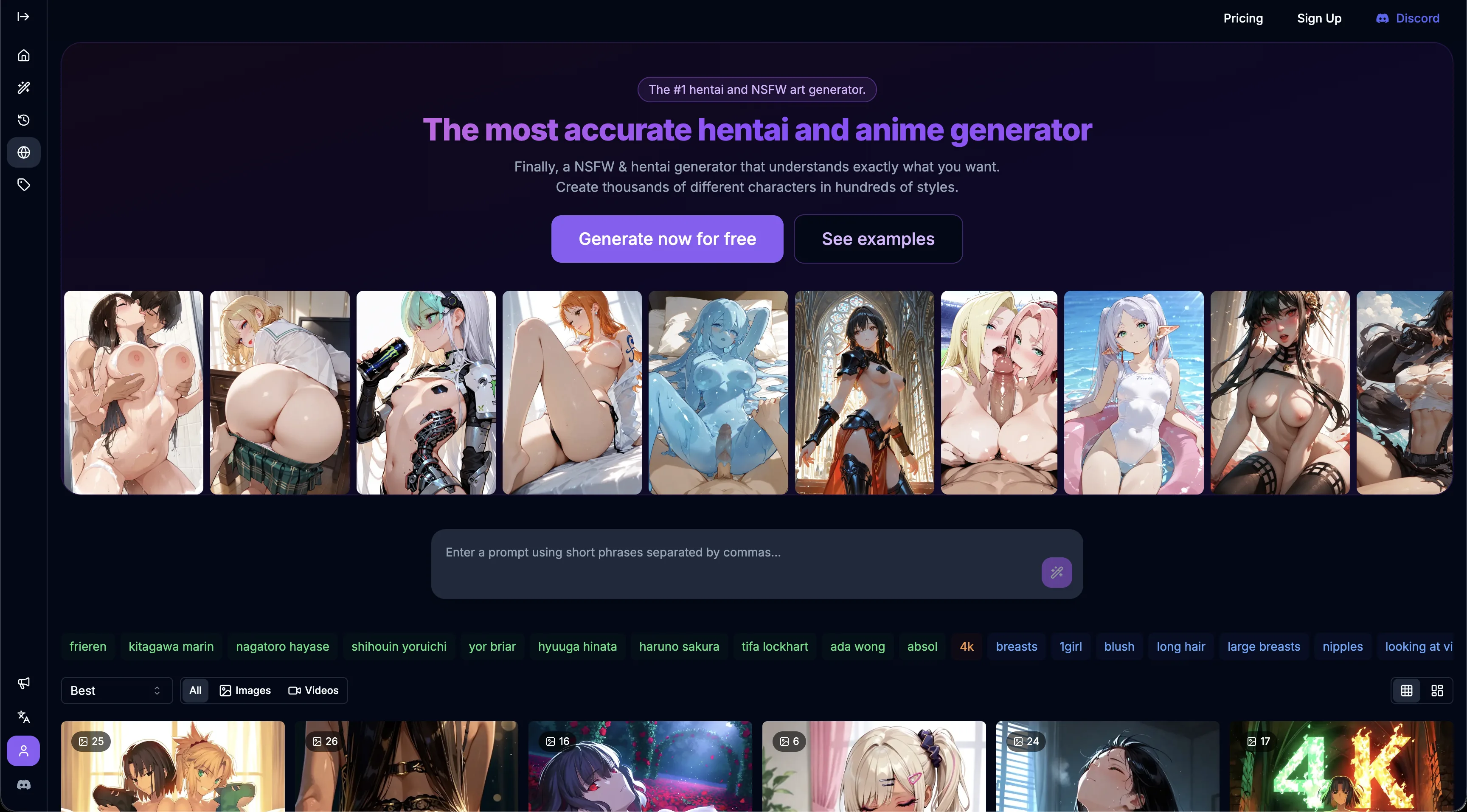
BetterWaifu anime generator home screen with a prompt bar, style tags and generated art gallery
#1

BetterWaifu

Pricing: Free + paid options

  • Video creation is available; compare clip limits and media credits.
  • The editing workflow uses uploaded images; check accepted formats and output access.
  • Free and paid access coexist; check which features the free tier includes.
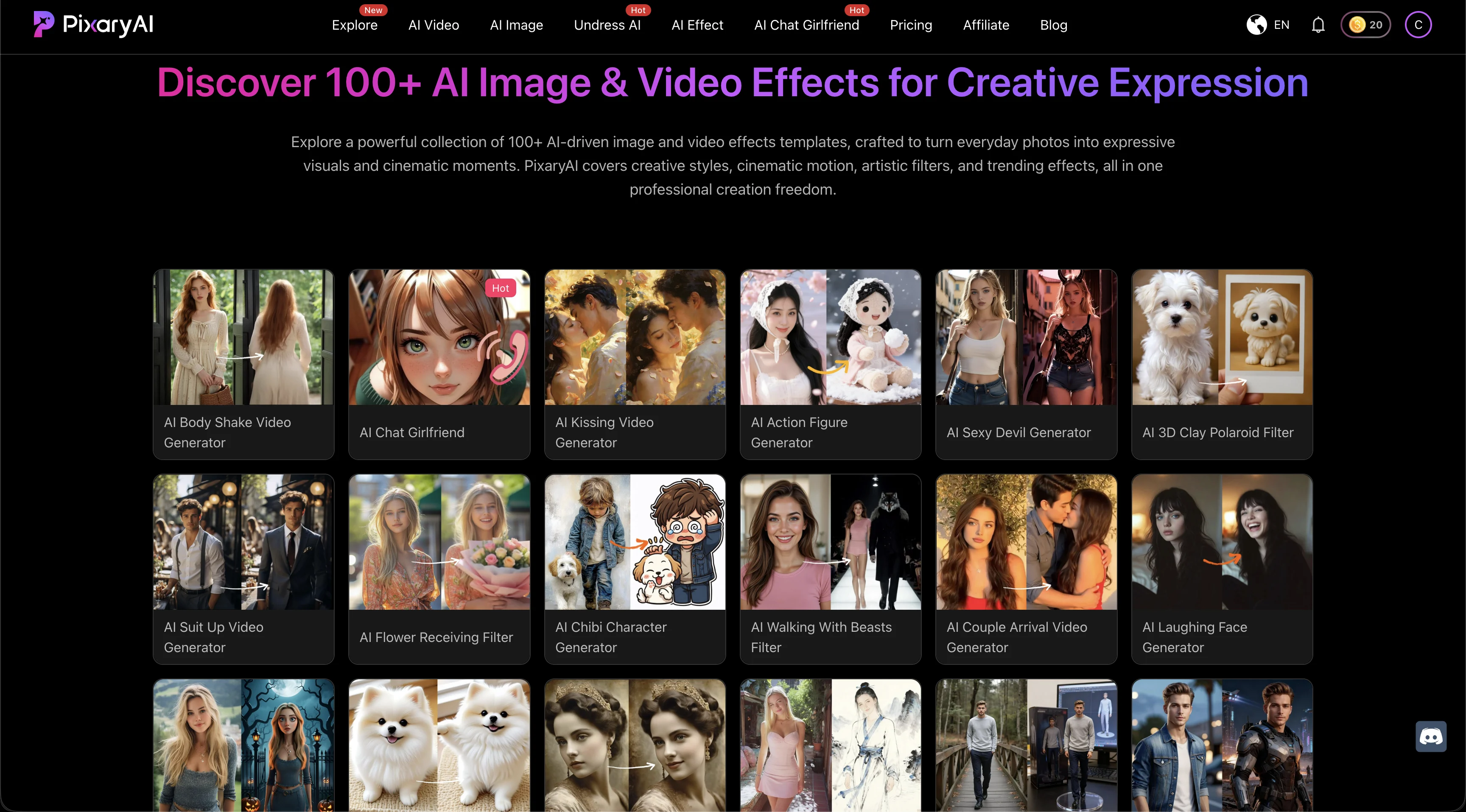
PixaryAI homepage showing a gallery of more than 100 AI image and video effects across realistic, anime, and stylized categories
#2

PixaryAI

Pricing: Free + paid options

  • Video creation is available; compare clip limits and media credits.
  • Face swapping is part of the toolset; supported photo and video formats vary.
  • Free and paid access coexist; check which features the free tier includes.
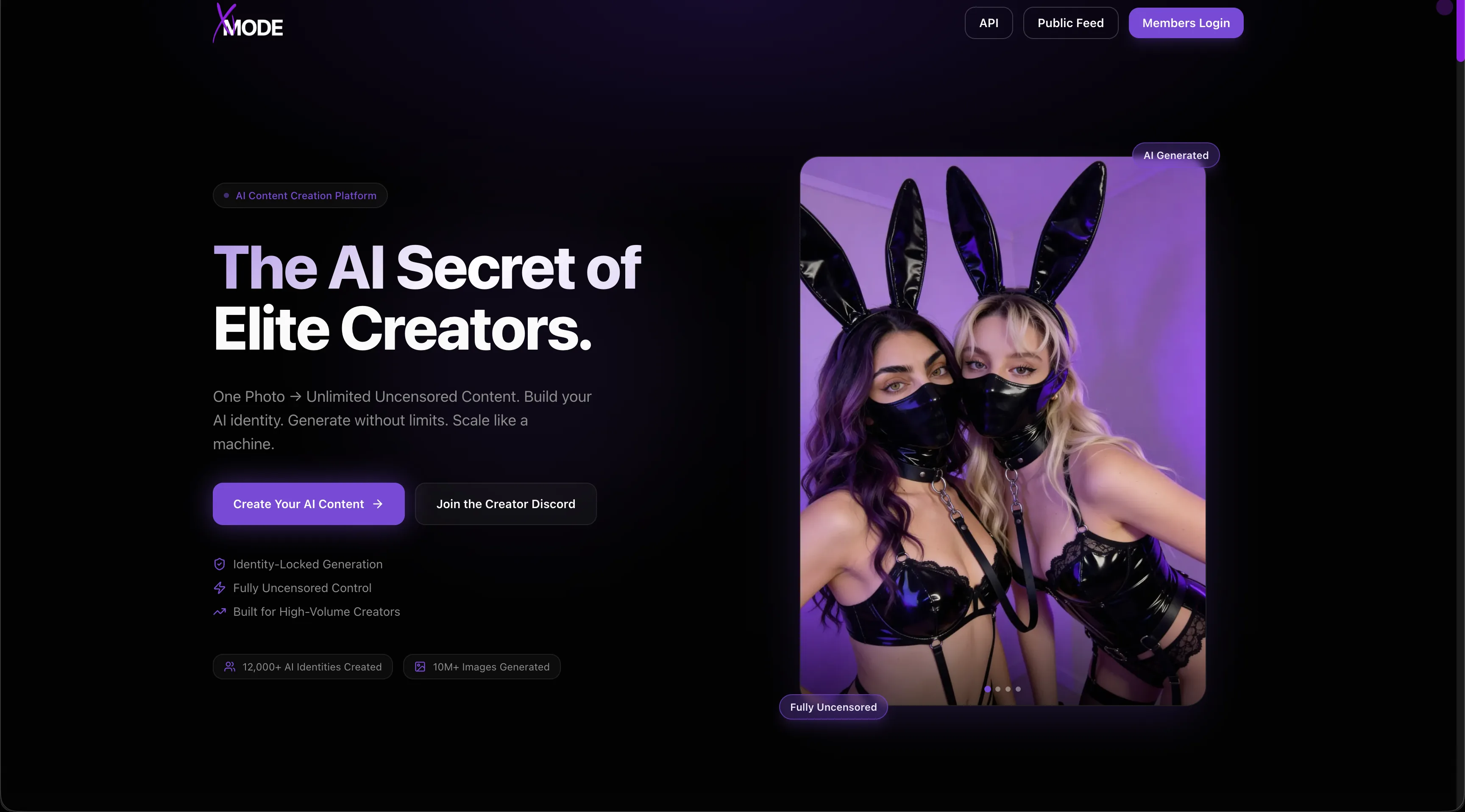
xMode marketing homepage showing the AI Secret of Elite Creators headline, creator imagery, navigation, and sign-up controls
#3

xMode

Pricing: Free + paid options

  • Video creation is available; compare clip limits and media credits.
  • Realistic visual options complement the platform’s other styles.
  • Free and paid access coexist; check which features the free tier includes.
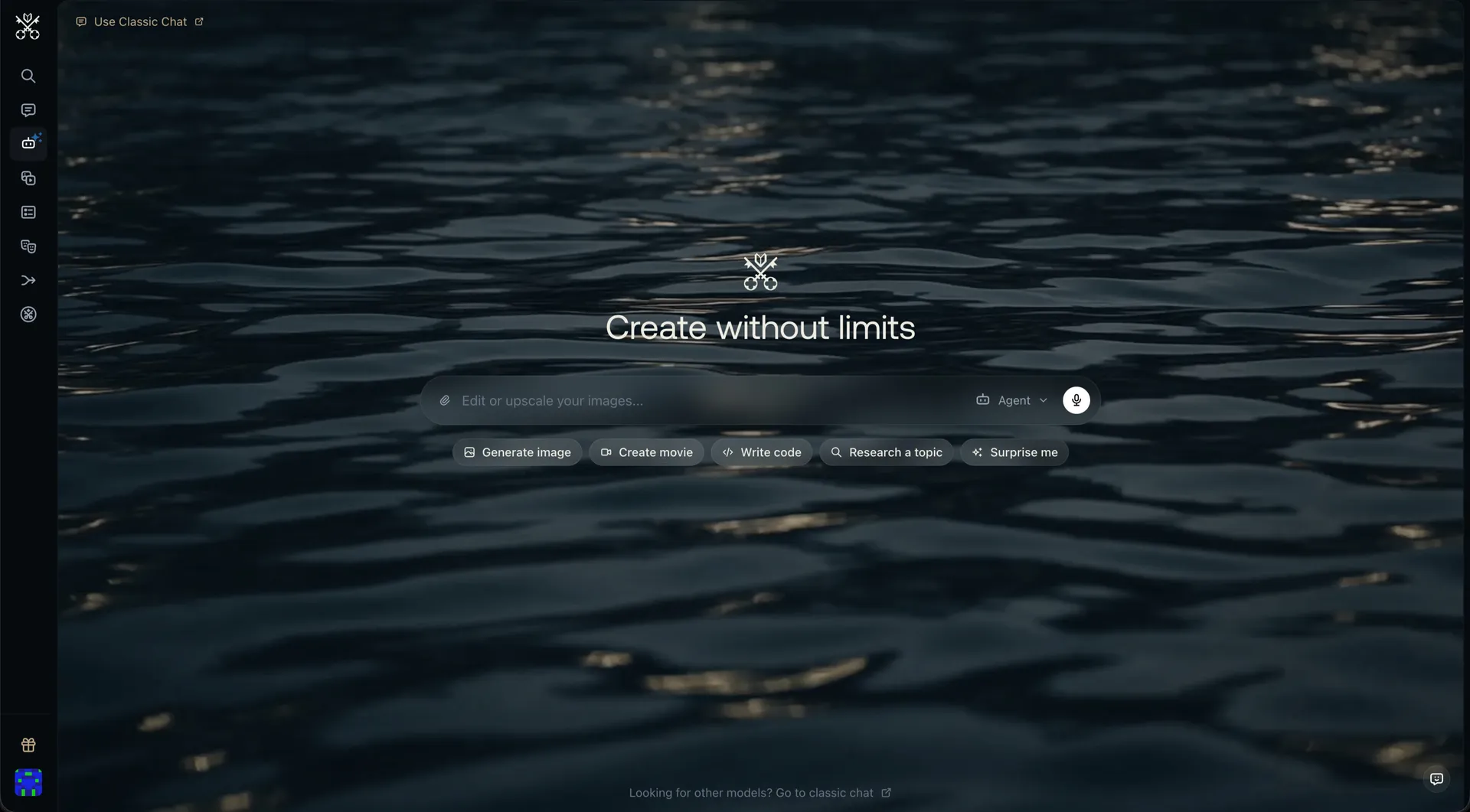
Venice AI home screen with the Create without limits headline and shortcuts for generating images, movies, code and research
#4

Venice AI

Pricing: Free + paid options

  • Anime-style options are available alongside the platform’s other tools.
  • Voice features are included; messages and live calls can have different allowances.
  • Free and paid access coexist; check which features the free tier includes.
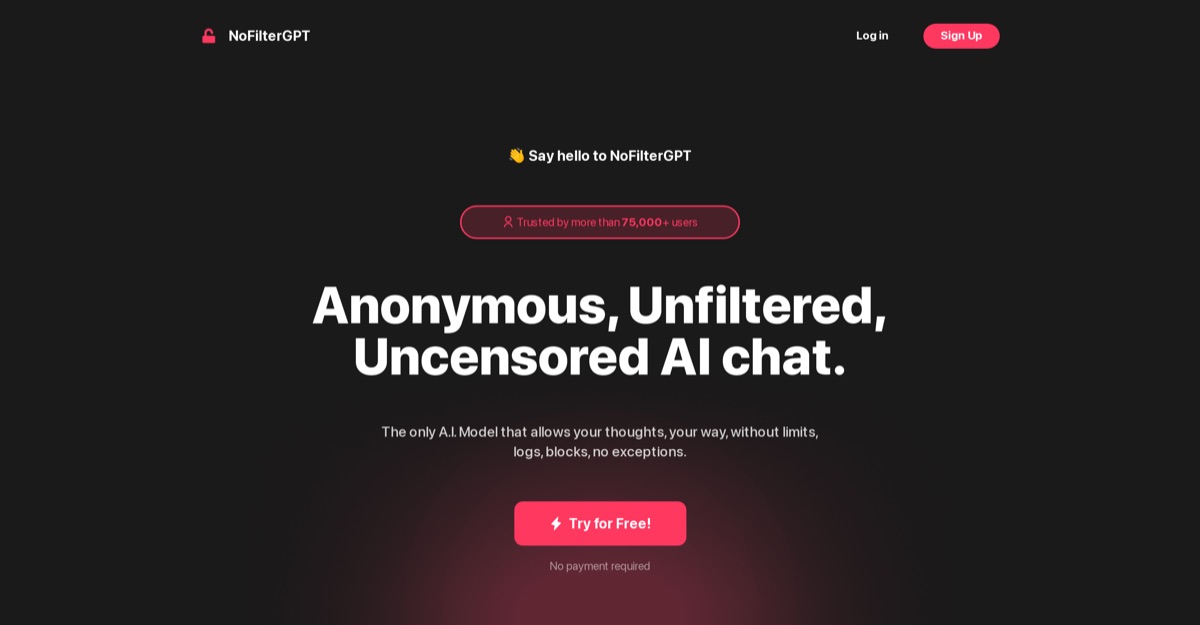
NoFilterGPT screenshot
#5

NoFilterGPT

Pricing: Free + paid options

  • Companion chat is available; media features may use separate allowances.
  • Free and paid access coexist; check which features the free tier includes.

All Reviewed Tools

Browse every api access

All tools →
Featured
FlizFreemium

A REST API for automated video production using the same credit packs as its web workflow.

url to videovoiceoverssubtitles
Match Brief

API Access: Fit Check

Compare real APIs for text, images, video, avatars and speech. Start with the required output, then check authentication, entitlement, completion handling and billing independently of the consumer app.

Best For

  • Automating image, video, speech or text generation.
  • Prototypes that can queue work within documented limits.

Not For

  • Assuming a website subscription automatically permits production-scale concurrency.
  • Putting a private access token in browser-delivered code.

Key Checks

  • Active subscription and key management.
  • Concurrency and batch limits for the actual tier.
  • Job status, failure handling and result retention.
  • Shared credit balance and higher-volume approval.

Decision Guide

How to choose api access

Compare →
1

Distinguish account automation from production capacity

BetterWaifu’s current API documentation separates ordinary subscription access from a higher-volume tier available by application. The standard tier supports one generation at a time; its account credit balance also funds API requests. Size a workload around the actual access granted, rather than treating an API key as evidence of unlimited parallel processing.

2

Design for queued work and failed jobs

An accepted request and a completed image are different states. Keep an application-side job record, show progress and handle a failed generation without submitting uncontrolled duplicates. Check the current reference for polling or completion callbacks, result lifetime and error responses before choosing how your application stores or delivers outputs.

3

Treat the key and budget as account access

Keep credentials on the server, rotate exposed keys and set a usage budget for automated jobs. The API and website can draw from the same balance, so manual experimentation may affect a scheduled workflow. Check the provider’s current terms before extending a personal automation into a service for other users.

API Access: Practical Differences

These examples distinguish personal account automation, multimodal model access and production media jobs. The full list also covers avatar, speech and automated-video APIs.

Compare tools →
PlatformRelevant workflowLimitation or decision pointDetails
BetterWaifuA bearer-key API for model discovery and image jobs using the account’s generation balance.Personal automation and products serving other users have different access requirements.BetterWaifu review
PixaryAIPublished image, video and character-oriented API endpoints with metered output pricing.Check the exact endpoint; consumer marketing does not establish its content policy or output options.PixaryAI review
xModeImage and video REST endpoints with polling and signed completion webhooks.Plan for queued jobs, output expiry and the required end-user attribution.xMode review
Venice AIAPI-key access to text, image, video and audio model endpoints.Rates, privacy modes and supported inputs vary by the selected model.Venice AI review
NoFilterGPTA documented chat-completions REST API with streaming responses.The chat API documentation does not establish parity with every consumer media feature.NoFilterGPT review
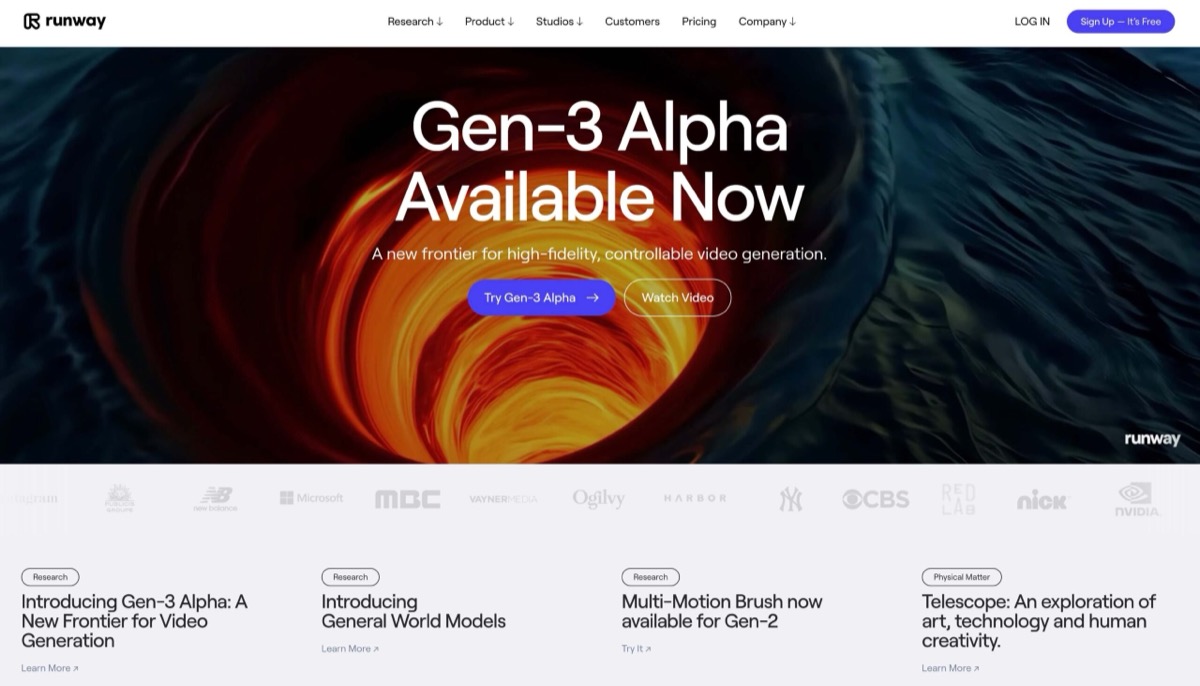
RunwayA developer API and SDKs for visual-generation workflows.SFW content rules apply; check developer billing and model availability separately from the web plan.Runway review
Workflow finder

Find the Right API Access Workflow

Automate a subscribed image account

A bearer-key API for model discovery and image jobs using the account’s generation balance. Personal automation and products serving other users have different access requirements.

Related Routes

Explore related category and guide pages

Find your AI →

Related Topics

Adjacent tags from the reviewed tools above

Browse all →

Frequently Asked Questions

Answers about api access

Is API access separate from a subscription?▼

BetterWaifu’s current documentation includes standard API access with an active subscription and uses the same account credits. Higher-volume access has a separate application process.

Can I put the API key in a website?▼

Keep the key in a server-side environment, not public JavaScript or a repository. Your own backend should authorize users and apply limits before it submits jobs.

Does an accepted request mean the image is ready?▼

No. Design the client around the provider’s documented job states and completion mechanism. Do not display a successful submission as a completed generation.

Does an API label mean every app feature is programmable?▼

No. Use the provider’s endpoint documentation. A chat endpoint, image generator, avatar service and video-production API have different inputs and completion models, even when the consumer products look similar.

How do BetterWaifu and PixaryAI differ?▼

BetterWaifu includes API or integration options for connecting the tool to another workflow. PixaryAI includes API or integration options for connecting the tool to another workflow.

What access limits affect these recommendations?▼

BetterWaifu: One generation can run at a time, and the documented rate limit is 10 requests per 10 seconds. PixaryAI: Video pricing is often calculated per second and changes with model, resolution, and audio. xMode: The main FAQ lists 10 credits to create one Face ID.