AI Haven
Alternatives

Pixlu Alternatives

Looking for something different? Compare 12 Pixlu alternatives by features, pricing, limits, and best-fit use cases.

View Pixlu review12 alternatives compared

Limited Time: 75% OFF

Build Your Dream AI Girlfriend

Voice, video & uncensored chat — 100% private. Your perfect partner, built to your exact specifications. Free to start.

Start Building Yours

Pixlu Alternatives Overview

Pixlu suits creators who already have a fictional character still and need to turn it into a shot. Image to Video is the starting point for a simple action described in words, such as a brief glance over the shoulder. Mimic Motion follows a reference clip when the gesture or camera movement needs to match a performance. First & Last Frames makes sense when a shot needs to move between two already approved compositions, like a wide view and a close-up.

Pixlu also lets you build or retouch the still, give an existing clip a written edit, or generate what comes before or after it. Those tools cover several stages of a single shot. Switching makes more sense when the project has a bottleneck Pixlu’s core workflow doesn’t solve, such as a cast that shares the frame, a storyboard with a middle pose, or a cut that needs timed captions and music.

For two dancers moving together, try Viggle with a reference that already contains both roles. For a character turning from a front view to a profile and back, Pika lets you place the middle pose in the sequence. Compare Crano AI when the visual style and delivery both matter, particularly for an anime shot that uses separate audio.

If the footage is already good, change only what needs work. Runway shows a preview when you want to replace a prop or change a background. VEED is for arranging clean shots into an edit. Topaz Video is the finishing option if the action is correct and the problem is noise, soft detail or stutter.

Stay with Pixlu for one character, a short reference and two known frames when you also want the option to edit or extend the shot. Switch on cost only after comparing how many usable clips the same budget buys. A cheaper plan can still be the worse deal if a difficult take needs more paid attempts.

Best Pixlu Alternatives By Use Case

Pricing Free Plan And Capability Comparison

ToolBest ForPricingFree PlanNSFWMediaMain Limitation
ViggleCopying a recorded performancePro $9.99/month or $7.99/month with annual billingCredits refresh dailySubject to platform and model rulesMotion Control, Mix and MultiFree use is limited to one job at a time, limited multi-character sessions and seven days of storage.
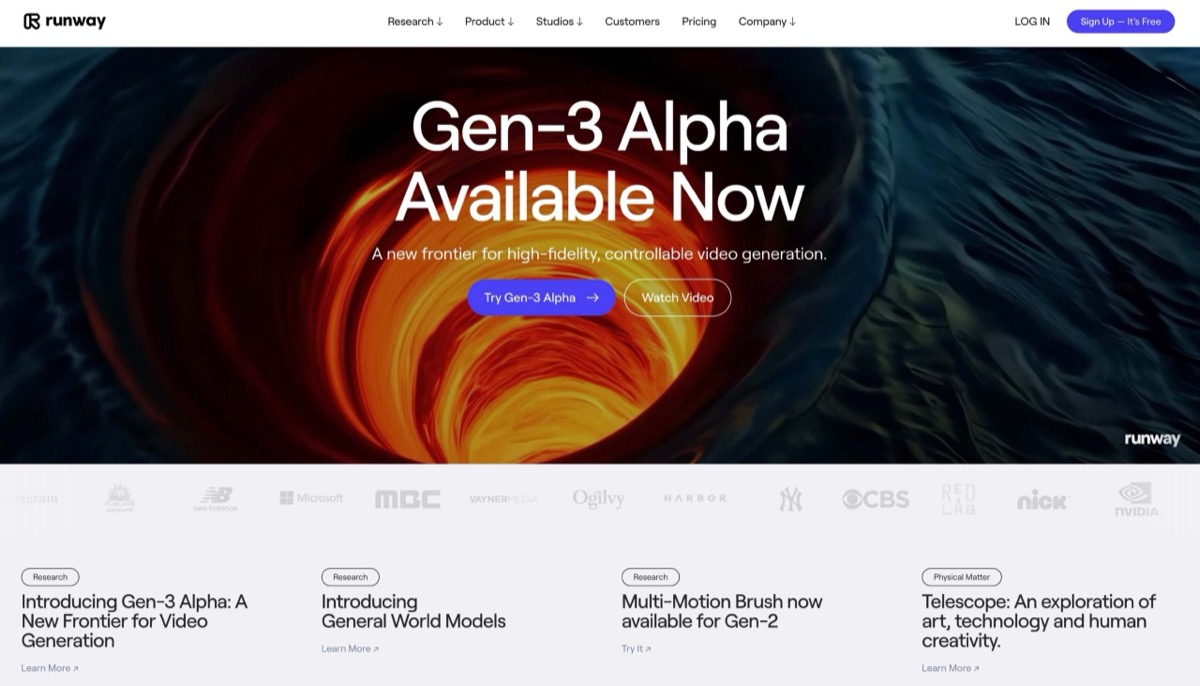
RunwayRevising a shot you want to keepStandard $15/month or $144 prepaid for a year. Includes 625 credits/month.125 one-time credits on select modelsExplicit sexual content and adult nudity prohibitedAleph 2.0 shot editing and Act-Two performance captureA five-second Aleph 2.0 edit is listed at 140 credits, so several revisions can use much of Standard’s allowance.
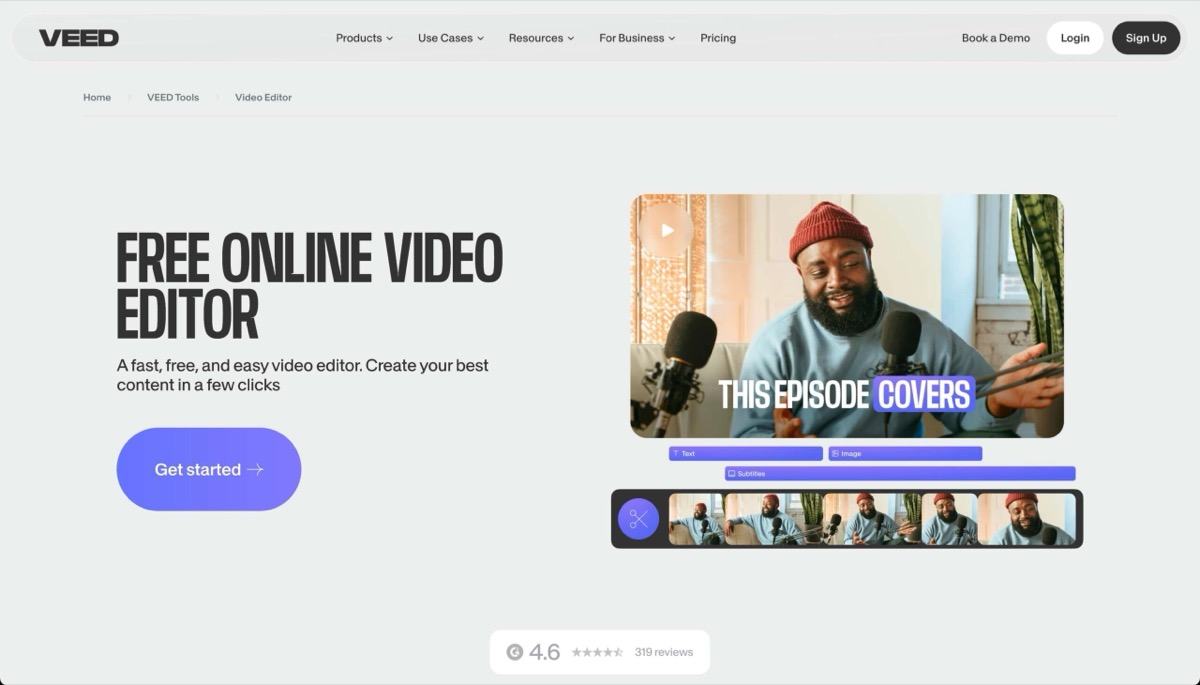
VEEDAssembling and captioning finished clipsCreator $20/user/month or $120/user billed annually.Free editor with watermarked exportsSexually explicit content prohibitedTimeline trimming, text, audio and automatic subtitlesFree exports carry the VEED watermark. Timeline edits assemble footage and leave the character’s underlying performance as rendered.
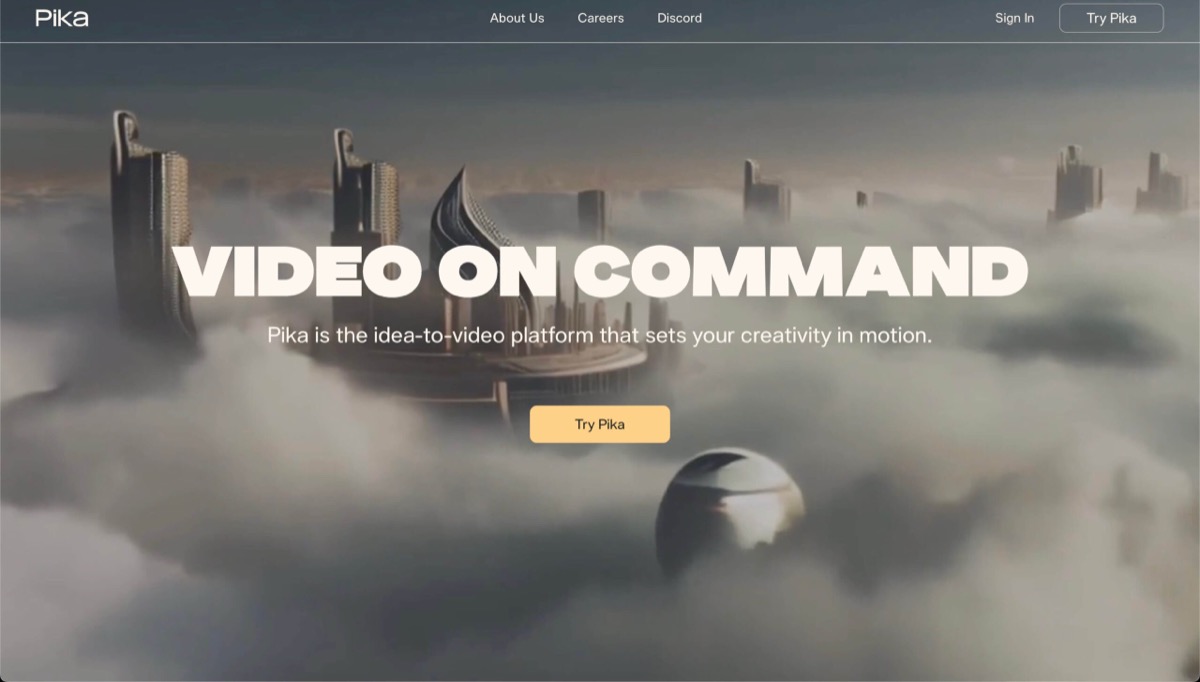
PikaTransitions through intermediate posesStarter $10/month or $96 prepaid for a year. Includes 600 credits/month.Free account accepts paid packs, with no monthly creditsSubject to platform and model rulesPikaframes, Motion Transfer and Camera DirectorThe Free tier carries no monthly credit allowance or commercial license. Paid plans renew automatically, and costs depend on the app, model and settings.
Crano AIAnime shots guided by reference audio and videoLite $120 prepaid for a year. Includes 350 credits/month and 720p output.Starter and daily check-in creditsRules vary by modelImage, video and audio references, plus video editing and extensionLite tops out at 720p. The render settings determine how many clips the allowance buys, and prepaid credit packs expire after 180 days.
PixVerseFrame-to-frame clips with generated soundStandard lists $10/month or $86.40 prepaid for a year. Packs start at $5 for 500 credits.60 initial credits and 30 daily creditsSubject to platform and model rulesV6 first and last frames, extension and native audioThe Standard web plan is capped at 720p. Audio, duration and model choices can change the charge for each attempt.

What To Check Before Choosing

Pricing

  • Pixlu Lite is US$14.90 for one month with 700 credits or US$118.80 at the regular annual rate, with 850 credits issued monthly. Plans are prepaid and renew manually. Each monthly allocation expires, while credit packs start at US$49.90 for 2,400 and last one year.
  • Work from the cost of one attempt at your settings. At 140 credits for an Aleph 2.0 edit of five seconds, four full edits use 560 of Runway Standard’s 625 monthly credits before still previews. BasedLabs and Pika let you set a cash cap with a pack, but different models and lengths turn that balance into different numbers of takes.
  • Avoid charging a visual generation for a problem you can fix in post. VEED’s ordinary cuts use a timeline. Topaz Video’s subscription covers unlimited supported local renders. Either can be easier to budget when the character’s performance is already right.

Free Plan

  • To test motion transfer, use the same still and reference in Pixlu and Viggle. Viggle’s free credits refresh daily, but one-minute uploads and limited multi-character sessions can affect what you can test.
  • PixVerse offers 60 starting credits and 30 per day. Runway’s 125 credits arrive once for selected models. Pika’s free account gives you an option to buy credits without subscribing, with no monthly allowance or commercial license.
  • Check the export as well as the draft. VEED’s free watermark matters for a clip you intend to publish, while a paid plan with more AI credits matters only if you need the generation features.

NSFW And Media

  • Runway prohibits sexually explicit content and adult nudity, and VEED prohibits sexually explicit material. Check the rules for the specific model and service if a character or scene approaches their limits.
  • For a reference-led shot, make sure you can use the source video and any likeness or recorded performance in it. A fictional character still and a video you own keep the inputs simple.

Limitations

  • Run a short version of the hardest movement first. Watch the hands, face and silhouette at the point where the poses differ most. A good first and last frame can still hide a weak transition in the middle.
  • Keep the target resolution and output format in view. PixVerse Standard and Crano Lite top out at 720p. If delivery requires higher resolution, price the higher tier or finish a good source clip with an upscaler.
  • Check the seams when a tool extends a clip. A useful extra second can be lost if the lighting, wardrobe or background shifts across the join.

Top Picks At A Glance

#1
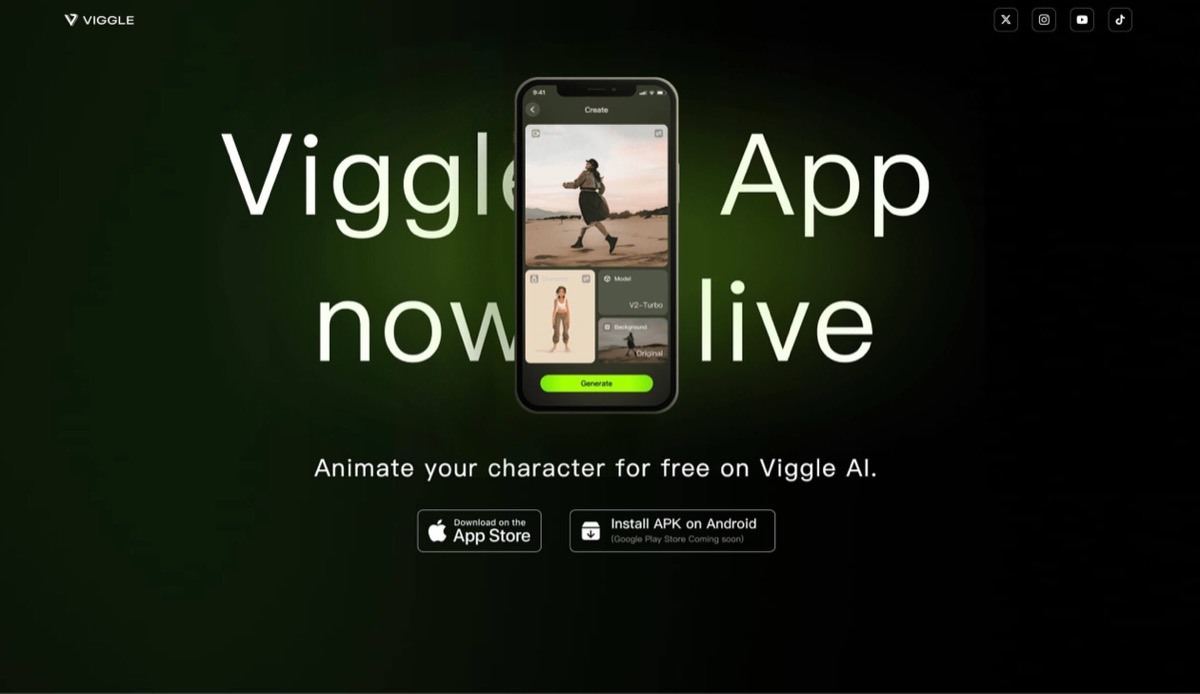
Viggle screenshot

Viggle

For motion from a reference clipFreemiumVisit Site
#2
Runway screenshot

Runway

For edits within existing footageFreemiumVisit Site
#3
VEED screenshot

VEED

For editing and subtitlesFreemiumVisit Site
#4
Pika screenshot

Pika

For more than two keyframesPaidVisit Site
#5
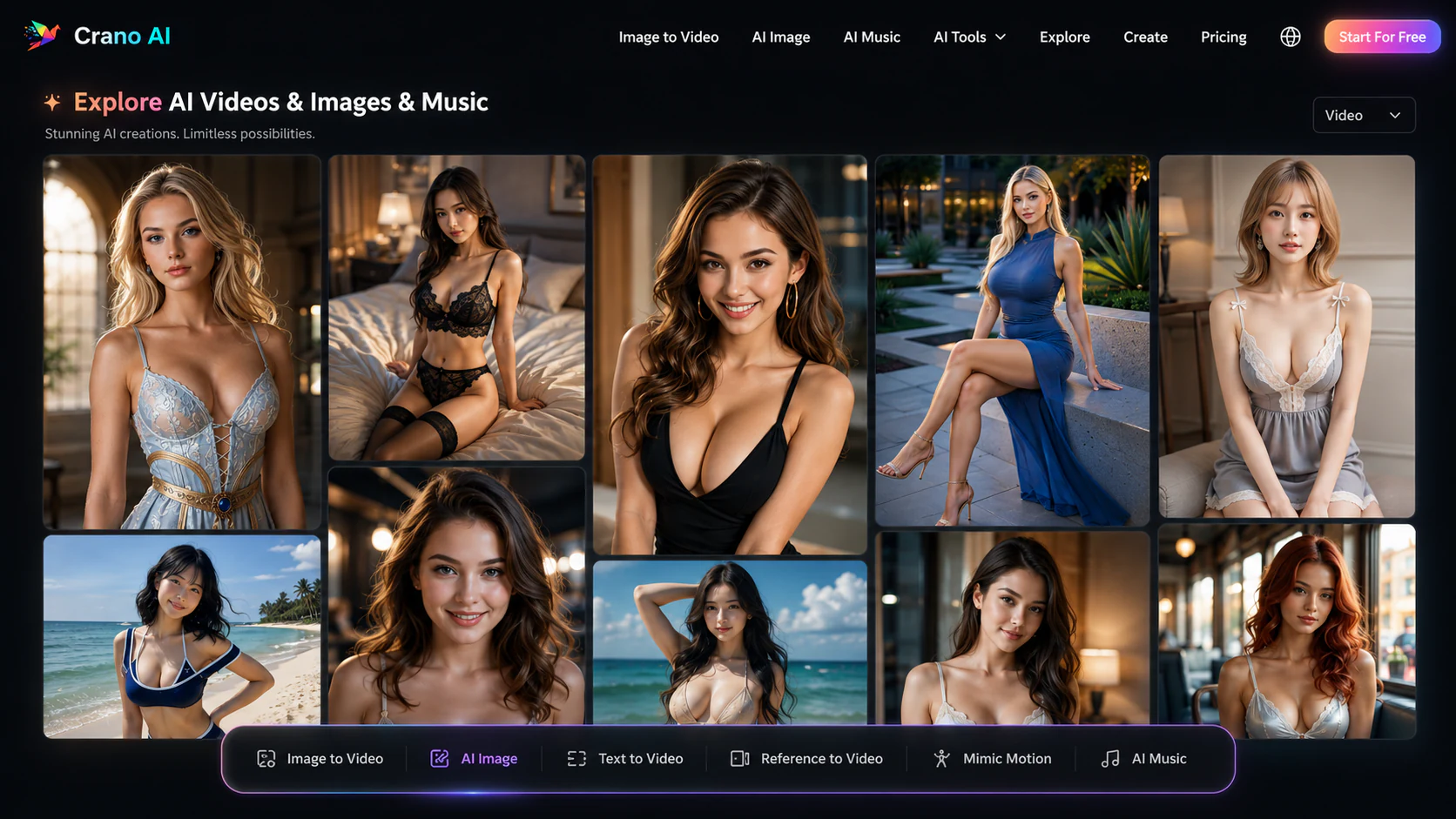
Crano AI Explore gallery showing generated images and its image, video, motion, and music creation tools

Crano AI

For anime with audio and motion referencesFreemiumVisit Site

Side By Side Comparison

ToolFree TierStarting PriceVisit
#1ViggleCredits refresh daily$9.99/monthVisit
#2Runway125 one-time credits on select models$15/monthVisit
#3VEEDFree editor with watermarked exports$20/user/monthVisit
#4PikaFree account accepts paid packs, with no monthly credits$10/monthVisit
#5Crano AIStarter and daily check-in credits$120/year prepaidVisit
#6PixVerse60 initial credits and 30 daily credits$5 per 500-credit packVisit
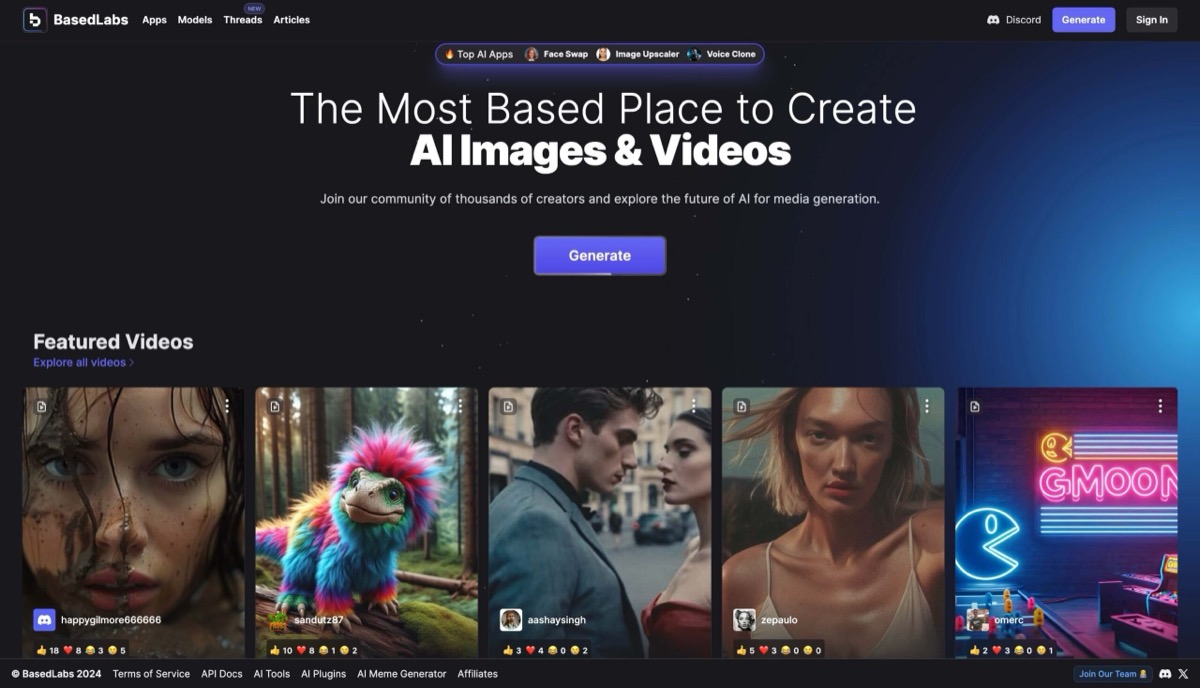
#7BasedLabsPrepaid credits for the compared models$10 per 300-credit packVisit
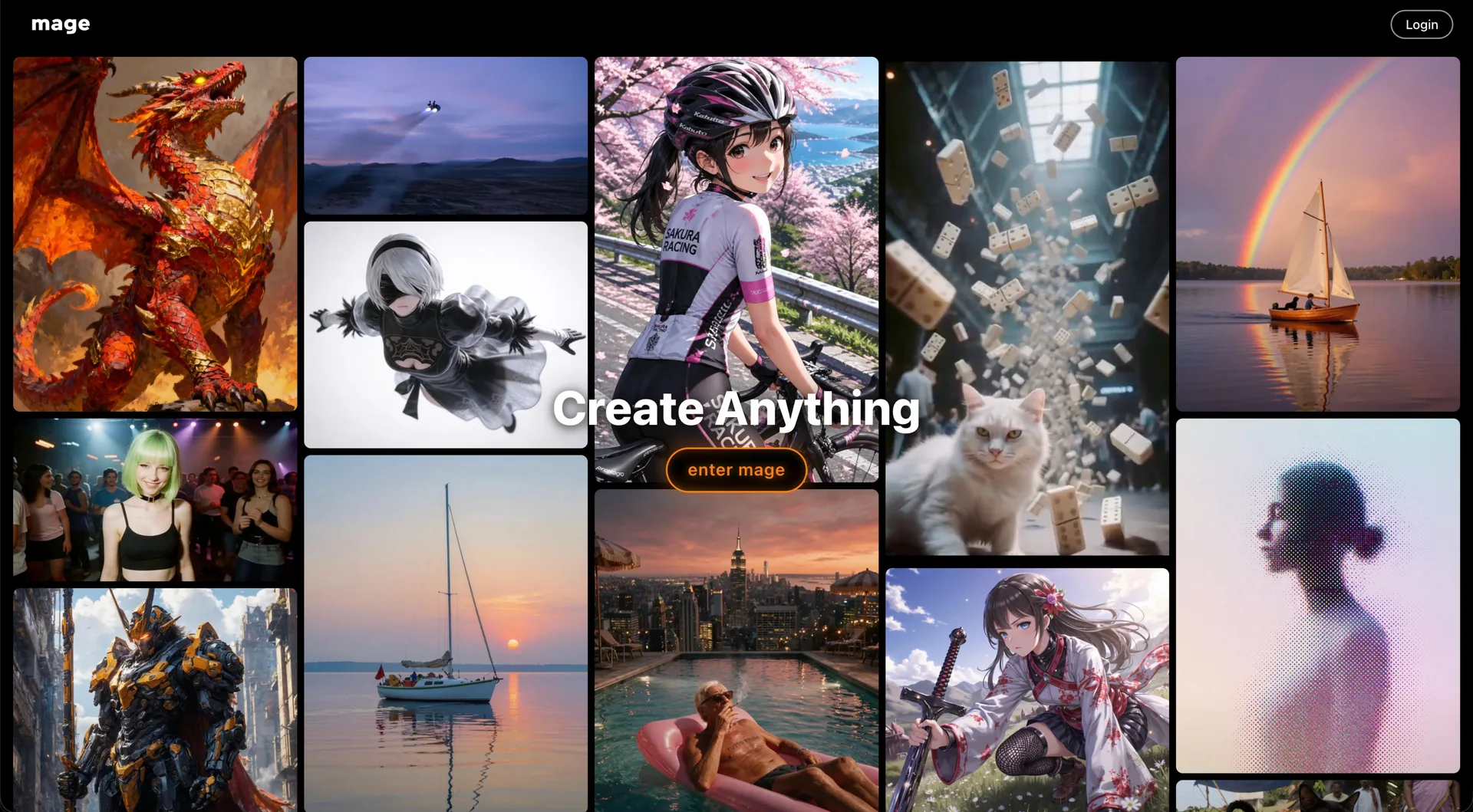
#8MageLimited free creation$10/month or $10 per packVisit
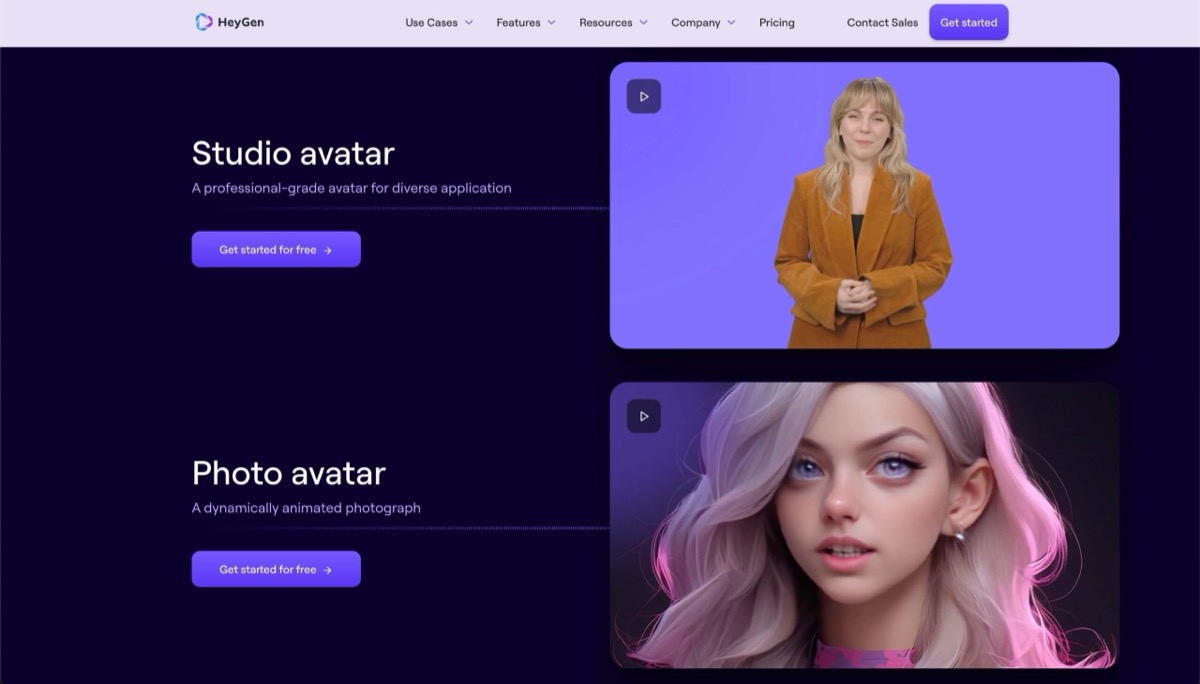
#9HeyGenLimited short videos with a watermark$29/monthVisit
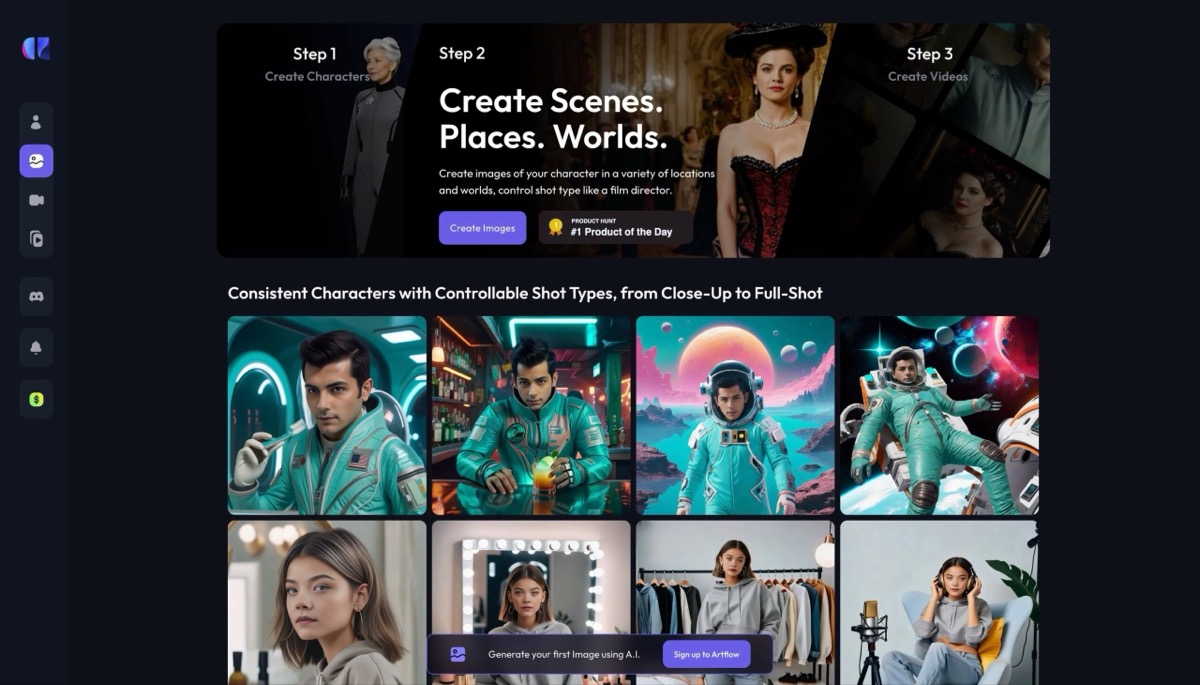
#10Artflow AIFree trial offered$7.50/monthVisit
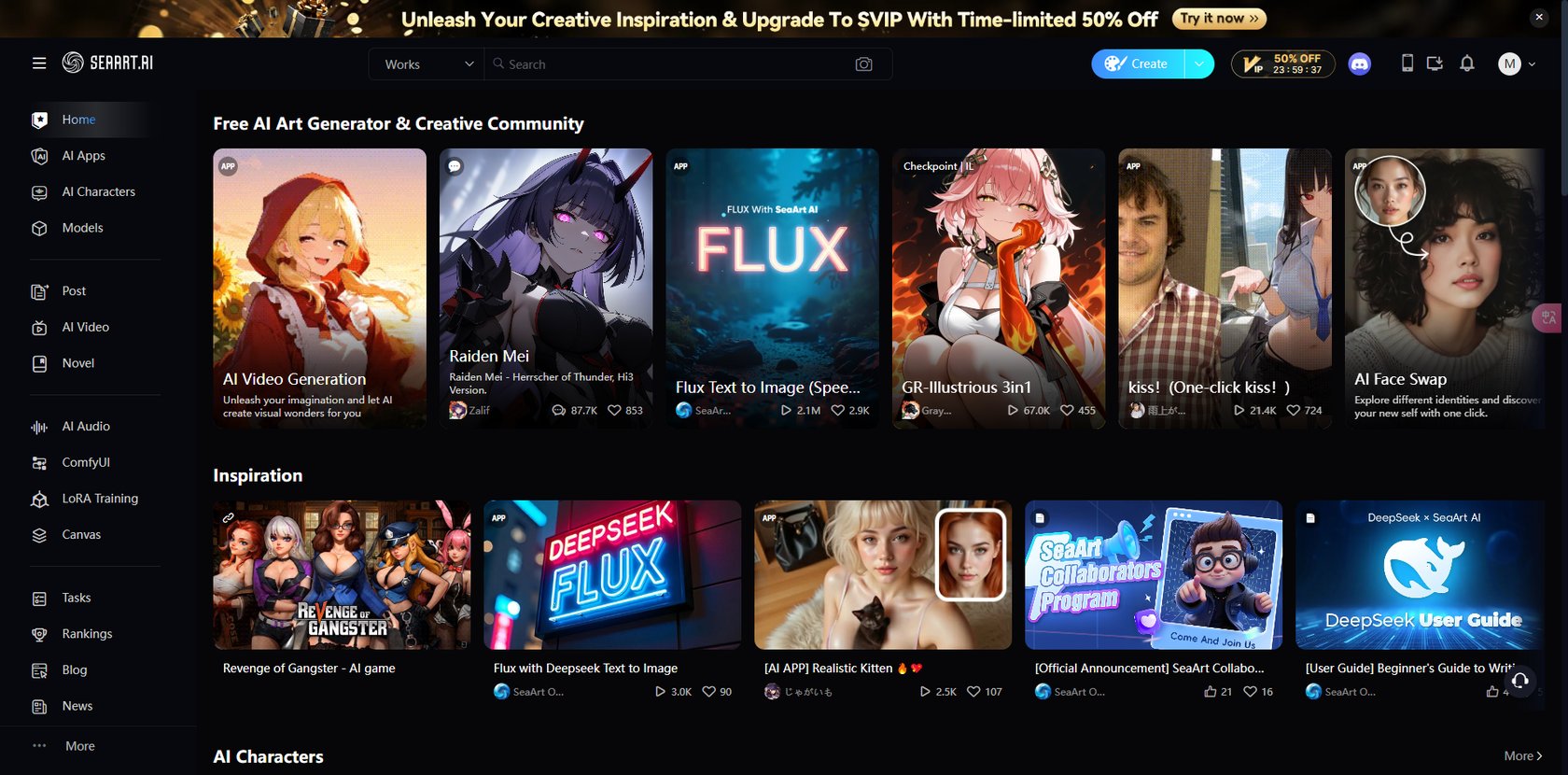
#11SeaArtDaily Stamina for eligible modelsFree tier, then credits or SVIPVisit
#12Topaz VideoPaid desktop rendering plan$59 month to monthVisit

Detailed Analysis

Viggle, Pika, Crano AI and PixVerse change what you can specify before the render. Runway, VEED and Topaz Video solve different problems once you have a clip. BasedLabs lets you compare models with one prepaid balance. Mage and SeaArt are useful while designing the source still, Artflow AI helps build a recurring cast, and HeyGen is the pick for exact dialogue.

1
Viggle screenshot

Viggle

FreemiumBest for: Copying a recorded performance

Choose Viggle when the reference video already has the performance you want. Motion Control brings that movement to a still, while Mix and Multi replace one or several people in a clip with your fictional characters. The multi-character option is the reason to try it before spending more on solo iterations.

Pros

  • Motion Control maps a recorded gesture onto a still character.
  • Mix swaps one character into the reference footage and Multi makes room for several.
  • Pro supports four simultaneous jobs and motion uploads up to ten minutes.

Cons

  • Choose a reference with the timing and staging you need. If the gesture has to change midway through, revise the reference first.
  • Free users can upload at most one minute, with limited multi-character sessions and seven days of storage.
Pricing: Free credits refresh daily. Pro is US$9.99 monthly or US$7.99 per month with annual billing, with 80 monthly credits and watermark-free exports. Monthly credits expire on the billing date. Purchased credits stay valid but require an active plan to use.
2
Runway screenshot

Runway

FreemiumBest for: Revising a shot you want to keep

Use Edit Studio when a take has the motion you want and only the scene needs work. Preview the change before rendering the full Aleph 2.0 edit. Act-Two is a second route when an actor’s delivery and facial performance are what the animated character needs to follow.

Pros

  • Edit Studio previews an altered keyframe and propagates the selected version through the clip.
  • Expand Ratio extends the image area around existing motion for a new aspect ratio.
  • Act-Two can map facial expressions, gestures and speech from a recorded performance onto a character.

Cons

  • A five-second Aleph 2.0 output uses 140 credits. Keyframe iterations can carry an additional image-generation charge.
  • For aspect-ratio expansion, the best input is a single shot with no cuts. Split a finished edit into shots first.
Pricing: Free includes 125 one-time credits for selected models. Standard is US$15 monthly or US$144 prepaid for the year. The 625 monthly credits cover four five-second Aleph 2.0 outputs at 140 credits apiece, before any keyframe previews.
3
VEED screenshot

VEED

FreemiumBest for: Assembling and captioning finished clips

Use VEED once the character clips exist. Trim pauses, reorder several shots on the timeline, add a music track and correct auto-generated subtitles before exporting. Swapping to VEED pays off when you need deliverable cuts for social channels more than additional attempts at the movement itself.

Pros

  • Trim and reorder multiple generated shots on a browser timeline.
  • Add a music track and correct captions alongside the source audio.
  • Creator removes the watermark and includes unlimited automatic subtitles.

Cons

  • A timeline cut can repair pacing, but the character’s actions within a shot still come from the footage you import.
  • Free exports carry a watermark. Subtitle translation into 50-plus languages is listed on Pro.
Pricing: The free editor exports with a watermark. Creator was shown at US$20 per user on monthly billing or US$120 per user billed annually. It includes 500 AI credits on the monthly plan. AI generation draws on credits separately from ordinary timeline cuts.
4
Pika screenshot

Pika

PaidBest for: Transitions through intermediate poses

Storyboards with two to five planned poses are a good fit for Pikaframes. Upload the stills in order and set the timing to direct the movement between them. That gives you intermediate beats to specify when Pixlu’s opening and closing frames alone leave too much to the model.

Pros

  • Pikaframes lets you set up to five reference poses in a specified order and timing.
  • Motion Transfer and Camera Director give separate controls for character motion and the camera.
  • A one-time credit pack can be used without taking out a subscription.

Cons

  • Every render is priced for the app, model and settings you choose. Start with the transition between the most different frames before committing to a full sequence.
  • The free account includes neither a monthly allowance nor commercial rights. Paid plans renew automatically.
Pricing: Starter costs US$10 monthly or US$96 prepaid for the year, with 600 credits refreshed each month. Unused plan credits do not carry over. Packs are available even on Free and expire 365 days after purchase.
5
Crano AI Explore gallery showing generated images and its image, video, motion, and music creation tools

Crano AI

FreemiumBest for: Anime shots guided by reference audio and video

Switch to Crano if the project needs anime model choice and the timing or voice from an audio reference. Image references guide the pose and composition, and video or audio references can guide expressions, movement and delivery. The prepaid plans keep the same manual renewal pattern as Pixlu.

Pros

  • Anime models and reference-image controls let you try different styles against the same pose.
  • Image, video and audio references cover composition, movement and delivery in supported workflows.
  • Video editing and extension are available alongside image-to-video and Mimic Motion.

Cons

  • Lite exports up to 720p. Choose a higher tier to deliver in 1080p or 4K where supported.
  • Comparing multiple models still costs credits per attempt. Pack credits expire after 180 days, sooner than Pixlu’s one-year packs.
Pricing: Starter and daily check-in credits offer a small trial. The annual Lite prepayment is US$120 for twelve monthly grants of 350 credits. There is no automatic renewal. Plan credits expire at the end of the plan period and stand-alone packs expire after 180 days.
6
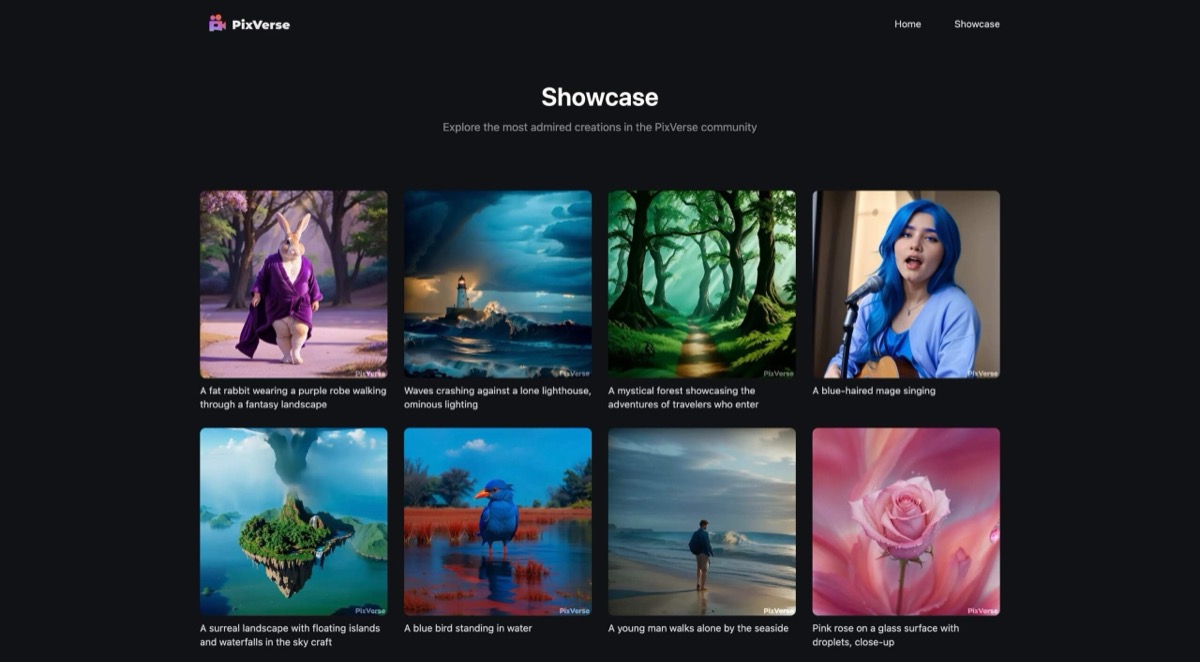
PixVerse screenshot

PixVerse

FreemiumBest for: Frame-to-frame clips with generated sound

PixVerse V6 suits a shot that needs a specific opening and closing image plus generated ambient sound. Use its frame controls to plan the visual transition and its native audio when a silent test clip will not tell you whether the scene works.

Pros

  • V6 supports separate opening and closing frames and can add native ambient audio.
  • Use Extend for follow-on footage or native multi-shot generation when the model needs to handle a cut.
  • Basic lets you start with 60 credits and refreshes 30 more each day.

Cons

  • The Standard web plan tops out at 720p. Higher output resolution takes a higher tier.
  • Judge the audio and image transition together before repeating an expensive render. Sound, duration and model choices affect the charge.
Pricing: Basic is free with 60 initial credits and 30 per day. Standard lists US$10 monthly or US$86.40 prepaid for a year, with 1,200 credits every 30 days and 60 daily. The smallest listed credit pack is 500 for US$5.
7
BasedLabs screenshot

BasedLabs

FreemiumBest for: Testing several video models with one prepaid budget

BasedLabs gives you one balance to test the same starting image across several video models. Run a short comparison when you are deciding which model handles a tricky pose or style, then spend the rest of the pack on the version you prefer.

Pros

  • One pack covers several models, including Kling, Seedance and Wan.
  • Kling Motion Control follows a recorded motion clip when a text prompt gives too loose a result.
  • A one-time pack sets the cash budget in advance without starting a subscription.

Cons

  • The web pack uses cryptocurrency checkout.
  • Credit rates vary sharply by model and length. A fixed pack does not guarantee a fixed number of takes.
Pricing: Web packs list 300 credits for US$10 or 900 for US$29. Check the rate for the model before comparing shots. The listed examples are 42 credits per second on Veo 3.1 and seven per second on Seedance 1.5. Five seconds at those rates would cost 210 and 35 credits respectively.
8
Mage home screen showing the Create Anything gallery of anime, photoreal and fantasy generations behind the enter mage button

Mage

FreemiumBest for: Repeated image drafts and local retouching

Use Mage when the still needs more work before you animate it. Basic offers local edits with inpainting and LoRA support to carry a specific style across drafts. Its eligible slow mode can make repeated source-image drafts easier to budget.

Pros

  • Use inpainting to revise part of the still before you bring it to a video model.
  • LoRAs let you carry a particular style across source images.
  • Eligible Basic models support unlimited slow generation for repeated stills.

Cons

  • Slow mode takes longer and runs one job at a time on Basic.
  • Premium models, longer clips and higher resolutions can still require Gems.
Pricing: Basic is US$10 per month with 500 Gems and eligible unlimited slow generations. Pro is US$30 per month with 1,500 Gems and an expanded selection of included video models. The 10,000-Gem one-time pack costs US$10 and does not require a membership.
9
HeyGen screenshot

HeyGen

FreemiumBest for: Scripted speech and lip sync

Choose HeyGen when the character needs to say exact lines. Its photo-avatar workflow turns a portrait and script into a speaking clip with synced lips. This suits narrated explainers and presenter shots where keeping the dialogue matters more than reproducing a full-body performance.

Pros

  • Turn a portrait and a written script into a lip-synced speaking clip.
  • Avatar IV can use illustrated or virtual faces in addition to human portraits.
  • Translated audio and lip sync support localized versions of a presenter shot.

Cons

  • The photo-avatar workflow is built around speech and facial performance. Full-body choreography is a different job.
  • Avatar rendering and translation share the plan balance. Creator users who run out of credits must upgrade for more.
Pricing: Creator starts at US$29 monthly and includes 600 credits. There is no one-time top-up on Creator. The free plan caps the length and number of videos, and includes a watermark. Free allowances may vary by region.
10
Artflow AI screenshot

Artflow AI

FreemiumBest for: Keeping the same actor across scenes

Artflow suits a recurring cast when every scene starts with a different pose or setting. Train an Actor with 10–20 clear portraits you have rights to use, then reuse that Actor across images and videos. The setup can pay off over a series of clips where matching the same face matters.

Pros

  • Train an Actor once and reuse it in different scenes, outfits and images.
  • The current app can place two trained Actors in one scene.
  • Basic includes video model access alongside still-image generation.

Cons

  • Actor training asks for 10–20 portraits you have permission to use. It adds setup that a single-still Pixlu job avoids.
  • Video generation and image generation draw on the plan’s credits.
Pricing: There is a free trial. Basic costs US$7.50 monthly or US$75 prepaid for a year, with 150 credits each month. Creator starts at US$15 monthly and includes 500 credits. Video and image jobs use different amounts.
11
SeaArt screenshot

SeaArt

FreemiumBest for: Experimenting with illustration models before animating

Use SeaArt when you are still deciding what the character should look like. Try different illustration models and workflows, then put a chosen image through a video model. This is a better fit for comparing styles than working from one already-approved character still.

Pros

  • Compare multiple art models and workflows before settling the character’s visual style.
  • LoRA training is accessible to regular users and paid in credits according to complexity and time.
  • Free users have a daily Stamina allowance for eligible draft work.

Cons

  • Stamina is available only on the day it is granted, with no rollover.
  • Some video models cost far more than the standard example. Private generation requires SVIP.
Pricing: Daily Stamina covers eligible free jobs. Paid credits and SVIP memberships are separate. SeaArt lists a 30-credit standard video example at about US$0.03. Its model comparison separately lists 1,015 Stamina for a five-second 480p Seedance 2.5 clip.
12
Topaz Video screenshot

Topaz Video

PaidBest for: Cleaning up and upscaling a final shot

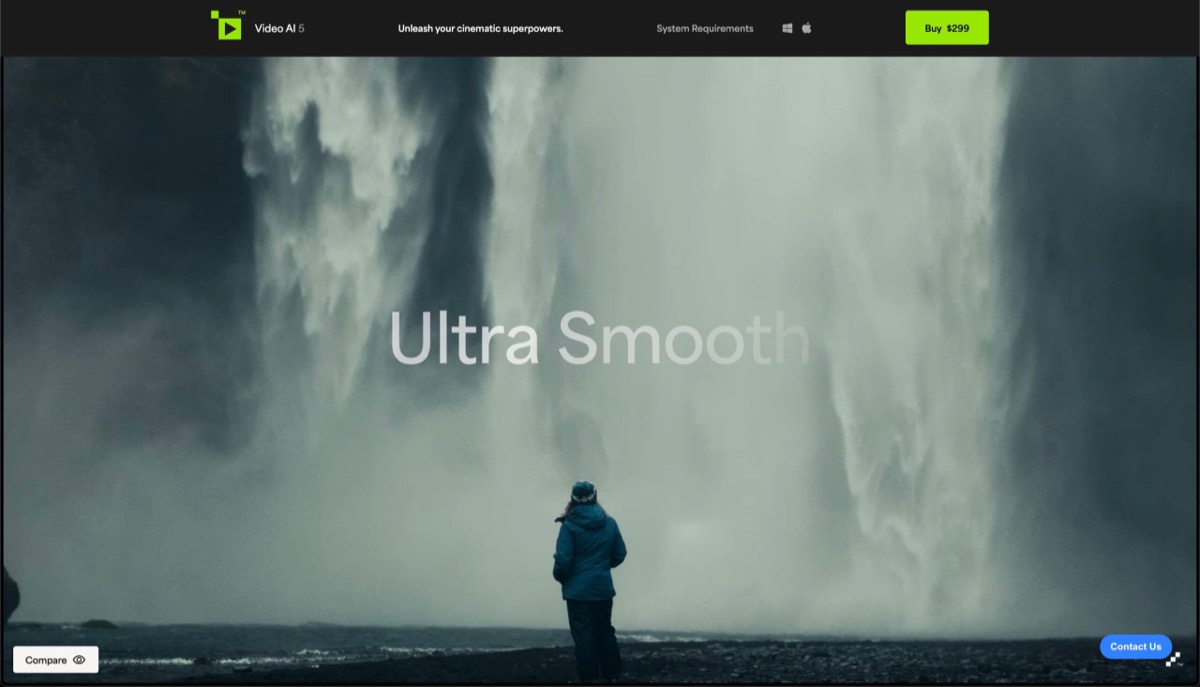
Try Topaz Video when the result already has the right performance but looks noisy, soft or jerky. Upscaling, denoising and interpolation let you work directly on a keeper. Local rendering on a compatible computer is unlimited under the plan, which helps when several clips need the same finishing work.

Pros

  • Denoise, stabilize or upscale a shot that already has the motion you want.
  • Frame interpolation adds intermediate frames for smoother playback.
  • Unlimited local rendering makes repeated finishing passes possible at the subscription price.

Cons

  • Enhancement preserves the source action. If the gesture itself is wrong, send the shot back to the generator.
  • Local rendering requires a compatible computer. Cloud renders draw on a separate allowance.
Pricing: The current desktop app requires a subscription. Personal costs US$59 month to month. The regular price with a 12-month commitment billed monthly is US$39 per month. It includes 25 monthly video cloud credits that do not roll over.

Frequently Asked Questions

Recommended Next Pages

Final Recommendation

Keep Pixlu when one still plus a prompt, motion reference or pair of keyframes is enough to direct the shot. If timing is failing at a specific pose, use Pika to specify it. Try Viggle when multiple characters need to follow the same footage, or Crano AI when audio references and a choice of anime styles matter.

Once you have a take you like, check what is wrong before paying for another generation. Runway edits what appears in the shot, VEED assembles the shots you already have, and Topaz Video improves footage you want to keep. For credit-based tools, price a short trial at delivery settings before deciding what to prepay.