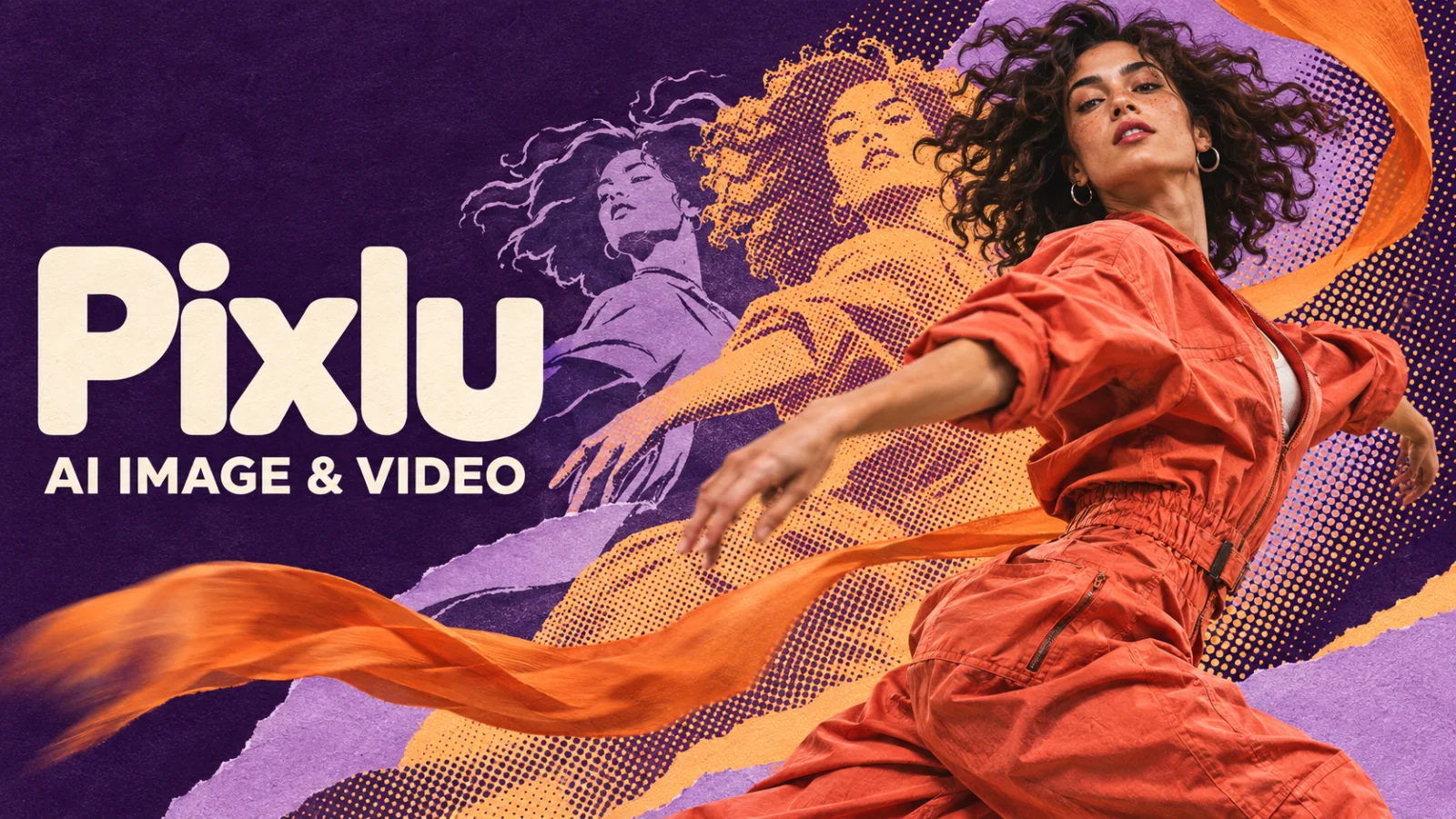
Pixlu gives a fictional character still three ways into motion. Describe the action, borrow a performance from a reference clip, or set the two frames the shot has to connect. It suits short scenes built around a specific visual idea. Costs are harder to predict when a take needs multiple generations.
Best for
Short scenes built from character art or a motion reference
Pricing
Free signup credits. Prepaid plans start at US$14.90 for one month or US$118.80 for a standard year. Credit packs start at US$49.90.
Main upside
Three distinct ways to direct motion from a character still.
Main caution
Model, duration, resolution and complexity change the credit debit per generation.
Pixlu Review
Start with a still of a fictional character. Use Image to video to describe a head turn or a slow push-in. If you have a reference clip with the right timing, Mimic Motion lets you use its performance to guide the new shot. If the cut has to begin and end on specific poses, give First & Last Frames both images.
Editor's Pick
Create Your AI Dream Companion
Voice, video & uncensored chat — 100% private. Your perfect partner, built to your exact specifications. Free to start.
The choice is between directing an action, borrowing a performance and connecting two compositions. That makes Pixlu more useful for building a particular shot than cycling through animation presets. The same studio can prepare a character image, change a detail in an existing clip or generate footage to extend it.
Measure the price against the shot you need to finish. A draft can reveal whether Pixlu understands the action, while the final clip may need a different resolution or several attempts at the same settings. Each generation uses credits.
What Is Pixlu
Pixlu is a credit-based studio for generating and editing short videos and still images. It accepts written prompts, images and clips. Available controls, including duration, resolution, aspect ratio and sound, depend on the model and mode.
Who Is Pixlu Best For
Pixlu is a practical fit for illustrators making a character teaser, creators borrowing a movement they already recorded, or small teams preparing short concepts. Choose the mode based on the input you can supply and the part of the shot you need to control.
Animate one existing still using a written direction.
Recreate a readable gesture or dance with a reference video.
Guide a transition using the exact compositions you want to connect.
Core Features and Benefits
Feature
What it does
User benefit
Limitation or note
Image to video
Starts with an uploaded still and a motion prompt.
Add a head turn, moving fabric or a camera move to a character still.
The available clip settings depend on the model.
Mimic Motion
Uses a character image and a video that shows the movement.
Transfer a performance or borrow its camera cues.
Use a reference with clear, continuous movement.
First & Last Frames
Takes separate inputs for the opening and closing images.
Guide a transition between two poses or compositions.
The model generates the movement between the frames.
Text to image and Photo Editor
Generates a still from a prompt or applies a prompt to an existing image.
Prepare character art and refine an outfit, prop or background.
Drawing a selection box is a desktop feature.
Omni Reference
Uses reference images and video to guide generation.
Carry a look and a movement cue into the same shot.
Give each reference a clear purpose in the prompt.
Video Edit
Changes elements in an uploaded clip through a written instruction.
Try a prop replacement or remove a background element.
Pixlu recommends a clear 4–30-second source clip for edits.
Video Extend
Generates footage before or after an uploaded clip.
Add a lead-in or let an action finish.
Inspect the join for continuity of pose, lighting and sound.
Pixlu Image-to-Video and Motion Controls
Use Image to video when one still establishes the character and you can describe the movement. If the shot starts with a character facing a window, ask for one action, such as turning to look over their shoulder. Add a camera instruction when it matters to the composition, such as keeping the camera steady through the turn.
Use Mimic Motion when the action has timing you can show. Supply the character still and a clip with a readable subject performing the movement. Specify whether to borrow the gesture, the camera movement or both. This suits a short dance phrase or a deliberate turn where a written description would leave the timing open.
Use First & Last Frames when the opening and closing images are already decided. For a cut from a wide shot to a tighter view, supply both compositions. The model generates the movement between them. Look for continuity in the clothing, lighting and background as the character moves between the supplied images.
Judge the shot at normal playback speed and at the moment it cuts into the next clip. A head turn that reads clearly on its own can still land too early for the edit. Change one instruction at a time so you can tell whether the movement, framing or reference needs attention.
Pixlu Video Generator
Pixlu Image Generation and Photo Editing
Use Text to image to build the still you intend to animate. Decide how much of the character needs to be visible for the next shot. A full-body composition gives a walking or dancing character room to move, while a close shot puts the emphasis on the expression.
Image to image gives you a way to work from existing character art. You can request a new wardrobe, lighting treatment or setting using the original as a reference. For a local edit on desktop, draw a box over an area in the Photo Editor and describe the change. Pixlu also accepts an additional reference image to show the look you want for that area.
For a sequence, settle on the character’s appearance and framing before you start generating clips. Review each still for changes around the face, clothing and hands. A detail that changes between your starting images can become more noticeable once they move.
Pixlu Image Generator
Pixlu Text-to-Video and Omni Reference
Text to video is a starting point when you have an action or camera idea and still need to establish the visual. Describe the subject, action and shot together. The result can serve as a rough cut for judging the pace before you build the final still.
Omni Reference is for a prompt that needs several kinds of visual guidance. An image can supply the character or look, while a clip can suggest how the scene moves. Give each reference a clear job in the prompt. If the only thing you need from a clip is its performance, Mimic Motion is the more direct choice.
Pixlu Video Editing and Extension
Video Edit takes an uploaded clip and a written instruction. Use it to try one defined change, such as replacing a prop, removing a background element or changing the colour of a jacket. Pixlu recommends a clear source clip of 4–30 seconds for edits. Modifying one detail at a time makes it easier to compare the revised take with the original.
Video Extend generates additional footage before or after an existing clip. State the direction and the next action. For example, continue past the moment a character reaches a door and describe how they open it. Review the join for jumps in the pose, lighting, camera motion and sound.
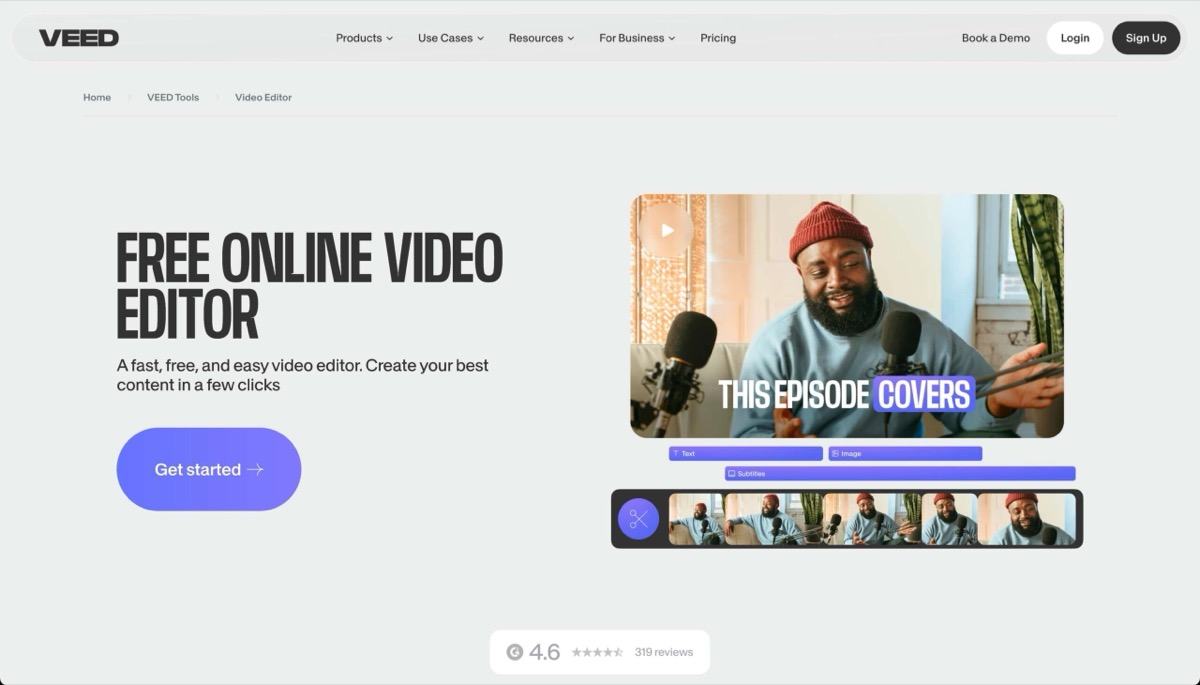
These tools are for generating parts of a shot. If the footage already works and the remaining job is to trim it, arrange several takes or time captions, a timeline editor such as VEED fits that stage of the project.
Pixlu Browser Studio and Model Settings
The browser studio separates image and video modes. Your selected model and mode determine which resolution, aspect ratio, duration and sound settings are available. Before you make several takes, check that the mode offers the framing and duration the final cut needs.
Pixlu advertises signup credits without a payment card. Try a clip with a reference and settings that resemble your intended shot. A test of a different model or an image-only draft gives you little information about the cost of that final video.
Pixlu Uploads and Commercial Use
Use original fictional art, material you have permission to use or a performance you have rights to reuse. For a real person in a source clip, obtain their permission before you upload it. Pixlu’s terms prohibit non-consensual intimate imagery, sexualization of minors and harmful or misleading impersonation.
Paid plans advertise commercial use. You remain responsible for rights to the images, footage and other material you upload. Check those rights before using a result in an ad, client delivery or public post.
Pixlu Pricing and Credit Packs
Pixlu advertises free signup credits without a card. The paid plans below are one-time prepayments in US dollars. An annual payment covers the year upfront, with base and bonus credits issued each month.
Pixlu Pricing and Credit Packs
Plan
Monthly prepayment
Standard annual prepayment
Credits per month, monthly / annual
Lite
US$14.90
US$118.80
700 / 850
Basic
US$29.90
US$238.80
1,500 / 1,700
Standard
US$59.90
US$478.80
3,200 / 3,500
Pro
US$79.90
US$658.80
4,700 / 5,100
Monthly and annual plans renew manually. Unused plan credits expire at the end of each monthly allocation, including annual bonus credits. Pixlu’s upgrade policy carries unused credits into the new plan when you upgrade immediately at its full price.
Standalone credit packs are valid for one year from purchase. 2,400 for US$49.90, 5,500 for US$99.90, 11,000 for US$199.90 and 18,000 for US$299.90. 24,000 for US$399.90, 35,000 for US$499.90 and 42,000 for US$599.90.
Credits vary by model, resolution, duration and complexity. Count attempts, not just the clip you keep. At the same settings, four equal-cost generations use four times the credits of the first, and a separate edit or extension adds to that spend. Use the credit quote for your intended settings and budget for likely retries before choosing a plan.
Pixlu Compared With Similar Tools
Tool
Best for
Key advantage
Main limitation
Review or comparison link
Viggle
Performance and choreography transfer
Mix puts a still character into a motion clip. Multi can place several characters in one reference performance.
The free plan processes one job at a time and keeps generations for seven days.
Start with Viggle when performance transfer is the whole job. Runway is worth comparing if you need dedicated facial performance capture or more options for reworking footage. Crano is a closer fit for a project built around anime models and multiple references.
Final Verdict
Try Pixlu if you already have a still and expect to switch between written motion direction, a reference performance and a planned transition. Test one representative shot with the signup credits before setting a clip budget.
For a longer project, compare the cost of several attempts with the controls you gain from other tools. Read the Pixlu alternatives for options that can make performance capture, post-production or budgeting easier.
Limited Access
Create Your AI Dream Companion
Voice, video & uncensored chat — 100% private. Your perfect partner, built to your exact specifications. Free to start.
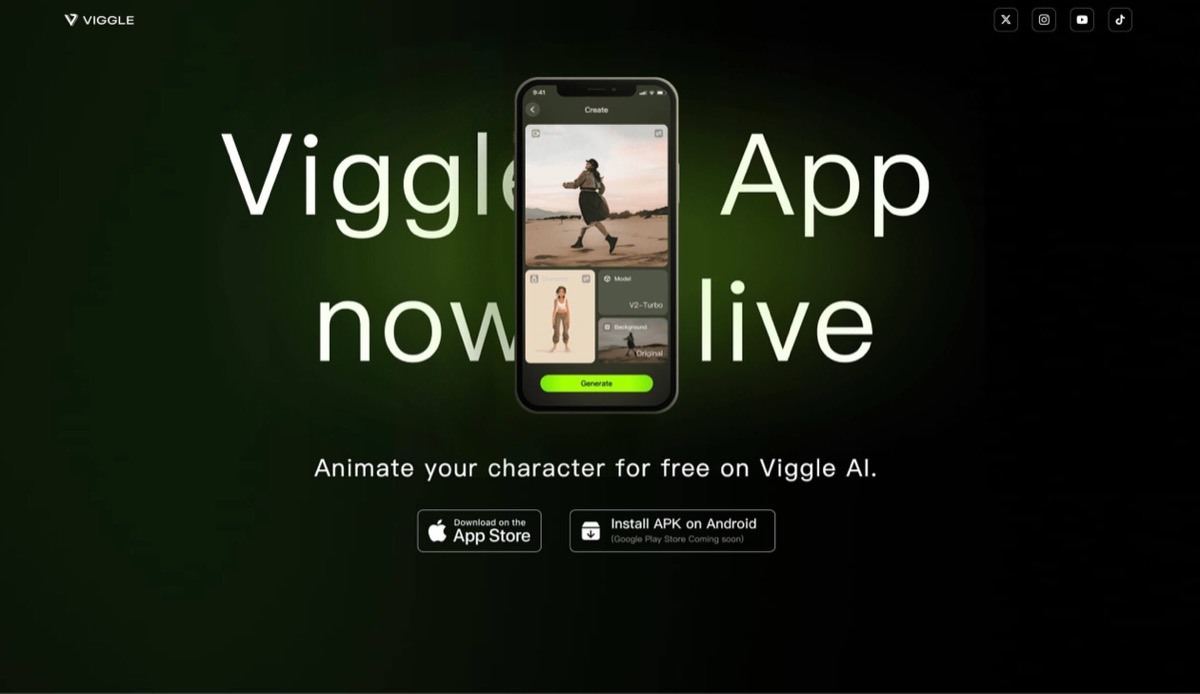
Choose Viggle when the reference video already has the performance you want. Motion Control brings that movement to a still, while Mix and Multi replace one or several people in a clip with your fictional characters. The multi character option is the reason to try it before spending more on solo iterations.
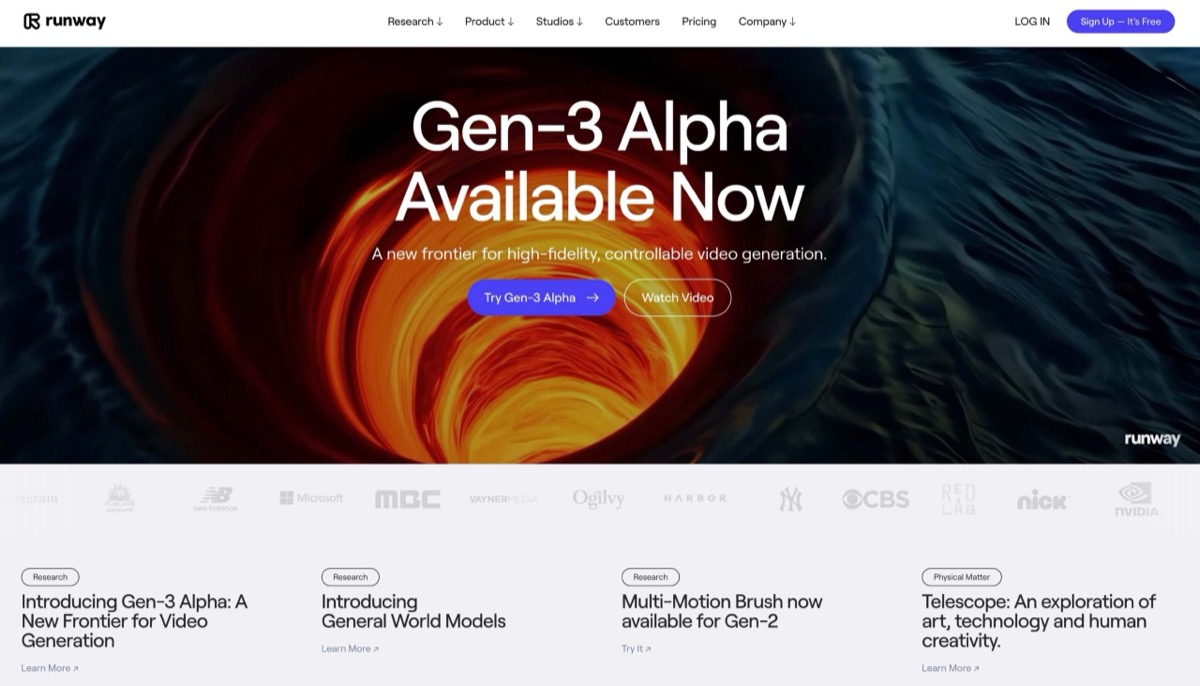
Use Edit Studio when a take has the motion you want and only the scene needs work. Preview the change before rendering the full Aleph 2.0 edit. Act Two is a second route when an actor’s delivery and facial performance are what the animated character needs to follow.
Use VEED once the character clips exist. Trim pauses, reorder several shots on the timeline, add a music track and correct auto generated subtitles before exporting. Swapping to VEED pays off when you need deliverable cuts for social channels more than additional attempts at the movement itself.
Storyboards with two to five planned poses are a good fit for Pikaframes. Upload the stills in order and set the timing to direct the movement between them. That gives you intermediate beats to specify when Pixlu’s opening and closing frames alone leave too much to the model.
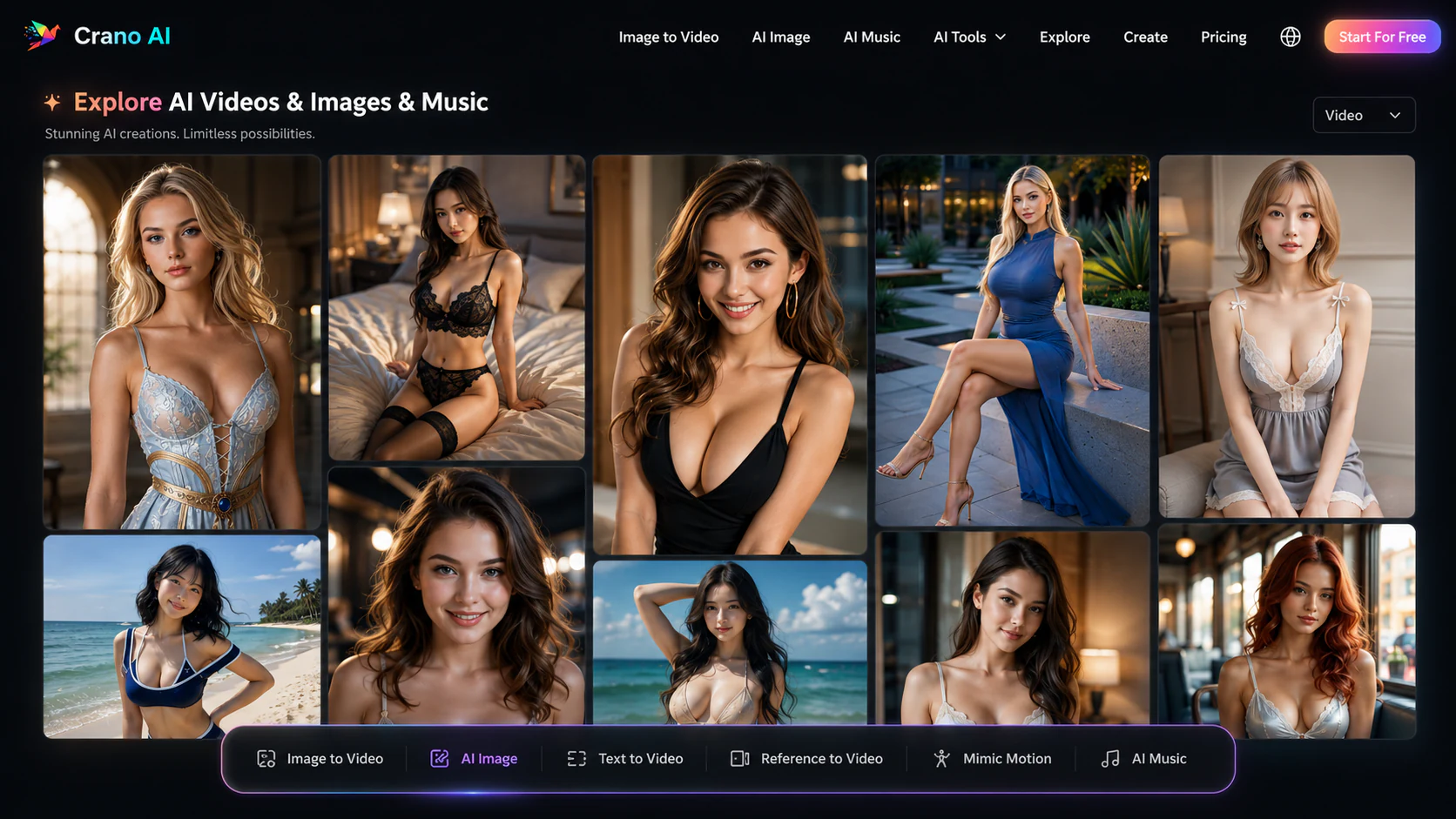
Switch to Crano if the project needs anime model choice and the timing or voice from an audio reference. Image references guide the pose and composition, and video or audio references can guide expressions, movement and delivery. The prepaid plans keep the same manual renewal pattern as Pixlu.
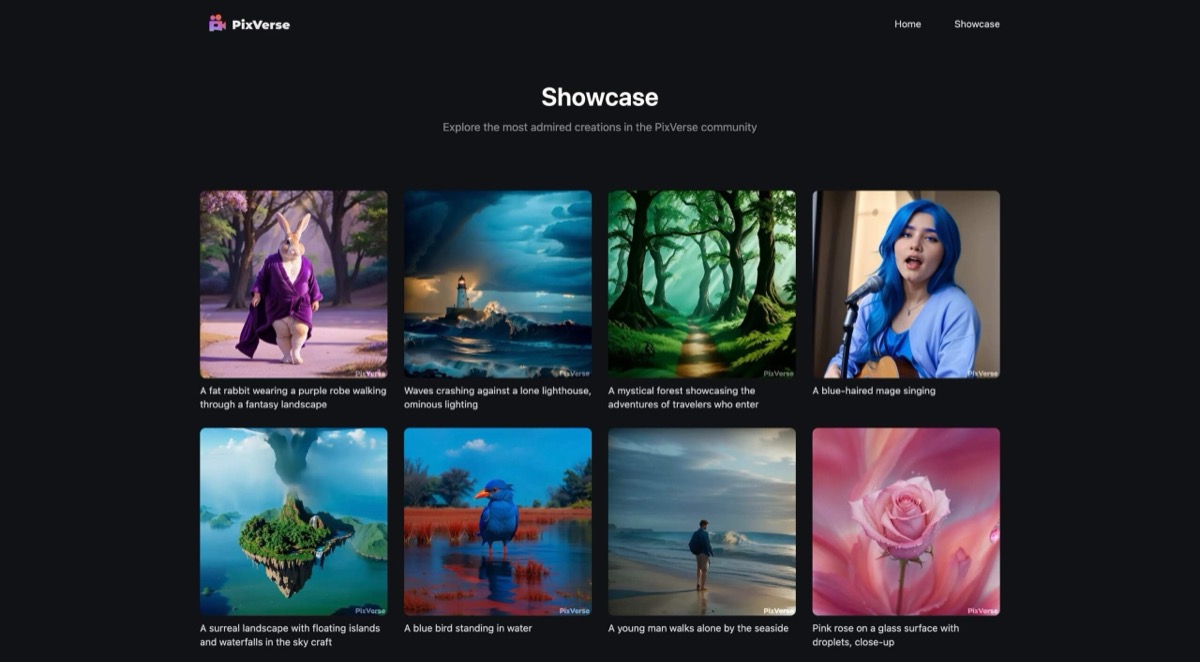
PixVerse V6 suits a shot that needs a specific opening and closing image plus generated ambient sound. Use its frame controls to plan the visual transition and its native audio when a silent test clip will not tell you whether the scene works.
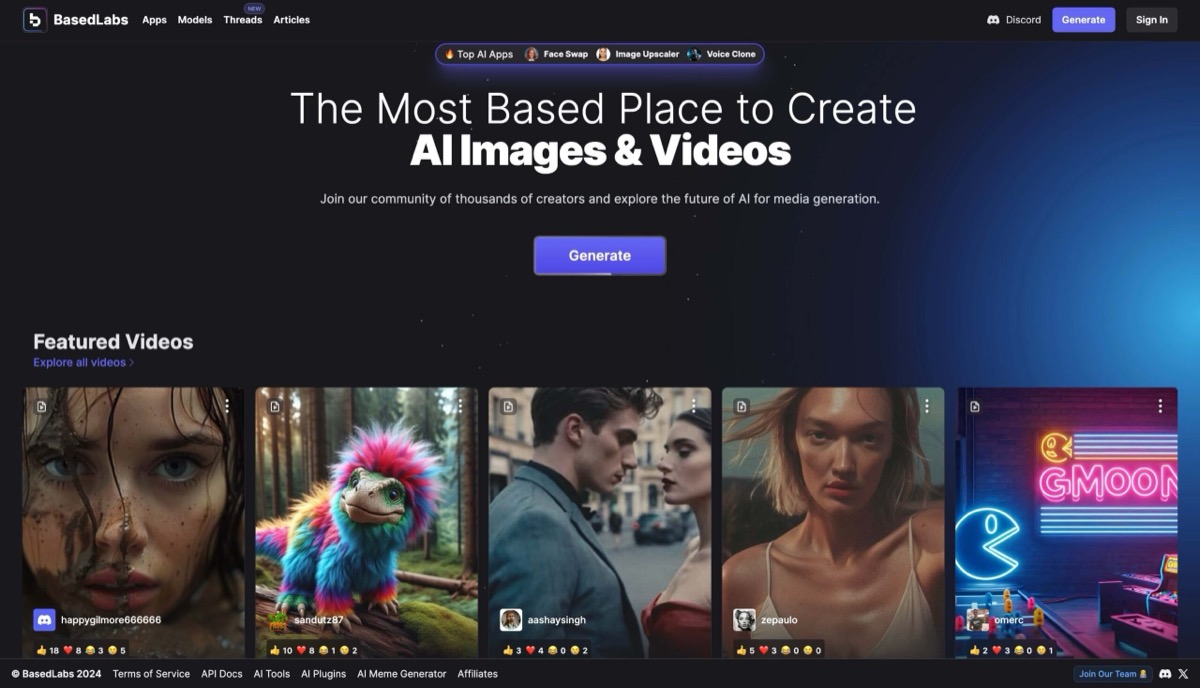
BasedLabs gives you one balance to test the same starting image across several video models. Run a short comparison when you are deciding which model handles a tricky pose or style, then spend the rest of the pack on the version you prefer.
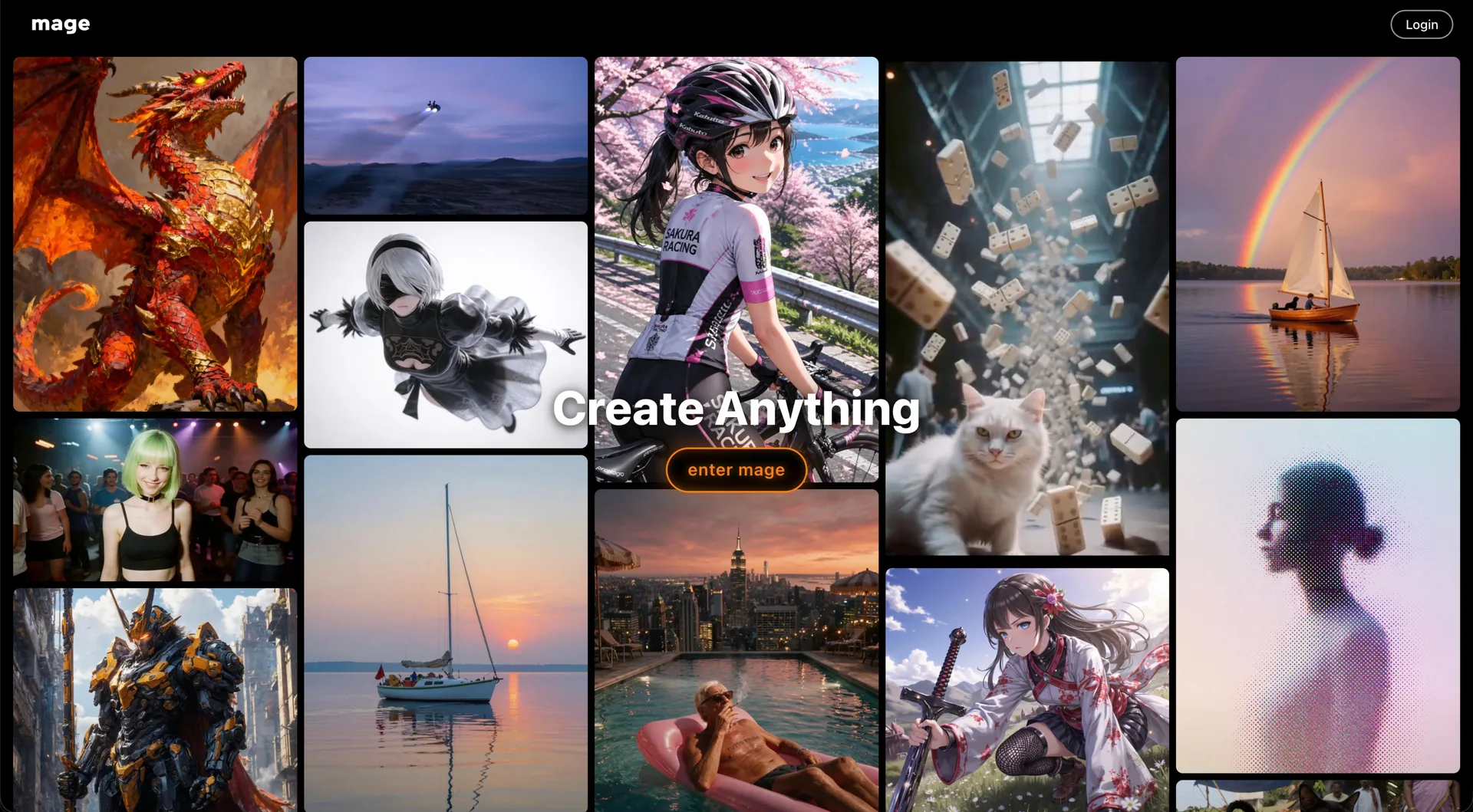
Use Mage when the still needs more work before you animate it. Basic offers local edits with inpainting and LoRA support to carry a specific style across drafts. Its eligible slow mode can make repeated source image drafts easier to budget.
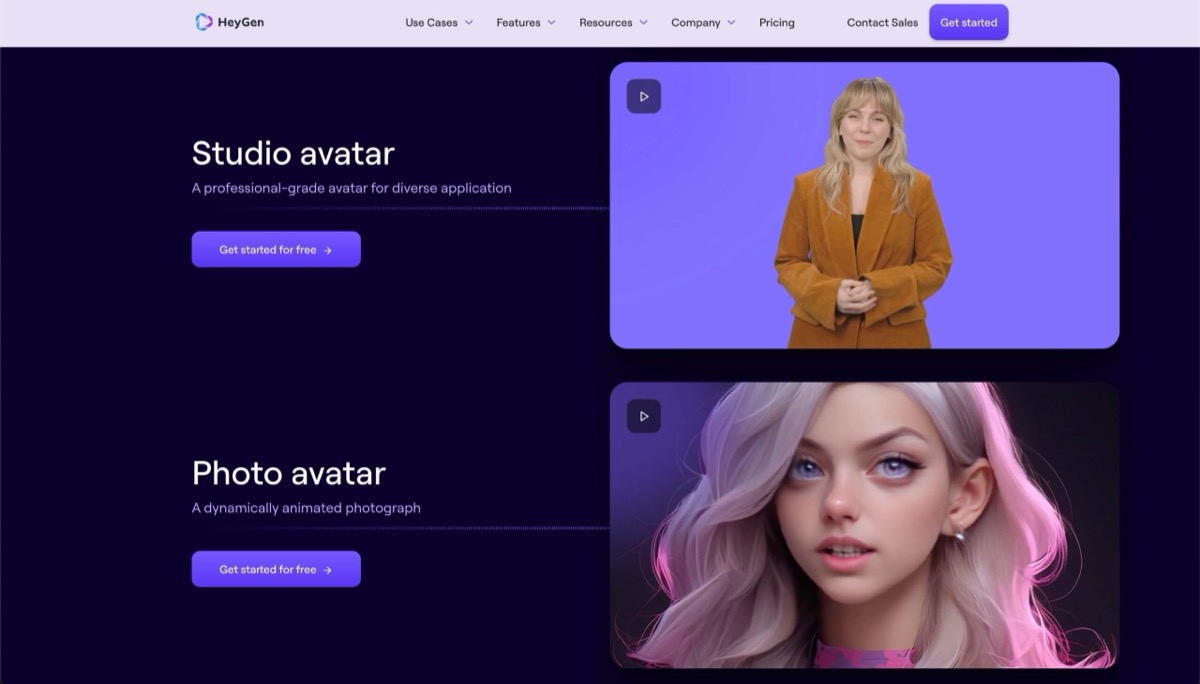
Choose HeyGen when the character needs to say exact lines. Its photo avatar workflow turns a portrait and script into a speaking clip with synced lips. This suits narrated explainers and presenter shots where keeping the dialogue matters more than reproducing a full body performance.
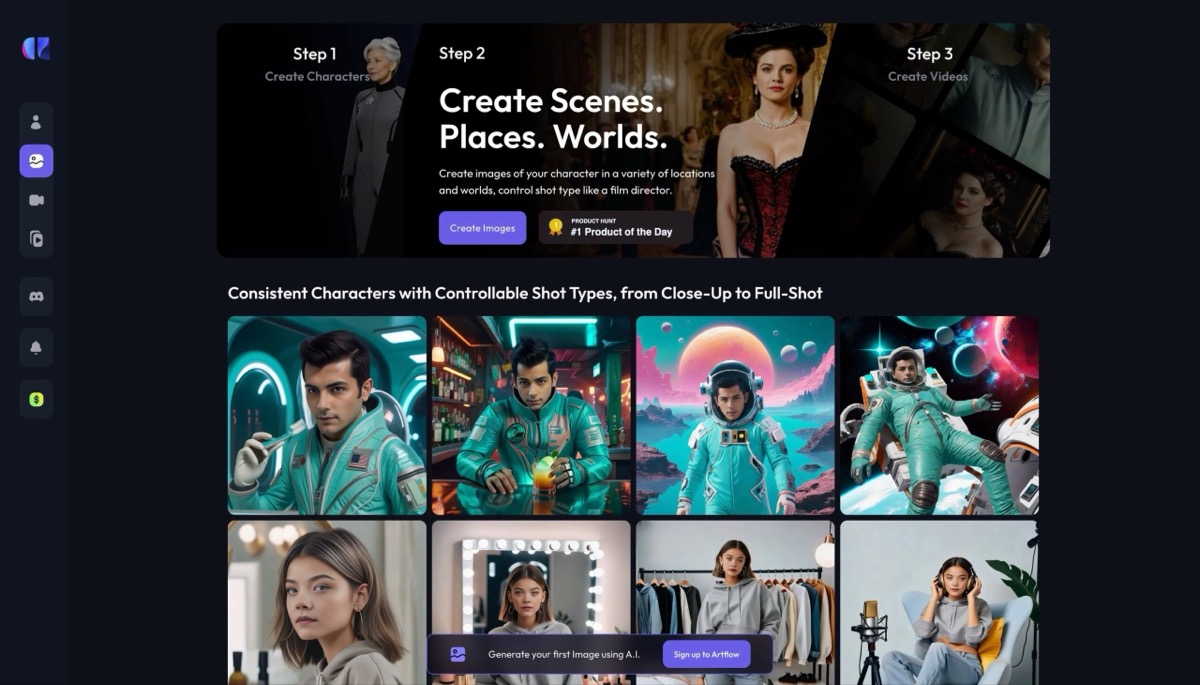
Artflow suits a recurring cast when every scene starts with a different pose or setting. Train an Actor with 10 20 clear portraits you have rights to use, then reuse that Actor across images and videos. The setup can pay off over a series of clips where matching the same face matters.
Use SeaArt when you are still deciding what the character should look like. Try different illustration models and workflows, then put a chosen image through a video model. This is a better fit for comparing styles than working from one already approved character still.
Try Topaz Video when the result already has the right performance but looks noisy, soft or jerky. Upscaling, denoising and interpolation let you work directly on a keeper. Local rendering on a compatible computer is unlimited under the plan, which helps when several clips need the same finishing work.
Image to video takes a still and a written description of how it should move. Mimic Motion adds a reference clip that supplies the action and can guide the camera movement.
Yes. First & Last Frames takes separate start and end images and generates the motion between them.
No. Monthly and annual plans are prepaid one time purchases. You buy a new plan manually to continue after the paid period.
Unused plan credits, including annual bonuses, expire at the end of each monthly allocation. Standalone credit packs are valid for one year from purchase.
Pixlu advertises signup credits without a card. Plan purchases and credit packs provide additional credits when you need them.
The paid plans advertise commercial use. You need the necessary rights to source materials and permission from people who appear in them. Pixlu’s terms prohibit non consensual intimate imagery and harmful impersonation.
Use it when you want an image and a video to guide different parts of the shot, such as the character’s appearance and the way the scene moves. For a single reference performance, use Mimic Motion.
Yes. Video Edit uses a written instruction to add, remove or change an element. Video Extend generates footage before or after the source. Review the revised clip and its joins before using it in a cut.
Pixlu meters each generation by model, resolution, duration and complexity. Include the first attempt, any retries and subsequent edits or extensions when estimating the budget.
?
Not sure which AI is right for you?
Answer 6 quick questions and get matched to the platforms that fit your preferences.