AI Haven
Browse by Tag

Image-to-Video AI Tools

Turn a still image into a short AI video with tools that differ in motion control, clip quality, export limits and adult-content rules. Compare the options shown below.

Top 3 at a Glance

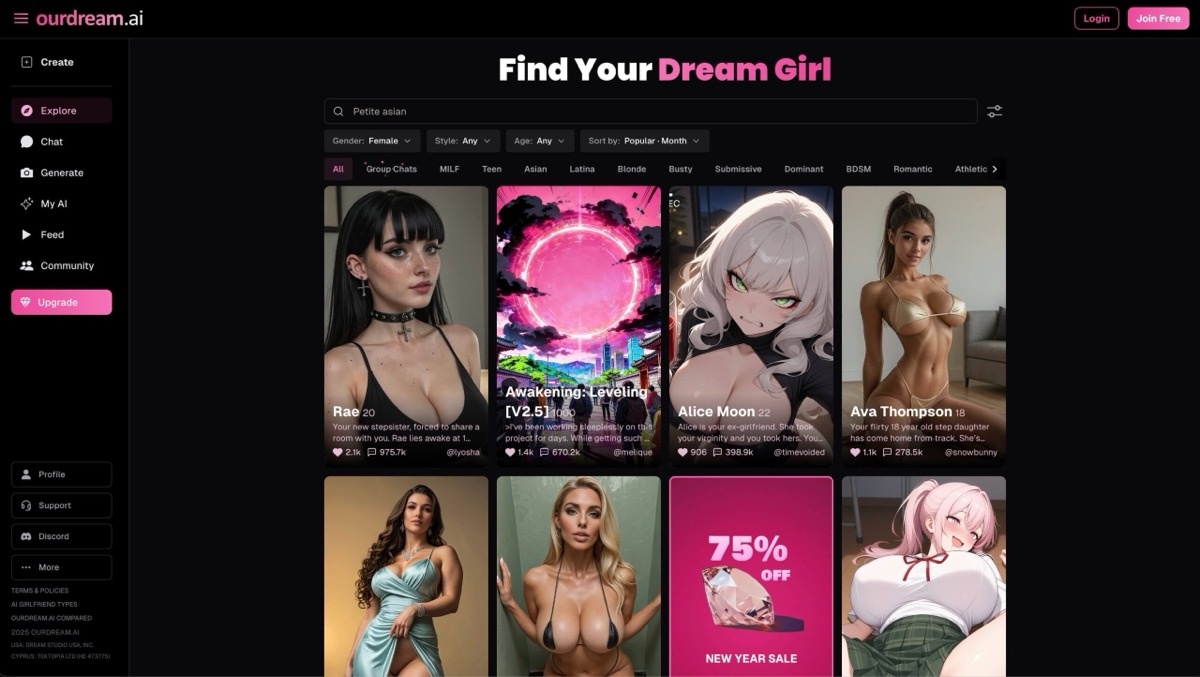
OurDream AI

Freemium

Best for: Clips with a custom companion

OurDream AI connects character creation with short generated clips, so the video starts from your companion setup.

Video preview
  • Images inside the conversation
  • 19 voice profiles
  • 5–30-second lip-sync clips
Main upside
Appearance, personality and character style can be configured together.
Main caution
Generated media uses DreamCoins in addition to plan access.
Crano AI

Freemium

Best for: Multiple ways to start a clip

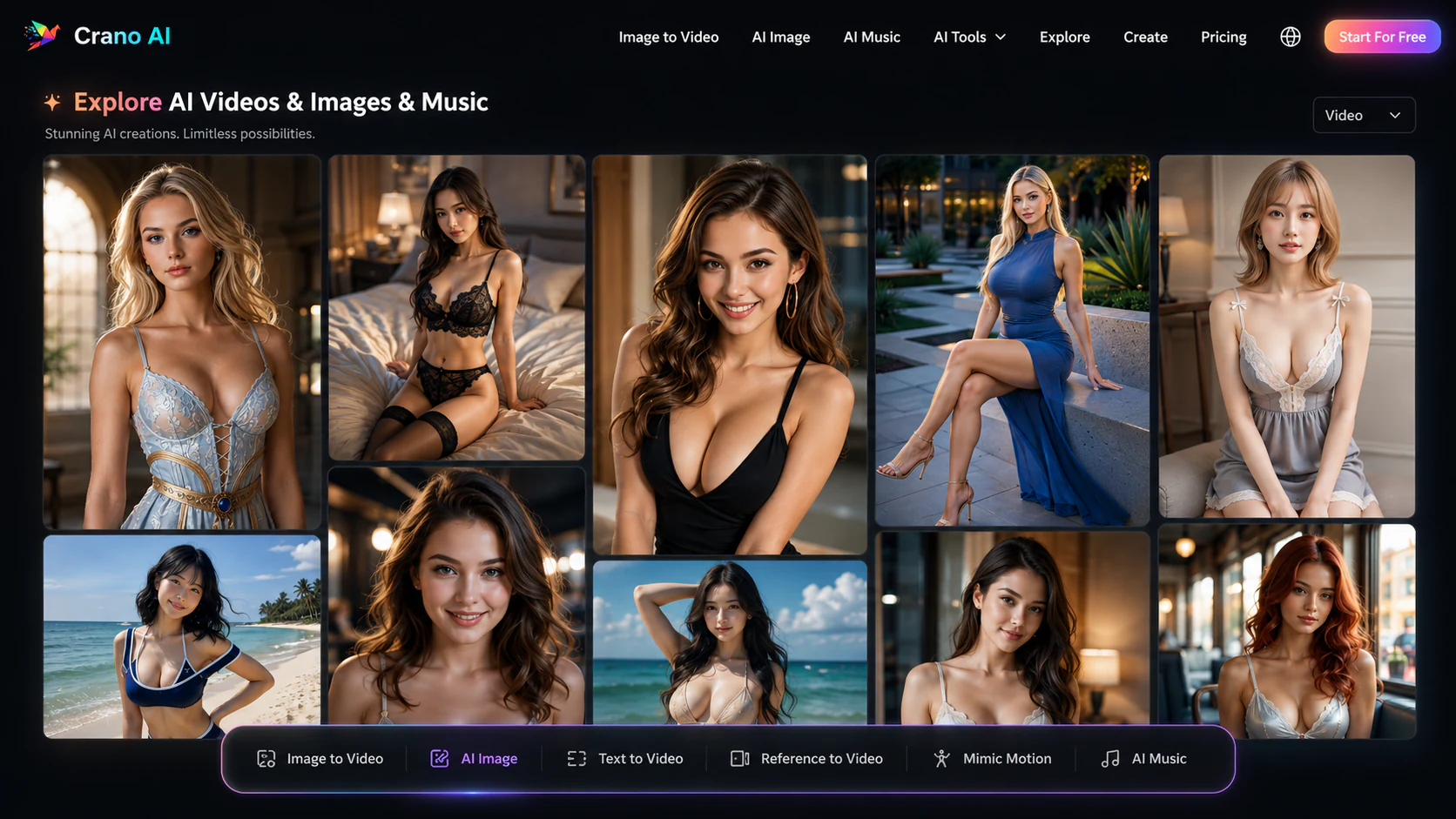
Crano AI accepts text or an image as the starting point for video, with motion tools for shaping the result.

Video preview
  • Motion transfer from reference video
  • Seedance and Seedream workspaces
  • Music generation in the same account
Main upside
Prompt-based edits cover restoration, recoloring and inpainting.
Main caution
Plan credits expire each billing period; top-ups expire after 180 days.

PixaryAI

Freemium

Best for: Short video creation

PixaryAI pairs short visual clips with a dedicated video workflow.

Video preview
  • Multi-model video generation
  • Video controls
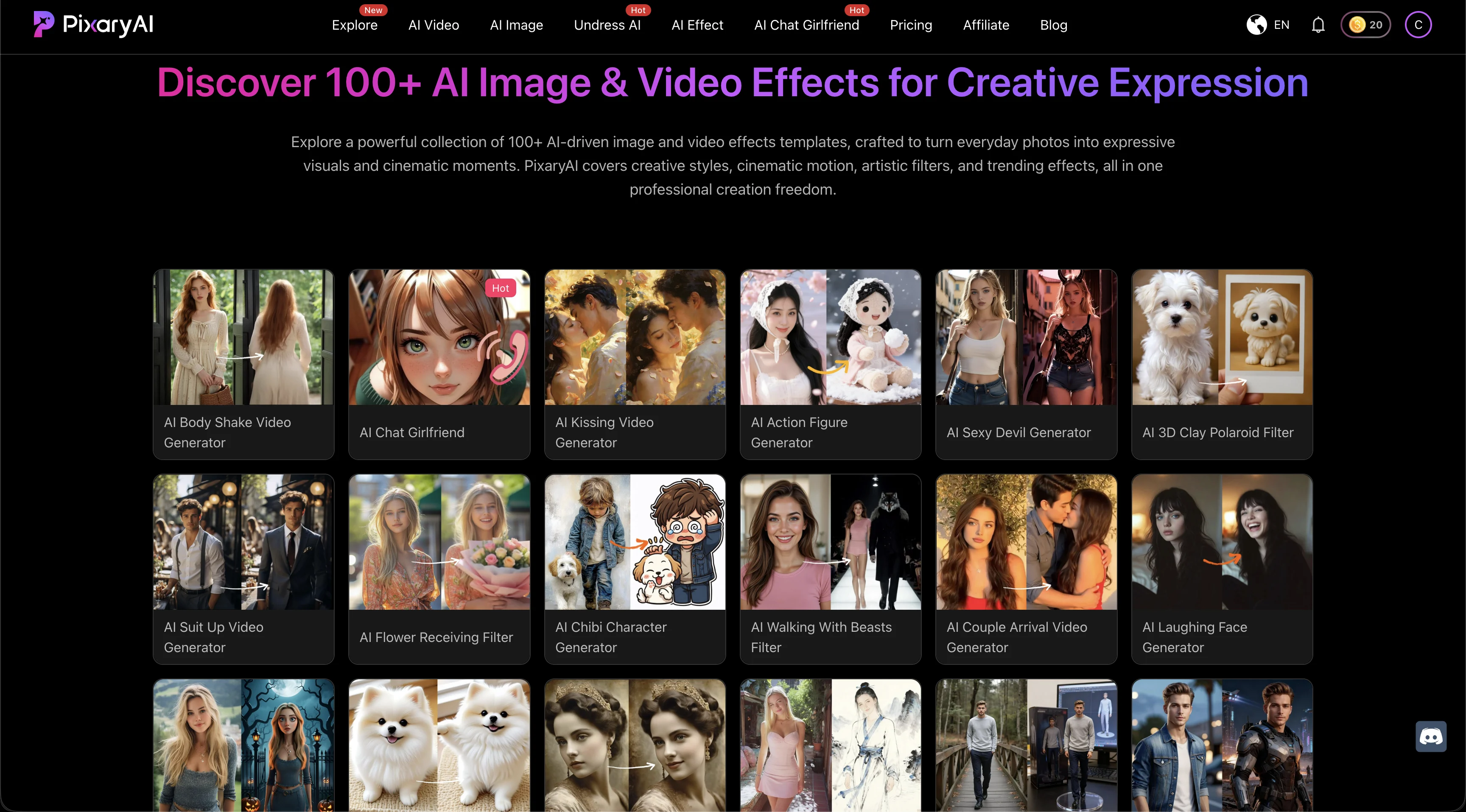
  • Provides more than 100 image and video effects plus dedicated face-swap tools.
Main upside
Creators can choose a model based on motion style, resolution, speed, audio, and credit budget.
Main caution
Available combinations vary by model; not every option supports the same duration, resolution, or audio setting.

Want more than one animated clip? Build a recurring character.

Explore a fictional companion with conversation and generated media alongside the image-to-video tools compared here.

AI Haven Pick

Create Your AI Dream Companion

Create a fictional companion for text, voice and generated media. Account access, paid features and DreamCoin costs vary by activity.

Try OurDream AI

Compare 5 Options

OurDream AI screenshot
#1

OurDream AI

Pricing: Free + paid options

  • Chat, voice and generated media share the same companion setup.
  • Image tools are available; check resolution, editing options and generation allowances.
  • Free and paid access coexist; check which features the free tier includes.
Crano AI Explore gallery showing generated images and its image, video, motion, and music creation tools
#2

Crano AI

Pricing: Free + paid options

  • Text-to-video, image-to-video and motion transfer offer different starting points for a clip.
  • Image tools are available; check resolution, editing options and generation allowances.
  • Free and paid access coexist; check which features the free tier includes.
PixaryAI homepage showing a gallery of more than 100 AI image and video effects across realistic, anime, and stylized categories
#3

PixaryAI

Pricing: Free + paid options

  • Image tools are available; check resolution, editing options and generation allowances.
  • Face swapping is part of the toolset; supported photo and video formats vary.
  • Free and paid access coexist; check which features the free tier includes.
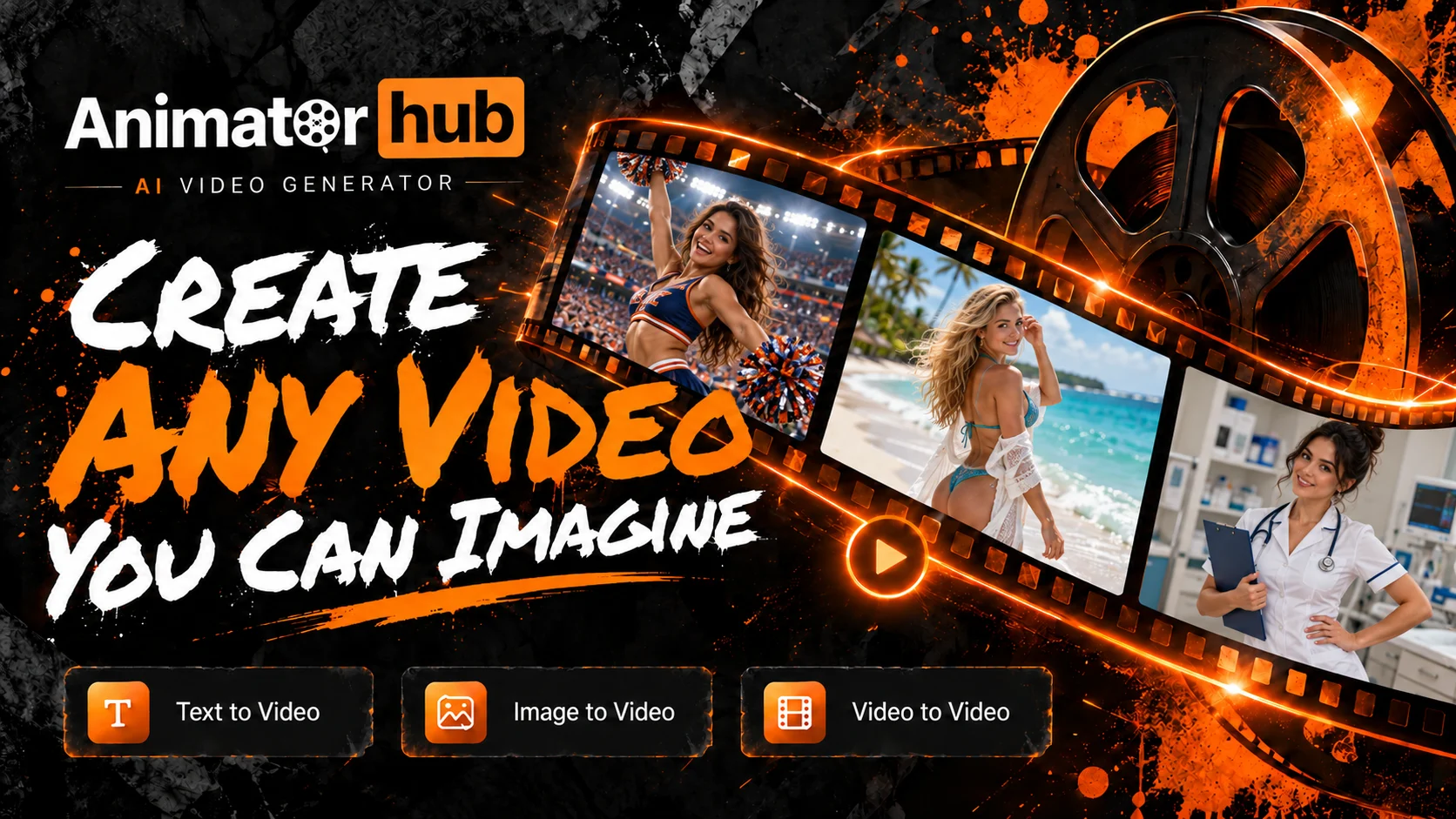
Animator Hub orange and black brand banner with a film reel and a strip of adult character scenes
#4

Animator Hub

Pricing: Free + paid options

  • Image tools are available; check resolution, editing options and generation allowances.
  • Anime-style options are available alongside the platform’s other tools.
  • Free and paid access coexist; check which features the free tier includes.
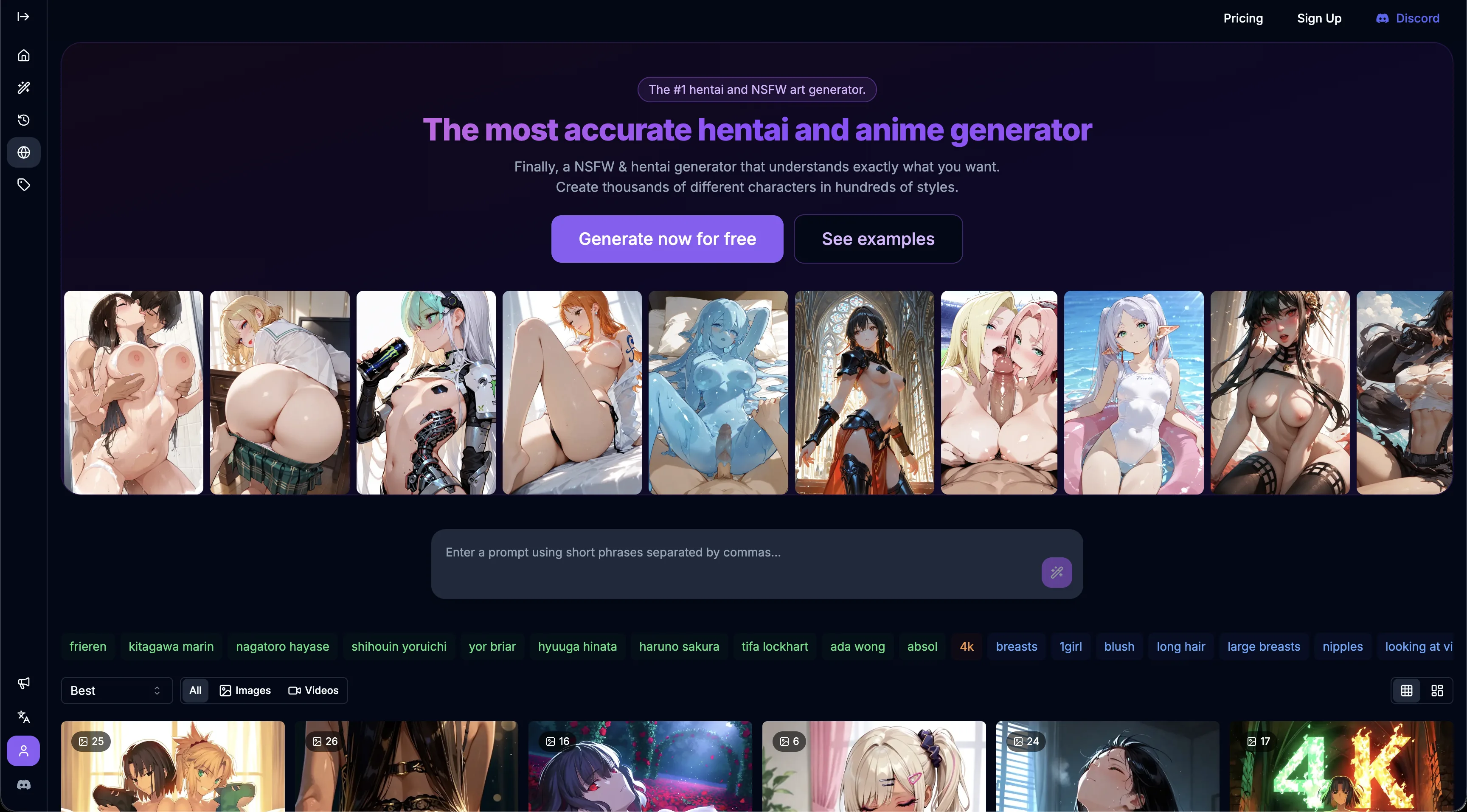
BetterWaifu anime generator home screen with a prompt bar, style tags and generated art gallery
#5

BetterWaifu

Pricing: Free + paid options

  • Image tools are available; check resolution, editing options and generation allowances.
  • The editing workflow uses uploaded images; check accepted formats and output access.
  • Free and paid access coexist; check which features the free tier includes.

All Reviewed Tools

Browse every image-to-video-ai

All tools β†’
Featured
RunwaymlFreemium

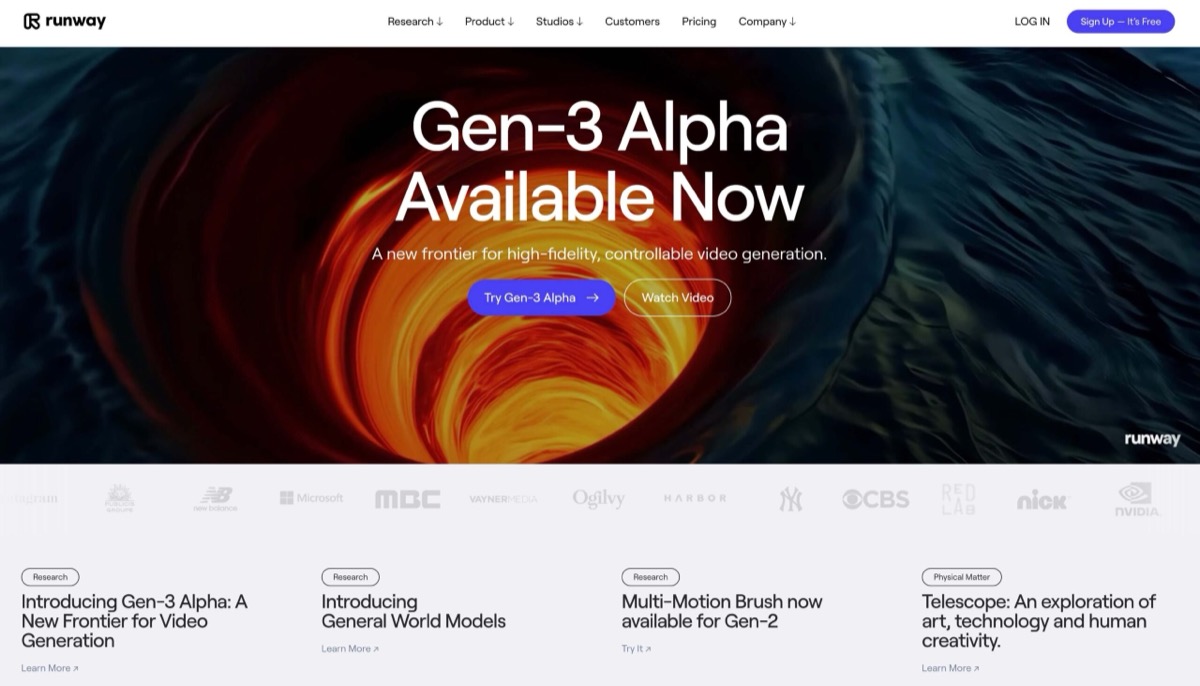
Runway ML blocks all NSFW content generation outright, no workaround exists. But for adult creators needing cinematic b roll, promotional videos, and brand building content for clean platforms, Gen 4 delivers best in class motion quality. 3/10 for NSFW generation, 8/10 for supplementary creator work.

Match Brief

Image-to-Video AI: Fit Check

Animate an authorized source image or original illustration with a tool that documents image-led video. Compare source handling, motion control and exports rather than using still-image quality as a proxy.

Best For

  • Short motion studies from original images.
  • Comparing a standalone video studio with a saved-character workflow.

Not For

  • Treating a slideshow or still-image feed as generated motion.
  • Assuming every model supports the same duration, audio or resolution.

Key Checks

  • An actual starting-image input.
  • Motion and camera controls for the selected model.
  • Character stability throughout the clip.
  • Duration, audio, download and per-attempt cost.

Decision Guide

How to choose image-to-video-ai

Compare β†’
1

Match the starting point to the tool

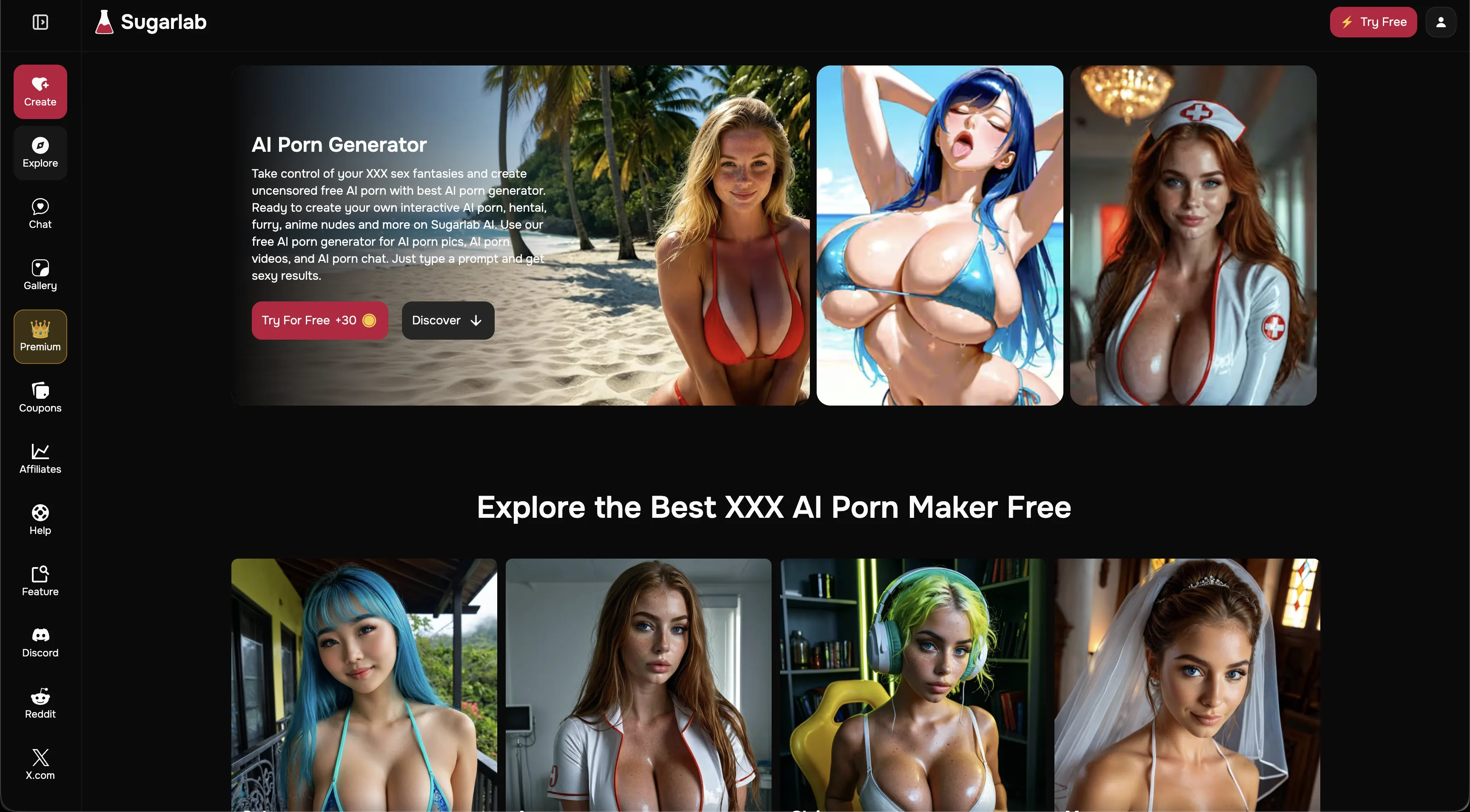
Crano accepts image-led video with configurable generation settings. Pixary exposes model-specific video controls; BetterWaifu supports image and reference media through its video models; Sugarlab animates an image already in its studio. Check whether your source can be uploaded directly or must first exist inside the platform.

2

Assess motion across the complete clip

A convincing first frame can become unstable once motion begins. Inspect character features, background coherence and the transition into the final frame. Use a simple original image to assess the workflow before a more complex scene. Model choice and motion settings matter more than the maximum resolution advertised elsewhere on the site.

3

Confirm the export before spending repeatedly

Duration, resolution and audio combinations vary by model. A studio may quote different costs for each combination and charge again for another attempt. Check the final download, watermark rules and failed-generation policy rather than treating the preview or a general free-tier label as proof of a usable export.

Image-to-Video AI: Practical Differences

Four tools with documented image-to-video support. Compare their different starting-image requirements and model-specific output controls.

Compare tools β†’
PlatformRelevant workflowLimitation or decision pointDetails
Crano AIImage-to-video with prompt, model, format, duration and optional audio controls.Available combinations depend on model and access; public maximum-quality claims do not apply to every mode.Crano AI review
PixaryAIImage-to-video across named model families with source, duration and resolution controls.Audio, duration and cost differ by model; inspect the chosen combination.PixaryAI review
BetterWaifuSeedance image-to-video and reference-media workflows alongside its image models.Video is paid and uses settings-dependent credits rather than the image allowance alone.BetterWaifu review
Sugarlab AIImage-to-video scenes with a motion prompt, selectable durations and output settings.The documented workflow starts from an internal image; check source requirements before expecting arbitrary uploads.Sugarlab AI review
Workflow finder

Find the Right Image-to-Video AI Workflow

Image-led motion with studio controls

Image-to-video with prompt, model, format, duration and optional audio controls. Available combinations depend on model and access; public maximum-quality claims do not apply to every mode.

Related Routes

Explore related category and guide pages

Find your AI β†’

Related Topics

Adjacent tags from the reviewed tools above

Browse all β†’

Frequently Asked Questions

Answers about image-to-video-ai

How is this different from text-to-video?β–Ό

Image-to-video begins from a visual reference. Text-to-video starts from a written scene. A platform can support both with different controls and output limits.

Will the final frame match the first perfectly?β–Ό

No. Generated motion can change facial details, objects or backgrounds. Inspect the entire clip rather than judging only the poster.

Can all four tools accept the same source?β–Ό

Not necessarily. Crano, Pixary and BetterWaifu document image or reference inputs, while Sugarlab’s described workflow starts from an internal image. Check format and source requirements.

Why were these tools selected?β–Ό

Each has a documented image-to-video workflow, with different controls for sources, motion and output. The comparison focuses on those practical differences rather than unrelated still-image features.