AI Haven
Browse by Tag

AI Privacy and Identity Filters

Explore tools for masking identity or controlling how personal media is used. Compare what each option changes, its privacy handling and its fit for adult-content workflows.

Top 3 at a Glance

Pseudoface

Freemium

Best for: A synthetic face for creator footage

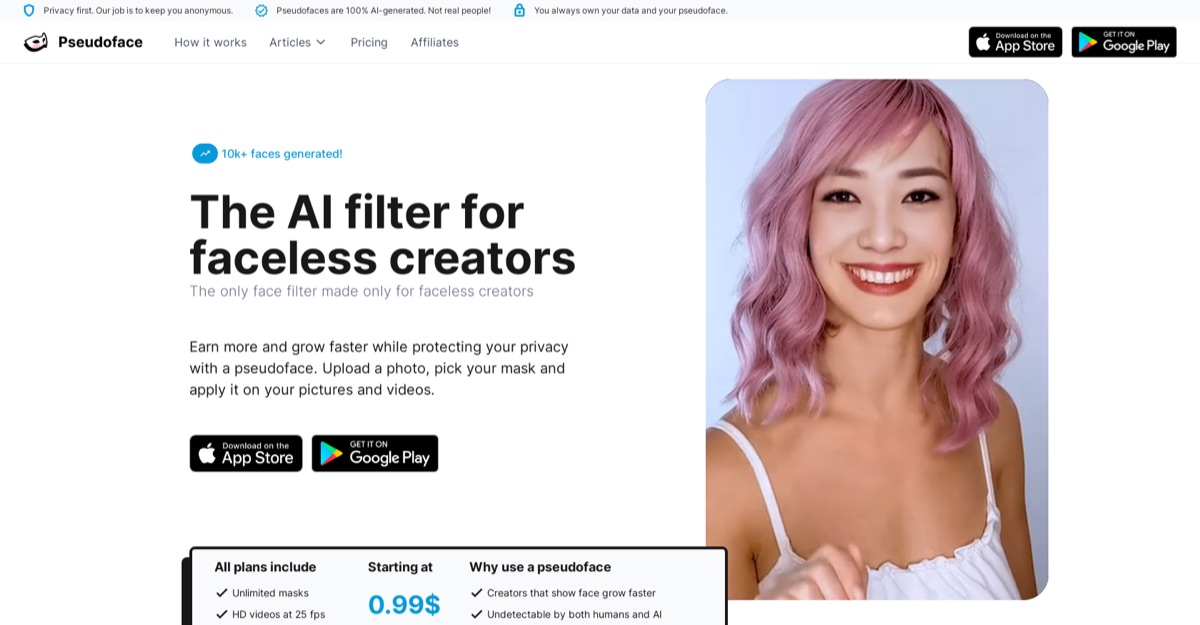
Pseudoface provides face masks, blur and crop controls for creator photos and videos. Its camera preview shows how a synthetic face follows the source footage, while the original framing and body remain visible.

Video preview
  • Synthetic face masking
  • Blur and crop controls
  • Photo and video workflows
Main upside
Synthetic face masking
Main caution
A face mask does not hide identifying surroundings, voice, tattoos or reflections, and does not guarantee anonymity.
Venice AI

Freemium

Best for: A substitute visual identity

Venice AI uses generated faces or masking for a different on-screen identity.

Video preview
  • Labels inference as Anonymized, Private, TEE or E2EE depending on the selected model.
  • Uncensored image models
  • Generative editing
Main upside
Lets a user choose between wider frontier access and stronger technical or contractual privacy.
Main caution
NSFW image generation is disabled on Free and begins with Pro.

Xpression Camera

Freemium

Best for: An animated image as a virtual camera

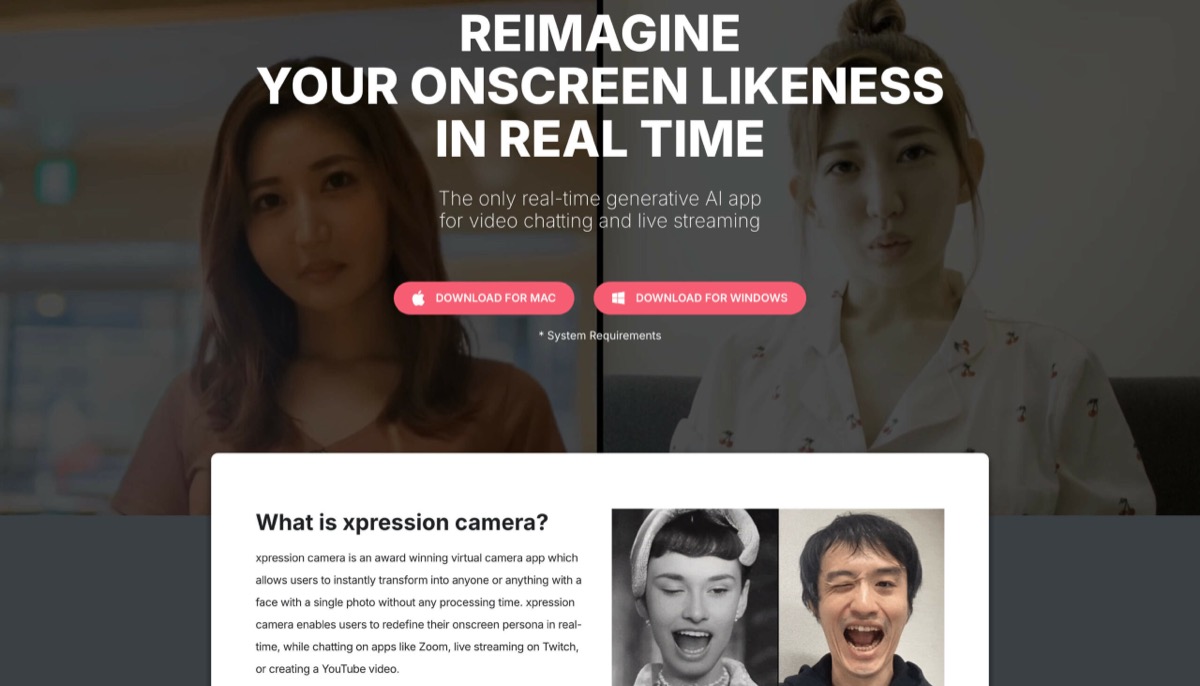
Xpression Camera maps facial movement onto a chosen image and supplies a virtual camera for compatible calls and streams. Its demonstration shows the image reacting to expressions and head movement.

Video preview
  • Image-based virtual camera
  • Facial-expression and head-motion tracking
  • Integration with compatible calling and streaming apps
Main upside
Image-based virtual camera
Main caution
An animated camera feed does not remove identity clues in your voice or guarantee consistent tracking in every pose.

Want a creative route that starts with a fictional character?

Generated characters avoid editing a real person’s likeness. Review the platform’s data and privacy terms before using its media tools.

AI Haven Pick

Create Your AI Dream Companion

Create a fictional companion for text, voice and generated media. Account access, paid features and DreamCoin costs vary by activity.

Try OurDream AI

Compare 5 Options

Pseudoface screenshot
#1

Pseudoface

Pricing: Free + paid options

  • Synthetic face masking
  • Blur and crop controls
  • A face mask does not hide identifying surroundings, voice, tattoos or reflections, and does not guarantee anonymity.
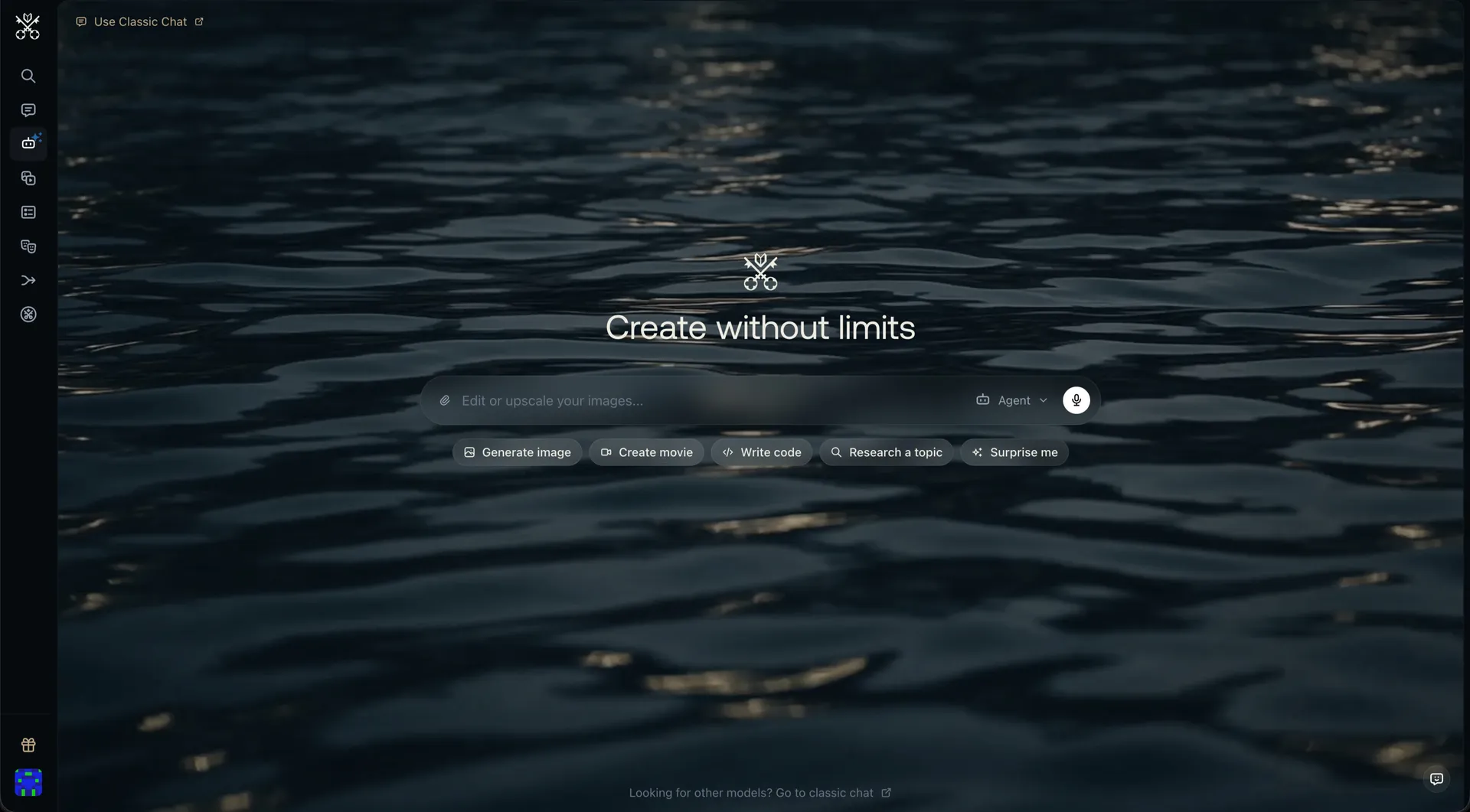
Venice AI home screen with the Create without limits headline and shortcuts for generating images, movies, code and research
#2

Venice AI

Pricing: Free + paid options

  • Video creation is available; compare clip limits and media credits.
  • Anime-style options are available alongside the platform’s other tools.
  • Free and paid access coexist; check which features the free tier includes.
Xpression Camera screenshot
#3

Xpression Camera

Pricing: Free + paid options

  • Image-based virtual camera
  • Facial-expression and head-motion tracking
  • An animated camera feed does not remove identity clues in your voice or guarantee consistent tracking in every pose.
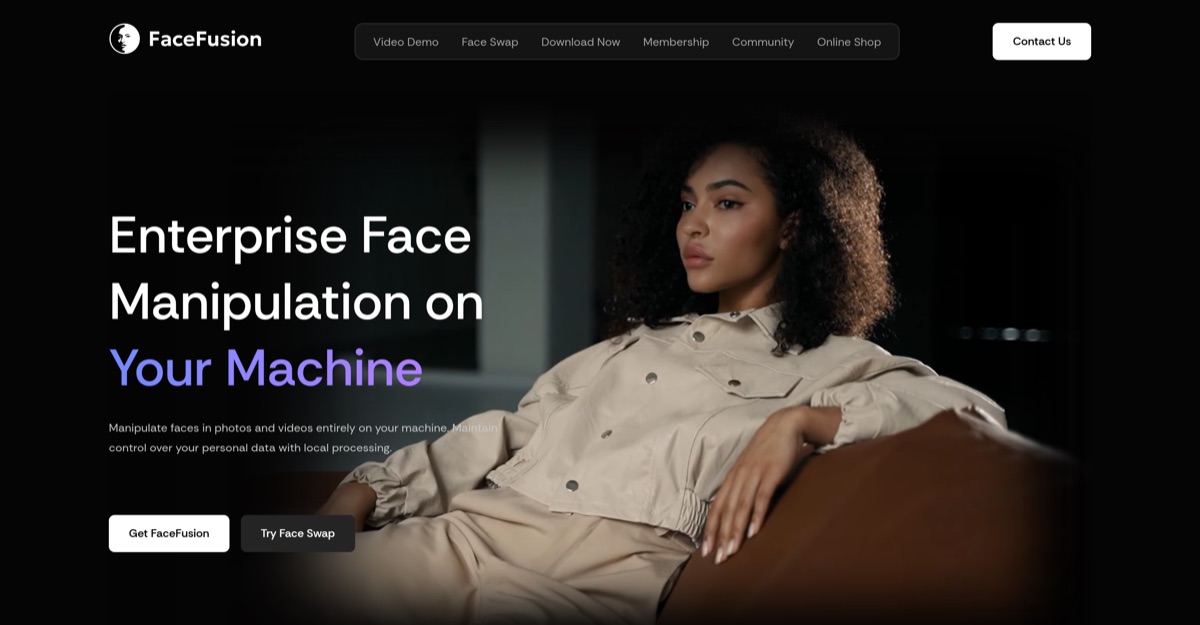
FaceFusion screenshot
#4

FaceFusion

Pricing: Free

  • Face enhancement and lip-sync complement swapping; self-hosted setup requires Python and suitable hardware.
  • Animation features are available; supported inputs and exports vary.
  • Free access is listed; confirm the current usage allowance before starting.
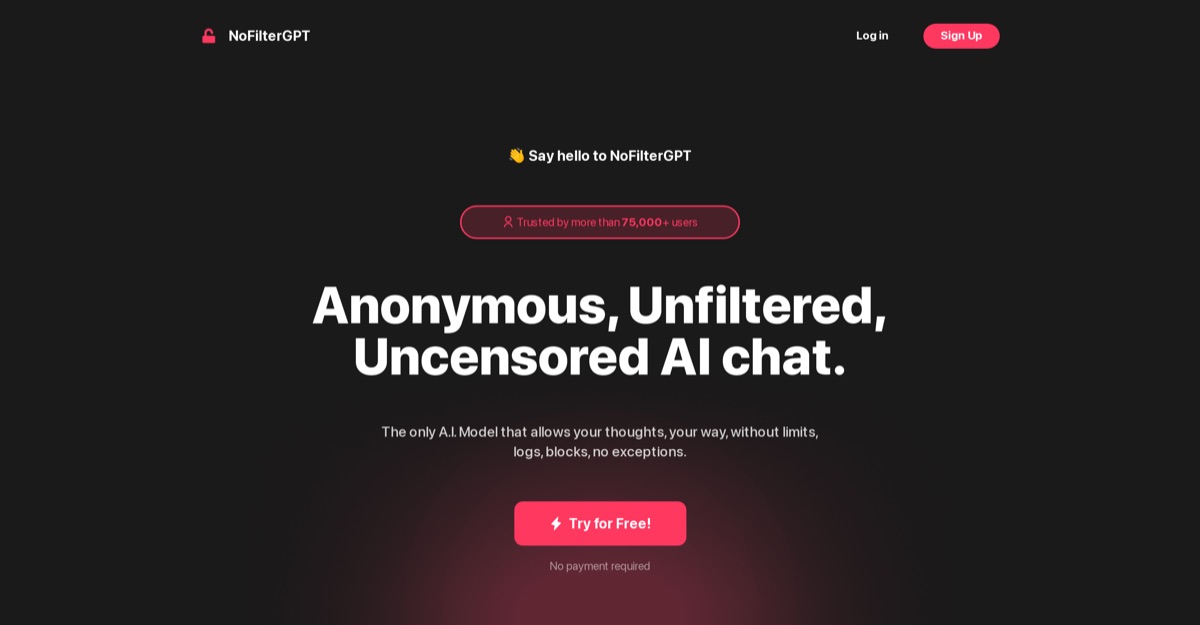
NoFilterGPT screenshot
#5

NoFilterGPT

Pricing: Free + paid options

  • Companion chat is available; media features may use separate allowances.
  • Free and paid access coexist; check which features the free tier includes.

All Reviewed Tools

Browse every privacy filter

All tools
PseudofaceFreemium

Pseudoface provides face masks, blur and crop controls for creator photos and videos. Its camera preview shows how a synthetic face follows the source footage, while the original framing and body remain visible.

AI generated facesface anonymizationvideo masking
Featured

Xpression Camera maps facial movement onto a chosen image and supplies a virtual camera for compatible calls and streams. Its demonstration shows the image reacting to expressions and head movement.

facial expression mirroringvoice2face animationvirtual camera
Match Brief

AI Privacy and Identity Filters: Fit Check

Choose between changing your visible identity, controlling a camera avatar and limiting stored conversation data. Pseudoface, xpression camera, FaceFusion and private-chat services solve different parts of that problem.

Best For

  • Creators masking their own face in permitted material.
  • People comparing local editing and hosted conversation data handling.

Not For

  • Treating a changed face as a guarantee of anonymity.
  • Assuming a privacy-oriented chat service is an image filter.

Key Checks

  • Photo, recorded video or live-camera input.
  • Local processing versus uploaded files.
  • Retention of content versus operational logs.
  • Clues remaining in voice, background and metadata.

Decision Guide

How to choose privacy filter

Compare
1

Start with what you want to hide

Pseudoface supplies synthetic masks for photos and recordings. xpression camera replaces the onscreen persona in a virtual camera. FaceFusion is a locally operated face-editing tool. These visual approaches do not remove identifying details in a voice, background or account, so choose the required input format before comparing the mask itself.

2

Separate local operation from hosted processing

FaceFusion can run on hardware you control, which adds installation and hardware work. Pseudoface processes uploads through its service and describes European storage. Venice documents local chat-history storage, while NoFilterGPT distinguishes conversation handling from usage logging. Those are different data paths, not interchangeable promises that nothing is stored.

3

Inspect a complete sample before relying on it

Pseudoface warns that poor lighting, face coverings and large turns can introduce artifacts. For a live camera, test the selected app with the conferencing software you use. Review every frame before sharing a recording; a convincing front-facing sample does not establish reliable masking throughout a moving scene.

AI Privacy and Identity Filters: Practical Differences

Compare what each platform supports, how it fits your intended workflow and the limitations to check.

Compare tools
PlatformRelevant workflowLimitation or decision pointDetails
PseudofaceSynthetic masks for your own photos and videos, with an introductory tutorial.Hosted processing; lighting and head movement can affect the mask.Pseudoface review
xpression cameraA virtual camera animates a selected face using expressions or voice.Needs compatible desktop and calling software; other identifying information can remain.xpression camera review
FaceFusionLocally operated face-editing workflows for authorized material.Installation and suitable hardware are your responsibility; a face edit is not an anonymity guarantee.FaceFusion review
Venice AIA multimodal chat service with documented local chat-history storage.Chat-history handling is separate from uploaded media, account information and model processing.Venice AI review
NoFilterGPTHosted text chat whose terms distinguish conversation storage from operational usage data.Its privacy policy describes usage logging; this is not a camera mask or a zero-data guarantee.NoFilterGPT review
Workflow finder

Find the Right AI Privacy and Identity Filters Workflow

Mask a recorded face

Synthetic masks for your own photos and videos, with an introductory tutorial. Hosted processing; lighting and head movement can affect the mask.

Related Routes

Explore related category and guide pages

Find your AI

Related Topics

Adjacent tags from the reviewed tools above

Browse all

Frequently Asked Questions

Answers about privacy filter

Does a synthetic face make me anonymous?

It changes one visible identifier. Your voice, background, tattoos, metadata or account can still identify you. Inspect the whole output and the service’s handling of source files.

Which option works during a call?

xpression camera acts as a virtual camera in compatible calling and streaming applications. Pseudoface’s recorded-media workflow is a different use case.

Which option can run locally?

FaceFusion is a locally operated editing application. That gives you responsibility for installation, hardware and any files you later upload or share.

Does no conversation storage mean no logging?

No. NoFilterGPT’s terms discuss conversation storage, while its privacy policy also describes usage data. Venice’s local-history design likewise does not make every other data-handling question disappear.