AI Haven
Browse by Tag

Video Face Swap

Compare video face swap tools for short clips, deepfake-style edits, identity consistency, processing speed, watermark limits, and browser workflows.

Don't just make a face-swap video - create the fantasy around it.

Use the clip as a starting point, then build a companion with personality, chat, images, voice, video, and repeatable scenes.

AI Haven Pick

Create Your AI Dream Companion

Voice, video and uncensored chat in one private companion experience. Free to start.

Try OurDream AI

Tool Shortlist

Reviewed Video Face Swap

Top 3 β†’
1
DeepSwap logo or screenshot
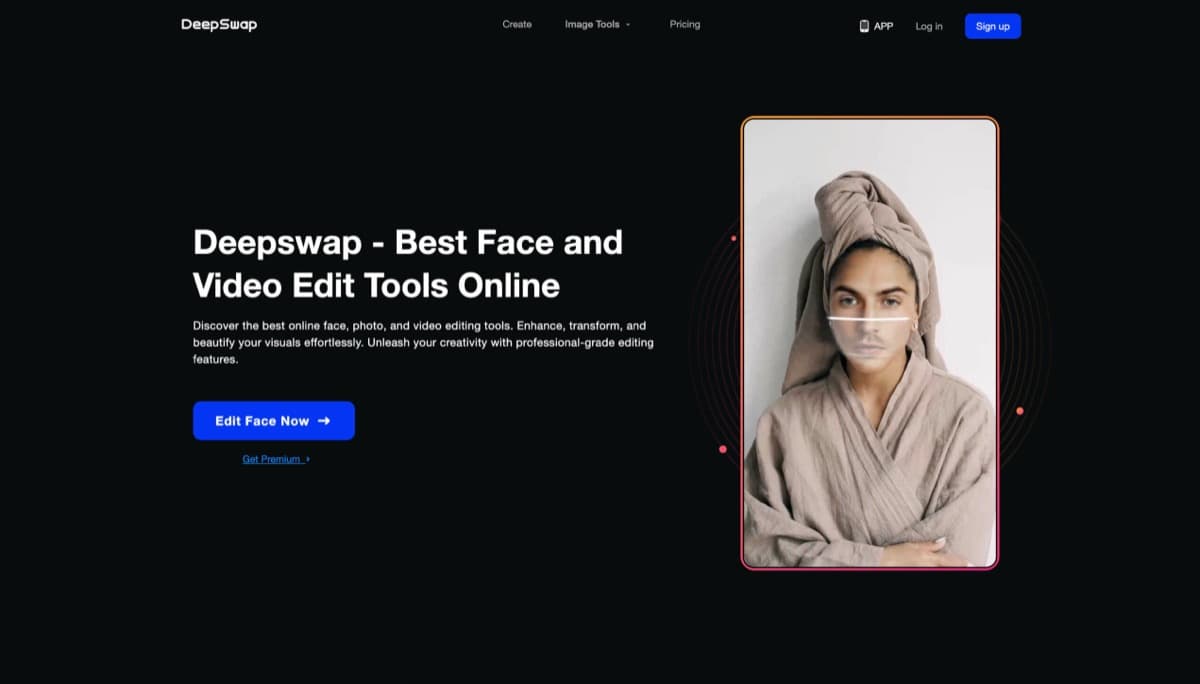
DeepSwap

Browser-based AI face swap tool with 90%+ realism, 4K video support, and ultra-fast GPU processing β€” popular for unrestricted creative projects.

β€”
Review
2
DeepSwapper logo or screenshot
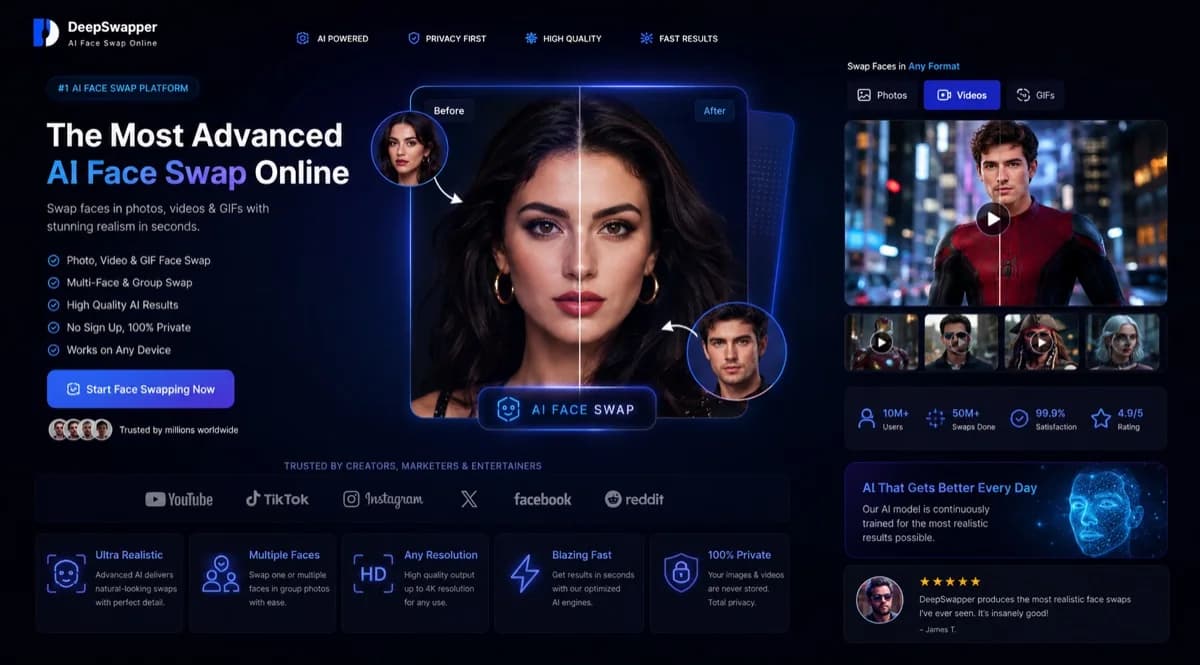
DeepSwapper

Free browser based AI face swapper for images and GIFs with no watermark or signup for basic use. Video face swap requires subscription access.

β€”
Review
3
FaceFusion logo or screenshot
FaceFusion

Industry-leading open-source face swap tool with 90% similarity results, multi-face support, and lip-sync capabilitiesβ€”all free.

β€”
Review

All Reviewed Tools

Browse every video face swap

All tools β†’
Match Brief

Video Face Swap Fit Check

Use this for video-first face replacement where tracking, export quality, privacy, watermarks, and consent rules matter most.

Best For

  • Face swaps in short clips or longer videos.
  • Users comparing deepfake-style video tools.
  • Checking source deletion and watermark limits.

Not For

  • Still-image-only face swap.
  • General AI video generation without face replacement.
  • Chat or companion tools.

Key Checks

  • Face tracking and motion consistency.
  • Export length, resolution, and watermarks.
  • Source video handling and deletion controls.
  • Consent and likeness policies.

Tool Signals

  • Video face tracking is a core feature.
  • The listing explains export and watermark limits.
  • Upload privacy and consent rules are visible.

Decision Guide

How to choose video face swap

Compare β†’
1

Image vs video

Some face swap tools are built for single images, while others support video, batches, GIFs, or deepfake-style workflows. Match the tool to the media format.

2

Quality controls

Look for face alignment, lighting preservation, identity consistency, output resolution, watermark rules, and whether the tool handles multiple faces.

3

Usage boundaries

Face swap and adult face swap categories need stricter review because consent, likeness rights, and platform policies matter more than in ordinary image editing.

Video Face Swap Options Compared

Use this table to compare face-swap video, deepfake video, NSFW video face swap, quality, and privacy.

Compare tools β†’
Video Face Swap TypeBest ForWhat To CheckRelated Guide
Face swap videoShort clips where identity consistency needs to hold across motion.Face tracking, motion stability, clip length, processing time, and export quality.Best Deepfake Apps
Deepfake videoMore realistic video replacement where privacy and likeness policies matter.Consent safeguards, watermarking, source deletion, moderation, and paid limits.Best Deepfake Apps
NSFW video face swapAdult video swaps where the tool's policy and upload handling are critical.Adult-content rules, likeness consent, privacy terms, and account risk.AI Porn Video Generators
Image-to-video adjacencyUsers comparing face-swap video against animation or image-to-video tools.Source-image control, face stability, credits, and whether the output needs a swap at all.AI Video Generation
Video Swap Match

Find a Video Face-swap Tool for the Clip You Have

Compare face tracking, deepfake-style video, NSFW policy, source deletion, watermarking, and export quality.

VideoFace trackingPrivacyExport

Related Routes

Explore related category and guide pages

Find your AI β†’

Related Topics

Adjacent tags from the reviewed tools above

Browse all β†’

Frequently Asked Questions

Answers about video face swap

What is video face swap?β–Ό

Video Face Swap covers tools that replace or blend faces in images, video, GIFs, or deepfake-style media workflows.

Which face swap tool is best?β–Ό

The best option depends on whether you need still images, video, batch processing, realistic identity preservation, or a simple browser workflow.

Are face swap tools safe to use?β–Ό

Use them only with consent and review each tool's privacy and likeness policies, especially for adult or public-person media.

Do face swap tools leave watermarks?β–Ό

Many free tools add watermarks or lower-resolution exports. Paid plans usually remove watermarks and raise output limits.