

Sponsored recommendation: Clothoff.
Compare browser video swaps, mobile catalogue effects and local editing tools by the material you want to make. Deepfakes Web trains on uploaded footage, while Reface focuses on mobile clips and images.
Deepfakes Web trains on your footage instead of swapping frame by frame, so one long shot of a single subject holds together, and Reface is the only one that gives you a working swap free on a phone.
Quick verdict
DeepSwap is the pick for browser work. FaceFusion is the strongest swapper here by a clear margin, and the only one letting you choose a model tuned for hidden faces or head pose, but it runs on your own hardware. Akool handles several faces or a live stream.
The top three at a glance
Top 3 Deepfake Apps Compared
Clothoff
Best for face swaps with one-time coins
An adult image editor with face swapping, photo transformations and short video options across web and apps.
Compare web and app access before buying coins.
Compare Clothoff
DeepSwap
Best Overall
The only entry here that publishes a per-second video rate, charges the same for its HD setting as its standard one, and returns your credits automatically when a render fails.
A published per-second rate, HD at standard price, and auto refunds.
Try DeepSwap
Deepfakes Web
Best for One Long Clip
Pays once per video and trains on that footage rather than billing by the second, so a single 150-second clip of one subject holds together better than a per-frame swap.
Pay once per video and train on that footage instead of per-frame.
Try Deepfakes WebKey Takeaways
- DeepSwap rounds any part of fifteen seconds up to a full one, so a sixteen-second clip costs exactly the same number of video credits as a thirty-second clip would.
- Deepfakes Web deliberately limits realism and embeds an invisible watermark so detection tools can identify the result as synthetic.
- Akool sells a personal licence on every plan up to $41.30 a month, while commercial rights only begin at the $174.30 tier, billed yearly at a total of $2,091.60.
- Pseudoface never swaps in another person's face. It builds a synthetic one belonging to nobody and fits it to footage you shot, and it runs on iPhone and iPad only.
- Reface publishes no price on the open web, and its App Store listing carries ten separate purchases, including three different weekly rates and one annual at $24.99.
Before you upload anyone's face
Every tool here needs a face, and most of them need it on somebody else's server. Upload only your own likeness, a synthetic one, or that of an adult who has agreed to this specific use. FaceFusion runs entirely on your machine, which is the one option here where a face never leaves it.
Quick Comparison Table
Compare all 9Clothoff · DeepSwap · Deepfakes Web
- Rank
- 1
- Tool
- Clothoff
- Best For
- Best for face swaps with one-time coins
- Where It Runs
- Online processing through a desktop or mobile browser
- Published Ceiling
- Photo swaps and uploaded-video swaps; check the selected operation’s limits
- How It Charges
- Coins per operation; the charge depends on the selected edit
- The Limit To Know
- Per-operation coin costs; leave room for a different input or another generation
- Rank
- 2
- Tool
- DeepSwap
- Best For
- Photo, GIF and video from one account
- Where It Runs
- Browser, iOS, Android
- Published Ceiling
- 30-minute video face swap
- How It Charges
- 0.1 credit a photo, 1 credit per 15s of video
- The Limit To Know
- 20 credits a month covers five minutes of video
- Rank
- 3
- Tool
- Deepfakes Web
- Best For
- A single long clip of one subject
- Where It Runs
- Browser
- Published Ceiling
- 150 seconds, 200MB, 4K
- How It Charges
- $10 a video, no subscription
- The Limit To Know
- Realism is capped on purpose and every render is watermarked
- Rank
- 4
- Tool
- Reface
- Best For
- Swapping on a phone
- Where It Runs
- iOS, Android
- Published Ceiling
- Short clips from a catalogue
- How It Charges
- Ten separate in-app purchases
- The Limit To Know
- No price published outside the app stores
- Rank
- 5
- Tool
- FaceFusion
- Best For
- Correcting a swap rather than re-rolling it
- Where It Runs
- Windows, macOS, Linux
- Published Ceiling
- Bounded by your own GPU
- How It Charges
- Free to clone, $20 or $30 for the installer
- The Limit To Know
- Needs capable hardware and a manual setup
- Rank
- 6
- Tool
- Akool
- Best For
- Many faces and many files at once
- Where It Runs
- Browser, API
- Published Ceiling
- 16K uploads, 60-minute video, 50 files per batch
- How It Charges
- 4 credits and up per swap
- The Limit To Know
- Commercial rights only from the $174.30 tier
- Rank
- 7
- Tool
- Pseudoface
- Best For
- Being on camera without your own face
- Where It Runs
- iPhone, iPad
- Published Ceiling
- 150 images and 15 video minutes a month at entry
- How It Charges
- $14.99 to $49.99 a month
- The Limit To Know
- 20 to 30 minutes of processing per minute of video
- Rank
- 8
- Tool
- DeepSwapper
- Best For
- A free image swap with no account
- Where It Runs
- Browser
- Published Ceiling
- Unlimited images, no watermark
- How It Charges
- Free for images; video needs a paid plan
- The Limit To Know
- The video plan's price is published nowhere
- Rank
- 9
- Tool
- SwapMyFace
- Best For
- Swapping into any picture on the web
- Where It Runs
- Browser, Chrome extension
- Published Ceiling
- Stills only — no video at any price
- How It Charges
- Credit packs from $9; 1 credit is 1 image
- The Limit To Know
- Every generation spends a credit, good or bad
| Rank | Tool | Best For | Where It Runs | Published Ceiling | How It Charges | The Limit To Know |
|---|---|---|---|---|---|---|
| 1 | Clothoff | Best for face swaps with one-time coins | Online processing through a desktop or mobile browser | Photo swaps and uploaded-video swaps; check the selected operation’s limits | Coins per operation; the charge depends on the selected edit | Per-operation coin costs; leave room for a different input or another generation |
| 2 | DeepSwap | Photo, GIF and video from one account | Browser, iOS, Android | 30-minute video face swap | 0.1 credit a photo, 1 credit per 15s of video | 20 credits a month covers five minutes of video |
| 3 | Deepfakes Web | A single long clip of one subject | Browser | 150 seconds, 200MB, 4K | $10 a video, no subscription | Realism is capped on purpose and every render is watermarked |
| 4 | Reface | Swapping on a phone | iOS, Android | Short clips from a catalogue | Ten separate in-app purchases | No price published outside the app stores |
| 5 | FaceFusion | Correcting a swap rather than re-rolling it | Windows, macOS, Linux | Bounded by your own GPU | Free to clone, $20 or $30 for the installer | Needs capable hardware and a manual setup |
| 6 | Akool | Many faces and many files at once | Browser, API | 16K uploads, 60-minute video, 50 files per batch | 4 credits and up per swap | Commercial rights only from the $174.30 tier |
| 7 | Pseudoface | Being on camera without your own face | iPhone, iPad | 150 images and 15 video minutes a month at entry | $14.99 to $49.99 a month | 20 to 30 minutes of processing per minute of video |
| 8 | DeepSwapper | A free image swap with no account | Browser | Unlimited images, no watermark | Free for images; video needs a paid plan | The video plan's price is published nowhere |
| 9 | SwapMyFace | Swapping into any picture on the web | Browser, Chrome extension | Stills only — no video at any price | Credit packs from $9; 1 credit is 1 image | Every generation spends a credit, good or bad |
1. Clothoff — Browser face replacement across photos and video
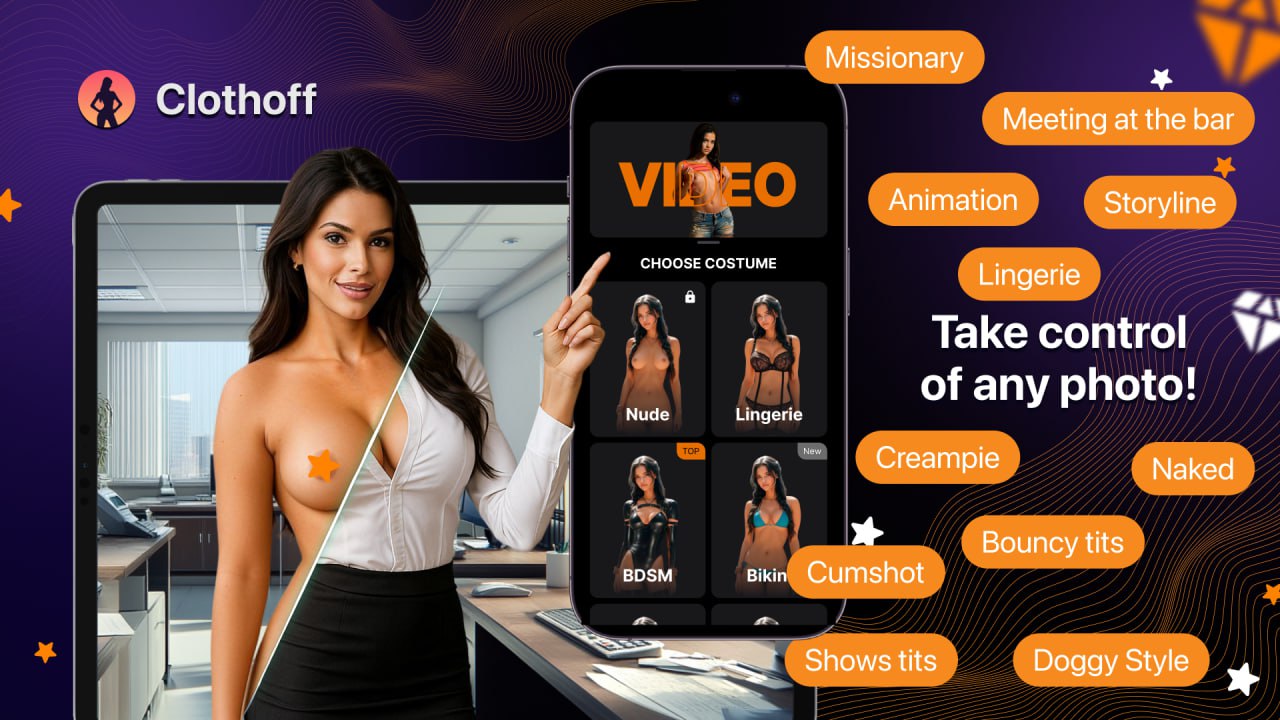
Clothoff makes face edits from media you already have: a photograph with a replacement portrait, or an uploaded video with a different face. The original file supplies the scene and your portrait supplies the replacement identity. You can make a consented parody still, replace your own face in a clip, or use costume and pose options for a separate adult-photo edit. That combination suits someone returning for different image changes in the same account.
Photo matching adapts the face to the target’s angle and lighting. Video tracking follows movement and expressions across frames, aiming for a moving replacement rather than an edited thumbnail. MP4, MOV and AVI inputs cover common exports without a desktop installation. DeepSwap is the closer fit for longer, multi-person footage, supporting up to six swapped faces and clips up to 30 minutes. Clothoff’s appeal is combining face replacement with other photo transformations, not a guarantee of more convincing footage.
One-time coin packs cost $2 for 38 coins, $6 for 148, $15 for 428 and $40 for 1,292, without a recurring subscription. Photo face swaps are paid, although you can explore before generating. The chosen operation determines the coin charge: the same balance need not buy the same number of photos and video seconds. Check that charge before committing a clip.
Source selection gives the edit an existing face and composition; pose and body-shape settings direct separate adult-photo transformations. Those settings do not act as manual repairs to a completed face swap. FaceFusion offers precision masking and local face editing when selective correction matters. Choose those controls if you need to fix a few seconds while preserving the rest of a long video, rather than treating another automatic generation as a local repair. Hardware and setup are trade-offs for local control.
For one swapped portrait, DeepSwapper’s free still-image service avoids buying credits. Clothoff fits standalone photo or video edits where you can change the source or try again, and its wider adult-image tools will also be useful. It is less compelling if you need only one narrow face-swap feature or expect detailed control over a finished composite.
- Photo face replacement uses a target picture and a replacement portrait
- Video face replacement tracks movement and facial expressions
- MP4, MOV and AVI video input without a desktop installation
- Additional costume, pose, body-shape and multi-upload image options
- One-time coin purchases; photo face-swap generation is paid
Pros
- Both photographic and moving face edits in a browser
- More image-transformation options than a face-only template app
- Common video formats can be submitted without a specialist desktop package
- Pay-as-you-go packs avoid committing to a monthly plan
Cons
- Finished swaps and video seconds depend on the selected operation’s coin charge
- Manual masking or frame repair needs separate confirmation for the selected tool
- A free entry does not include unlimited paid face-swap generations
- Clip limits and export settings must match the intended video before spending coins
Bottom line
Choose Clothoff for individual face edits alongside adult-photo transformations. Compare DeepSwap for longer multi-person clips, FaceFusion for local repair controls, or DeepSwapper when free still swaps are enough.
2. DeepSwap — Best overall face swap app
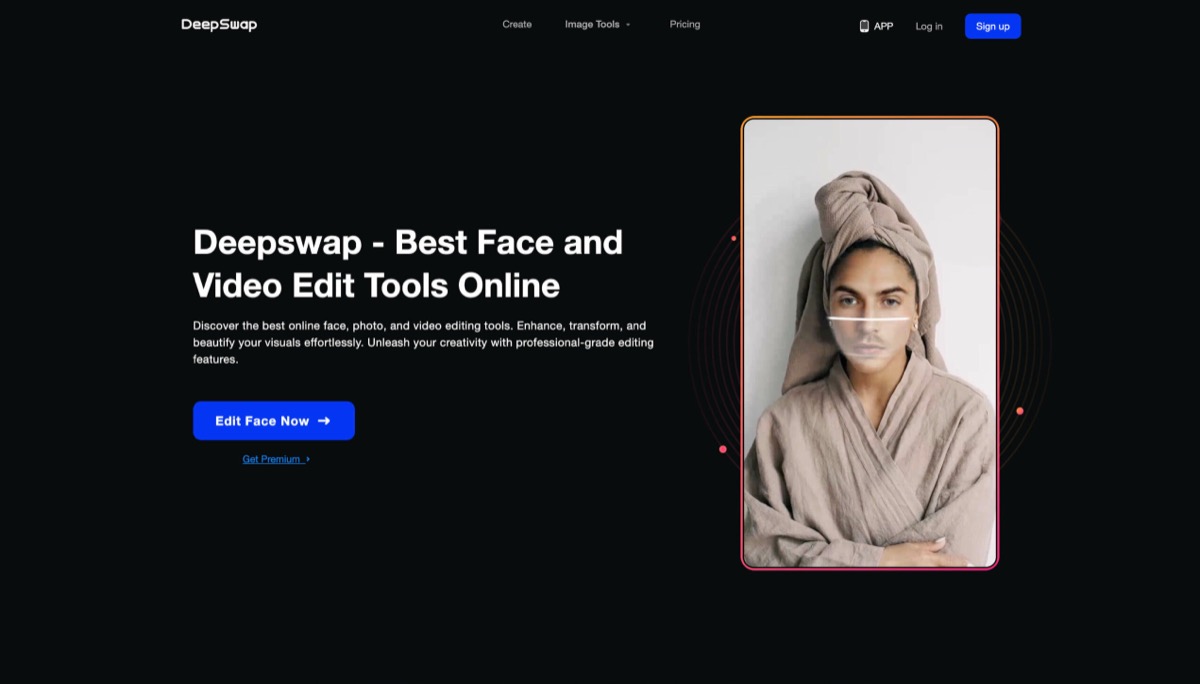
DeepSwap handles stills, GIFs and video from a single browser tab, with an HD Face Swap setting and a stated ceiling of 30 minutes on a single video. In practice that means one source portrait can carry a whole set — a still for a profile, a reaction GIF, and a full clip — without changing tools or re-uploading the face, and the likeness stays recognisably the same across all three because the same model produces all three.
The control that changes the result most is face selection. DeepSwap detects every face in the frame and lets you choose which to replace, so a two-minute clip of two people can have one of them swapped and the other left alone. The second is that one model does every job here and HD is a toggle rather than a separate product, so the better-looking output is not held back behind something you have to switch to. Against Akool further down, which splits the work into five distinct swap modes you must pick between before you upload, this is a single pipeline that behaves the same way on a still, a GIF and a clip — and paid accounts run it on a priority queue.
Full access is $19.99 a month or $99.99 a year, both halved on a first order and both carrying 20 credits a month. That grant is the catch: video draws one credit per 15 seconds, so 20 credits is five minutes — against a headline advertising swaps on videos up to 30 minutes, which would take 120 credits bought as a separate pack.
Side angles and frequent movement can disrupt face tracking and show up as flicker. Small faces may not swap, and several detections of the same person may need to be selected separately. DeepSwap has no mask or per-frame editor, so a poor result is generated again rather than repaired selectively. A render that fails outright returns its credits automatically.
- Photo, GIF and video face swap in a browser, with iOS and Android apps
- Video billed at 1 credit per 15 seconds, rounded up to the next 15
- Stills at 0.1 credit; the HD option and every model cost the same
- Multi-face detection with per-face selection before you render
- Uploads held 30 days from the last swap, finished results held one week
Pros
- Published credit rates for every action, including the rounding rule
- Failed renders refund their credits without a support ticket
- One account covers stills, GIFs and video with the same likeness
- Choose which detected face to replace and leave the rest alone
- Account deletion and a stated 30-day upload retention period
Cons
- 20 credits a month is five minutes of video against a 30-minute headline
- No masking, no per-frame fix — a poor swap is re-run, not corrected
- Vendor confirms flicker on side angles and quick movement
- Crypto payments are excluded from refunds entirely
- Finished results are deleted a week after a membership lapses
Bottom line
The most complete browser face swapper here, and the only one that tells you exactly what each action costs before you spend it. Budget for a credit pack if video is the point — the monthly grant covers five minutes.
3. Deepfakes Web — Best browser video deepfake tool

Deepfakes Web does something none of the others do: it learns the pairing from your two files before it renders anything. You give it one clear image of the face you want and one MP4 up to 200MB, and it extracts the faces from every frame, trains on them, swaps them and reassembles the video. The result is a clip that holds a single subject more steadily than a frame-by-frame swapper does, because the model has seen that person from every angle the footage contains before it commits to a single frame.
That approach fits one job precisely: a sustained shot of one person, up to 150 seconds, at up to 4K. A monologue, a piece to camera, a single continuous take. It is the wrong tool for a meme, a group photo or a ten-second reaction, and it is the opposite of DeepSwap above — where DeepSwap charges by the second and returns a result in a queue, this charges a flat fee per video and publishes a three-stage timetable of two to ten minutes to extract, two to twenty to detect and swap, and one to ten to render.
It costs $10 a video, once, with no subscription and no credit balance to manage. At the 150-second ceiling that is under seven cents a second, which is the cheapest sustained footage on this page; at 15 seconds it is the dearest, because the fee does not scale down. There is no free tier at all — the vendor says outright that GPU costs make free generation impossible — and the refund rule is worth knowing before you pay: a failed generation or an unspent balance is refunded in full, but a video that renders is not, however it looks.
The decisive limitation is one the vendor volunteers. It states that deepfake technology can easily fool people, that it therefore does not push the limits, and that its videos are meant to stay identifiable as fake through their imperfections. It also embeds an invisible watermark in every output so that common detection tools can flag it. Both are defensible positions and both are, for a buyer, a hard ceiling on realism that no amount of source quality will lift. If a convincing result is the requirement, this is the wrong purchase — and there is no editor, no mask and no partial re-render to close the gap.
- Trains on your source image and target video before rendering
- Up to 150 seconds, up to 200MB, MP4 in, 4K supported
- Published stage timings: 2–10 minutes extraction, 2–20 detection and swap, 1–10 rendering
- $10 per video with no subscription; refund for failures and unused balances
- An invisible watermark is added to every finished video
Pros
- Per-video training holds one subject better than per-frame swapping
- One flat fee with no subscription, credits or renewal to cancel
- 4K supported and a 150-second clip length at no extra charge
- Full refund on a failed generation or an unspent balance
- A REST API on the same models for anyone building on it
Cons
- Realism is capped by design and the vendor says so plainly
- Every output carries an invisible watermark for detection tools
- No verifiable free access — nothing runs before you pay
- A rendered video is non-refundable no matter how it turned out
- $10 for a 15-second clip is the worst short-form rate here
Bottom line
Buy this for one long, steady shot of one person and nothing else. Its per-video training is a genuine advantage over frame-by-frame swapping, and its self-imposed realism cap is a genuine reason to look elsewhere.
4. Reface — Best mobile face swap app
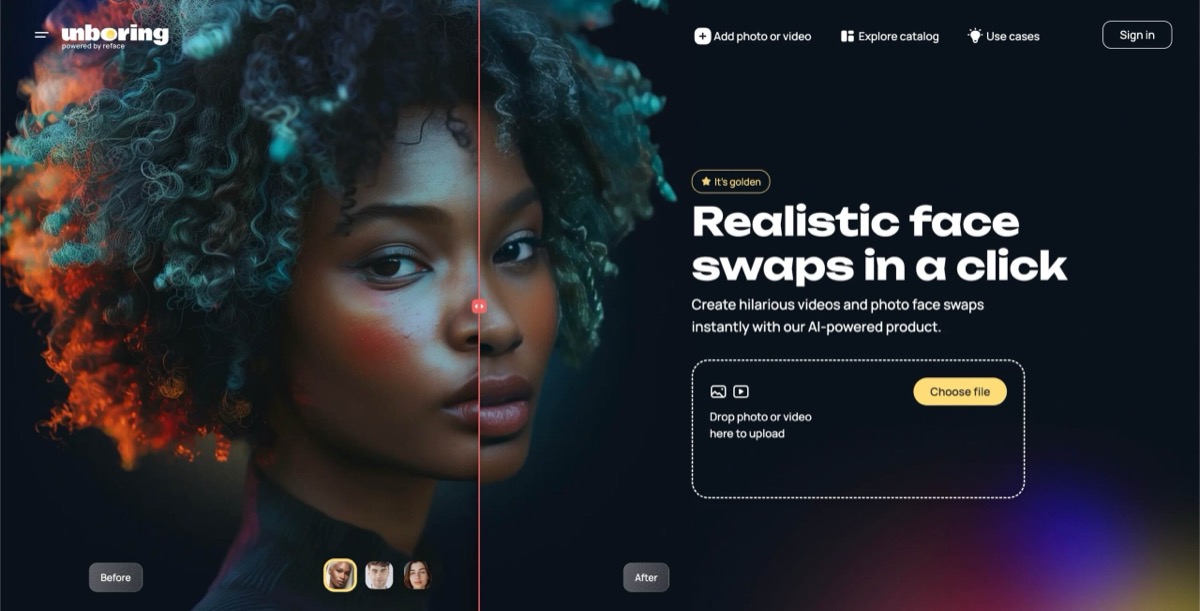
Reface is the only entry here that will give you a finished face swap on a phone, from a standing start, without an account or a card. You pick a clip or a still from its catalogue, add a selfie, and it returns the swap — and because the app has been shipping that one interaction since 2019, the path from opening it to having something to send is shorter than anything else on this page.
What it has become, though, is a general AI photo app with face swapping as one feature among many. Alongside the swap sit AI hairstyles and hair colour previews, AI headshots, avatar packs, a baby generator, an animator that makes a still photo sing, and age and gender transformations. That breadth is the appeal for a casual user and the problem for anyone with a specific shot in mind: you swap into the catalogue rather than swapping into your own footage, and there is no mask, no face selection and no way to fix an edge that lands badly. Where FaceFusion below hands you the landmarks and the mask, this hands you a button.
Pricing is the weakest part of the purchase and it is not close. Nothing is published on the web at all; the App Store listing carries ten separate in-app purchases, including one-off packs at $4.99, $5.99, $6.99 and $39.99, three different weekly subscriptions at $2.49, $3.99 and $6.99, a monthly at $12.99 and an annual at $24.99. A reader who lands on the weekly PRO rate pays $363.48 across a year for what the annual sells at $24.99. Which of those ten you are offered is decided inside the app, not by you.
The other thing to weigh is what the app does with what you feed it. Its own App Store privacy declaration lists user content — photos and videos among them — under data that may be used to track you across apps and websites owned by other companies, and again under analytics. That is not an inference; it is the developer's answer on Apple's form. For a swap of your own face into a meme, most people will not care. For anything you would not hand to an ad network, it is the reason to use FaceFusion locally or Deepfakes Web's paid single-render instead.
- Free to install on iOS and Android with a working swap before payment
- Face swap plus hairstyles, headshots, avatars, animation and age changes
- Swaps into a supplied catalogue of clips and stills rather than your own footage
- Ten in-app purchases: three weekly rates, a monthly, an annual and four packs
- Rated 16+ with advertising and user-generated content declared
Pros
- A finished swap on a phone with no account and no card
- The widest set of extras here — hair, headshots, avatars, animation
- Both major mobile platforms, actively updated month to month
- A large supplied catalogue removes the need to source footage
- Family Sharing covers some purchases across a household
Cons
- No price published anywhere outside the app stores
- Three weekly rates exist, and the dearest costs 14x the annual
- Uploaded photos and videos are declared as cross-company tracking data
- You swap into its catalogue, not into footage you supply
- No mask, no face selection, no way to correct a bad edge
Bottom line
The right answer when the phone is the only device and the result is going straight to a group chat. Check which subscription the app offers you before tapping — the weekly and the annual are not close to the same money.
5. FaceFusion — Best open-source option

FaceFusion is the only tool here that lets you choose the swap model to suit the shot. It ships three: HyperSwap 1A, built for hidden faces and harsh angles and good with makeup; 1B, the balanced one; and 1C, the strongest for face match and face shape. That sounds academic until a subject wears glasses, turns to profile or has hair across one cheek — the cases where every other entry on this page returns one answer and leaves you to accept it. Here the first move on a difficult frame is to try a different model.
The second difference is that a near-miss can be repaired instead of re-rolled. Eleven processors run over the same footage: Face Enhancer for facial detail, Frame Enhancer for up to eight-times upscaling, Expression Restorer to put the original performance back when a swap comes out flat, Face Editor for head rotation, eye gaze, expression and mouth shape, a Lip Syncer, an Age Modifier, and a Face Debugger that draws the landmarks, the detection boxes and the face mask straight onto the frame so you can see why an edge is failing.
None of that costs a subscription. The source is public and free to clone, and the only money the project asks for is a $20 Windows installer or a $30 macOS one that automates the Git, Conda and FFmpeg setup and adds a desktop shortcut. Studio plugins for After Effects, Premiere Pro, Nuke and DaVinci Resolve are sold separately, and the memberships at $20, $40 and $100 a month fund the project rather than unlock it. A cloud partner runs the same HyperSwap models by API for anyone who needs them on a server.
What it asks for instead is hardware and patience. It runs on Windows, macOS and Linux with accelerator backends including CUDA, TensorRT, DirectML, CoreML, ROCm and OpenVINO, and a long clip on a weak card is measured in hours rather than minutes. There is no browser version and no phone version. It also ships under an OpenRAIL-AS licence, which is open but carries use restrictions rather than granting the blanket permission a permissive licence would — worth reading if the output is going anywhere commercial. Nothing you process leaves your machine, which is the whole point and the reason it is the only sane choice for footage you would not upload.
- Three swap models tuned for occlusion, all-round balance or face match
- Eleven processors including expression restoration, lip sync and 8x upscaling
- Face Debugger draws landmarks, detection boxes and masks on the frame
- Free to clone; $20 Windows or $30 macOS installer; plugins sold separately
- Runs entirely on your own machine — nothing is uploaded or transmitted
Pros
- Pick the model that matches the failure you are actually hitting
- Repair a near-miss with a second pass instead of regenerating it
- The only entry that shows you the mask it is applying
- No subscription, no credits, no per-render charge at any point
- Nothing leaves your machine, so sensitive footage stays yours
Cons
- Needs a capable GPU and a manual install unless you buy the installer
- No browser version and no mobile version at all
- Render time is your hardware's problem, and a long clip is slow
- The OpenRAIL-AS licence carries use restrictions worth reading
- The learning curve is real — this is software, not a button
Bottom line
The strongest face swapper on this page and the cheapest, provided you have the graphics card and the willingness to install it. If a swap has to survive glasses, a profile or close inspection, this is the one that gives you the controls to get there.
6. Akool — Best business face swap tool

Akool separates the swap into five distinct operations rather than one, and that is what it is here for. Face Swap replaces the face and keeps the expression and motion. Head Swap replaces the entire head while holding the pose and lighting, which is the answer when the face fits but the hairline or skull shape is what gives the edit away. Character Swap changes the whole person across a scene, Motion Swap maps movement from a reference clip onto your own subject, and Hair Swap changes only the hair. Choosing the right one is usually a bigger quality gain than any setting inside it.
It is also the only entry built for volume. You can send up to fifty files in a single upload, and multi-face detection is automatic with no manual masking — fifty product stills with the same model's face dropped into all of them is one operation, not fifty. Upload quality reaches 16K on the mid tiers, video runs to 60 minutes on the top plan, and a live face swap can hold for up to two hours for a stream or an event. Against FaceFusion above, the trade is exact: Akool gives you scale, hosting and a live pipeline, and takes away the mask, the model choice and the ability to fix a frame.
Plans open at $12 a seat a month billed yearly, then step through $21, $41.30 and $174.30 as the credit rate falls. The number that matters most is not the one on the tier: the licence is personal on Starter, Pro and Pro Max, and commercial rights begin at Business — $174.30 a seat, or $2,091.60 a year. Every admin or editor you invite is charged at your rate too.
The free tier is a demonstration rather than a plan. It stamps a full-screen watermark on the result, caps uploads at 720P, 150MB and 30 seconds, and runs on the slowest processing queue, so it will show you whether a swap works and nothing about what it looks like finished. Past that, the gap is recovery: there is no mask, no per-frame correction and no published rule refunding credits on a render you cannot use, so a swap that comes back wrong costs four credits and then costs four more. Vendor copy claims the models handle fast movement, occlusions and rapid lighting changes; that is a claim about the ceiling, not a rate at which it happens.
- Five swap types — face, head, character, motion and hair — priced separately
- Batch uploads of up to 50 files with automatic multi-face detection
- 16K upload quality on Pro and above; video to 60 minutes on Business
- Live face swap for streams, up to 60 minutes on Pro and 120 on Business
- Personal licence up to $41.30 a month; commercial rights from $174.30
Pros
- Head Swap solves the cases a face-only swap cannot
- Fifty files per upload with automatic multi-face detection
- The highest published upload quality and longest video ceiling here
- Live face swap for streams and events, up to two hours
- A documented API on the same models for anyone building on it
Cons
- Commercial rights cost $2,091.60 a year, not the advertised $21 a month
- Every invited admin or editor is billed at the owner's rate
- The free tier carries a full-screen watermark and a 30-second cap
- No masking or per-frame correction — a bad swap costs credits twice
- Face swapping is one feature in a very large suite, not the focus
Bottom line
The right call when the job involves many faces, many files or a live camera. Price it on the Business tier if the output is commercial — the cheaper plans grant a personal licence only.
7. Pseudoface — Best privacy and identity protection angle
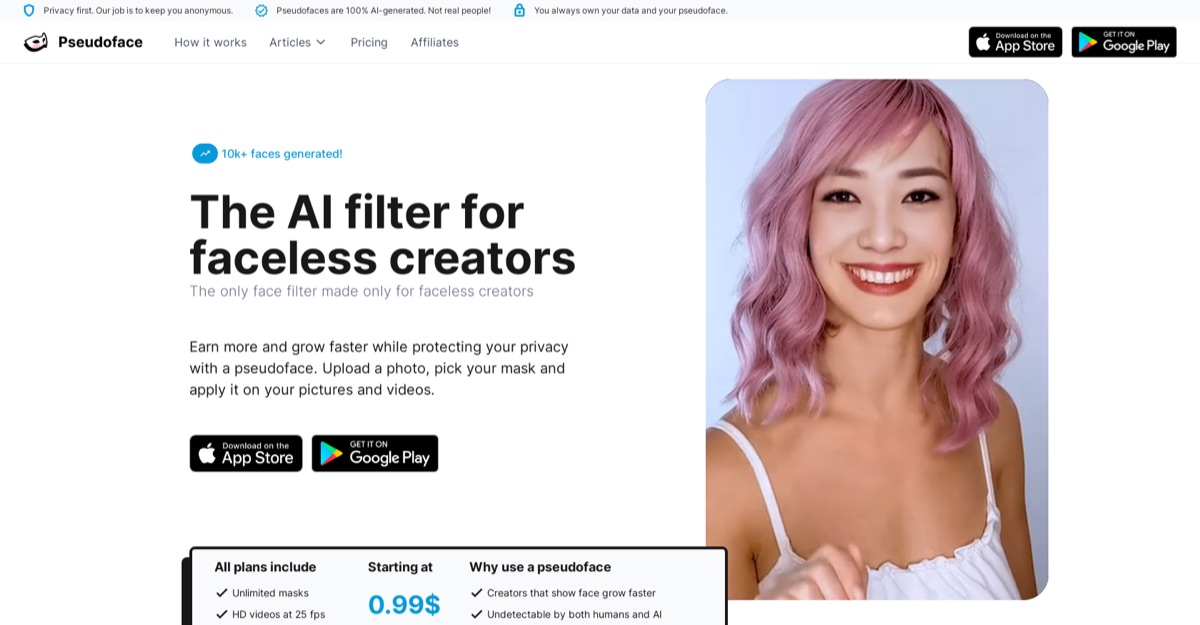
Pseudoface is doing the opposite job to everything above it. It does not borrow a face from a photo you supply; it generates one that belongs to no real person and fits it to your own face shape and features, frame by frame, across your own video. The result is that you can appear on camera — talking, moving, in your own footage — with a face that reads as a real human being and is not yours, and stays the same face from clip to clip.
Because the mask is generated rather than taken, you can keep making new ones until one fits. Every tier includes unlimited mask creation and an editor that previews a mask at low resolution before you commit a video to it, and the vendor states the models are built to hold your own ethnicity unless you deliberately change it. It also grants full commercial licence and ownership of the masked output, and stores uploads encrypted on servers in Europe, not linked to identifying information. For a creator whose face is the reason they cannot post, that combination is not available anywhere else on this page.
The plans meter output rather than attempts. Amateur runs $14.99 a month for 150 images and 15 minutes of video, Creator $24.99 for 250 and 25 minutes, and Influencer $49.99 for 500 and 50 minutes, with extra credits buyable on all three. At entry that works out around ten cents an image or a dollar a video minute. There is no free version at all; a tutorial shows you how a mask looks on your own face and stops there, which is a single demonstration rather than a plan you can finish anything on.
Two limits will decide this for most people. It is an iPhone and iPad app — no Android, no browser, no desktop — so half the market cannot run it at all. And it is slow in a way the others are not: the vendor puts processing at 20 to 30 minutes for every minute of video, which makes the entry plan's 15 monthly minutes up to seven and a half hours of rendering. Its failure cases are stated plainly too — if the face is not clearly visible or well lit, or is covered or turned away, artifacts appear in the mask. That is the same occlusion and lighting problem the swappers have, and there is no mask editor to paint around it.
- Generates a synthetic face rather than swapping in a real one
- Unlimited mask creation and editing on every tier, with a low-res preview
- $14.99, $24.99 and $49.99 a month for 150, 250 and 500 images
- 15, 25 and 50 minutes of video a month respectively, extra credits available
- Full commercial licence and ownership; encrypted storage on European servers
Pros
- A consistent on-camera identity that belongs to no real person
- Unlimited masks and re-edits at every price point
- Full commercial ownership of the masked output, stated plainly
- Encrypted European storage, unlinked from identifying information
- The only tool here designed for appearing rather than editing
Cons
- iPhone and iPad only — no Android, no browser, no desktop
- 20 to 30 minutes of processing for each minute of video
- No free version; a tutorial preview is all you get before paying
- Monthly image and minute quotas, not an unlimited allowance
- Poor lighting, occlusion or a turned head produce visible artifacts
Bottom line
Not a face swapper, and it should not be bought as one. If the requirement is being on camera without showing your own face, it is the only entry here that does it — provided you own an iPhone and can wait.
8. DeepSwapper — Best simple photo face swap
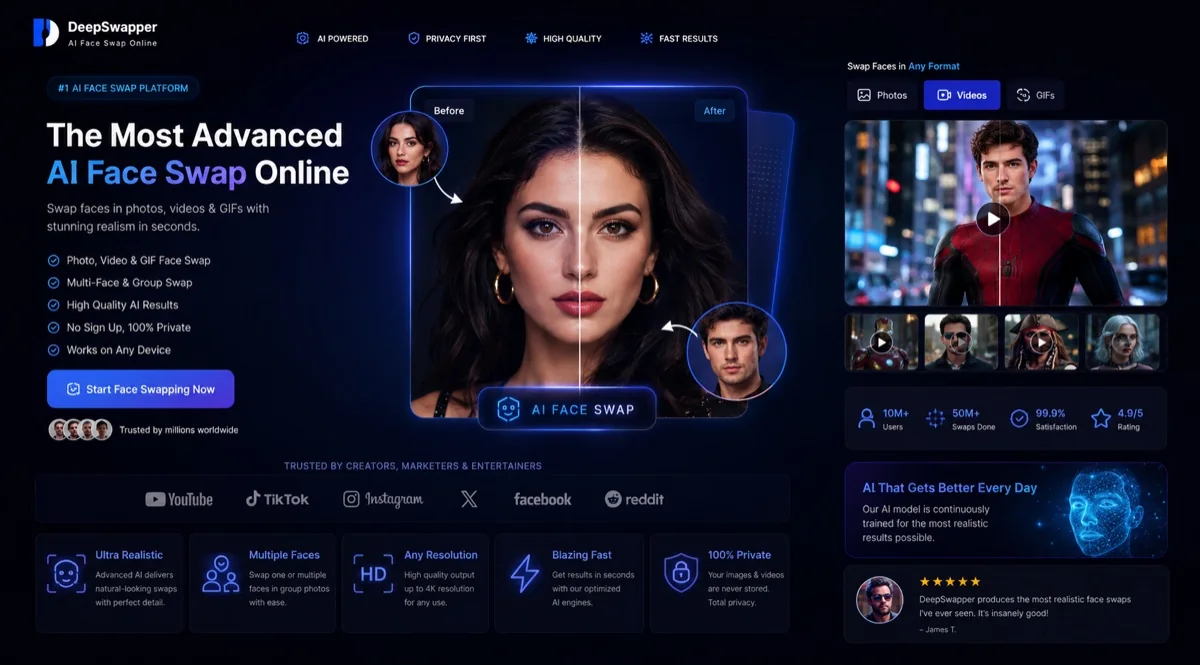
DeepSwapper asks for nothing. No account, no email, no card — you open the page, drop in an image, pick the face and download the result at full quality with no watermark on it. For a single still that needs a face changed, that is the shortest path on this page by a wide margin, and the output is yours to use commercially according to the vendor's own terms.
It handles more than a single portrait, too. The model detects every face in the image and lets you swap all of them or select particular ones, so a group photo can have one person changed and the rest untouched. Uploads accept JPEG, PNG, WEBP, GIF, MP4, WEBM and MOV, so a reaction GIF can carry a swapped face without becoming a video job, and the same models are offered as a commercial API for anyone building on top. Set against SwapMyFace below, the trade is simple: SwapMyFace keeps a library of everything you make and an upscaler to finish it, while this hands you an empty box and then gets out of the way.
Video is where the offer changes shape. The site markets free video face swapping in its own navigation, while its FAQ states that video needs a purchased subscription whose price appears nowhere on the site, in any currency, with no plans page to read beforehand. That silence is a purchasing disadvantage in its own right — there is simply nothing to hold against the rates the tools above it publish.
Everything past the swap is absent. There is no mask, no editor, no regeneration control, no queue information, and no published resolution or duration ceiling — a poor result is simply run again, which at least costs nothing on stills. Data handling is stated in terms of an account you do not have while using it anonymously: uploads are not stored unless the save history and save faces options are switched on in the account page, with no retention period given for anything else. Treat it as the quickest way to test whether a face swaps cleanly at all, then take the ones that matter somewhere with controls.
- Unlimited image face swaps, free, with no account and no watermark
- Automatic detection of every face, with per-face selection
- Accepts JPEG, PNG, WEBP, GIF, MP4, WEBM and MOV
- Video face swapping requires a paid plan whose price is not published
- Commercial use of the output is permitted under the vendor's terms
Pros
- Genuinely free unlimited image swaps with no signup at all
- No watermark on free output and full-quality download
- Detects every face and lets you choose which to replace
- Commercial use of results is permitted under its own terms
- A commercial API is available for anyone building on it
Cons
- Video needs a paid plan and no price is published anywhere
- No plans page exists to read before creating an account
- No mask, no editor and no regeneration controls of any kind
- No published resolution, duration or queue information
- Storage terms are written around an account anonymous users lack
Bottom line
The best free image swap here and the fastest way to find out whether a particular face swaps cleanly. Do not plan video around it until the vendor publishes what video costs.
9. SwapMyFace — Best pay-per-image face swap

SwapMyFace does one thing and does it from anywhere: it puts your face into a picture. Its Chrome extension is the part nothing else on this page has — right-click any image you come across while browsing and swap yourself into it without saving the file, opening a tab or uploading anything by hand. A painting on a museum page, a film still, a poster on a shop site: the swap happens where you found the picture.
The rest of it is deliberately small. You upload a face, upload a target, and it merges them; faces you have used before are stored for re-use, so a recurring subject does not need re-uploading, and every image you generate keeps a permanent link you can go back to. A one-click upscaler sits in the same screen, which is the only correction step here — it raises resolution on a swap that landed well rather than fixing one that did not. The vendor puts total output at 700,000 pictures and publishes guides for swapping onto Midjourney and Leonardo output, which is the clearest signal of what it is for: putting a real face onto generated art.
It is the only entry here with no subscription of any kind. Credits come in packs at $9, $15 and $25, one credit buys one generated image, and new accounts get five before a card is needed. Against DeepSwapper directly above, that is the whole argument: one asks for nothing and gives nothing back, the other bills by the picture and hands you an upscaler and a permanent library in return.
The limits are worth being blunt about. It is stills only — no video appears anywhere on the product, at any price, which rules it out for everything the top half of this page is built for. There is no mask, no face selection and no published multi-face handling, and because you pay per generation rather than per usable result, a swap that comes back wrong is charged exactly like one that works. The vendor publishes no watermark policy and no output resolution. Its privacy policy states that the pictures you upload are collected and that data is shared with partners and service providers as needed, gives no retention period, and still carries a 2023 revision date; it also states the service is accessible to children while not aimed at them, which is worth knowing before uploading anyone's face but your own.
- Chrome extension swaps into any image you right-click while browsing
- Credit packs at $9, $15 and $25 — one credit is one generated image
- Five free generations before a payment method is required
- Built-in one-click upscaler and a permanent library of past results
- Stills only — no video face swap exists at any price
Pros
- The only tool here that swaps into a picture where you found it
- No subscription at all — credits are bought once and kept
- Published per-credit rates, and one credit is exactly one image
- Five free generations before any payment details are asked for
- Saved faces and a permanent library of everything generated
Cons
- Stills only, with no video face swap at any price
- A credit is spent per attempt, so a bad swap costs the same as a good one
- No mask, no face selection and no published multi-face handling
- No watermark policy or output resolution is published anywhere
- The privacy policy names no retention period and dates to 2023
Bottom line
The right buy if you want face swapping without another monthly charge and you never need video. The Chrome extension is a genuine convenience nothing else here matches; the credit-per-attempt model means you pay for the misses too.
Deepfake Quality And Reliability
A usable face swap needs the replacement to follow the subject through the shot, hold its shape and blend with the original lighting. Recovery controls matter when that fails: compare another automatic generation with model selection, masking, expression restoration or frame editing.
- Tool
- Clothoff
- Identity Preservation
- Reference-face photo for stills; facial motion and expression tracking for video
- Control Over A Bad Result
- Change the source or reference face for another attempt; check its charge before generating
- Known Failure Pattern
- Check the full video in motion, including turns and changes of expression
- Published Speed
- Processing time varies with the clip length and selected operation
- Tool
- DeepSwap
- Identity Preservation
- One model for every job; HD costs no more than standard
- Control Over A Bad Result
- Re-run only; failed renders refund their credits
- Known Failure Pattern
- Vendor states side angles and quick movement cause flicker
- Published Speed
- Priority processing on paid accounts; no time published
- Tool
- Deepfakes Web
- Identity Preservation
- Trains per video, then caps realism deliberately
- Control Over A Bad Result
- None; a rendered video is final and non-refundable
- Known Failure Pattern
- Realism is limited by design so results stay identifiable
- Published Speed
- 2–10 min extract, 2–20 swap, 1–10 render
- Tool
- Reface
- Identity Preservation
- Tuned for its own catalogue rather than your footage
- Control Over A Bad Result
- None exposed; regenerate from the same button
- Known Failure Pattern
- No face selection, so a group shot is all or nothing
- Published Speed
- Not published
- Tool
- FaceFusion
- Identity Preservation
- Three models with published occlusion and likeness profiles
- Control Over A Bad Result
- Full — masks, debugger, model switching, second passes
- Known Failure Pattern
- Bounded by your GPU; long clips take hours on weak cards
- Published Speed
- Your own hardware, no queue at all
- Tool
- Akool
- Identity Preservation
- Five swap modes including a full head replacement
- Control Over A Bad Result
- Re-run at full credit cost; no mask or frame editing
- Known Failure Pattern
- Claims to handle occlusion and motion; no rate is given
- Published Speed
- Slow, medium, fast, faster and fastest by tier
- Tool
- Pseudoface
- Identity Preservation
- Replaces identity by design rather than preserving one
- Control Over A Bad Result
- Unlimited new masks, but each video is rendered again
- Known Failure Pattern
- Vendor states artifacts on poor light, occlusion or turning away
- Published Speed
- 20–30 minutes per minute of video
- Tool
- DeepSwapper
- Identity Preservation
- Single model, no settings exposed at all
- Control Over A Bad Result
- Re-run; free on stills so the cost of a retry is nothing
- Known Failure Pattern
- No controls, so a bad edge cannot be addressed
- Published Speed
- Marketed as seconds; nothing published
- Tool
- SwapMyFace
- Identity Preservation
- Single model, no settings, no published resolution
- Control Over A Bad Result
- A one-click upscaler only; a credit is spent either way
- Known Failure Pattern
- Stills only — no video capability exists to fail
- Published Speed
- Marketed at five seconds; nothing measured
| Tool | Identity Preservation | Control Over A Bad Result | Known Failure Pattern | Published Speed |
|---|---|---|---|---|
| Clothoff | Reference-face photo for stills; facial motion and expression tracking for video | Change the source or reference face for another attempt; check its charge before generating | Check the full video in motion, including turns and changes of expression | Processing time varies with the clip length and selected operation |
| DeepSwap | One model for every job; HD costs no more than standard | Re-run only; failed renders refund their credits | Vendor states side angles and quick movement cause flicker | Priority processing on paid accounts; no time published |
| Deepfakes Web | Trains per video, then caps realism deliberately | None; a rendered video is final and non-refundable | Realism is limited by design so results stay identifiable | 2–10 min extract, 2–20 swap, 1–10 render |
| Reface | Tuned for its own catalogue rather than your footage | None exposed; regenerate from the same button | No face selection, so a group shot is all or nothing | Not published |
| FaceFusion | Three models with published occlusion and likeness profiles | Full — masks, debugger, model switching, second passes | Bounded by your GPU; long clips take hours on weak cards | Your own hardware, no queue at all |
| Akool | Five swap modes including a full head replacement | Re-run at full credit cost; no mask or frame editing | Claims to handle occlusion and motion; no rate is given | Slow, medium, fast, faster and fastest by tier |
| Pseudoface | Replaces identity by design rather than preserving one | Unlimited new masks, but each video is rendered again | Vendor states artifacts on poor light, occlusion or turning away | 20–30 minutes per minute of video |
| DeepSwapper | Single model, no settings exposed at all | Re-run; free on stills so the cost of a retry is nothing | No controls, so a bad edge cannot be addressed | Marketed as seconds; nothing published |
| SwapMyFace | Single model, no settings, no published resolution | A one-click upscaler only; a credit is spent either way | Stills only — no video capability exists to fail | Marketed at five seconds; nothing measured |
The clearest divide is between tools that re-roll and tools that repair. DeepSwap, Akool, SwapMyFace, Reface and DeepSwapper all give you one button and one result; if the jawline is soft or an edge is visible, the only available move is to run it again and hope. FaceFusion is the only entry that treats a defective swap as something to work on — you can change the model, look at the mask the detector actually applied, restore the original expression, upscale the frame or edit the head pose, all without redoing the swap. On a difficult source that is not a marginal advantage; it is the difference between a usable clip and a discarded one.
Deepfakes Web trains on your footage before rendering, which suits one sustained shot of a subject. It deliberately limits realism so the output remains identifiable as synthetic, and adds an invisible watermark for detection tools. That trade-off matters if convincing likeness is the main reason for the purchase.
DeepSwap says small faces may not swap and that a subject can be split into separate detections; Pseudoface says a covered or badly lit face produces artifacts; SwapMyFace tells users the result depends on the source picture and offers an upscaler rather than a fix. Those admissions circle the same underlying problem — occlusion, motion and profile angles — and only FaceFusion sells a model specifically built for it.
Multi-face scenes separate the list again. Akool detects every face automatically and requires no manual masking, DeepSwap and DeepSwapper let you pick which detected face to change, and Reface, SwapMyFace and Deepfakes Web publish no face selection at all. If the shot has two people in it and only one of them consented, that is not a convenience feature — it is the difference between a usable tool and an unusable one.
Finally, a cheap render is expensive when it cannot be salvaged. DeepSwapper costs nothing per still, so a retry costs nothing; DeepSwap returns credits automatically on a failed render; Deepfakes Web refunds a failed generation but not a disappointing one, so a $10 video that renders badly is $10 spent; and Akool charges four credits again for the second attempt at the same shot.
What makes a face swap usable
The subject stays recognisably themselves, the new face sits inside the original lighting rather than on top of it, the jawline and hairline hold when the head turns, no seam or flicker appears across frames, other faces in the shot are untouched unless you asked for them, and the file downloads at a resolution you can actually publish. A render that completes is not automatically one that qualifies.
Deepfake App Feature Matrix
| Tool | Multi-Face Selection | Mask And Frame-Level Correction | Choice Of Swap Model Or Mode | Published Per-Unit Rate | Browser Access, No Install | Watermark Policy | Commercial Rights | Stated Data Retention |
|---|---|---|---|---|---|---|---|---|
| Clothoff | Single-face swaps; confirm multi-face selection | Choose the reference face and source clip; confirm any manual-edit controls before buying | Automatic face replacement; confirm selectable models | Coin packs; operation charges vary | ✓ | Check the selected output option | Confirm output licensing before commercial use | Cloud image processing; review deletion terms |
| DeepSwap | ✓ | ✗ | ✗ | 1 credit / 15s | ✓ | Not published | Not published | 30 days from last swap |
| Deepfakes Web | ✗ | ✗ | ✗ | $10 a video | ✓ | Invisible watermark on every video | Not published | Not published |
| Reface | ✗ | ✗ | ✗ | ✗ | ✗ | Not published | Not published | Not published |
| FaceFusion | ✓ | ✓ | Three swap models | One-time install fee | ✗ | None — renders locally | Licence carries use restrictions | Nothing is uploaded |
| Akool | ✓ | ✗ | Five swap types | 4+ credits a swap | ✓ | Full screen on free, removed on paid | Business tier only | Not published |
| Pseudoface | ✗ | ✗ | Unlimited generated masks | 150 images / 15 min | ✗ | Not published | Full ownership granted | Encrypted, European servers |
| DeepSwapper | ✓ | ✗ | ✗ | ✗ | ✓ | None, including free output | Permitted in its FAQ | Only with account options enabled |
| SwapMyFace | ✗ | ✗ | ✗ | 1 credit = 1 image | ✓ | Not published | Not published | No period stated |
Pricing Overview
These apps charge through credit balances, flat fees per video, monthly image or video allowances, or one-time software purchases. Compare the unit you need: $10 per video is different from $10 per month, and a free still-image swapper does not replace a video editor. Include the cost of another attempt and any hardware you need.
What one face swap actually costs
- Tool
- Clothoff
- Cheapest Route
- One-time coin packs, starting at $2
- How The Unit Is Derived
- Pack price ÷ coins × the selected operation’s charge
- Cost Per Still
- Coins per operation; the charge depends on the selected edit
- Cost For Video
- Paid in coins; budget for the selected clip and any additional attempts
- Tool
- DeepSwap
- Cheapest Route
- $99.99 for 12 months, 240 credits
- How The Unit Is Derived
- $99.99 ÷ 240 credits = $0.42 a credit; a still draws 0.1
- Cost Per Still
- $0.04
- Cost For Video
- $0.42 per 15 seconds, rounded up
- Tool
- Deepfakes Web
- Cheapest Route
- $10 a video, no subscription
- How The Unit Is Derived
- $10 ÷ 150 seconds at the maximum clip length
- Cost Per Still
- Not offered — video only
- Cost For Video
- $0.07 a second at the cap, $10 at any length
- Tool
- Reface
- Cheapest Route
- Free install, then an in-app offer
- How The Unit Is Derived
- Not derivable — ten purchases from $2.49 a week to $39.99, and the app decides which you see
- Cost Per Still
- Not derivable
- Cost For Video
- Not derivable
- Tool
- FaceFusion
- Cheapest Route
- Free clone, or a $20 / $30 installer
- How The Unit Is Derived
- One payment, then no per-render charge of any kind
- Cost Per Still
- $0.00 after the install
- Cost For Video
- $0.00, bounded by your own GPU time
- Tool
- Akool
- Cheapest Route
- $21 a seat a month, 600 credits
- How The Unit Is Derived
- $0.035 a credit × 4 credits for a face swap
- Cost Per Still
- $0.14
- Cost For Video
- Same 4-credit floor; a head swap costs 5
- Tool
- Pseudoface
- Cheapest Route
- $14.99 a month
- How The Unit Is Derived
- $14.99 ÷ 150 images, and ÷ 15 video minutes
- Cost Per Still
- $0.10
- Cost For Video
- $1.00 a minute
- Tool
- DeepSwapper
- Cheapest Route
- Free, no account
- How The Unit Is Derived
- Unlimited image swaps at no charge and no watermark
- Cost Per Still
- $0.00
- Cost For Video
- Paid plan required, price not published
- Tool
- SwapMyFace
- Cheapest Route
- $25 for 400 credits, no subscription
- How The Unit Is Derived
- $25 ÷ 400 credits, where 1 credit is 1 generated image
- Cost Per Still
- $0.06
- Cost For Video
- Not offered at any price
| Tool | Cheapest Route | How The Unit Is Derived | Cost Per Still | Cost For Video |
|---|---|---|---|---|
| Clothoff | One-time coin packs, starting at $2 | Pack price ÷ coins × the selected operation’s charge | Coins per operation; the charge depends on the selected edit | Paid in coins; budget for the selected clip and any additional attempts |
| DeepSwap | $99.99 for 12 months, 240 credits | $99.99 ÷ 240 credits = $0.42 a credit; a still draws 0.1 | $0.04 | $0.42 per 15 seconds, rounded up |
| Deepfakes Web | $10 a video, no subscription | $10 ÷ 150 seconds at the maximum clip length | Not offered — video only | $0.07 a second at the cap, $10 at any length |
| Reface | Free install, then an in-app offer | Not derivable — ten purchases from $2.49 a week to $39.99, and the app decides which you see | Not derivable | Not derivable |
| FaceFusion | Free clone, or a $20 / $30 installer | One payment, then no per-render charge of any kind | $0.00 after the install | $0.00, bounded by your own GPU time |
| Akool | $21 a seat a month, 600 credits | $0.035 a credit × 4 credits for a face swap | $0.14 | Same 4-credit floor; a head swap costs 5 |
| Pseudoface | $14.99 a month | $14.99 ÷ 150 images, and ÷ 15 video minutes | $0.10 | $1.00 a minute |
| DeepSwapper | Free, no account | Unlimited image swaps at no charge and no watermark | $0.00 | Paid plan required, price not published |
| SwapMyFace | $25 for 400 credits, no subscription | $25 ÷ 400 credits, where 1 credit is 1 generated image | $0.06 | Not offered at any price |
DeepSwapper offers free still swaps if simple automatic replacement is enough. FaceFusion costs a one-time $20 or $30 installer fee if you want automated setup, with no per-render charge and your own graphics card required. DeepSwap’s twelve-month rate brings a still below a nickel and gives each retry the same calculable credit cost.
The trap is the headline. Akool advertises from $12 a seat a month and that plan grants a personal licence; anything commercial needs the $174.30 tier at $2,091.60 a year. DeepSwap advertises $9.99 and that is a first-order price against a standard $19.99. Reface advertises nothing at all and lets the app pick which of ten purchases you are shown. Only SwapMyFace and Deepfakes Web quote a number a returning buyer will actually pay again.
What the free access really gives you
- Tool
- Clothoff
- Classification
- Trial access with paid image operations
- What A New User Can Finish
- App access and a trial; paid generation for photo face swaps
- Where It Stops
- Coin payment for the chosen face-swap operation
- Tool
- DeepSwap
- Classification
- No verifiable free access
- What A New User Can Finish
- Nothing is published as included before payment
- Where It Stops
- No free credit allowance appears on any page
- Tool
- Deepfakes Web
- Classification
- No verifiable free access
- What A New User Can Finish
- A public showcase of finished examples only
- Where It Stops
- The vendor states GPU costs rule out free generation
- Tool
- Reface
- Classification
- Limited free plan
- What A New User Can Finish
- A working face swap on a phone before any payment
- Where It Stops
- Avatars, the photo generator and the AI editor are premium
- Tool
- FaceFusion
- Classification
- Reusable free plan
- What A New User Can Finish
- The complete software, cloned from its public repository, forever
- Where It Stops
- You supply the GPU, the install and the setup time
- Tool
- Akool
- Classification
- Limited free plan
- What A New User Can Finish
- Real swaps at 720P, up to 150MB and 30 seconds, five minutes of live swap
- Where It Stops
- A full-screen watermark and the slowest processing queue
- Tool
- Pseudoface
- Classification
- Single demonstration
- What A New User Can Finish
- A tutorial that shows how a generated mask looks on your face
- Where It Stops
- The vendor states there is no free version
- Tool
- DeepSwapper
- Classification
- Reusable free plan
- What A New User Can Finish
- Unlimited image swaps, no account, no watermark, full-quality download
- Where It Stops
- Video face swap needs a paid plan
- Tool
- SwapMyFace
- Classification
- Trial
- What A New User Can Finish
- Five generated images before a payment method is required
- Where It Stops
- Five credits, then packs start at $9
| Tool | Classification | What A New User Can Finish | Where It Stops |
|---|---|---|---|
| Clothoff | Trial access with paid image operations | App access and a trial; paid generation for photo face swaps | Coin payment for the chosen face-swap operation |
| DeepSwap | No verifiable free access | Nothing is published as included before payment | No free credit allowance appears on any page |
| Deepfakes Web | No verifiable free access | A public showcase of finished examples only | The vendor states GPU costs rule out free generation |
| Reface | Limited free plan | A working face swap on a phone before any payment | Avatars, the photo generator and the AI editor are premium |
| FaceFusion | Reusable free plan | The complete software, cloned from its public repository, forever | You supply the GPU, the install and the setup time |
| Akool | Limited free plan | Real swaps at 720P, up to 150MB and 30 seconds, five minutes of live swap | A full-screen watermark and the slowest processing queue |
| Pseudoface | Single demonstration | A tutorial that shows how a generated mask looks on your face | The vendor states there is no free version |
| DeepSwapper | Reusable free plan | Unlimited image swaps, no account, no watermark, full-quality download | Video face swap needs a paid plan |
| SwapMyFace | Trial | Five generated images before a payment method is required | Five credits, then packs start at $9 |
Free access comes with different compromises. Simple free swaps usually provide fewer correction controls, while a paid render or subscription can add a quota or specific settings. Reface includes advertising, and its privacy declaration lists uses that matter before you upload a personal face.
Choose the right face-swap controls
Match the tool to your media: a supplied mobile clip, your own photo, a long video or a synthetic face mask. Face selection, masking, enhancement and model choice matter more for detailed correction than a single automatic generation.
Where Deepfake Apps Fail
- Flicker on movement and profile angles — DeepSwap states that side angles and frequent movement affect face tracking and produce flicker in the result. This is the single most common defect in per-frame swapping and no hosted tool here exposes a way to correct it after the fact.
- One person read as several — DeepSwap states that when the model cannot confirm that all detected faces belong to one person, it splits them into separate selections. A subject who turns mid-clip can come back swapped in half the frames.
- Small faces skipped entirely — DeepSwap states that faces too small in a video may not swap at all. Group and crowd footage is the obvious casualty.
- Occlusion and poor lighting break the edge — Pseudoface states that a face which is covered, badly lit or turned away produces visible artifacts, and instructs users to record in good light and avoid covering the face. FaceFusion sells a model specifically for hidden faces and harsh angles, which is the same problem described from the other direction.
- Deliberately capped realism — Deepfakes Web states that it does not push the limits of the technology and intends its output to remain identifiable as synthetic through its imperfections, with an invisible watermark added to every video.
- Credits consumed by results you cannot use — DeepSwap refunds credits on a render that fails, and Deepfakes Web refunds a failed generation — neither refunds a render that completes and disappoints. Akool publishes no refund rule for an unusable result at all, so each retry costs the full four credits again.
- No route back from a near-miss — Six of the eight expose no mask, no per-frame editing and no regeneration controls. The only correction available is to run the whole thing again with the same settings.
- Prices that are not published before signup — DeepSwapper requires a subscription for video and publishes no price for it anywhere on its site. Reface publishes none on the web at all, leaving ten in-app purchases from $2.49 a week to $39.99 to be assigned inside the app.
- Plan terms that contradict themselves — Akool advertises a business face swap platform on plans that grant a personal licence until the $174.30 tier, and DeepSwap advertises face swaps on videos up to 30 minutes on a plan whose monthly credit grant covers five.
Privacy And Uploaded Media
A face swap means handing someone a photograph of a face — often your own, sometimes another person's. What happens to that file afterwards is stated clearly by three of these vendors and left vague by the rest. The absence of a published statement proves neither protection nor misuse; it means you cannot check.
- Tool
- Clothoff
- What Is Published
- Adult-only cloud image processing with explicit consent requirements
- Why It Matters
- Uploaded faces and clips are handled online rather than on your own machine
- Tool
- DeepSwap
- What Is Published
- Uploads held 30 days from the last swap, results held one week, account deletion available
- Why It Matters
- A stated clock you can plan around, and a stated way to end it
- Tool
- Deepfakes Web
- What Is Published
- States that only you can access your learning data, videos and images, and that nothing is shared or published
- Why It Matters
- No retention period, deletion route or storage location is given
- Tool
- Reface
- What Is Published
- Its App Store declaration lists user content, including photos and videos, as data used to track you across other companies' apps and sites
- Why It Matters
- The clearest statement here, and the least reassuring one
- Tool
- FaceFusion
- What Is Published
- Processing happens on your machine; the vendor states zero collection and zero transmission
- Why It Matters
- The only option where a sensitive face never leaves the device
- Tool
- Akool
- What Is Published
- Storage allowances of 5GB to 1TB by tier, with retention handled inside the workspace
- Why It Matters
- What is kept, and for how long, is a setting rather than a policy
- Tool
- Pseudoface
- What Is Published
- Encrypted in transit and at rest on European servers, unlinked from identifying information, full ownership granted
- Why It Matters
- Matches a product whose whole purpose is not being identified
- Tool
- DeepSwapper
- What Is Published
- Uploads are not stored unless save history and save faces are enabled in the account page
- Why It Matters
- Written around an account anonymous users never create
- Tool
- SwapMyFace
- What Is Published
- States it collects the pictures you upload and shares data with partners and service providers as needed to run the service
- Why It Matters
- No retention period, and the policy carries a 2023 revision date
| Tool | What Is Published | Why It Matters |
|---|---|---|
| Clothoff | Adult-only cloud image processing with explicit consent requirements | Uploaded faces and clips are handled online rather than on your own machine |
| DeepSwap | Uploads held 30 days from the last swap, results held one week, account deletion available | A stated clock you can plan around, and a stated way to end it |
| Deepfakes Web | States that only you can access your learning data, videos and images, and that nothing is shared or published | No retention period, deletion route or storage location is given |
| Reface | Its App Store declaration lists user content, including photos and videos, as data used to track you across other companies' apps and sites | The clearest statement here, and the least reassuring one |
| FaceFusion | Processing happens on your machine; the vendor states zero collection and zero transmission | The only option where a sensitive face never leaves the device |
| Akool | Storage allowances of 5GB to 1TB by tier, with retention handled inside the workspace | What is kept, and for how long, is a setting rather than a policy |
| Pseudoface | Encrypted in transit and at rest on European servers, unlinked from identifying information, full ownership granted | Matches a product whose whole purpose is not being identified |
| DeepSwapper | Uploads are not stored unless save history and save faces are enabled in the account page | Written around an account anonymous users never create |
| SwapMyFace | States it collects the pictures you upload and shares data with partners and service providers as needed to run the service | No retention period, and the policy carries a 2023 revision date |
Two practical conclusions. If the footage involves anyone other than you, or anything you would not want retained, FaceFusion is the only entry where the question does not arise — nothing is uploaded because nothing leaves the machine. And if you are using a hosted tool, DeepSwap is the one that tells you the clock: 30 days from your last swap on uploads, one week on finished results, and a permanent account deletion you can trigger yourself.
Best Deepfake Apps By Use Case
Choose according to your media format and the controls you need. Four of these are the best answer to a question the other seven cannot address at all.
- What You Are Making
- A single still, once, for nothing
- Best Pick
- DeepSwapper
- Why It Wins Here
- Unlimited image swaps with no account, no watermark and a full-quality download.
- Also Compare
- DeepSwap for the same job with controls
- Watch For
- No editing at all, and video is behind an unpriced plan
- What You Are Making
- Stills, GIFs and clips from one account
- Best Pick
- DeepSwap
- Why It Wins Here
- The only hosted tool that publishes a rate for every action and refunds failed renders.
- Also Compare
- Akool if several faces are involved
- Watch For
- 20 credits a month is five minutes of video
- What You Are Making
- One long, steady shot of one person
- Best Pick
- Deepfakes Web
- Why It Wins Here
- Trains on your specific footage before rendering, which holds a single subject better.
- Also Compare
- FaceFusion for the same job without the realism cap
- Watch For
- Realism is deliberately limited and every video is watermarked
- What You Are Making
- A swap that has to survive close inspection
- Best Pick
- FaceFusion
- Why It Wins Here
- Three selectable models, a visible mask, expression restoration and frame-level fixes.
- Also Compare
- Akool for the same quality without the install
- Watch For
- You supply the graphics card and the setup time
- What You Are Making
- Fifty files, or several faces per frame
- Best Pick
- Akool
- Why It Wins Here
- Batch uploads of 50 with automatic multi-face detection and five distinct swap modes.
- Also Compare
- DeepSwap for per-face selection at lower cost
- Watch For
- A commercial licence starts at $174.30 a seat a month
- What You Are Making
- Something to send to a group chat, from a phone
- Best Pick
- Reface
- Why It Wins Here
- A finished swap on iOS or Android before any payment, from a large supplied catalogue.
- Also Compare
- SwapMyFace for the same job in a browser
- Watch For
- Ten in-app purchases and no price published on the web
- What You Are Making
- Swapping into pictures you find while browsing
- Best Pick
- SwapMyFace
- Why It Wins Here
- A Chrome extension that swaps your face into any image you right-click, with no subscription behind it.
- Also Compare
- DeepSwapper for the same job at no cost
- Watch For
- Stills only, and every attempt spends a credit
- What You Are Making
- Appearing on camera without showing your face
- Best Pick
- Pseudoface
- Why It Wins Here
- Generates a face belonging to nobody and fits it to your own footage, consistently.
- Also Compare
- FaceFusion if you need it off an iPhone
- Watch For
- iPhone and iPad only, and 20–30 minutes per video minute
| What You Are Making | Best Pick | Why It Wins Here | Also Compare | Watch For |
|---|---|---|---|---|
| A single still, once, for nothing | DeepSwapper | Unlimited image swaps with no account, no watermark and a full-quality download. | DeepSwap for the same job with controls | No editing at all, and video is behind an unpriced plan |
| Stills, GIFs and clips from one account | DeepSwap | The only hosted tool that publishes a rate for every action and refunds failed renders. | Akool if several faces are involved | 20 credits a month is five minutes of video |
| One long, steady shot of one person | Deepfakes Web | Trains on your specific footage before rendering, which holds a single subject better. | FaceFusion for the same job without the realism cap | Realism is deliberately limited and every video is watermarked |
| A swap that has to survive close inspection | FaceFusion | Three selectable models, a visible mask, expression restoration and frame-level fixes. | Akool for the same quality without the install | You supply the graphics card and the setup time |
| Fifty files, or several faces per frame | Akool | Batch uploads of 50 with automatic multi-face detection and five distinct swap modes. | DeepSwap for per-face selection at lower cost | A commercial licence starts at $174.30 a seat a month |
| Something to send to a group chat, from a phone | Reface | A finished swap on iOS or Android before any payment, from a large supplied catalogue. | SwapMyFace for the same job in a browser | Ten in-app purchases and no price published on the web |
| Swapping into pictures you find while browsing | SwapMyFace | A Chrome extension that swaps your face into any image you right-click, with no subscription behind it. | DeepSwapper for the same job at no cost | Stills only, and every attempt spends a credit |
| Appearing on camera without showing your face | Pseudoface | Generates a face belonging to nobody and fits it to your own footage, consistently. | FaceFusion if you need it off an iPhone | iPhone and iPad only, and 20–30 minutes per video minute |
Deepfake App Safety Checklist
The consent question is not a formality in this category — it is the main way people get themselves into trouble with tools that are otherwise entirely legitimate. Five checks before you upload anything.
- Establish the right to the likeness first. Use your own face, or one you have explicit permission for. No tool here can verify consent, and every one of them will process whatever you give it.
- Never make content that deceives or targets a real person. Impersonation, harassment and sexual material involving someone who did not agree are out of scope for every product on this page and for every legitimate use of the technology.
- Disclose synthetic media where the context could mislead. Deepfakes Web adds an invisible watermark for exactly this reason; the others leave the disclosure to you.
- Read the retention terms before uploading anything sensitive. DeepSwap publishes a 30-day upload clock and a one-week result clock. Most of the others publish no period at all.
- Use a local tool for material you would not hand over. FaceFusion processes on your own machine and transmits nothing, which is a different risk profile from any hosted service here.
Deepfake Apps vs AI Editors vs Local Pipelines
The term covers any tool that replaces a face in media that already exists, or manufactures a face and fits it to footage you shot. That is a wider church than it sounds, and the differences decide which of these will do the thing you actually want.
The split that matters most is between per-frame swapping and per-video training. A per-frame swapper finds a face in every frame and paints a new one over it: fast, no length limit, and prone to flicker when the subject turns. A per-video service learns the pairing from the footage first and renders once: far slower, and steadier on a single subject. The second split is where the compute happens — hosted means your face goes to somebody else's server, local means it never leaves your machine.
The six jobs behind one label
Image swapping puts a face into a still you upload. Short-video swapping does it frame by frame in a clip. Long-form services train on your footage first and render once. Multi-face handlers find every face in the shot and let you pick. General AI editors bundle swapping into a suite that also does avatars and dubbing. Synthetic identity tools generate a face belonging to nobody and fit it to footage you shot. Six jobs, and the one you need decides whether clip length, face count or where the processing happens is the limit you hit first.
Three product shapes compete for the same search, and buying the wrong shape is the most expensive mistake available in this category. A dedicated swapper does one job and prices it by the unit. A general AI editor bundles swapping into a suite and prices it by seat. A local pipeline hands you the models and charges nothing per render, in exchange for hardware and setup.
- Product Shape
- Dedicated face swapper
- On This Page
- DeepSwap, Deepfakes Web, DeepSwapper, SwapMyFace
- What It Is Better At
- One clear job, published rates, the shortest route to a result
- How The Money Works
- Per credit, per second or per video
- When It Is The Wrong Buy
- When you also need dubbing, avatars or bulk production
- Product Shape
- General AI editor with swapping attached
- On This Page
- Akool, Reface
- What It Is Better At
- Face swap alongside avatars, translation, hair and headshots
- How The Money Works
- Per seat per month, with credits on top
- When It Is The Wrong Buy
- When swapping is the only thing you need — you pay for the rest
- Product Shape
- Local pipeline
- On This Page
- FaceFusion
- What It Is Better At
- Frame-level control, model choice, and nothing uploaded
- How The Money Works
- One payment, or nothing at all
- When It Is The Wrong Buy
- When there is no capable GPU or no appetite for an install
- Product Shape
- Synthetic identity tool
- On This Page
- Pseudoface
- What It Is Better At
- Being on camera as a consistent person who does not exist
- How The Money Works
- Monthly quota of images and video minutes
- When It Is The Wrong Buy
- Any time you actually want a specific face in the shot
- Product Shape
- Catalogue swapper
- On This Page
- Reface
- What It Is Better At
- Instant results against supplied clips and stills
- How The Money Works
- Subscription, annual or in-app
- When It Is The Wrong Buy
- When the target footage has to be your own
| Product Shape | On This Page | What It Is Better At | How The Money Works | When It Is The Wrong Buy |
|---|---|---|---|---|
| Dedicated face swapper | DeepSwap, Deepfakes Web, DeepSwapper, SwapMyFace | One clear job, published rates, the shortest route to a result | Per credit, per second or per video | When you also need dubbing, avatars or bulk production |
| General AI editor with swapping attached | Akool, Reface | Face swap alongside avatars, translation, hair and headshots | Per seat per month, with credits on top | When swapping is the only thing you need — you pay for the rest |
| Local pipeline | FaceFusion | Frame-level control, model choice, and nothing uploaded | One payment, or nothing at all | When there is no capable GPU or no appetite for an install |
| Synthetic identity tool | Pseudoface | Being on camera as a consistent person who does not exist | Monthly quota of images and video minutes | Any time you actually want a specific face in the shot |
| Catalogue swapper | Reface | Instant results against supplied clips and stills | Subscription, annual or in-app | When the target footage has to be your own |
Related Deepfake And Face Swap Guides
Face swapping sits next to two categories that get searched for in the same breath and behave nothing like it. If the intent is adult content, the tools, the limits and the consent rules are all different — start with AI face swap porn tools instead. If the intent is generating footage rather than editing existing footage, the metric changes from identity preservation to character consistency, and AI porn video generators covers that set.
- Related Guide
- AI Face Swap Porn Tools
- Best For
- Adult-specific face replacement
- Why Read It
- The adult category runs on different tools, different limits and different consent rules than the general apps here.
- Caveat
- Consent and legality are the whole story in that category.
- Related Guide
- Best AI Clothes Remover Apps
- Best For
- Editing a body rather than a face
- Why Read It
- Useful when the intent overlaps with image editing rather than identity replacement.
- Caveat
- A different category with materially different risks.
- Related Guide
- AI Porn Video Generators
- Best For
- Generating footage rather than editing it
- Why Read It
- Covers tools that create a clip from nothing, which is the opposite problem to swapping a face into one.
- Caveat
- Character consistency, not identity preservation, is the metric there.
- Related Guide
- Face swap tool directory
- Best For
- Browsing the wider category
- Why Read It
- The full directory listing when none of the eight above is the right shape.
- Caveat
- Not every listed tool handles video or several faces at once.
| Related Guide | Best For | Why Read It | Caveat |
|---|---|---|---|
| AI Face Swap Porn Tools | Adult-specific face replacement | The adult category runs on different tools, different limits and different consent rules than the general apps here. | Consent and legality are the whole story in that category. |
| Best AI Clothes Remover Apps | Editing a body rather than a face | Useful when the intent overlaps with image editing rather than identity replacement. | A different category with materially different risks. |
| AI Porn Video Generators | Generating footage rather than editing it | Covers tools that create a clip from nothing, which is the opposite problem to swapping a face into one. | Character consistency, not identity preservation, is the metric there. |
| Face swap tool directory | Browsing the wider category | The full directory listing when none of the eight above is the right shape. | Not every listed tool handles video or several faces at once. |
FAQ
What is the best deepfake app in 2026?
DeepSwap, for most people, because it covers stills, GIFs and video from one browser account and publishes a rate for every action. Two rates worth knowing before you start: a GIF swap is a flat one credit regardless of its length, and VR face swapping is charged at two credits per 15 seconds — double the standard video rate.
What is the best free deepfake app?
FaceFusion if you can install software, DeepSwapper if you cannot. FaceFusion is free to clone in full, and the support that makes that practical is community-run — a Discord of more than 42,000 members and a repository with over 29,000 stars, which is where troubleshooting actually happens rather than through a helpdesk. For anyone without a suitable GPU, the same swap models are available through the project's cloud partner on a pay-as-you-go basis instead.
Which deepfake app is best on mobile?
Reface, and the practical detail is compatibility: the iOS build requires iOS 17.0 or later, runs to about 169MB, and is rated 16+ with advertising and user-generated content declared. Pseudoface is the other genuinely mobile entry, but it is iPhone and iPad only with no Android build at all. If installing nothing at all matters more than a native app, SwapMyFace and DeepSwapper both run in a mobile browser.
Which deepfake app is best for business use?
Akool, but at the Business tier rather than the advertised entry price, because the cheaper plans grant a personal licence only. The upload ceilings scale with the tier too, and they matter more than the credit count for real production: face swap uploads are capped at 150MB and 30 seconds on the free plan, 300MB and five minutes on Starter and Pro, 500MB and ten minutes on Pro Max, and 1GB and 15 minutes on Business.
What should I check before uploading a face or video?
Consent first, then the refund and deletion terms, because both are narrower than they look. DeepSwap excludes cryptocurrency payments from refunds entirely, requires Google Play refunds within 48 hours, and deletes every creation one week after a membership expires — so anything you want to keep has to be downloaded before the plan lapses. Deepfakes Web refunds an unused balance or a failed generation but never a video that rendered.
Can these tools swap more than one face in the same shot?
Akool, DeepSwap and DeepSwapper all detect every face and let you choose which to replace; Reface and Deepfakes Web do not expose face selection at all. Akool goes furthest and prices each mode separately — a face swap and a character swap both start at four credits, a head swap at five and a hair swap at six, while motion swapping is the cheapest operation it sells at two. SwapMyFace publishes no multi-face handling at all.
How long does a face swap actually take?
It depends far more on the product shape than on the clip. Deepfakes Web publishes three stages that total between five and forty minutes for one video, and Pseudoface publishes 20 to 30 minutes of processing per minute of footage. Akool makes the answer a plan feature rather than a fixed figure: processing runs slow on the free tier, medium on Starter, fast on Pro, faster on Pro Max and fastest on Business. FaceFusion has no queue at all, because the wait is your own hardware.
Do these work on my own footage or only their catalogue?
DeepSwap, Akool, Deepfakes Web, DeepSwapper and FaceFusion all accept your own media, and SwapMyFace takes any picture you can right-click; Reface is the one built around swapping into a supplied catalogue first. Check the format list before you shoot, because it is narrower than you might expect: Deepfakes Web accepts MP4 only, up to 200MB, DeepSwapper accepts MP4, WEBM and MOV alongside JPEG, PNG, WEBP and GIF, and Akool is the widest at MP4, MOV, AVI, MKV and WEBM.
Final Verdict
DeepSwap is the one to buy if you want a single account that handles stills, GIFs and video and tells you exactly what each of them costs before you spend it. Nothing else here publishes a per-second video rate, charges the same for its best setting as its standard one, and puts your credits back automatically when a render fails. Budget for a credit pack if video is the point: the monthly grant is five minutes.
If the swap has to hold up to more than a phone screen, FaceFusion is the strongest tool on this page and the cheapest, and it requires a graphics card and installation. It is the only entry that lets you choose a model for the failure you are actually hitting, see the mask it applied, and repair a near-miss rather than regenerate it. For one long, steady shot of one person, Deepfakes Web trains on your footage first — provided you accept that it caps its own realism on purpose. For many faces, fifty files or a live camera, Akool is the only one built for it, priced at the Business tier if anything you make is commercial.
Pseudoface, DeepSwapper and SwapMyFace create different kinds of image and video edit. Pseudoface is not a face swapper at all and should not be bought as one, but it is the only tool here that lets a creator appear on camera as a consistent person who does not exist. DeepSwapper remains the fastest free way to find out whether a particular face swaps cleanly before you pay anyone anything. And SwapMyFace is the only entry with no subscription anywhere in it — credits bought once, one credit per picture, and a browser extension that swaps into images where you find them, provided you never need video.