
Las mejores herramientas de inteligencia artificial de intercambio de caras y deepfake 2026
Intercambio de rostros con IA, videos deepfake, transformación de rostros y aplicaciones multimedia para adultos.
14 aplicaciones encontradas
Guía de selección de apps
Encuentre la ruta de intercambio de caras y deepfake que se adapte a sus medios
Las herramientas de intercambio de rostros de IA y las aplicaciones de intercambio de rostros deepfake se juzgan según la fuente que carga y el formato que necesita. Un intercambio rápido de fotos, un video deepfake, un efecto de cámara en vivo y un caso de uso de intercambio de rostros NSFW para adultos conllevan diferentes riesgos de calidad y privacidad.
- Comience con el formato: intercambio de fotos, intercambio de videos, cámara en vivo o caso de uso de intercambio de rostros NSFW para adultos.
- Verifique la calidad de la imagen, la combinación de bordes, la combinación de iluminación y la estabilidad del video antes del precio.
- Evite rutas de categorías redirigidas; utilice las rutas canónicas de intercambio de caras y de video-intercambio de caras.
- Revise las reglas de consentimiento, el manejo de cargas, los controles de eliminación, los límites de las marcas de agua y las mejores herramientas gratuitas de intercambio de rostros de IA NSFW.
- Trate la superposición de NSFW deepfake y deepnude como de mayor riesgo y sensible a la privacidad.
Antes de comparar aplicaciones, decida si lo más importante es la precisión del parecido, la estabilidad del video, la velocidad de procesamiento, la exportación sin marcas de agua o la eliminación de cargas. Esa elección importa más que una imagen de demostración pulida en la página de inicio.
Comience con la fuente y la salida
Separe los intercambios de fotos, los intercambios de caras de vídeo, los efectos de cámara en vivo, los deepfakes en la nube, los filtros de privacidad y la superposición de adultos de mayor riesgo antes de comparar aplicaciones.
No se limite a cambiar una cara: elija el camino más seguro para obtener el resultado que desea.
Decida si necesita intercambiar fotos, intercambiar caras en videos, límites seguros para adultos o controles de calidad de deepfake antes de usar el video a continuación para comparar opciones multimedia y complementarias de IA más completas.
Elección de AI Haven
Crea tu compañero ideal con IA
Voz, video y chat sin censura en una experiencia privada de acompañante. Gratis para empezar.
Crea tu combinación de intercambio de caras
Bloquee el formato de intercambio, el uso previsto, la calidad de la fuente y el riesgo principal antes de comparar aplicaciones de intercambio de caras.
Formato de intercambio
Elija primero el tipo de medio.
Caso de uso
Elija el motivo por el que está comparando aplicaciones.
Calidad de la fuente
Elija qué tipo de entrada espera utilizar.
Rompedor de trato
Elija el riesgo que haría que la aplicación fuera inutilizable para sus medios de origen.
Aplicaciones de intercambio de caras que vale la pena comparar
Desplácese por las aplicaciones de intercambio de caras coincidentes con esta página y compare el manejo de la fuente, la calidad del parecido, la estabilidad del video, las reglas de marcas de agua y los controles de eliminación.
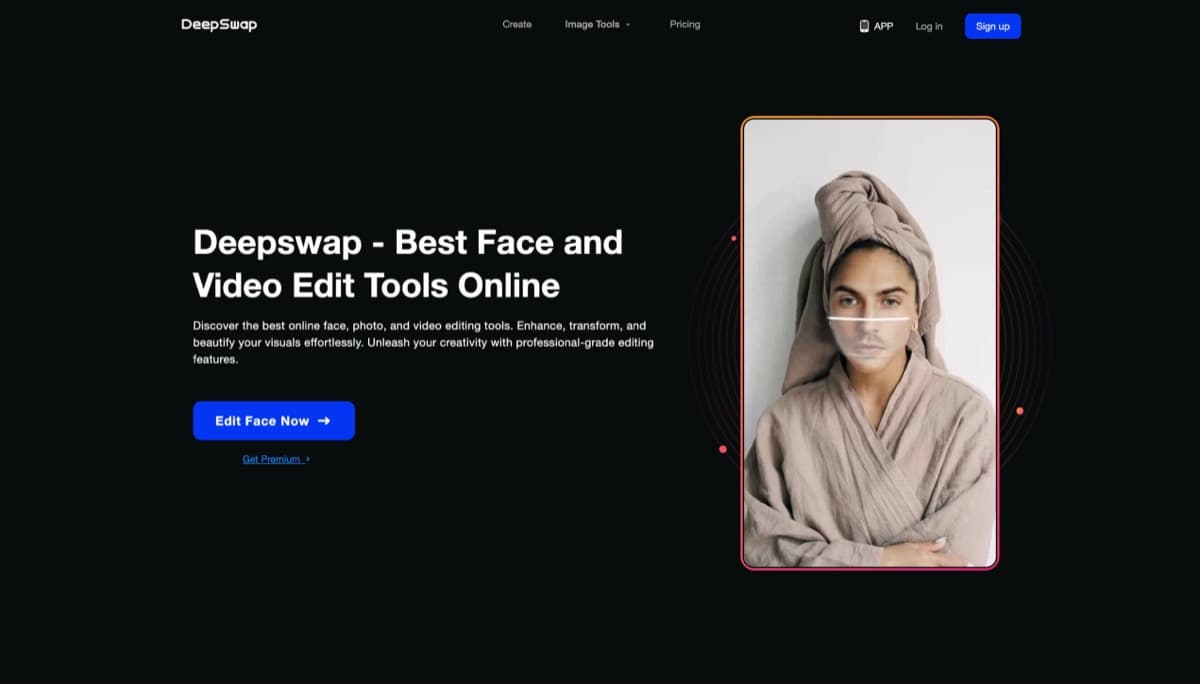
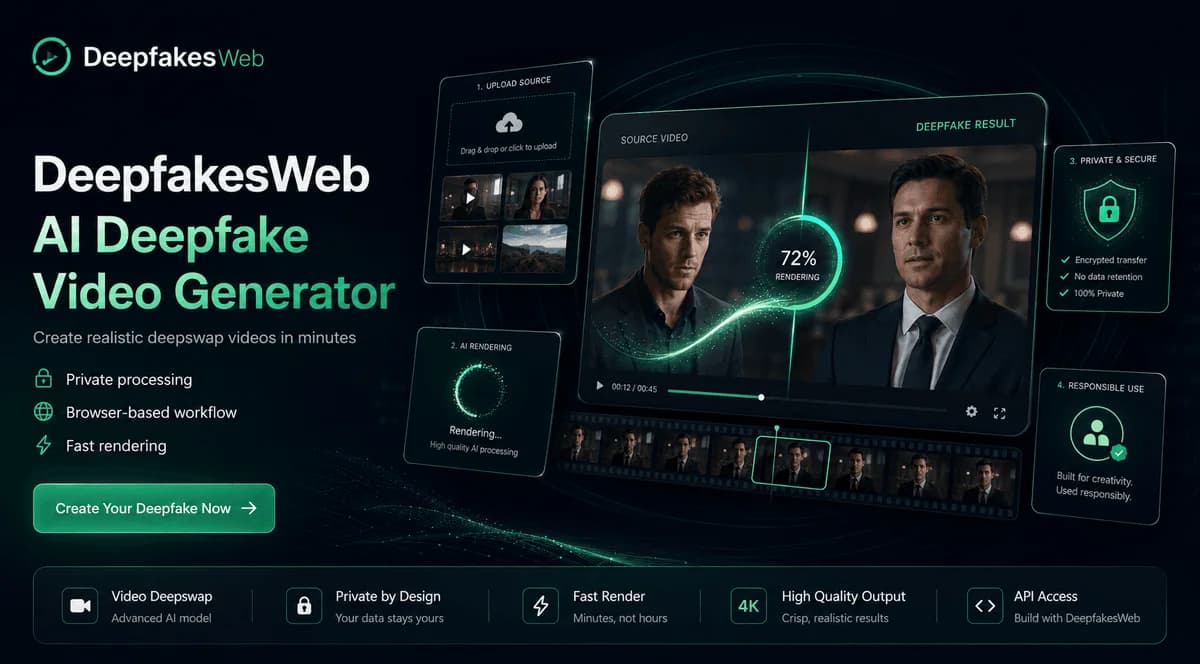
Herramienta de intercambio de rostros basada en la nube que ofrece resultados realistas en minutos: no requiere descargas ni hardware, solo puro potencial creativo.
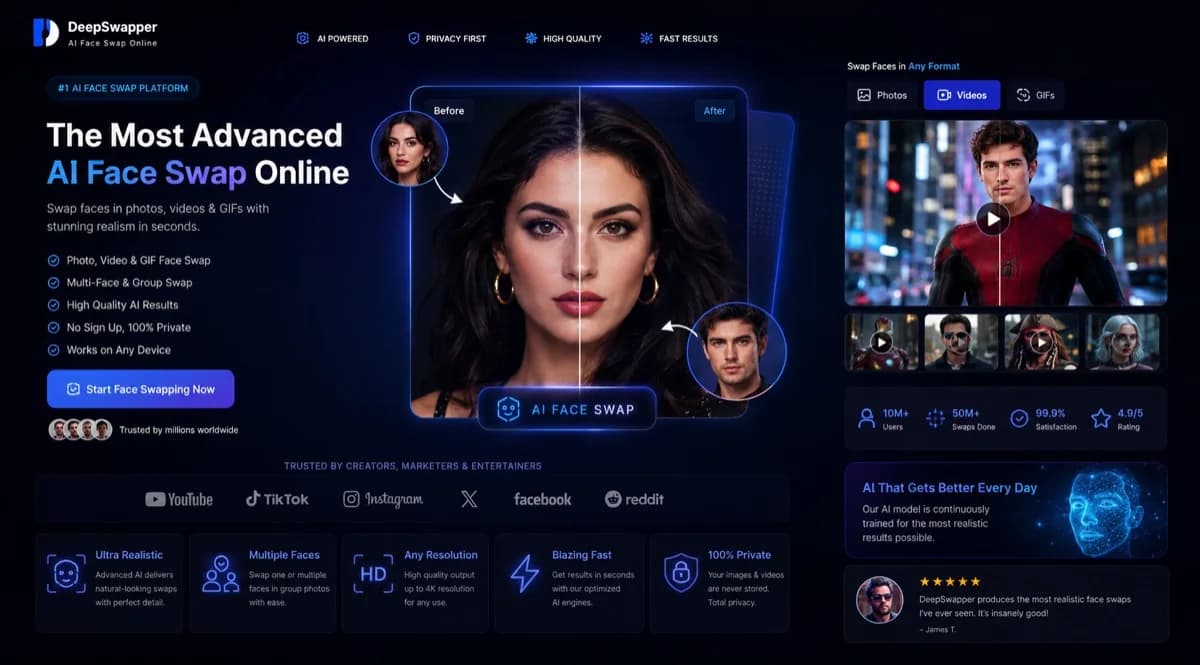
Intercambiador de rostros AI gratuito basado en navegador para imágenes y GIF sin marca de agua ni registro para uso básico. El intercambio de caras de vídeo requiere acceso por suscripción.
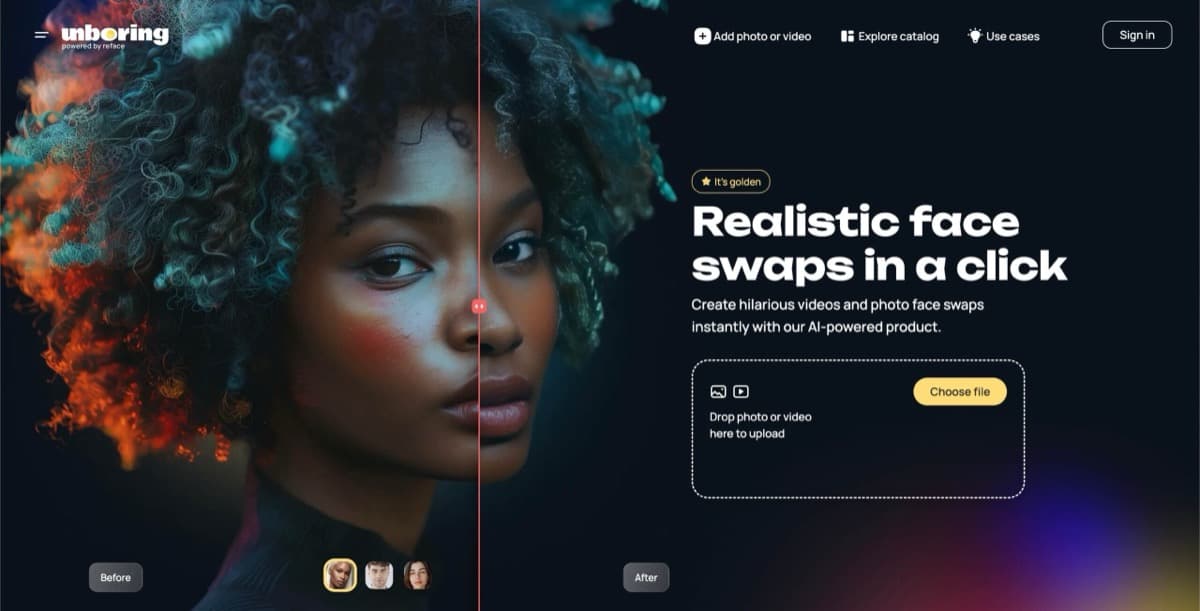
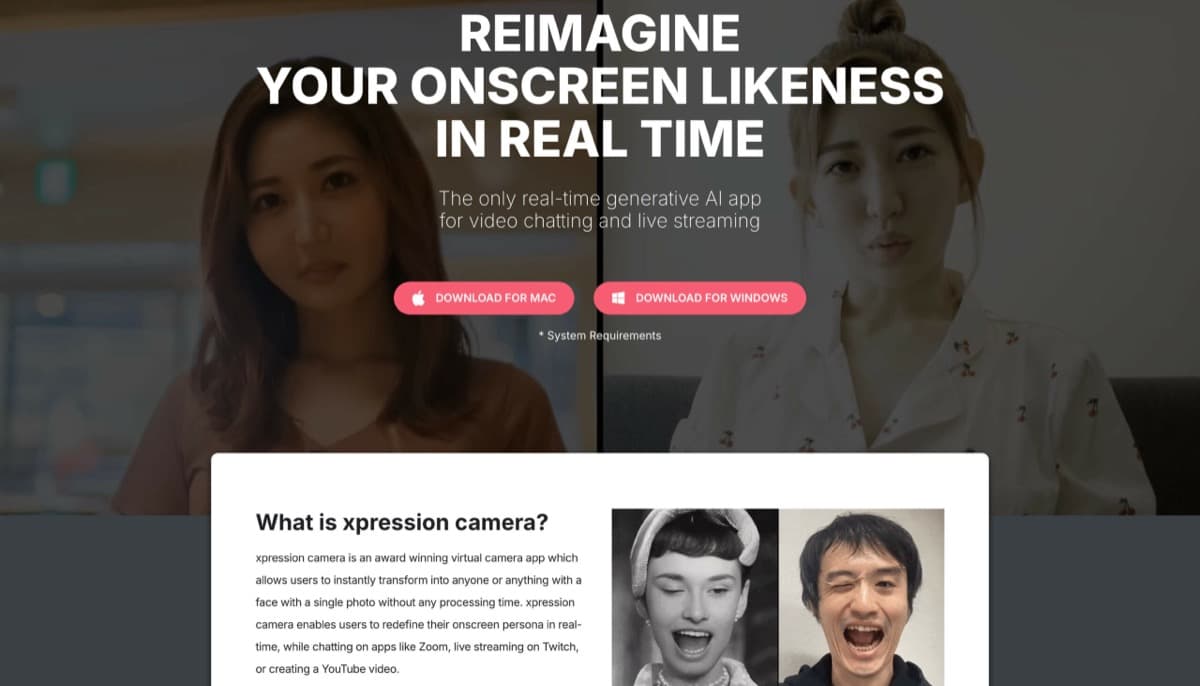
Cámara virtual con IA en tiempo real que refleja expresiones faciales en cualquier imagen o avatar, con tecnología Voice2Face y una amplia integración de plataforma para creadores y transmisores centrados en la privacidad.
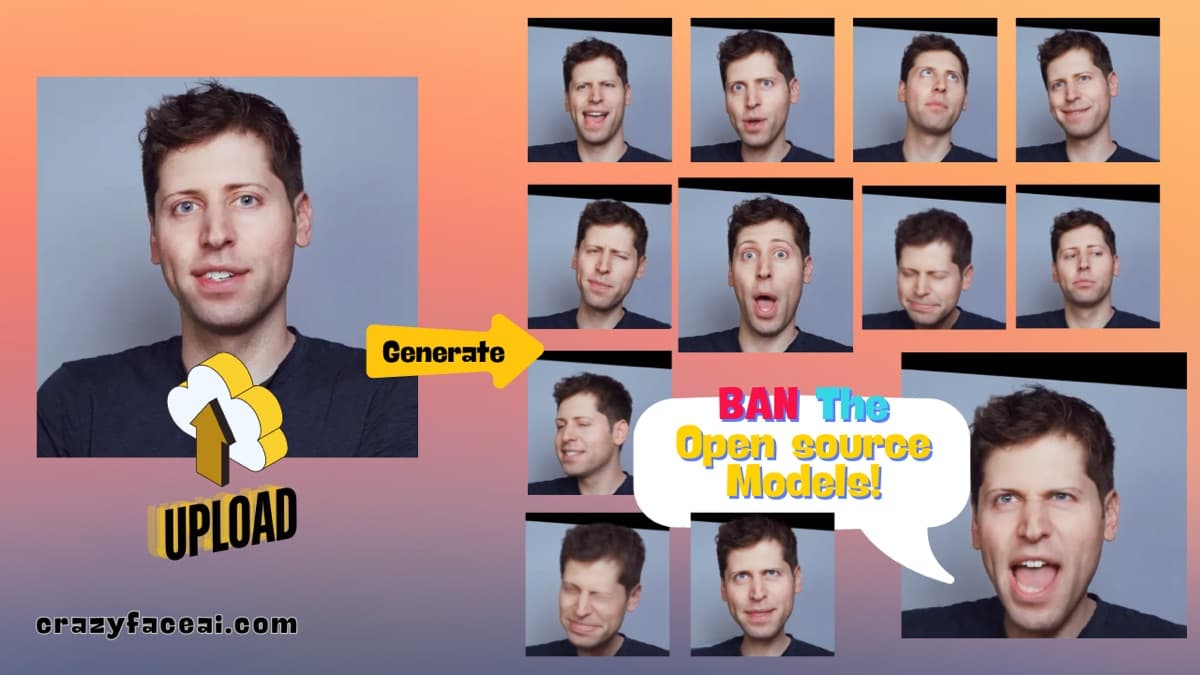
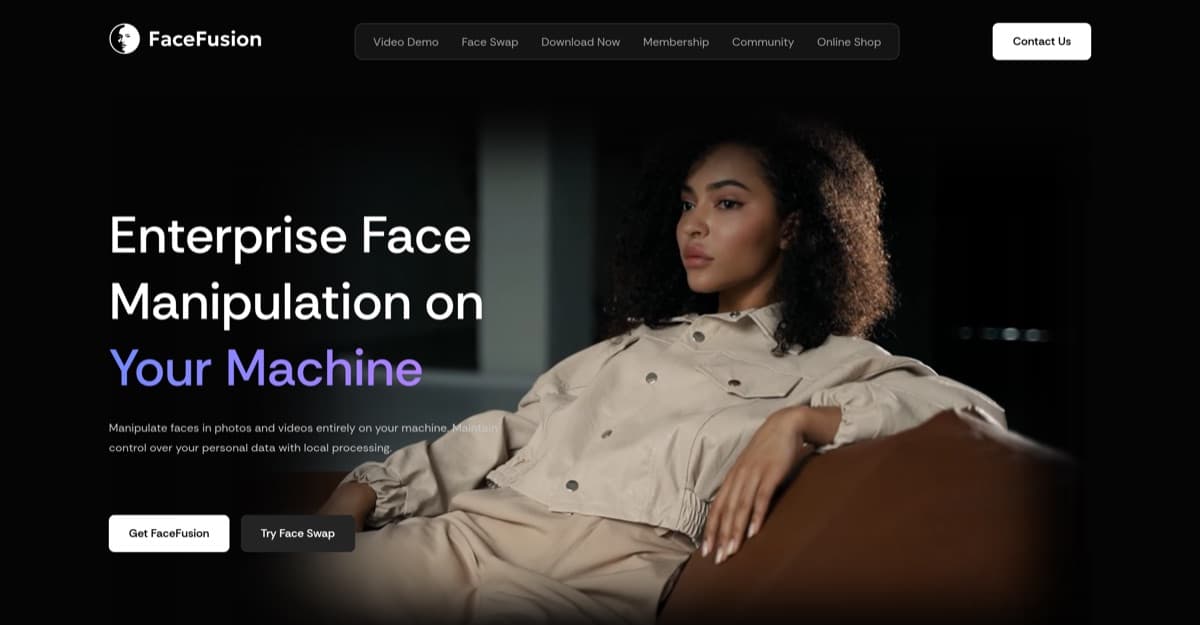
Herramienta de intercambio de rostros de código abierto líder en la industria con resultados de similitud del 90%, soporte para múltiples rostros y capacidades de sincronización de labios, todo gratis.
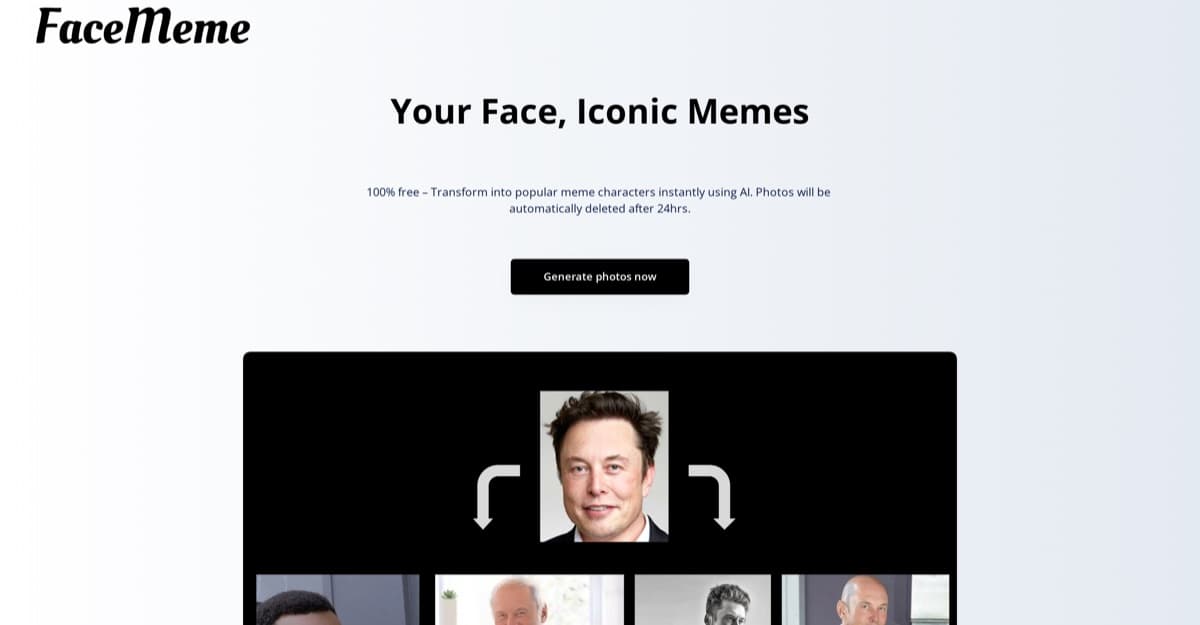
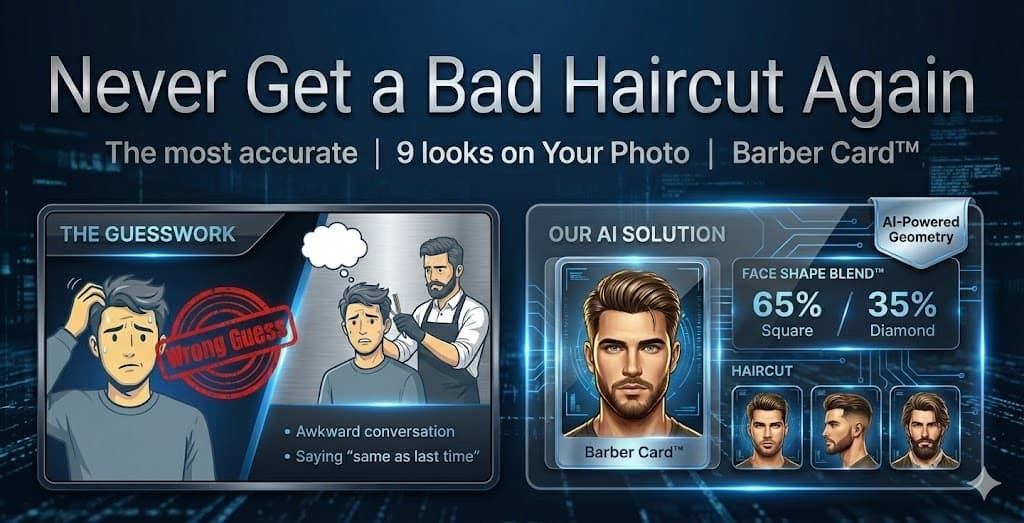
Herramienta impulsada por inteligencia artificial que analiza los rasgos faciales para identificar las formas del rostro y brindar recomendaciones personalizadas de peinado, maquillaje y anteojos con procesamiento del navegador local.
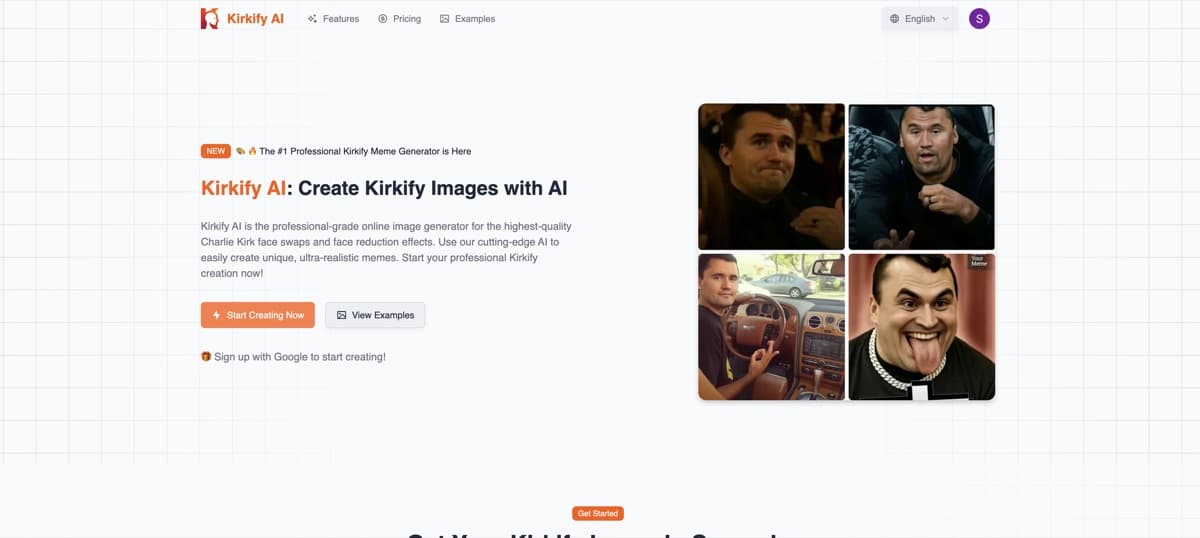
Herramienta de intercambio de rostros impulsada por IA que coloca el rostro de Charlie Kirk en cualquier foto para memes virales, imágenes de apoyo, GIF y videos con opciones de calidad HD/UHD.
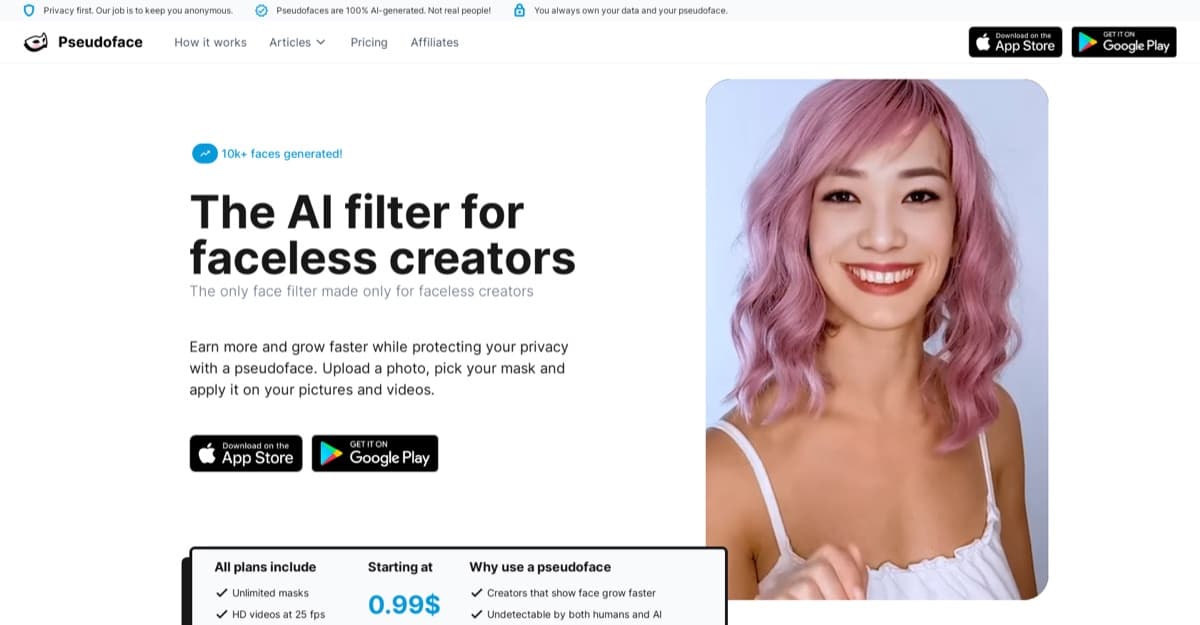
Herramienta de inteligencia artificial que genera pseudocaras personalizadas para creadores de contenido, lo que permite el anonimato con personas reconocibles para aumentar la participación y las ganancias.
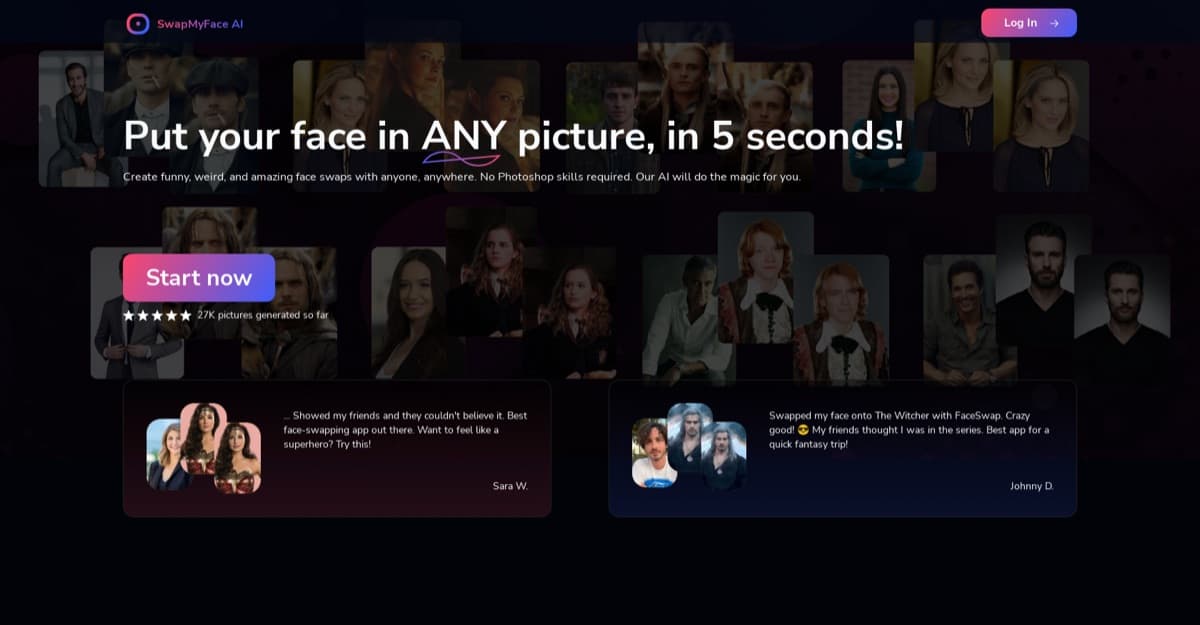
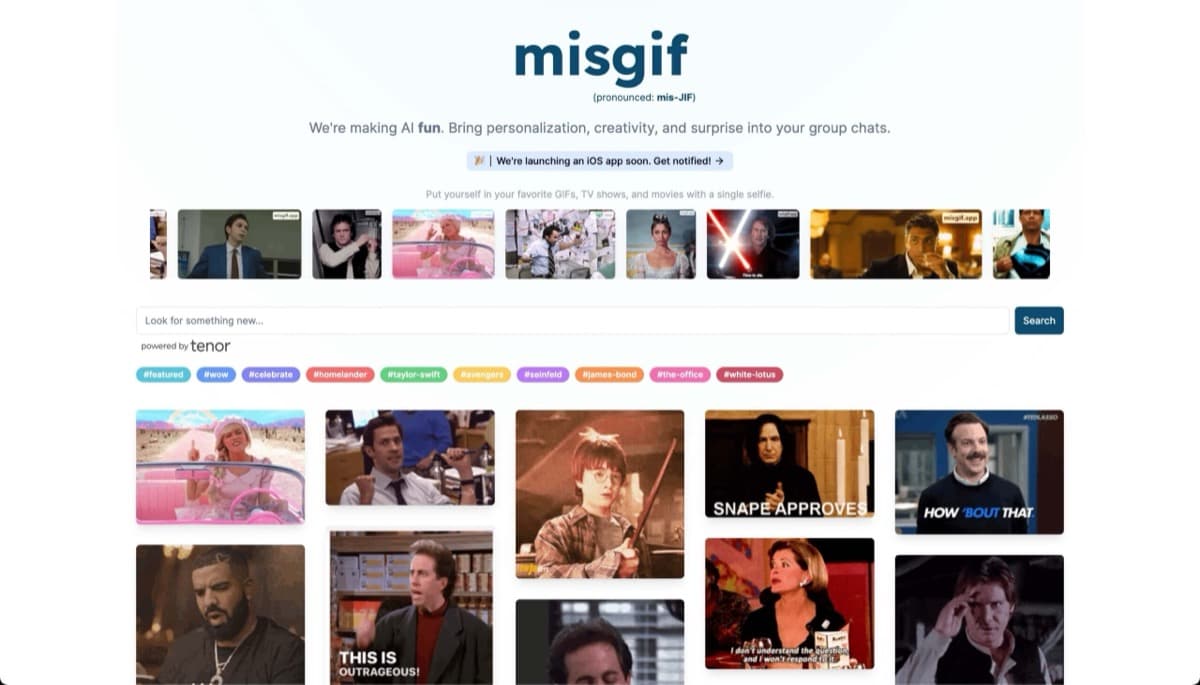
Cambiador de rostros con IA basado en navegador para fotos, videos y GIF con resultados realistas en segundos, sin necesidad de descargas.
Qué comprobar antes de elegir herramientas de intercambio de caras con IA
La calidad del intercambio de caras es fácil de sobreestimar a partir de muestras. Estas comprobaciones se centran en la cara cargada, la salida renderizada y las reglas de privacidad relativas a ambos.
Calidad de semejanza
Las buenas aplicaciones de intercambio de caras deben preservar la identidad sin artefactos obvios en los bordes, diferencias de color o expresiones deformadas.
- La iluminación y el tono de piel coinciden con la fuente.
- Los bordes se mezclan limpiamente alrededor del cabello y la mandíbula.
- Las expresiones se mantienen naturales.
Estabilidad de vídeo
El intercambio de caras de video y el intercambio de caras de video NSFW son más difíciles que el intercambio de fotos, así que verifique la estabilidad del cuadro antes de pagar por clips más largos.
- Las caras no parpadean entre fotogramas.
- El movimiento y los ángulos siguen siendo creíbles
- Se indican la duración del clip y los tiempos de cola.
Subir privacidad
Las aplicaciones de intercambio de rostros procesan imágenes confidenciales, por lo que los controles de almacenamiento, eliminación y salida privada son importantes.
- Las imágenes de rostros cargadas tienen controles de eliminación claros
- Las salidas renderizadas permanecen privadas a menos que se compartan
- Se explica el manejo de datos faciales.
Consentimiento y reglas de contenido
El uso de deepfake y de intercambio de rostros NSFW para adultos conlleva un mayor riesgo, por lo que las reglas deben estar visibles antes de cargarlas.
- Los requisitos de consentimiento se establecen antes de la carga.
- Los límites de NSFW son claros
- La ejecución de cuentas es comprensible
Marcas de agua y exportaciones
Los niveles gratuitos de intercambio de caras suelen añadir marcas de agua o límites de resolución que hacen que los resultados sean menos útiles.
- Las reglas de marca de agua son visibles
- La calidad de las exportaciones pagadas es clara
- Los renders fallidos no desperdician créditos injustamente
Velocidad de procesamiento
Las aplicaciones deepfake en la nube pueden variar desde segundos hasta largas colas, especialmente para videos.
- Se enumeran los tiempos de procesamiento de fotografías y videos.
- Se explica la prioridad de la cola
- Los reintentos están disponibles para renderizados fallidos.
Comparación de herramientas de intercambio de caras de IA y rutas de deepfake
Este mapa separa las herramientas de intercambio de rostros de IA NSFW, los deepfakes de vídeo, los intercambios de una sola imagen, los efectos de cámara en vivo, los filtros de privacidad y la superposición de desnudos profundos.
| Objetivo del usuario | Mejor categoría | Búsqueda específica | Qué comprobar |
|---|---|---|---|
| Herramientas de intercambio de caras de IA NSFW | Intercambio de caras porno | Desnudez falsa | Reglas de consentimiento, límites NSFW, privacidad de carga, realismo de salida, controles de eliminación y límites de herramientas gratuitas. |
| Intercambio de caras de video NSFW | Intercambio de caras de vídeo | Deepfakes basados en la nube | Estabilidad del fotograma, duración del clip, tiempo de procesamiento, marcas de agua y límites de exportación pagados. |
| Herramientas de intercambio de caras de IA de una sola imagen | Intercambio de caras de IA | Intercambio de caras de fotos | Calidad de fuente, combinación de bordes, combinación de iluminación, velocidad y reglas de marca de agua gratuitas. |
| Cámara en vivo o intercambio en tiempo real | Seguimiento facial en tiempo real | cámara virtual | Latencia, compatibilidad de cámaras, seguimiento de expresiones y complejidad de configuración. |
| Edición de rostros centrada en la privacidad | Filtro de privacidad | Anonimización facial | Calidad de anonimización, archivos guardados, controles de eliminación y formatos de exportación. |
| Superposición de desnudos profundos o ediciones corporales | desnudo profundo | AI profundo desnudo | Mayor riesgo de privacidad, límites de consentimiento, manejo de carga y reglas de cuenta. |
Encuentre la aplicación de intercambio de caras que se adapte a sus medios
Emparejar por formato y riesgo: intercambio de fotos, intercambio de videos, cámara en vivo, límites para adultos, exportación sin marcas de agua o privacidad de carga.
Preguntas frecuentes
¿Cuál es la mejor herramienta de intercambio de caras con IA en 2026?▾
DeepSwap es nuestra mejor elección para 2026. Ofrece una excelente calidad de intercambio de caras de video, procesamiento rápido en la nube y una interfaz web limpia sin necesidad de instalación de software.
¿DeepSwap es gratuito?▾
DeepSwap ofrece intercambios de fotografías gratuitos limitados. La generación de videos deepfake requiere un plan pago. Hay una prueba disponible antes de comprometerse con una suscripción.
¿Es legal crear deepfakes?▾
Crear deepfakes de personajes ficticios o de ti mismo es generalmente legal. La creación de deepfakes no consensuales de personas reales identificables (especialmente contenido sexual) es ilegal en un número creciente de jurisdicciones, incluido el Reino Unido, varios estados de EE. UU. y la UE. Siempre consulte las leyes de su país.
¿Cuál es la diferencia entre DeepSwap y Xpression Camera?▾
DeepSwap es una herramienta de posproducción para intercambiar caras de fotos y vídeos cargados. Xpression Camera es una herramienta en tiempo real que reemplaza tu rostro en vivo durante videollamadas o transmisiones. Diferentes casos de uso: elija según si necesita intercambiar caras en vivo o sin conexión.
¿Las herramientas deepfake dejan marcas de agua en la salida?▾
Los niveles gratuitos de la mayoría de las plataformas agregan marcas de agua visibles. Los niveles pagos de herramientas como DeepSwap y Deepfakes Web producen resultados sin marca de agua adecuados para su publicación.
Categorías relacionadas
Categorías cercanas que encajan con la intención de herramientas de esta página.