
Best Face Swap & Deepfake AI Tools 2026
Compare AI tools for photo and GIF face swaps, video face replacement and live camera effects. Choose by source files, likeness quality, processing setup and export needs.
14 apps found
App Match Guide
Choose a Face Swap Tool for Your Source Media

A face swap needs two inputs: the photo or video you want to edit, and a portrait of the face you want to insert. The portrait supplies the identity; the target media supplies the scene, pose and movement. Choose a tool that supports your own files and the format you want to download.
- Photo and GIF swaps: DeepSwapper offers basic free image and GIF swapping, including face selection in group images. Start here for a still portrait, reaction GIF or group-photo edit. Its video feature requires a subscription.
- Uploaded video: DeepSwap accepts photos, GIFs and video clips. For a video project, test a short segment containing a head turn, a smile or a partially covered face. Check those difficult moments before spending credits on the full clip.
- Local processing and batch jobs: FaceFusion runs on your computer and supports batch workflows. Consider it when you want control over processing and repeated jobs; allow for installation, model downloads and hardware requirements.
- Live calls and streams: Xpression Camera animates a chosen image from your expressions and movements through a virtual camera. Choose it for an onscreen persona during a call or stream; it serves a different task from replacing a face in an uploaded video.
Use a sharp replacement portrait with an unobstructed face and a similar angle to the target. Inspect the eyes, mouth, hairline and jaw at full size, and watch the whole test clip for flicker. Before uploading, confirm permitted use and consent requirements; before paying, check credits, watermarks and export resolution.
Prepare the Two Inputs for a Face Swap
A photo or video swap needs the media you want to edit and a separate portrait of the face to insert. Inspect the sample inputs, then choose your workflow.
 Original portrait
The photograph whose face you would replace. Its pose, outfit and background form the starting scene.

Prepare this separately from the photo or video you want to edit.
From source to swap
- Choose the photo or clip you want to edit.
- Add a clear replacement-face portrait.
- Review the app’s result before exporting.
Sample inputs only. A completed face swap is not shown.
Start with a sharp replacement portrait and a similar face angle. Keep the eyes, jaw and hairline unobstructed.
Start With the Source and Output
Choose basic photo/GIF swapping, video face replacement, or tools whose adult-content rules fit your intended use.
Create an Original Character From Scratch
Choose OurDream when you want to create an original fictional adult character from appearance and personality settings.
AI Haven Pick
Generate an Original Character on OurDream
Create character images and videos with a subscription and DreamCoins. Uploaded reference photos are not supported.
Set Your Face Swap Requirements
Record the target format, source conditions and export requirements you need before choosing a face-swap tool.
Swap Format
Choose the media type first.
Use Case
Pick the reason you are comparing apps.
Source Quality
Choose what kind of input you expect to use.
Deal Breaker
Pick the risk that would make the app unusable for your source media.
Face Swap Apps Worth Comparing
Compare supported media, processing setup and export options, then open the reviews for file and credit limits.
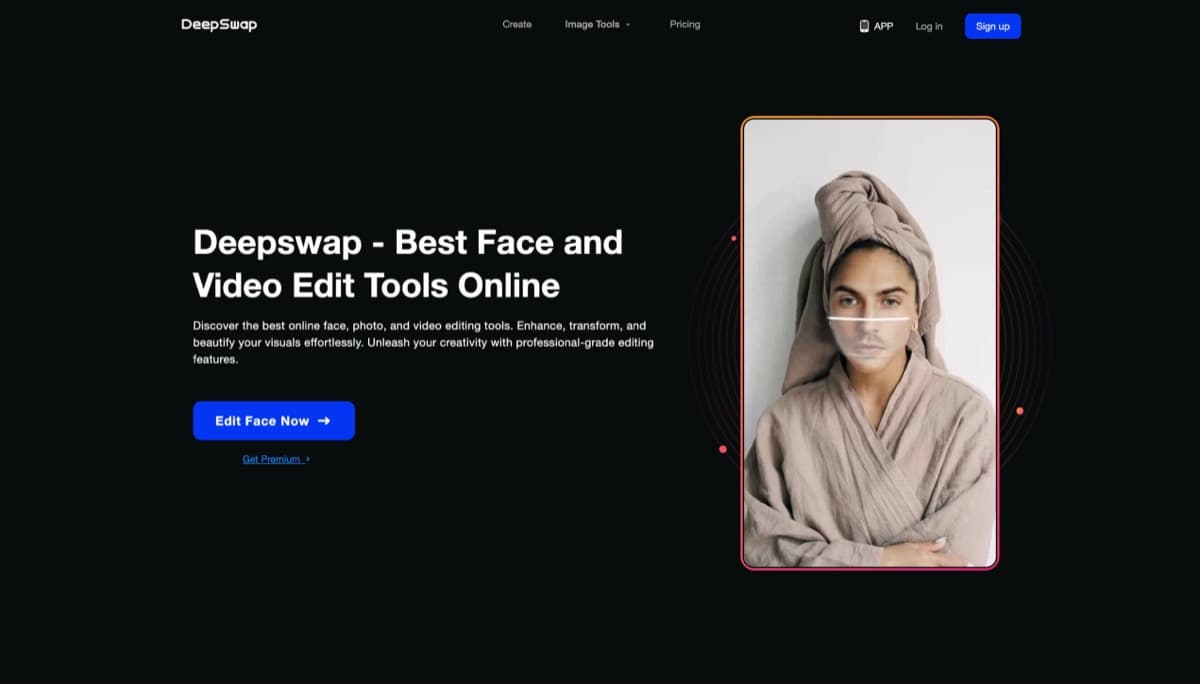
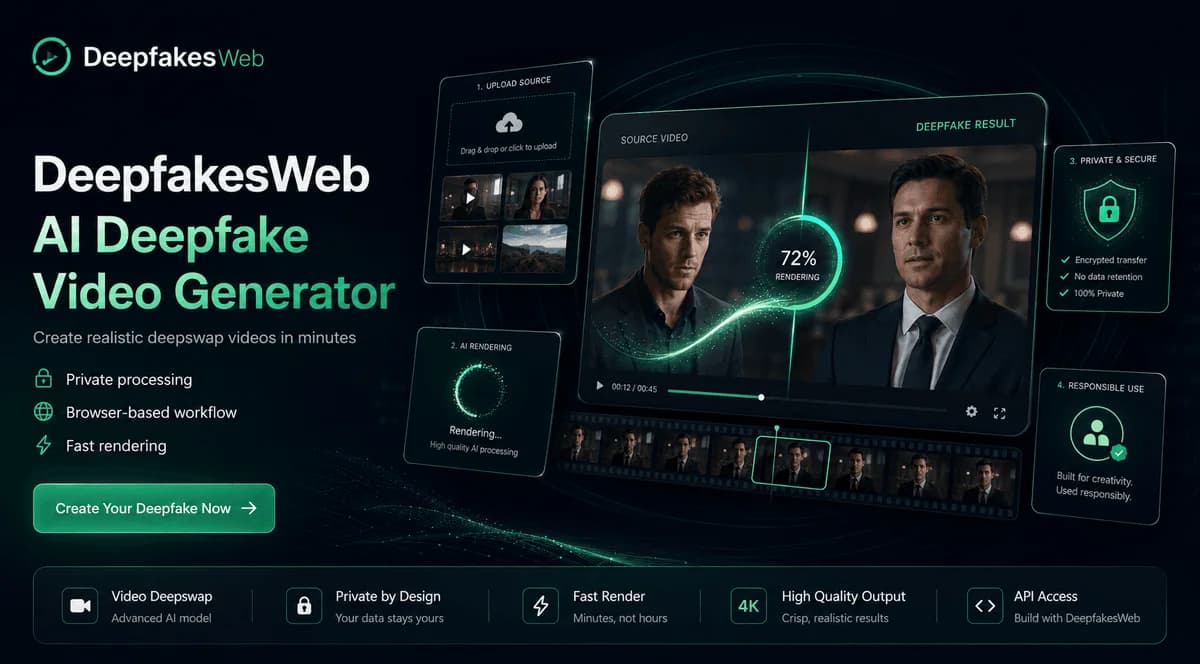
Cloud based face swapping tool delivering realistic results in minutes, no downloads or hardware required, just pure creative potential.
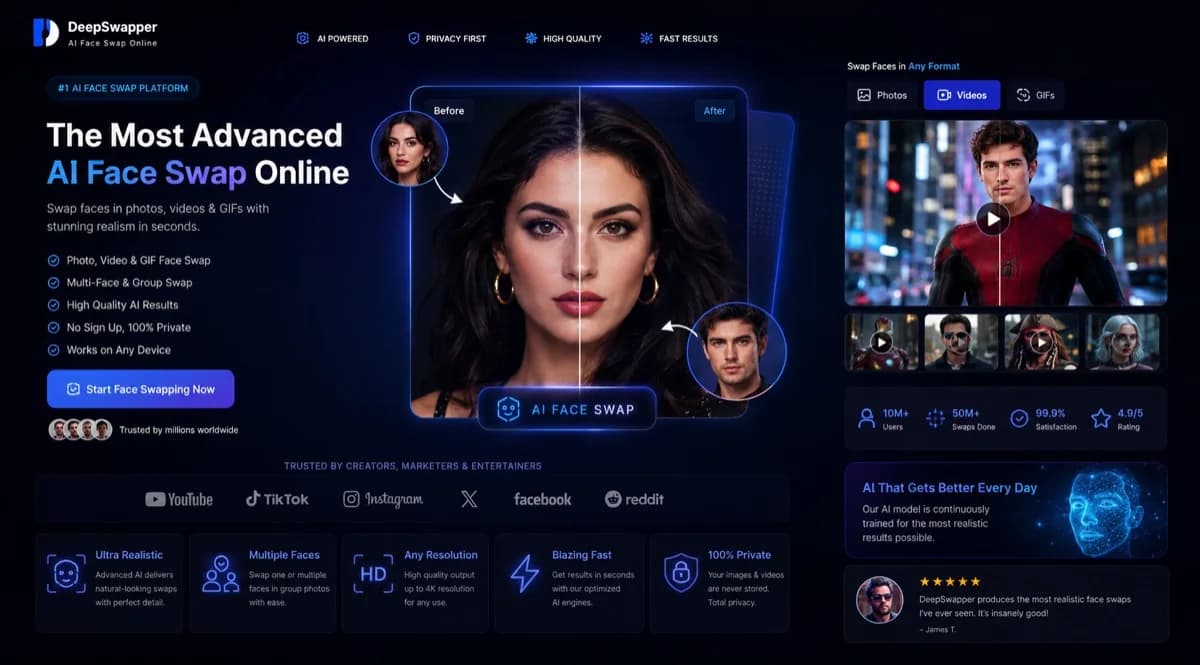
Free browser based AI face swapper for images and GIFs with no watermark or signup for basic use. Video face swap requires subscription access.
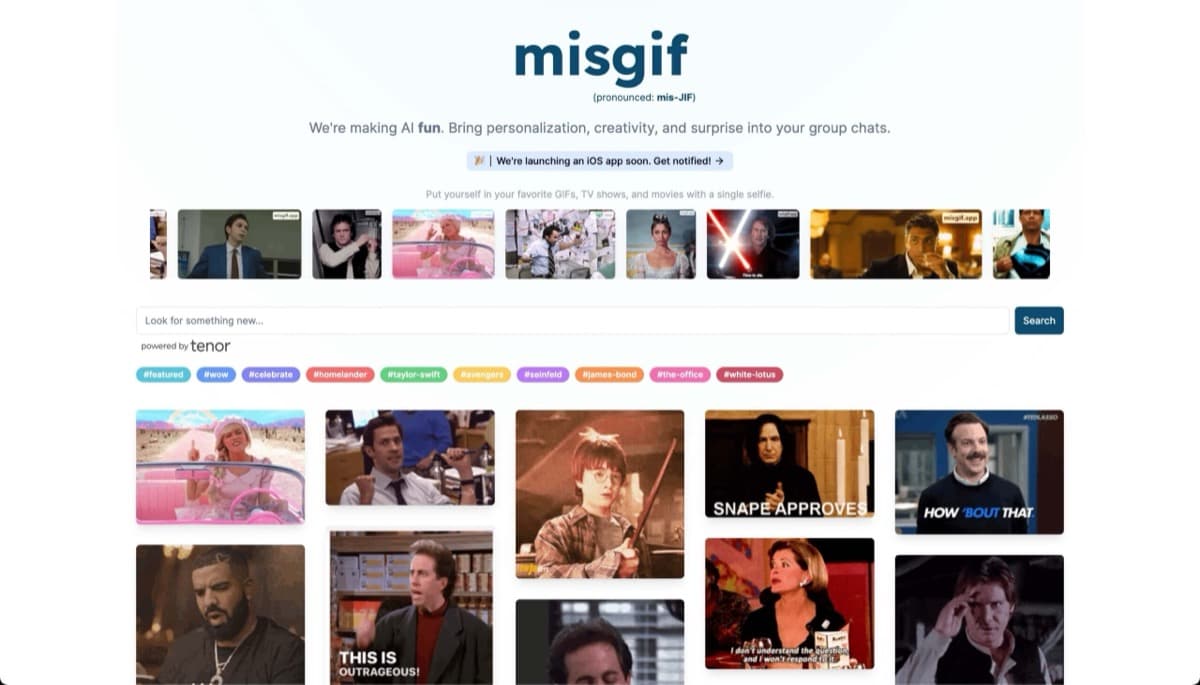
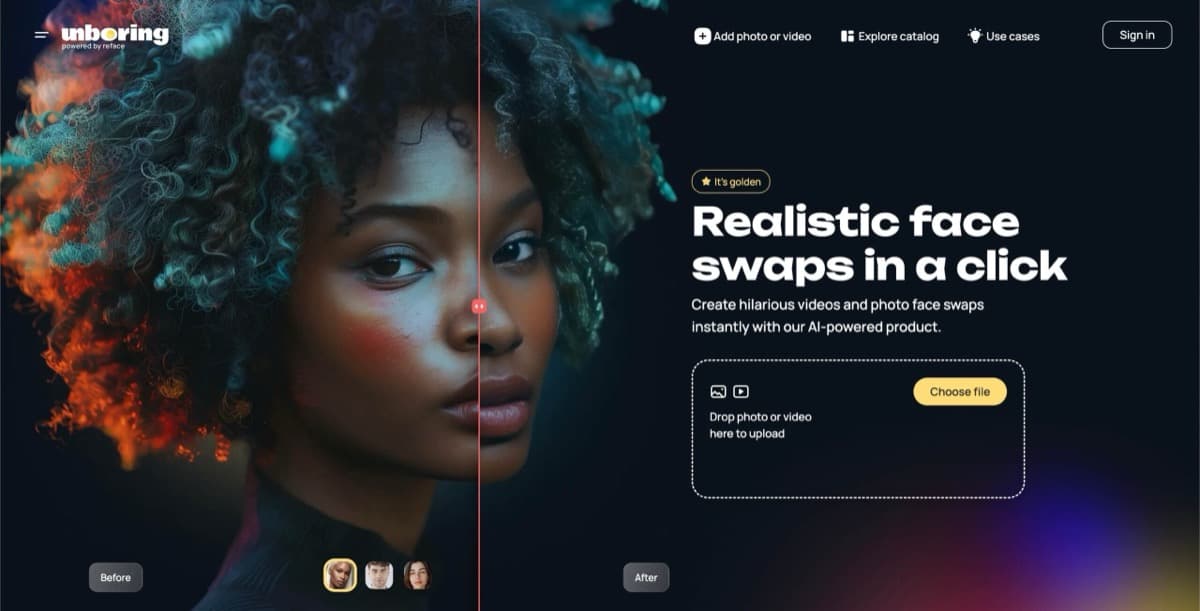
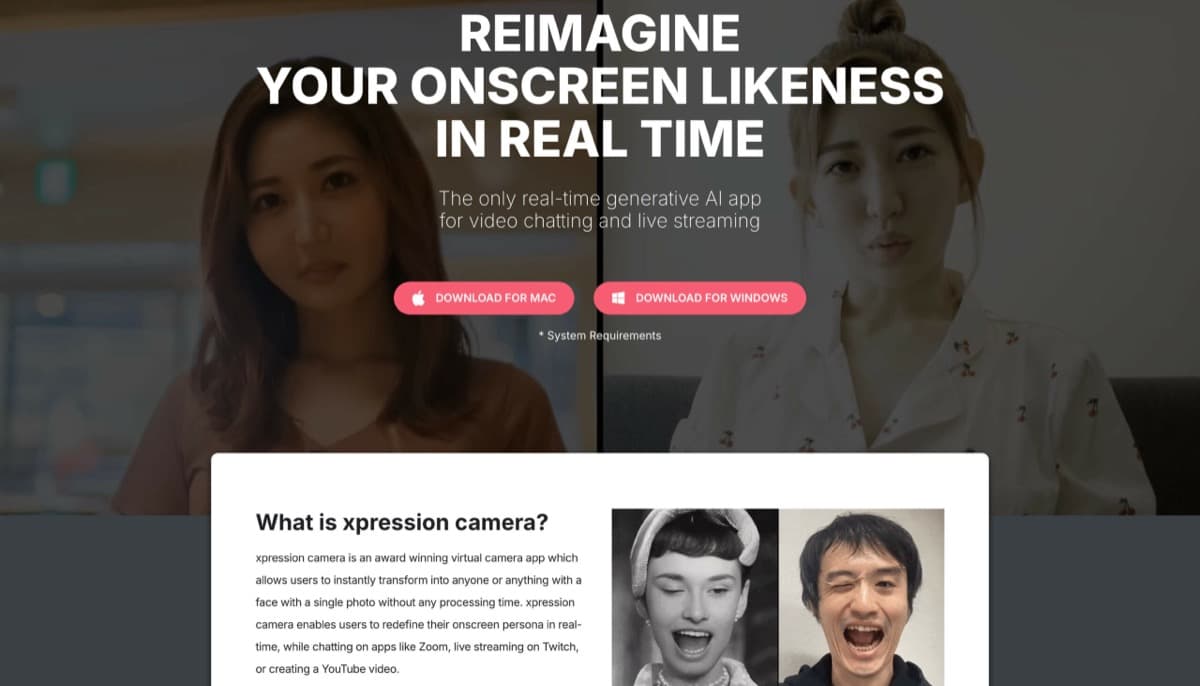
Real time AI virtual camera that mirrors facial expressions onto any image or avatar, featuring Voice2Face technology and broad platform integration for privacy focused creators and streamers.
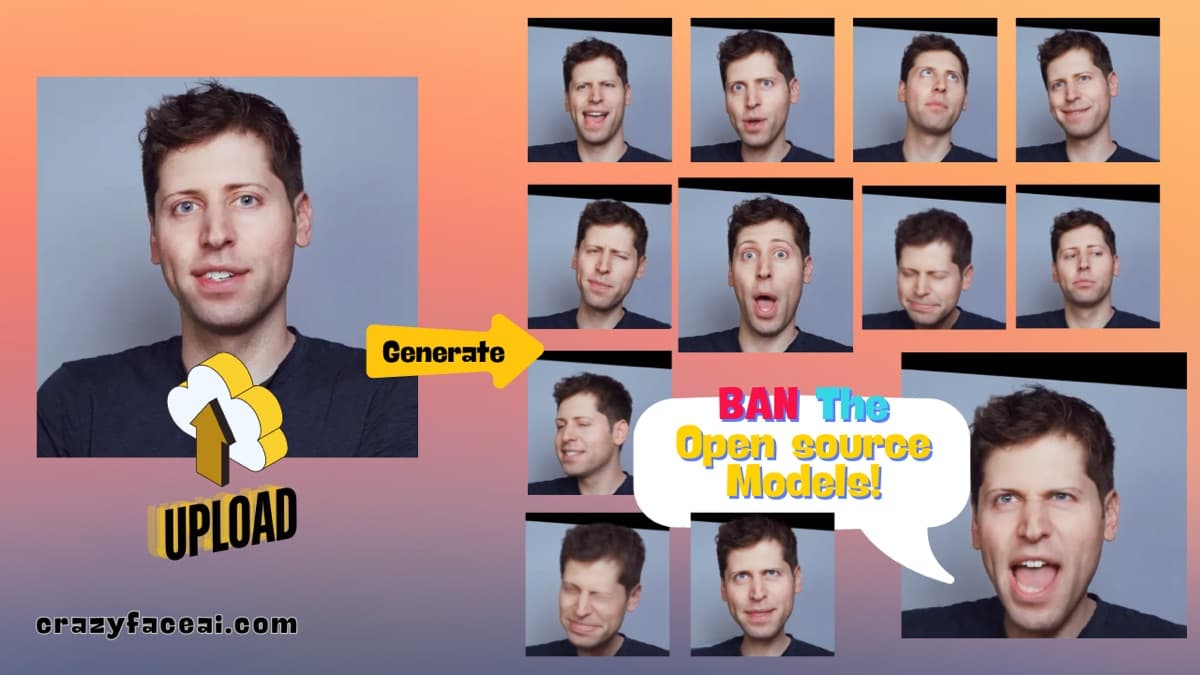
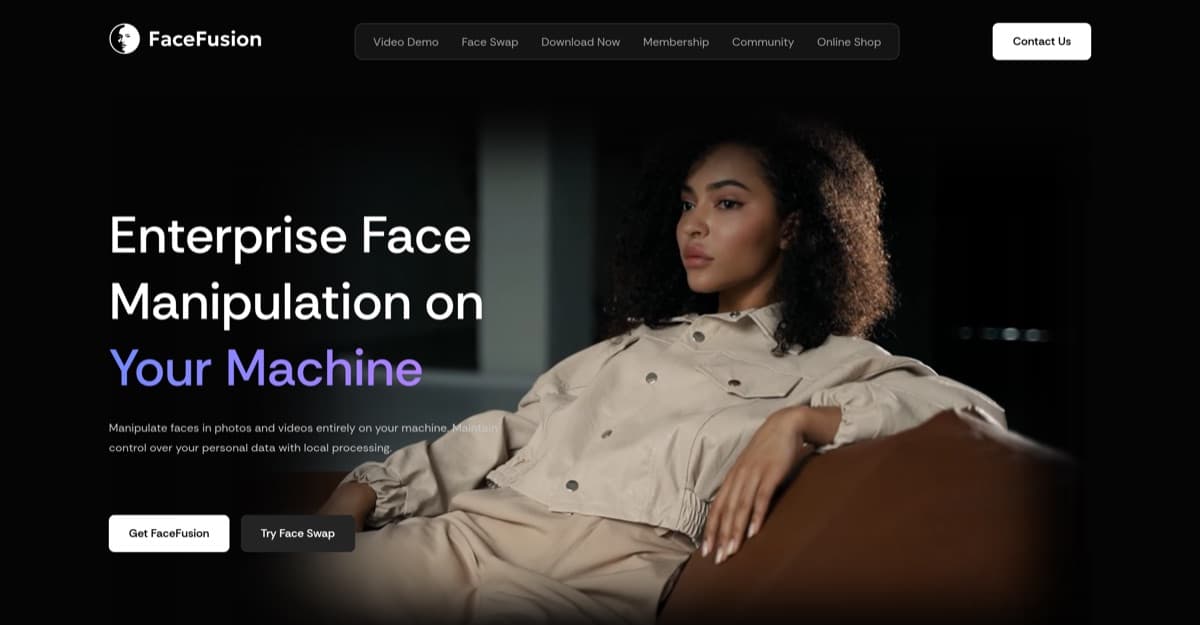
Locally installed face manipulation software with command line and batch workflows. Requires technical setup.
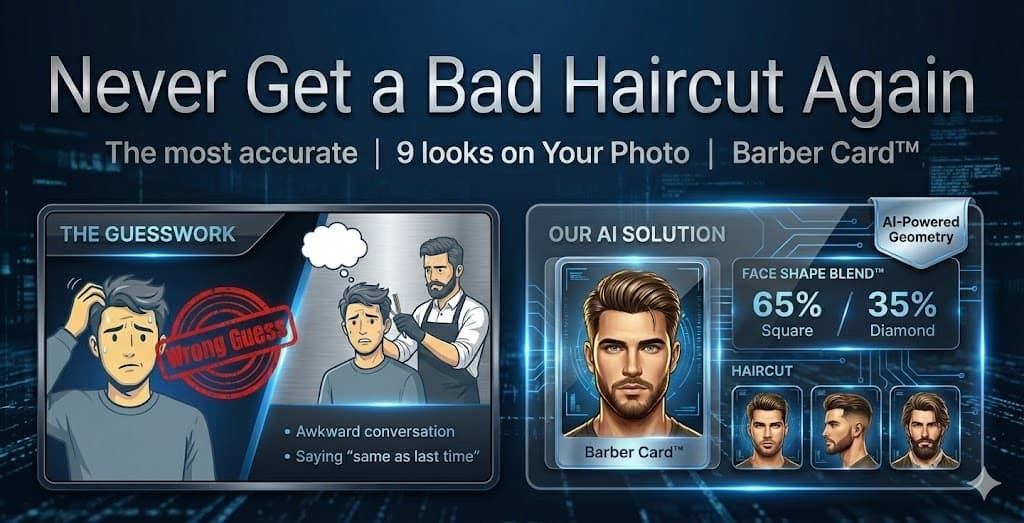
AI powered tool that analyzes facial features to identify face shapes and provide personalized hairstyle, makeup, and glasses recommendations with local browser processing.
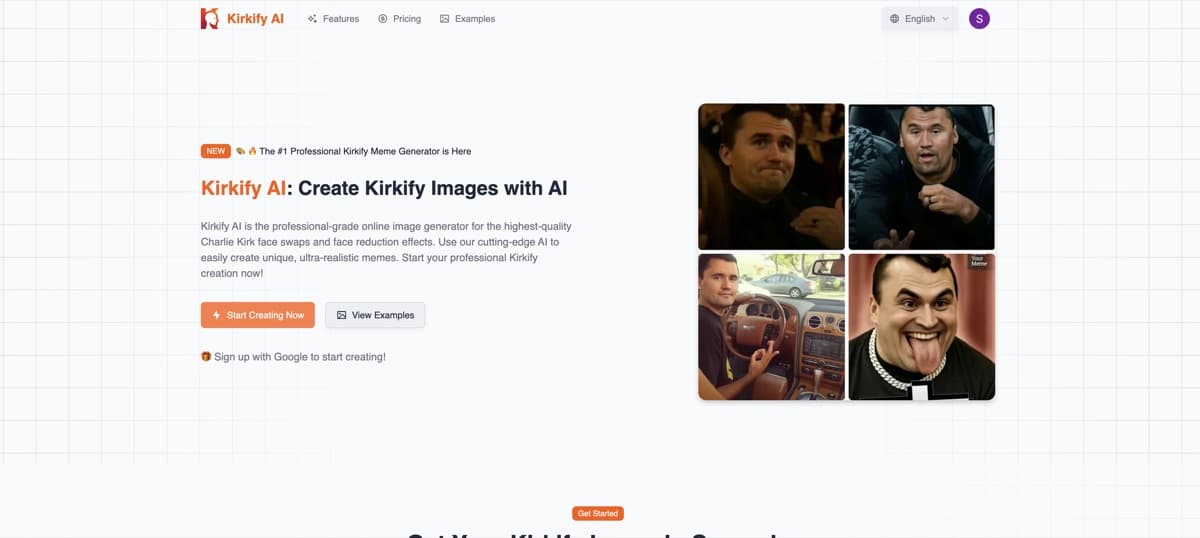
AI powered face swap tool that puts Charlie Kirk's face on any photo for viral memes, supporting images, GIFs, and videos with HD/UHD quality options.
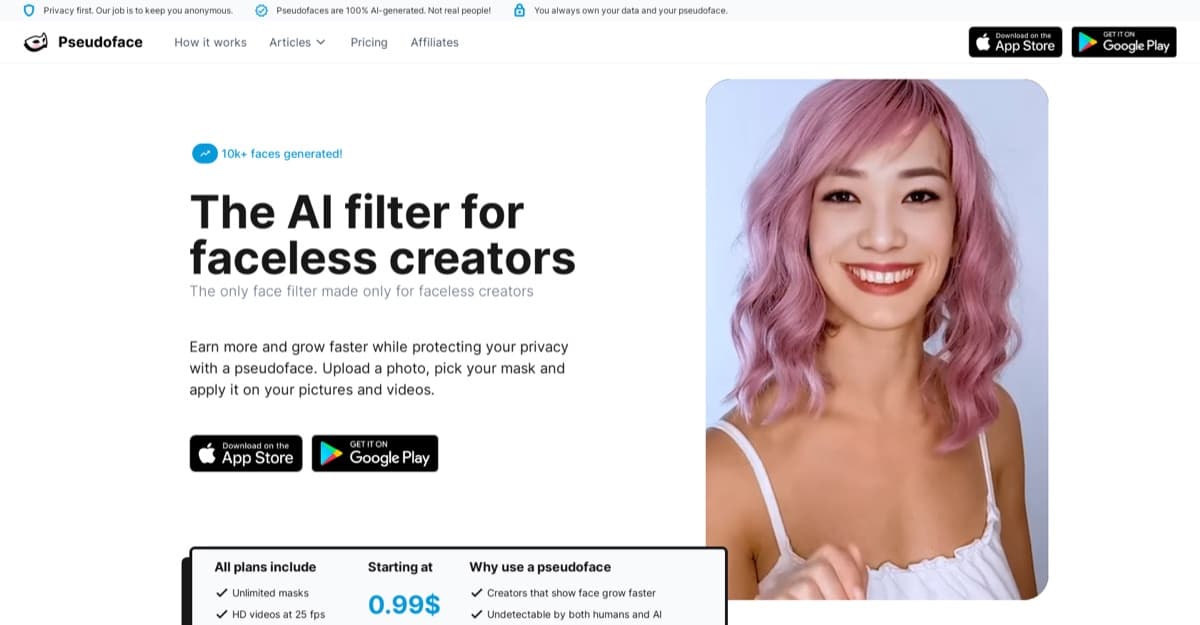
AI tool that generates personalized pseudofaces for content creators, enabling anonymity with recognizable personas for increased engagement and earnings.
Browser based AI face swapper for photos, videos, and GIFs with realistic results in seconds, no downloads required.
What To Check Before Choosing AI Face Swap Tools
Inspect a result made from your own inputs at full size. For video, review movement throughout the clip as well as the clearest frame, then check the downloaded resolution and watermark.
Likeness quality
Good face-swap apps should preserve identity without obvious edge artifacts, color mismatch, or warped expressions.
- Lighting and skin tone match the source
- Edges blend cleanly around hair and jawline
- Expressions stay natural
Video stability
Video face swap and NSFW video face swap are harder than photo swap, so check frame stability before paying for longer clips.
- Faces do not flicker between frames
- Motion and angles stay believable
- Clip length and queue times are stated
Upload privacy
Face-swap apps process sensitive images, so storage, deletion, and private output controls matter.
- Uploaded face images have clear deletion controls
- Rendered outputs stay private unless shared
- Face data handling is explained
Consent and content rules
Adult deepfake and NSFW face swap use carries higher risk, so rules need to be visible before upload.
- Consent requirements are stated before upload
- NSFW boundaries are clear
- Account enforcement is understandable
Watermarks and exports
Free face-swap tiers often add watermarks or resolution limits that make outputs less useful.
- Watermark rules are visible
- Paid export quality is clear
- Credit charges for failed renders and retries are stated
Processing speed
Cloud deepfake apps can vary from seconds to long queues, especially for video.
- Photo and video processing times are listed
- Queue priority is explained
- Retries are available for failed renders
AI Face Swap Tools And Deepfake Paths Compared
Compare photo/GIF swapping, video deepfakes, live camera effects and privacy-focused face editing. Clothing and body edits are adjacent workflows that require different tools.
| User Goal | Best Category | Specific Search | What To Check |
|---|---|---|---|
| Adult face swaps and adjacent photo edits | Face Swap Porn | AI DeepNude — photo editing | Confirm actual face-swap support, permitted use and upload handling. Clothing edits are a separate task from replacing a face. |
| NSFW video face swap | Video Face Swap | Cloud-Based Deepfakes | Frame stability, clip length, processing time, watermarks, and paid export limits. |
| Single-image AI face swap tools | AI Face Swap | Photo Face Swap | Source quality, edge blending, lighting match, speed, and free watermark rules. |
| Live camera or real-time swap | Real-Time Face Tracking | Virtual Camera | Latency, camera compatibility, expression tracking, and setup complexity. |
| Privacy-focused face editing | Privacy Filter | Face Anonymization | Anonymization quality, saved files, deletion controls, and export formats. |
| Deepnude overlap or body edits | Deepnude | AI DeepNude | Higher privacy risk, consent boundaries, upload handling, and account rules. |
Explore Companion Apps for Original Characters
Use the companion finder if you want character chat, voice, images or video. For replacing a face in existing media, compare the face-swap tools listed above.
Frequently Asked Questions
What is the best AI face swap tool in 2026?▾
Choose by workflow. DeepSwap supports uploaded photos, GIFs and videos. DeepSwapper offers basic image and GIF swaps, while Xpression Camera animates a chosen image for live calls and streams. Compare a result from your own inputs before processing a larger job.
Are there free AI face swap tools?▾
DeepSwapper offers basic free image and GIF swapping; its video feature requires a subscription. For DeepSwap, check the processing credits offered to your account before starting. Free access can differ by media format and export option.
Is it legal to create deepfakes?▾
The answer depends on the subject, consent, content and where the media is created or shared. Permission to use a source file does not automatically cover a person’s likeness or an intimate depiction. Check the laws and publishing rules that apply to your intended use.
What is the difference between DeepSwap and Xpression Camera?▾
DeepSwap replaces faces in uploaded media. Xpression Camera is a virtual camera that animates a chosen image using live expressions and head movements. Choose according to whether you need an edited file or a live onscreen persona.
Do deepfake tools leave watermarks on output?▾
Watermark rules vary by tool and format. DeepSwapper offers watermark-free basic image swaps. For video, inspect the available export settings rather than assuming that every paid plan removes watermarks.
Related Categories
Explore fictional-character generation, adult roleplay and AI companions.